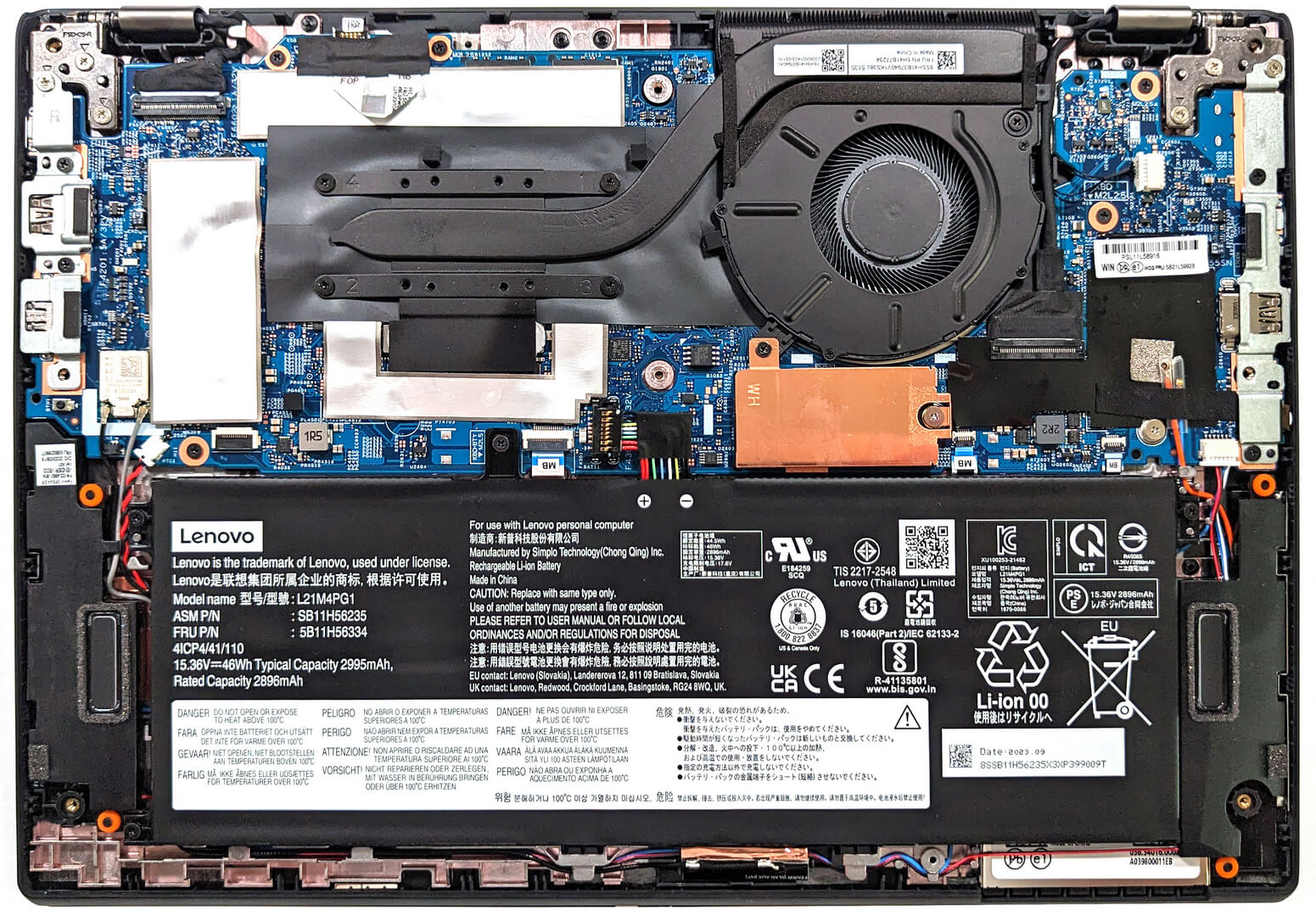
Lenovo ThinkPad L13 Gen 4


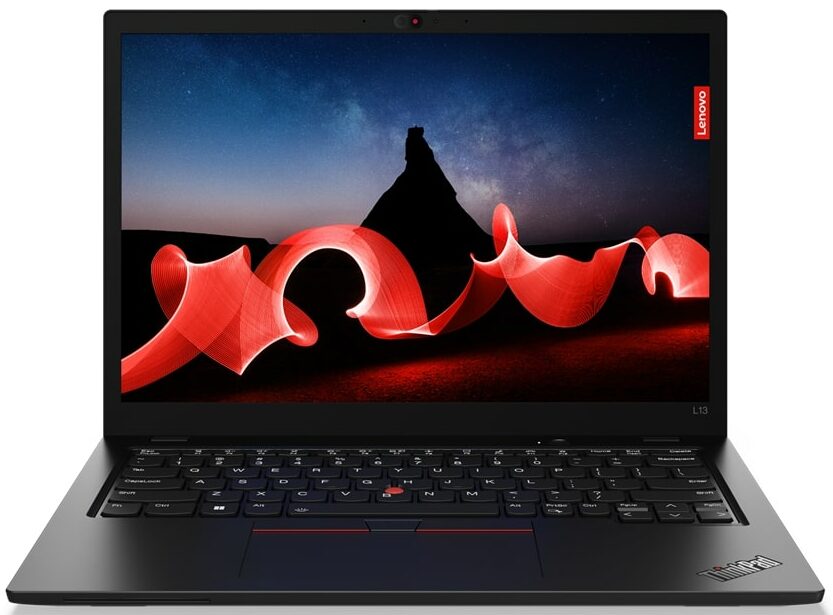
- Date Published: 05 Feb 2024
- Intel Core i5-1335U
- Intel Iris Xe Graphics G7 (80EU)
- 13.3”, WUXGA (1920 x 1200), IPS
- 512GB SSD
- 16GB LPDDR5
- 1.26 kg (2.8 lbs)
Specs
- Display

- HDD/SSD
- 512GB SSD
- M.2 Slot
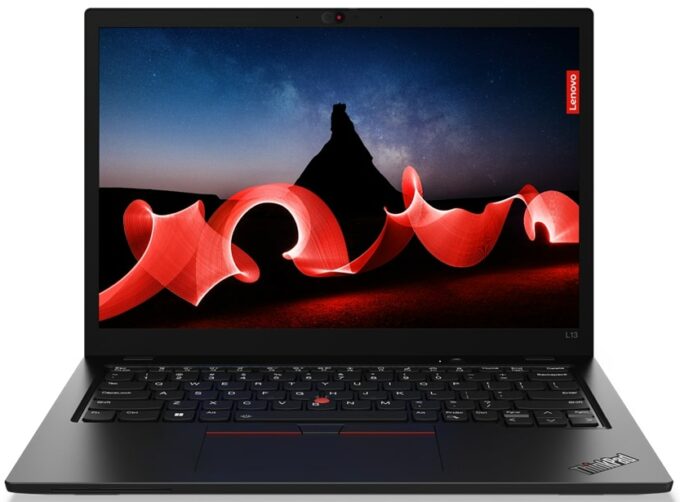
- 1x 2242 M.2 NVMe PCIe 4.0 x4 See photo
- RAM
- 16GB LPDDR5
- OS
- Windows 11 Pro
- Body Material
- Plastic / Polycarbonate, Aluminum, Glass Fiber
- Dimensions
- 305 x 218 x 17.23 mm (12.01" x 8.58" x 0.68")
- Weight
- 1.26 kg (2.8 lbs)
- Ports and connectivity
- 1x USB Type-A
- 3.2 Gen 1 (5 Gbps)
- 1x USB Type-A
- 3.2 Gen 1 (5 Gbps), Sleep and Charge
- 1x USB Type-C
- 3.2 Gen 2 (10 Gbps), Power Delivery (PD), DisplayPort
- 1x USB Type-C
- 4.0, Thunderbolt 4, Power Delivery (PD), DisplayPort
- HDMI
- 2.1 (4K@60Hz)
- Card Reader
- Ethernet LAN
- Wi-Fi
- 802.11ax
- Bluetooth
- 5.3
- Audio jack
- 3.5mm Combo Jack
- Features
- Fingerprint reader
- Web camera
- FHD IR with privacy shutter, fixed focus
- Backlit keyboard
- Microphone
- Dual Microphone Array, far-field, Dolby Voice
- Speakers
- 2x 2W Stereo Speakers, Dolby Audio
- Optical drive
- Security Lock slot
- Kensington Nano Lock
Portability
Review
Lenovo ThinkPad L13 Gen 4 in-depth review
The Lenovo ThinkPad L13 Gen 4 (Intel) is the non-2-in-1 version of the Lenovo ThinkPad L13 Yoga Gen 4 (Intel). That's why the former costs less because it lacks transforming capabilities. Both devices are almost similar in terms of specs. This means that the non-Yoga model is offered with Intel Raptor Lake U CPUs, and you can rely only on the iGPU inside of the processor since there are no dGPU options. Which sounds pretty normal for a light and thin 13-incher.There is no sign of TN panels and that's great. All five display variants are 1200p IPS units (one of them supports touch function). So, if you need a compact laptop with a high-res screen you have to look somewhere else. For example, the Lenovo ThinkPad X13 Gen 4 (Intel) can be ordered with a 13.3" 2.8K OLED screen.The upgra[...]
Read the full review
Pros
- Long battery life
- Compact and light device
- Has a privacy shutter + optional 1080p IR Web camera
- Offers optional fingerprint reader, Nano-SIM card slot, Smart card reader, and 4G support
- PWM-free (Innolux N133JCA-EEK (LEN41A0))
- Modern I/O with Thunderbolt 4 / USB4
- Up to 32GB of LPDDR5 memory in dual-channel mode
- Very good comfort under max CPU load
- Nice input devices
Cons
- The RAM is soldered
- Low CPU frequencies during 100% processor load
- Just one M.2 slot
- Bendy base
- Low sRGB coverage (Innolux N133JCA-EEK (LEN41A0))
Disassembly, maintenance and upgrade options
Step 1: Accessing the Internal ComponentsEnsure the Lenovo ThinkPad L13 Gen 4 (Intel) is powered off and placed on a soft, clean surface to prevent scratches or damage. Remove the 8 captive Phillips-head screws from the laptop's bottom. These screws will stay attached to the bottom panel, minimizing the risk of loss. Pry the bottom plate off with a thin plastic tool, starting from the back of the notebook. Avoid prying from the front; tilt the panel until you hear a slight click, indicating it's safe to lift the plate away from the chassis.Hint: Be gentle during this proc[...]
Read more


![[June 2026] Best-Selling Laptop Brands on Amazon Global – Apple’s Unrivaled Dominance in Units and Revenue](https://laptopmedia.com/wp-content/uploads/2026/07/GLOBAL-Best-Brands-400x225.jpg)
![[June 2026] Amazon Global: Top 10 Best-Selling Laptops – Apple’s New MacBook Neo Storms to #1, Reshaping the Market with Affordability](https://laptopmedia.com/wp-content/uploads/2026/07/Best-Selling-Laptops-GLOBAL-Top-10-400x225.jpg)
![[June 2026] Amazon Global: Top 10 Best-Selling Gaming Laptops – Acer’s Nitro V 16S AI Dominates Sales, While ASUS Leads Overall Revenue](https://laptopmedia.com/wp-content/uploads/2026/07/Best-Selling-Gaming-Laptops-GLOBAL-Top-10-400x225.jpg)
![[June 2026] Global Ranking of Best-Selling Laptop GPUs on Amazon – NVIDIA RTX 5060 is the Top-Selling Dedicated GPU](https://laptopmedia.com/wp-content/uploads/2026/07/Best-Selling-GPUs-GLOBAL-Top-10-400x225.jpg)
![[June 2026] Global Ranking of Best-Selling Laptop CPUs on Amazon – Apple M5 Dominates, AMD Ryzen 7 260 Gets Solid Premium Share](https://laptopmedia.com/wp-content/uploads/2026/07/Best-Selling-CPUs-GLOBAL-Top-10-400x225.jpg)