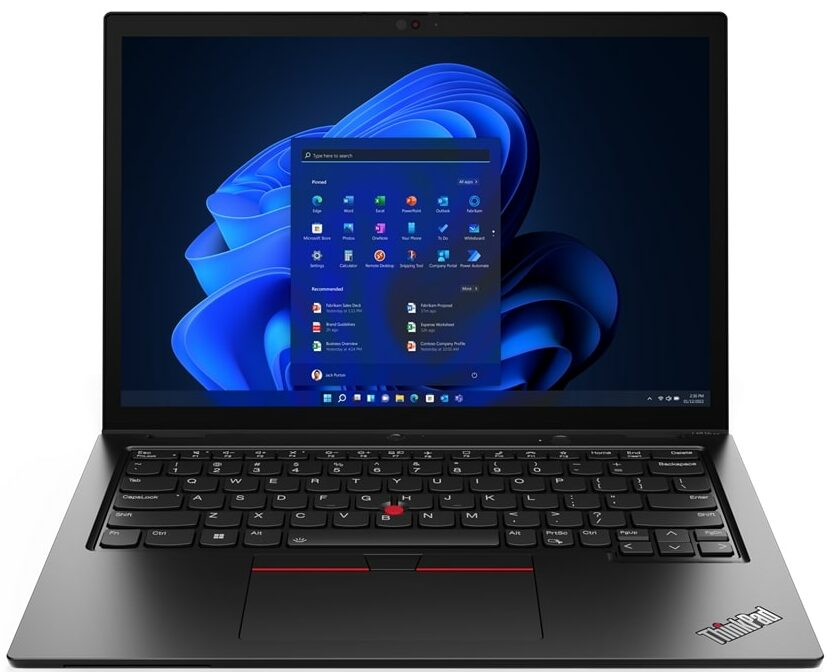
Lenovo ThinkPad L13 Yoga Gen 3

- Date Published: 09 Aug 2022
- Intel Core i5-1235U
- Intel Iris Xe Graphics G7 (80EU)
- 13.3”, WUXGA (1920 x 1200), IPS
- 1000GB SSD
- 32GB DDR4
- 1.32 kg (2.9 lbs)
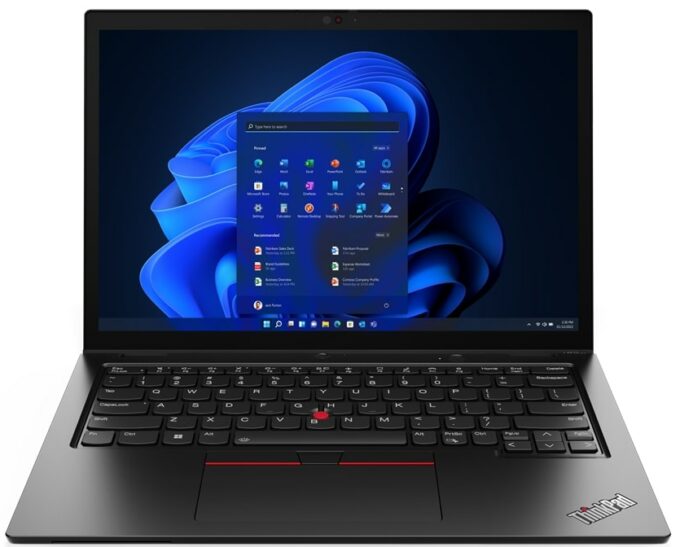
Specs
- Display

- HDD/SSD
- 1TB SSD
- M.2 Slot
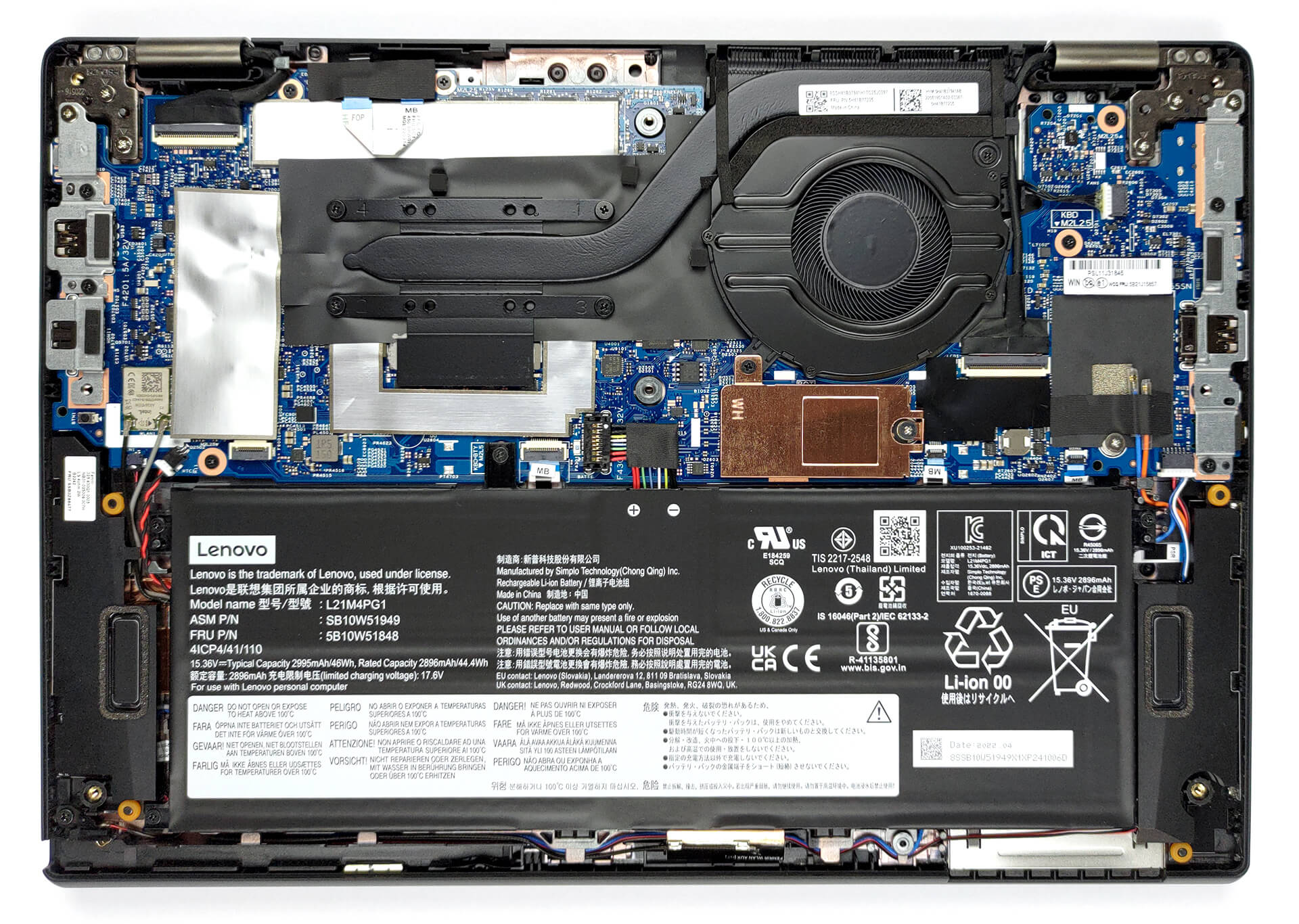
- 1x 2242 M.2 PCIe 4.0 x4 See photo
- RAM
- 32GB DDR4
- OS
- Windows 11 Home
- Body Material
- Plastic / Polycarbonate, Aluminum, Glass Fiber
- Dimensions
- 305 x 218 x 17.1 mm (12.01" x 8.58" x 0.67")
- Weight
- 1.32 kg (2.9 lbs)
- Ports and connectivity
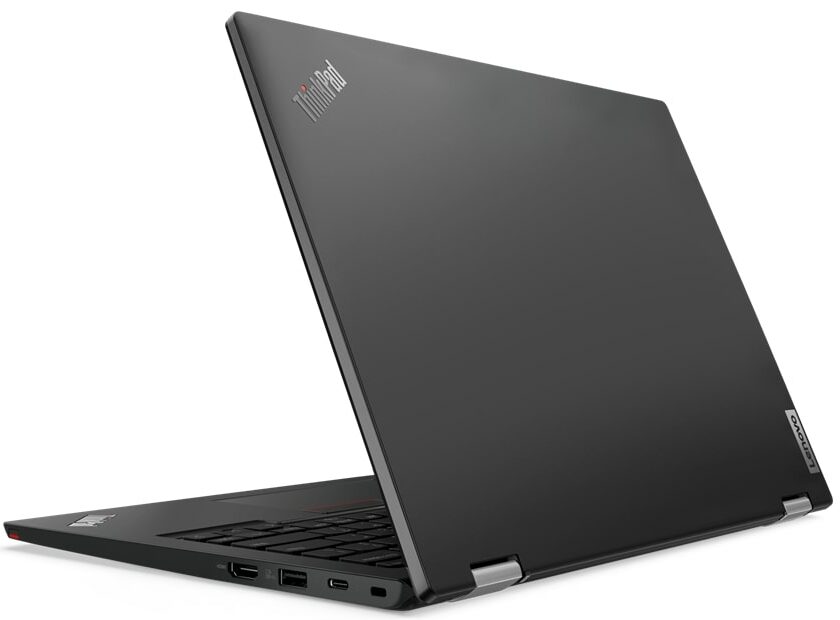
- 1x USB Type-A
- 3.2 Gen 1 (5 Gbps)
- 1x USB Type-A
- 3.2 Gen 1 (5 Gbps), Sleep and Charge
- 1x USB Type-C
- 3.2 Gen 2 (10 Gbps), Power Delivery (PD), DisplayPort
- 1x USB Type-C
- 4.0, Thunderbolt 4, Power Delivery (PD), DisplayPort
- HDMI
- 2.0
- Card Reader
- Ethernet LAN
- Wi-Fi
- 802.11ax
- Bluetooth
- 5.2
- Audio jack
- 3.5mm Combo Jack
- Features
- Fingerprint reader
- Web camera
- HD / FHD
- Backlit keyboard
- Microphone
- Dual Array Microphone, far-field, Dolby Voice
- Speakers
- 2x 2W Stereo Speakers, Dolby Audio
- Optical drive
- Security Lock slot
- Kensington Nano Lock
Portability
Review
Lenovo ThinkPad L13 Yoga Gen 3 in-depth review
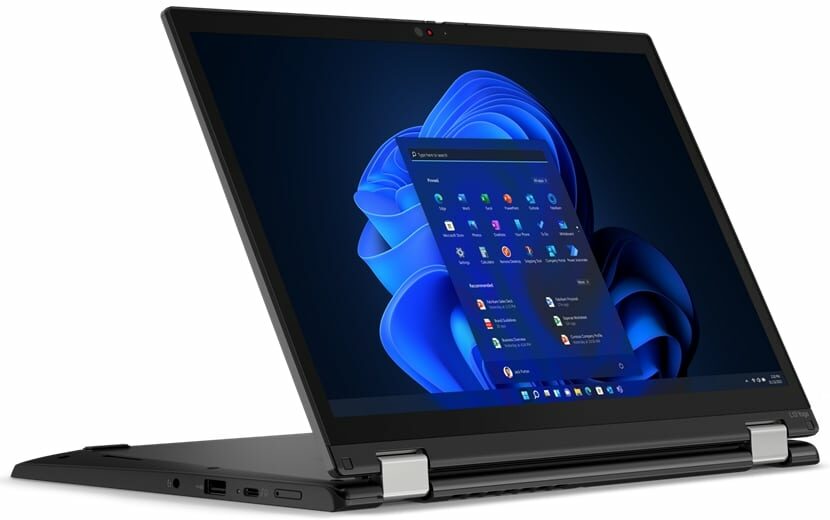
Owning a convertible has become a very viable temptation in the last few years. There have been a lot of solid 2-in-1s, and Lenovo is the creator of some of them. The ThinkPad L13 Yoga Gen 3 will try to be part of that exclusive group.It offers its customers Alder Lake-U processors, a 16:10 touchscreen display, and a dedicated stylus, which has a garage inside the chassis. Of course, you shouldn't fall for empty promises of high performance and good battery life. This is why we are here - to assess the quality of laptops, and tell you which one is worth spending money on.Ultimately, the ThinkPad L13 Yoga Gen 3 is a business machine. It has all of the software and hardware security goodies you might want. But what is more interesting is that Lenovo ships it (at least in our region)[...]
Read the full review
Pros
- Included stylus
- IR face recognition + fingerprint reader, privacy shutter, and optional FHD camera
- The display doesn't flicker at any brightness level (BOE NV133WUM-N61 (LEN41A0))
- Thunderbolt 4 and LTE support
- Covers 99% of sRGB and color accuracy is greatly improved with our Gaming and Web design profile (BOE NV133WUM-N61 (LEN41A0))
Cons
- Memory cannot be upgraded
- Not the best cooling solution out there
- Very hot bottom panel during intensive loads
- The chassis is not very structurally sound
Disassembly, maintenance and upgrade options
Unfortunately, upgradeability is not among this laptop's strengths.Check out all Lenovo ThinkPad L13 Yoga Gen 3 prices and configurations in our Specs System or read more in our In-Depth review.1. Remove the bottom plate To get inside this device, you first need to remove the pen from its housing. Then, undo all 8 captive Phillips-head screws and pry the bottom panel with a plastic tool.2. Battery The battery here has a capacity of 46Wh. It lasts for 11 hours of Web browsing, or nearly 7 hours of video playback. It is held in place by 4 Phillips-head screws. To remove it,[...]
Read more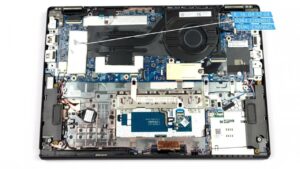


![[June 2026] Best-Selling Laptop Brands on Amazon Global – Apple’s Unrivaled Dominance in Units and Revenue](https://laptopmedia.com/wp-content/uploads/2026/07/GLOBAL-Best-Brands-400x225.jpg)
![[June 2026] Amazon Global: Top 10 Best-Selling Laptops – Apple’s New MacBook Neo Storms to #1, Reshaping the Market with Affordability](https://laptopmedia.com/wp-content/uploads/2026/07/Best-Selling-Laptops-GLOBAL-Top-10-400x225.jpg)
![[June 2026] Amazon Global: Top 10 Best-Selling Gaming Laptops – Acer’s Nitro V 16S AI Dominates Sales, While ASUS Leads Overall Revenue](https://laptopmedia.com/wp-content/uploads/2026/07/Best-Selling-Gaming-Laptops-GLOBAL-Top-10-400x225.jpg)
![[June 2026] Global Ranking of Best-Selling Laptop GPUs on Amazon – NVIDIA RTX 5060 is the Top-Selling Dedicated GPU](https://laptopmedia.com/wp-content/uploads/2026/07/Best-Selling-GPUs-GLOBAL-Top-10-400x225.jpg)
![[June 2026] Global Ranking of Best-Selling Laptop CPUs on Amazon – Apple M5 Dominates, AMD Ryzen 7 260 Gets Solid Premium Share](https://laptopmedia.com/wp-content/uploads/2026/07/Best-Selling-CPUs-GLOBAL-Top-10-400x225.jpg)