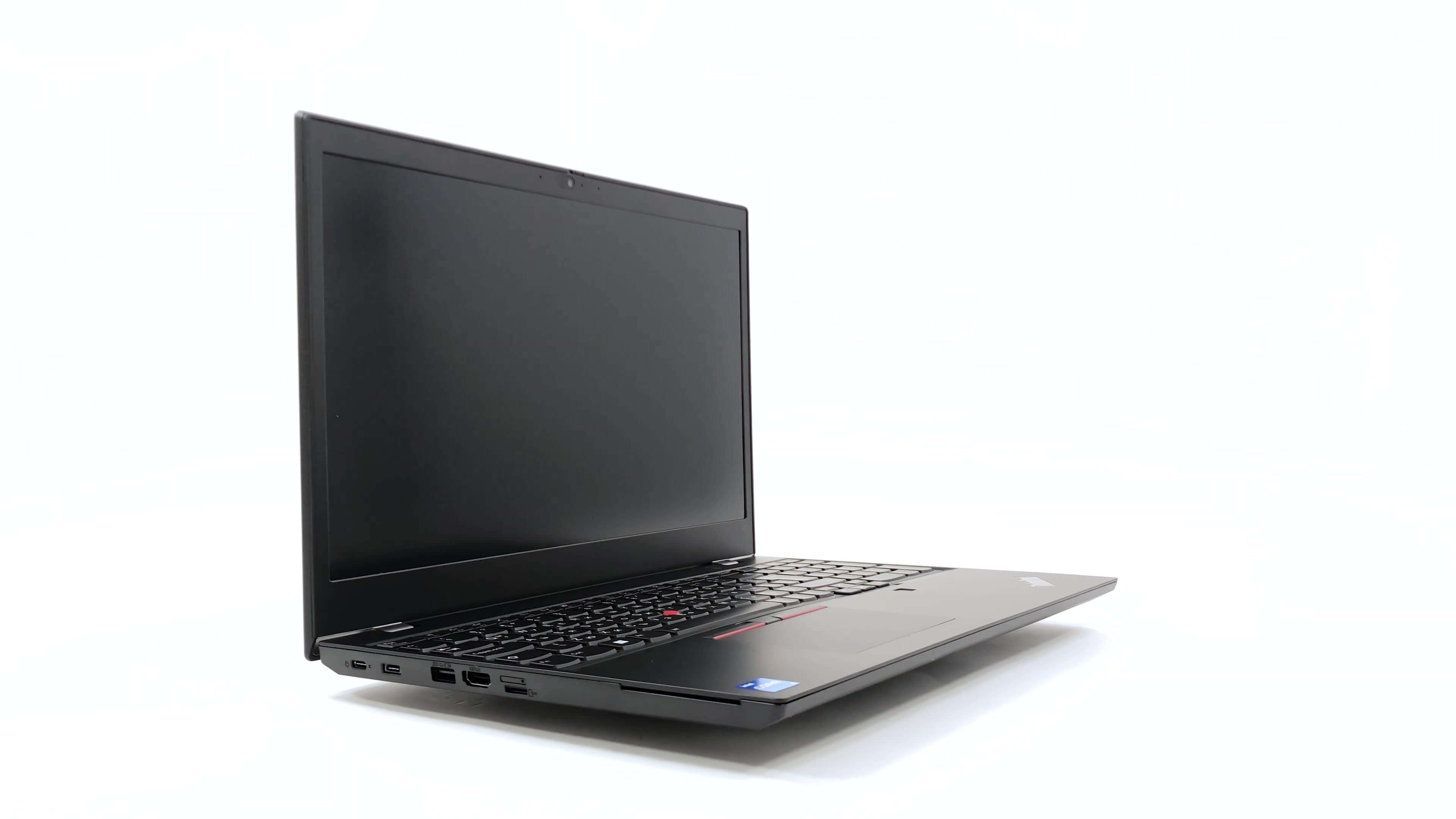
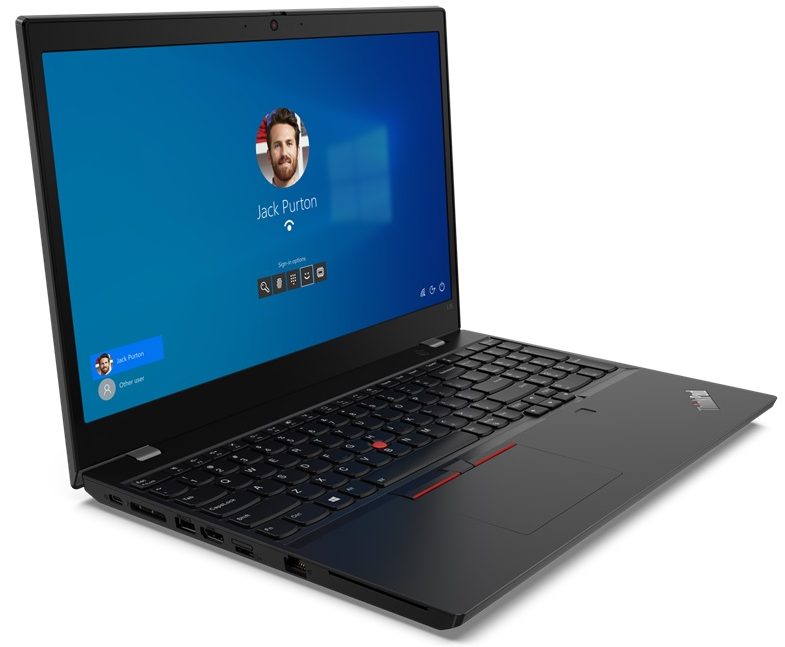
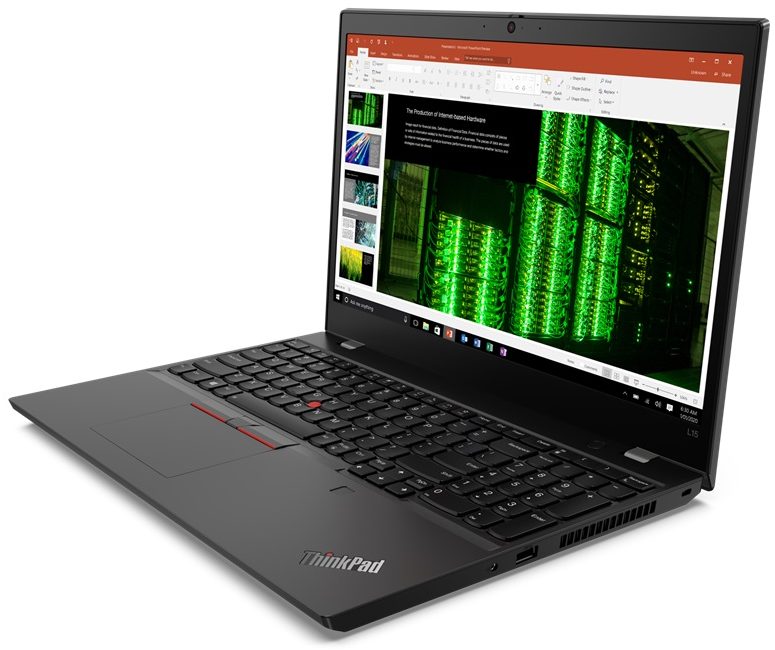
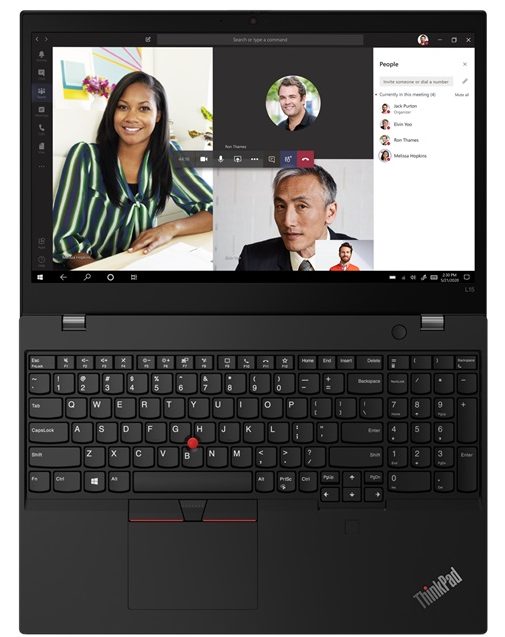
Lenovo ThinkPad L15 Gen 2

- Date Published: 14 Mar 2022
- Intel Core i7-1165G7
- Intel Iris Xe Graphics G7 (96EU)
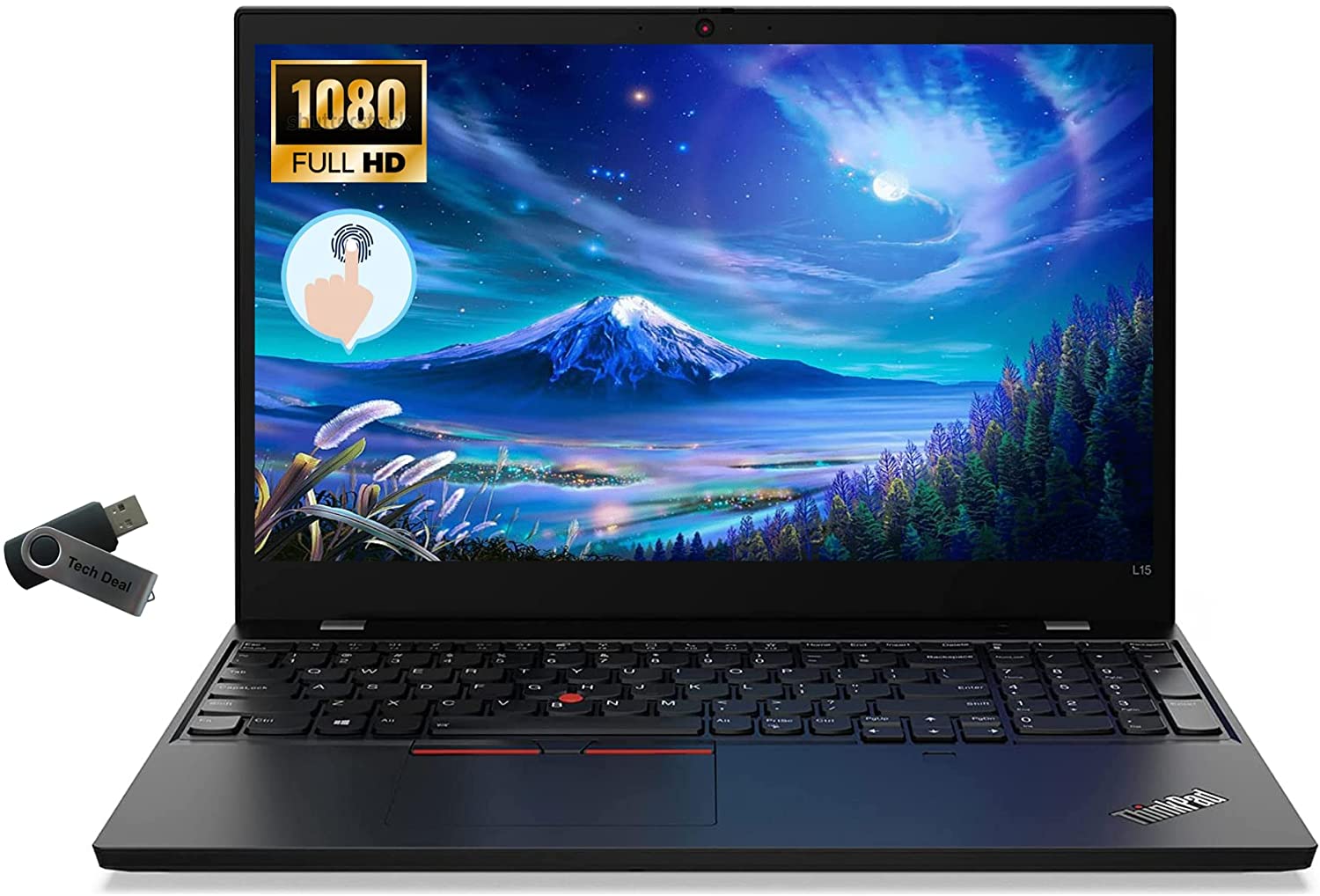
- 15.6”, Full HD (1920 x 1080), IPS
- 1000GB SSD
- 32GB DDR4
- 1.98 kg (4.4 lbs)

Specs

- HDD/SSD
- 1TB SSD
- M.2 Slot
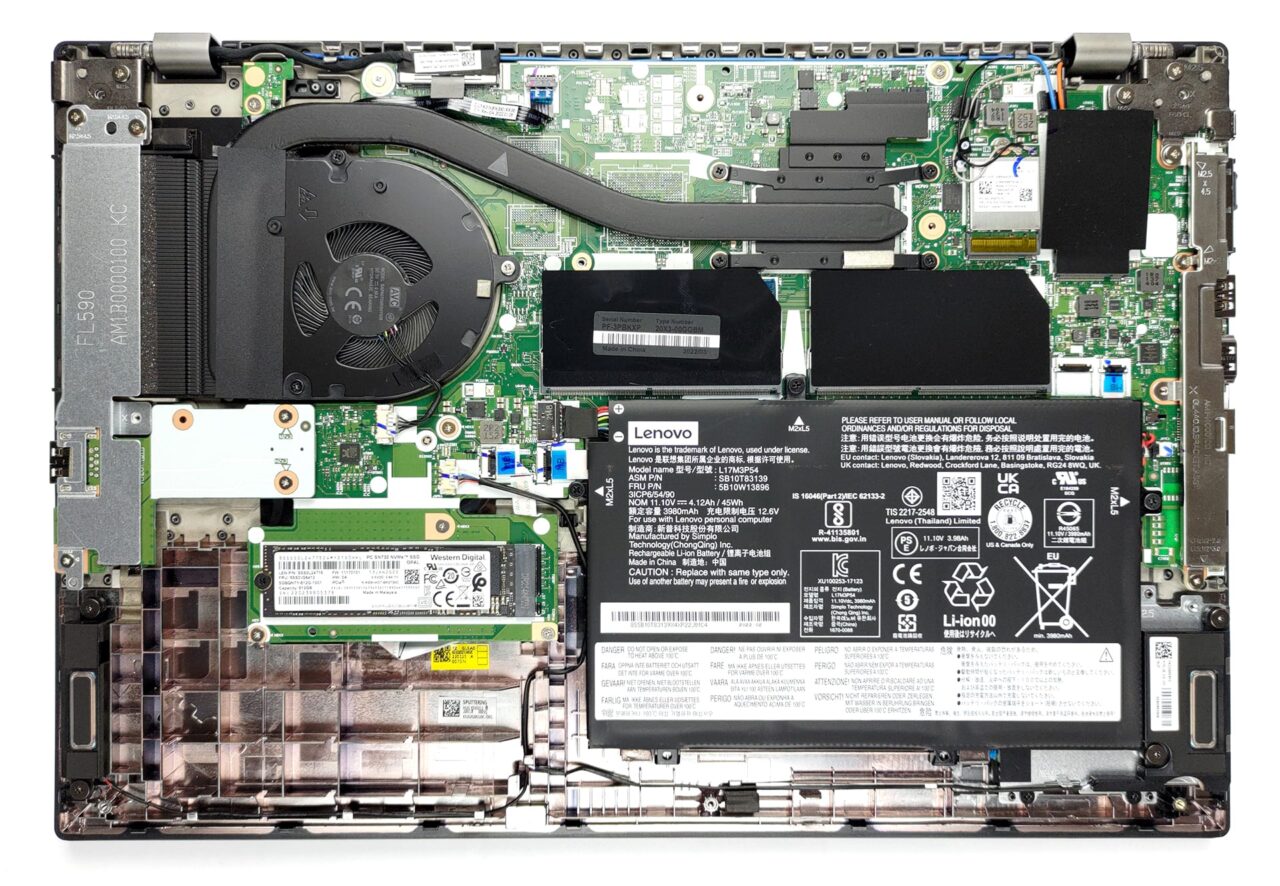
- 1x 2280 M.2 NVMe slot See photo
- RAM
- 32GB DDR4
- OS
- Windows 10 Pro
- Body Material
- Plastic / Polycarbonate
- Dimensions
- 366.5 x 250 x 21 mm (14.43" x 9.84" x 0.83")
- Weight
- 1.98 kg (4.4 lbs)
- Ports and connectivity
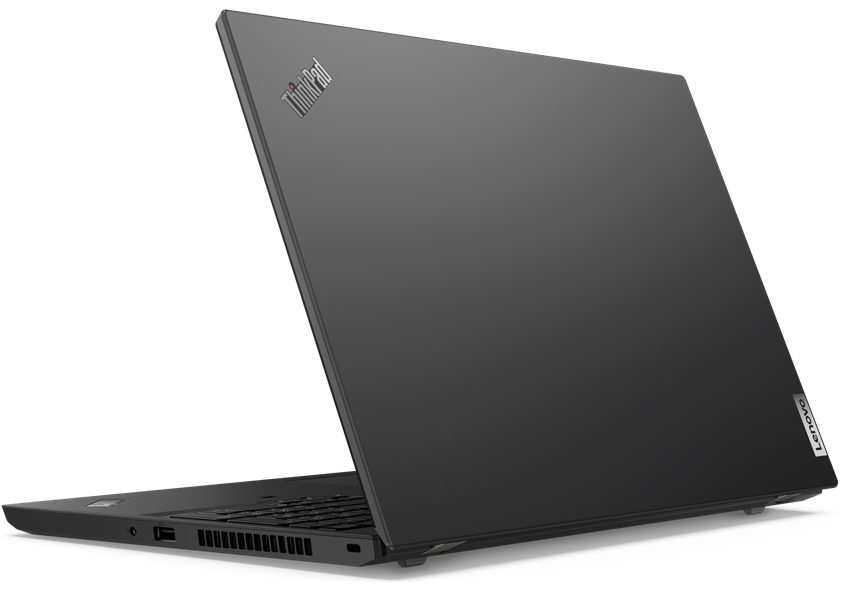
- 2x USB Type-A
- 3.2 Gen 1 (5 Gbps)
- 1x USB Type-C
- 3.2 Gen 1 (5 Gbps), Thunderbolt 4, Power Delivery (PD), DisplayPort
- HDMI
- 2.0
- Card Reader
- MicroSD
- Ethernet LAN
- 10, 100, 1000 Mbit/s
- Wi-Fi
- 802.11ax
- Bluetooth
- 5.1
- Audio jack
- 3.5mm Combo Jack
- Side Docking Connector
- Features
- Fingerprint reader
- Web camera
- HD & IR
- Backlit keyboard
- Microphone
- Dual-Array Microphone
- Speakers
- 2x 2W, Dolby Audio
- Optical drive
- Security Lock slot
- Gifts
- Tech Deal USB
Portability
Review
Lenovo ThinkPad L15 Gen 2 in-depth review
Usually, there is no incentive for buying a business laptop on your own. Of course, it can be useful, but it is overkill in terms of features. However, business people or enterprise users will surely be able to take advantage of the full package. This is why a lot of corporations provide their employees with ThinkPads, Latitudes, or ProBooks.Today, we are going to show you the ThinkPad L15 Gen 2. It is a mid-range business notebook, which sits between the E series and the T series of the ThinkPad portfolio. Ultimately, this means you should expect some cost-cutting measures, but at the same time, the essentials must be met.What exactly are the essentials you may ask? Well, this should include both software and hardware security features, privacy-protection stuff, optional LTE conn[...]
Read the full review
Pros
- Quiet under extreme load
- Wi-Fi 6 + 2x SODIMM + 1x M.2 PCIe slot
- PWM-free display (AUO B156HAN02.1)
- IR face recognition + Fingerprint reader + TPM
- Great spill-resistant keyboard
- Thunderbolt 4 + MicroSD card slot + optional LTE support
Cons
- CPU gets toasty during long stress
- Covers only 51% of the sRGB color gamut (AUO B156HAN02.1)
- Big bezels around the display
- Average battery life
Disassembly, maintenance and upgrade options
Business devices usually come with some sort of upgrade options. Well, this one comes well prepared and is easy to get inside of.Check out all Lenovo ThinkPad L15 Gen 2 prices and configurations in our Specs System or read more in our In-Depth review.1. Remove the bottom plate To get inside this notebook, you first need to unplug the SIM card tray. Then, undo all 9 captive Phillips-head screws, and pry the panel open with a plastic tool.2. Battery Here, we find a 45Wh battery pack, which lasts for 7 hours of Web browsing, or nearly 6 hours of video playback. To remove it,[...]
Read more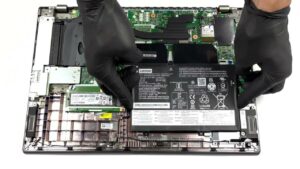


![[June 2026] Best-Selling Laptop Brands on Amazon Global – Apple’s Unrivaled Dominance in Units and Revenue](https://laptopmedia.com/wp-content/uploads/2026/07/GLOBAL-Best-Brands-400x225.jpg)
![[June 2026] Amazon Global: Top 10 Best-Selling Laptops – Apple’s New MacBook Neo Storms to #1, Reshaping the Market with Affordability](https://laptopmedia.com/wp-content/uploads/2026/07/Best-Selling-Laptops-GLOBAL-Top-10-400x225.jpg)
![[June 2026] Amazon Global: Top 10 Best-Selling Gaming Laptops – Acer’s Nitro V 16S AI Dominates Sales, While ASUS Leads Overall Revenue](https://laptopmedia.com/wp-content/uploads/2026/07/Best-Selling-Gaming-Laptops-GLOBAL-Top-10-400x225.jpg)
![[June 2026] Global Ranking of Best-Selling Laptop GPUs on Amazon – NVIDIA RTX 5060 is the Top-Selling Dedicated GPU](https://laptopmedia.com/wp-content/uploads/2026/07/Best-Selling-GPUs-GLOBAL-Top-10-400x225.jpg)
![[June 2026] Global Ranking of Best-Selling Laptop CPUs on Amazon – Apple M5 Dominates, AMD Ryzen 7 260 Gets Solid Premium Share](https://laptopmedia.com/wp-content/uploads/2026/07/Best-Selling-CPUs-GLOBAL-Top-10-400x225.jpg)