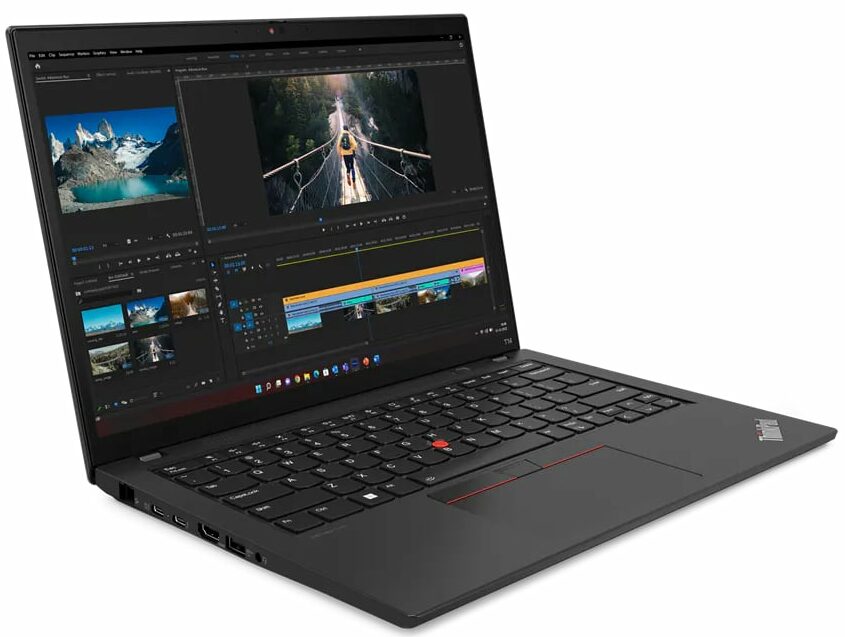
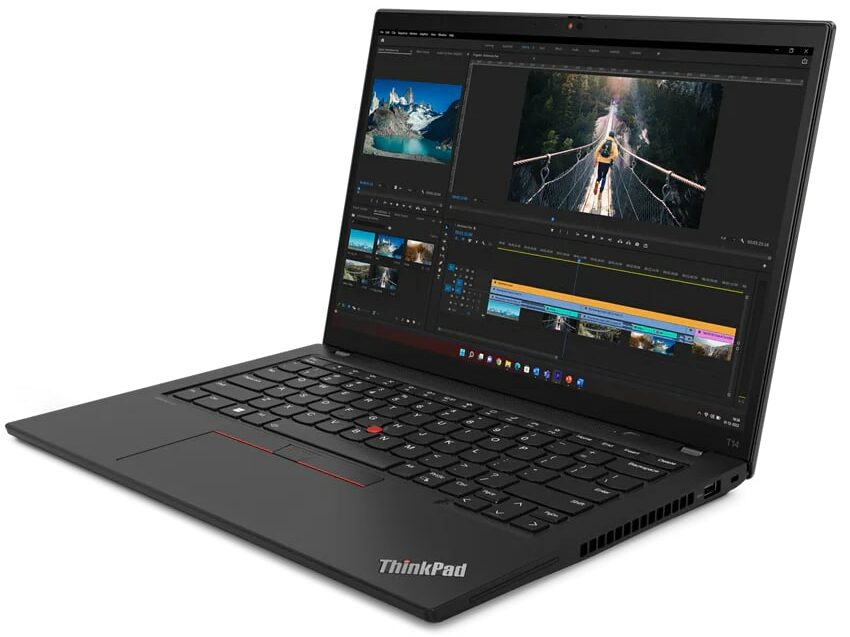
Lenovo ThinkPad T14 Gen 4




- Date Published: 23 Nov 2025
- Intel Core i7-1360P
- Intel Iris Xe Graphics G7 (96EU)
- 14.0″, 2.2K (2240 x 1400), IPS
- 4000GB SSD
- 48GB RAM
- 1.32 kg (2.9 lbs)

Review
Lenovo ThinkPad T14 Gen 4 in-depth review
The Lenovo ThinkPad T14 Gen 4 is another business laptop that is compact but can be configured with powerful hardware. We are talking about the latest and greatest Intel Raptor Lake U and P-series chips. The U CPUs already showed great potential when it comes to overall performance and battery life. So, they are a good choice for a device like this one that can be used for working on the go.The manufacturer is calling this machine a "Highly configurable powerhouse". Well, a look at the specs and we can already confirm that. There are eight CPU options, yes, 8! You can also find this machine with a large variety of memory configurations that include soldered DDR4 and LPDDR5x RAM combined with a SODIMM slot. There is an optional dGPU and if you need this extra, your laptop will lack the [...]
Read the full review
Pros
- Comfortable spill-resistant keyboard with optional backlight
- Optional fingerprint reader and IR face recognition
- SIM card slot with 4G LTE support
- 1x SODIMM (for the iGPU-only machines) for dual-channel memory
- Covers 99% of sRGB + accurate colors with our profiles (CSOT MNE007JA1-1 (LEN403A))
- No PWM and wide viewing angles (CSOT MNE007JA1-1 (LEN403A))
- Thunderbolt 4 charging
- Almost quiet during full load
- High CPU clock especially in short and medium loads
- Long battery life
Cons
- Too many optional features
- The lid is averagely flexible
Disassembly, maintenance and upgrade options
Step 1: Accessing the Internal ComponentsEnsure the Lenovo ThinkPad T14 Gen 4 is powered off and placed on a soft, clean surface to prevent scratches or damage. Unscrew the 7 captive Phillips-head screws from the bottom of the laptop. Pry the bottom panel off starting from one of the upper two corners with a plastic tool.Hint: Be gentle during this process to avoid damaging the internal clips or the laptop casing.Step 2: Removing the BatteryWear gloves to safely disconnect the built-in battery connector to avoid short-circuiting. Remove the 6 Phillips-head [...]
Read more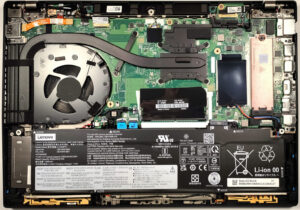


![[August 2026] Amazon Global: Top 10 Best-Selling Laptops – Apple MacBook Neo Dominates the Charts as Budget and Mid-Range Windows Portables Fight for Volume](https://laptopmedia.com/wp-content/uploads/2026/09/Best-Selling-Laptops-GLOBAL-Top-10-400x225.jpg)
![[August 2026] Best-Selling Laptop Brands on Amazon Global – Apple Dominates Revenue While HP Leads in Model Variety](https://laptopmedia.com/wp-content/uploads/2026/09/GLOBAL-Best-Brands-400x225.jpg)
![[August 2026] Amazon Global: Top 10 Best-Selling Gaming Laptops – HP Victus 15 Captures the Crown as Budget-Friendly Models Dominate the Charts](https://laptopmedia.com/wp-content/uploads/2026/09/Best-Selling-Gaming-Laptops-GLOBAL-Top-10-400x225.jpg)
![[August 2026] Best-Selling Laptop Brands on Amazon USA – Apple Dominates Market Revenue and Volume Despite Lower Model Diversity](https://laptopmedia.com/wp-content/uploads/2026/09/COM-Best-Brands-1-400x225.jpg)
![[August 2026] Amazon USA: Top 10 Best-Selling Laptops – Apple MacBook Neo Dominates the Market with Massive Unit Sales!](https://laptopmedia.com/wp-content/uploads/2026/09/Best-Selling-Laptops-COM-Top-10-400x225.jpg)
