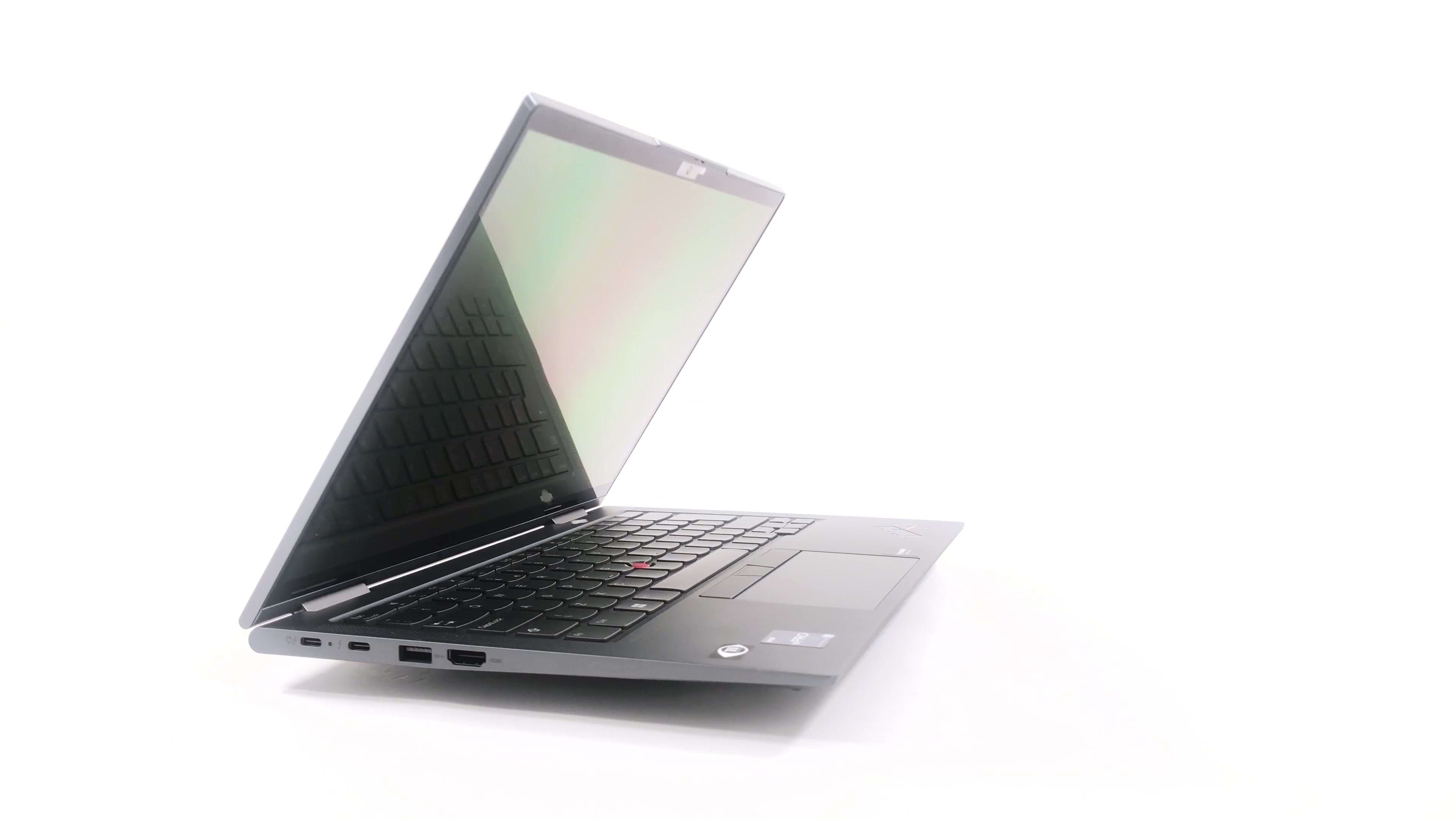
Lenovo ThinkPad X1 Yoga

- Date Published: 23 Mar 2025
- Intel Core i5-1250P
- Intel Iris Xe Graphics G7 (80EU)
- 14.0”, WUXGA (1920 x 1200), IPS
- 128GB SSD
- 16GB RAM
- 1.38 kg (3 lbs)
Review
Lenovo ThinkPad X1 Yoga in-depth review
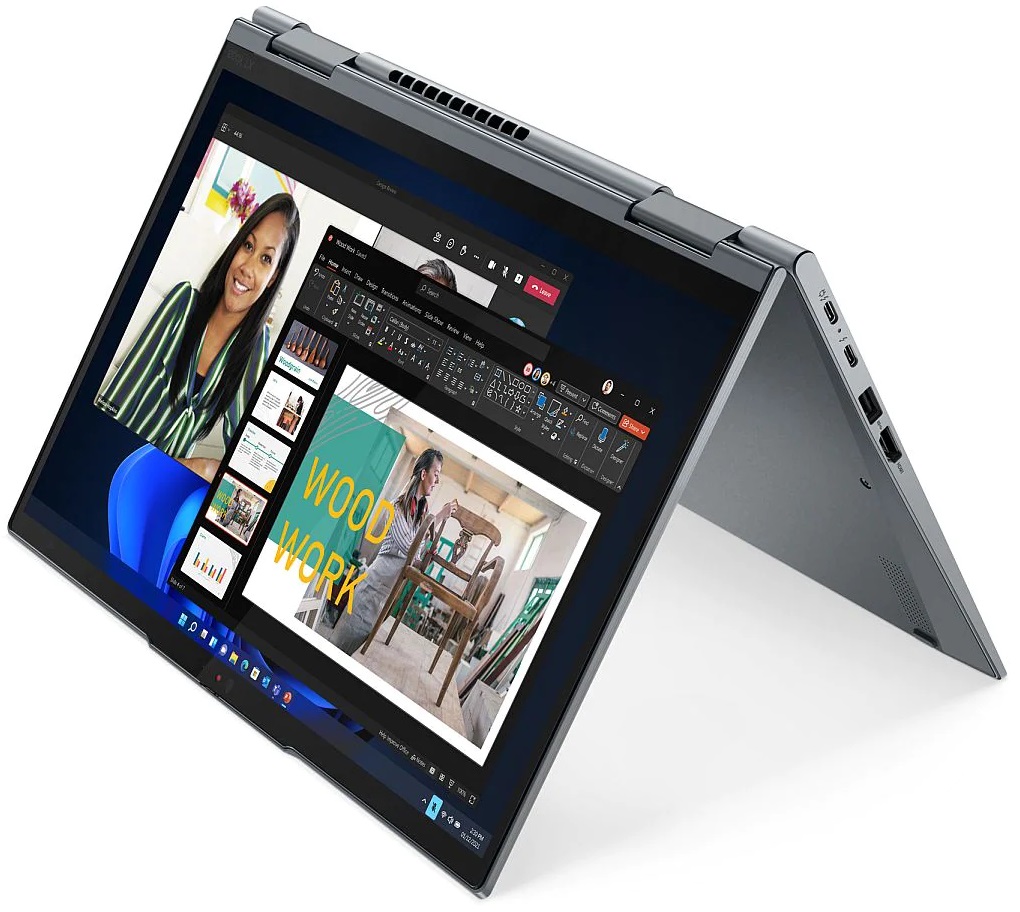
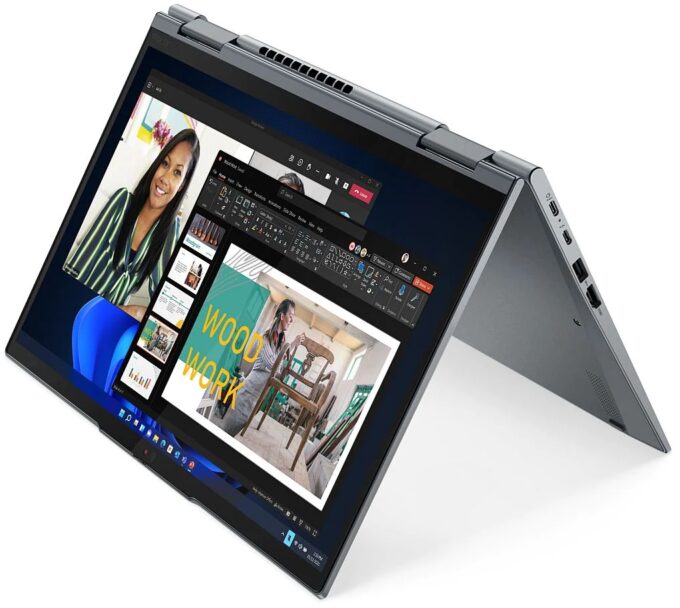
The ThinkPad X1 series is one of the most well-established business laptop lineups on the market. It features only premium machines and is home to unique devices like the ThinkPad X1 Nano, and the ThinkPad X1 Fold - the world's first foldable business laptop.However, the device of our interest today is a bit more laid back. It is the ThinkPad X1 Yoga Gen 7, and it has more to it than what meets the eye. Let's start with the obvious - it is a convertible that comes with a touchscreen display. It supports styluses, and even comes with one, which lives inside the base - we'll show you more later.Speaking of the display, its options vary a lot - from a Full HD+ IPS unit to a 4K OLED one. Plus, there is a little twist - the screen has a 16:10 aspect ratio. It is interesting how Lenovo[...]
Read the full review
Pros
- Great input devices
- 100% sRGB and 100% DCI-P3 coverage (Samsung ATNA40YN01-0)
- Included stylus
- Supports PCIe x4 Gen 4 drives
- Two Thunderbolt 4 connectors (both can be used for charging)
- Wi-Fi 6 support plus optional IR face recognition, fingerprint reader, and 5G support
- Quad-channel memory
- Great build quality
Cons
- Lacks an SD card reader
- Memory is soldered to the motherboard
- Average battery life with the OLED panel
Disassembly, maintenance and upgrade options
Despite the limited upgrade options, you have a choice of up to 32GB of RAM, which is pretty fast too.Check out all Lenovo ThinkPad X1 Yoga Gen 7 prices and configurations in our Specs System, or read more in our In-Depth review.1. Remove the bottom plate The first thing you need to do to get inside this laptop is to remove the stylus. Then, undo all 5 captive Phillips-head screws, and pry the bottom panel with a plastic tool.2. Battery Inside, we find a 57Wh battery pack. It lasts for 7 hours and 30 minutes of Web browsing, or less than 5 hours of video playback with the[...]
Read more


![[June 2026] Best-Selling Laptop Brands on Amazon Global – Apple’s Unrivaled Dominance in Units and Revenue](https://laptopmedia.com/wp-content/uploads/2026/07/GLOBAL-Best-Brands-400x225.jpg)
![[June 2026] Amazon Global: Top 10 Best-Selling Laptops – Apple’s New MacBook Neo Storms to #1, Reshaping the Market with Affordability](https://laptopmedia.com/wp-content/uploads/2026/07/Best-Selling-Laptops-GLOBAL-Top-10-400x225.jpg)
![[June 2026] Amazon Global: Top 10 Best-Selling Gaming Laptops – Acer’s Nitro V 16S AI Dominates Sales, While ASUS Leads Overall Revenue](https://laptopmedia.com/wp-content/uploads/2026/07/Best-Selling-Gaming-Laptops-GLOBAL-Top-10-400x225.jpg)
![[June 2026] Global Ranking of Best-Selling Laptop GPUs on Amazon – NVIDIA RTX 5060 is the Top-Selling Dedicated GPU](https://laptopmedia.com/wp-content/uploads/2026/07/Best-Selling-GPUs-GLOBAL-Top-10-400x225.jpg)
![[June 2026] Global Ranking of Best-Selling Laptop CPUs on Amazon – Apple M5 Dominates, AMD Ryzen 7 260 Gets Solid Premium Share](https://laptopmedia.com/wp-content/uploads/2026/07/Best-Selling-CPUs-GLOBAL-Top-10-400x225.jpg)
