Lenovo V310 (15″)
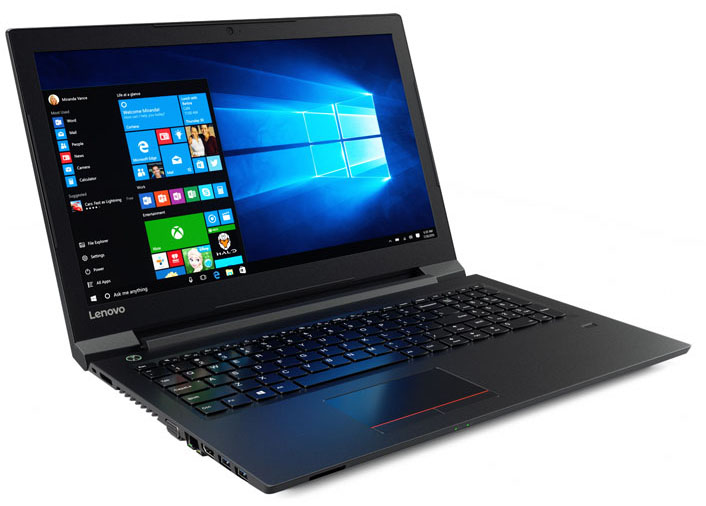
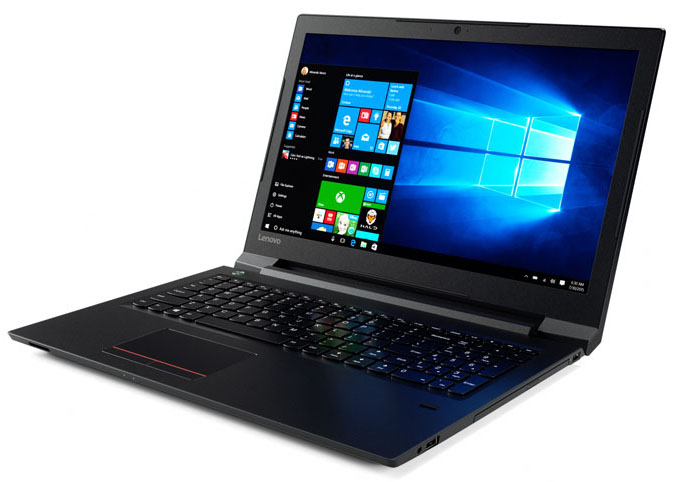
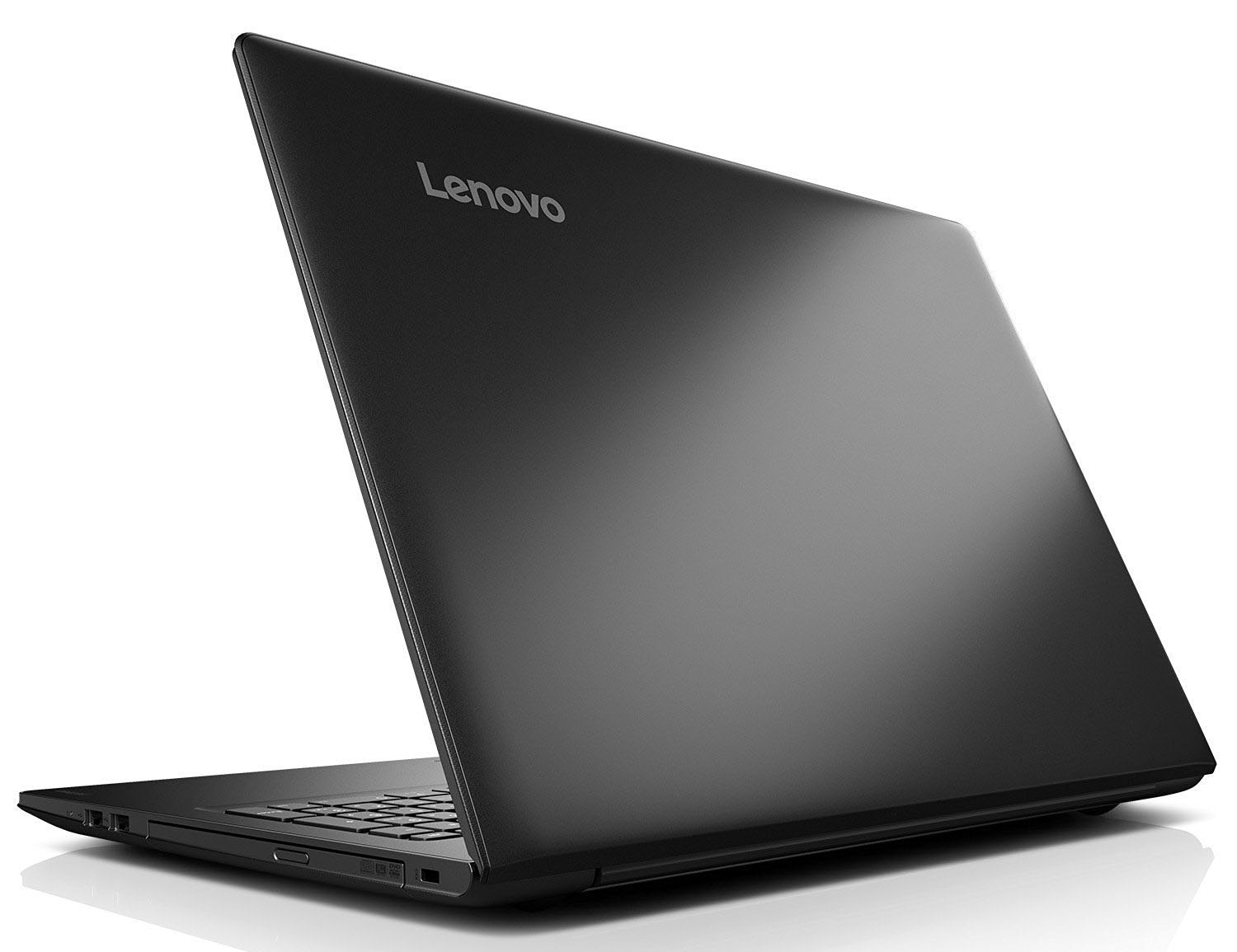
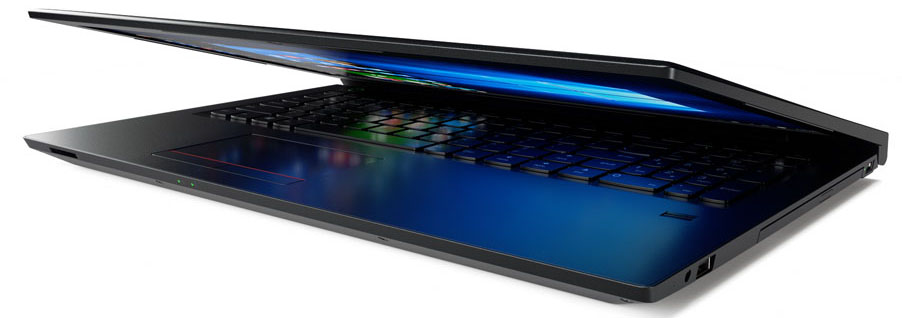
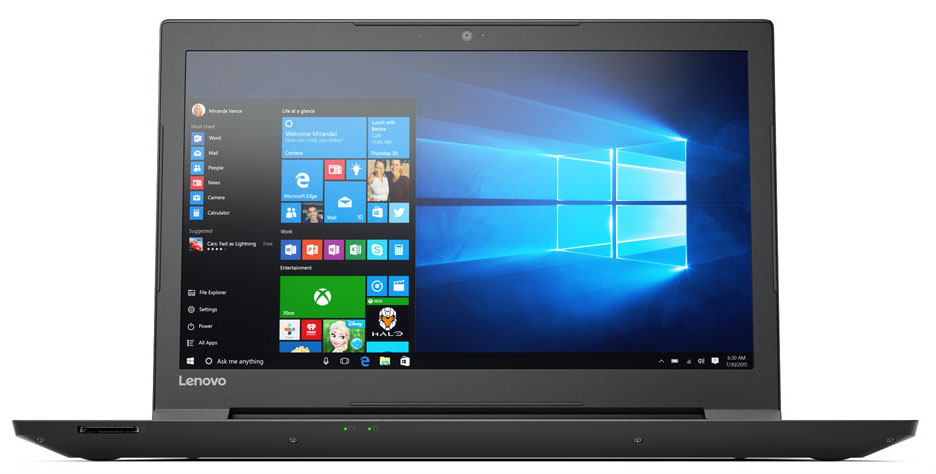
- Date Published: 07 Aug 2020
- Intel Core i3-6006U
- Intel HD Graphics 520
- 15.6”, Full HD (1920 x 1080), TN
- 256GB SSD + 1000GB HDD
- 4GB (1x 4096MB) - DDR4, 2133MHz
- 1.85 kg (4.1 lbs)
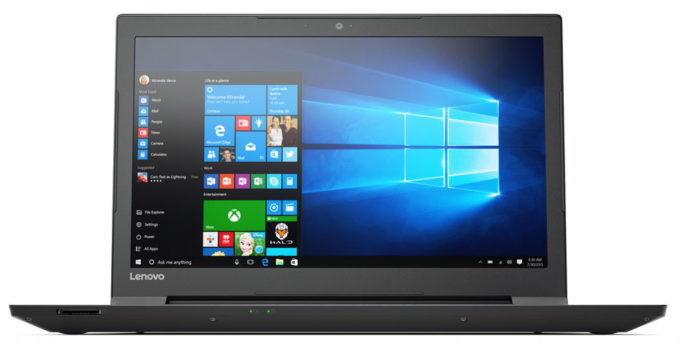
Specs
- Display

- HDD/SSD
- 256GB SSD + 1TB HDD, 5400 rpm
- RAM
- 4GB (1x 4096MB) - DDR4, 2133MHz
- OS
- No OS
- Body Material
- Plastic / Polycarbonate (Polycarbonate, ABS Plastic)
- Dimensions
- 380 x 262 x 23 mm (14.96" x 10.31" x 0.91")
- Weight
- 1.85 kg (4.1 lbs)
- Ports and connectivity
- USB
- Card Reader
- MMC, SD, SDHC, SDXC
- Ethernet LAN
- 100, 1000 Mbit/s
- Wi-Fi
- 802.11ac
- Bluetooth
- 4.1
- Audio jack
- combo audio/microphone jack
- Features
- Fingerprint reader
- Web camera
- Backlit keyboard
- Microphone
- monaural
- Speakers
- 2 x 1.5W
- Optical drive
- Security Lock slot
Portability
Review
Lenovo V310 (15″) in-depth review
The Lenovo ThinkPad series has long reigned the high-end business segment so Lenovo decided to move the winning strategy to the more budget-friendly market. But what about the low-end to mid-range business market? Well, the Ideapads have it covered there, more precisely - the V-series. In this review, we will take a look at the Ideapad V310 notebook that offers the bare minimum of features for a business-oriented laptop along with some unique features given the price range.Sporting a budget type of chassis, without feeling necessarily cheap, the V310 packs the usual mainstream processors from Intel - from Core i3-7100U to the Core i5-7200U and the Core i7-7500U. In most regions, the notebook can be found with the integrated Intel HD Graphics 620 GPU but the unit we were able to obt[...]
Read the full review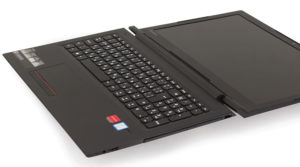
Pros
- Good keyboard
- 180-degree hinge
- The screen doesn't use PWM for regulating brightness
- Supports M.2 SSD on top of the 2.5-inch HDD/SSD
Cons
- Poor battery life
- Screen could be way better for the more expensive configurations
- Unsatisfactory build quality for the expensive configurations


![[June 2026] Best-Selling Laptop Brands on Amazon Global – Apple’s Unrivaled Dominance in Units and Revenue](https://laptopmedia.com/wp-content/uploads/2026/07/GLOBAL-Best-Brands-400x225.jpg)
![[June 2026] Amazon Global: Top 10 Best-Selling Laptops – Apple’s New MacBook Neo Storms to #1, Reshaping the Market with Affordability](https://laptopmedia.com/wp-content/uploads/2026/07/Best-Selling-Laptops-GLOBAL-Top-10-400x225.jpg)
![[June 2026] Amazon Global: Top 10 Best-Selling Gaming Laptops – Acer’s Nitro V 16S AI Dominates Sales, While ASUS Leads Overall Revenue](https://laptopmedia.com/wp-content/uploads/2026/07/Best-Selling-Gaming-Laptops-GLOBAL-Top-10-400x225.jpg)
![[June 2026] Global Ranking of Best-Selling Laptop GPUs on Amazon – NVIDIA RTX 5060 is the Top-Selling Dedicated GPU](https://laptopmedia.com/wp-content/uploads/2026/07/Best-Selling-GPUs-GLOBAL-Top-10-400x225.jpg)
![[June 2026] Global Ranking of Best-Selling Laptop CPUs on Amazon – Apple M5 Dominates, AMD Ryzen 7 260 Gets Solid Premium Share](https://laptopmedia.com/wp-content/uploads/2026/07/Best-Selling-CPUs-GLOBAL-Top-10-400x225.jpg)
