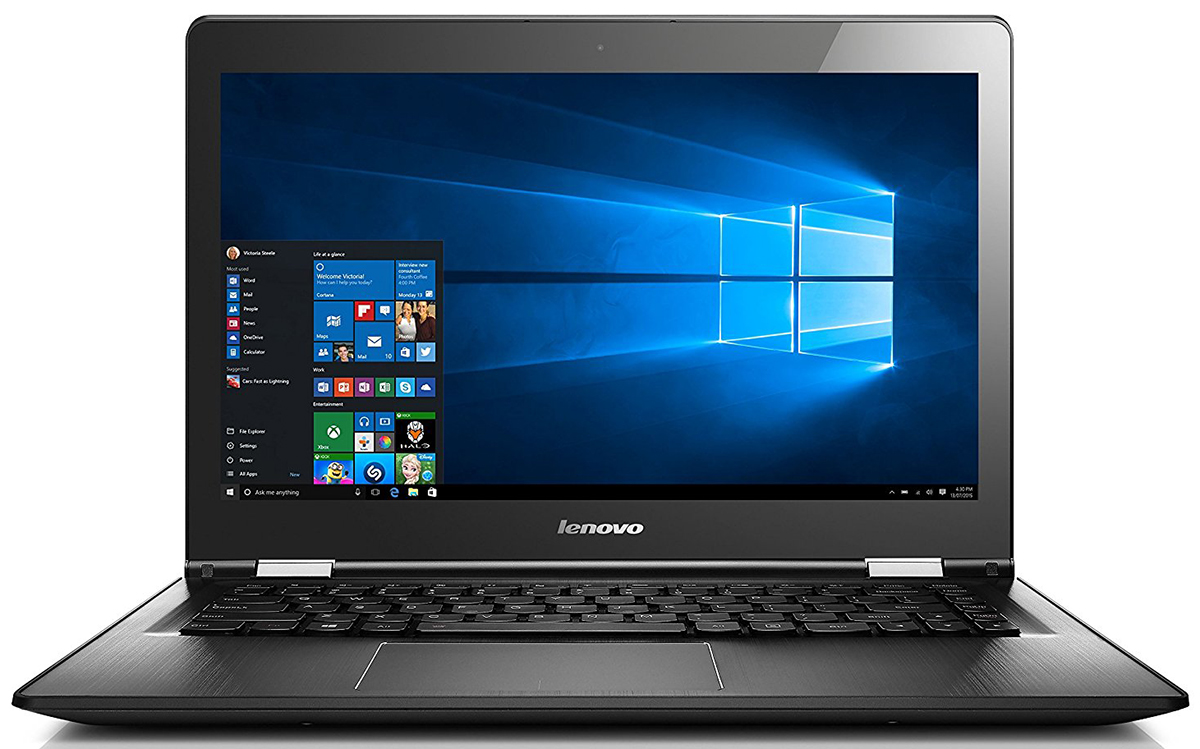
Lenovo YOGA 500-15ISK
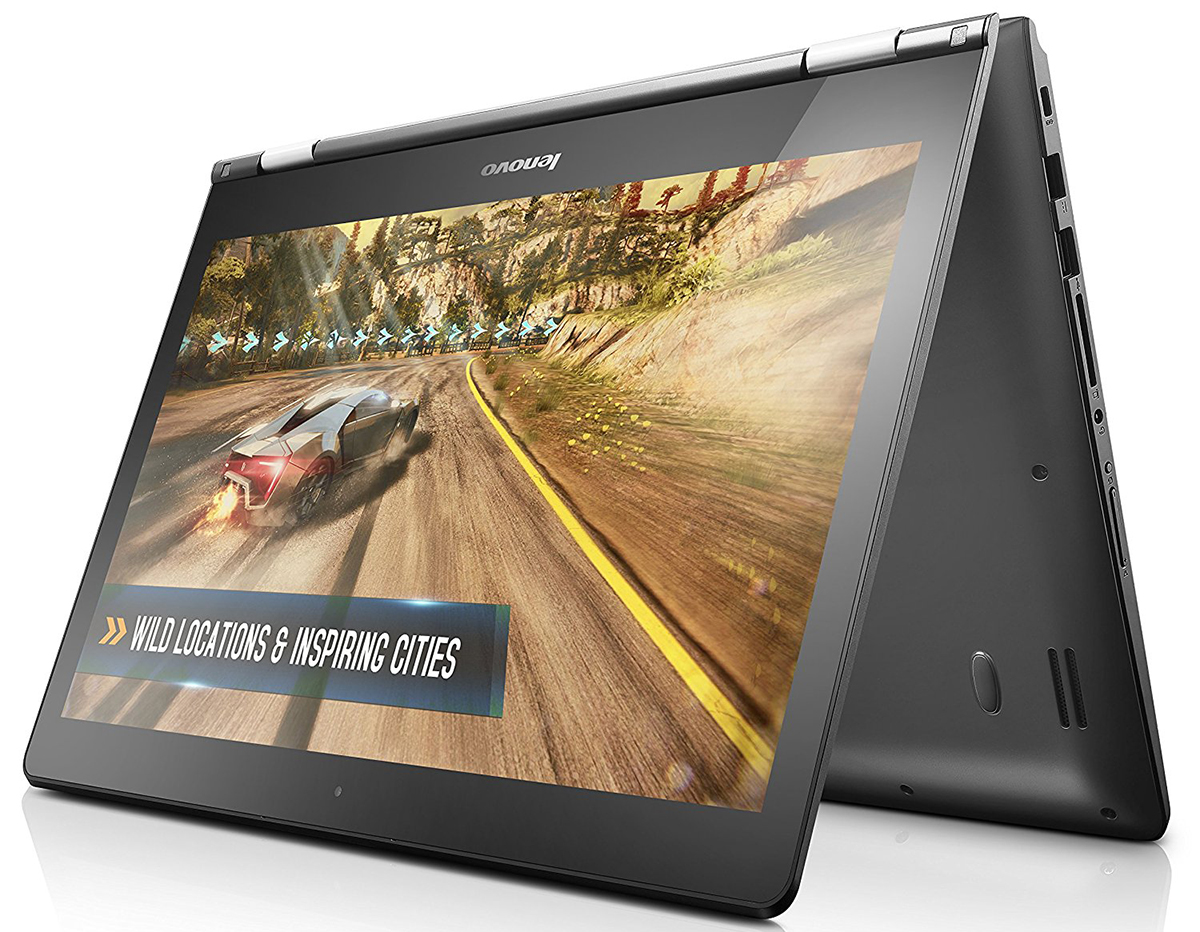
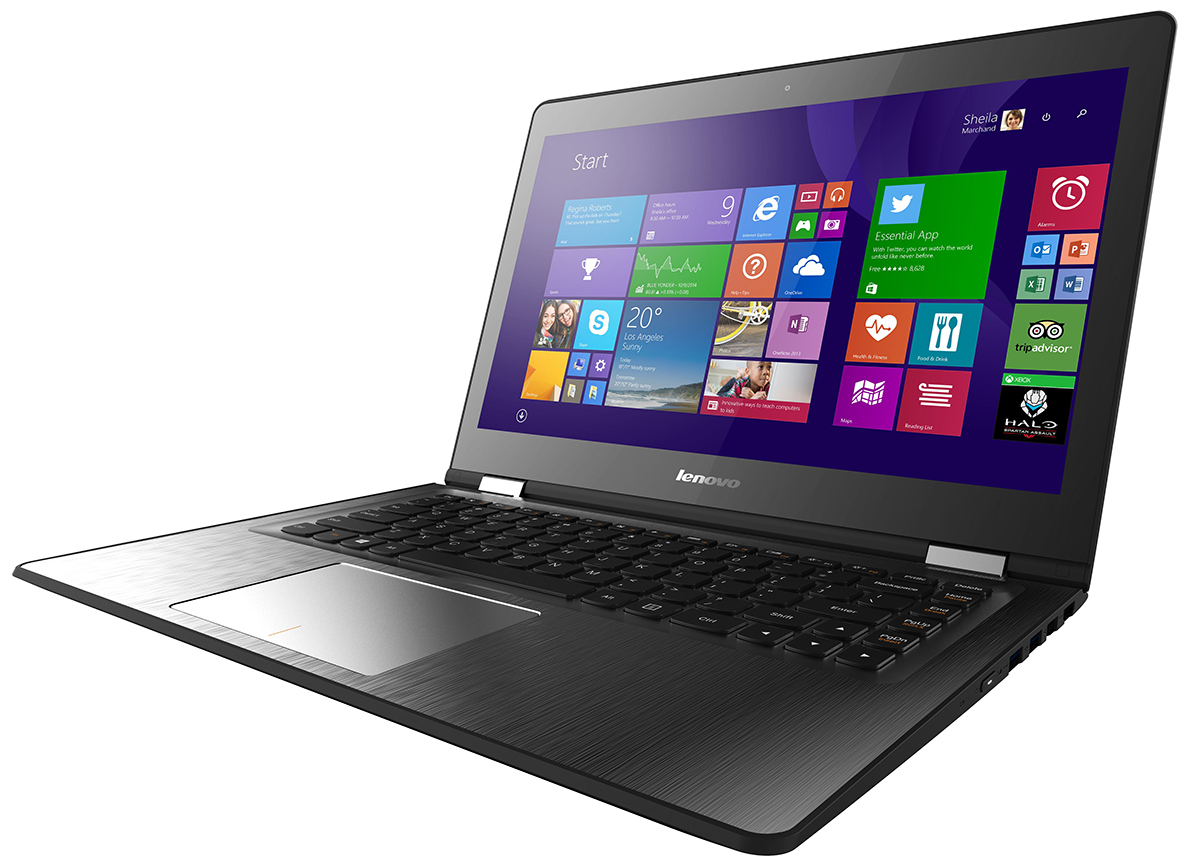
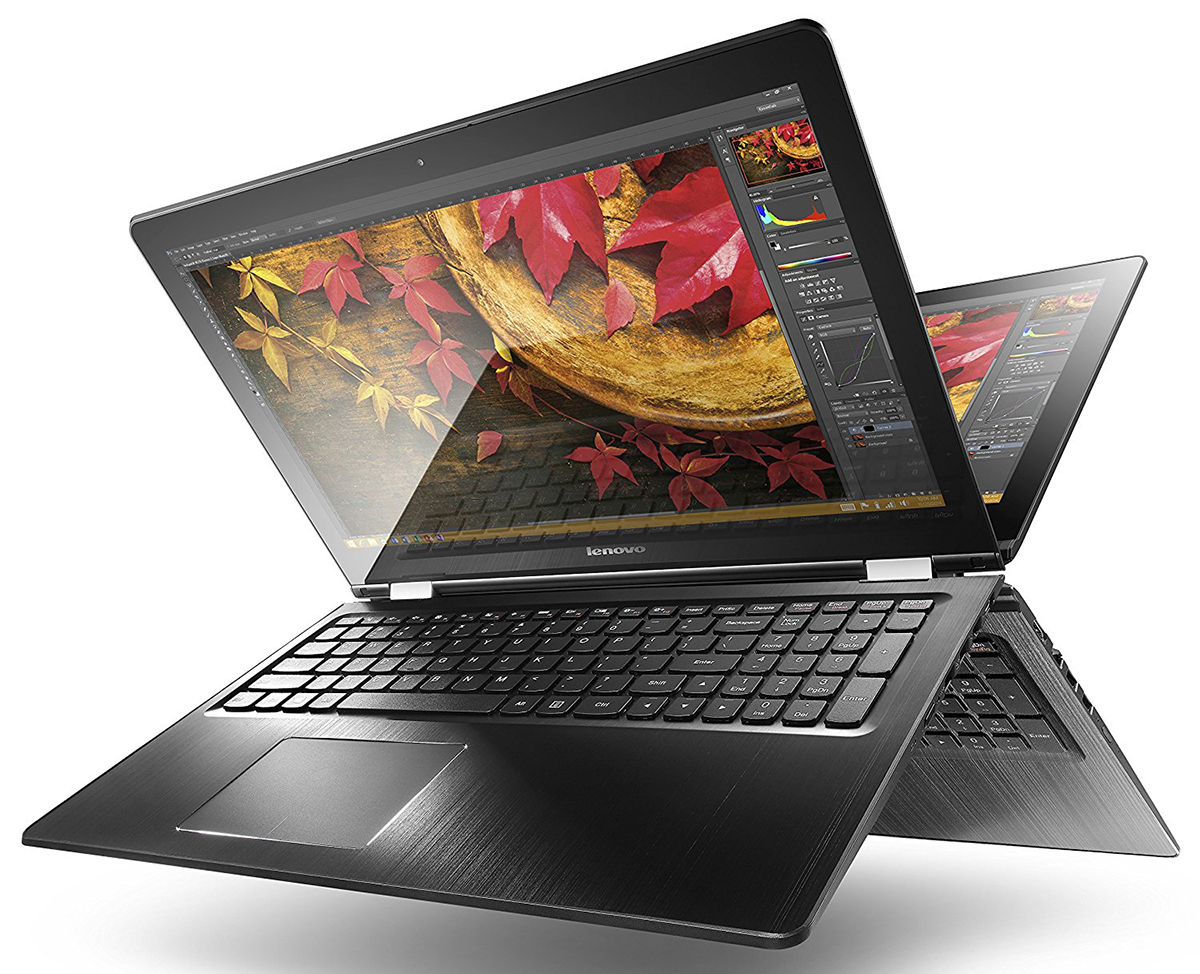
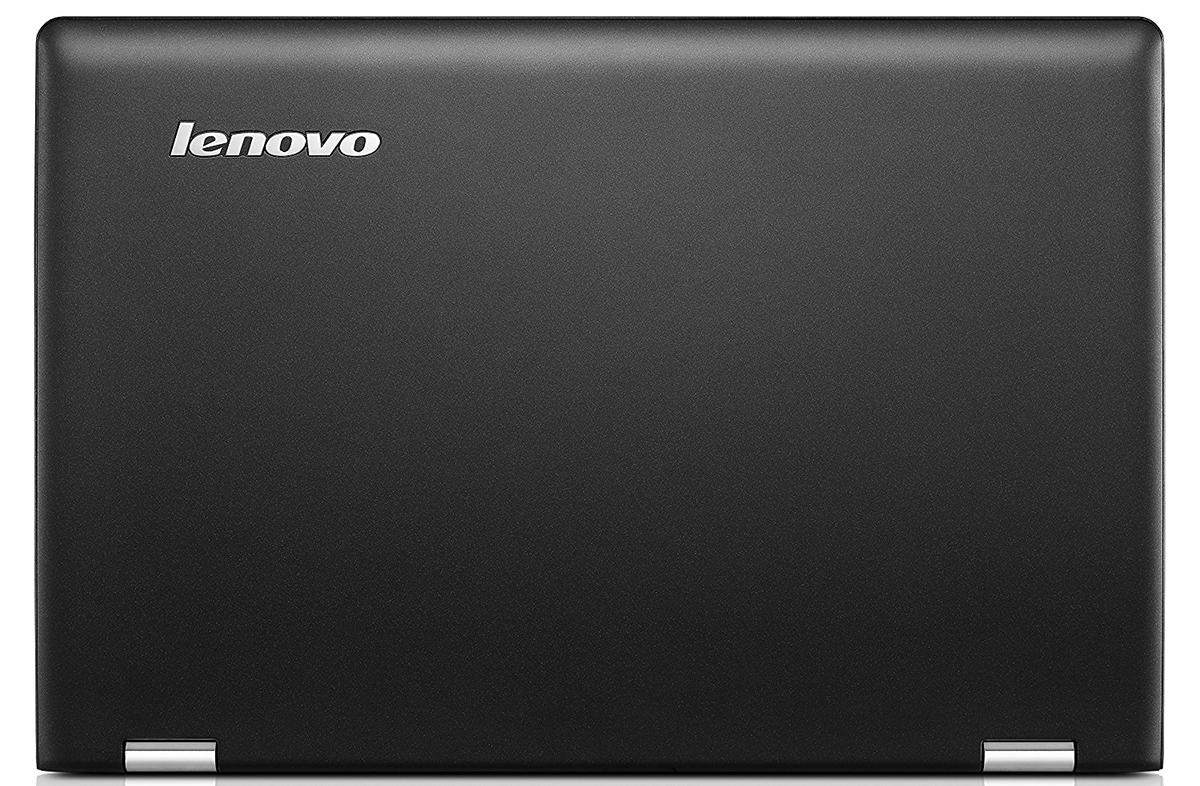
- Date Published: 13 Mar 2019
- Intel Core i7-6500U
- NVIDIA GeForce 940M (2GB DDR3)
- 14.0”, HD (1366 x 768), TN
- 256GB SSD
- 8GB DDR3, 1600Mhz
- 1.80 kg (4 lbs)

Specs
- Display
- HDD/SSD
- 256GB SSD
- RAM
- 8GB DDR3, 1600Mhz
- OS
- Windows 10 Home
- Body Material
- Plastic
- Dimensions
- 385 x 255 x 22.2 mm (15.16" x 10.04" x 0.87")
- Weight
- 1.80 kg (4 lbs)
- Ports and connectivity
- 1x USB Type-A
- 2.0
- 2x USB Type-A
- 3.2 Gen 1 (5 Gbps)
- HDMI
- Card Reader
- SD
- Ethernet LAN
- Wi-Fi
- 802.11ac
- Bluetooth
- 4.0
- Audio jack
- headphone/microphone
- Features
- Web camera
- Backlit keyboard
- Microphone
- Speakers
- Optical drive
- Security Lock slot
Portability
Review
Lenovo YOGA 500-15ISK in-depth review
We again stumbled upon another convertible device from Lenovo's Yoga lineup and again representing the budget-class laptops. Nonetheless, the Yoga 500 notebook comes with a wide variety of hardware and as the price goes up, so does the performance and the screen. In this review, though, we are going to focus on the basic model that offers the bare minimum at this price range.There are some things that we can't get pass by despite the price tag, but it sure does offer a lot of flexibility, good design, and features. For a little over €500, you can get a fully functional convertible with several key selling points that Lenovo should have made an effort to explain more thoroughly about them. This is because the new Lenovo Yoga 500 lineup kind of aligns with the Yoga 2-13 series, or at[...]
Read the full review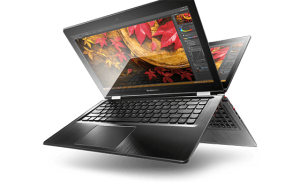
Pros
- Strudy design and lightweight construction
- Great price for a convertible bringing notebook-like experience (SSHD included)
- Flexible 360-degree hinge, touchscreen and keyboard backlight are just part of the features that aren't a common thing in this class
- Silent and effective cooling system keeping temperatures low
Cons
- Mediocre battery life
- Bad screen quality (low maximum brightness, low sRGB color gamut coverage, PWM across all brightness levels) even at this price range
- Bad touchpad with "wobbling" effect and the same goes for the screen
Disassembly, maintenance and upgrade options
This flexible little companion offers neat features with a budget-friendly price tag, but somehow modest upgrade options. Maybe mainly due to some design limitations, but at least the teardown is just as modest. You will just need a screw and a small plastic tool to completely disassemble the notebook or just gain access to the most commonly upgraded hardware.You can check the current price of the notebook here: http://amzn.to/1LPciCA 1. Opening the bottom cover You need to do some unscrewing and after that try to pop out the bottom piece with a thin plastic tool or credit card of some [...]
Read more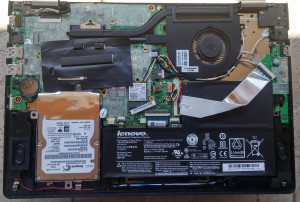


![[June 2026] Best-Selling Laptop Brands on Amazon Global – Apple’s Unrivaled Dominance in Units and Revenue](https://laptopmedia.com/wp-content/uploads/2026/07/GLOBAL-Best-Brands-400x225.jpg)
![[June 2026] Amazon Global: Top 10 Best-Selling Laptops – Apple’s New MacBook Neo Storms to #1, Reshaping the Market with Affordability](https://laptopmedia.com/wp-content/uploads/2026/07/Best-Selling-Laptops-GLOBAL-Top-10-400x225.jpg)
![[June 2026] Amazon Global: Top 10 Best-Selling Gaming Laptops – Acer’s Nitro V 16S AI Dominates Sales, While ASUS Leads Overall Revenue](https://laptopmedia.com/wp-content/uploads/2026/07/Best-Selling-Gaming-Laptops-GLOBAL-Top-10-400x225.jpg)
![[June 2026] Global Ranking of Best-Selling Laptop GPUs on Amazon – NVIDIA RTX 5060 is the Top-Selling Dedicated GPU](https://laptopmedia.com/wp-content/uploads/2026/07/Best-Selling-GPUs-GLOBAL-Top-10-400x225.jpg)
![[June 2026] Global Ranking of Best-Selling Laptop CPUs on Amazon – Apple M5 Dominates, AMD Ryzen 7 260 Gets Solid Premium Share](https://laptopmedia.com/wp-content/uploads/2026/07/Best-Selling-CPUs-GLOBAL-Top-10-400x225.jpg)
