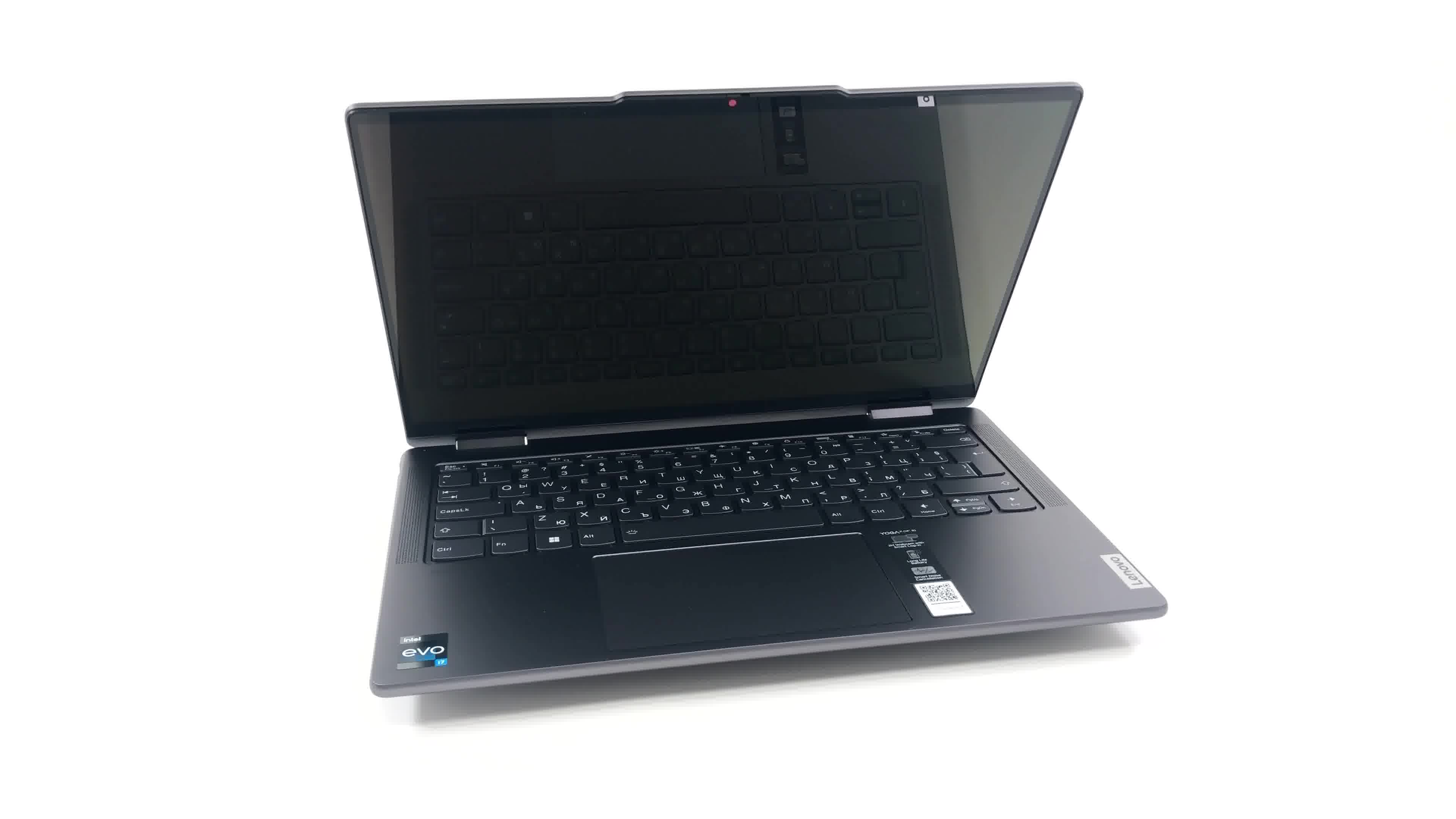
Lenovo Yoga 7i

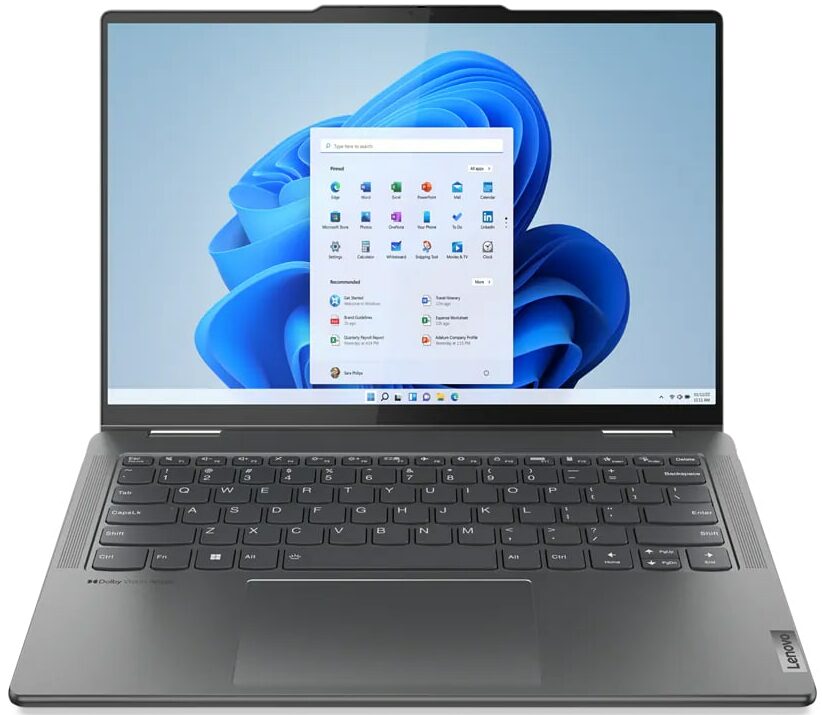
- Date Published: 13 May 2024
- Intel Core i7-1355U
- Intel Iris Xe Graphics G7 (80EU)
- 14.0″, 2.2K (2240 x 1400), IPS
- 1000GB SSD
- 16GB RAM
- 1.49 kg (3.3 lbs)
Review
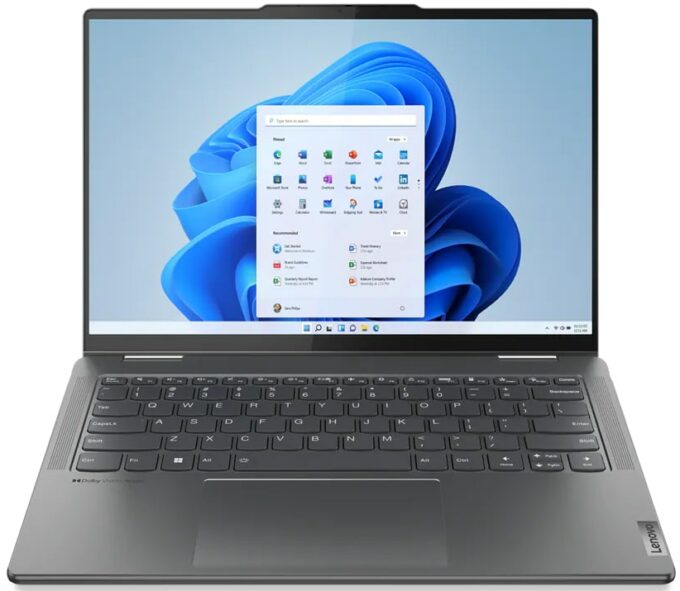
Lenovo Yoga 7i in-depth review
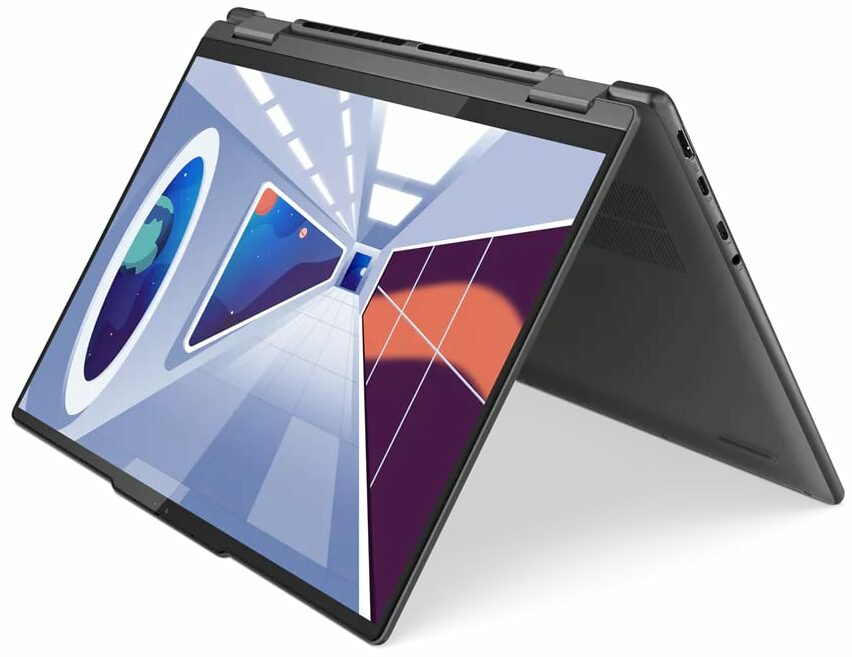
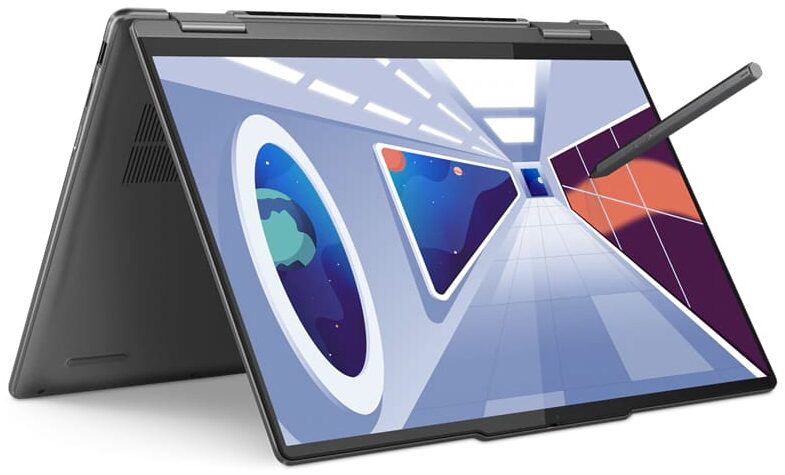
The Yoga 7 is one of Lenovo's premium series, which still remains relatively affordable. These devices have always excelled in their value, which made them a better choice than the Yoga 9 for example.This year, the Lenovo Yoga 7i (14", 2023), comes with Intel's U, and P-series Raptor Lake processors. In addition to that, they are part of the Evo platform, which is some sort of a guarantee that you're security, stability, and performance will be on point.Unlike many other "Yoga" devices, this one is indeed a convertible. Its hinges allow you to use the machine as a tablet - one of the more powerful ones.Not to mention the fact that you have a choice of one IPS and two OLED displays. We would personally go for one of the latter options. The main difference between them is that o[...]
Read the full review
Pros
- Good battery life
- Strong aluminum chassis
- Decent cooling
- 100% DCI-P3 + great color accuracy with our Gaming and Web design profile (LEN140WUXGA (LEN88AC))
- Infinite contrast ratio and very quick pixel response times (LEN140WUXGA (LEN88AC))
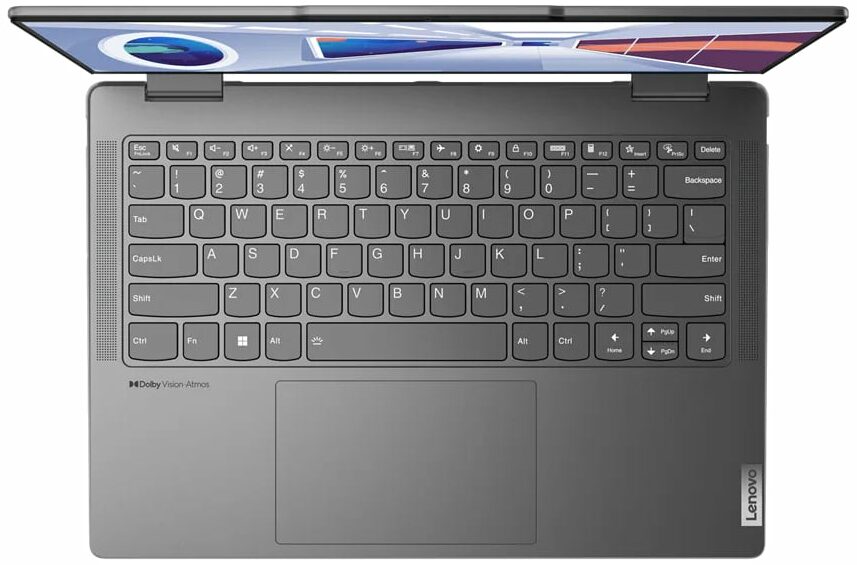
- IR face recognition + fingerprint reader
- 2x Thunderbolt 4 + HDMI + MicroSD card
Cons
- Soldered memory
Disassembly, maintenance and upgrade options
Unfortunately, the upgrade situation with the Lenovo Yoga 7i (14", 2023) is not great. It does not have SODIMM slots for memory expansion, while the single storage slot only fits 42mm drives.Check out all Lenovo Yoga 7i (14", 2023) prices and configurations in our Specs System, or read more in our In-Depth review.1. Remove the bottom plate To access this notebook's internals, you need to undo a total of 7 Torx-head screws. After that, pry the bottom panel with a plastic tool, starting from the front.2. Remove the battery Here, you can see a 71Wh battery pack. It lasts for[...]
Read more


![[June 2026] Best-Selling Laptop Brands on Amazon Global – Apple’s Unrivaled Dominance in Units and Revenue](https://laptopmedia.com/wp-content/uploads/2026/07/GLOBAL-Best-Brands-400x225.jpg)
![[June 2026] Amazon Global: Top 10 Best-Selling Laptops – Apple’s New MacBook Neo Storms to #1, Reshaping the Market with Affordability](https://laptopmedia.com/wp-content/uploads/2026/07/Best-Selling-Laptops-GLOBAL-Top-10-400x225.jpg)
![[June 2026] Amazon Global: Top 10 Best-Selling Gaming Laptops – Acer’s Nitro V 16S AI Dominates Sales, While ASUS Leads Overall Revenue](https://laptopmedia.com/wp-content/uploads/2026/07/Best-Selling-Gaming-Laptops-GLOBAL-Top-10-400x225.jpg)
![[June 2026] Global Ranking of Best-Selling Laptop GPUs on Amazon – NVIDIA RTX 5060 is the Top-Selling Dedicated GPU](https://laptopmedia.com/wp-content/uploads/2026/07/Best-Selling-GPUs-GLOBAL-Top-10-400x225.jpg)
![[June 2026] Global Ranking of Best-Selling Laptop CPUs on Amazon – Apple M5 Dominates, AMD Ryzen 7 260 Gets Solid Premium Share](https://laptopmedia.com/wp-content/uploads/2026/07/Best-Selling-CPUs-GLOBAL-Top-10-400x225.jpg)
