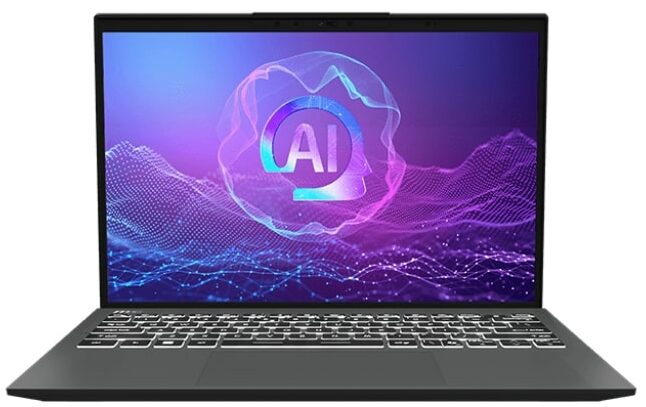
MSI Prestige 13 AI+ Evo
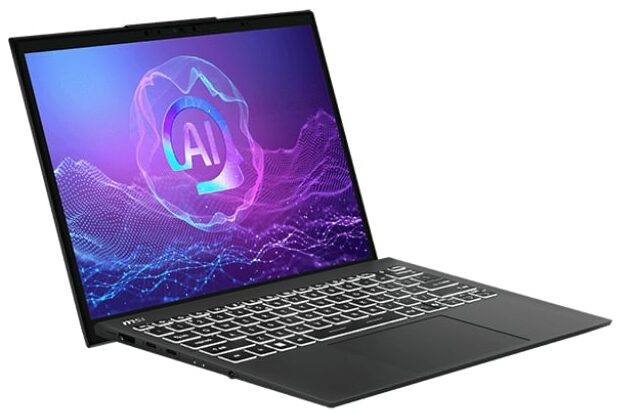
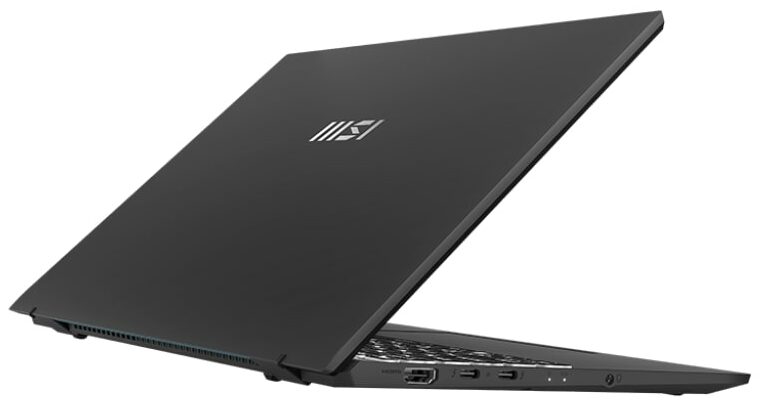
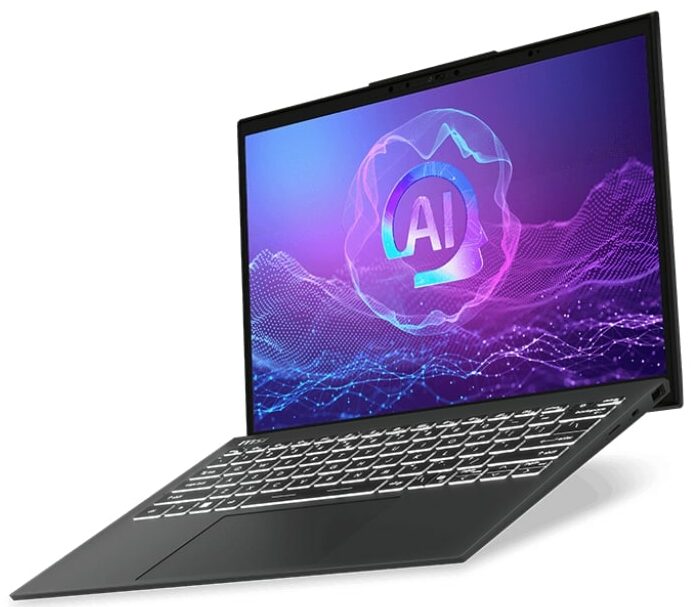
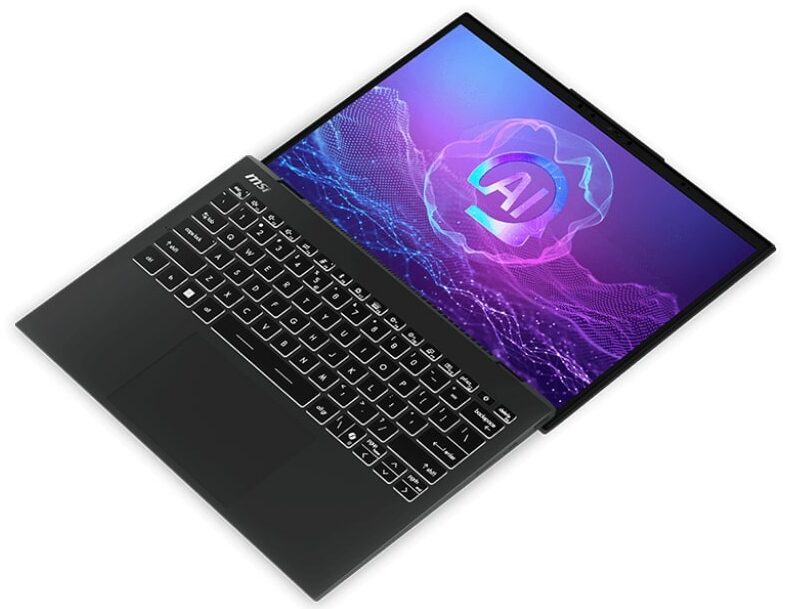
- Date Published: 24 Sep 2024
- Intel Core Ultra 7 258V
- Intel Arc Graphics 140V
- 13.3”, 2.8K (2880 x 1800), OLED
- 2000GB SSD
- 32GB RAM
- 0.99 kg (2.2 lbs)
Review
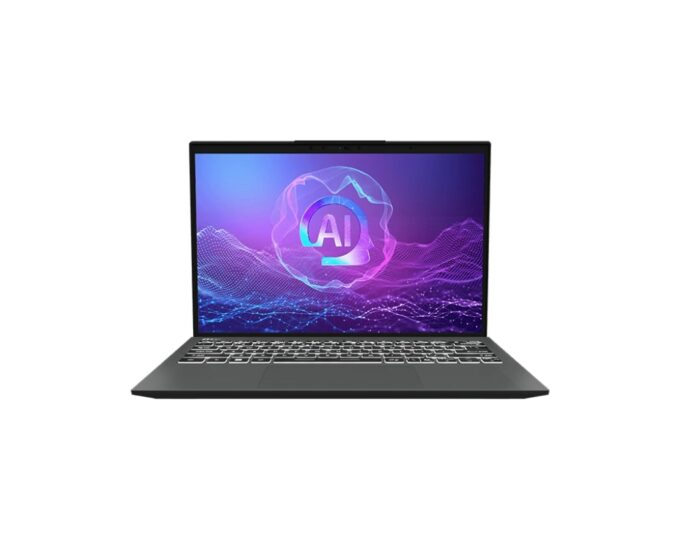
MSI Prestige 13 AI+ Evo in-depth review
The MSI Prestige 13 AI+ Evo A2VM is not just a Copilot+ PC for AI tasks. Despite its super light chassis, this small device is a multipurpose machine that is suitable even for entry-level gaming. Lunar Lake CPU is hidden under the hood alongside the potent Intel Arc Graphics 140V which scored 62FPS in Gears 5 on Medium details. The connectivity is the latest and greatest Wi-Fi 7 + Bluetooth 5.4 and you also get a pair of Thunderbolt 4 ports. Considering the processor platform and the size of this laptop, perhaps you already guessed that the upgradability is as limited as it gets.The default display for this MSI series is a 1200p unit. If you want to enjoy even crisper image quality, you can get the optional 2.8K (2880x1800) OLED (just like we did). We can hint that the latter boasts im[...]
Read the full review
Pros
- Good overall performance for a tiny 13-inch machine
- Up to 32GB LPDDR5x
- Infinite contrast ratio + wide viewing angles (SDC41A8)
- 100% DCI-P3 coverage + accurate color with our "Design and Office" profile (SDC41A8)
- ~ 400 nits of max brightness in SDR and 618 nits in HDR mode (SDC41A8)
- 2880x1800p resolution (SDC41A8)
- Relatively good keyboard
- Smooth and accurate touchpad
- Solid magnesium-aluminum chassis
- The Core Ultra 7 258V maintains a 2.74 GHz / 3.21 GHz P and LP-E core clock in long loads
- The MSI Center offers plenty of customizations
- 2x Thunderbolt 4s
- MicroSD Card reader
- 5MP IR Web camera
- Fingerprint reader (option)
- dTPM 2.0, fTPM 2.0, Lock Slot, privacy shutter
- The fan isn't too intrusive in "Extreme Performance" mode
- Fast SSD (Micron 2500 MTFDKBA1T0QG)
- 75Wh battery that lasts for around 17 hours of videos on a single charge
- Intel Evo-certified laptop
- Wi-Fi 7 + Bluetooth 5.4
- Light and thin (0.99 kg / 16.9 mm)
- Great iGPU performance
- The "Balanced" preset offers almost the same clocks as the "Extreme Performance" mode but the noise is lower with the former
Cons
- Pricey
- Limited upgradability
- The lid wobbles during typing
- PWM usage (SDC41A8)
Disassembly, maintenance and upgrade options
Step 1: Opening the MSI Prestige 13 AI+ Evo A2VMPower off the laptop and place it on a stable, static-free surface. Undo the seven Phillips-head screws securing the bottom plate. Using a lever tool, pop the two areas behind the hinges to create an initial gap. Pry the top edges and the rear of the bottom panel with a thin plastic tool. Finish by prying the sides and the front, then carefully lift the bottom plate away from the chassis.More info: The bottom panel design keeps internal components secure and minimizes flex, which is important for an ultra-light lap[...]
Read more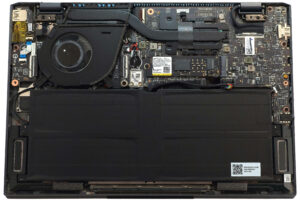
DISPLAY: 13.3-inch, 2880 x 1800, OLED
- Name
- ATNA33AA07-0 (SDC41A8)
- Diagonal
- 13.3"
- Pixel density
- 255.36 ppi
- Refresh rate
- 60 Hz
- Brightness
- 397 cd/m2
- sRGB
- 100%
- Panel Type
- OLED
- Resolution
- 2880 x 1800
- Becomes "Retina" from
- 14 inches (34 cm)
- Contrast
- infinite
- dE Color Checker
- 1.8 1.4

Buy our profiles for ATNA33AA07-0 (SDC41A8)
In addition to receiving efficient and health-friendly profiles, by buying LaptopMedia's products you also support the development of our labs, where we test devices in order to produce the most objective reviews possible.

Design and Office
The Design and Office profile makes display colors as close to real as possible.Ideal not only for professionals but also for everyday users, it meets sRGB standards (D65 white point, sRGB gamma) with minimal DeltaE for precise color reproduction on your panel.

Gaming and Movies
Have you ever watched a movie where, during dark scenes, you can barely see anything? Many displays fail to distinguish dark tones properly. Our Gaming and Movies profile enhances low-light performance, like HDR tech, using a gamma curve tailored to human perception — ideal for gamers seeking faster reactions and clearer visuals.

Health-Guard
Our Health-Guard profile protects your eyes by eliminating PWM flickering, reducing strain and fatigue, and minimizing harmful Blue light exposure that can disrupt sleep and health. It uses software dimming and a gamma curve tailored to human perception for comfort and safety during screen use.



![[June 2026] Best-Selling Laptop Brands on Amazon Global – Apple’s Unrivaled Dominance in Units and Revenue](https://laptopmedia.com/wp-content/uploads/2026/07/GLOBAL-Best-Brands-400x225.jpg)
![[June 2026] Amazon Global: Top 10 Best-Selling Laptops – Apple’s New MacBook Neo Storms to #1, Reshaping the Market with Affordability](https://laptopmedia.com/wp-content/uploads/2026/07/Best-Selling-Laptops-GLOBAL-Top-10-400x225.jpg)
![[June 2026] Amazon Global: Top 10 Best-Selling Gaming Laptops – Acer’s Nitro V 16S AI Dominates Sales, While ASUS Leads Overall Revenue](https://laptopmedia.com/wp-content/uploads/2026/07/Best-Selling-Gaming-Laptops-GLOBAL-Top-10-400x225.jpg)
![[June 2026] Global Ranking of Best-Selling Laptop GPUs on Amazon – NVIDIA RTX 5060 is the Top-Selling Dedicated GPU](https://laptopmedia.com/wp-content/uploads/2026/07/Best-Selling-GPUs-GLOBAL-Top-10-400x225.jpg)
![[June 2026] Global Ranking of Best-Selling Laptop CPUs on Amazon – Apple M5 Dominates, AMD Ryzen 7 260 Gets Solid Premium Share](https://laptopmedia.com/wp-content/uploads/2026/07/Best-Selling-CPUs-GLOBAL-Top-10-400x225.jpg)
