Lenovo’s solution to the Yoga “ghost touches” problem
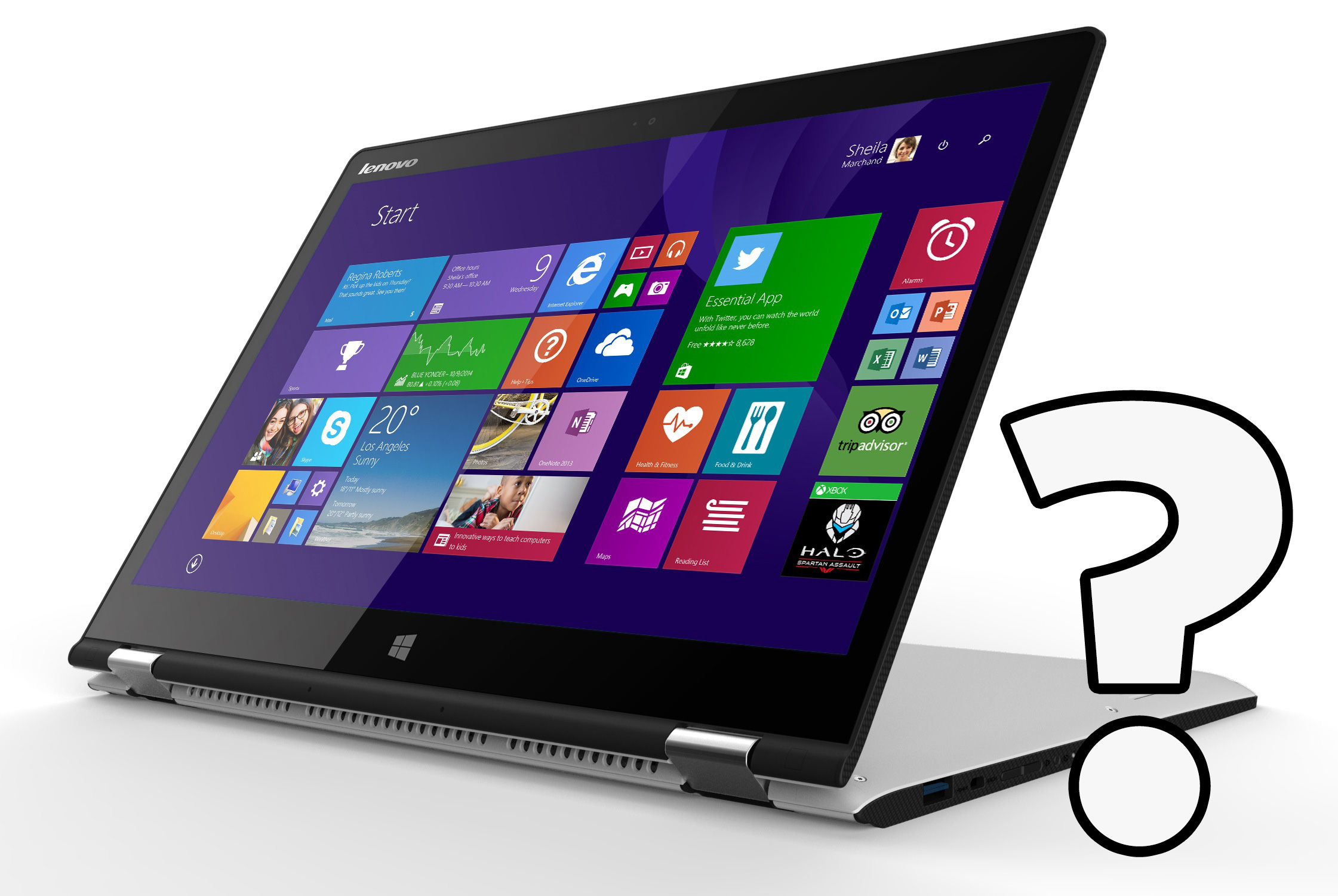 Recently, we showed you an annoying touchscreen problem we stumbled upon while testing Lenovo’s latest Yoga – from time to time (once or twice a day) the notebook starts registering clicks on its own, in random positions. At first, we thought that it’s a hardware-related issue (faulty digitizer, maybe?).
We found more users that are experiencing this kind of problem and, of course, we contacted Lenovo. According to the manufacturer, it’s a software bug which could be resolved by calibrating the display.
The engineering sample of Yoga 3 we had is no longer in our office, but if you have the same problem, you can try to calibrate your machine. Don’t forget to share the result with us in the comment section! Also, If you have any questions, we’ll do our best to help.
In the meantime, you might want to read our in-depth review of Lenovo Yoga 3.
 Author: Simeon NikolovEditor-in-Chief at LaptopMedia.com with 20+ years of experience in testing and analyzing laptops and mobile devices.

![[August 2026] Amazon Italy: Top 10 Best-Selling Laptops – Apple MacBook Neo Claims the Crown as Budget and Mid-Range Windows Machines Dominate Volume](https://laptopmedia.com/wp-content/uploads/2026/09/Best-Selling-Laptops-IT-Top-10-400x225.jpg)
![[August 2026] Amazon Italy: Top 7 Best-Selling Gaming Laptops – ASUS V16 Claims the #1 Spot Amid Strong Mid-Range Demand](https://laptopmedia.com/wp-content/uploads/2026/09/Best-Selling-Gaming-Laptops-IT-Top-10-400x225.jpg)
![[August 2026] Best-Selling Laptop Brands on Amazon Italy – Lenovo Dominates Market Share and Revenue Leadership](https://laptopmedia.com/wp-content/uploads/2026/09/IT-Best-Brands-400x225.jpg)
![[August 2026] Amazon India: Top 10 Best-Selling Laptops – Apple MacBook Neo Dominates the Charts with Massive Sales Lead](https://laptopmedia.com/wp-content/uploads/2026/09/Best-Selling-Laptops-IN-Top-10-400x225.jpg)
![[August 2026] Amazon India: Top 10 Best-Selling Gaming Laptops – HP Victus 15 Dominates the Market with Massive Unit Lead](https://laptopmedia.com/wp-content/uploads/2026/09/Best-Selling-Gaming-Laptops-IN-Top-10-400x225.jpg)

Thanks for contacting Lenovo about this. Tried calibrating and the ghost touch problem was not resolved on my Yoga 3. According to the Lenovo forum, Lenovo is still working on a solution to this.
https://forums.lenovo.com/t5/Lenovo-Edge-Yoga-LaVie-Z-Flex/Yoga-3-14-inch-Touch-Screen-Issues/td-p/2034547
https://support.lenovo.com/us/en/documents/ht103512 I found the fix that WORKS #YogaGhostFix
thanks bro
yes Lenovo takes lot of time to solve this annoying problem!!
i have the same issue so much so I had to disable the touch screen and operate as a standard laptop. if there is a solution I would love to get it, i think it may be a heat build put / hardware problem because it seem to work ok for about 1 hour then the ‘ghost’ arrives.
https://support.lenovo.com/us/en/documents/ht103512
There’s a firmware update for the LG Panels.
Perfect, it works very good.
No phanton touchscreen behavior anymore. I too…. owe you so much!!!
Thanks heaps! my Lenovo was doing the ghost touches from 10 times a day up to 10 times an hour! Driving me insane! The update solved the problem 🙂
Disconnect external displays before installing
Thanks from Ukraine, bro!
workd with lenovo yoga 700 too thanks !!!
have been dealing with this ghosting issue a while. Glad to see there is a fix and it appears to have run correctly. Will need a week to determine of problem is truly gone
https://support.lenovo.com/us/en/documents/ht103512
This worked perfect ^^^^^^^ thank you so much. Turns out i had a lg display. I was about to return the computer. I got it yesterday and was so frustrated.
I love you really men!!!!! me too I was abut to returning it and then… miracle!!! I owe you so much!!!
Calibrating made the ghost touches worse on my laptop
To all those who still have this issue, try uninstalling all the Lenovo pre-installed software from “Add or Remove Programs’ except these four: Bluetooth, easycamera, onekey and pointing device. You can even uninstall lenovo wifi as windows can take care of it by itself. The problem I think is Lenovo software competing with Windows for optimizing touch at some level. Not worth it!
I bought my yoga 3 2 days ago, and as soon as I started it, I got ghosting problems. Once I removed the above software, I haven’t noticed any more bugs at all. Hope this helps!
I have the same problem with tab A3300 GV , how can I calibrate the screen on this device??
OK, I was experiencing the SAME EXACT issue on my Yoga 3. I just hung up with tech support. While on the phone with them they took control of my computer and went to Settings>About>Device Manager>Mice and Other Pointing Devices. They expanded that menu and Uninstalled everything EXCEPT “Lenovo Pointing Device”. TS stated that the extra drivers were causing a conflict. TS then went to Settings>About>System Info>Advanced System Settings>selected the “Hardware” tab>Device installation settings. They selected the “No, Let me choose what to do” button and then selected the “Never install driver software from windows update” button. They then UNCHECKED… Read more »
did it help?
I was advised by Lenovo to return my Yoga 3 due to regular spurts of phantom touches, which I did. Amazon was kind to accept the return although I had run over the warranty with a couple of days and exchanged it for an identical machine. This new laptop has served me well for about 10 days but just now I had the issue again !!!!!!!!!! So, so frustrating as I depend completely on my laptop for my work. If this is such a big issue why doesn’t lenovo get it sorted? Must cost the company loads in returned products… Read more »
The problem with calibrating is the ghost touches happen while you are trying to do it!
Kenneth krash is it evn working now.. propey.. evn I hav followed steps ?
Why would the customer have to do this calibration, update, fix anything on a brand new laptop??? where is the quality control??? this is absurd!!!
Okay, so both Keerthi (18 November 2015 19:28) and Biff (3 December 2015 15:37) suggested uninstalling some software that Lenovo has that is competing with Windows OS software.
Could someone give a detailed on what EXACTLY to uninstall and EXACTLY how to do that. I have some computer skills, but probably just enough to get me into trouble, so a detailed step-by-step tutorial would be GREATLY appreciated.
I have same problem in my new Lenovo yoga 700 14″ un fotunately. How can I update?