Acer Nitro V 15 (ANV15-51) review – successful symbiosis between the Aspire and the Nitro series
Disassembly, Upgrade options, and Maintenance
If you want to have a look at the internals, you have to undo 11 Phillips-head screws. Then, you can pop the bottom plate with a plastic tool starting from one of the top two corners. Under the hood, the laptop looks similar to the Acer Aspire 7 (A715-76G).
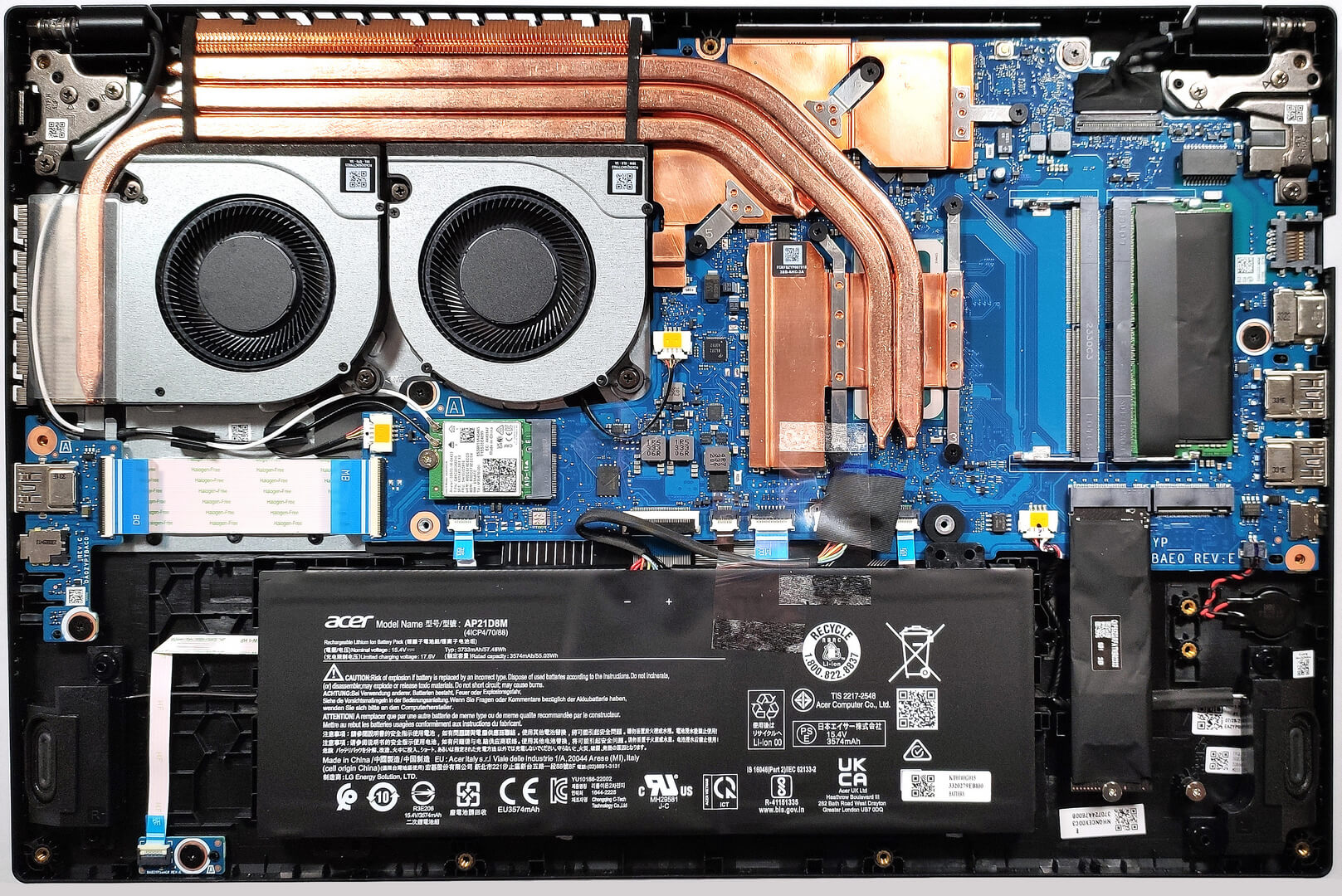
The battery isn’t fixed to the chassis with screws because there is a dedicated socket for it on the inside of the bottom panel that is keeping the unit in place.
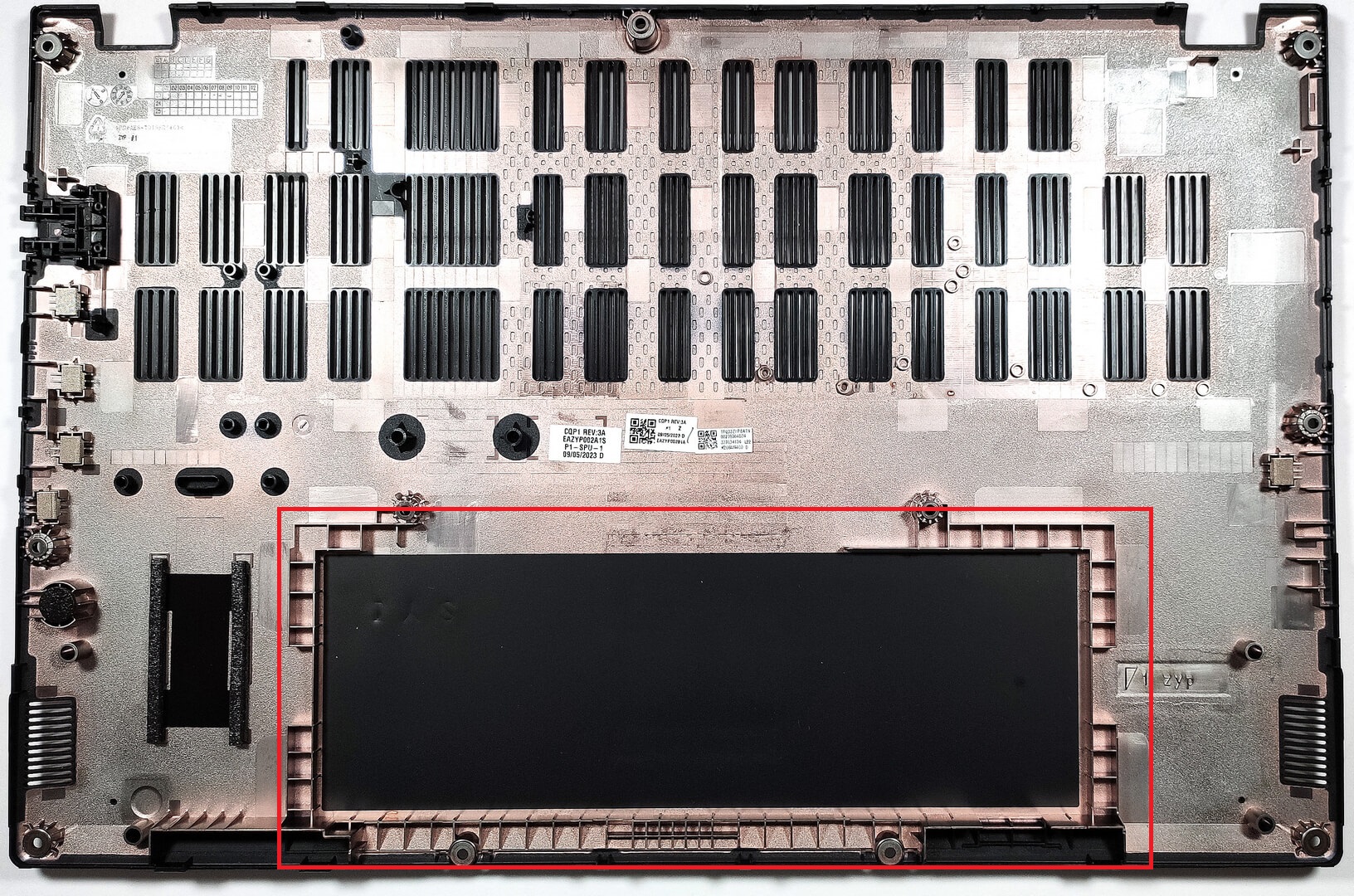
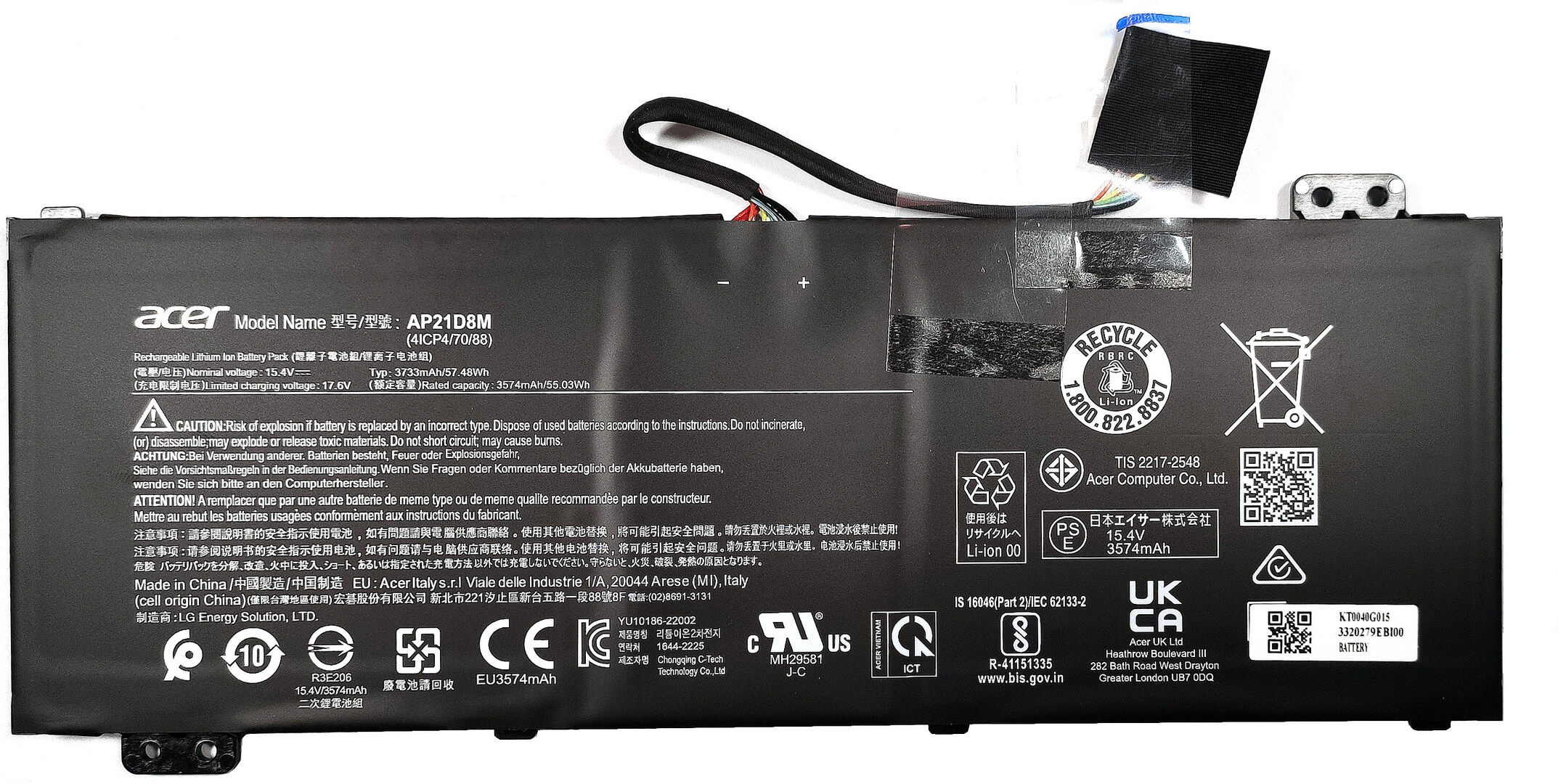
The battery is a 57Wh model. If you want to remove it, just pull out the connector from the mainboard, and you can lift it away from the base safely. The capacity is enough for 7 hours and 42 minutes of Web browsing, or 6 hours and 40 minutes of video playback. Not bad considering the thirsty H-series CPU and the small battery capacity.
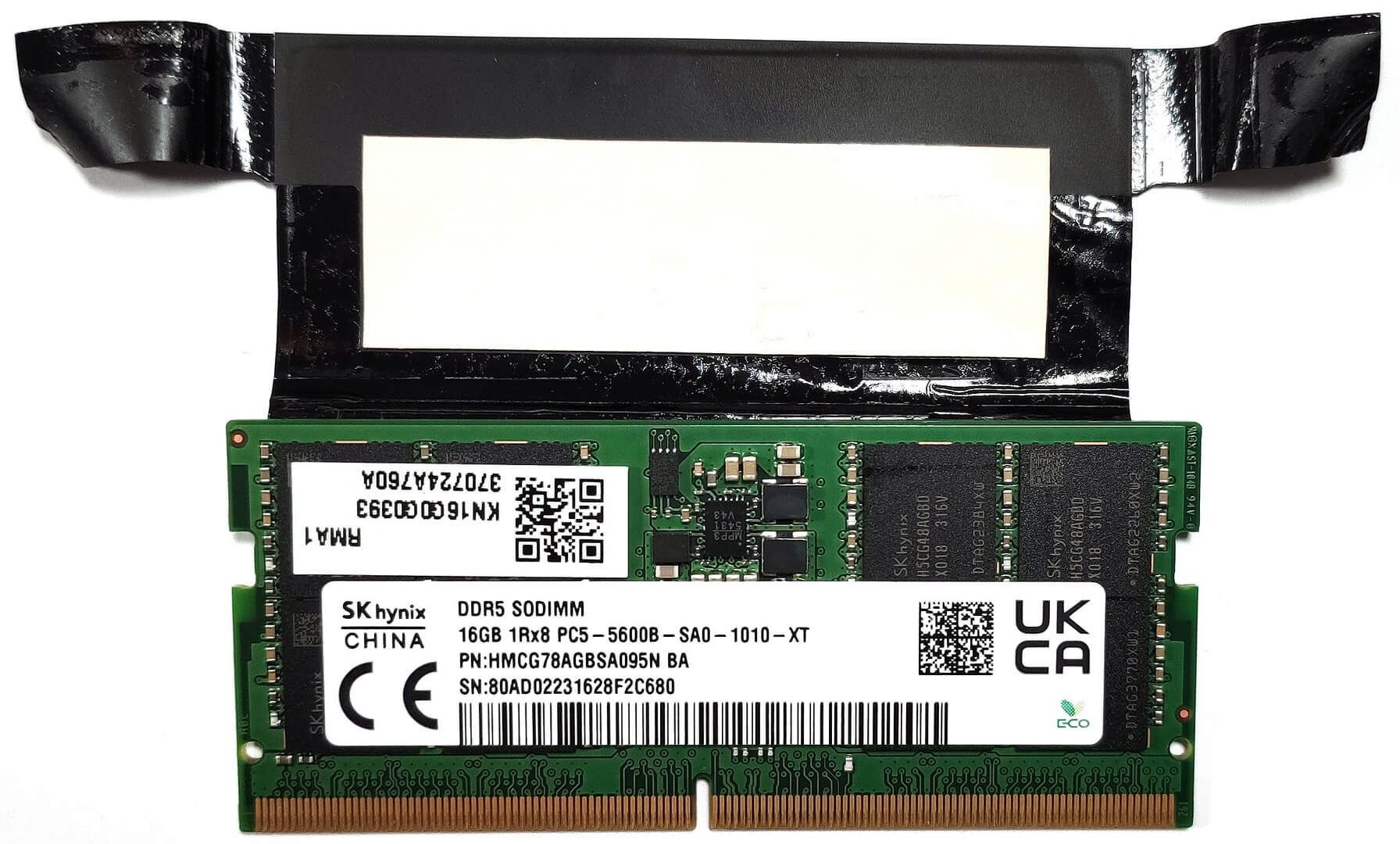
The two SODIMMs fit up to 32GB of DDR5-5200MHz RAM in dual-channel mode. The RAM stick is additionally cooled by a thermal pad.

For storage, you can rely on two M.2 slots – one for Gen 4 and one for Gen 3 SSDs.


The cooling looks good for such a device. It comprises two fans, three heat pipes, one large top-mounted heat sink, a smaller one on the left, as well as two heat spreaders.

 Author: Nikolay Palaozov
 Author: eng. Kroum NikolovHead of Engineering at LaptopMedia.com, inventor and innovator with 40+ years of experience in electronics and high technology.

![[August 2026] Amazon USA: Top 10 Best-Selling Laptops – Apple MacBook Neo Dominates the Market with Massive Unit Sales!](https://laptopmedia.com/wp-content/uploads/2026/09/Best-Selling-Laptops-COM-Top-10-400x225.jpg)
![[August 2026] Amazon USA: Top 10 Best-Selling Gaming Laptops – ASUS ROG Strix G16 Dominates the Market with Massive Unit Sales](https://laptopmedia.com/wp-content/uploads/2026/09/Best-Selling-Gaming-Laptops-COM-Top-10-400x225.jpg)
![[July 2026] Amazon Global: Top 10 Best-Selling Laptops – Apple MacBook Neo Dominates the Charts as Budget and Premium Notebooks Split the Market](https://laptopmedia.com/wp-content/uploads/2026/08/Best-Selling-Laptops-GLOBAL-Top-10-400x225.jpg)
![[July 2026] Amazon Global: Top 10 Best-Selling Gaming Laptops – ASUS ROG Strix G16 Dominates the Global Market with Record-Breaking Unit Sales](https://laptopmedia.com/wp-content/uploads/2026/08/Best-Selling-Gaming-Laptops-GLOBAL-Top-10-400x225.jpg)
![[July 2026] Global Ranking of Best-Selling Laptop GPUs on Amazon – RTX 5060 Dominate Premium, Intel Still Rules Budget](https://laptopmedia.com/wp-content/uploads/2026/08/Best-Selling-GPUs-GLOBAL-Top-10-400x225.jpg)

How to achieve something like your “Gaming and Design” profile?
Hey Carl, If you want to use it to improve your display, you can purchase the profiles it here. Then, install our LM Profiles app (or another app for .icm profiles, though LM Profiles is the easiest to use, and has a PWM-free brightness slider), and simply drag & drop the profiles into it 🙂 If you’re asking how we created it, we’ve invested in a laboratory equipped with expensive gear, and selling these profiles helps us recoup some of our investment. Alternatively, you could get an entry-level calibrator, like a Spyder, and learn to make display profiles yourself 🙂… Read more »
Что находится в правом краю ноутбука ниже карт памяти, часть, соединëнная красным и чëрным проводом
It might be a CMOS battery
Du Du Du Du Max Verstappen ~
Must be the CMOS battery
Does it have an turbo mode ?
Can i ask the size of the heatsink screws