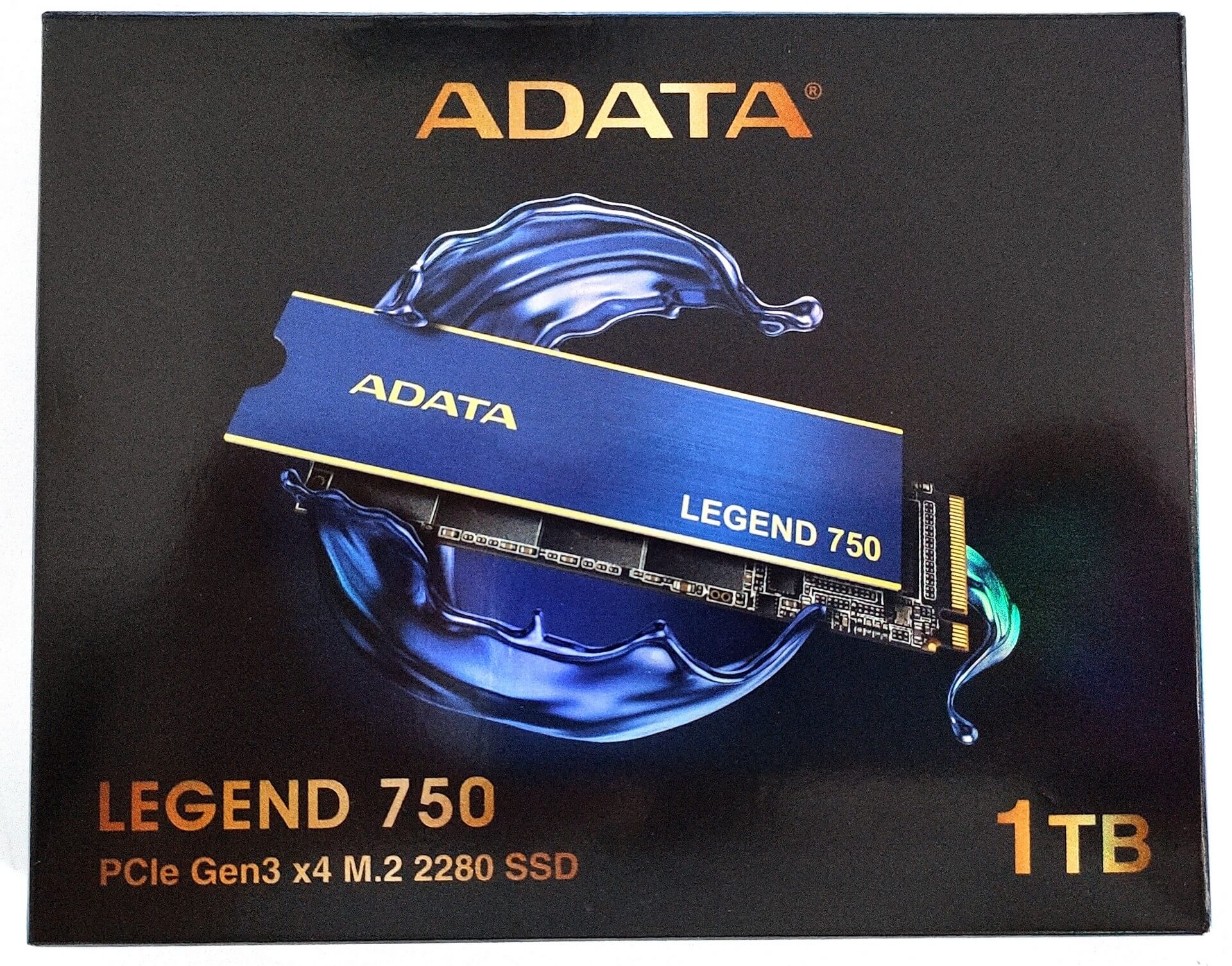
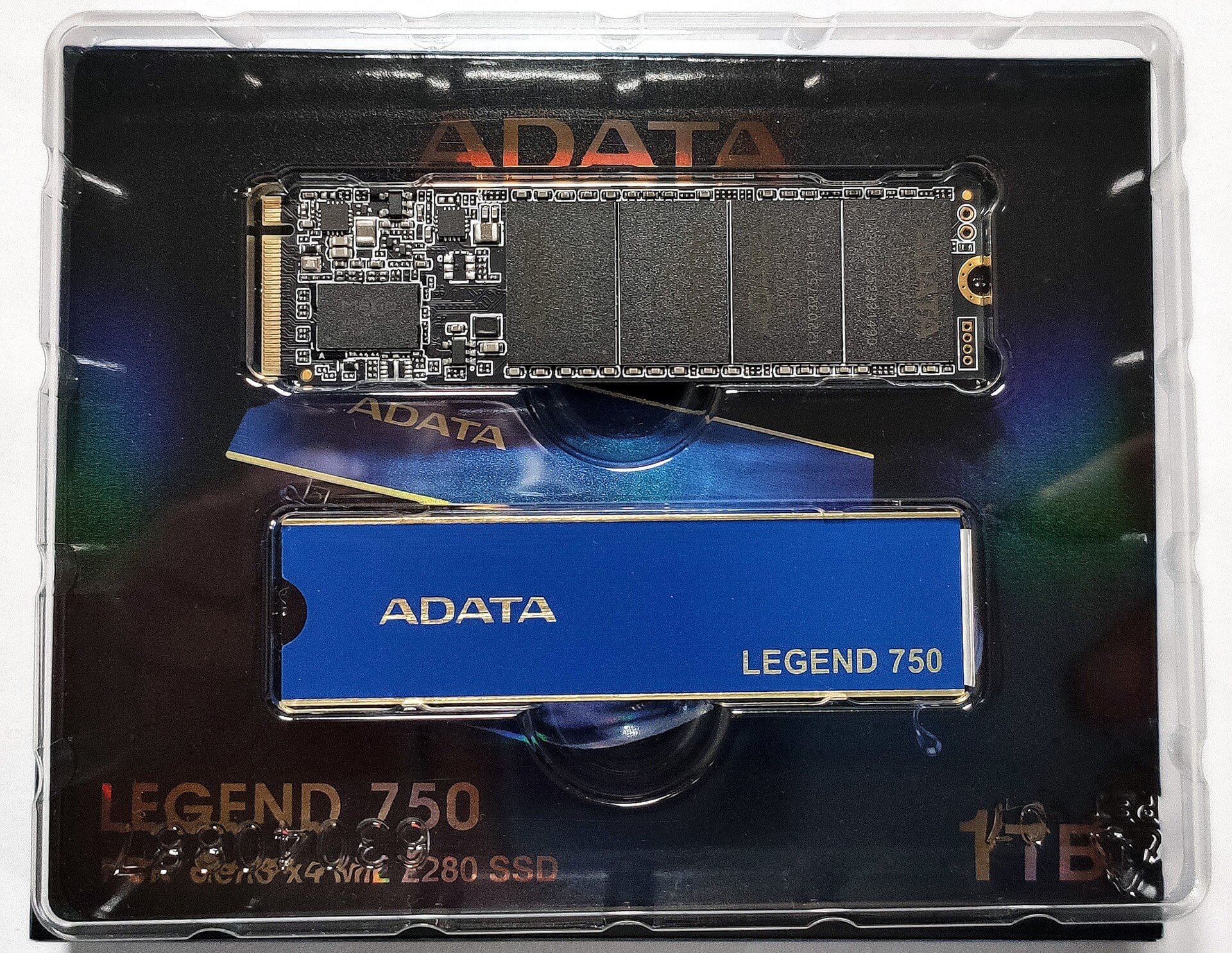
The Gen. 5 SSDs soon will become the new normal but for the regular even a decent Gen. 3 NVMe drive is still more than enough. Yes, for basic daily tasks, gaming, OS install, etc, a not-so-expensive device is just fine, except for the QLC drives which are mainly suitable for storage / read needs because of the low TBW warranty period and low 4K speeds. Today we're going to show a well-priced NVMe Gen. 3 drive named ADATA Legend 750 1TB. We already have a review of the ADATA Legend 710 1TB and this time we'll test the bigger sibling. The manufacturer is claiming up to 3.500MB/s and 3.000MB/s Sequential Read / Write speeds which on paper looks like an upper-tier NVMe. That's a bold claim and we'll inspect the performance of the drive with the aid of some popular benchmarks. On the other hand, it's clear to us that some corners have been cut because of the low end price. This ADATA NVMe lacks DRAM but it comes with SLC Cache so let's check if it's worthy or not. You can check the current price of ADATA Legend 750 1TB here: Specs Sheet ADATA Legend 750 1TB Capacity 500GB / 1TB Dimensions (L x W x H) 80 x 22 x 3.13mm / 3.15 x 0.87 x 0.13inch (with heat sink) 80 x 22 x 2.15mm / 3.15 x 0.87 x 0.09inch (without heat sink) Weight 9g / 0.32oz (with heat sink) 6g / 0.24oz (without heat sink) Interface PCIe Gen 3 x4 NAND Type 3D TLC DRAM No SLC Cache Yes Sequential Read (Max) Up to 3.500MB/s Sequential Write (Max) Up to 3.000MB/s Op. Temperature 0°C - 70°C Storage temperature -40°C - 85°C Controller MAXIO MAP1202A-F1C TBW 600TB Warranty 5-year limited warranty What's in the box? The package is business as usual - the Legend 750 1TB is hidden in a compact glossy box. Inside, you'll find the NVMe and a heat spreader both well-secured in a plastic protective cover. Design The ADATA Legend 750 1TB looks similar to most NVMe drives out there. As you may already guess, the length is 80mm so it'll fit with ease in most modern laptops or desktop motherboards. The good news is that the heat spreader is not pre-applied so you can use your own third-party cooling solution and without the thin metal plate, this drive can be installed into an external enclosure (which is a great idea for a super-fast flash driver replacement). We have to warn you that once the heat spreader is already installed it's a hard job to be removed. You have to use a plastic pry tool to gently unglue the thermal pad from the chips on the PCB. The backside of the devices houses a sticker with some additional info regarding the drive. Below you can see pictures of the controller and the memory. Installation, Benchmarking, and Real-life performance Installing the NVMe into a laptop is very easy. You have to remove the protective sticker of the heat spreader that is covering the thermal pad. Then, you can apply the thin metal piece on top of the SSD. After that, the only thing that you have to do is to plug the drive into a free M.2 PCIe slot and secure it by inserting a screw into the provided mount on the motherboard. For this review, we are using the Acer Predator Triton 300 (PT315-51) as a test machine. This one has two M.2 Gen 3 slots and expectedly one of them is occupied by the ADATA Legend 750 1TB. Benchmark Read Write Crystal Disk Mark 3413 MB/s 2977 MB/s ATTO Disk Benchmark 3200 MB/s 2800 MB/s ATTO Disk Benchmark IOPS 82.75K IO/s 93.25K IO/s AS SSD Benchmark 2951 MB/s 2359 MS/s AS SSD Benchmark Score 1652 1657 HD Tune Random Seek 8MB 2580 MB/s 391 MB/s HD Tune Sequential Read/Write 2242478 KB/s 1883275 KB/s The table below contains the most important data gathered from the benchmark results. The scores are above the average for a Gen. 3 NVMe which is definitely good. Here are some screens from the tests: ISO read and write As always, we'll use our 31GB ISO file to simulate some real-life daily copy-and-paste operations. The first screenshot is showing the reading speed while the second one indicates the write speed - 1.61 GB/s is just fine. We were pleasantly surprised by the drive thermals during load. After all the benchmarks that we performed the maximum reached temperature was just 40°C which is fantastic and throttling is not an issue here. For example, the slower ADATA Legend 710 was reaching 57°C while we pound it with some serious load. In short, the provided heat spreader is all you need and you don't have to spend additional money to buy a third-party heat sink. We filled the whole drive with the aid of HD Tune's built-in benchmark. We observed around 1250 MB/s for the first 50GB, after that the write speed settled around 1000 MB/s until reaching the 300GB mark. After ~350GB the SLC buffer is saturated and the drive can rely on its native TLC flash. Still, even in this scenario the speeds we're a bit jumpy between 375 MB/s and ~700 MB/s (in most cases) which is okay for a DRAM-less SSD. Have a look at some additional tests as well: Verdict The ADATA Legend 750 1TB is a pleasant surprise for us. Sure, there are faster Gen. 3 drives out there but as we said, this one definitely is showing above-average benchmark results. Most users will not sense the absence of DRAM because of the large SLC Cache which is around 350GB and this is just enough even for a system drive. Unless you need an NVMe for sustained write loads, this ADATA SSD is snappy enough for daily tasks and for gaming as well. The mix of MAXIO MAP1202A-F1C controller and TLC memory works well and the second big advantage of this NVMe is the temperature under load. The maximum reached value after our testing is just 40°C which is great. The provided heat spreader is more than enough for this ADATA SSD and you don't have to spend additional money on a third-party heat sink. Thermal throttling was not observed at all! The included heat spreader is a nice bonus and it's not pre-applied so you can use your own heat sink if you already have one. So, if you need an NVMe on a budget but you don't want to buy a slow QLC drive, the ADATA Legend 750 can be a great choice because it's not expensive, it performs well for a Gen. 3 SSD, it's not hot under load, and it has a decently large SLC Cache which makes it suitable for a system drive as well. You can check the current price of ADATA Legend 750 1TB here: