ASUS ROG Strix SCAR 17 G733 (2023) review – gaming powerhouse with fast display and great hardware
Design and construction
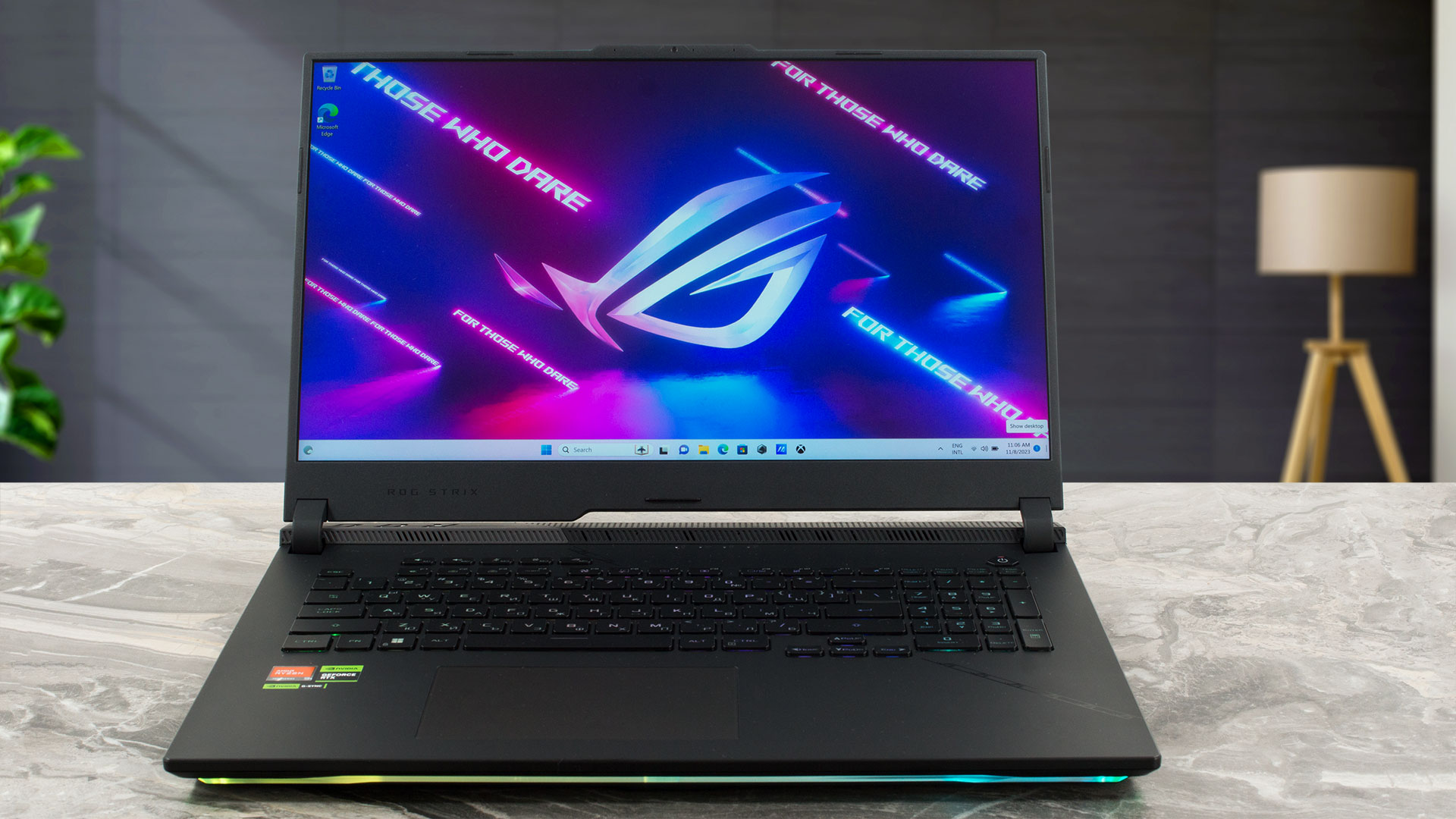
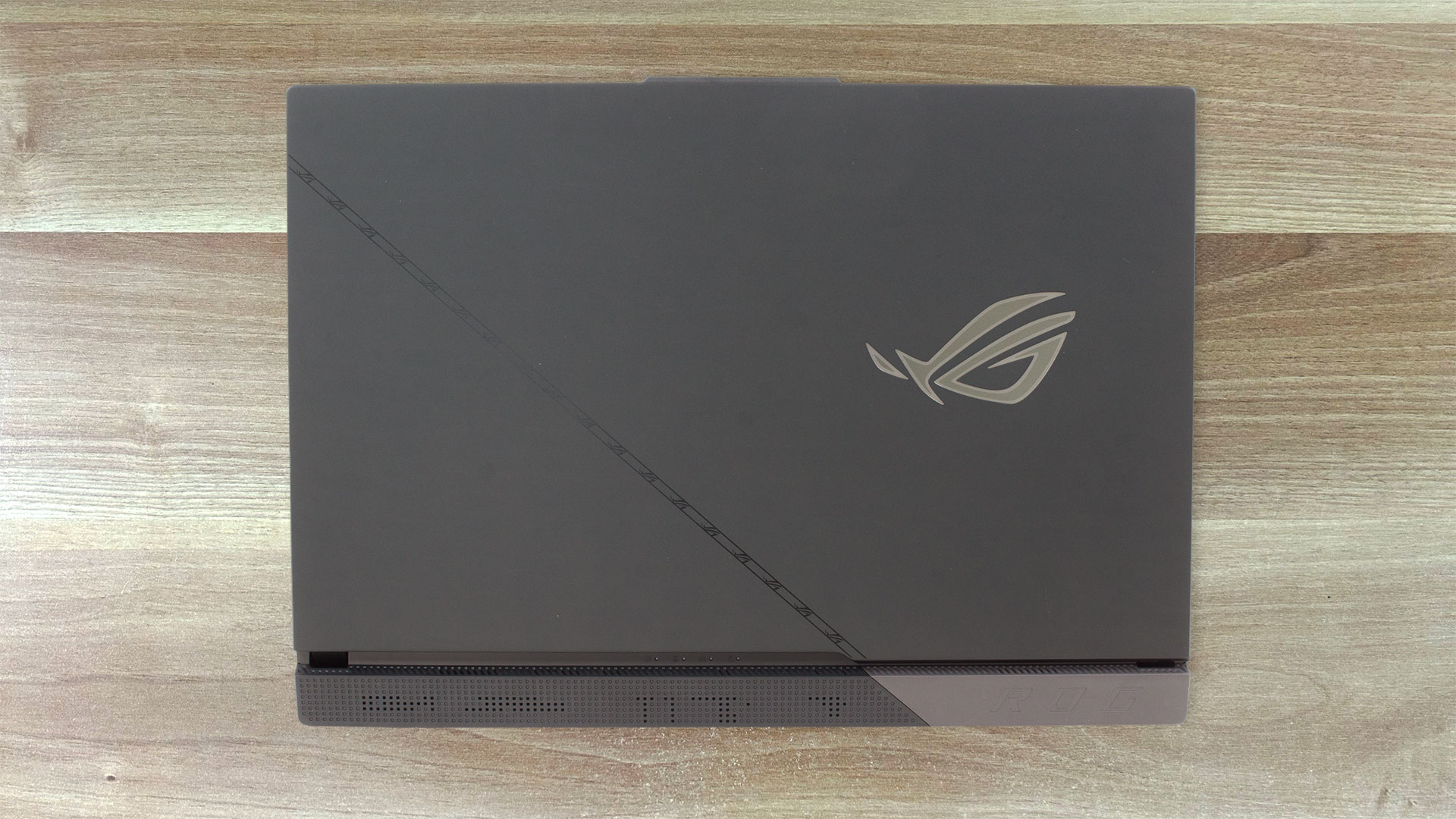
The laptop looks like a typical ASUS gaming device with a back that is higher than the front. We can see the illuminated ROG logo on the lid that has a protrusion in the center for easier opening. The matte finish doesn’t attract a lot of smudges while we saw a lot of fingerprints on the glossy base after an hour of usage. The notebook is made of a combination of aluminum and plastic. The noticeable non-metal parts are the bottom panel and the hinge cover. The dimensions seem standard for a 17-incher with powerful internals – 3.00 kilos of weight and 23.4 ~ 28.3 mm profile thickness. The lower front part of the base houses a big RGB stripe.
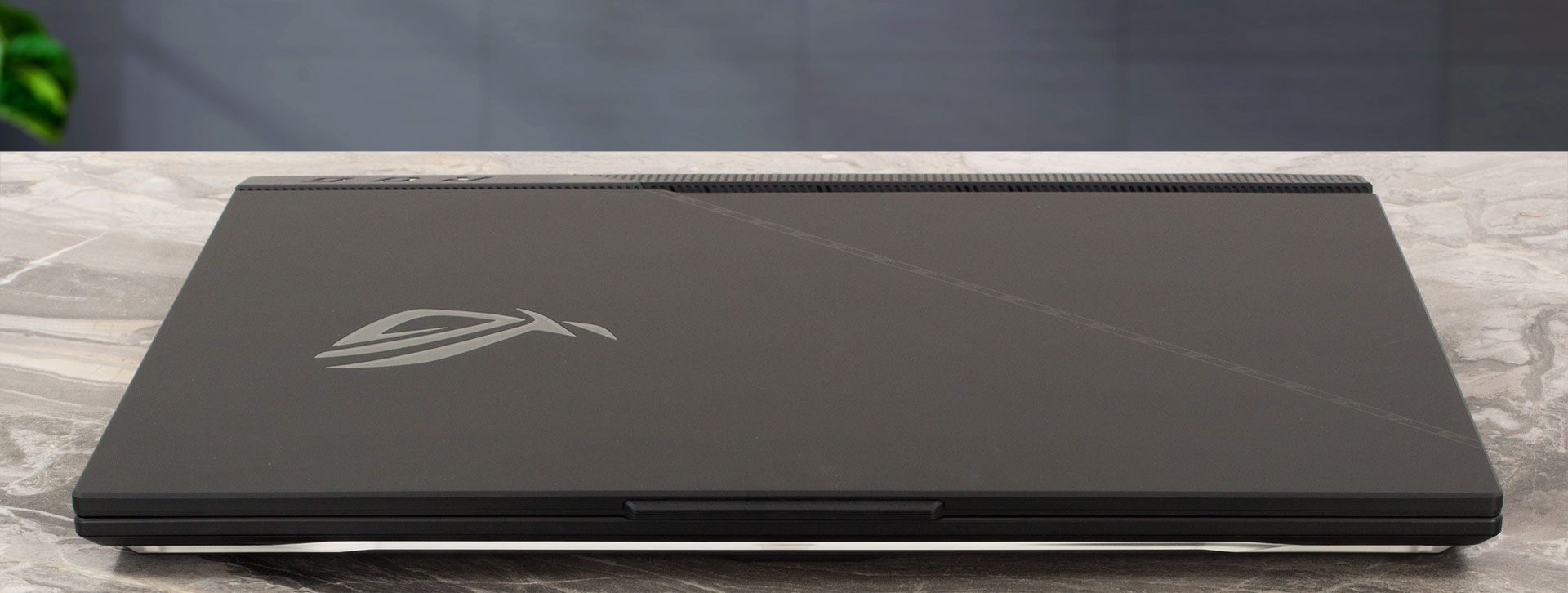
The lid can be opened with one hand and this happens smoothly. You can flex it averagely, while the base is solid for the most part if you don’t count the zones beneath the Arrow keys and the top area of the left palm rest zone. There, we saw some slight bends.
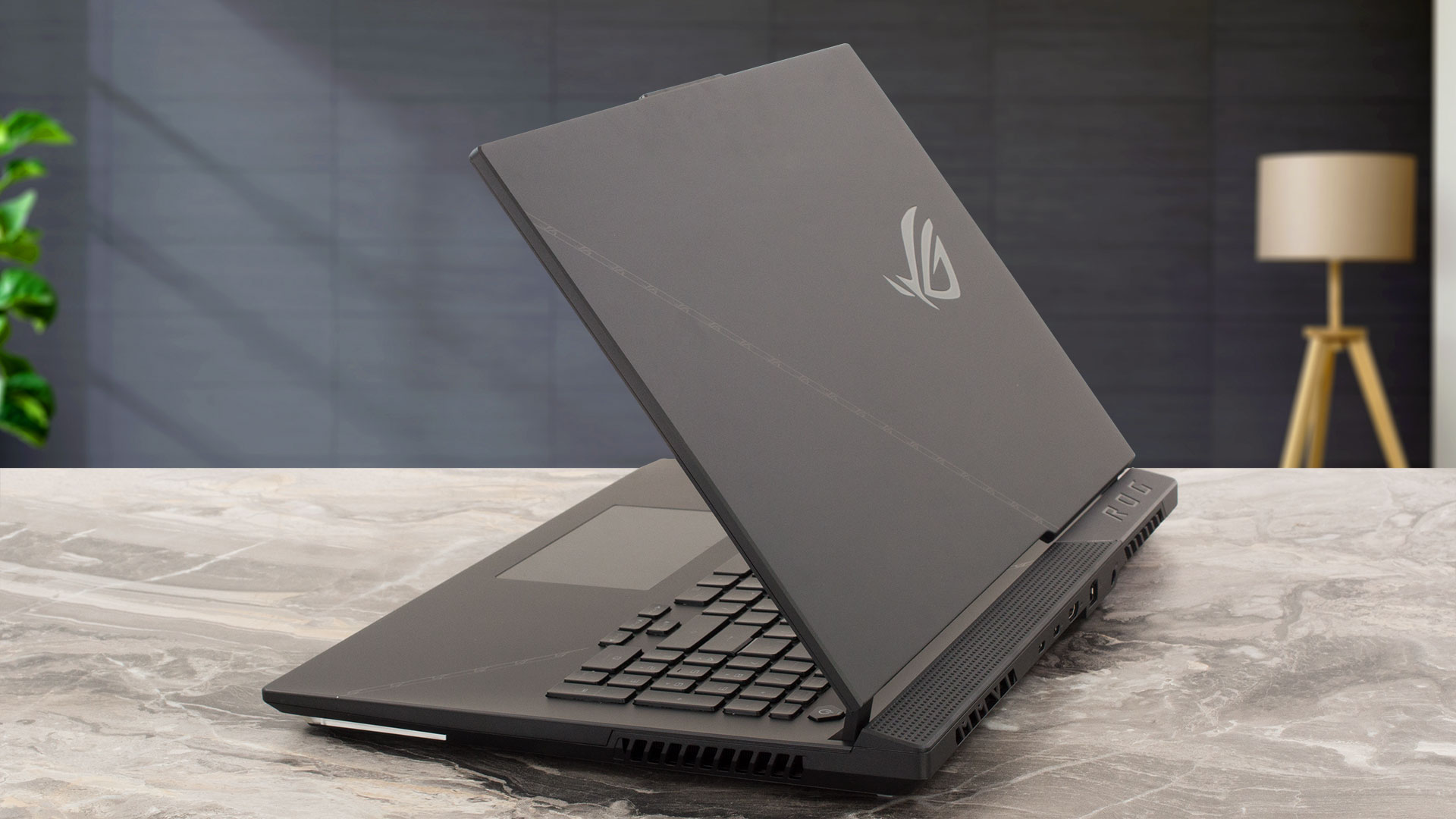
The “chin” below the panel is thicker than the other three bezels which are very thin. The “hump” of the top one is a home of a 720p Web camera.
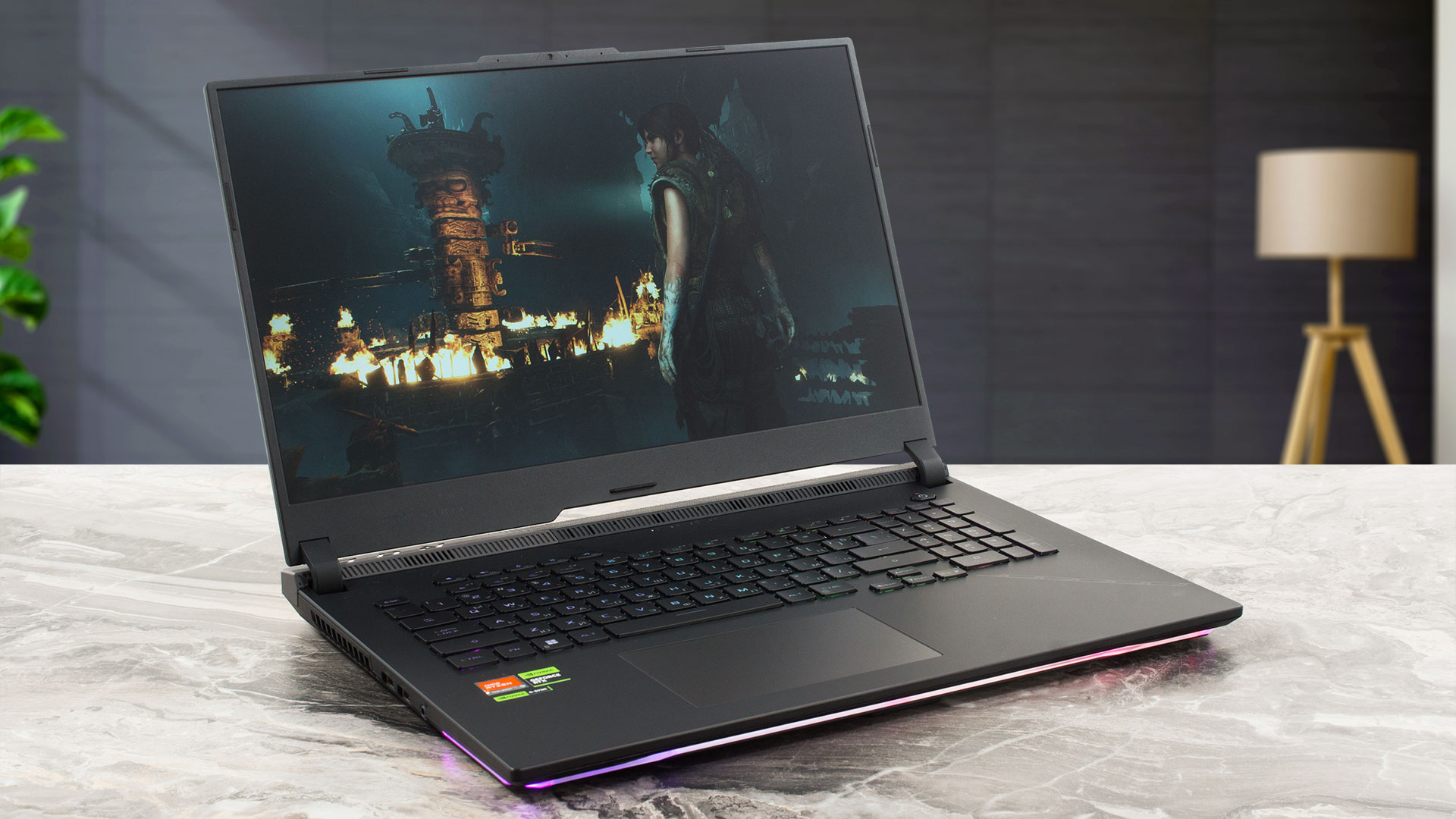
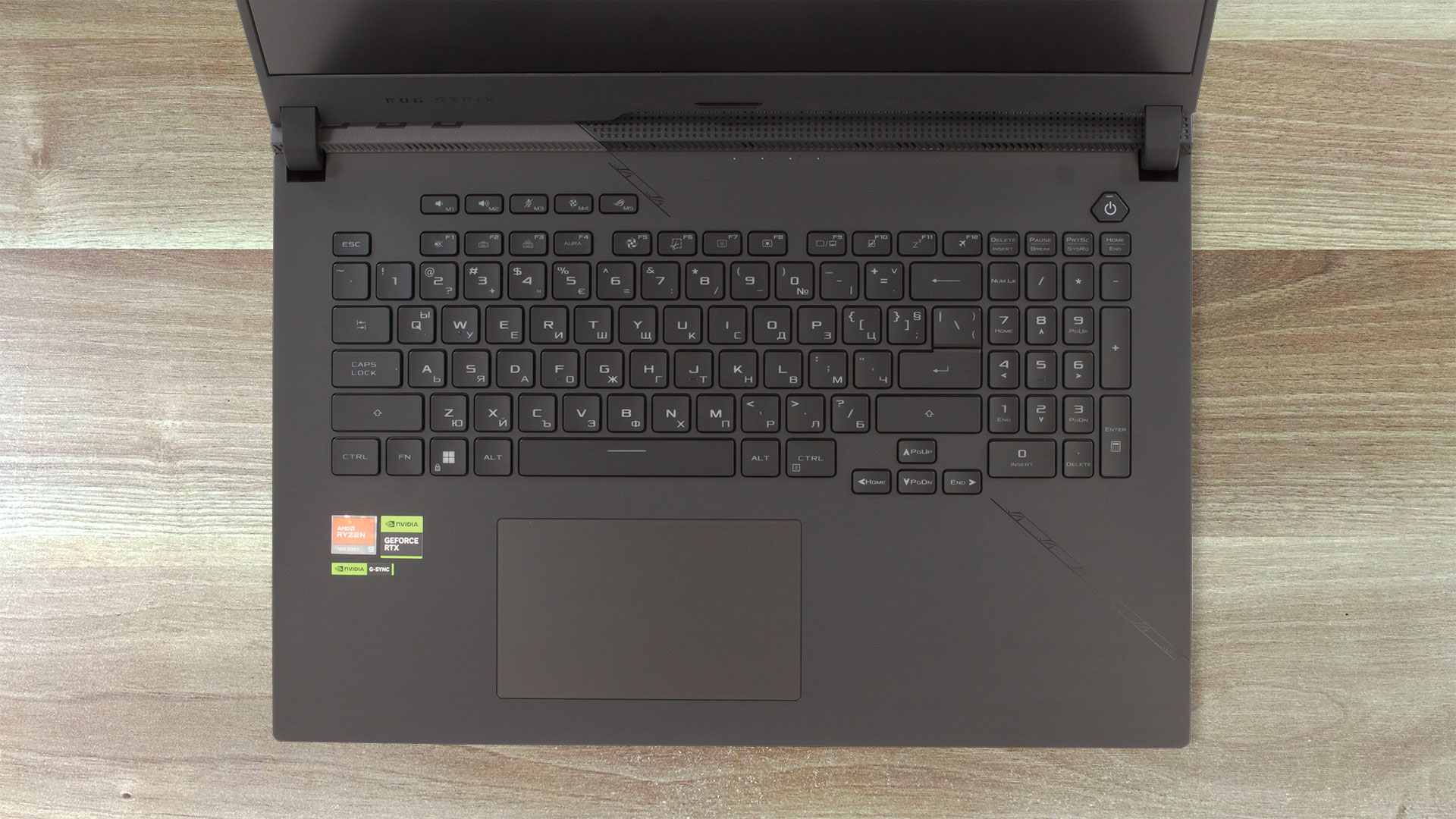
The backlit chiclet keyboard has a Per-Key RGB backlight that can be tuned via the ASUS software.
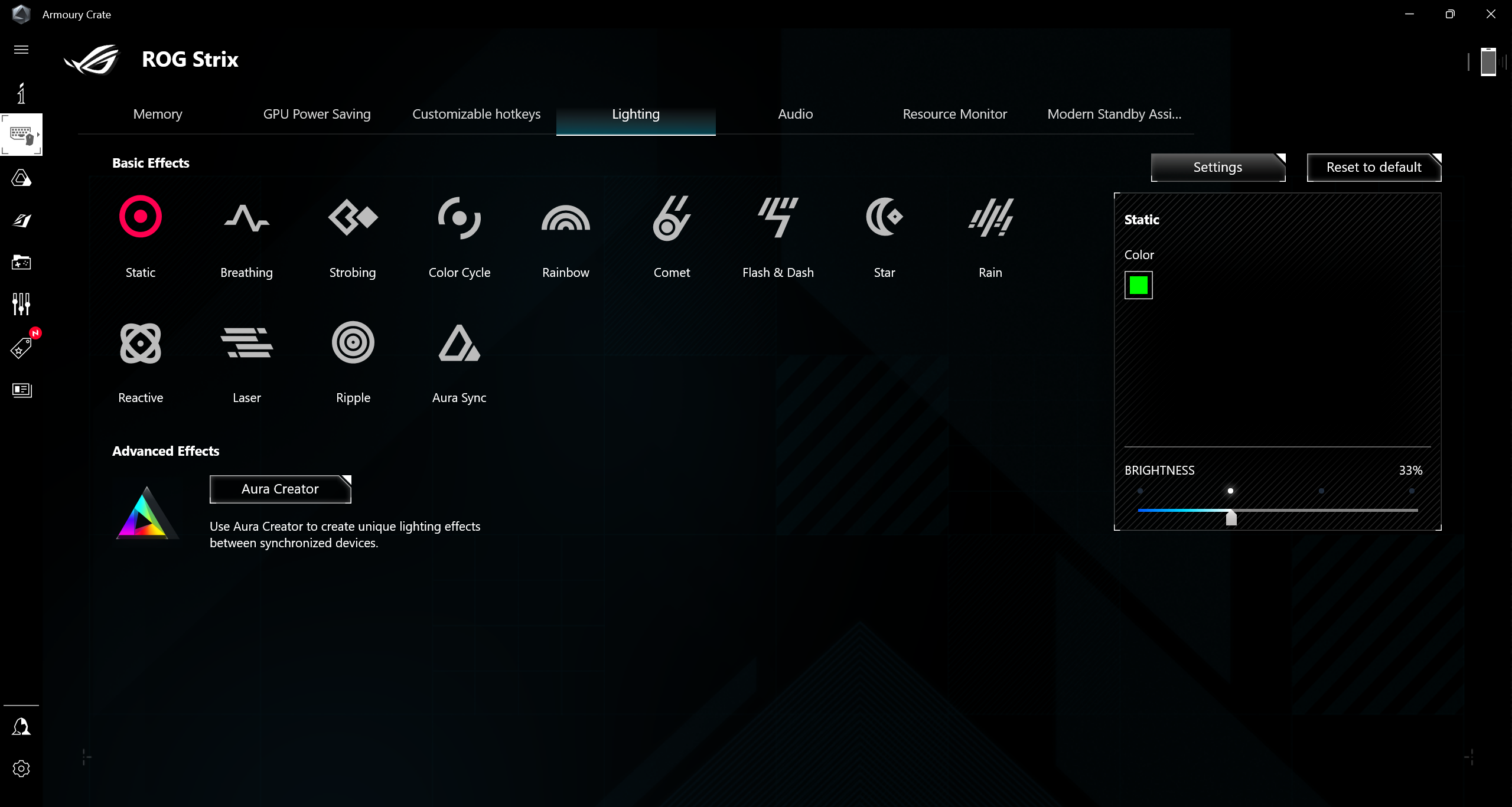
There is a row of five keys (for sound control, switching between the power modes, and a shortcut to the Armoury Crate) that is separated from the board. The latter is comfortable for gaming or typing thanks to the long key travel and the clicky feedback (by the way, the keycaps are quiet). It’s also nice to see a NumPad section.
The touchpad could be bigger considering the form factor of the laptop. The pad is very smooth, fast, and accurate. Unfortunately, the clicks sound loud and we can hear a slight rattling sound when we tap on the surface. Maybe that’s an isolated case with our unit.
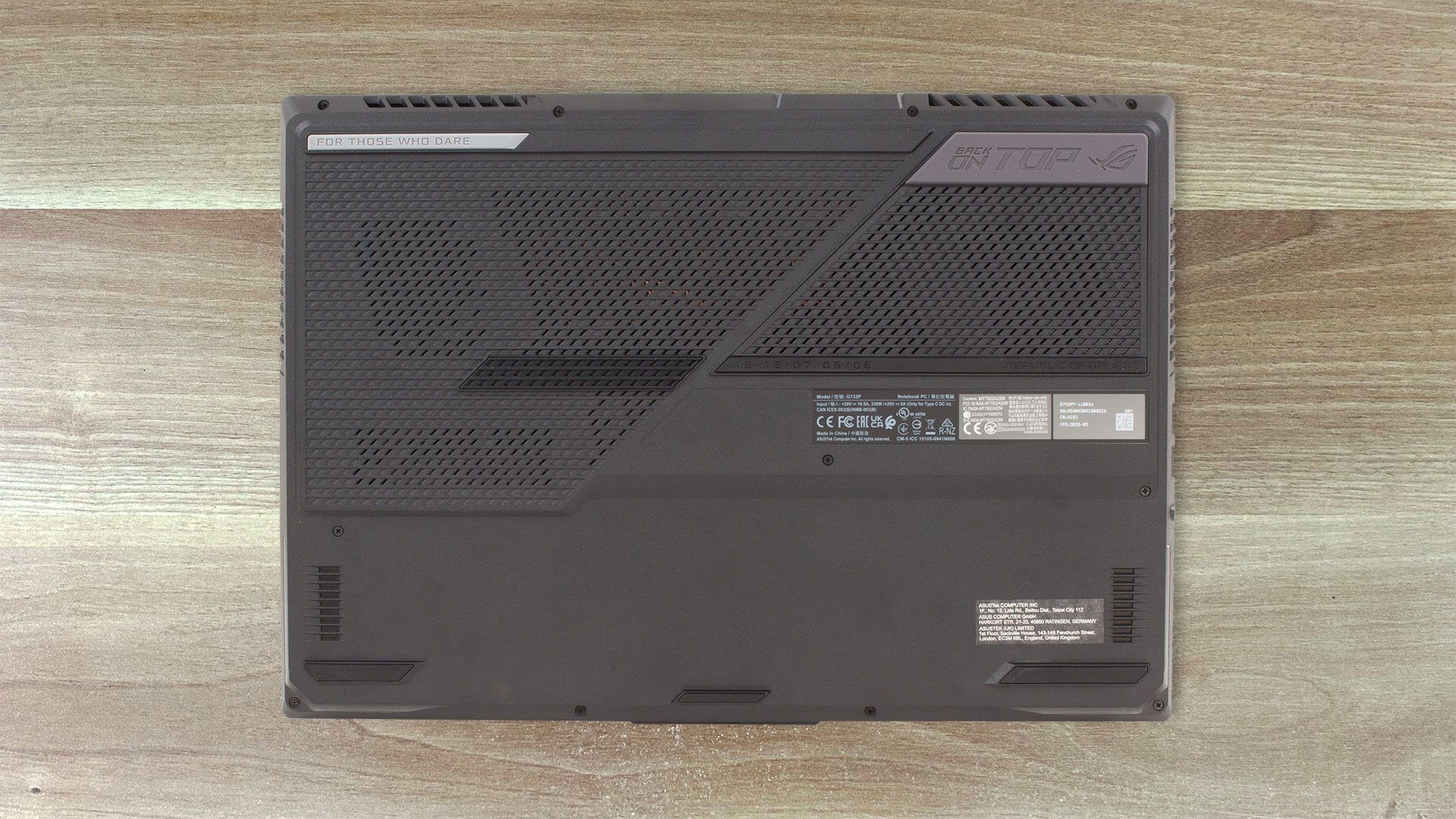
On the bottom of the device, there are many rubber feet, two speaker cutouts, and two big ventilation grills. The hot air is pushed through four vents – two on the back and two on the sides.
Ports
On the left, we can see two USB Type-A 3.2 (Gen. ) ports and an Audio combo jack. The majority of the ports are placed on the back – a power connector, a 2.5G LAN, an HDMI 2.1 FRL, and two USB Type-C 3.2 (Gen. 2) ports with DisplayPort 1.4 and G-sync support. The latter offers Power Delivery 3.0 capabilities.



 Author: Nikolay Palaozov
 Author: eng. Kroum NikolovHead of Engineering at LaptopMedia.com, inventor and innovator with 40+ years of experience in electronics and high technology.

![[August 2026] Amazon Italy: Top 10 Best-Selling Laptops – Apple MacBook Neo Claims the Crown as Budget and Mid-Range Windows Machines Dominate Volume](https://laptopmedia.com/wp-content/uploads/2026/09/Best-Selling-Laptops-IT-Top-10-400x225.jpg)
![[August 2026] Amazon Italy: Top 7 Best-Selling Gaming Laptops – ASUS V16 Claims the #1 Spot Amid Strong Mid-Range Demand](https://laptopmedia.com/wp-content/uploads/2026/09/Best-Selling-Gaming-Laptops-IT-Top-10-400x225.jpg)
![[August 2026] Best-Selling Laptop Brands on Amazon Italy – Lenovo Dominates Market Share and Revenue Leadership](https://laptopmedia.com/wp-content/uploads/2026/09/IT-Best-Brands-400x225.jpg)
![[August 2026] Amazon India: Top 10 Best-Selling Laptops – Apple MacBook Neo Dominates the Charts with Massive Sales Lead](https://laptopmedia.com/wp-content/uploads/2026/09/Best-Selling-Laptops-IN-Top-10-400x225.jpg)
![[August 2026] Amazon India: Top 10 Best-Selling Gaming Laptops – HP Victus 15 Dominates the Market with Massive Unit Lead](https://laptopmedia.com/wp-content/uploads/2026/09/Best-Selling-Gaming-Laptops-IN-Top-10-400x225.jpg)
