HP Omen 16 (16-wd0000) review – offers good gaming performance and surprisingly long battery life
Design and construction
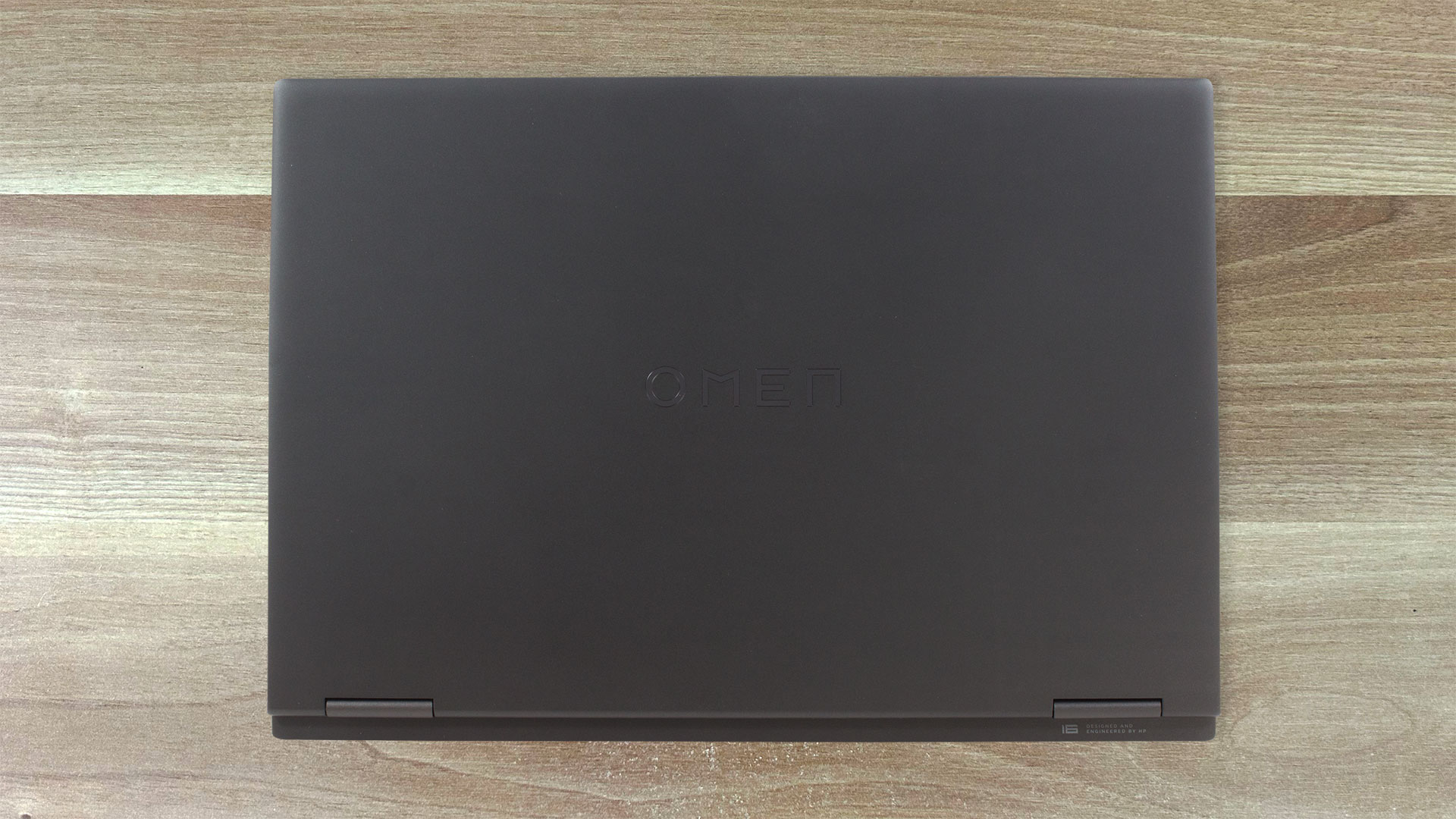
HP doesn’t mention the materials for the chassis. However, we are almost sure that the lid and the bottom panel are plastic while the upper side of the base is made of metal. We like the design of the laptop, it looks clean and mature in a dark color and the Omen logo on the lid isn’t intrusive.

Speaking of which, the lid can be opened with a single hand but it’s flexible and bouncy. It’s not the spongiest unit we’ve seen so far but its rigidity is questionable. The base is more stable. The whole zone right below the keyboard can be bent a bit but nothing serious. This machine isn’t among the thinnest and lightest out there but it’s not a porker – 2.39 kg starting weight and 23.5 mm profile thickness.

The “chin” below the screen is a lot thicker than the other bezels. The top one houses a 1080p Web camera with temporal noise reduction.

Yes, this device has a privacy shutter which is nice to see in a gaming laptop.

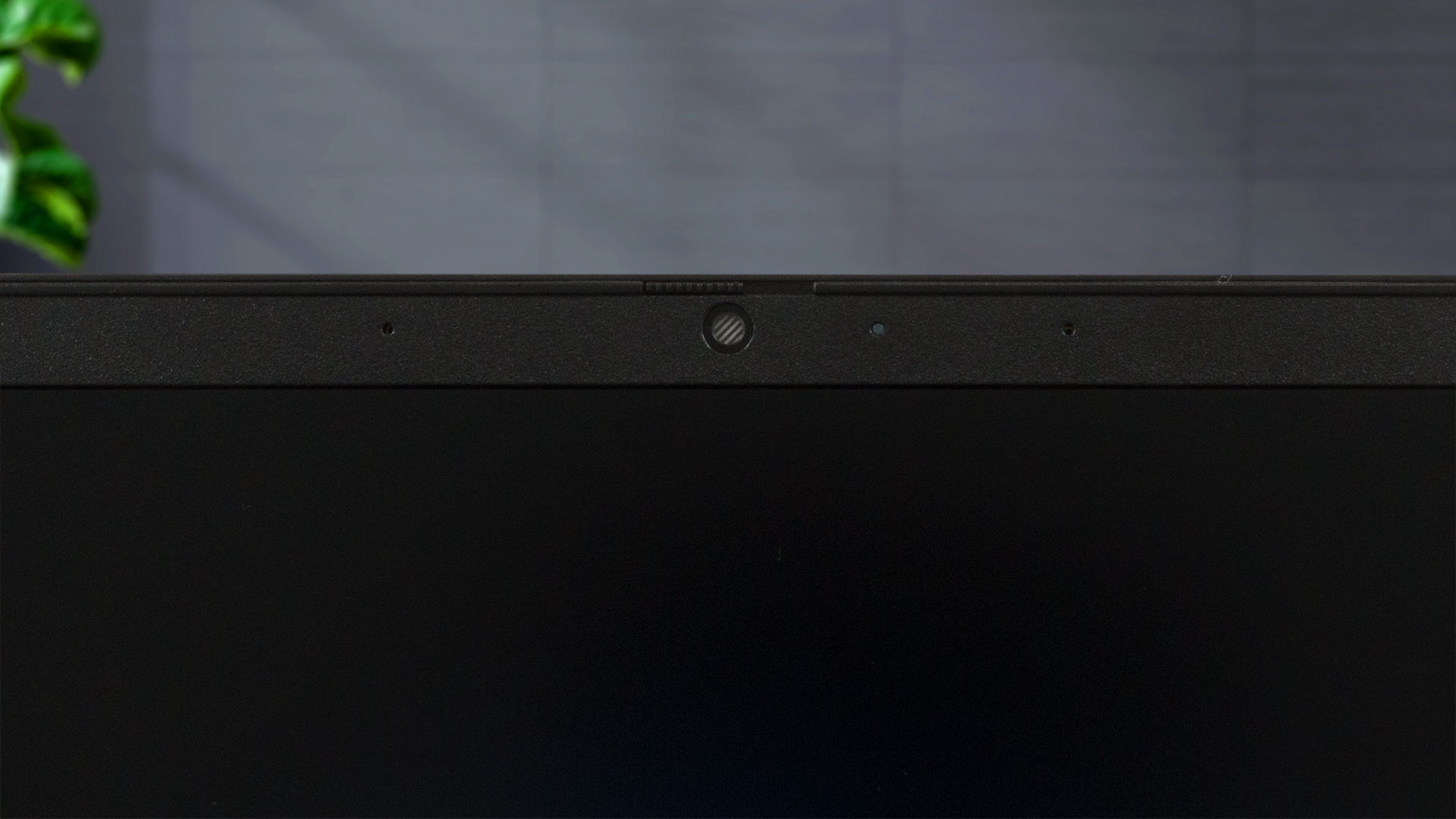
The hinge mechanism allows a 180-degree angle of opening.

There is a long grill on the base that is used for ventilation and it’s placed above the keyboard. The latter can be found in many other Omen devices with its typical NumPad-less design. The board is comfortable for both typing and gaming because of the big keycaps that have long key travel and clicky feedback. The Arrow keys are full-sized, and there is an Omen Gaming Hub shortcut for faster access to the HP app. The backlight glows in a single color or you can pay more for the optional 4-zone RGB backlit version. The touchpad is smooth and its accuracy is above average.

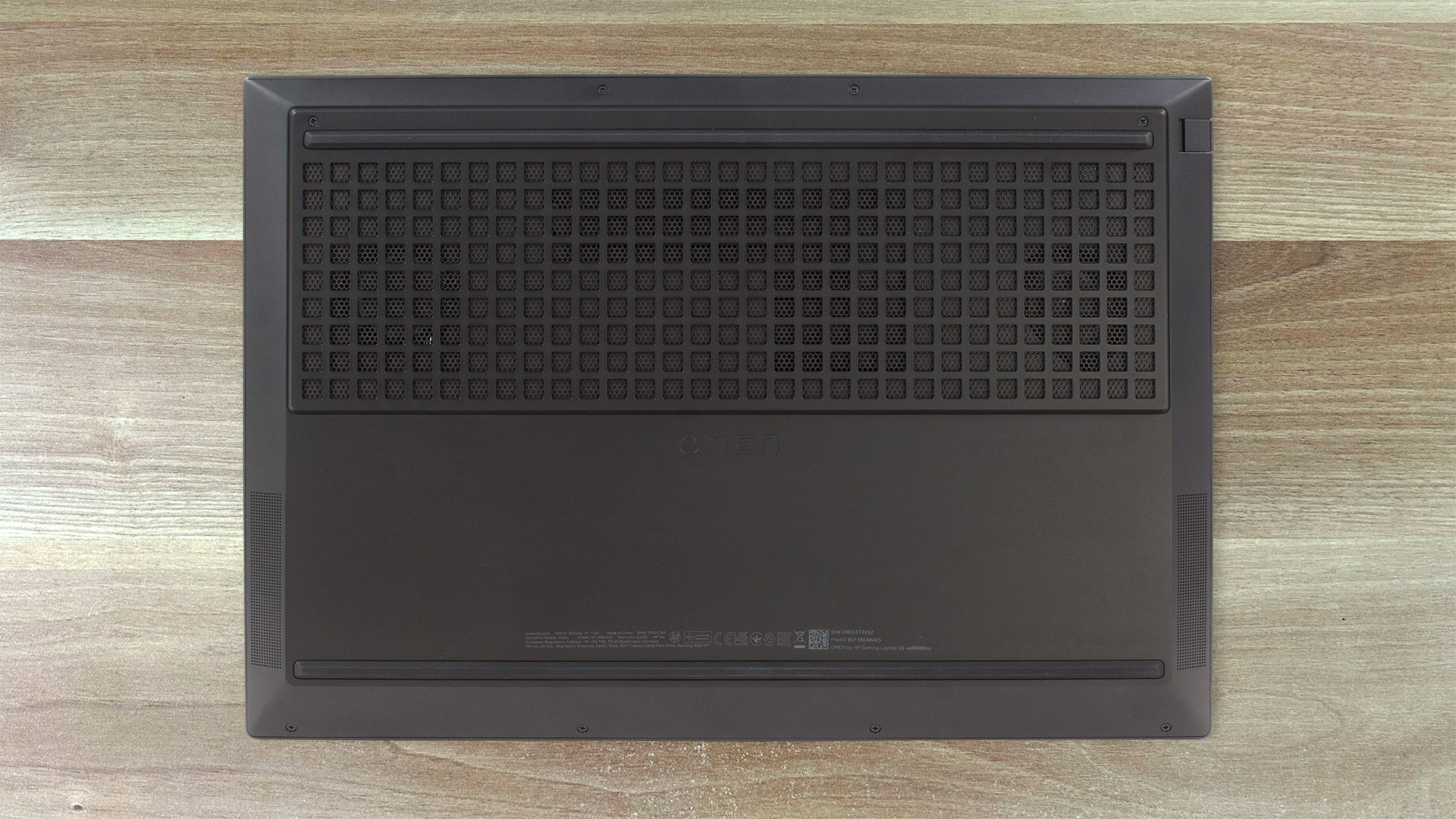
The bottom panel may look familiar to you because it reminds us of the one that can be seen in the HP Victus 16 (16-r0000) and the HP Victus 16 (16-s0000, 2023) devices. We can spot two long rubber feet, a huge ventilation grill, and two speaker cutouts. The hot air is being exhausted through two vents – one on the back and the left side of the notebook.

Ports
On the left, there is a LAN, a USB Type-A 3.2 (Gen. 1) port with HP Sleep and Charge function, and an Audio combo jack. On the right, you have the power connector, an HDMI 2.1, two more USB Type-A 3.2 (Gen. 1) ports with charging capabilities, and a USB Type-C 3.2 (Gen. 1) port that supports USB Power Delivery, DisplayPort 1.4, and HP Sleep and Charge.


 Author: Nikolay Palaozov
 Author: eng. Kroum NikolovHead of Engineering at LaptopMedia.com, inventor and innovator with 40+ years of experience in electronics and high technology.

![[June 2026] Best-Selling Laptop Brands on Amazon Global – Apple’s Unrivaled Dominance in Units and Revenue](https://laptopmedia.com/wp-content/uploads/2026/07/GLOBAL-Best-Brands-400x225.jpg)
![[June 2026] Amazon Global: Top 10 Best-Selling Laptops – Apple’s New MacBook Neo Storms to #1, Reshaping the Market with Affordability](https://laptopmedia.com/wp-content/uploads/2026/07/Best-Selling-Laptops-GLOBAL-Top-10-400x225.jpg)
![[June 2026] Amazon Global: Top 10 Best-Selling Gaming Laptops – Acer’s Nitro V 16S AI Dominates Sales, While ASUS Leads Overall Revenue](https://laptopmedia.com/wp-content/uploads/2026/07/Best-Selling-Gaming-Laptops-GLOBAL-Top-10-400x225.jpg)
![[June 2026] Global Ranking of Best-Selling Laptop GPUs on Amazon – NVIDIA RTX 5060 is the Top-Selling Dedicated GPU](https://laptopmedia.com/wp-content/uploads/2026/07/Best-Selling-GPUs-GLOBAL-Top-10-400x225.jpg)
![[June 2026] Global Ranking of Best-Selling Laptop CPUs on Amazon – Apple M5 Dominates, AMD Ryzen 7 260 Gets Solid Premium Share](https://laptopmedia.com/wp-content/uploads/2026/07/Best-Selling-CPUs-GLOBAL-Top-10-400x225.jpg)
