Lenovo Legion 9i Gen 8 (16, Intel) review – hands down, so much power inside a thin chassis
Design and construction
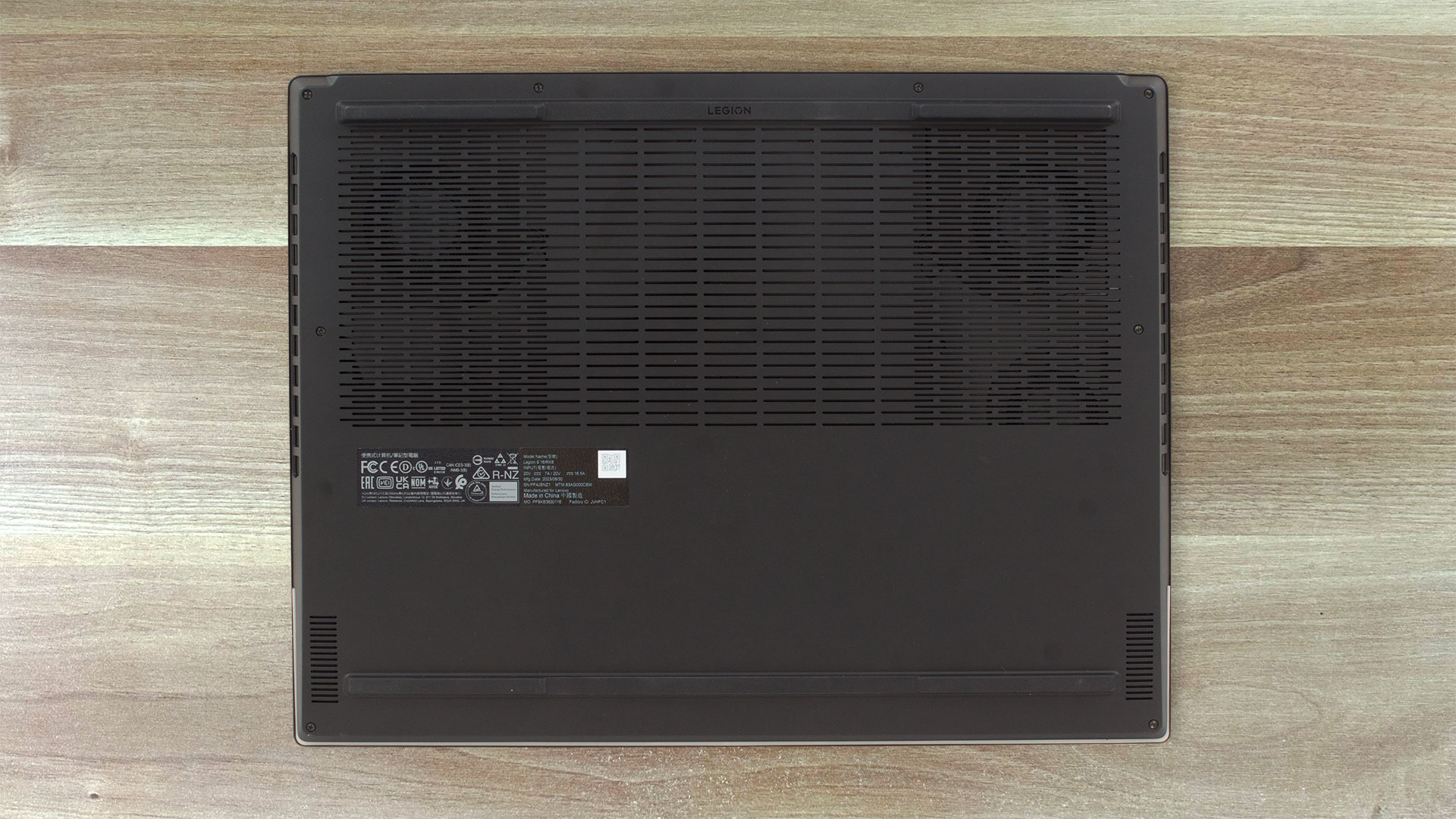
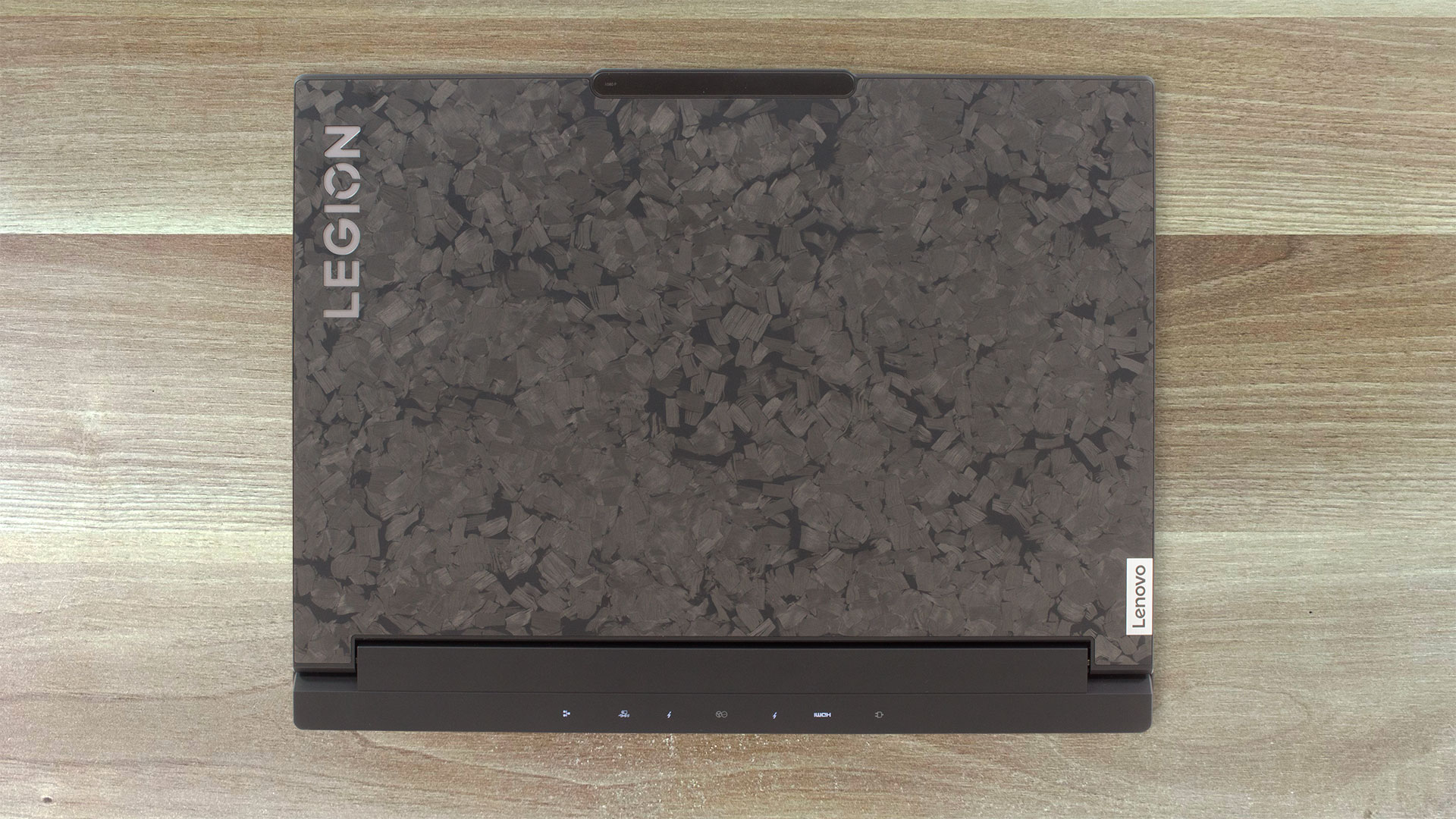
The design is similar to the Lenovo Legion Slim 7i / S7 (16″ Intel, Gen 8) except for the lid. It’s made of forged carbon chips which is a weigh-saving technique but also every device looks different thanks to the forged process. In reality, the finish feels soft and kind of rubberized to the touch, which is really cool. The base is made of magnesium-aluminium alloy. This notebook shines bright when it comes to dimensions – it has a profile of just 18.9 mm and the weight is 2.56 kg. This is a real achievement considering the top-end hardware under the bonnet and the hybrid cooling.
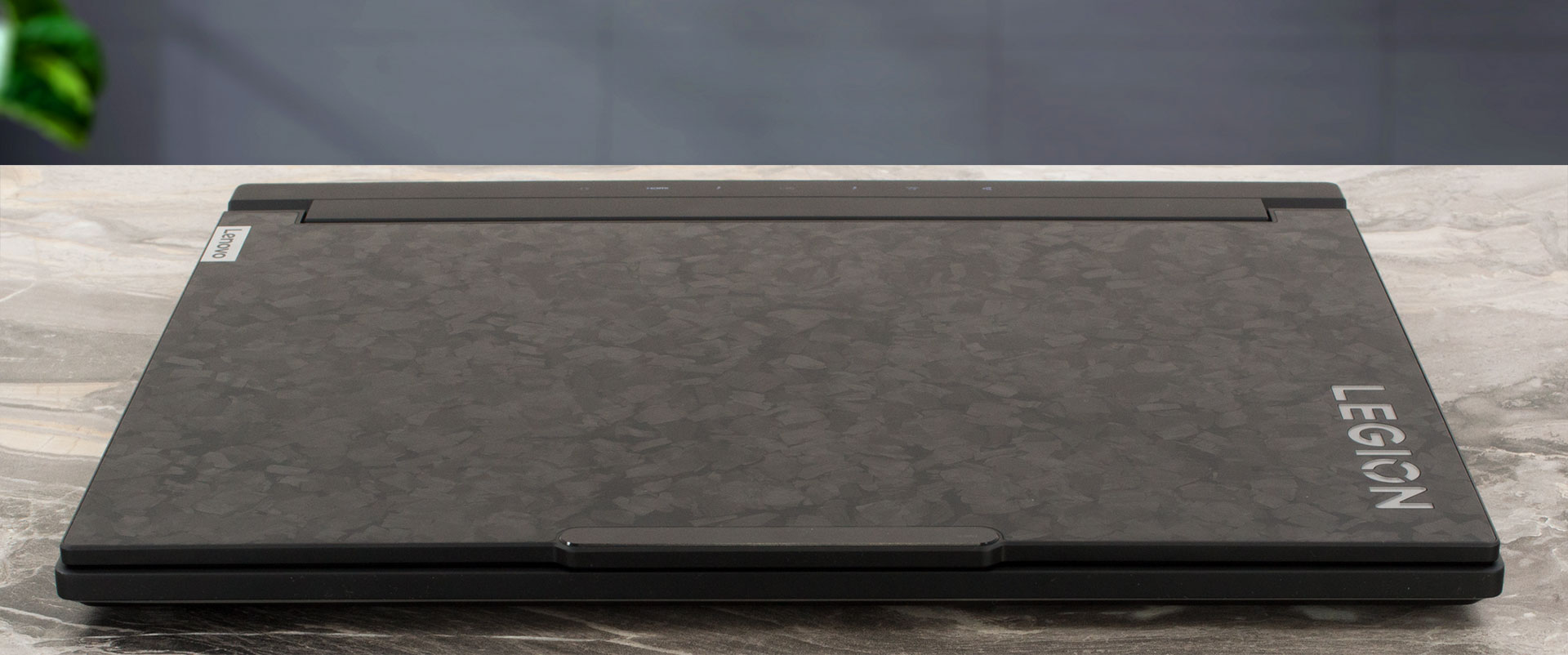
Overall, the rigidity of the chassis is good. You can flex the lid a bit and the base can be slightly bent between the Space key and the touchpad but that’s nothing serious. The Legion logo has a backlight.
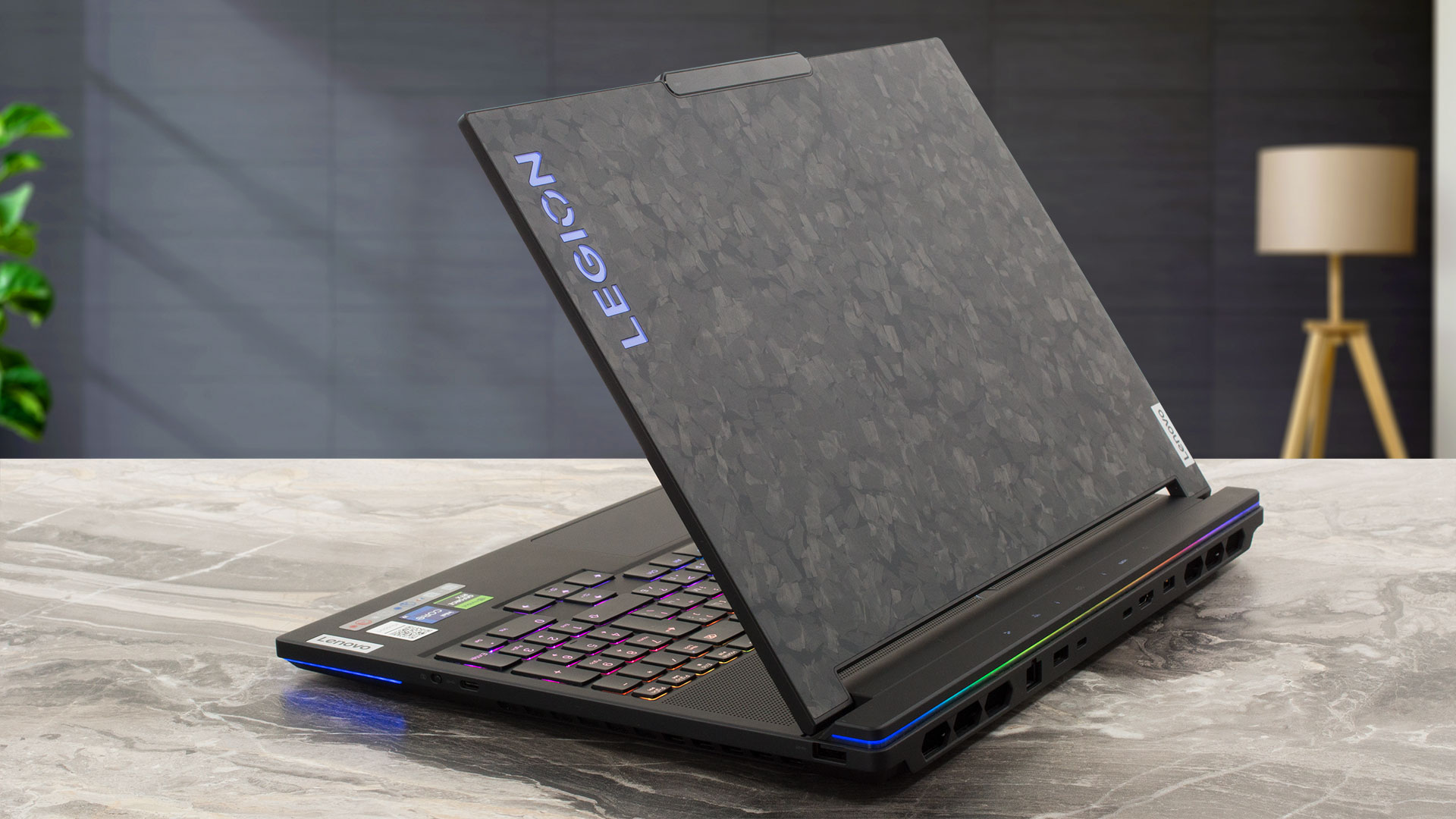
The lid can be opened very smoothly with a single hand. There is a protrusion on the top of the lid for easier opening. The bezels around the display are thin. The upper one houses a 1080p Web camera with an E-shutter placed on the right side of the device.
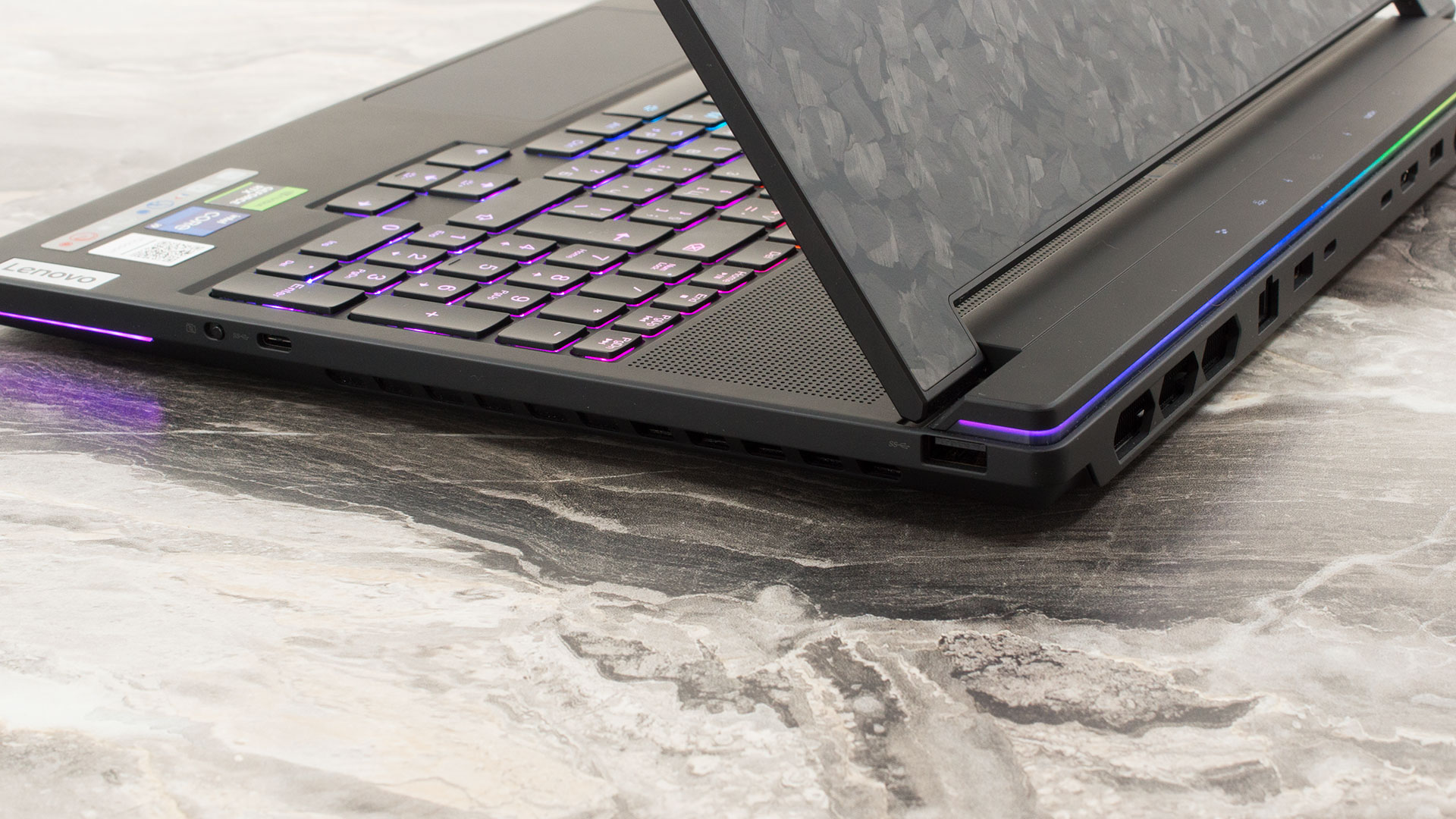
There are two RGB stripes – one on the front and one on the back of the notebook. There are some LED status lights on the hinge cover.
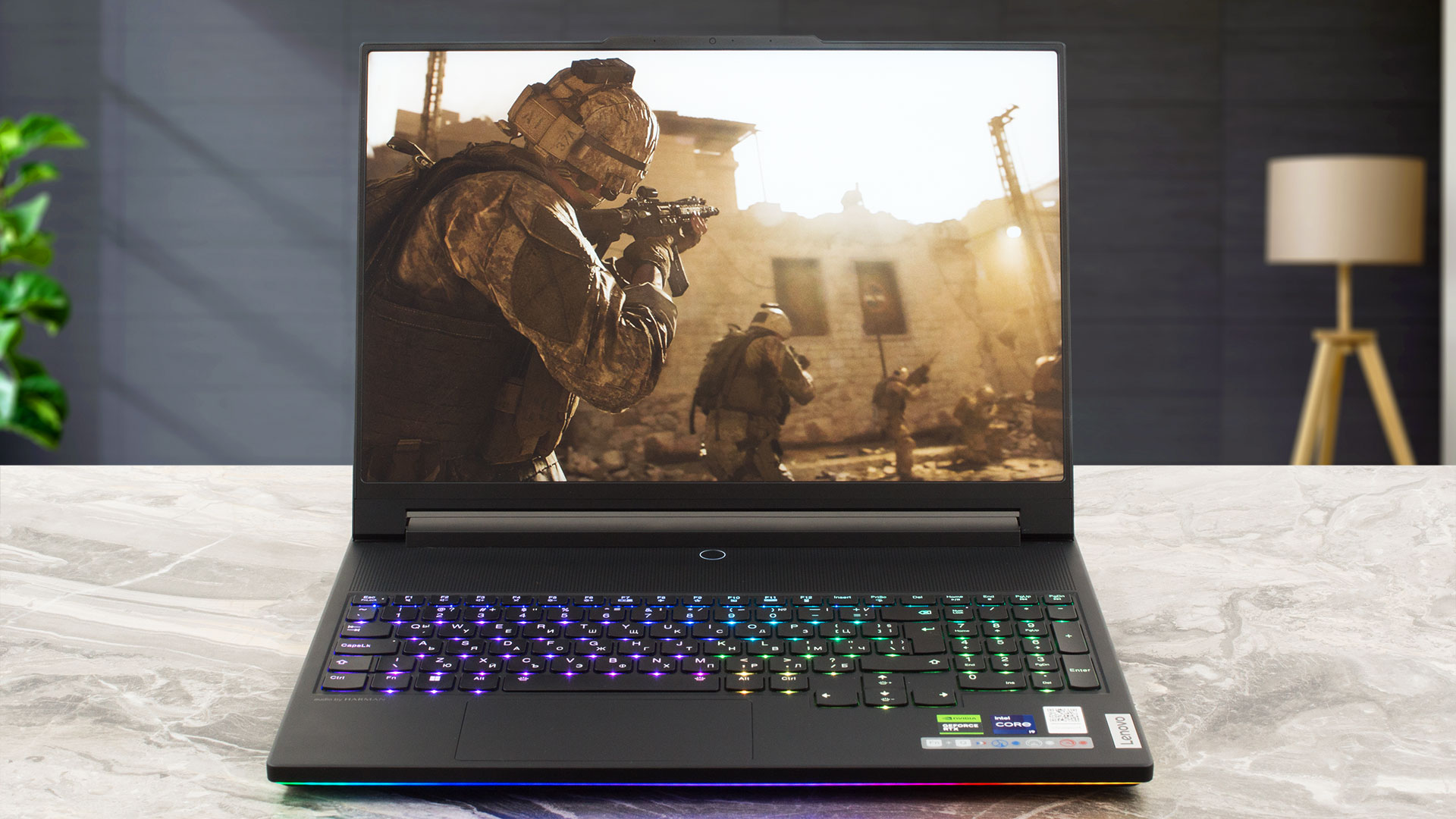
The full-size per-key RGB Lenovo TrueStrike keyboard (wow, that’s a long name) has large keycaps that offer long key travel and clicky feedback. The finish of the keys is pleasantly grippy and the board is quiet during typing. You can control the whole RGB craziness via the Lenovo Vantage app. The board also has a NumPad and big Arrow keys that are a bit separated from the main deck which makes them pretty cozy for work.
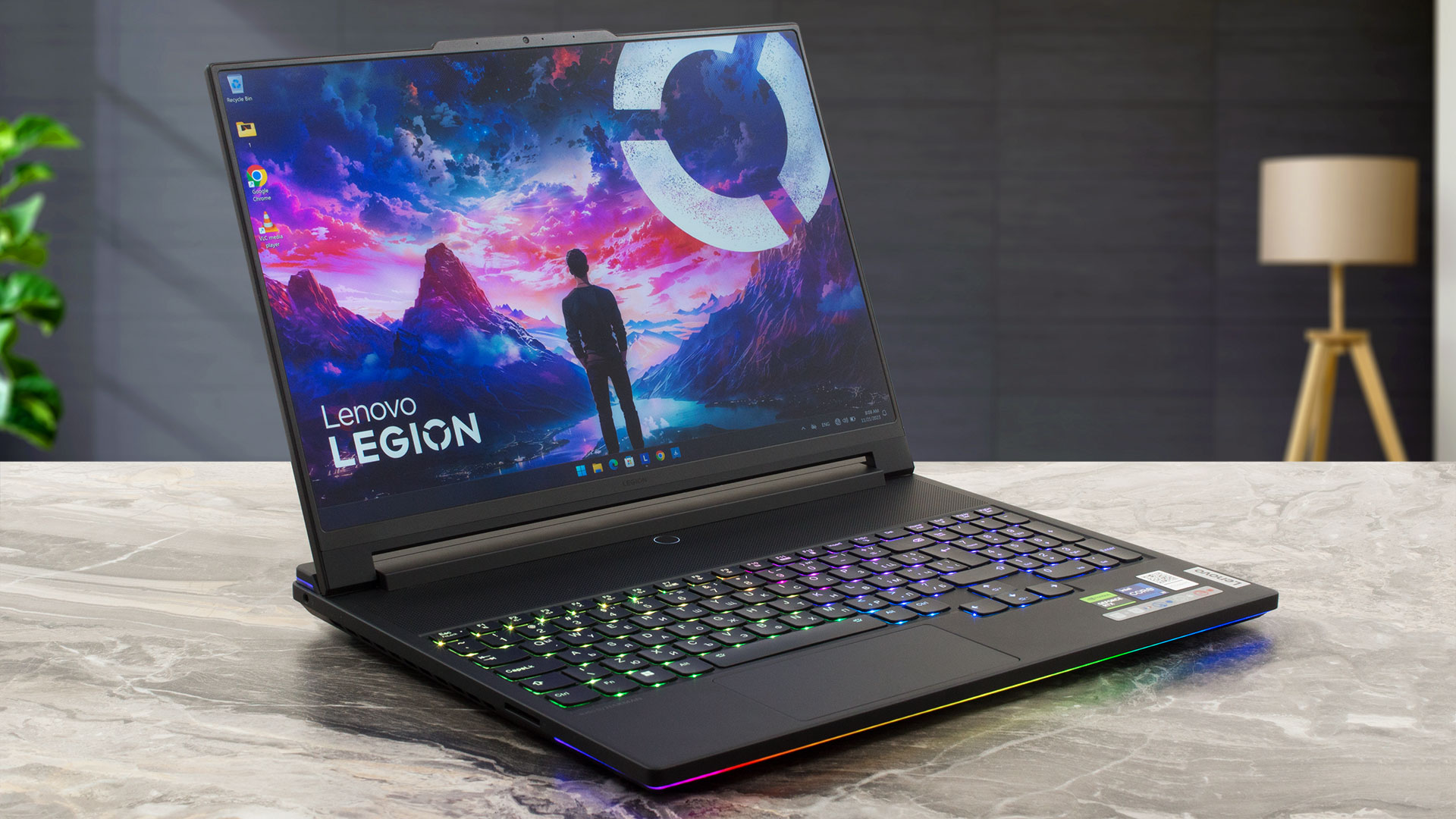
Above the board, we can see a long ventilation grill that slightly reveals two of the cooling fans. The Power button is placed in the middle, right below the hinge mechanism. The glass touchpad is wide but short (58 x 120 mm). It’s smooth but its accuracy could be better.
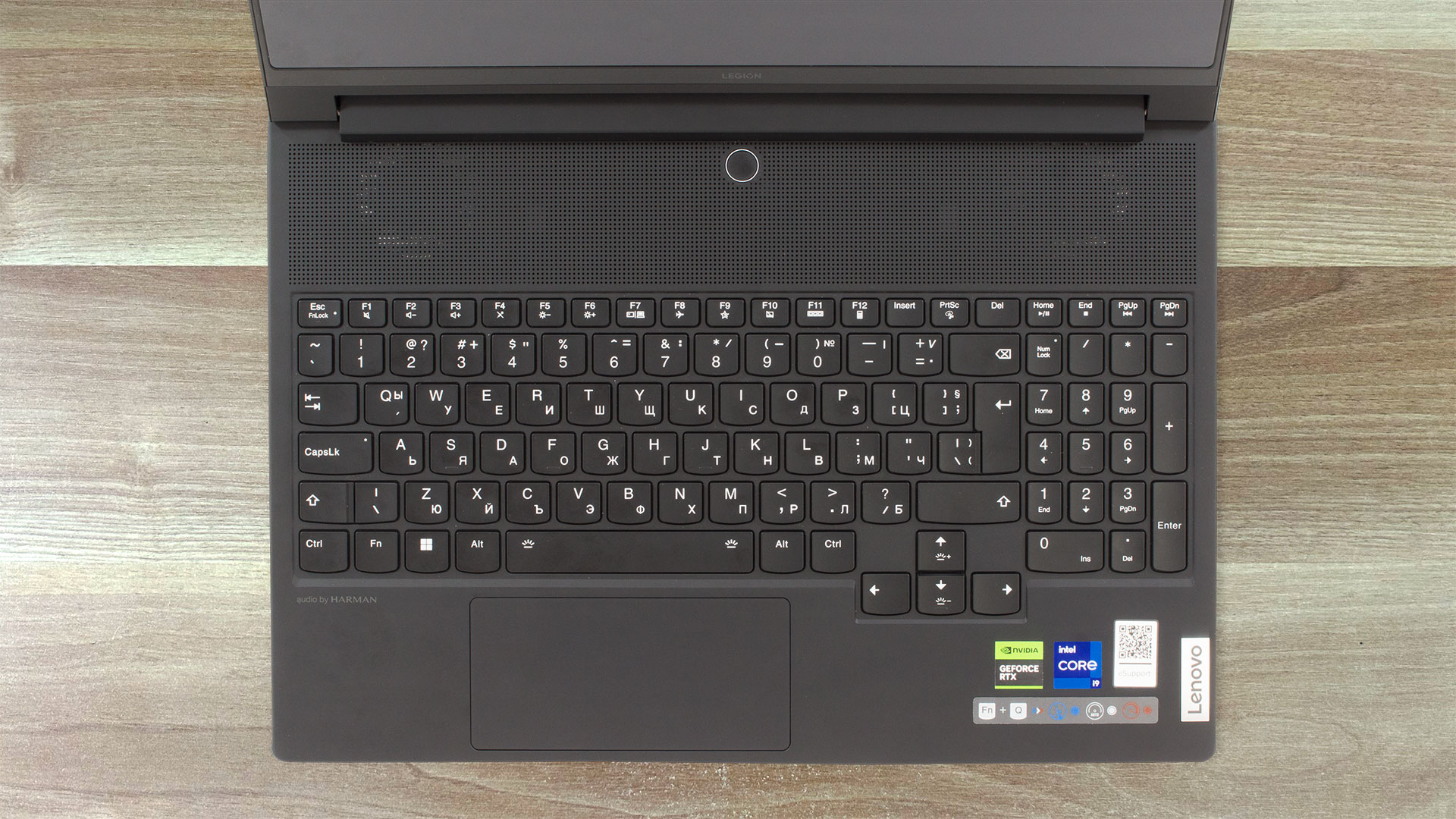
You can clearly see the three cooling fans through the sizable ventilation grill on the bottom plate. There, we can spot two long rubber feet and two speaker cutouts. The hot air is being exhausted through two vents on the back and two on the sides.
Ports
On the left, there is an Audio jack and an SD card reader 3.0. The majority of the ports are on the back – a 2.5Gbit LAN port, a USB Type-A 3.2 (Gen. 1) port with an Always On function, two Thunderbolt 4 connectors (both support data transfer, Power Delivery 140W and DisplayPort 1.4), an HDMI 2.1 for up to 8K 60Hz external displays, and a power plug. On the right, we can spot a USB Type-A 3.2 (Gen. 1) port and a USB Type-C 3.2 (Gen. 1) port.



 Author: Nikolay Palaozov
 Author: eng. Kroum NikolovHead of Engineering at LaptopMedia.com, inventor and innovator with 40+ years of experience in electronics and high technology.

![[June 2026] Best-Selling Laptop Brands on Amazon Global – Apple’s Unrivaled Dominance in Units and Revenue](https://laptopmedia.com/wp-content/uploads/2026/07/GLOBAL-Best-Brands-400x225.jpg)
![[June 2026] Amazon Global: Top 10 Best-Selling Laptops – Apple’s New MacBook Neo Storms to #1, Reshaping the Market with Affordability](https://laptopmedia.com/wp-content/uploads/2026/07/Best-Selling-Laptops-GLOBAL-Top-10-400x225.jpg)
![[June 2026] Amazon Global: Top 10 Best-Selling Gaming Laptops – Acer’s Nitro V 16S AI Dominates Sales, While ASUS Leads Overall Revenue](https://laptopmedia.com/wp-content/uploads/2026/07/Best-Selling-Gaming-Laptops-GLOBAL-Top-10-400x225.jpg)
![[June 2026] Global Ranking of Best-Selling Laptop GPUs on Amazon – NVIDIA RTX 5060 is the Top-Selling Dedicated GPU](https://laptopmedia.com/wp-content/uploads/2026/07/Best-Selling-GPUs-GLOBAL-Top-10-400x225.jpg)
![[June 2026] Global Ranking of Best-Selling Laptop CPUs on Amazon – Apple M5 Dominates, AMD Ryzen 7 260 Gets Solid Premium Share](https://laptopmedia.com/wp-content/uploads/2026/07/Best-Selling-CPUs-GLOBAL-Top-10-400x225.jpg)
