Lenovo ThinkPad P14s Gen 4 review – portable and loaded with power and security features
Disassembly, Upgrade options, and Maintenance
To open this laptop, you need to unscrew seven captive Phillips-head screws. After that, you can pry the bottom panel with a plastic tool starting from one of the two top corners.

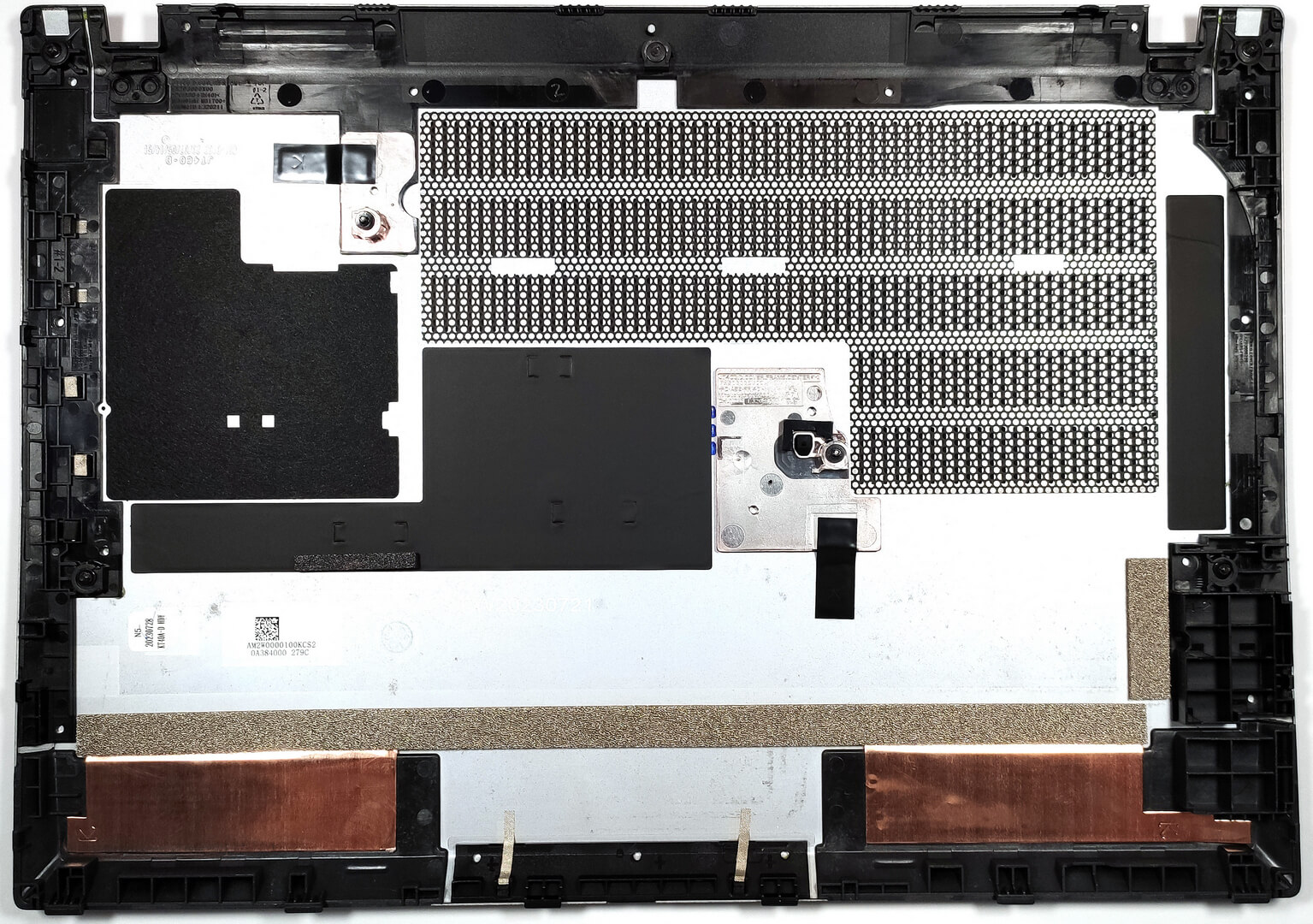
You can have a look at the inside of the bottom plate.
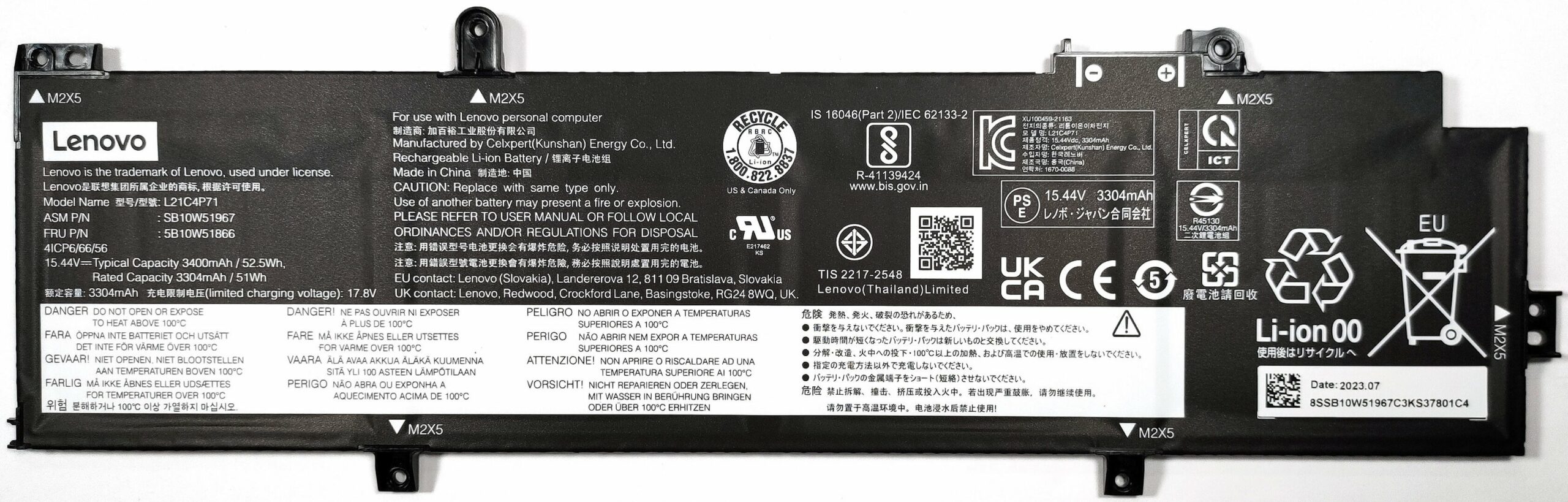
The battery here is the optional 52.5Wh unit while the default variant is a 39.3Wh model. You can’t just remove the connector from the motherboard because it’s built into the battery. So first, you have to wear gloves in order to avoid damage or any sort of short-circuiting. Then, you have to undo 6 Phillips-head screws before taking out the unit. The bigger capacity is enough for 9 hours and 5 minutes of Web browsing, or 6 hours and 40 minutes of video playback.
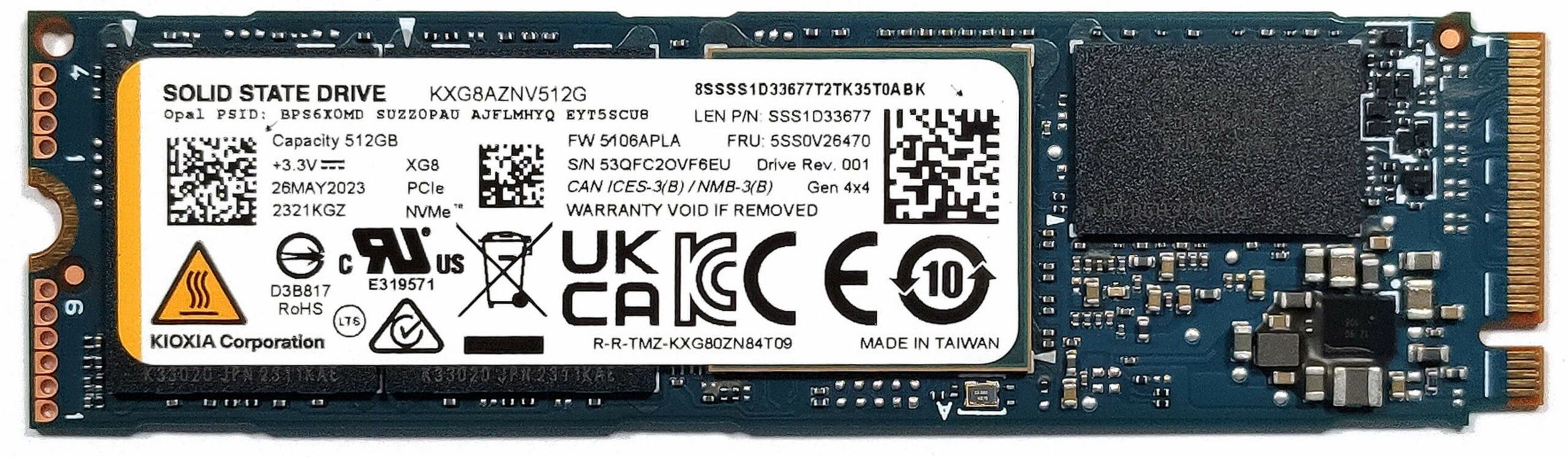
There are two types of memory configurations. Some devices like ours rely on a soldered-only memory. In this case, the maximum possible amount of RAM is 64GB of LPDDR5x-7500MHz in dual-channel mode (but it operates at 4800MHz frequency due to platform limitations). Other notebooks have 16GB soldered memory and a SODIMM slot that can handle up to 32GB of DDR5-5600MHz sticks (that work at 5200MHz clock, again, due to platform limitations) which leads to a maximum possible amount of 48GB. For storage, there is a single M.2 slot compatible with Gen 4 SSDs. Next to it is placed the WWAN slot for optional eSIM functionality.
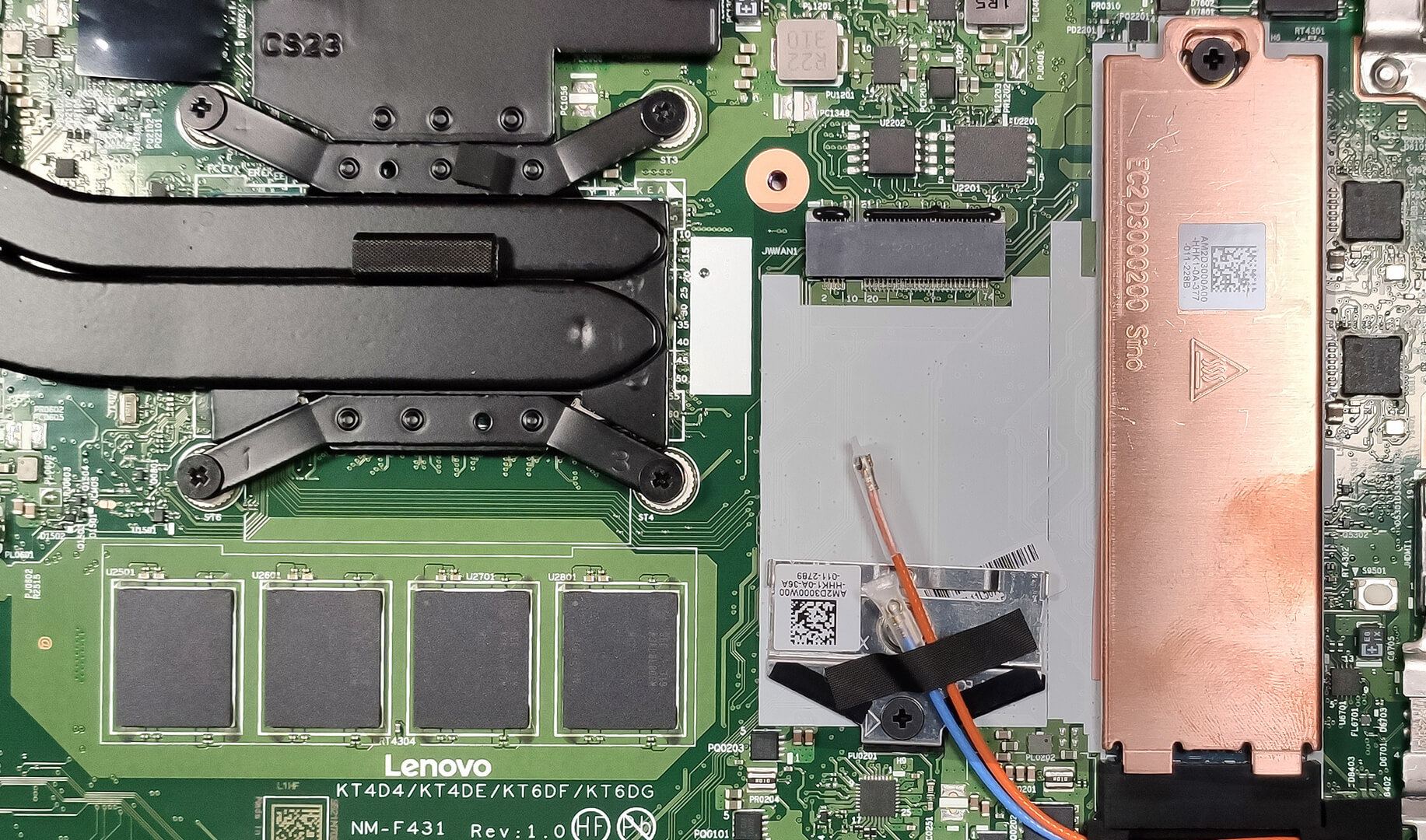
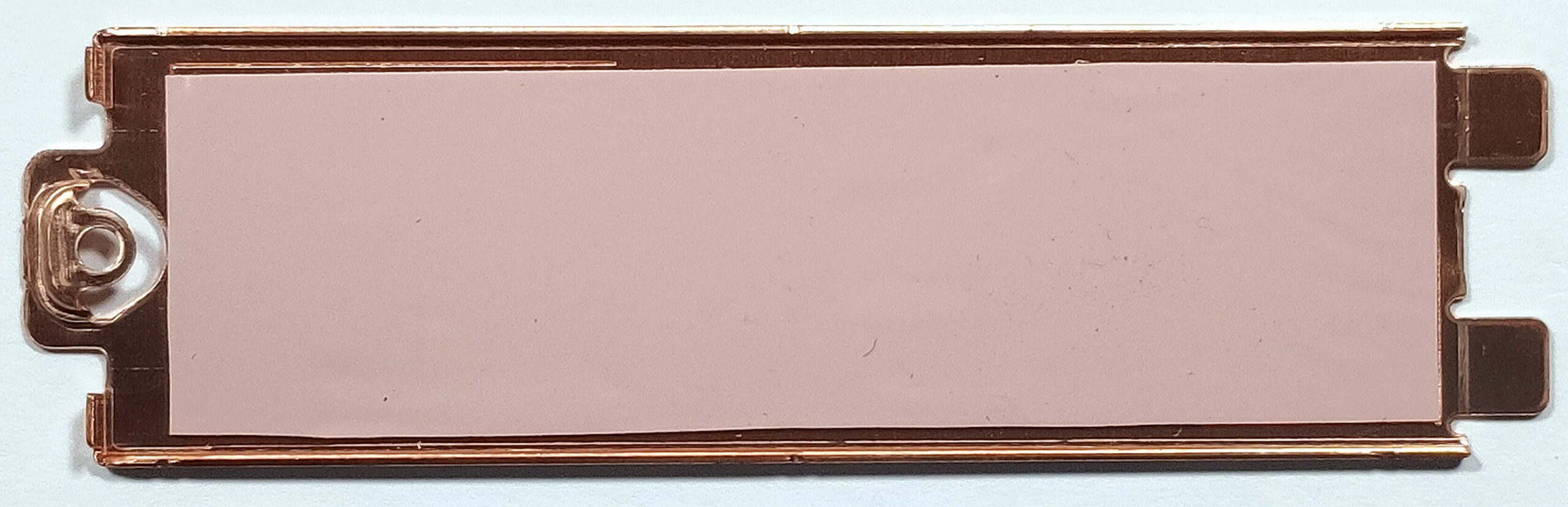
The NVMe is protected by a metal shroud that has a thin thermal pad on the inside, and there is another cooling pad placed beneath the SSD.
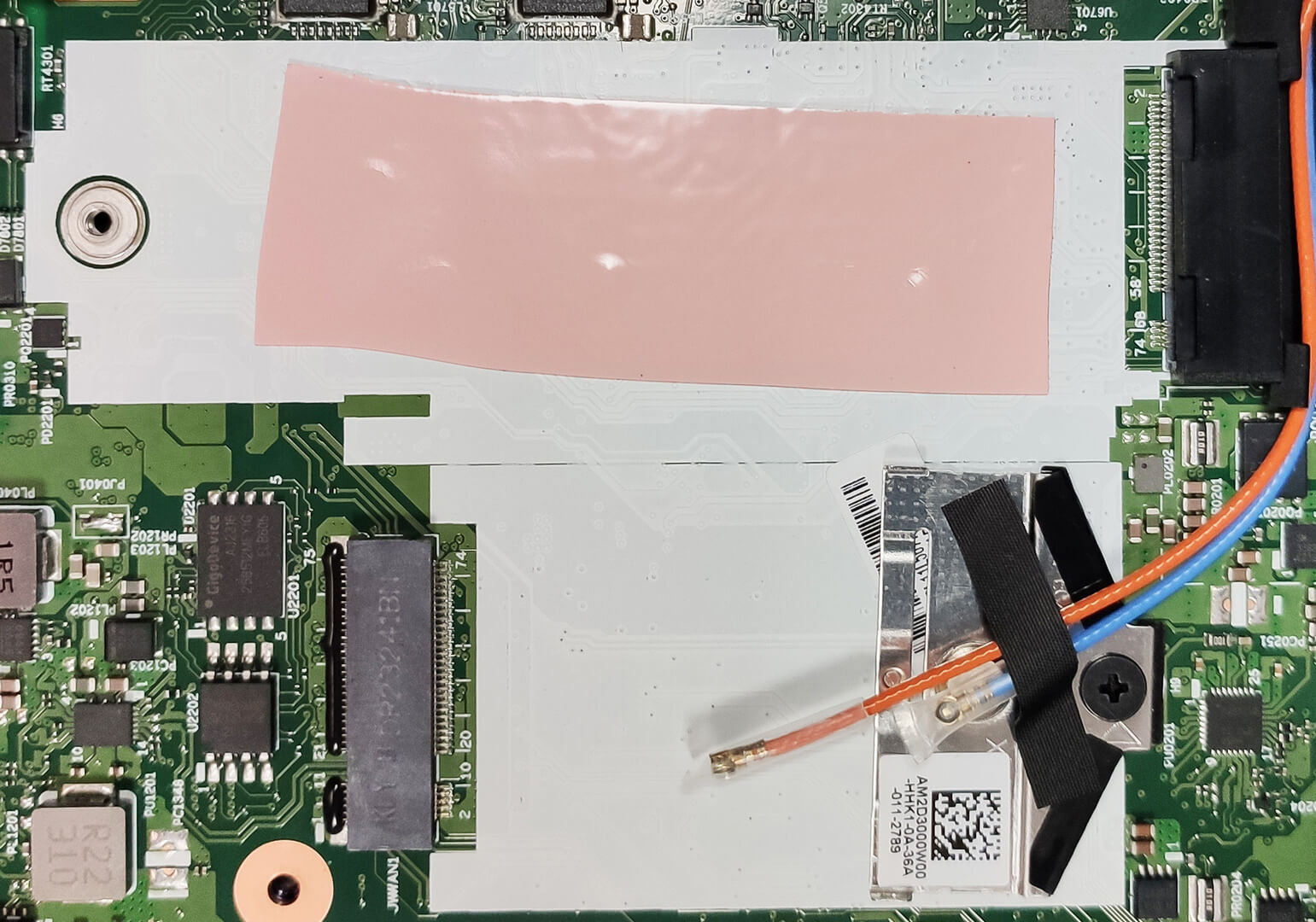
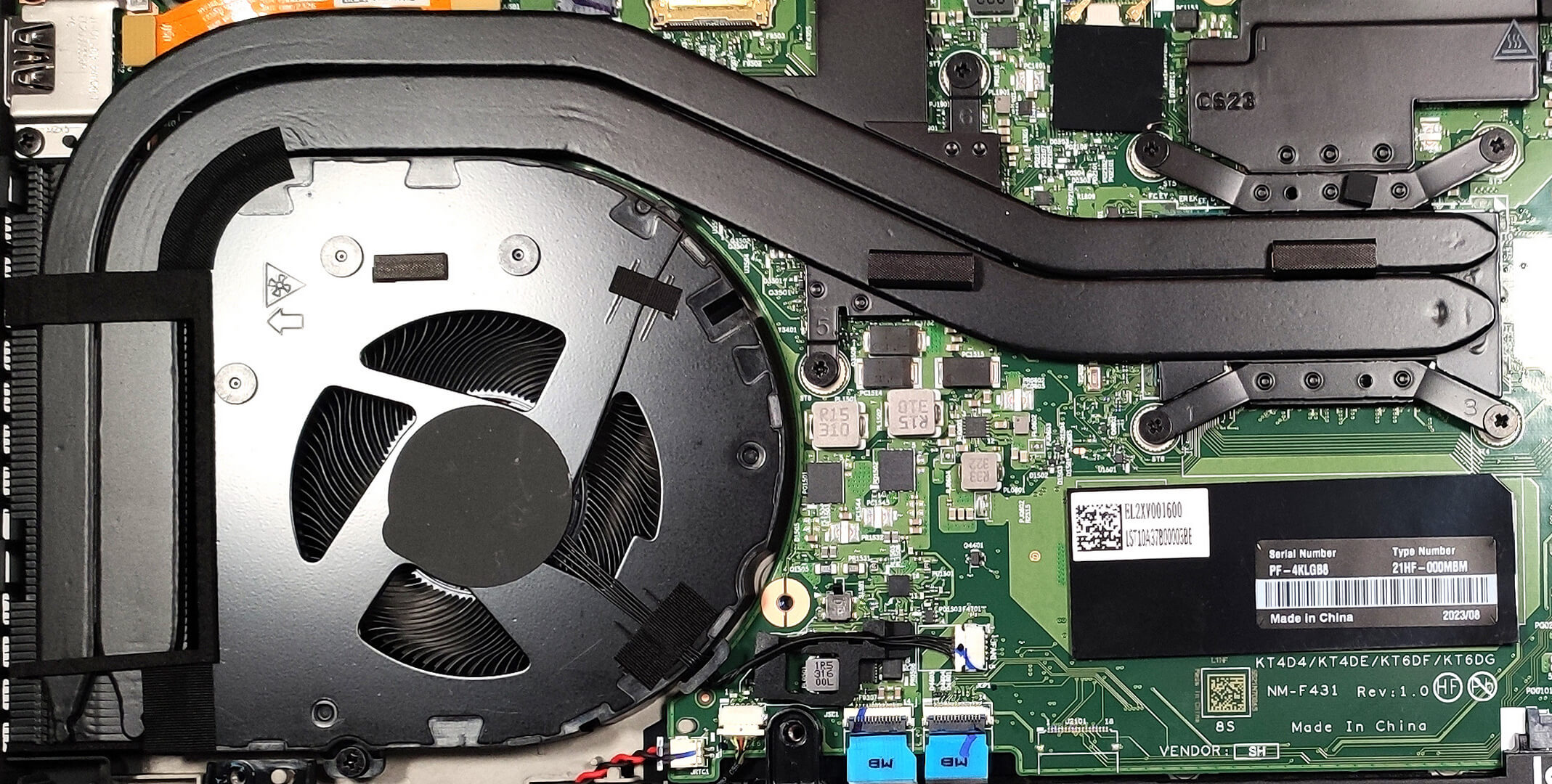
The cooling features two heat pipes shared between the CPU and the GPU. There is also one heatsink, a single fan, and a couple of heat spreaders.
 Author: Nikolay Palaozov
 Author: eng. Kroum NikolovHead of Engineering at LaptopMedia.com, inventor and innovator with 40+ years of experience in electronics and high technology.

![[August 2026] Amazon USA: Top 10 Best-Selling Laptops – Apple MacBook Neo Dominates the Market with Massive Unit Sales!](https://laptopmedia.com/wp-content/uploads/2026/09/Best-Selling-Laptops-COM-Top-10-400x225.jpg)
![[August 2026] Amazon USA: Top 10 Best-Selling Gaming Laptops – ASUS ROG Strix G16 Dominates the Market with Massive Unit Sales](https://laptopmedia.com/wp-content/uploads/2026/09/Best-Selling-Gaming-Laptops-COM-Top-10-400x225.jpg)
![[July 2026] Amazon Global: Top 10 Best-Selling Laptops – Apple MacBook Neo Dominates the Charts as Budget and Premium Notebooks Split the Market](https://laptopmedia.com/wp-content/uploads/2026/08/Best-Selling-Laptops-GLOBAL-Top-10-400x225.jpg)
![[July 2026] Amazon Global: Top 10 Best-Selling Gaming Laptops – ASUS ROG Strix G16 Dominates the Global Market with Record-Breaking Unit Sales](https://laptopmedia.com/wp-content/uploads/2026/08/Best-Selling-Gaming-Laptops-GLOBAL-Top-10-400x225.jpg)
![[July 2026] Global Ranking of Best-Selling Laptop GPUs on Amazon – RTX 5060 Dominate Premium, Intel Still Rules Budget](https://laptopmedia.com/wp-content/uploads/2026/08/Best-Selling-GPUs-GLOBAL-Top-10-400x225.jpg)

Excellent review, very comprehensive.