MSI Thin GF63 (12Vx) review – good budget gaming laptop with some flaws
Temperatures and comfort, Battery Life
Max CPU load
In this test we use 100% on the CPU cores, monitoring their frequencies and chip temperature. The first column shows a computer’s reaction to a short load (2-10 seconds), the second column simulates a serious task (between 15 and 30 seconds), and the third column is a good indicator of how good the laptop is for long loads such as video rendering.
Average P-core frequency; Average E-core frequency; CPU temp.; Package Power
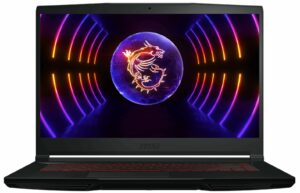
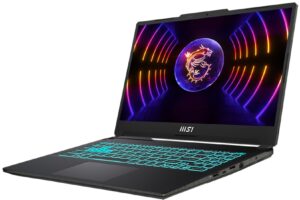
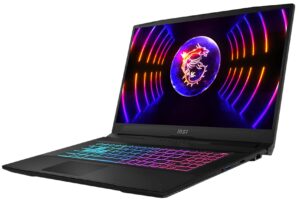
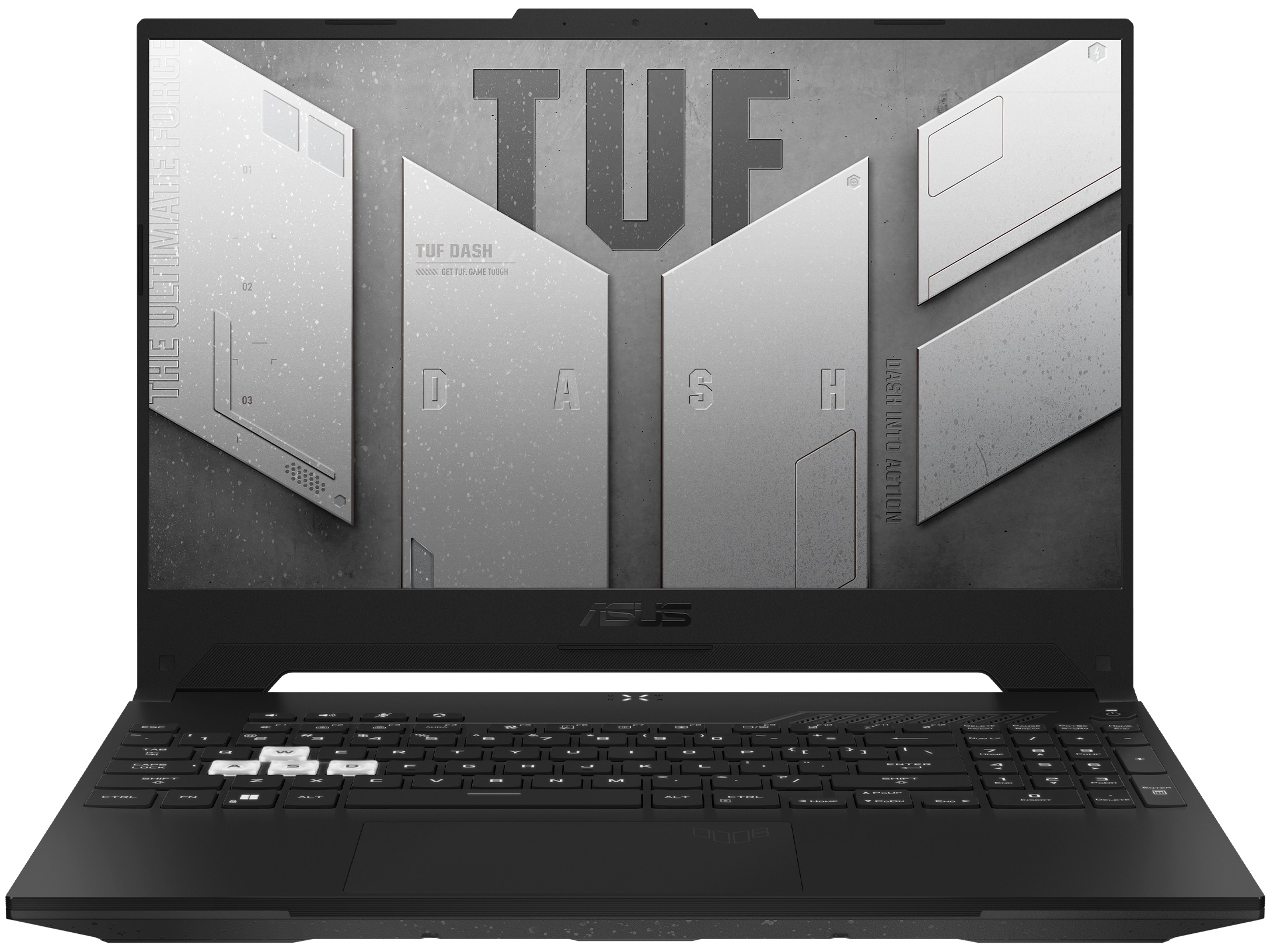
| Intel Core i7-12650H (45W TDP) | 0:02 – 0:10 sec | 0:15 – 0:30 sec | 10:00 – 15:00 min |
|---|---|---|---|
| MSI Thin GF63 (12V) | 2.33 GHz @ 2.64 GHz @ 79°C @ 78W | 3.44 GHz @ 2.65 GHz @ 87°C @ 78W | 2.39 GHz @ 2.36 GHz @ 79°C @ 55W |
| MSI Cyborg 15 (A12V) | 3.40 GHz @ 2.69 GHz @ 66°C @ 78W | 3.39 GHz @ 2.73 GHz @ 75°C @ 78W | 2.82 GHz @ 2.37 GHz @ 76°C @ 55W |
| Acer Swift 3 OLED (SF314-71) | 3.17 GHz @ 2.69 GHz @ 89°C @ 79W | 2.66 GHz @ 2.45 GHz @ 94°C @ 56W | 2.09 GHz @ 1.98 GHz @ 85°C @ 35W |
| ASUS TUF Dash F15 FX517 | 3.03 GHz @ 2.67 GHz @ 67°C @ 72W | 3.06 GHz @ 2.68 GHz @ 75°C @ 72W | 2.30 GHz @ 2.25 GHz @ 69°C @ 45W |
| Lenovo IdeaPad Gaming 3i (16″, 2022) | 3.53 GHz @ 2.96 GHz @ 72°C @ 102W | 3.46 GHz @ 2.93 GHz @ 77°C @ 98W | 3.01 GHz @ 2.57 GHz @ 63°C @ 70W |
| MSI Katana 17 (B12V) | 3.84 GHz @ 2.97 GHz @ 84°C @ 112W | 3.67 GHz @ 2.85 GHz @ 86°C @ 98W | 3.44 GHz @ 2.68 GHz @ 79°C @ 85W |
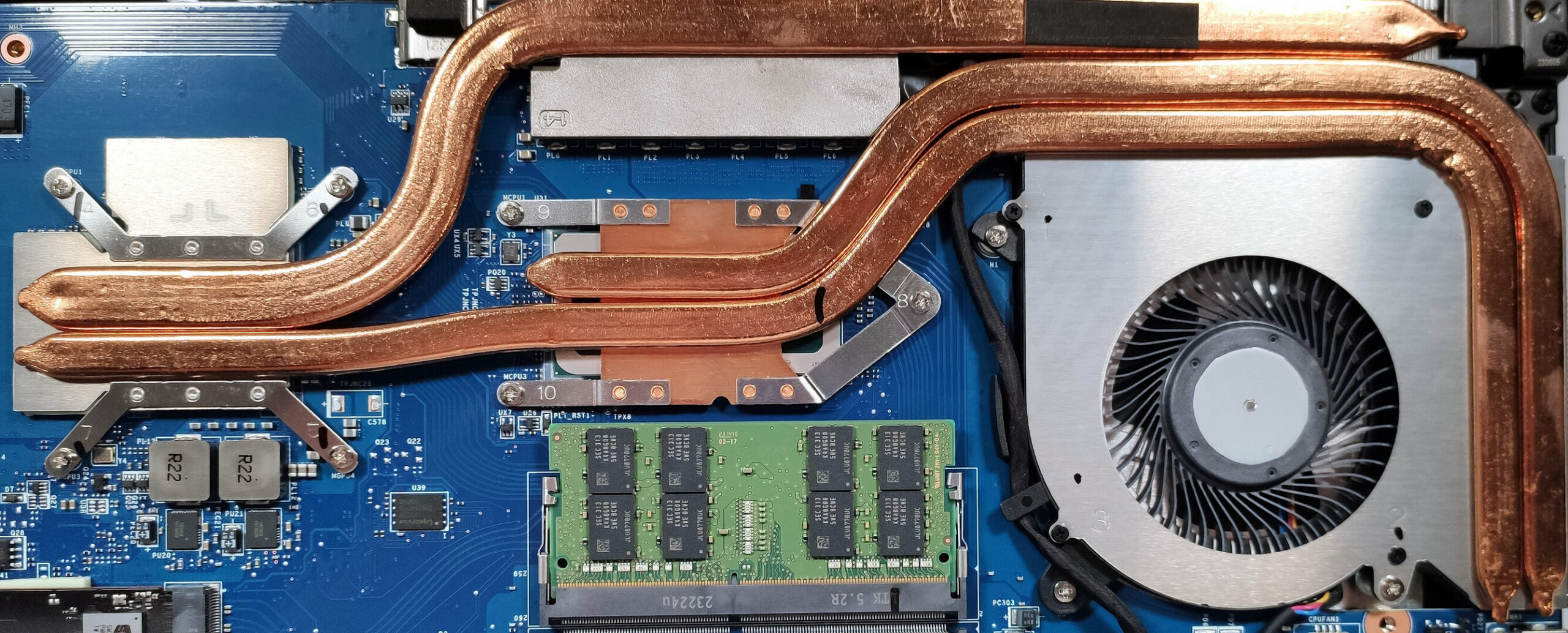
The cooling performance of the MSI Thin GF63 (12V) isn’t bad but it’s far from being impressive. The Core i7-12650H in this device can’t sustain a high P core clock in short loads while the E core frequencies and the power limit of the CPU are good. Interestingly, in medium-long loads, everything looks good (except for the 87°C chip temperature) because the performance cores show an average boost of 3.44 GHz which is great. In long periods of 100% processor load, the P and E cores can maintain almost the same clock (~2.30 GHz).
Real-life gaming
| NVIDIA GeForce RTX 4050 | GPU frequency/ Core temp (after 2 min) | GPU frequency/ Core temp (after 30 min) |
|---|---|---|
| MSI Thin GF63 (12V) | 1735 MHz @ 69°C @ 45W | 1729 MHz @ 70°C @ 45W |
We can see a 45W TGP and 1729 MHz core clock after 30 minutes of gaming. All look good for the 45W version of the GeForce RTX 4050 (Laptop).
Gaming comfort
The single fan isn’t as loud as a vacuum cleaner in “Extreme Performance” mode – the noise levels are normal for a gaming laptop. During heavy loads, the WASD section and the two palm rest areas are relatively cool for normal usage. The thermals of the central and the right side of the keyboard are okay for normal work.
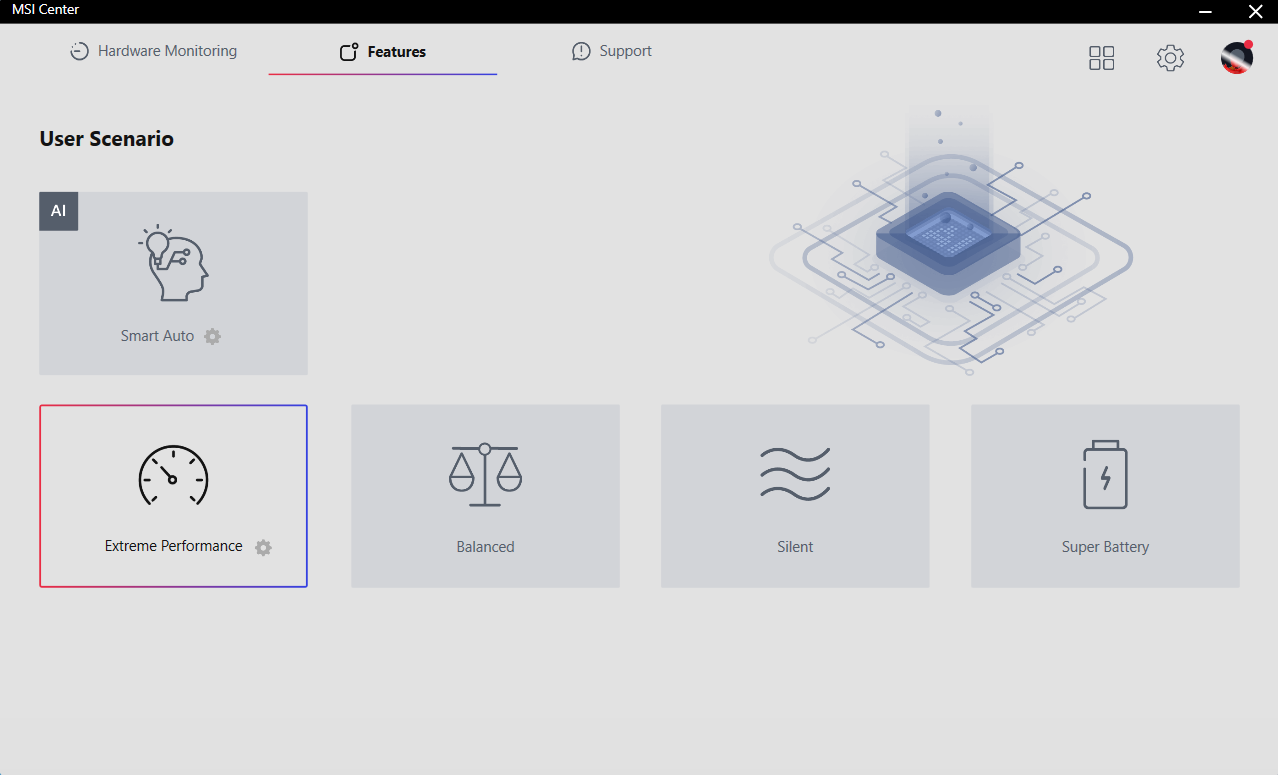
The cooling fan has some weird behavior that is really annoying in idle. When the CPU temperature is 49°C or lower, the fan isn’t spinning at all. When the chip reaches 50°C the fan starts to spin with ~2300-2400RPM but before that, you will hear an audible “click” sound. In a short period of time, the temperature drops to 47-48°C and you can enjoy some silence for a few seconds. After that, the processor quickly passes the 50°C mark and you will hear the fan’s irksome clicky start with a high RPM. This is very distracting and the temperature hysteresis of the fan needs some fine tuning.
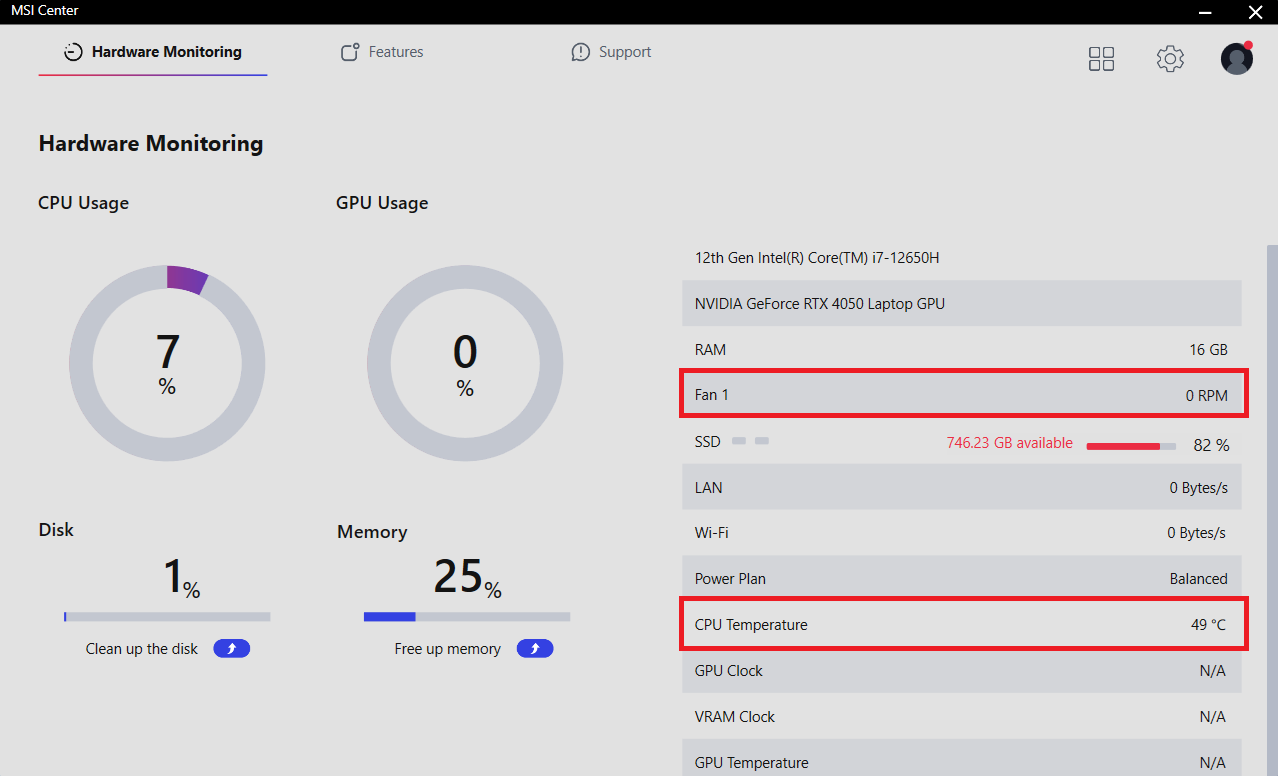 49°C – 0 RPM
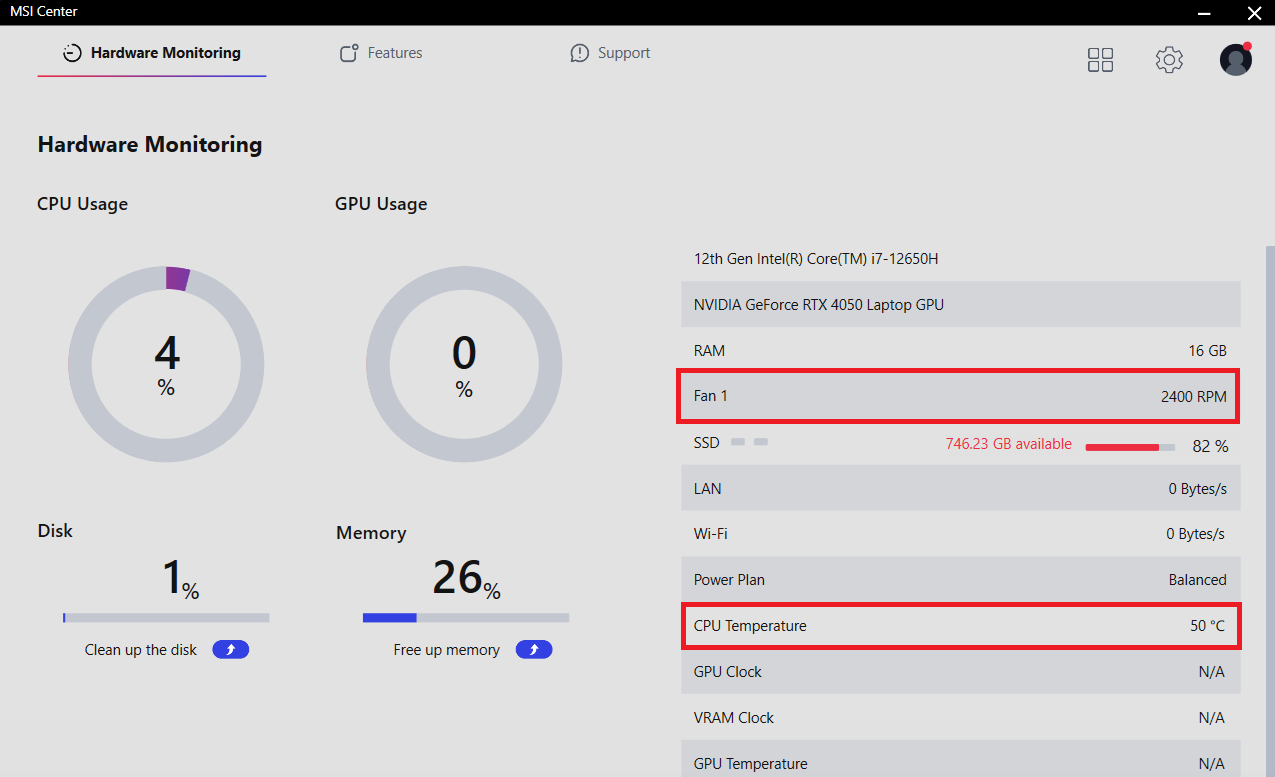 50°C – 2400 RPM
Battery
Now, we conduct the battery tests with the Windows Better performance setting turned on, screen brightness adjusted to 120 nits and all other programs turned off except for the one we are testing the notebook with. This laptop has a 52.4Wh battery that lasts for 6 hours and 40 minutes of Web browsing or 6 hours and 15 minutes of video playback. Given the H-series CPU and the small capacity, the result is decent.
Brightness: 180 nits; Display Mode: SDR
Time to Full Discharge: Higher is Better

In order to simulate real-life conditions, we used our own script for automatic web browsing through over 70 websites.
 Author: Nikolay Palaozov

![[June 2026] Best-Selling Laptop Brands on Amazon Global – Apple’s Unrivaled Dominance in Units and Revenue](https://laptopmedia.com/wp-content/uploads/2026/07/GLOBAL-Best-Brands-400x225.jpg)
![[June 2026] Amazon Global: Top 10 Best-Selling Laptops – Apple’s New MacBook Neo Storms to #1, Reshaping the Market with Affordability](https://laptopmedia.com/wp-content/uploads/2026/07/Best-Selling-Laptops-GLOBAL-Top-10-400x225.jpg)
![[June 2026] Amazon Global: Top 10 Best-Selling Gaming Laptops – Acer’s Nitro V 16S AI Dominates Sales, While ASUS Leads Overall Revenue](https://laptopmedia.com/wp-content/uploads/2026/07/Best-Selling-Gaming-Laptops-GLOBAL-Top-10-400x225.jpg)
![[June 2026] Global Ranking of Best-Selling Laptop GPUs on Amazon – NVIDIA RTX 5060 is the Top-Selling Dedicated GPU](https://laptopmedia.com/wp-content/uploads/2026/07/Best-Selling-GPUs-GLOBAL-Top-10-400x225.jpg)
![[June 2026] Global Ranking of Best-Selling Laptop CPUs on Amazon – Apple M5 Dominates, AMD Ryzen 7 260 Gets Solid Premium Share](https://laptopmedia.com/wp-content/uploads/2026/07/Best-Selling-CPUs-GLOBAL-Top-10-400x225.jpg)

Slaby ten laptop. Malo wydajny i makabrycznie się przegrzewa. Przy przegladaniu neta 95 stopni. Juz raz odsylalem i nadal potrafi sie grzac. Odradzam. Aha ta karta graficzna rowniez za slaba do gier
Did you get a replacement for it? Because we’ve tested it under much heavier scenarios than web surfing, and it worked at 79°C for the CPU and 70°C for the GPU. Check this out: Temperatures and comfort Your unit could have been a faulty one? The GF63 has a lot of flaws, as we’ve stated in the Conclusion and Pros/Cons section. But 95°C while just surfing definitely shouldn’t happen. —— Czy otrzymałeś już zamiennik? Testowaliśmy go w znacznie cięższych warunkach niż przeglądanie internetu, i pracował przy 79°C dla CPU i 70°C dla GPU. Sprawdź to: Temperatures and comfort Czy twój… Read more »
Hey, I had the same overheating issue, the laptop would go sometimes even over 95° just by browsing the internet. Playing games would also be bad, becouse the laptop would overheat quickly and becouse of that, the game would run really poorly. The only thing that is helping me is a cooling pad which i bought for couple of bucks. Overall i think the laptop is ok, its not that expensive (well not sure if it is still, becouse i bought it some time ago), and it can run most games on the highest graphics+60 fps. The only thing that’s… Read more »