Tenda TX2 Pro review – nicely priced entry-level Wi-Fi 6 router loaded with useful features
Installation, Features, Setup, and Testing
The installation is more than easy (if you’re not familiar with how to install and set up a router, the Quick Installation Guide is all you need). The first thing to do is to ensure an Internet connection to the router – you have to connect the WAN port of the device to the LAN port of your media convertor/modem. The next step is to connect your PC with the provided LAN cable to one of the three Ethernet ports or you can use a phone as well. Open a Web browser and ether the following address – 192.168.0.1. Of course, shortly after that, you have to enter a username and password in order to access the router for configuring – as always, the default SSID and the password are located on the bottom of the device. Don’t forget to change them because someone can access your network with ease.
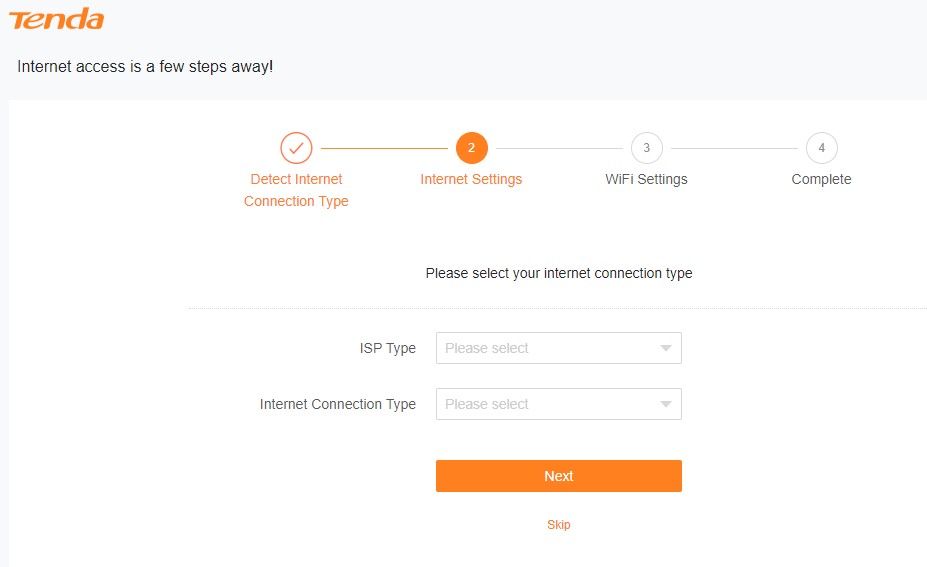
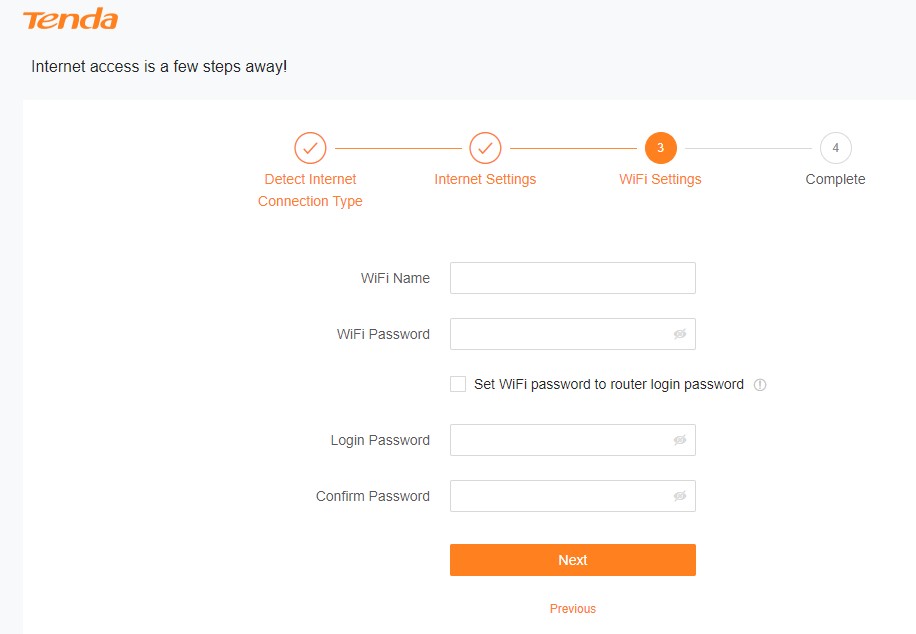
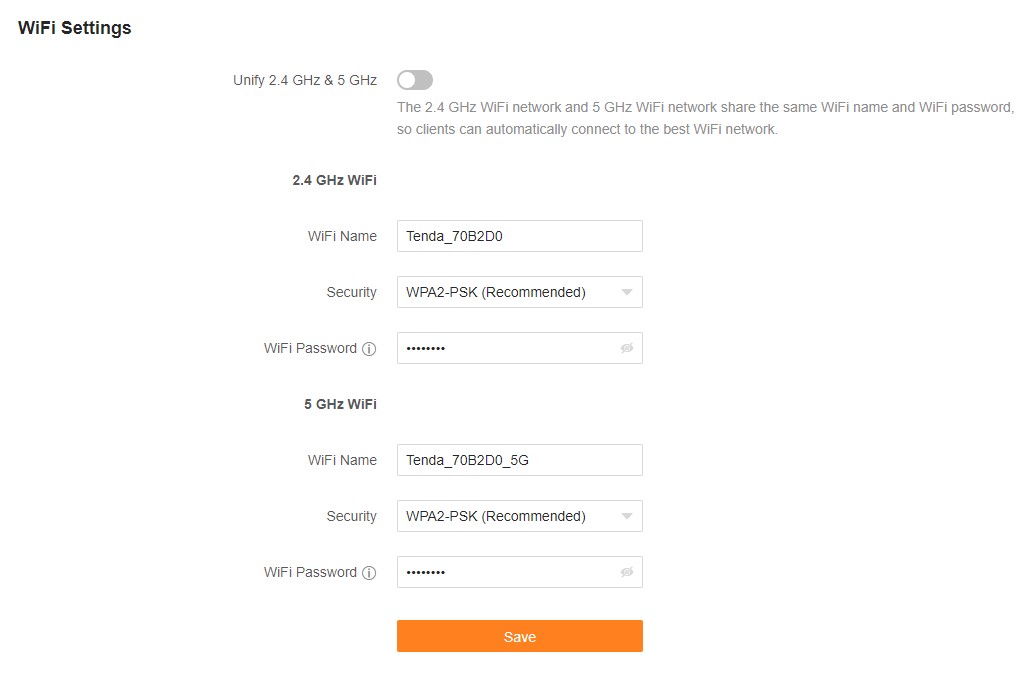
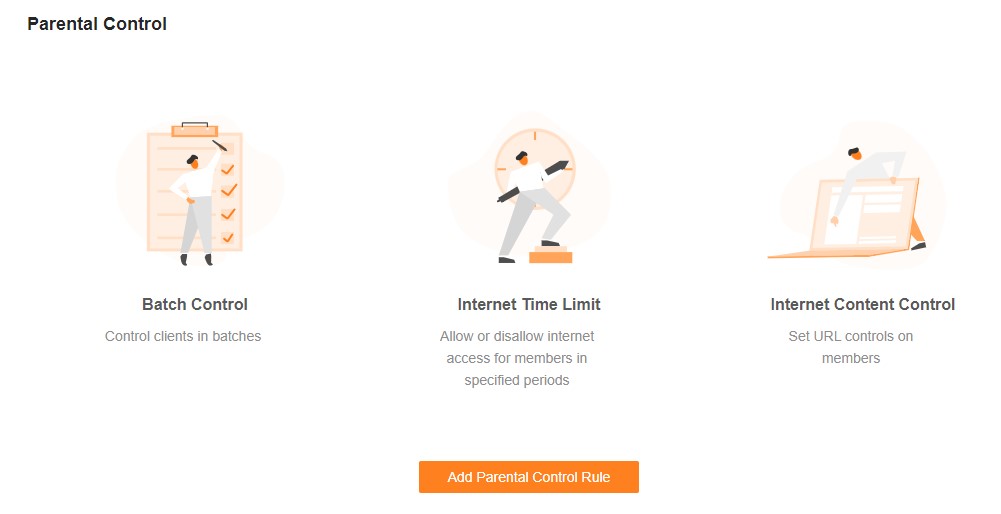
The menus look almost exactly the same as the ones that can be seen on many other devices from the same brand. You can tweak and fine-tune so many settings. If you aren’t a geek, just enter a new Wi-Fi password and you can leave the majority of the settings “as is” or on Auto. If you like to tweak settings and if you have previous experience, you can set up features like Parental Control, Guest Network, Blacklist/Whitelist, Timer Switch, and many more.
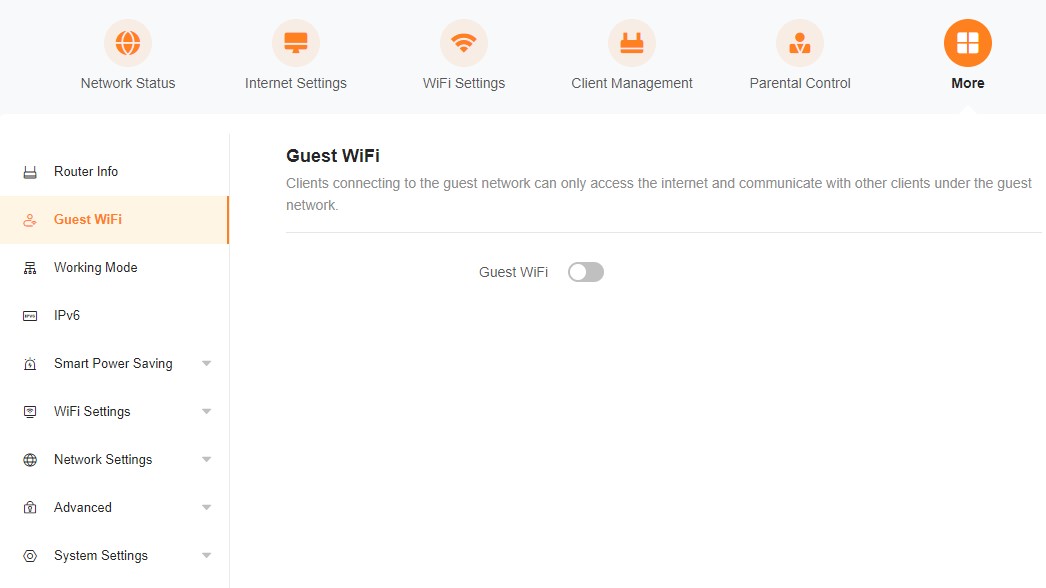
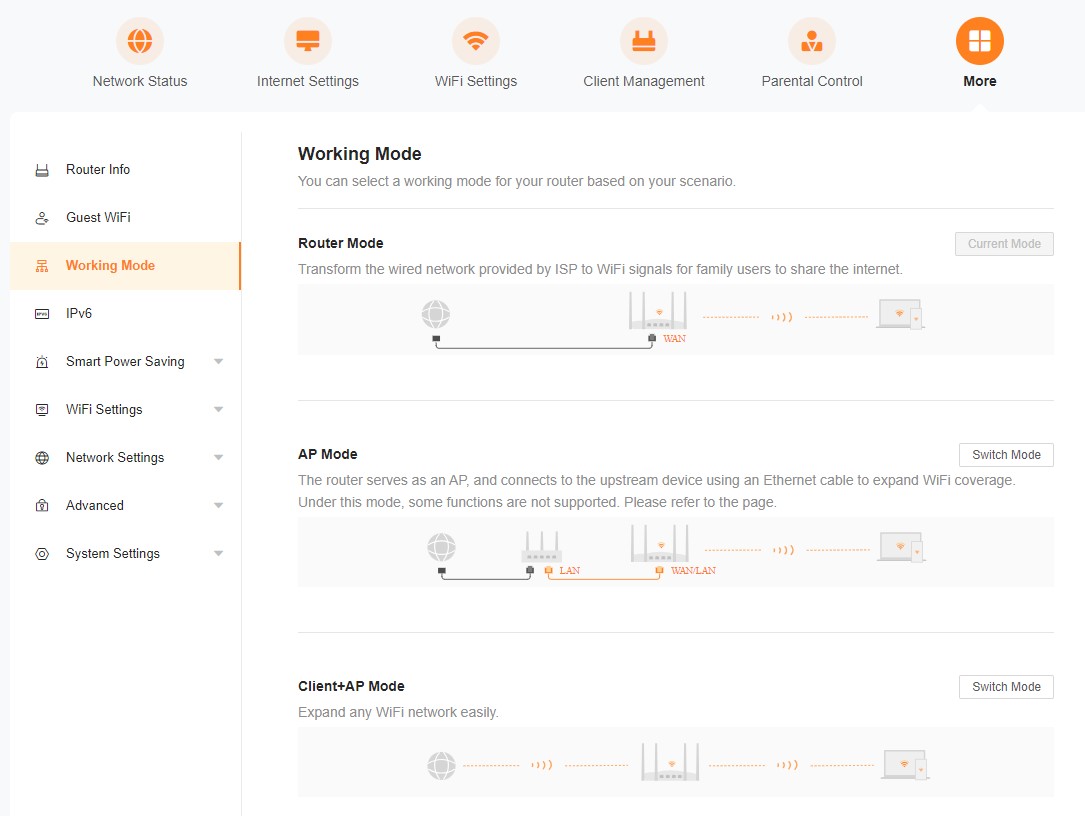
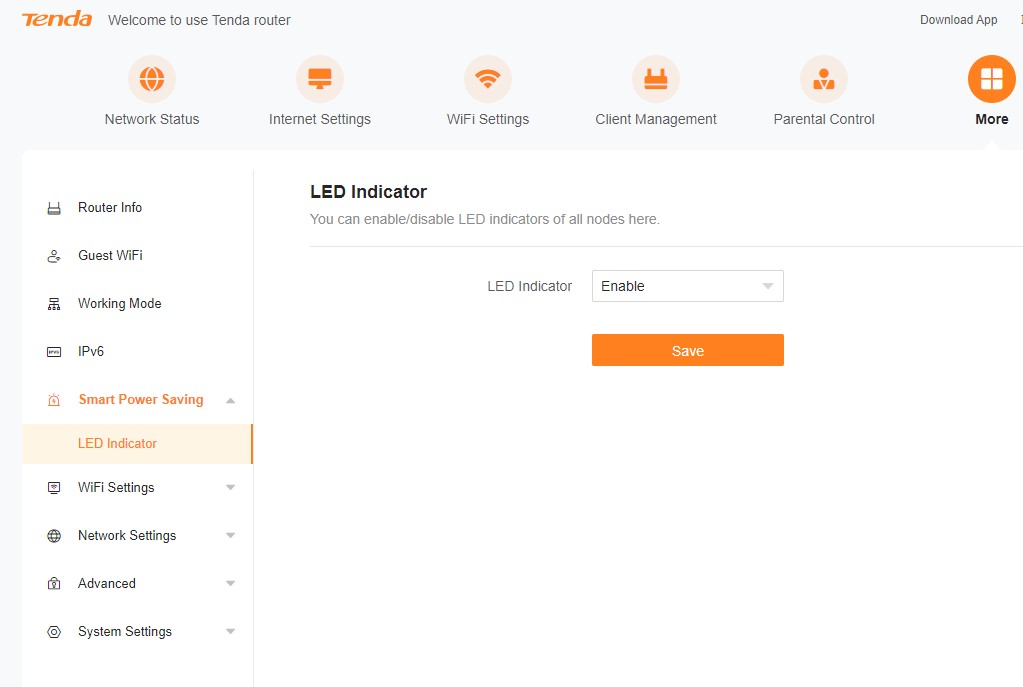
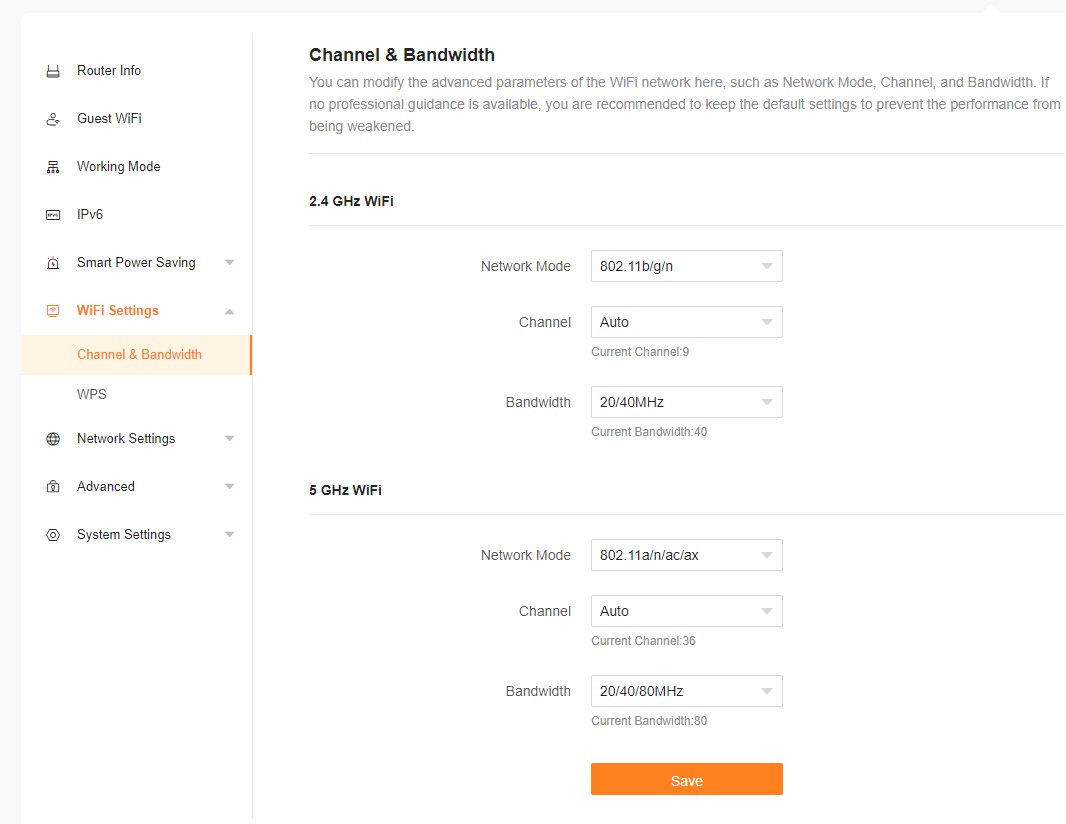
The Guest network option is something like a trademark for the Tenda devices and it’s super useful in situations like when you have a home party with a lot of guests and you don’t want to give them access to your main network. You can create a separate Guest network with different Wi-Fi password and that’s great in terms of safety. Also, the built-in firewall can automatically block DDOS attacks.
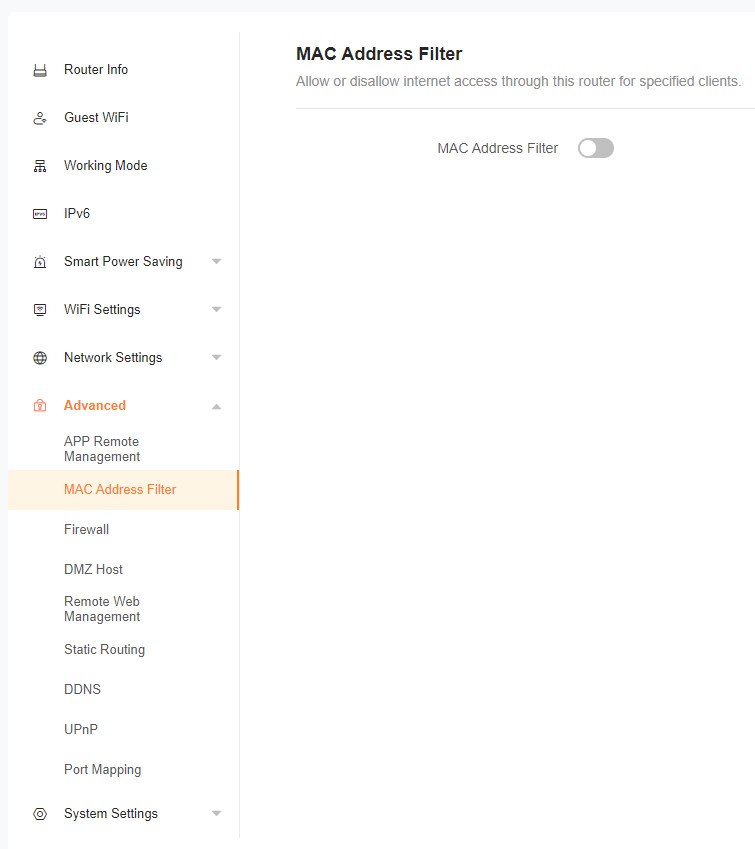
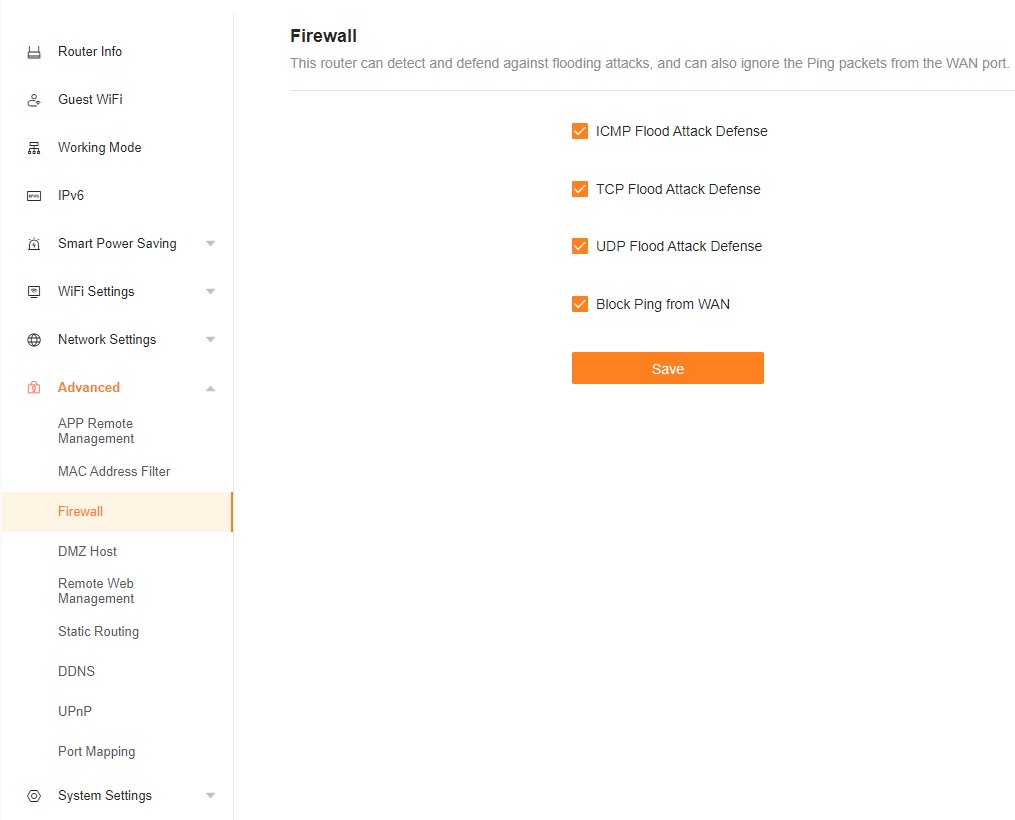
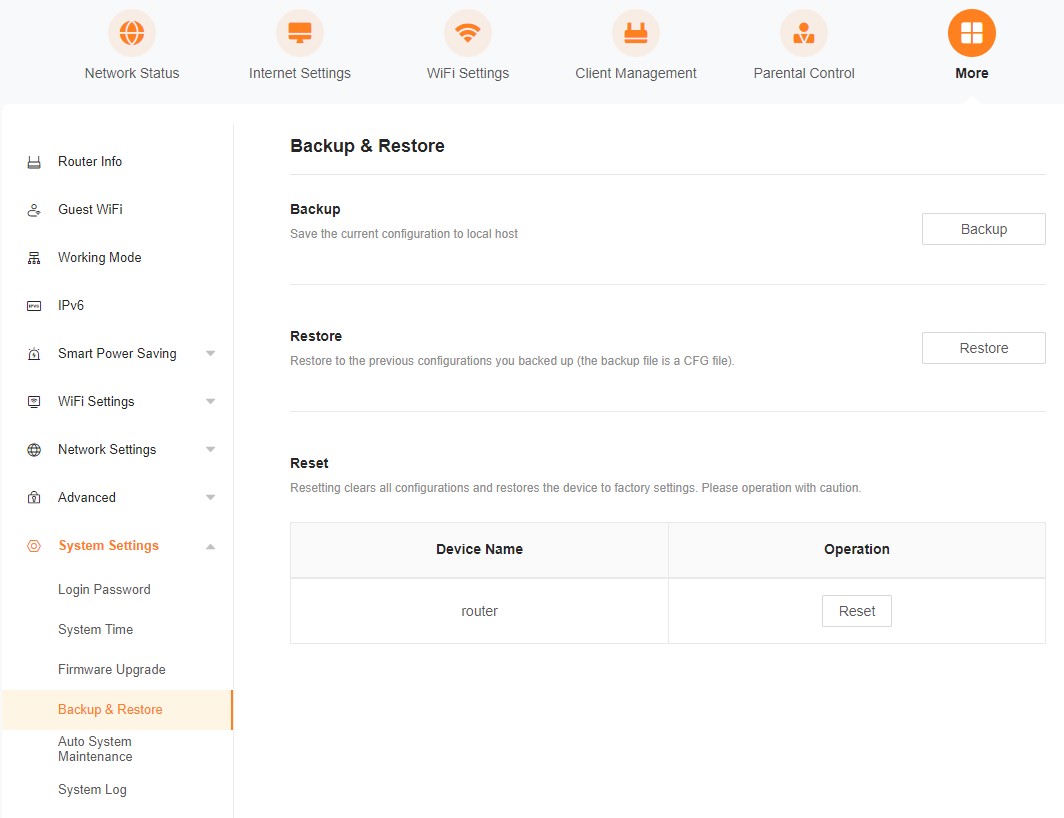
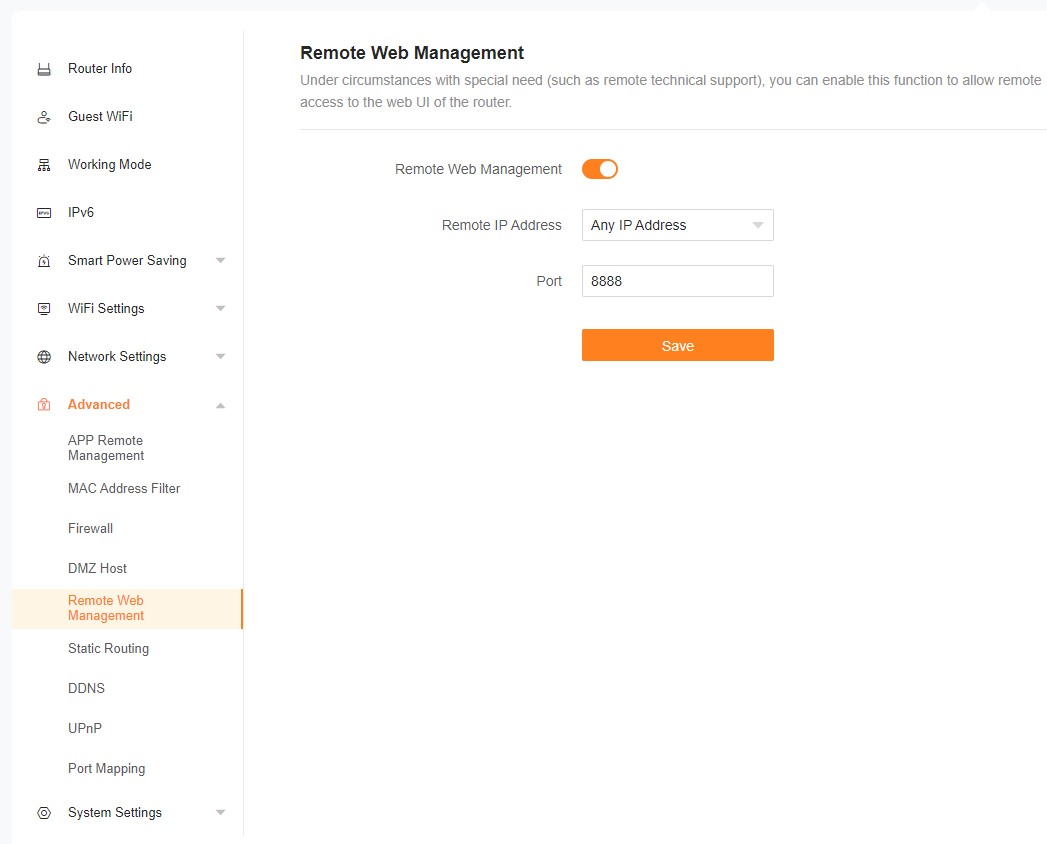
Expectedly, standard commands like reset, reboot, and system log can be executed through the Web menu of the router or via the mobile Tenda program. Speaking of which, the dedicated software is easy to use and it’s a great tool to monitor your network when you’re on the go and not at home. Yes, remote management is so easy these days.
System Log is very useful because you can see a lot of information about your network. Parental control is a great feature when you want to control how and when your kids can have access to the Internet and for extra safety, you can filter which Web sites can be accessed and which can not. Blacklisting or Whitelisting is another level of security, you can filter the devices that can access your network by MAC address.
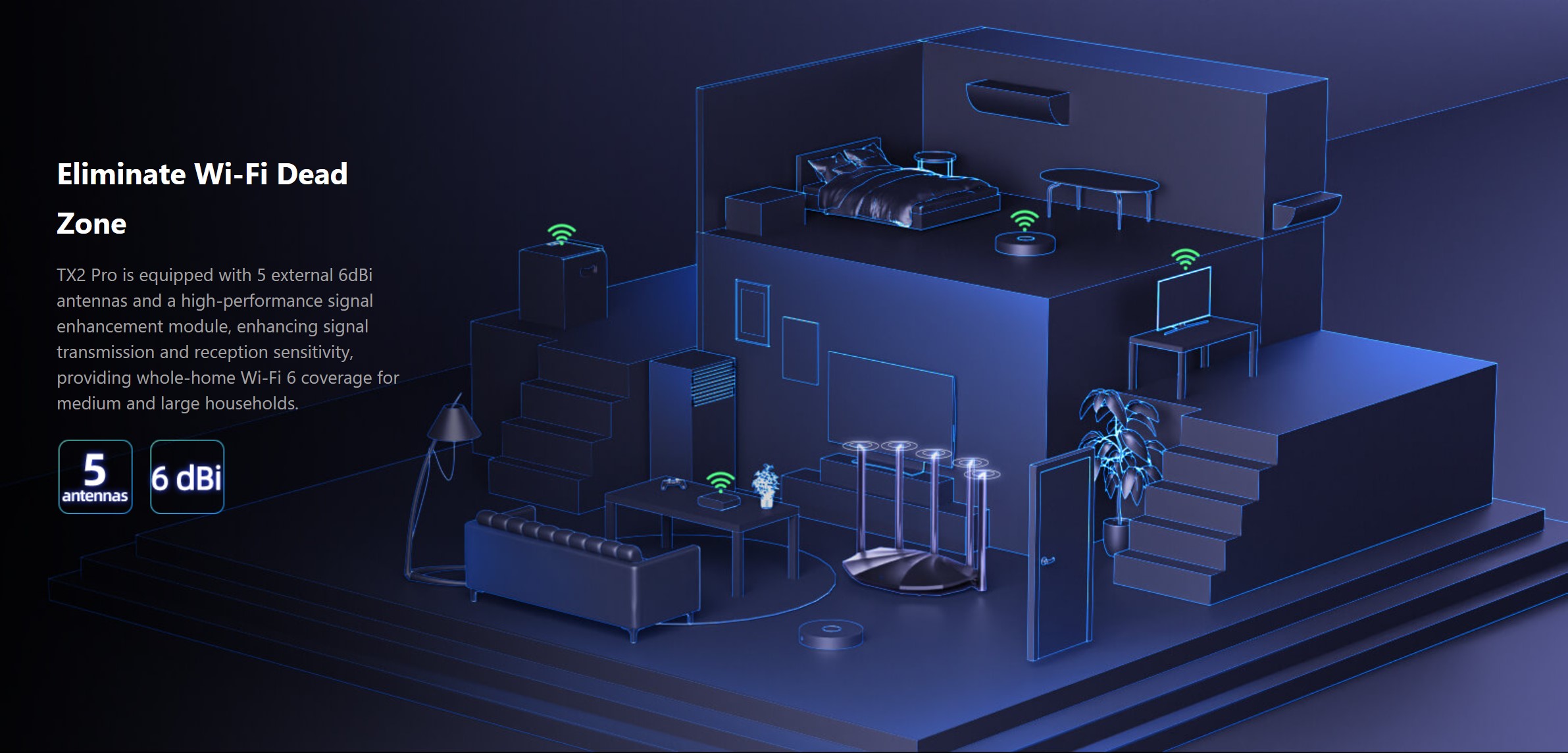
Testing the Tenda TX2 Pro is a pleasure. We didn’t experience any kind of lags or connection problems. We connected some smartphones and laptops to our network and the connection is stable even when it has to go through walls. Of course, the connection speed of the distant devices isn’t as fast as the ones that we’re close to the router but that’s more than normal. The most important thing is that all gadgets can rely on stable Wi-Fi or LAN connection and in our case, the ping in online games was good even when one of the test laptops was two rooms away from the router. Nice! Playing games, watching 4K or 8K videos, and Web browsing on different computers and smartphones is not a problem for the Tenda TX2 Pro.
The Tenda product has a lot of tricks up in its sleeve like OFDMA (Orthogonal Frequency Division Multiple Access) which “enables Wi-Fi access points to serve multiple clients in parallel” and goodies like MU-MIMO can lead to enhanced and strong Wi-Fi coverage because the router can make a connection with multiple devices with the aid of five built-in antennas. Beamfolding is here as well – it can strengthen the signal to your most important machine which is nice to have especially if you’re working at home and you need an Internet connection as stable as possible.
The Tenda TX2 Pro offers some user-friendly options like smart switching between 2.4GHz and 5GHz channels, this happens on the fly and that’s good in cases where many different old and new PCs and phones are connected to the network. WPA3 security is part of the default package which means enhanced protection for your passwords and better encryption for the network.
 Author: Nikolay Palaozov

![[June 2026] Best-Selling Laptop Brands on Amazon Global – Apple’s Unrivaled Dominance in Units and Revenue](https://laptopmedia.com/wp-content/uploads/2026/07/GLOBAL-Best-Brands-400x225.jpg)
![[June 2026] Amazon Global: Top 10 Best-Selling Laptops – Apple’s New MacBook Neo Storms to #1, Reshaping the Market with Affordability](https://laptopmedia.com/wp-content/uploads/2026/07/Best-Selling-Laptops-GLOBAL-Top-10-400x225.jpg)
![[June 2026] Amazon Global: Top 10 Best-Selling Gaming Laptops – Acer’s Nitro V 16S AI Dominates Sales, While ASUS Leads Overall Revenue](https://laptopmedia.com/wp-content/uploads/2026/07/Best-Selling-Gaming-Laptops-GLOBAL-Top-10-400x225.jpg)
![[June 2026] Global Ranking of Best-Selling Laptop GPUs on Amazon – NVIDIA RTX 5060 is the Top-Selling Dedicated GPU](https://laptopmedia.com/wp-content/uploads/2026/07/Best-Selling-GPUs-GLOBAL-Top-10-400x225.jpg)
![[June 2026] Global Ranking of Best-Selling Laptop CPUs on Amazon – Apple M5 Dominates, AMD Ryzen 7 260 Gets Solid Premium Share](https://laptopmedia.com/wp-content/uploads/2026/07/Best-Selling-CPUs-GLOBAL-Top-10-400x225.jpg)
