MSI Vector GP77 13V review – quiet and powerful
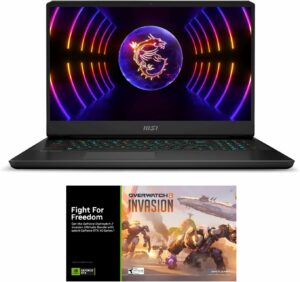
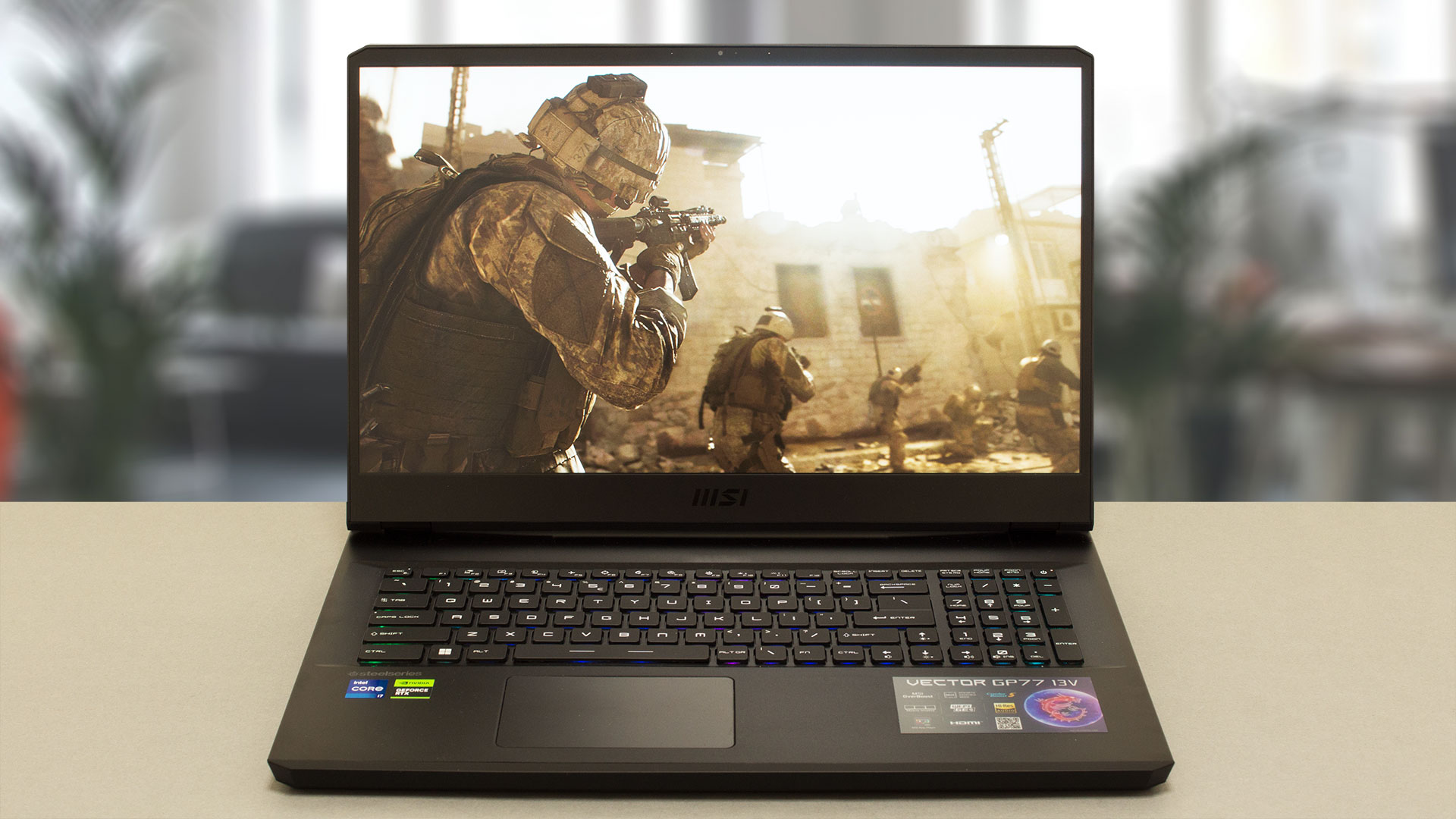 The all-new RTX 4000-based laptops are already here and since we reviewed some real beasts with RTX 4090 (175W) and RTX 4080 (175W) it’s time to see how powerful is the mobile RTX 4070. For doing so, we’re going to inspect the performance of MSI Vector GP77 (13VG) equipped with the RTX 4070 (140W). The latter could possibly be the new sweet spot for wealthy gamers.
The MSI Vector GP77 brings all the bangs and whistles that are needed to be called a 2023 gaming device. Under the hood, you can find powerful 13th Gen Intel Raptor Lake-H CPUs, brand-new NVIDIA Ada Lovelace GPUs, and an impressive-looking cooling solution. Of course, this is an expensive device so it gets the DDR5 treatment as well which will boost the overall performance.
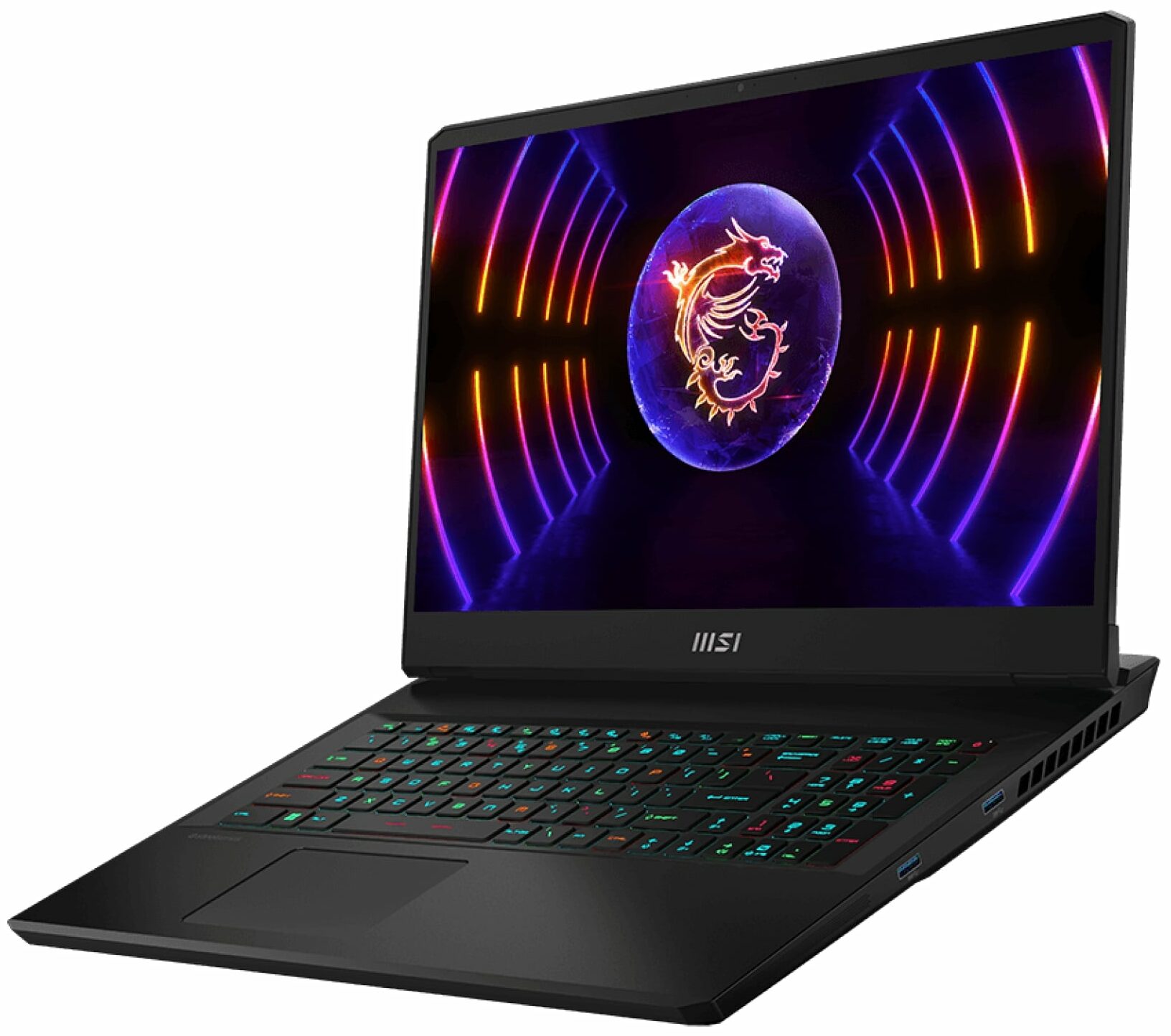
On the outside, things are looking good as well. We are greeted by a big 17.3″ IPS display with slim bezels – you can choose between a 1080p 144Hz model and a 1440p 240Hz variant. One of the main reasons that people will buy this device is the per-key RGB gaming keyboard by SteelSeries (man, that’s a long name) that features tons of customization and lighting effects.
There is a MUX switch so you can squeeze the best possible performance during gaming. At least for now, the MSI Vector GP77 impresses, let’s see if this fella has more tricks up in its sleeve.
You can check the prices and configurations in our Specs System: https://laptopmedia.com/series/msi-vector-gp77-13vx/
Contents
- Specs, Drivers, What’s in the box
- Design and construction
- Display quality, Health impact (PWM), Sound
- Buy our profiles
- Performance: CPU, GPU, Gaming Tests
- [eBook Guide + Tools] How to MAX OUT your Laptop
- Temperatures and comfort, Battery Life
- Storage performance
- MSI Center
- Disassembly, Upgrade options, and Maintenance
- Verdict
Specs, Drivers, What’s in the box
MSI Vector GP77 (13Vx) - Specs




- HDD/SSD
- up to 4000GB SSD
- M.2 Slot
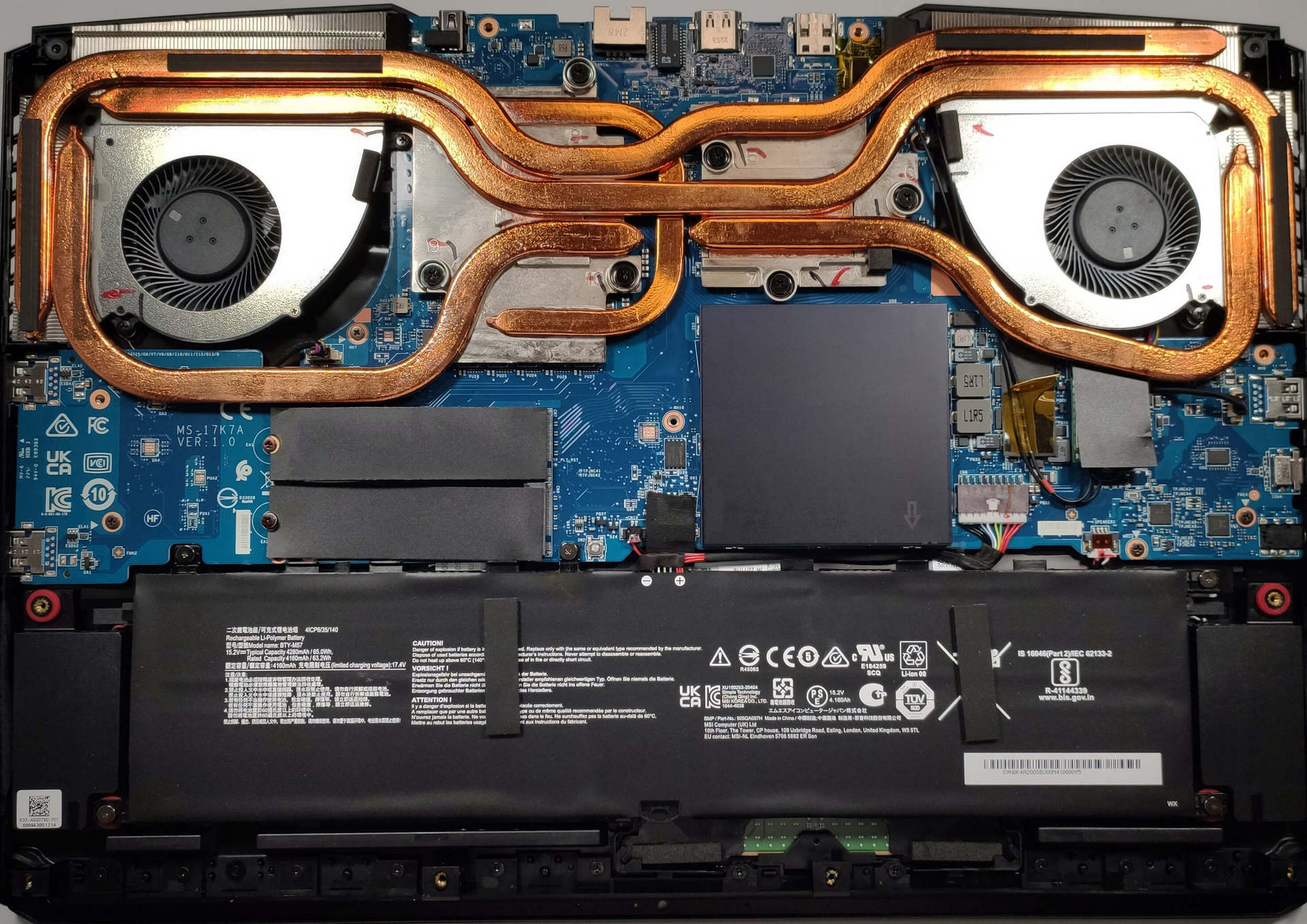
- 2x 2280 M.2 PCIe 4.0 x4 See photo
- RAM
- up to 64GB
- OS
- Windows 11 Home, Windows 11 Pro, No OS
- Battery
- 65Wh, 4-cell, 65Wh, 4-cell
- Body material
- Plastic / Polycarbonate, Aluminum
- Dimensions
- 397 x 284 x 25.9 mm (15.63" x 11.18" x 1.02")
- Weight
- 2.80 kg (6.2 lbs)
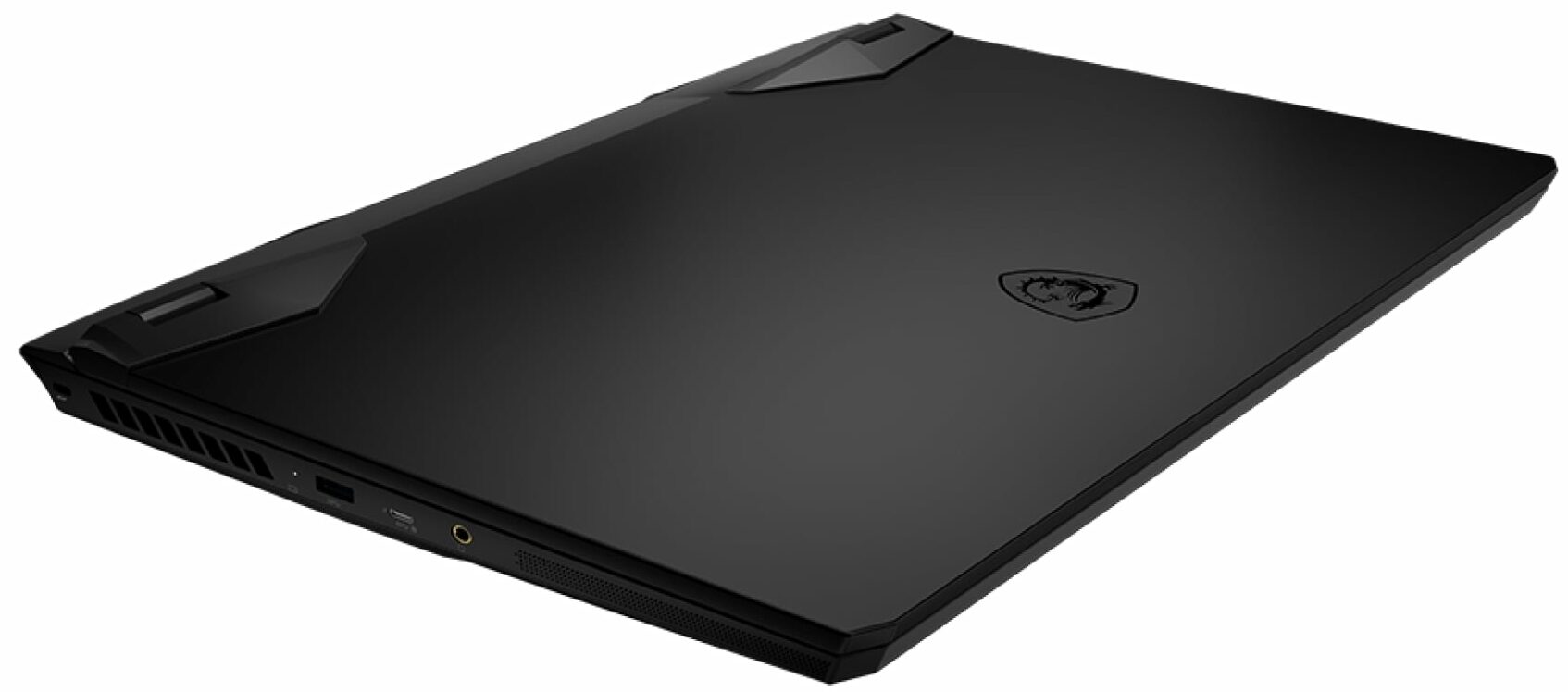
- Ports and connectivity
- 3x USB Type-A
- 3.2 Gen 2 (10 Gbps)
- 1x USB Type-C
- 3.2 Gen 2 (10 Gbps), Power Delivery (PD), DisplayPort
- HDMI
- 2.1 (8K@60Hz / 4K@120Hz)
- Displayport mini
- Card reader
- Ethernet LAN
- 10, 100, 1000, 2500 Mbit/s
- Wi-Fi
- 802.11ax
- Bluetooth
- 5.3
- Audio jack
- 3.5mm Combo Jack
- Features
- Fingerprint reader
- Web camera
- HD
- Backlit keyboard
- Microphone
- Speakers
- 2x 2W Speakers, Nahimic Audio
- Optical drive
- Security Lock slot
All MSI Vector GP77 (13Vx) configurations
Drivers
All drivers and utilities for this notebook can be found here: https://www.msi.com/Laptop/Vector-GP77-13VX/support
What’s in the box?
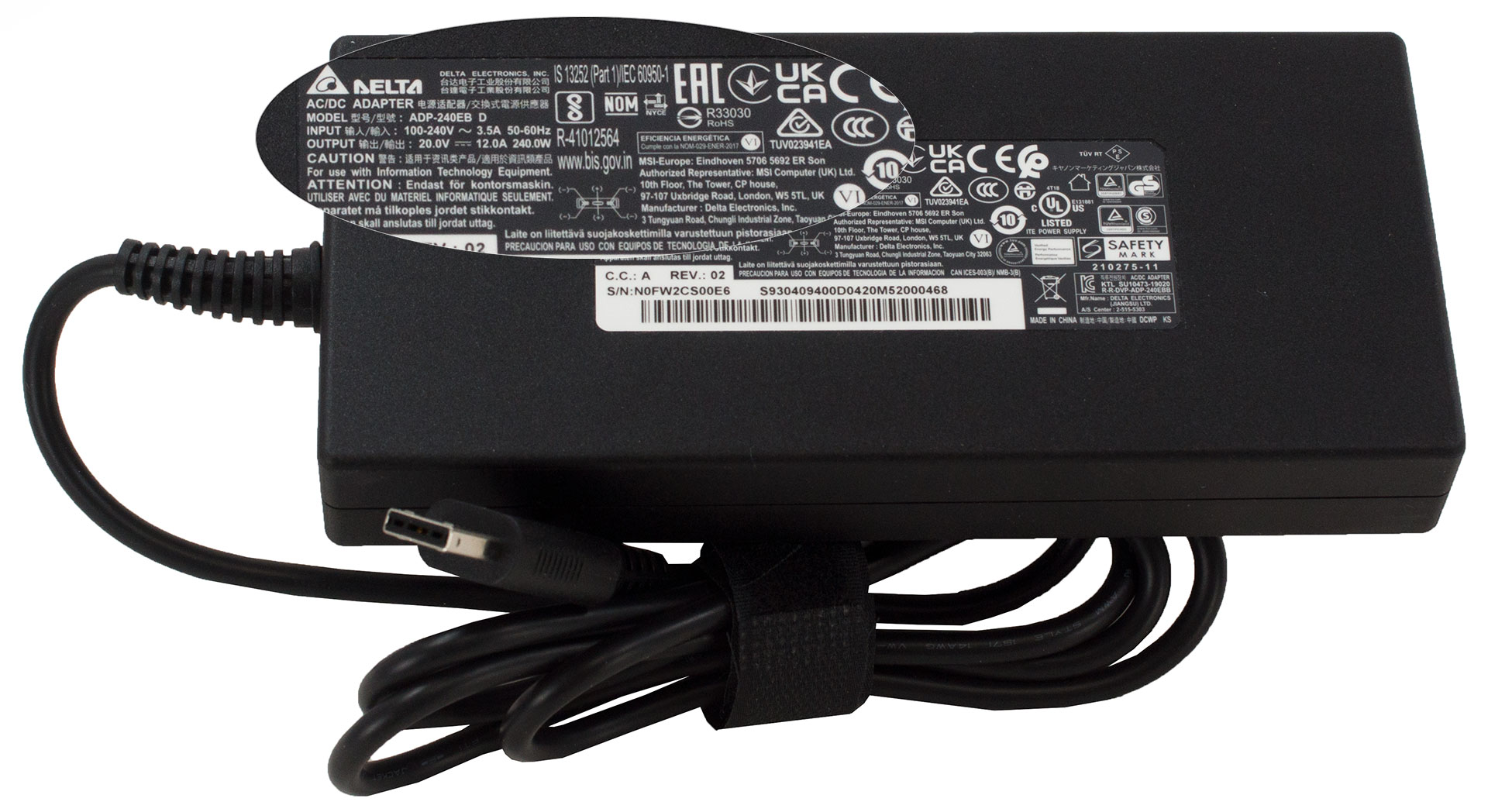
This device comes in a well-secured package, inside you’ll find some manuals and a 240W power adapter.
 Author: Nikolay Palaozov

![[June 2026] Best-Selling Laptop Brands on Amazon Global – Apple’s Unrivaled Dominance in Units and Revenue](https://laptopmedia.com/wp-content/uploads/2026/07/GLOBAL-Best-Brands-400x225.jpg)
![[June 2026] Amazon Global: Top 10 Best-Selling Laptops – Apple’s New MacBook Neo Storms to #1, Reshaping the Market with Affordability](https://laptopmedia.com/wp-content/uploads/2026/07/Best-Selling-Laptops-GLOBAL-Top-10-400x225.jpg)
![[June 2026] Amazon Global: Top 10 Best-Selling Gaming Laptops – Acer’s Nitro V 16S AI Dominates Sales, While ASUS Leads Overall Revenue](https://laptopmedia.com/wp-content/uploads/2026/07/Best-Selling-Gaming-Laptops-GLOBAL-Top-10-400x225.jpg)
![[June 2026] Global Ranking of Best-Selling Laptop GPUs on Amazon – NVIDIA RTX 5060 is the Top-Selling Dedicated GPU](https://laptopmedia.com/wp-content/uploads/2026/07/Best-Selling-GPUs-GLOBAL-Top-10-400x225.jpg)
![[June 2026] Global Ranking of Best-Selling Laptop CPUs on Amazon – Apple M5 Dominates, AMD Ryzen 7 260 Gets Solid Premium Share](https://laptopmedia.com/wp-content/uploads/2026/07/Best-Selling-CPUs-GLOBAL-Top-10-400x225.jpg)
was curious if you know the length of the cable from the power brick to the computer?
5 feet
MSI could have done a better job with the Fan Speed panel UI design if they had labeled everything in Chinese. At least then we could use a translator. All of the fan speed sliders are in percent%, there is no use of actual temp C or F, yet each slider has a specific temp range that it operates within. So to help with that, MSI gave us a blue to red color bar (see pics above). One can also tell that they put absolutely no effort into this panel because there is no “Apply” button. You must press “Save”… Read more »
…basically just use the Fan Speed panel to set all sliders to 150%. This will keep fans pinned to max regardless of CPU/GPU temps. Use that for gaming. When you use “Cooler Boost” the fans speed will still be tied to temp ranges.