MSI Vector GP77 13V review – quiet and powerful
Design and construction
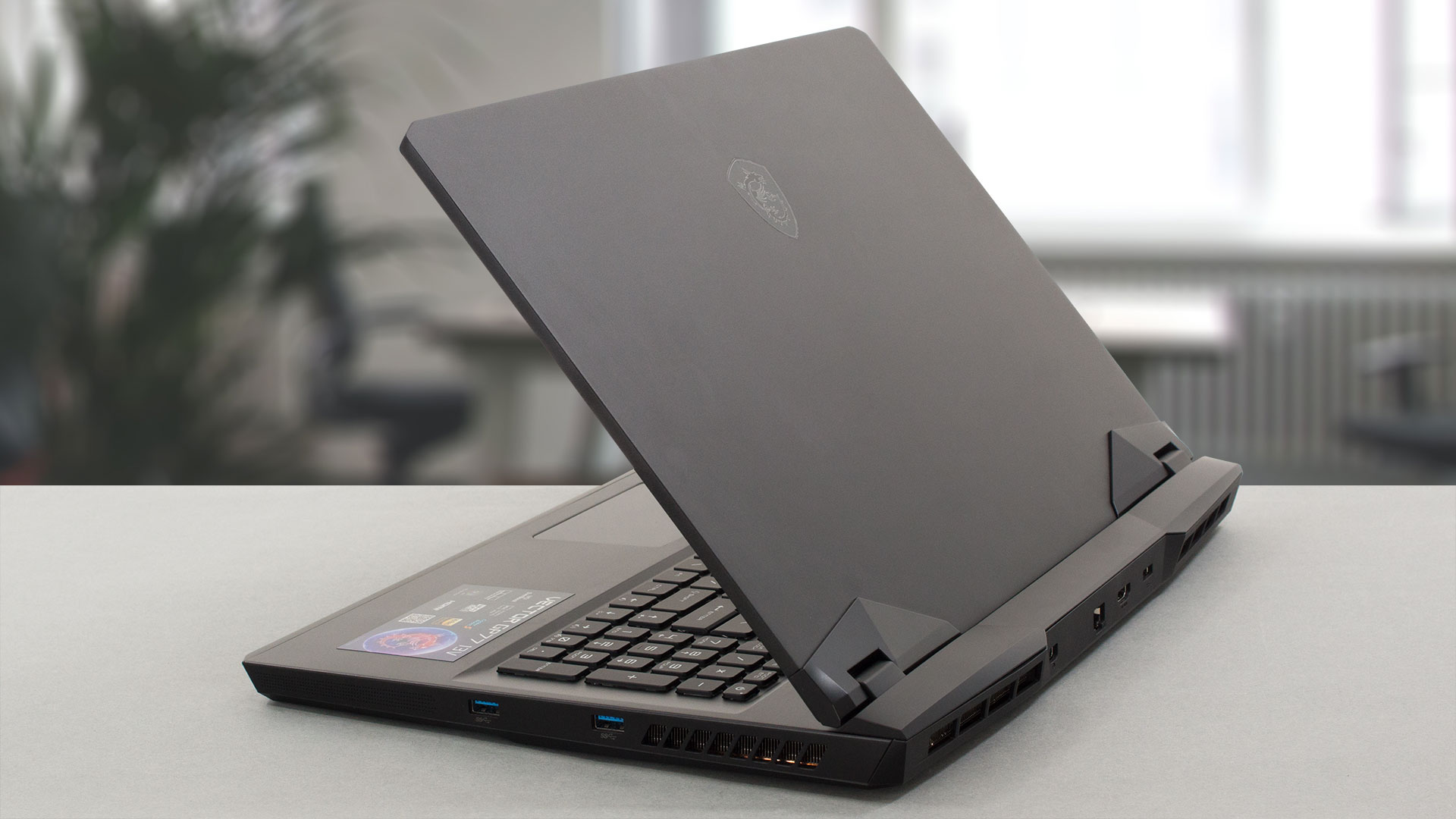
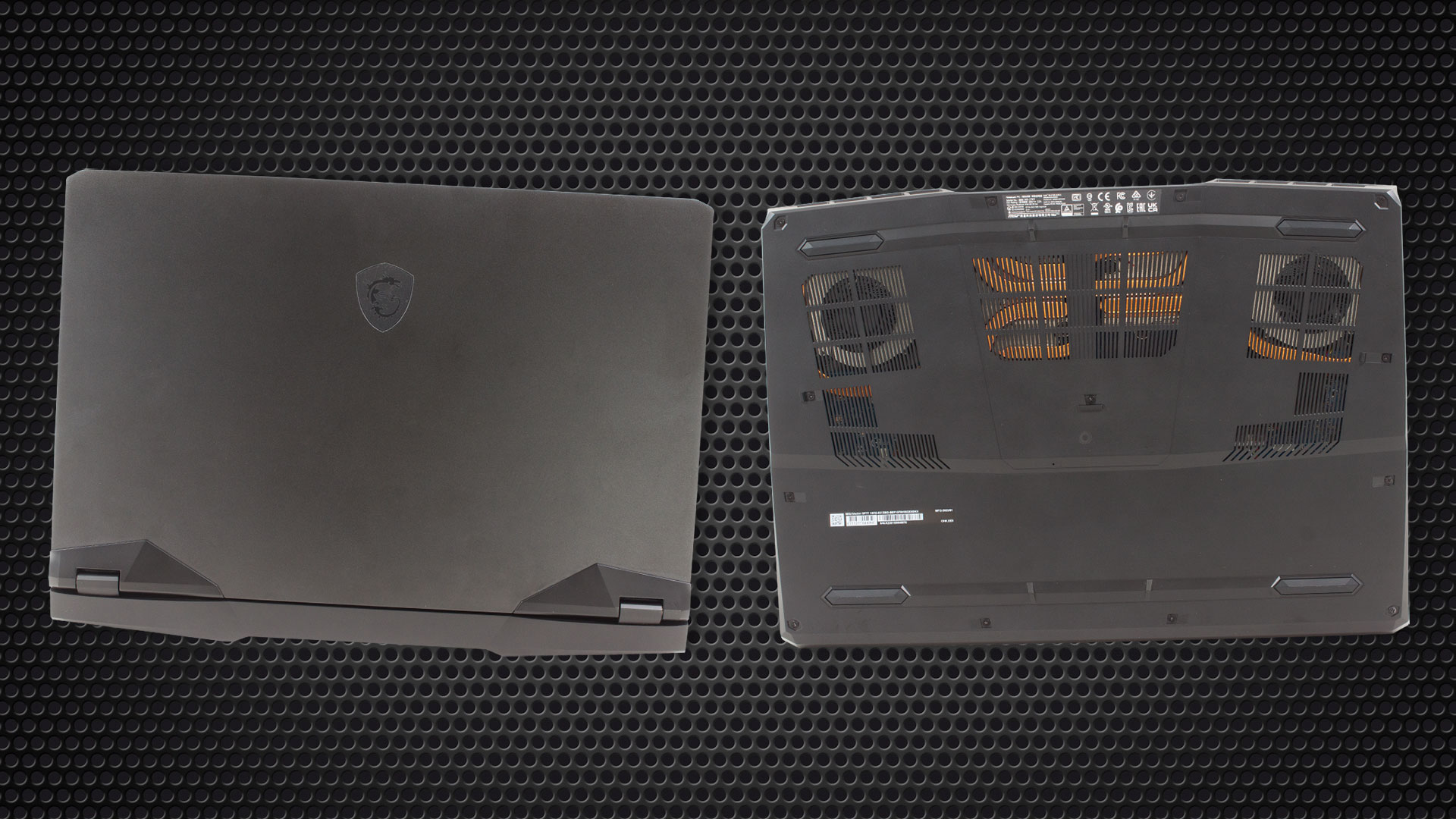
The build is mainly made of metal except for the plastic bottom plate. In addition, the elements around the hinges area on the lid are plastic as well as the backside that houses some ports. Overall, this is a well-built and sturdy device.
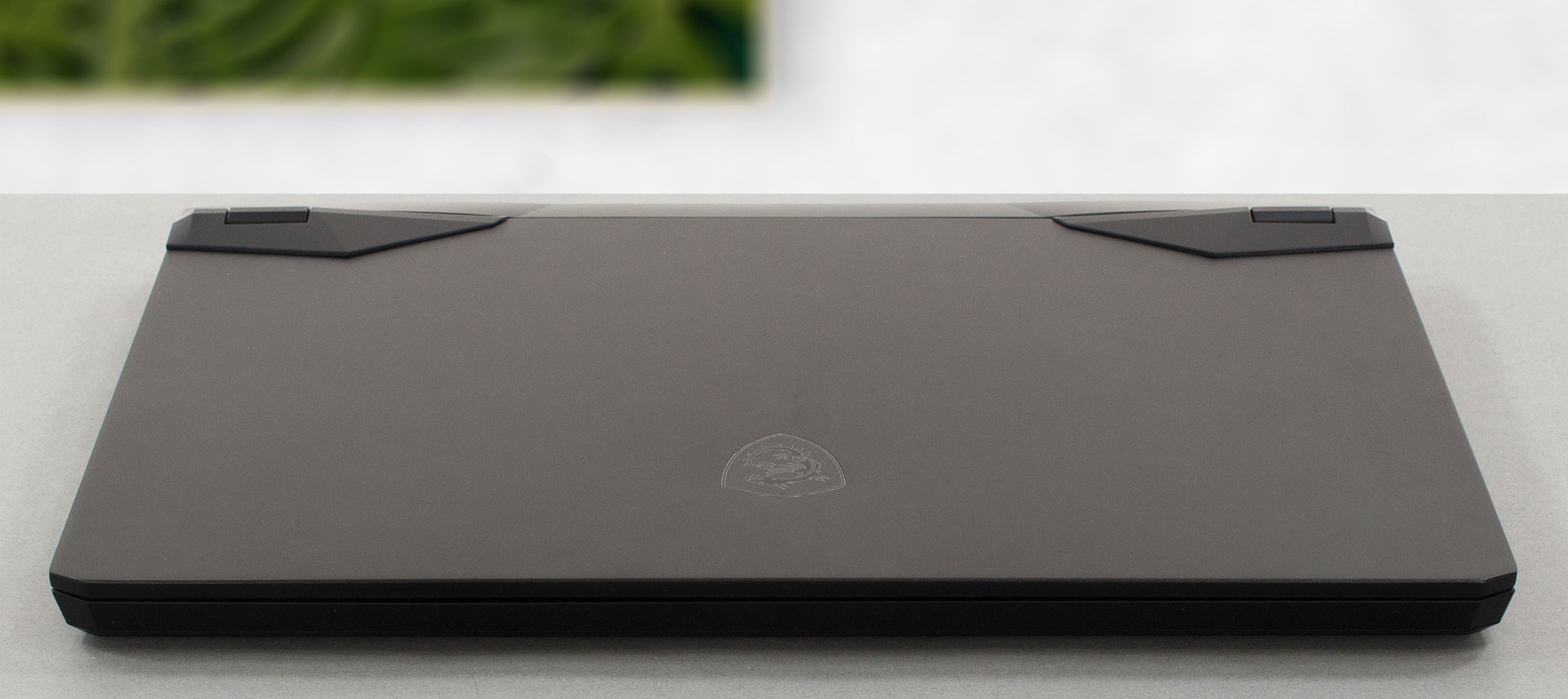
The profile thickness is 25.9mm which can be considered normal for a big gaming laptop. The weight is okay – 2.80 kilos. On the lid, you can see the MSI dragon logo which is typical for a high-priced MSI laptop.
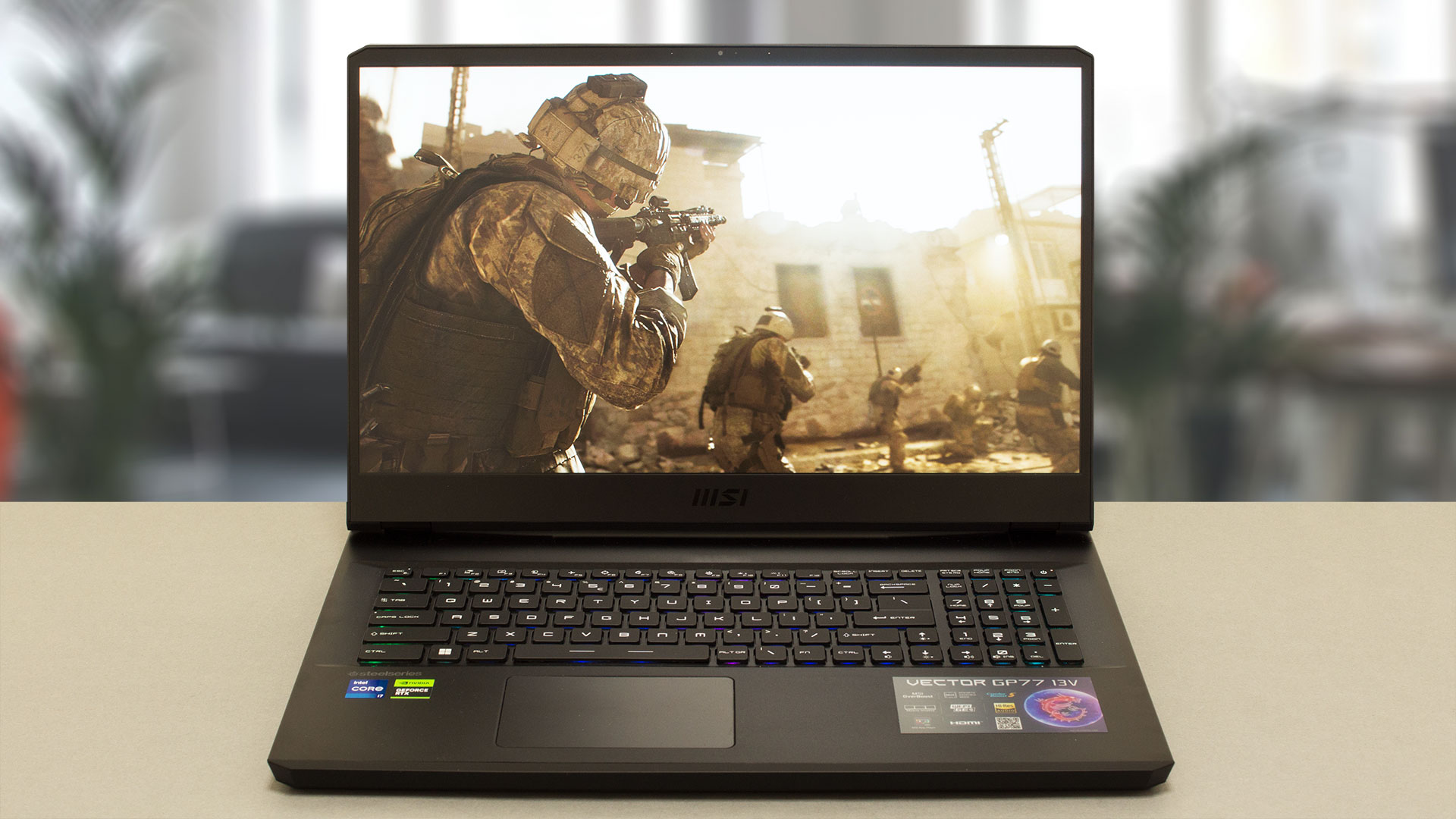
The lid can be opened with one hand but keep in mind that the hinges are a bit on the stiff side. The bezels around the display are thin and the top one houses an HD Web camera.
Now, let’s see the keyboard. The unit has a Number Pad, and a Per-key RGB backlight. All the RGBs of MSI Vector GP77 can be synchronized and controlled with the aid of the SteelSeries app. The keyboard has good key travel and clicky feedback, so it’s suitable for both typing and gaming which is great.
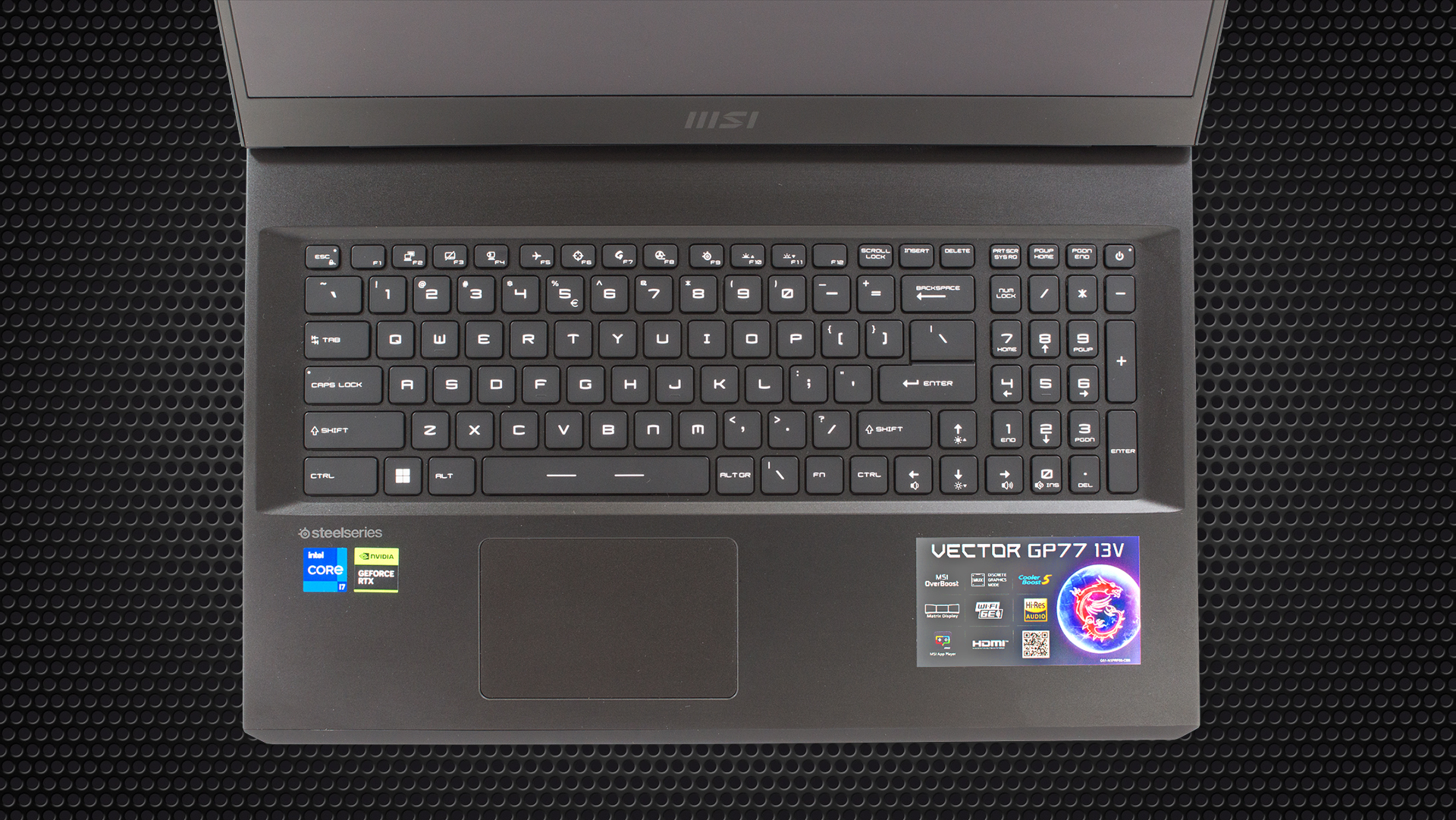
The touchpad is a fine unit. Sure, not the biggest one out there, but aside from that, its surface is smooth, the clicking mechanism feels good, and the pad is fast and accurate.
The bottom plate houses the two speaker cutouts and the large ventilation grill that is generously showing a big chunk of the cooling solution. The hot air has been exhausted from the sides and from the back.
Ports
On the left side, there is a USB Type-A 3.2 (Gen. 1), a USB Type-A 3.2 (Gen. 2) with Power Delivery and DisplayPort capabilities, and an audio jack. On the right, you can see two USB Type-A 3.2 (Gen. 1) and the back is pretty populated with its Mini-DisplayPort, LAN, HDMI 2.1, and a power plug.



 Author: Nikolay Palaozov

![[June 2026] Best-Selling Laptop Brands on Amazon Global – Apple’s Unrivaled Dominance in Units and Revenue](https://laptopmedia.com/wp-content/uploads/2026/07/GLOBAL-Best-Brands-400x225.jpg)
![[June 2026] Amazon Global: Top 10 Best-Selling Laptops – Apple’s New MacBook Neo Storms to #1, Reshaping the Market with Affordability](https://laptopmedia.com/wp-content/uploads/2026/07/Best-Selling-Laptops-GLOBAL-Top-10-400x225.jpg)
![[June 2026] Amazon Global: Top 10 Best-Selling Gaming Laptops – Acer’s Nitro V 16S AI Dominates Sales, While ASUS Leads Overall Revenue](https://laptopmedia.com/wp-content/uploads/2026/07/Best-Selling-Gaming-Laptops-GLOBAL-Top-10-400x225.jpg)
![[June 2026] Global Ranking of Best-Selling Laptop GPUs on Amazon – NVIDIA RTX 5060 is the Top-Selling Dedicated GPU](https://laptopmedia.com/wp-content/uploads/2026/07/Best-Selling-GPUs-GLOBAL-Top-10-400x225.jpg)
![[June 2026] Global Ranking of Best-Selling Laptop CPUs on Amazon – Apple M5 Dominates, AMD Ryzen 7 260 Gets Solid Premium Share](https://laptopmedia.com/wp-content/uploads/2026/07/Best-Selling-CPUs-GLOBAL-Top-10-400x225.jpg)

was curious if you know the length of the cable from the power brick to the computer?
5 feet
MSI could have done a better job with the Fan Speed panel UI design if they had labeled everything in Chinese. At least then we could use a translator. All of the fan speed sliders are in percent%, there is no use of actual temp C or F, yet each slider has a specific temp range that it operates within. So to help with that, MSI gave us a blue to red color bar (see pics above). One can also tell that they put absolutely no effort into this panel because there is no “Apply” button. You must press “Save”… Read more »
…basically just use the Fan Speed panel to set all sliders to 150%. This will keep fans pinned to max regardless of CPU/GPU temps. Use that for gaming. When you use “Cooler Boost” the fans speed will still be tied to temp ranges.