How to open Lenovo ThinkBook 16 Gen 6 (Intel) – disassembly and upgrade options
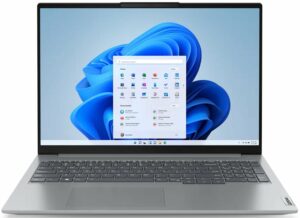
Step 1: Opening the Lenovo ThinkBook 16 Gen 6
- Ensure the laptop is powered off and placed on a clean, static-free surface.
- Remove the 9 Phillips-head screws from the bottom of the laptop. Note that the screws on the bottom are not captive.
- Use a thin plastic tool to pop the panel starting at the top two corners, then fully pry the back and work your way around the sides and the front to remove the panel.

Step 2: Battery Removal
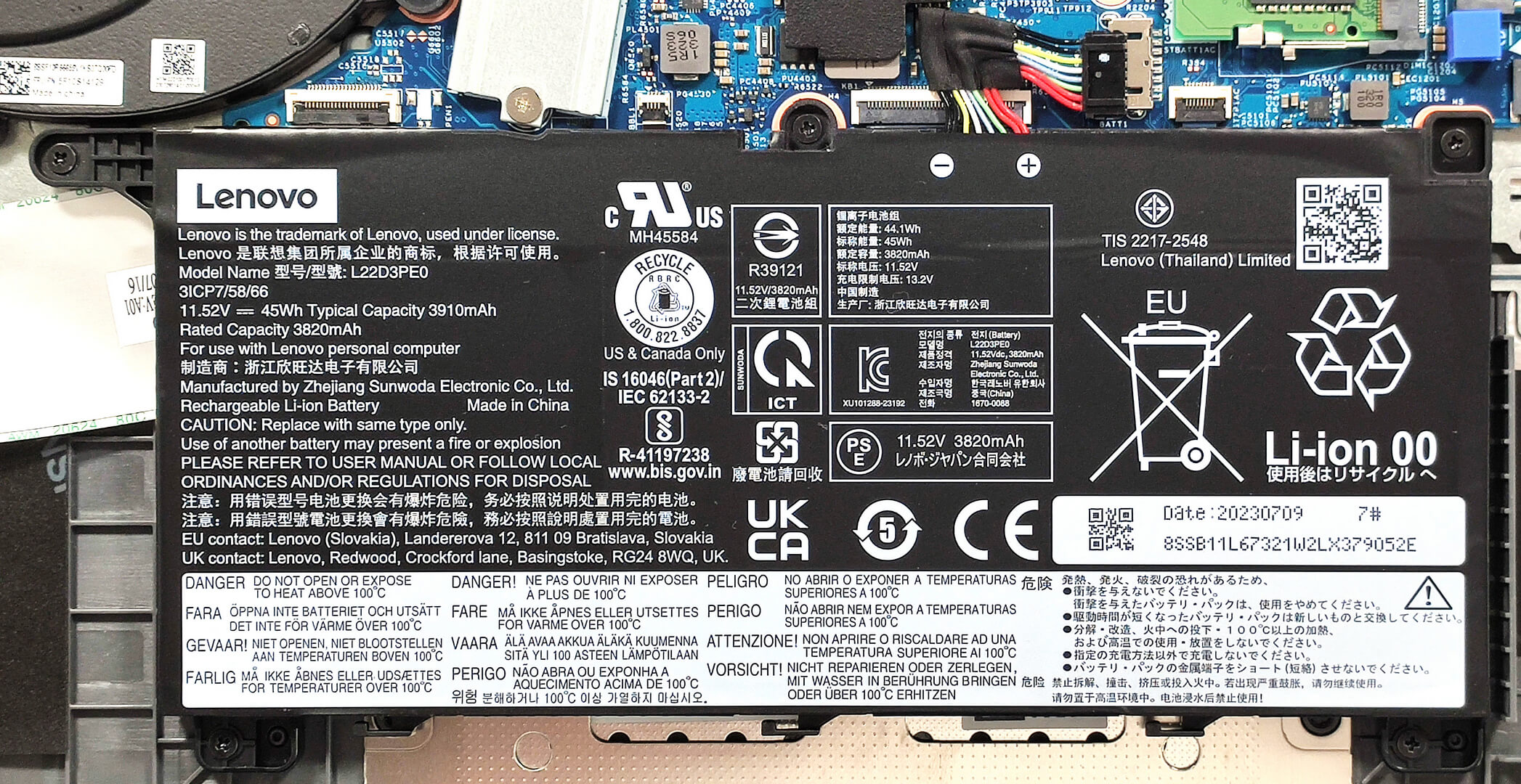
- Locate the 45Wh battery (71Wh optional model available).
- Disconnect the battery connector from the motherboard.
- Remove the five Phillips-head screws securing the battery and lift it out of the chassis.
More info: The battery provides up to 10 hours of Web browsing or 8 hours of video playback.
Memory Upgrade
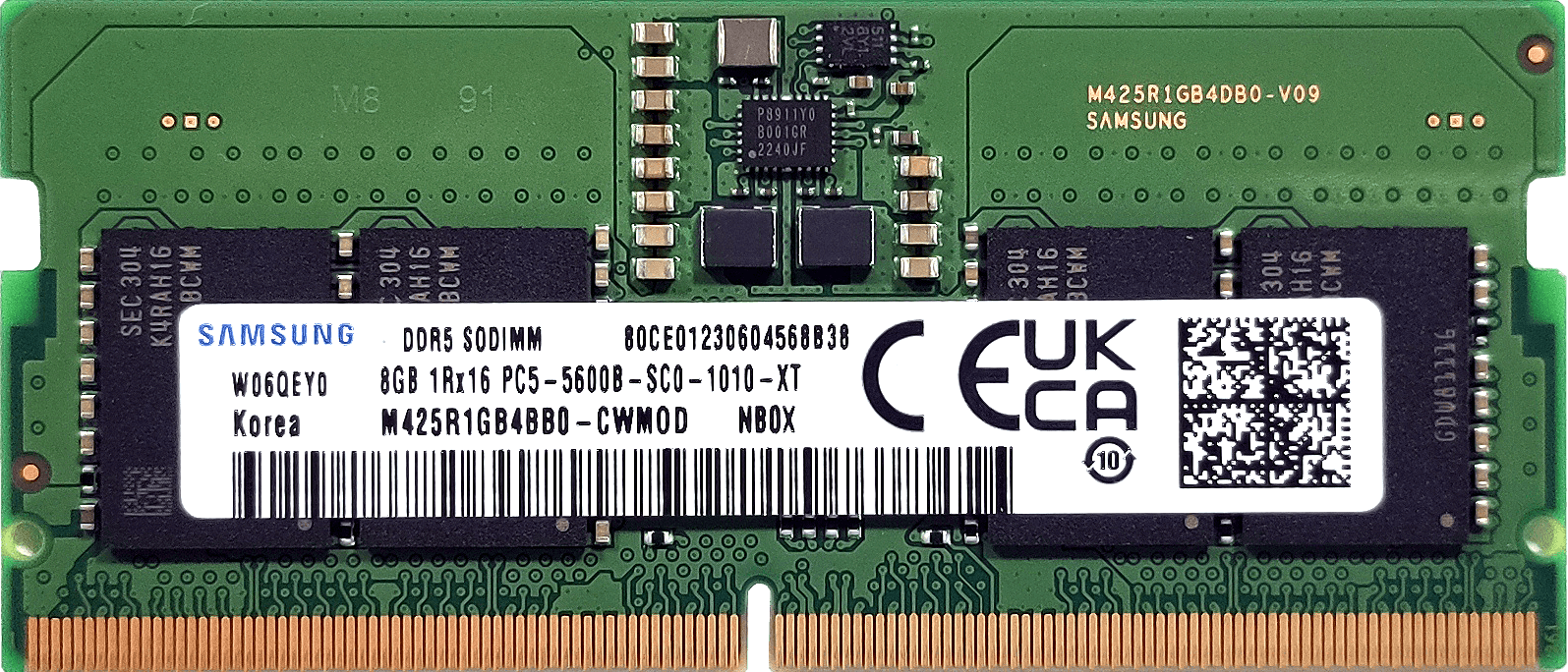
- Identify the RAM area covered by foil. Carefully remove or peel back the foil to access the SODIMM slots.
- Note the two SODIMM slots which support up to 64GB of DDR5-5200MHz RAM in dual-channel mode.
More info: Despite the official maximum being 64GB, the CPU’s support for up to 96GB allows for potentially higher memory capacity.
You can buy DDR5 RAM modules here: Buy from Amazon.com (#CommissionsEarned)
Hint: Don’t forget to check out our Top M.2 SSDs Performance Rankings for insights on the best storage options available.

Storage Upgrade
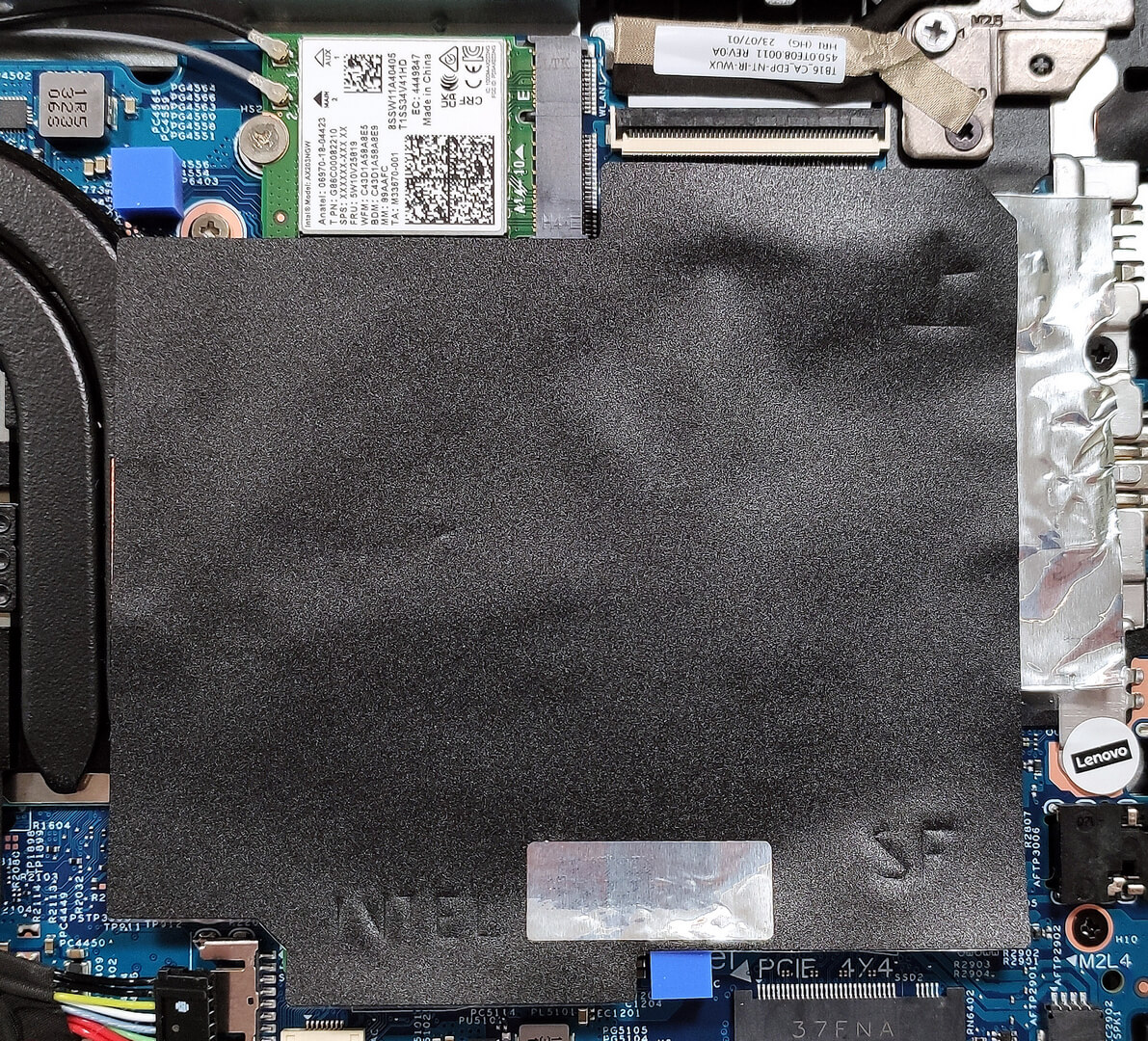
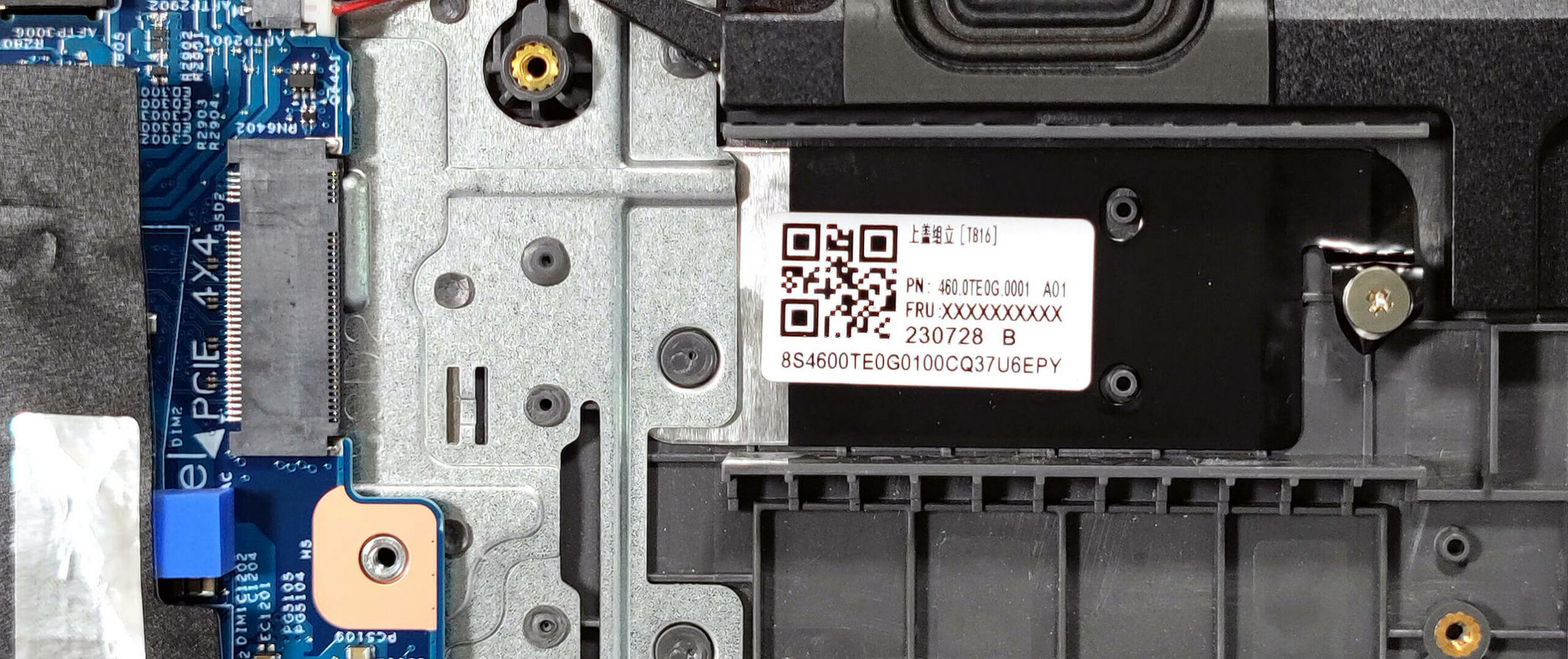
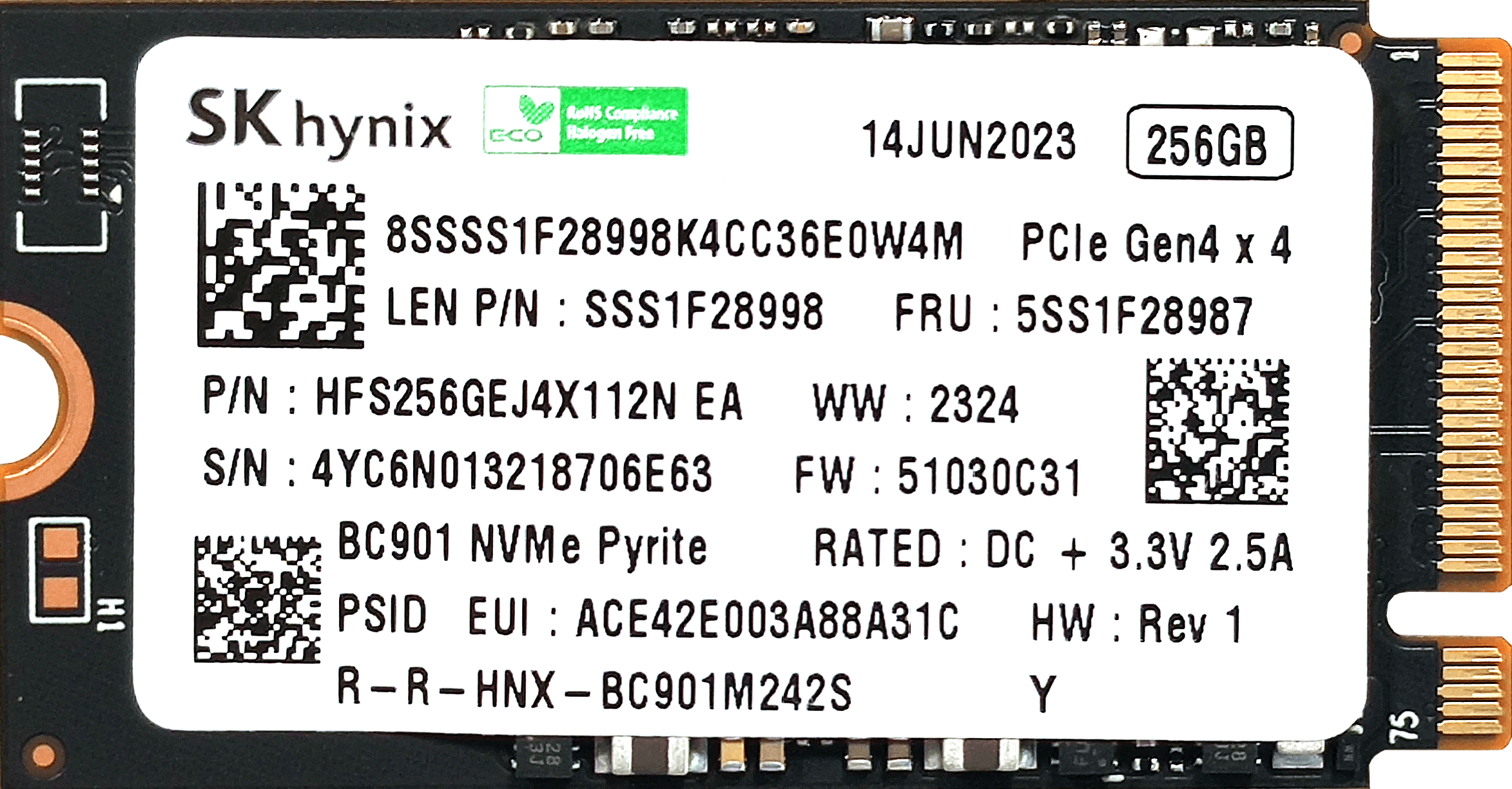
Locate the two M.2 slots suitable for both 2242 or 2280 Gen 4 SSDs. Note the thermal pad below the preinstalled NVMe for cooling.
You can buy Gen 4 M.2 SSDs here: Buy from Amazon.com (#CommissionsEarned)
Step 3: Cooling System Overview
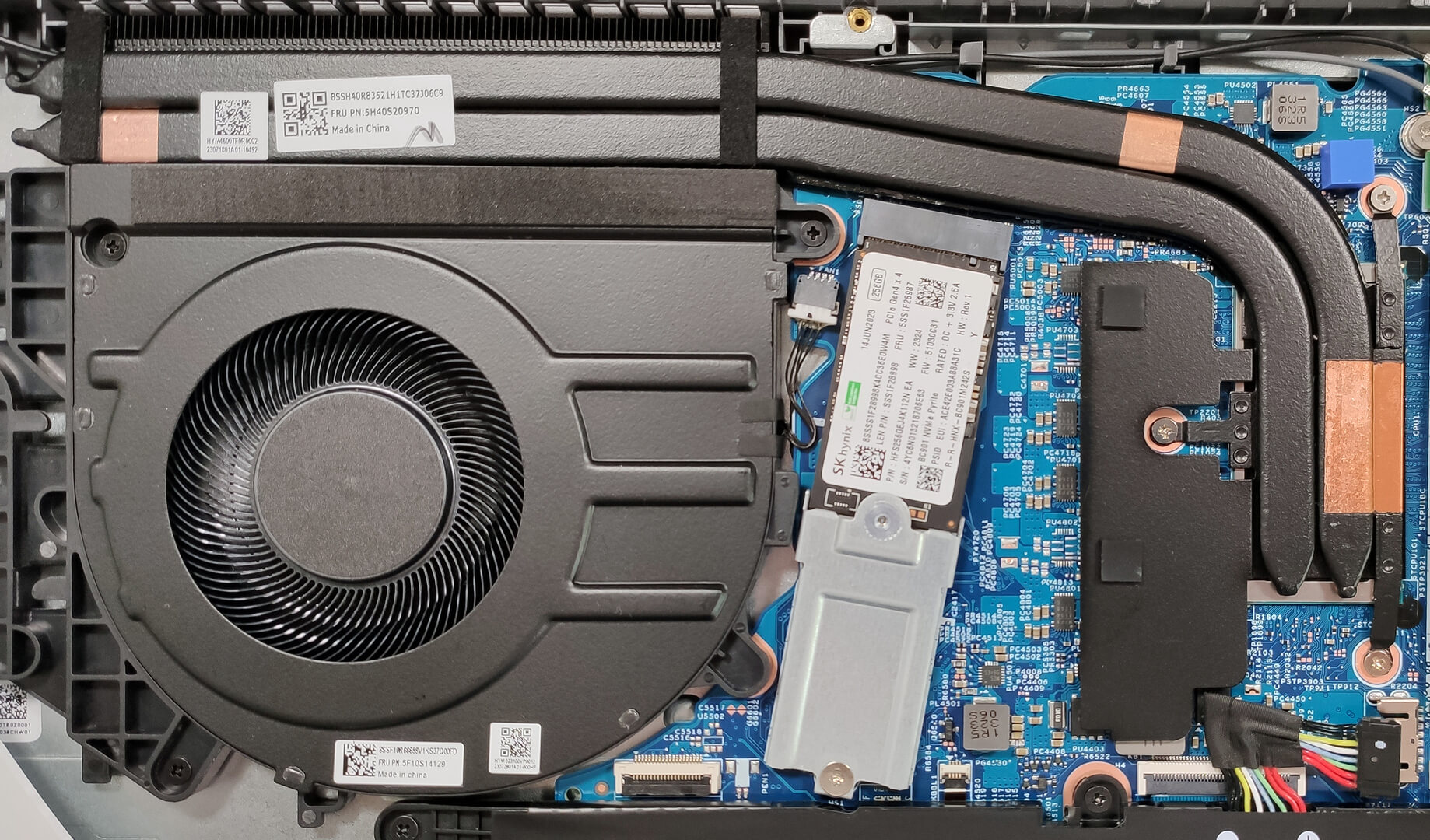
Inspect the cooling system, which includes a large fan, two heat pipes, a long top-mounted heat sink, and a heat spreader, suitable for managing heat in an iGPU-only configuration.
Lenovo ThinkBook 16 Gen 6 (Intel) in-depth review
The Intel version of the Lenovo ThinkBook 16 Gen 6 is a business machine that doesn't cost a whole fortune or at least if you go for a more modest CPU option. Speaking of which, this device can be found with 13th Gen Intel Raptor Lake U, P, or H-series processors so pick your configuration carefully depending on your needs. The good news is that the nice upgradability and the modern port selection are available for all machines.Display-wise, you can choose among five IPS models - three 1200p variants (one of them is a touchscreen) and two 1600p panels (one with 60Hz and one with 120Hz refr[...]

Pros
- Near-silent fan even under max CPU stress
- Snappy performance for daily tasks
- 2x SODIMMs + 2x M.2 Gen 4 slots
- PWM-free display that offers a very good contrast ratio (LEN160WUXGA (LEN9156))
- 16:10 aspect ratio, 353 nits max brightness, and wide viewing angles (LEN160WUXGA (LEN9156))
- Has an aluminum lid
- Optional IR Web camera + fingerprint reader
- Has a privacy shutter
- Comfortable spill-resistant keyboard with optional backlight
- Good port selection
- Decent CPU clocks in short loads
- Long battery life
Cons
- The plastic base could be a bit more solid
- Unimpressive touchpad
- The lid can't be opened with a single hand
 Author: Severin Kolakov

![[June 2026] Best-Selling Laptop Brands on Amazon Global – Apple’s Unrivaled Dominance in Units and Revenue](https://laptopmedia.com/wp-content/uploads/2026/07/GLOBAL-Best-Brands-400x225.jpg)
![[June 2026] Amazon Global: Top 10 Best-Selling Laptops – Apple’s New MacBook Neo Storms to #1, Reshaping the Market with Affordability](https://laptopmedia.com/wp-content/uploads/2026/07/Best-Selling-Laptops-GLOBAL-Top-10-400x225.jpg)
![[June 2026] Amazon Global: Top 10 Best-Selling Gaming Laptops – Acer’s Nitro V 16S AI Dominates Sales, While ASUS Leads Overall Revenue](https://laptopmedia.com/wp-content/uploads/2026/07/Best-Selling-Gaming-Laptops-GLOBAL-Top-10-400x225.jpg)
![[June 2026] Global Ranking of Best-Selling Laptop GPUs on Amazon – NVIDIA RTX 5060 is the Top-Selling Dedicated GPU](https://laptopmedia.com/wp-content/uploads/2026/07/Best-Selling-GPUs-GLOBAL-Top-10-400x225.jpg)
![[June 2026] Global Ranking of Best-Selling Laptop CPUs on Amazon – Apple M5 Dominates, AMD Ryzen 7 260 Gets Solid Premium Share](https://laptopmedia.com/wp-content/uploads/2026/07/Best-Selling-CPUs-GLOBAL-Top-10-400x225.jpg)
