How to open Lenovo IdeaPad Flex 5 (14, Gen 8) – disassembly and upgrade options
The Lenovo IdeaPad Flex 5 (14″, Gen 8) is a small 2-in-1 laptop that is surprisingly powerful for its price. In this article, we’ll show you how to access its internals.
Check out all Lenovo IdeaPad Flex 5 (14, Gen 8)) prices and configurations in our Specs System, or read more in our In-Depth review.
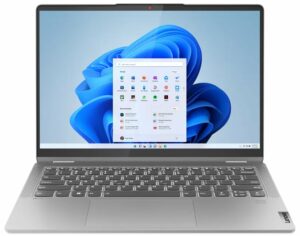
1. Remove the bottom plate
In order to remove the bottom plate, you have to unscrew 9 Torx-head screws. Then, you can pop up the panel with a plastic tool.

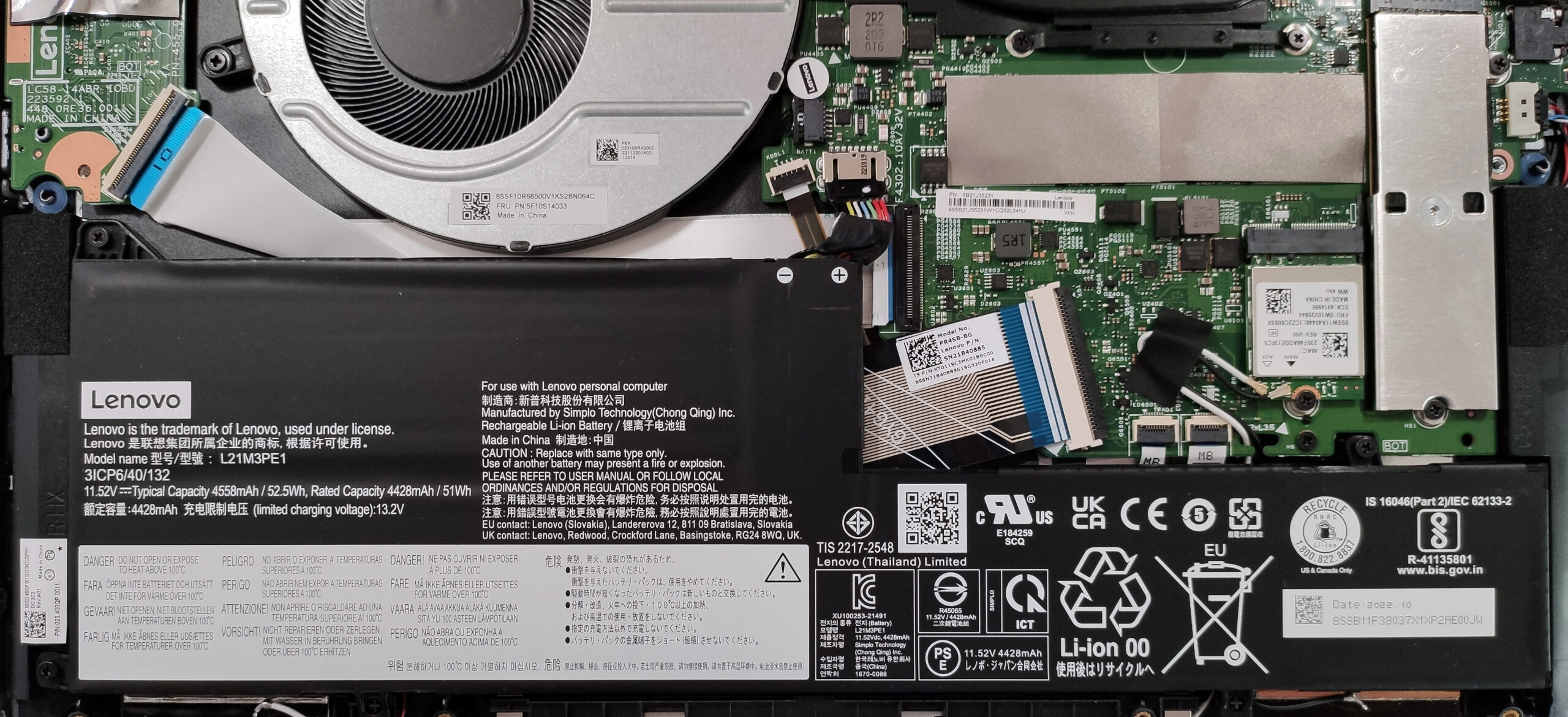
2. Remove the battery
The battery is a 52.5Wh unit. As always, you have to unhook the battery connector from the motherboard. The next thing to do is to undo the 3 Philips-head screws that are keeping the battery fixed to the base. The battery has enough juice for 11 hours and 7 minutes of either Web browsing or video playback.
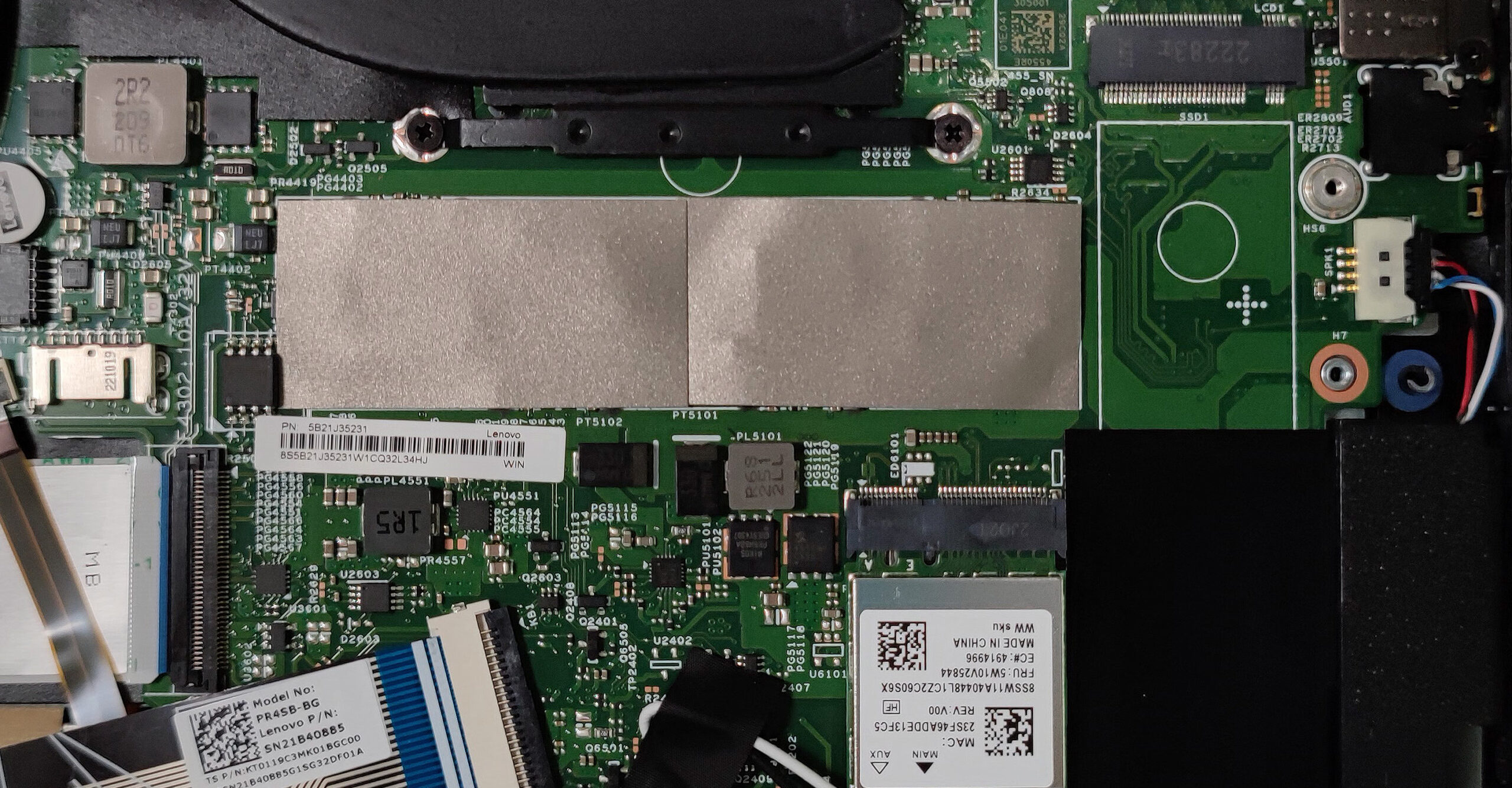
3. Upgrade memory and storage
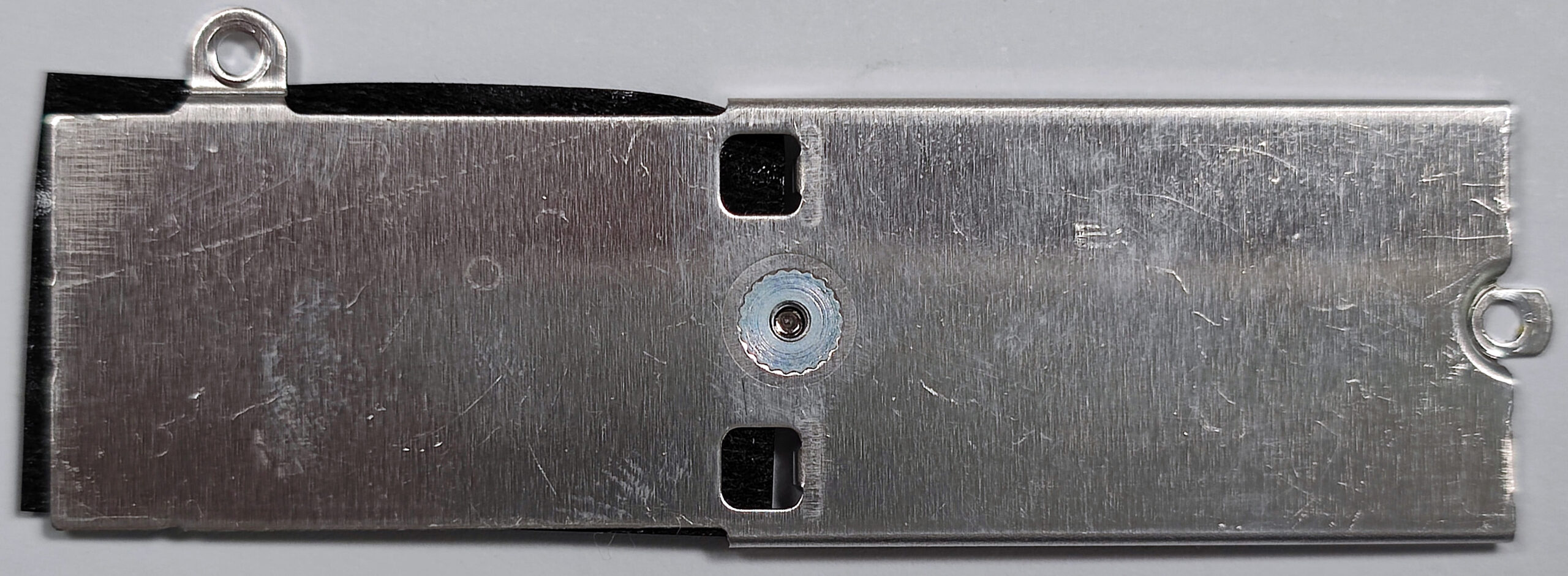
Just like most 2-in-1 laptops the memory of this machine is soldered to the motherboard. The maximum amount of RAM is 16 gigabytes of LPDDR4X-4266 memory in a dual-channel mode. In terms of storage, you get an M.2 slot compatible with the shorter 2242 Gen. 4 SSDs. Due to AMD platform limitations, the slot speed is limited to Gen. 3 values. The NVMe is covered with a metal shroud that has a cooling pad on the inside which is a nice touch.


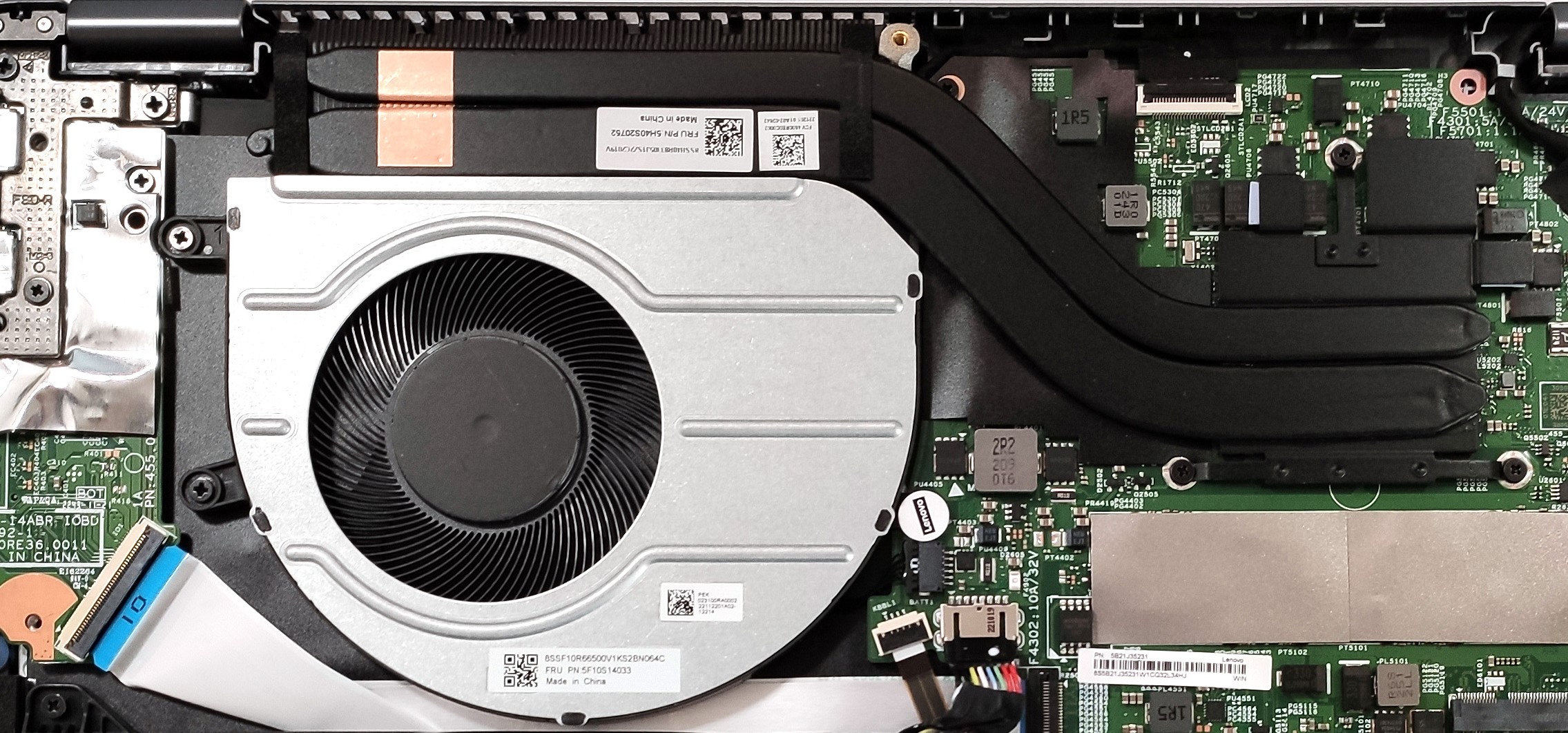
4. Cooling system
The cooling system seems normal for such a device. It has one fan and two heat pipes.
Check out all Lenovo IdeaPad Flex 5 (14, Gen 8)) prices and configurations in our Specs System, or read more in our In-Depth review.
Lenovo IdeaPad Flex 5 (14", Gen 8) in-depth review
When it comes to 2-in-1 devices, Lenovo is one of the manufacturers that have a lot of experience with such notebooks. Yoga laptops are quite popular and now, the new Flex machines can offer the same transforming capabilities at a good price.The hardware is the right choice for this kind of gadget - we got Barcelo-U Refresh CPUs. Ergo, these are Zen 3 processors with slightly bumped frequencies. The same chips are well-known for their reasonable performance and efficiency, which positively affects the battery life. As always, we'll check this further in the review.Just like its predece[...]
Pros
- Good battery life
- 16:10 aspect ratio
- Great cooling
- Comfortable input devices
- No PWM (LEN140WUXGA (LEN9125))
- SD card reader
- Fingerprint reader
Cons
- Soldered memory and just one M.2 slot
- 59% sRGB coverage (LEN140WUXGA (LEN9125))
 Author: Nikolay Palaozov

![[August 2026] Amazon USA: Top 10 Best-Selling Laptops – Apple MacBook Neo Dominates the Market with Massive Unit Sales!](https://laptopmedia.com/wp-content/uploads/2026/09/Best-Selling-Laptops-COM-Top-10-400x225.jpg)
![[August 2026] Amazon USA: Top 10 Best-Selling Gaming Laptops – ASUS ROG Strix G16 Dominates the Market with Massive Unit Sales](https://laptopmedia.com/wp-content/uploads/2026/09/Best-Selling-Gaming-Laptops-COM-Top-10-400x225.jpg)
![[July 2026] Amazon Global: Top 10 Best-Selling Laptops – Apple MacBook Neo Dominates the Charts as Budget and Premium Notebooks Split the Market](https://laptopmedia.com/wp-content/uploads/2026/08/Best-Selling-Laptops-GLOBAL-Top-10-400x225.jpg)
![[July 2026] Amazon Global: Top 10 Best-Selling Gaming Laptops – ASUS ROG Strix G16 Dominates the Global Market with Record-Breaking Unit Sales](https://laptopmedia.com/wp-content/uploads/2026/08/Best-Selling-Gaming-Laptops-GLOBAL-Top-10-400x225.jpg)
![[July 2026] Global Ranking of Best-Selling Laptop GPUs on Amazon – RTX 5060 Dominate Premium, Intel Still Rules Budget](https://laptopmedia.com/wp-content/uploads/2026/08/Best-Selling-GPUs-GLOBAL-Top-10-400x225.jpg)
