Inside Acer Aspire E 15 (E5-575G) – disassembly, internal photos and upgrade options
Finally, Acer started putting those service lids where they belong! Better late than never, right? Anyway, this article is aimed for the budget-friendly Aspire E 15 (E5-575G), which is an updated version of its predecessor in terms of design, hardware, and usability. Here’s what hides under the bottom cover.
You can find the notebook’s price and configurations here: http://amzn.to/2chdGDJ
1. Removing the service lid
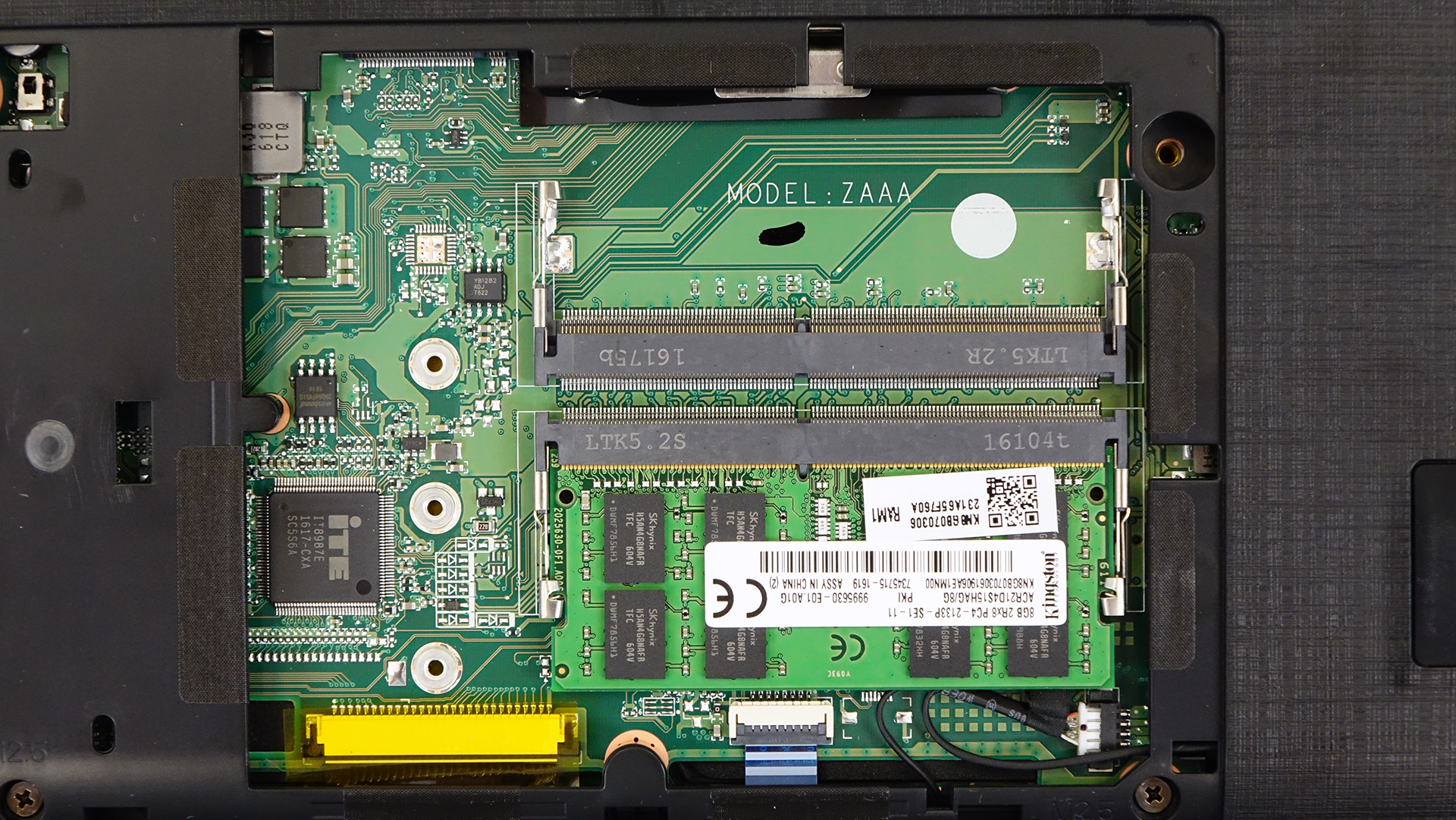
If you are going to upgrade RAM or storage, you are in for a super easy upgrade. All you have to do is pop open the service lid and you will see this.
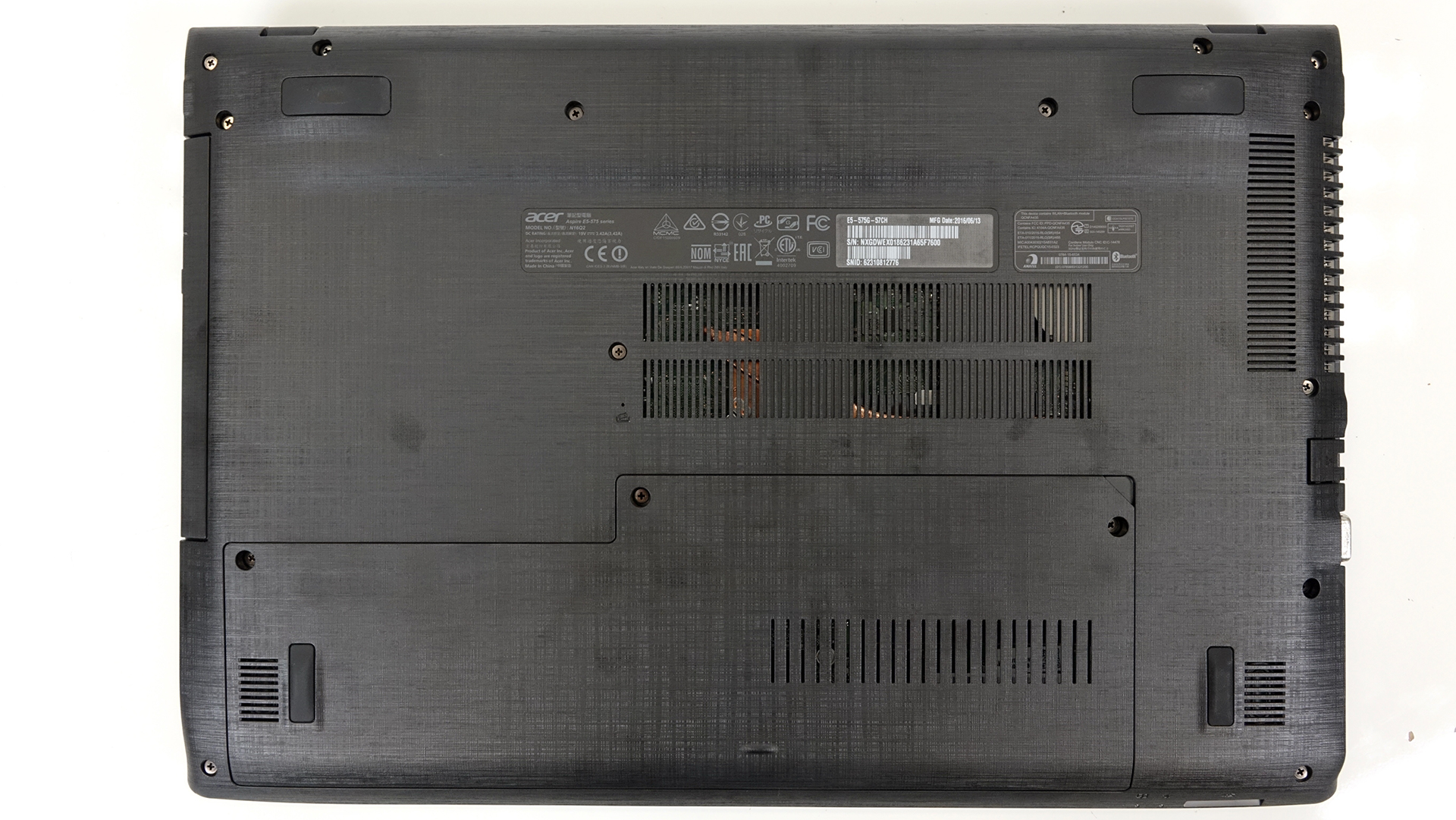
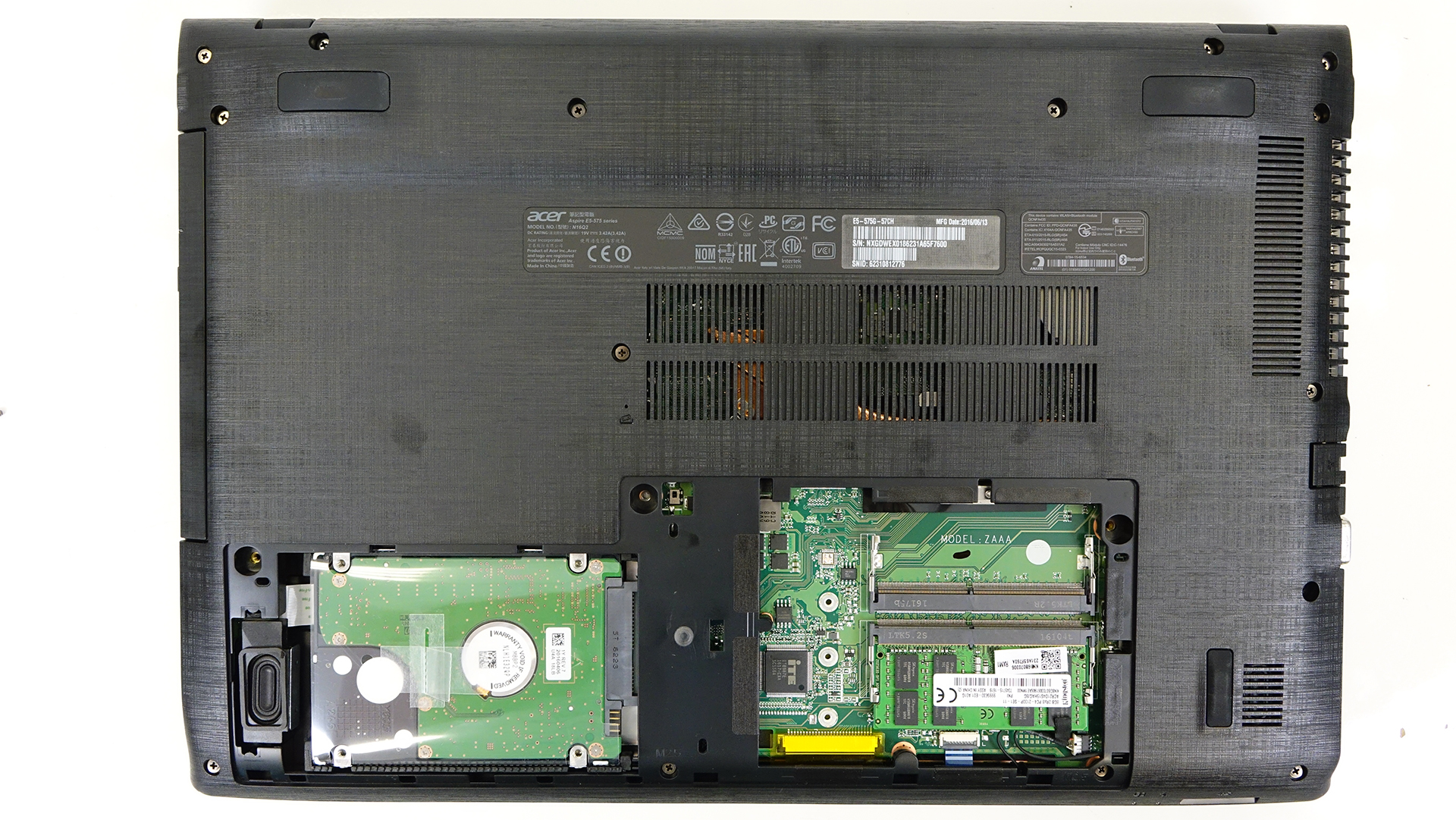
You will have access to the 2.5-inch HDD, which in our case is a Seagate 1TB unit. If you want to, you can stick in an M.2 SATA SSD located next to the RAM slots. There are three holes that should fit the three most used standards – 2280, 2260 and 2232.
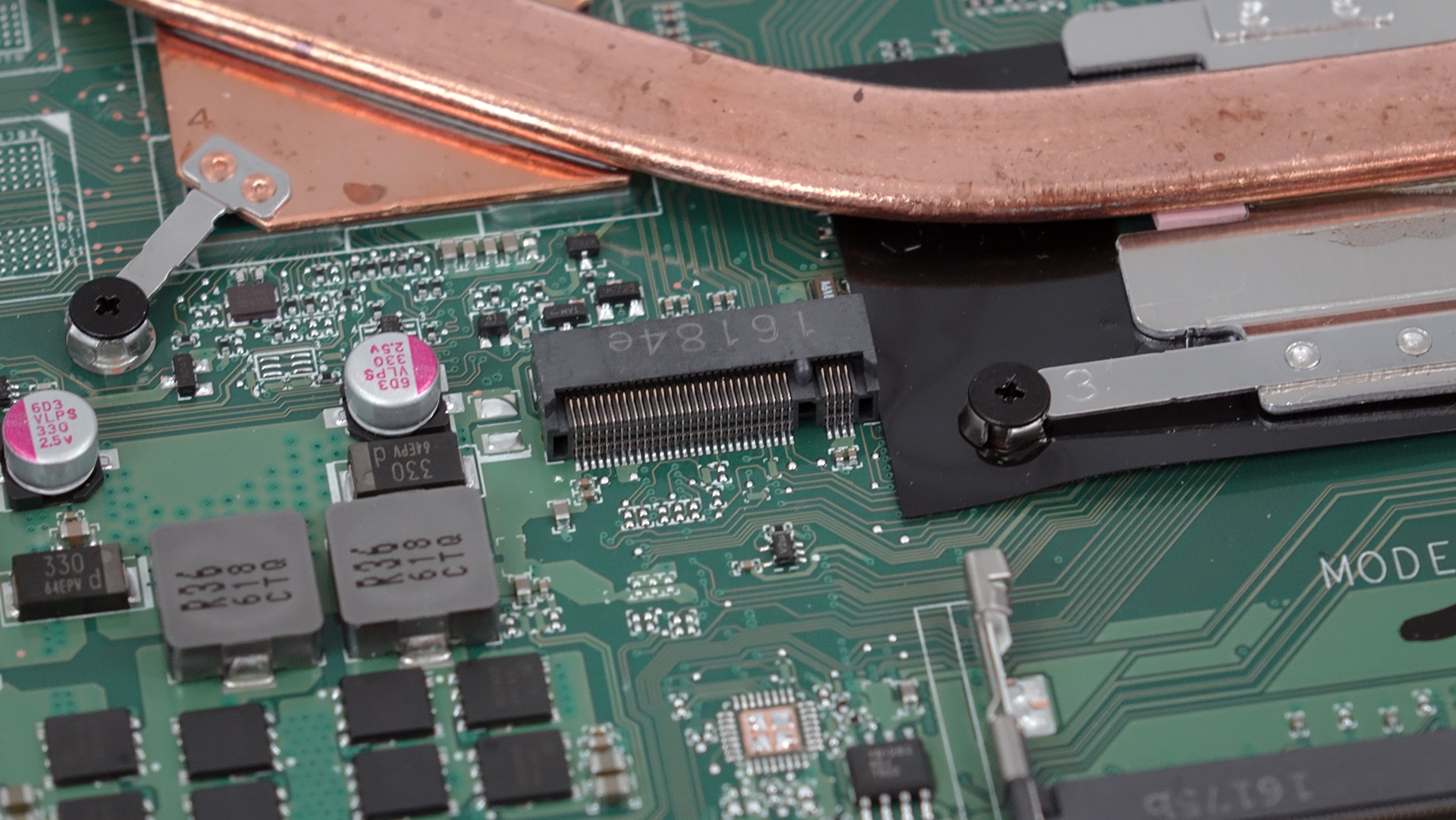
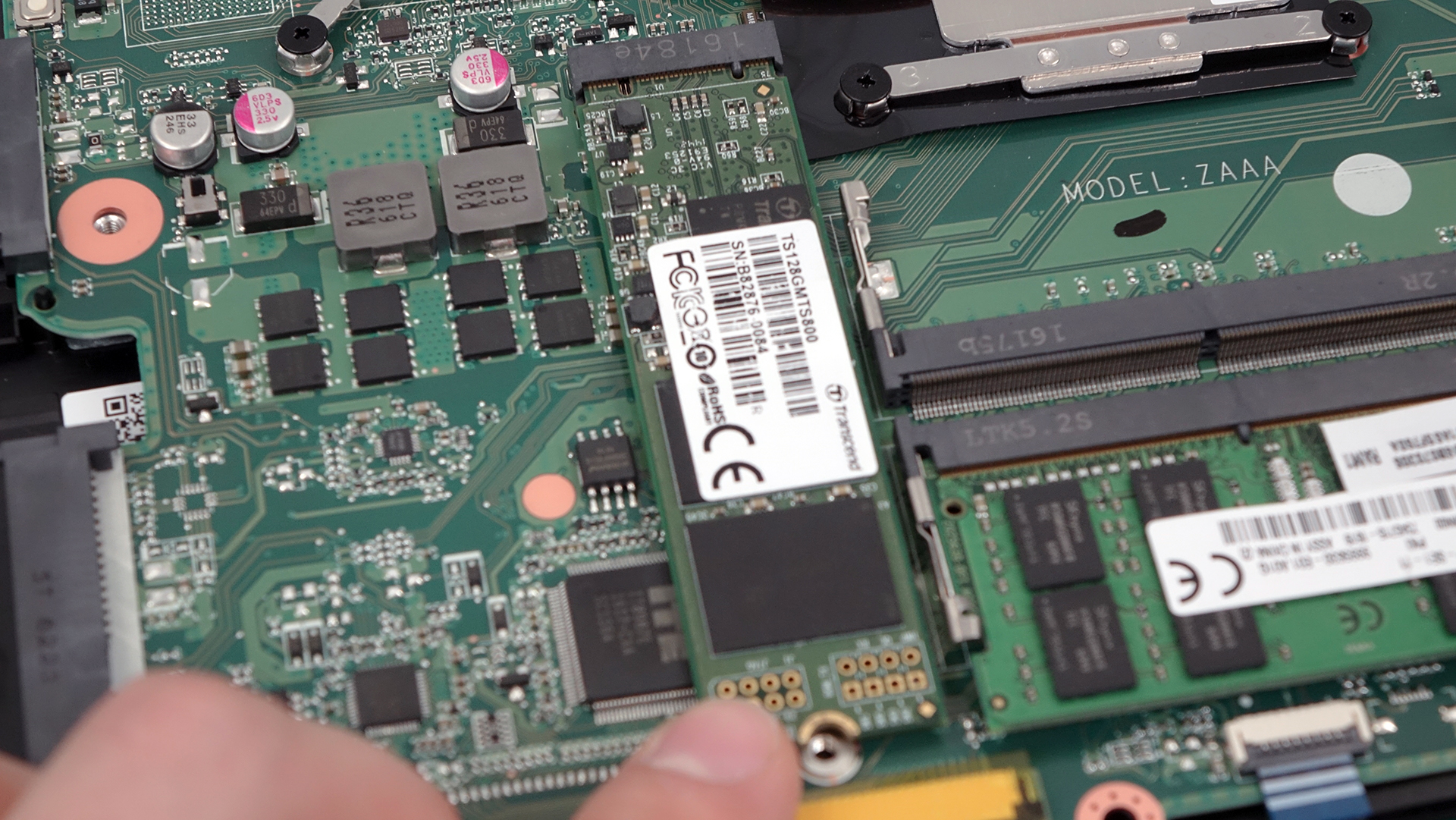
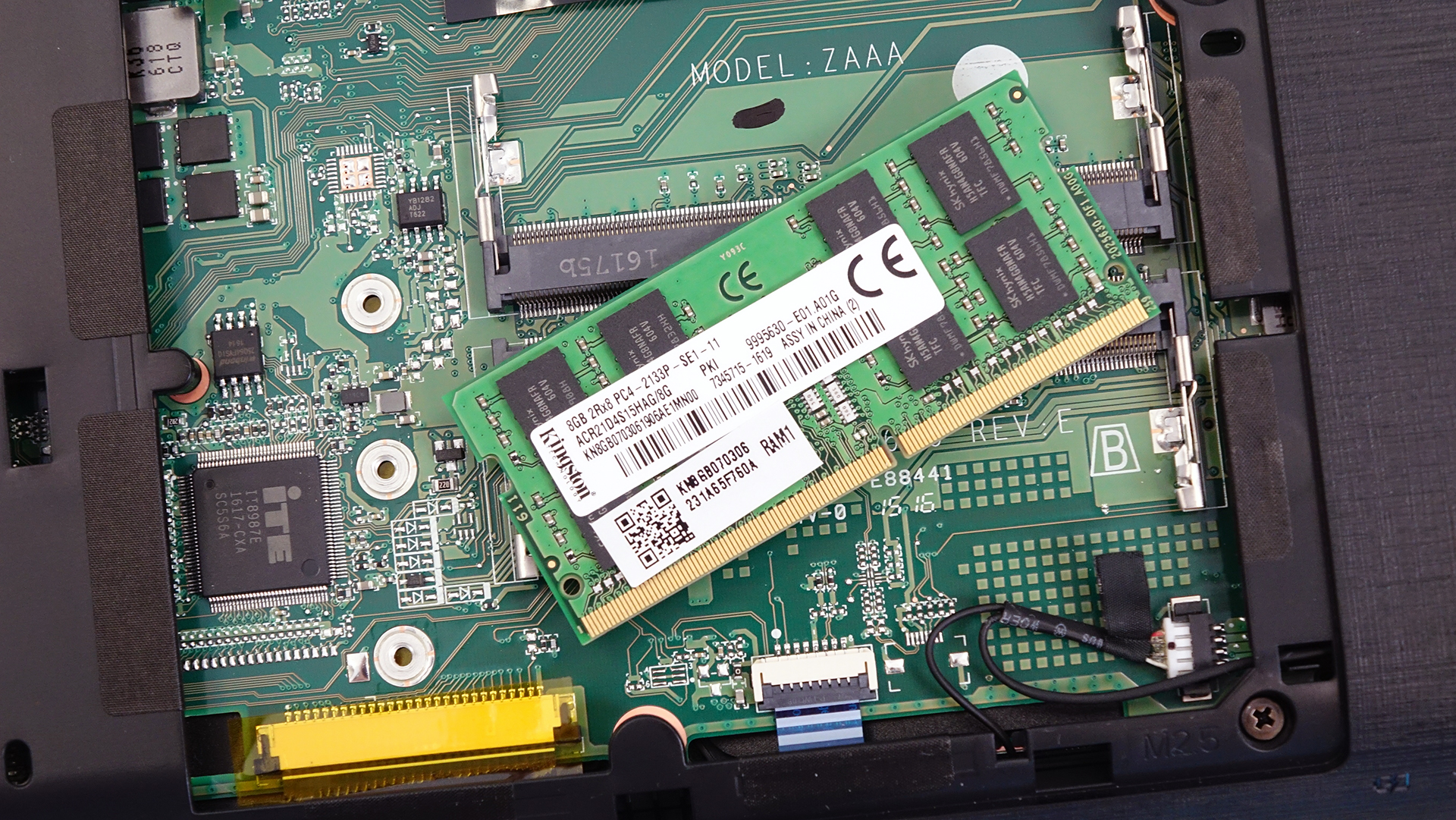
As for the RAM slots, they are two one of which is taken by an 8GB DDR4-2133 chip.
2. Removing the back cover
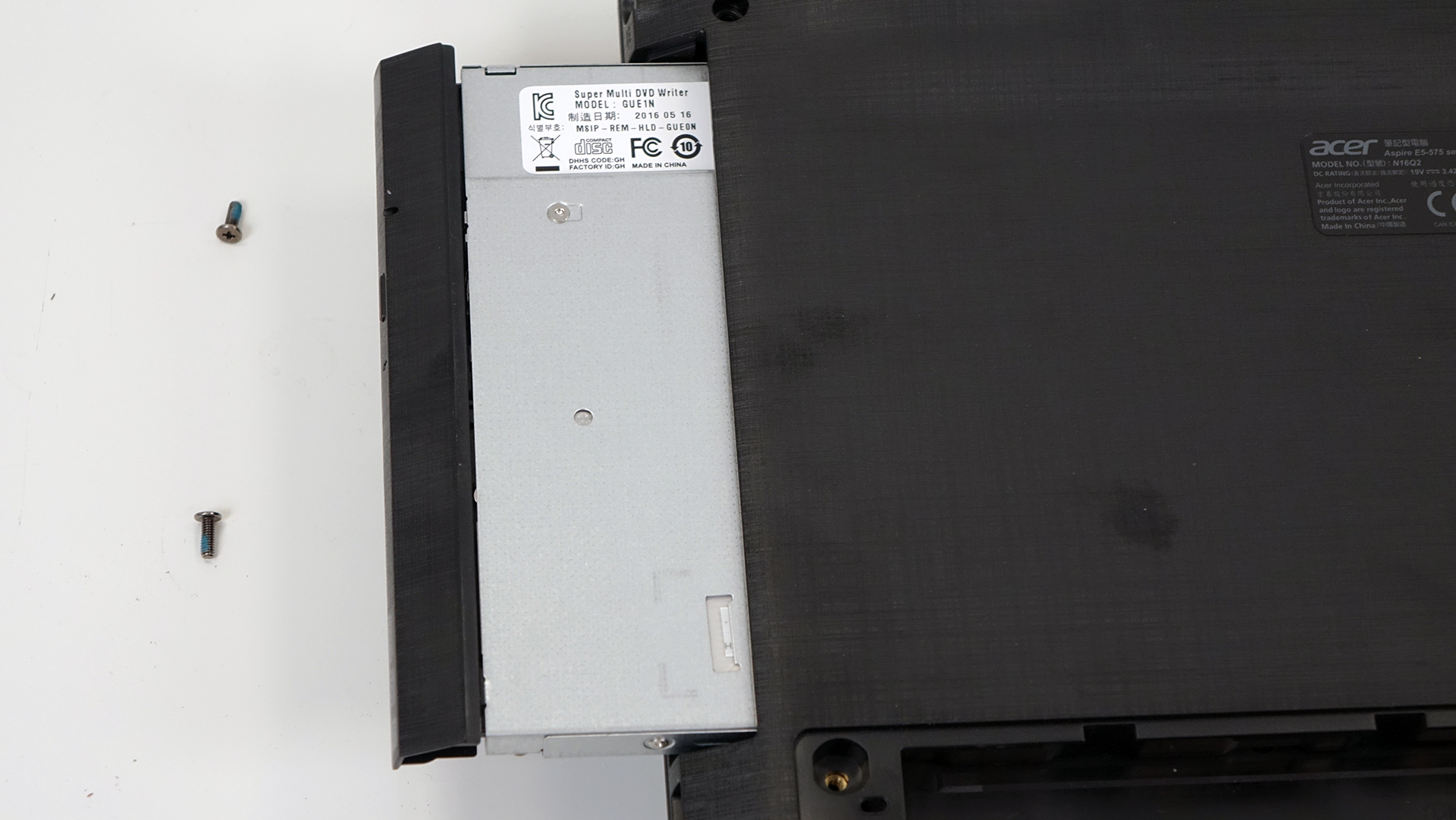
If you wish to proceed for whatever reason, you should remove all the screws around the bottom. There are a few located under the service lid and three holding the plate under the optical drive. So before you do anything else, make sure you’ve removed the optical drive and unscrewed the three bolts beneath it.

3. Battery and Wi-Fi module
The battery is located right between the hinges and can be removed quite easily. It’s rated at 41.4 Wh (2800 mAh).

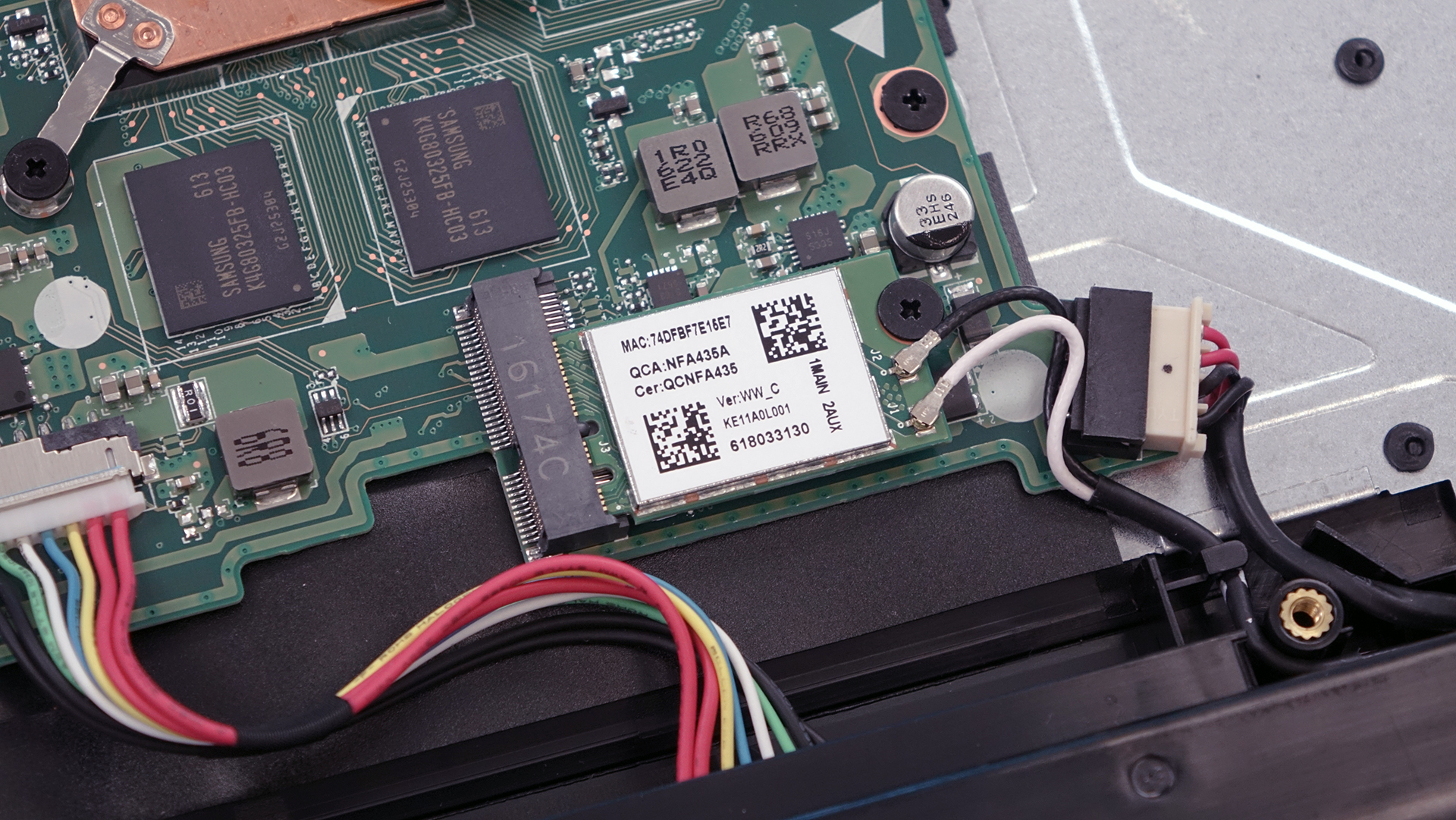
The Wi-Fi card is right next to the battery pack manufactured by Qualcomm with model number QCNFA435.
4. Cooling system
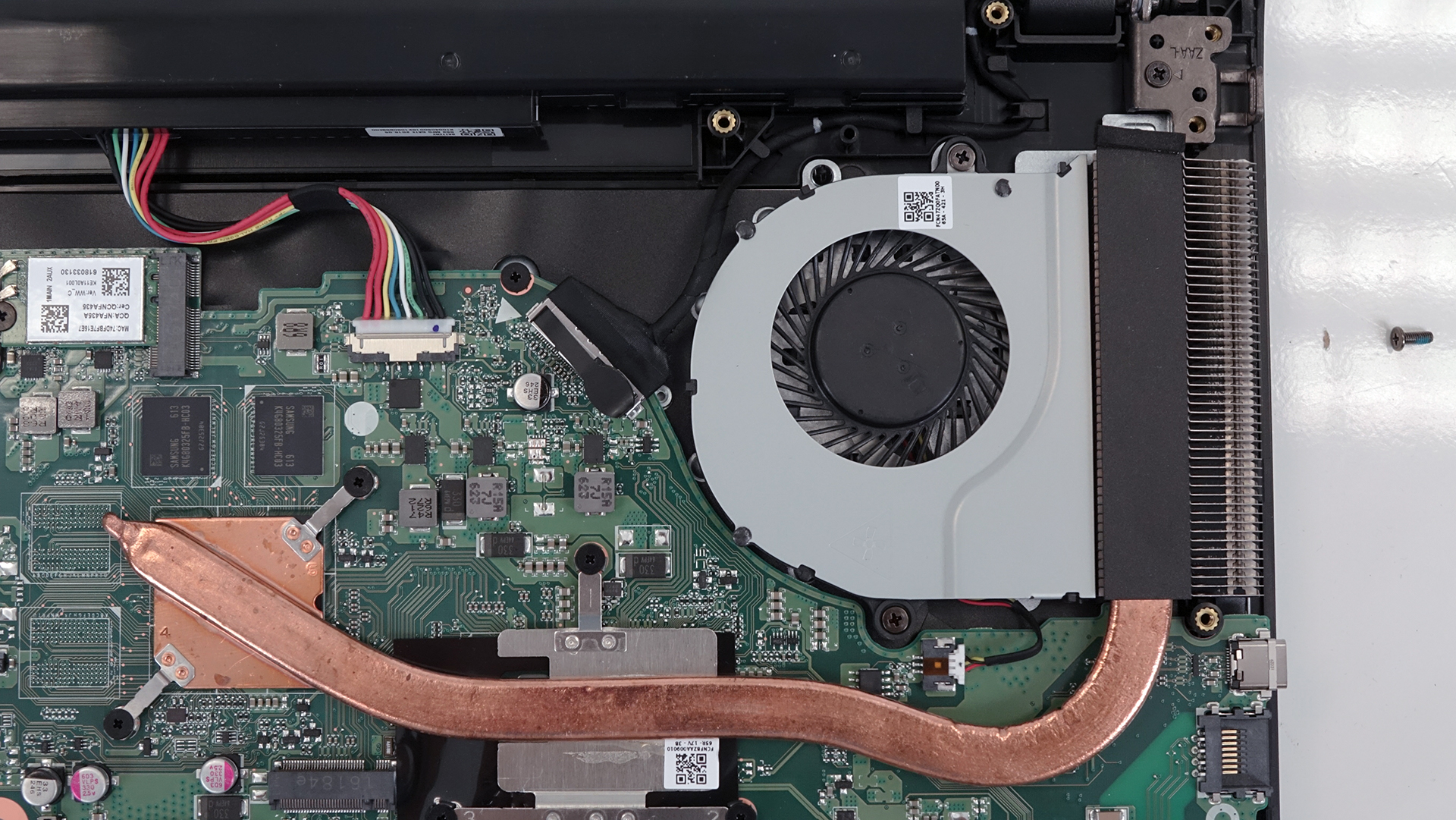
The cooling system is modest and consists of only one heat pipe going through two main heatsinks for the CPU and GPU. The fan is located on the left side of the notebook pushing the hot air through the exhaust vent.
You can find the notebook’s price and configurations here: http://amzn.to/2chdGDJ
 Author: Rossen Pandev

![[June 2026] Best-Selling Laptop Brands on Amazon Global – Apple’s Unrivaled Dominance in Units and Revenue](https://laptopmedia.com/wp-content/uploads/2026/07/GLOBAL-Best-Brands-400x225.jpg)
![[June 2026] Amazon Global: Top 10 Best-Selling Laptops – Apple’s New MacBook Neo Storms to #1, Reshaping the Market with Affordability](https://laptopmedia.com/wp-content/uploads/2026/07/Best-Selling-Laptops-GLOBAL-Top-10-400x225.jpg)
![[June 2026] Amazon Global: Top 10 Best-Selling Gaming Laptops – Acer’s Nitro V 16S AI Dominates Sales, While ASUS Leads Overall Revenue](https://laptopmedia.com/wp-content/uploads/2026/07/Best-Selling-Gaming-Laptops-GLOBAL-Top-10-400x225.jpg)
![[June 2026] Global Ranking of Best-Selling Laptop GPUs on Amazon – NVIDIA RTX 5060 is the Top-Selling Dedicated GPU](https://laptopmedia.com/wp-content/uploads/2026/07/Best-Selling-GPUs-GLOBAL-Top-10-400x225.jpg)
![[June 2026] Global Ranking of Best-Selling Laptop CPUs on Amazon – Apple M5 Dominates, AMD Ryzen 7 260 Gets Solid Premium Share](https://laptopmedia.com/wp-content/uploads/2026/07/Best-Selling-CPUs-GLOBAL-Top-10-400x225.jpg)

Is this battery comes with a cable connector? similar to this: http://www.ebay.com/itm/NEW-Genu-AL15A32-Battery-for-Acer-Aspire-E5-522-E5-522G-E5-532-E5-532T-E5-573-/252370211140?hash=item3ac26fd144:g:3bkAAOSwYmZXIUD9
can’t find on internet.
Yes! It does.
Is its battrry replacable.. i want to buy battery do giv me link
ese slot de m.2 sata sta disponible en los modelos core i3, i5 e i7 ????????
Do you know which CPU socket does it have? Can I change the CPU from i3 to i7?
Sorry, the CPU is board down, no socket.
Can i actually change the i3 cpu to atleast i5?
Do not buy this lapto, excellent budget laptop but terrible terrible terrible build quality. broke the lcd hinge withint 4 months dammit, and yes warranty wont cover that. Ps. was taken care of it like a baby, the hinges started making creeking sound and just broke, works well but cant close the lid now
Hi to anyone who knows. If i just remove the battery and use it using only the charger will this work? I dont like nonremovable battery as i always using the laptop every day. Will this work. Thanks you
@leehpoej That’ll work. But always take care of the charger. If you disconnect it, you’ll lost all your works . Could you send me the battery if you remove it? I spoiled water on my acer and it’s battery has gone.
How do you remove the keyboard? I ask because I spilled water on mine and it appears to have it’s rivets soldered on, I have a replacement key board.
in future i would need better graphic card can i upgrade it
Does it have a graphic card slot
What m.2 sata do you recommend for this laptop?? And ram? Who much different between HDD and m.2??
Could you expand the guide adding the top disassembly showing how the keyboard is connected to the motherboard?
Can you remove the optical drive?
Yep.
Can I remove the fan without removing the motherboard and heatsink?
Do you know what the switch is for on the bottom where the ram is
How do you remove the keyboard?
You can’t.
can we reach the keyboard pin?