Inside Acer Aspire VX 15 (VX5-591G) – disassembly, internal photos and upgrade options
We still have some bitter taste in our mouths when it comes to disassembling an Acer-made gaming notebook (yes, we are talking about the Aspire V15 and V17 Nitros) but luckily, the OEM apparently learned from its mistakes. The new Aspire VX 15 is super easy to maintain and upgrade if needed.
Some of the available configurations can be found here: http://amzn.to/2mbXk1V
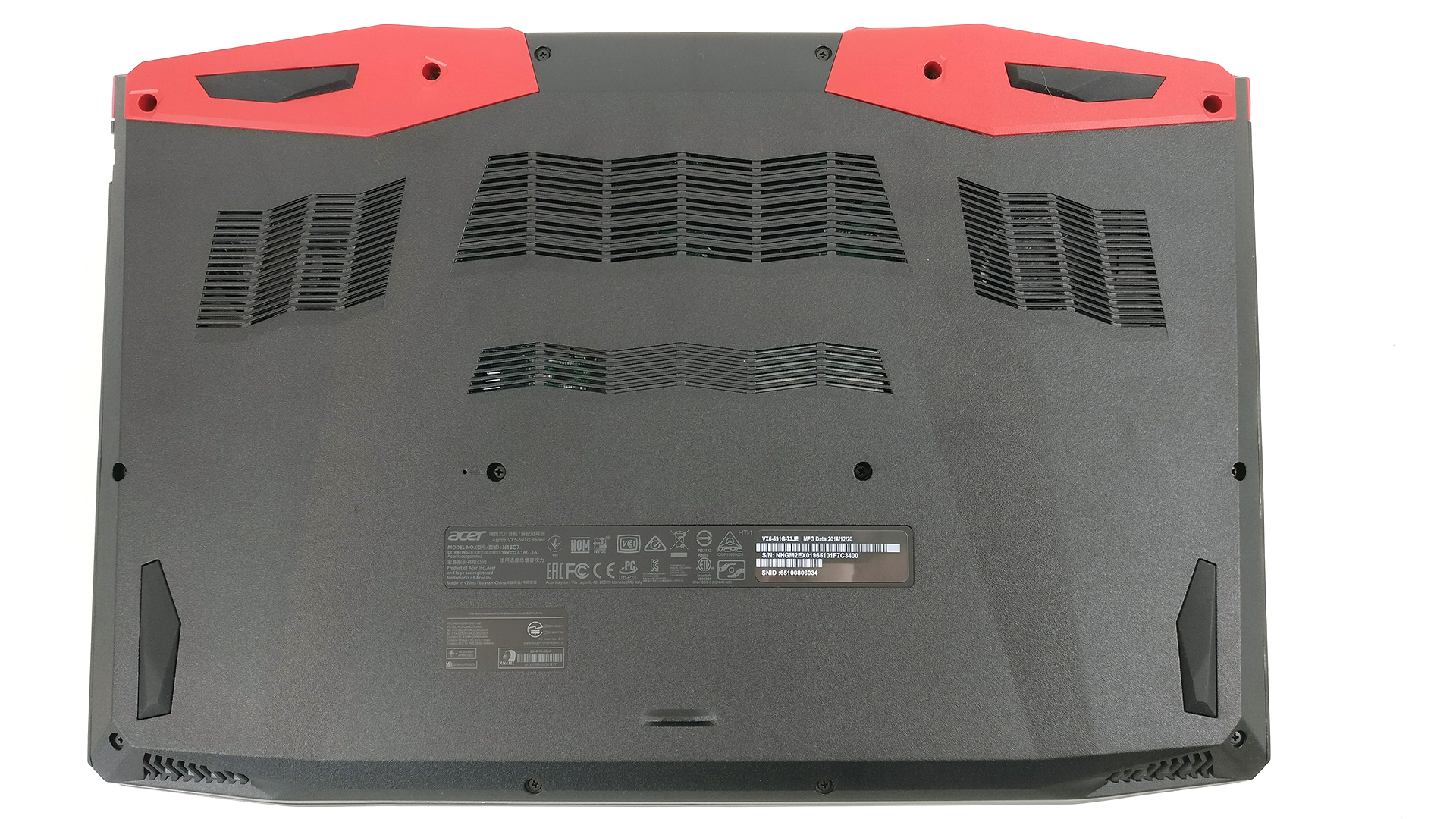
1. Removing the bottom cover
Since there are no service hatches, the bottom plate needs to come off in order to access the internals. You just have to remove all the screws and pry up the bottom piece gently. You will be surprised how easy is that.
2. Storage options
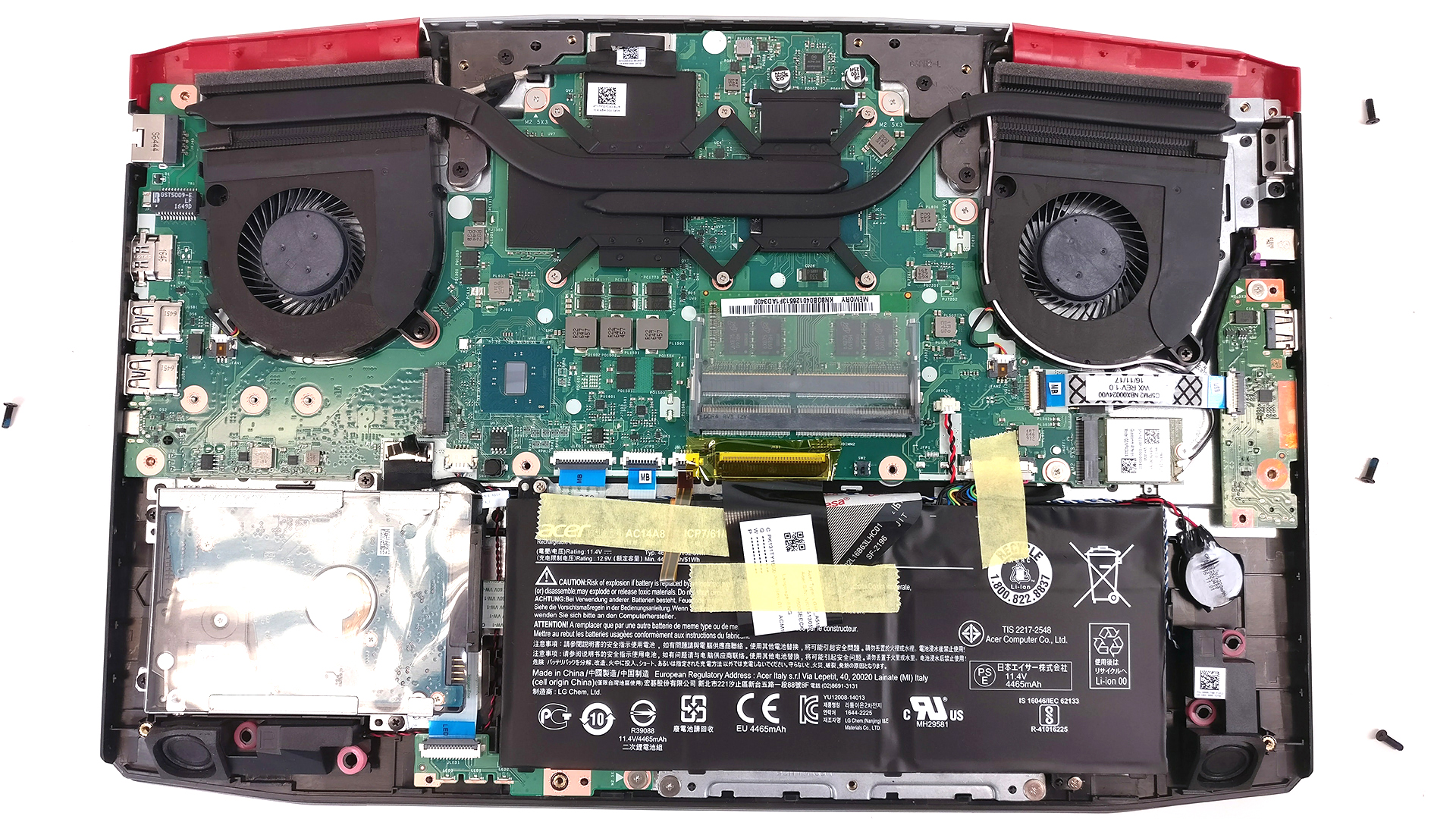
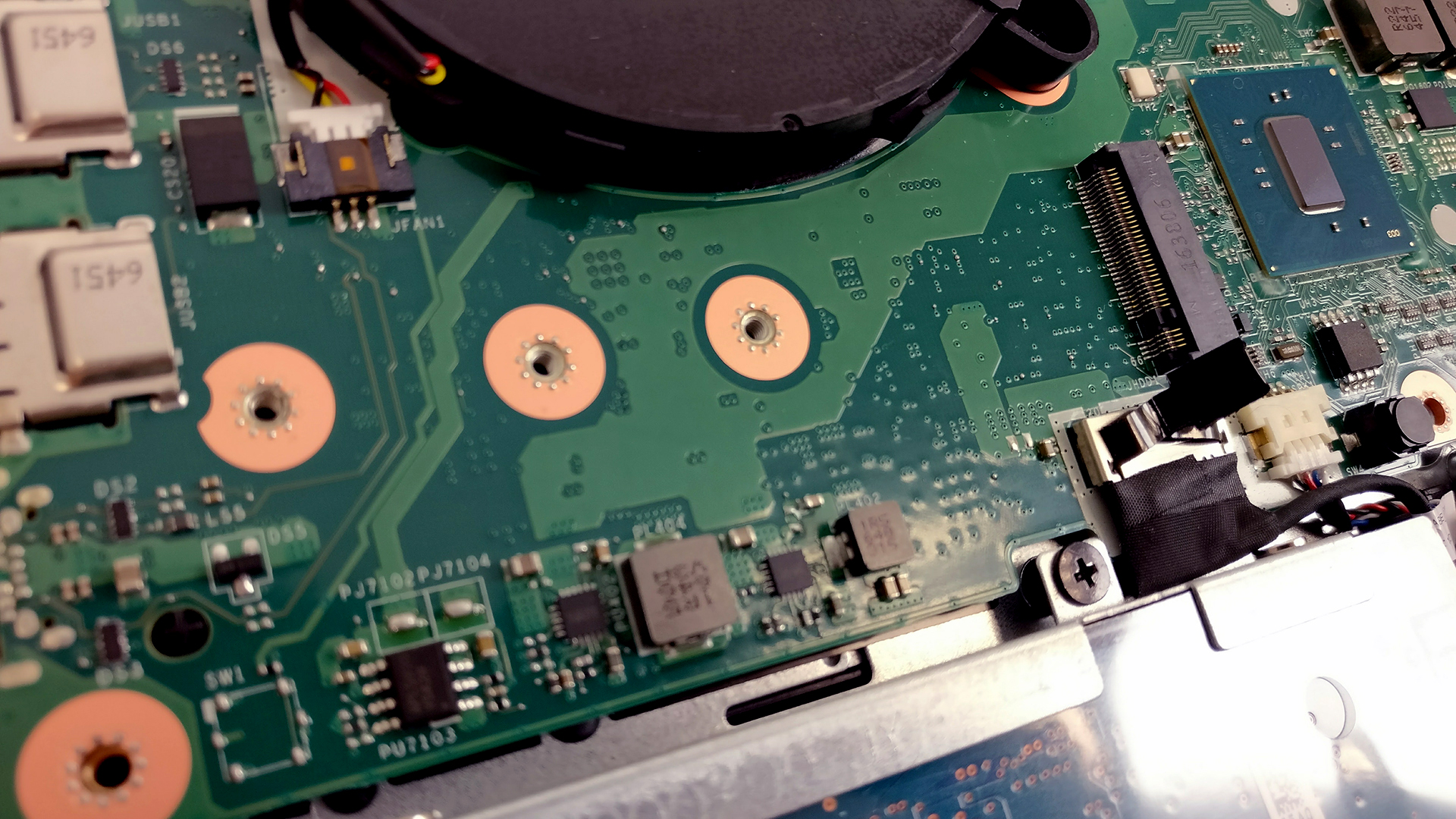
The storage options are as usual – M.2 SSD slot and 2.5-inch HDD. The HDD in our case is Toshiba 1TB spinning at 5400 rpm while the M.2 SSD slot can hold the usual 2280 standard as well as the less common 2260 and 2242. The unit we’ve tested wasn’t able to recognize a PCIe NVMe-enabled drive but some users report that it’s possible after a recent BIOS update.

3. RAM, battery and Wi-Fi card
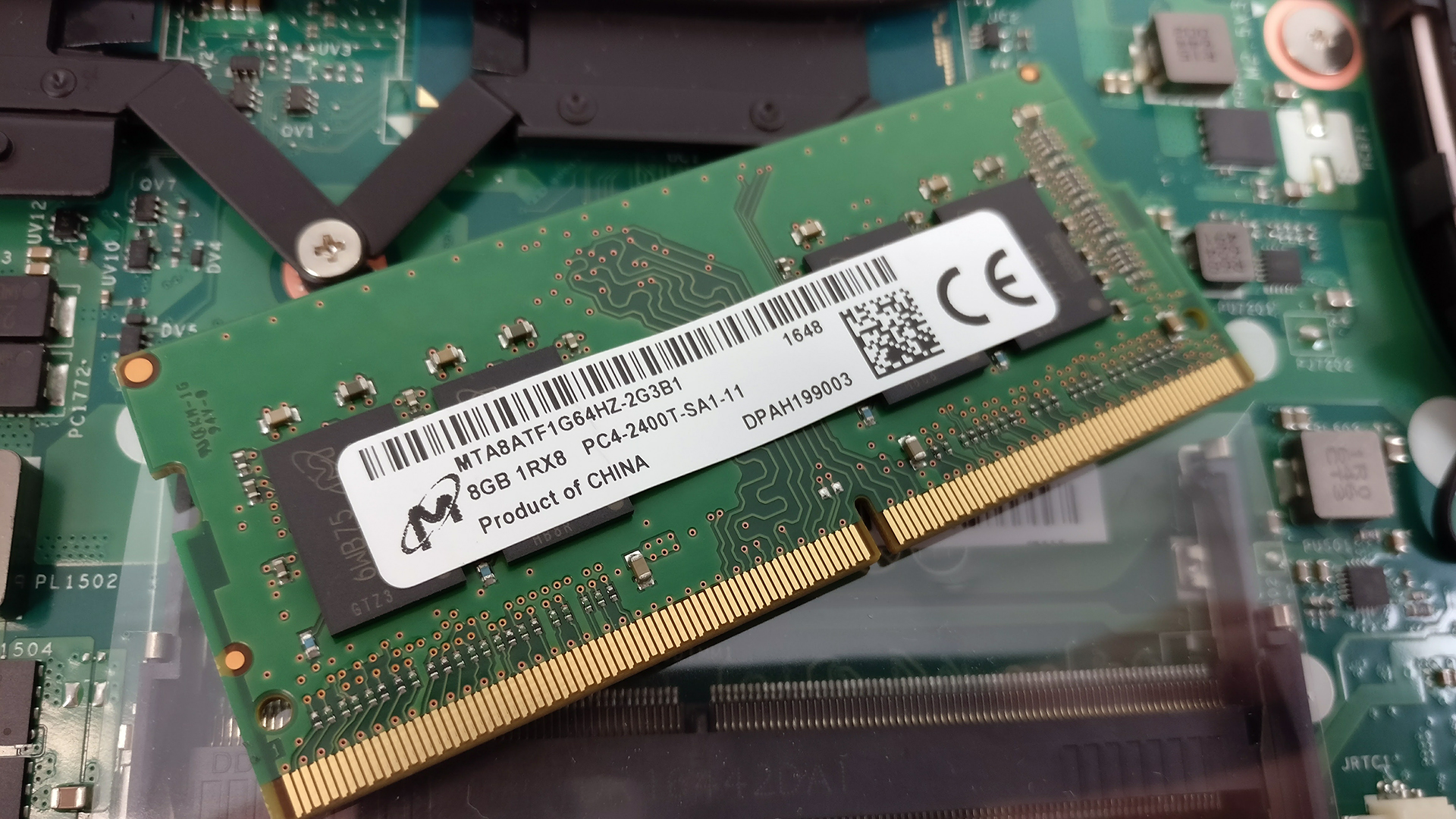
The motherboard can hold up to 32GB of DDR4-2400 memory using two RAM slots. Our unit shipped with an 8GB DDR4-2400 Micron chip leaving one of the slots free for upgrade.
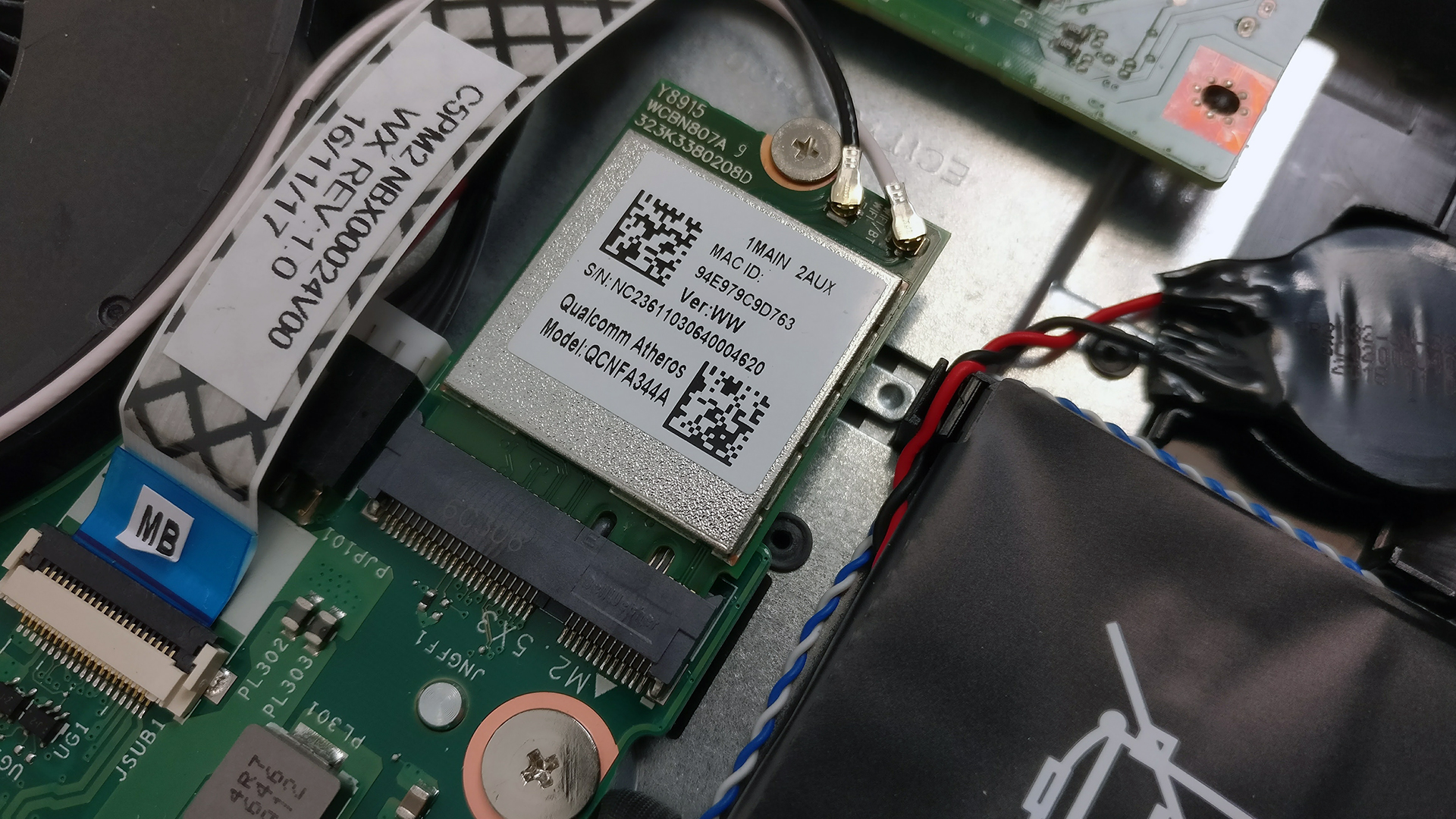
The Wi-Fi card can be found near the cooling fan. It’s a Qualcomm Atheros QCNFA344A.
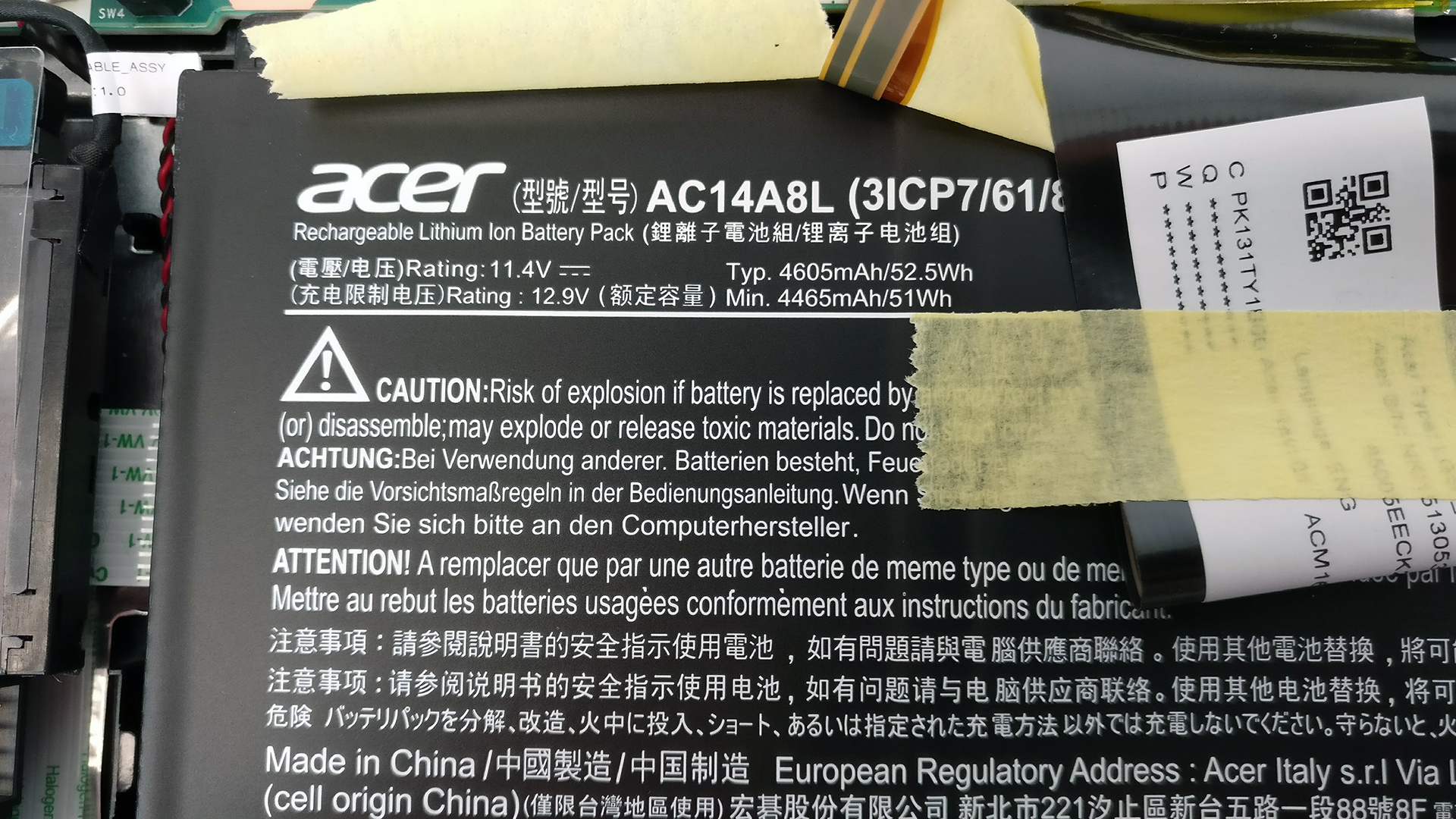
The battery is easily distinguishable and can be found under the wrist rest area. It’s rated at 52.5Wh.
4. Cooling system
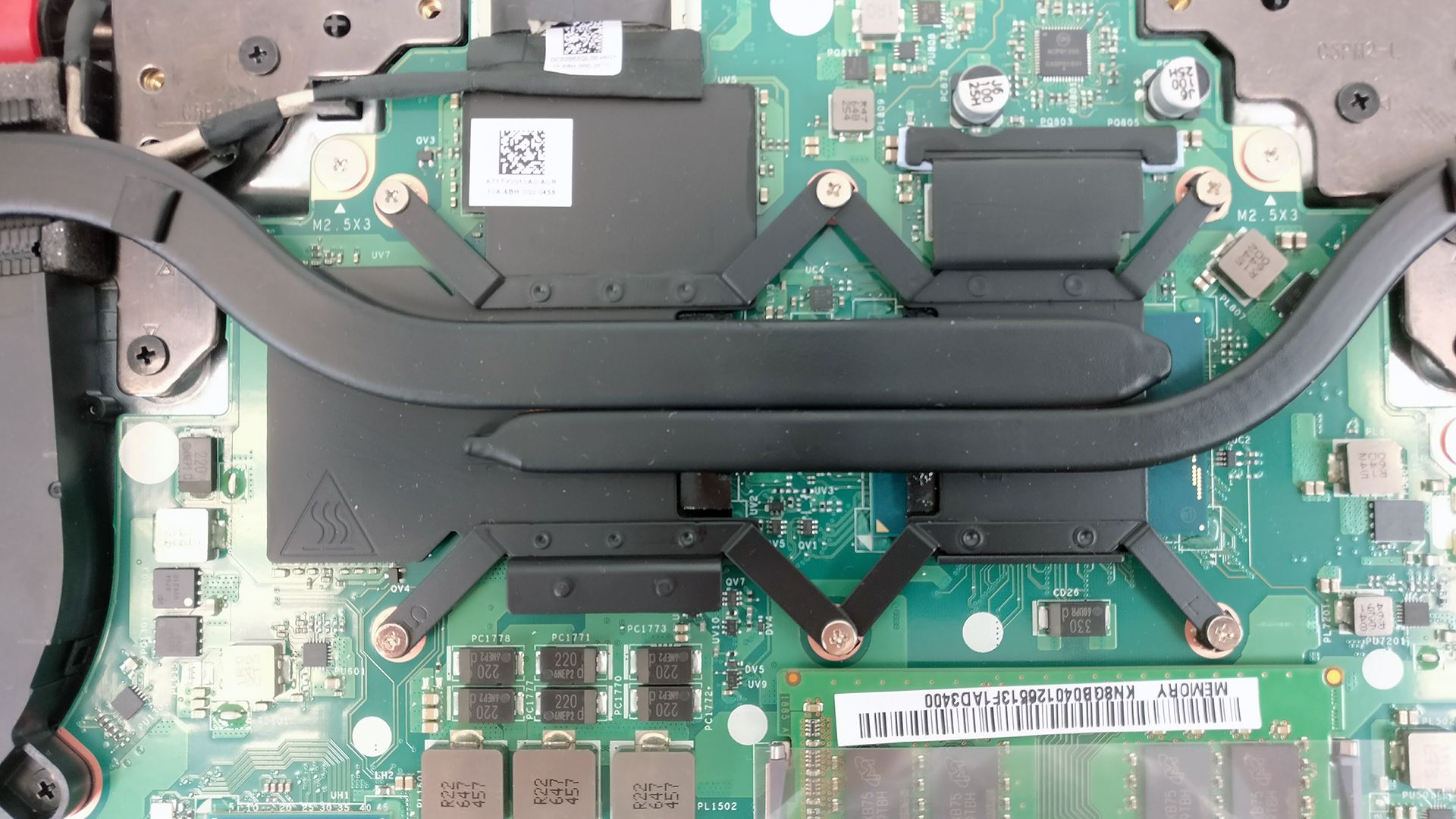
The cooling design seems pretty standard – two separate cooling fans connected to the heat sinks via two heat pipes and two big vent openings on the back for dispersing the heat.

We suggest that you check out our full review of the model here as well.
Some of the available configurations can be found here: http://amzn.to/2mbXk1V
 Author: Rossen Pandev

![[August 2026] Amazon Italy: Top 10 Best-Selling Laptops – Apple MacBook Neo Claims the Crown as Budget and Mid-Range Windows Machines Dominate Volume](https://laptopmedia.com/wp-content/uploads/2026/09/Best-Selling-Laptops-IT-Top-10-400x225.jpg)
![[August 2026] Amazon Italy: Top 7 Best-Selling Gaming Laptops – ASUS V16 Claims the #1 Spot Amid Strong Mid-Range Demand](https://laptopmedia.com/wp-content/uploads/2026/09/Best-Selling-Gaming-Laptops-IT-Top-10-400x225.jpg)
![[August 2026] Best-Selling Laptop Brands on Amazon Italy – Lenovo Dominates Market Share and Revenue Leadership](https://laptopmedia.com/wp-content/uploads/2026/09/IT-Best-Brands-400x225.jpg)
![[August 2026] Amazon India: Top 10 Best-Selling Laptops – Apple MacBook Neo Dominates the Charts with Massive Sales Lead](https://laptopmedia.com/wp-content/uploads/2026/09/Best-Selling-Laptops-IN-Top-10-400x225.jpg)
![[August 2026] Amazon India: Top 10 Best-Selling Gaming Laptops – HP Victus 15 Dominates the Market with Massive Unit Lead](https://laptopmedia.com/wp-content/uploads/2026/09/Best-Selling-Gaming-Laptops-IN-Top-10-400x225.jpg)

can i add more space to my to it?, i bought a 119 GB acer vx15 and im struggling with the the low space that i have, i need help ;-;
I brought an external hardrive and moved my steam folder to it and installed other games there. I sym linked the steam folder so it steam still thinks its in program files folder. Cheaper then upgrading SSD
Did the same. Much cheaper that way.