ASUS VivoBook S14 S433

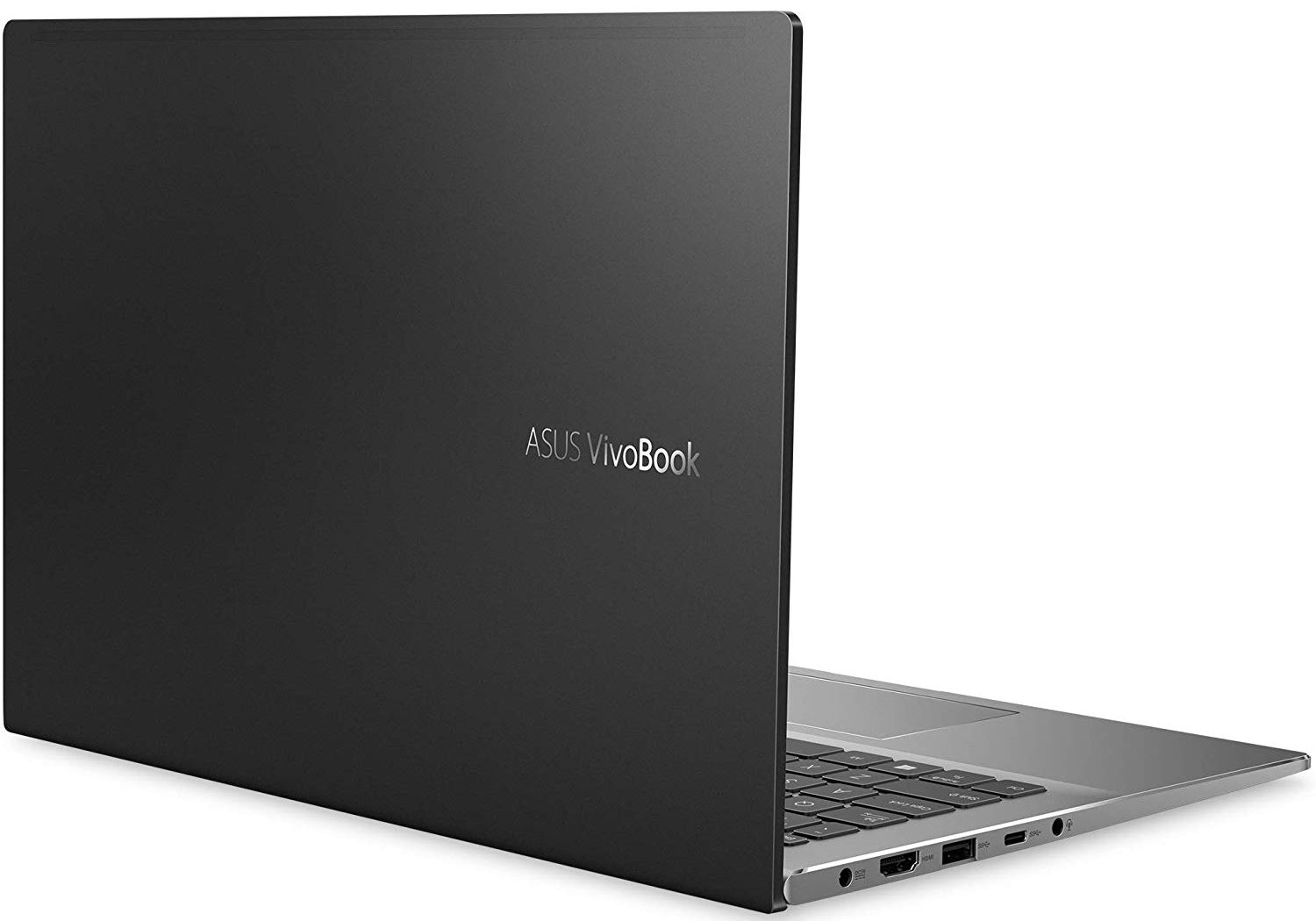
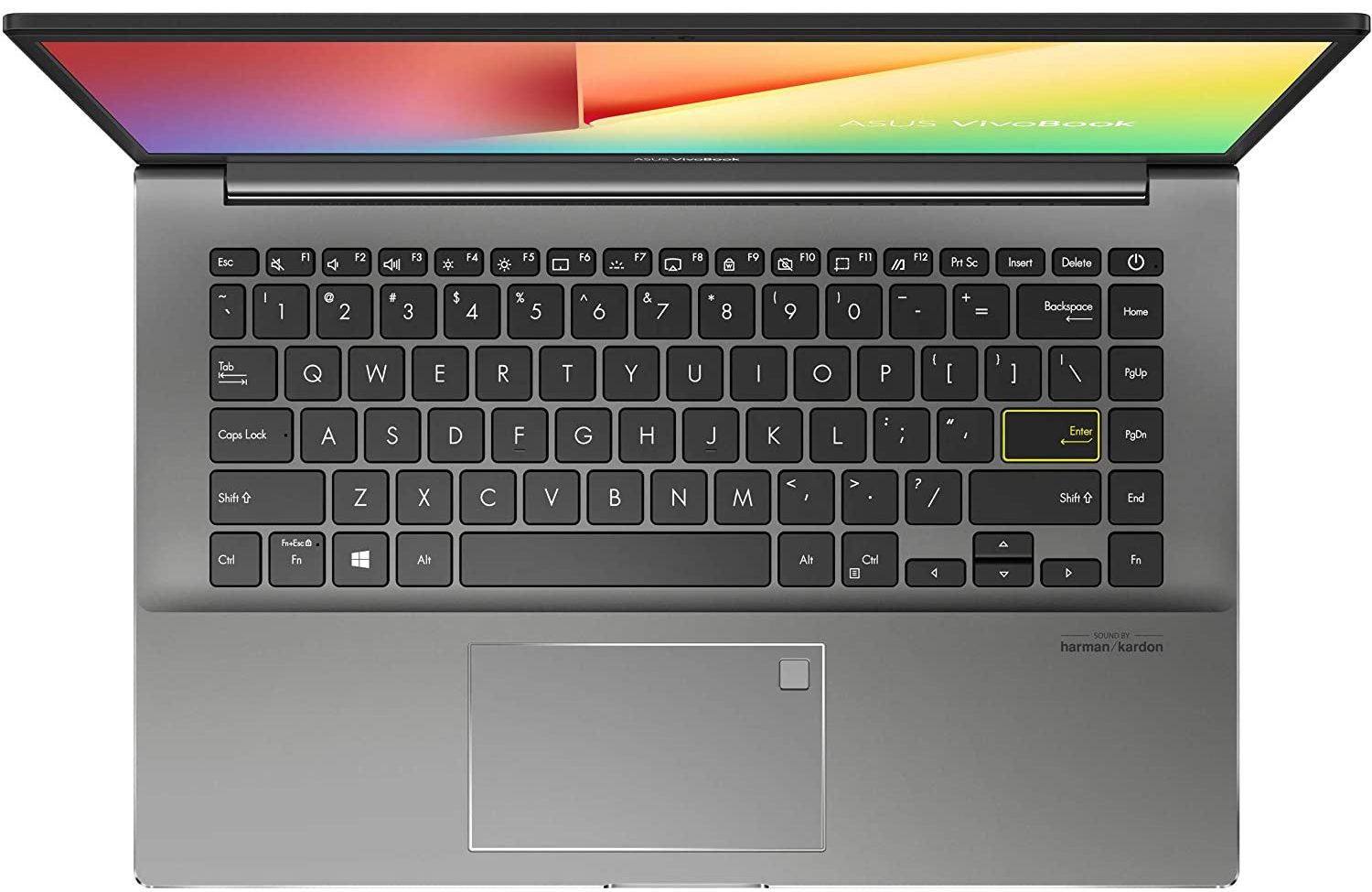
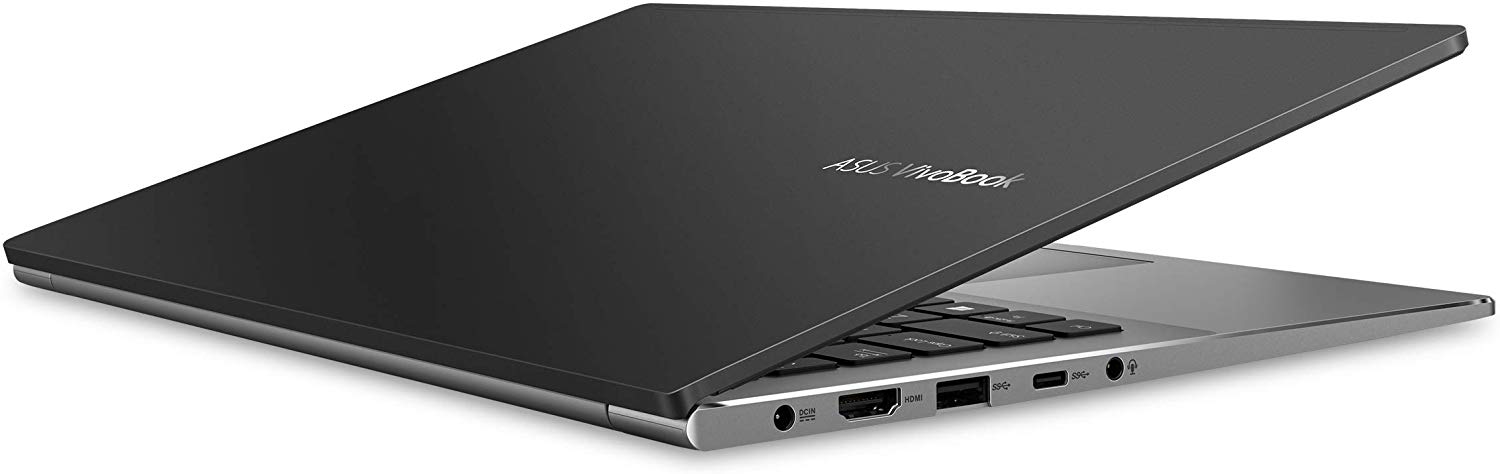
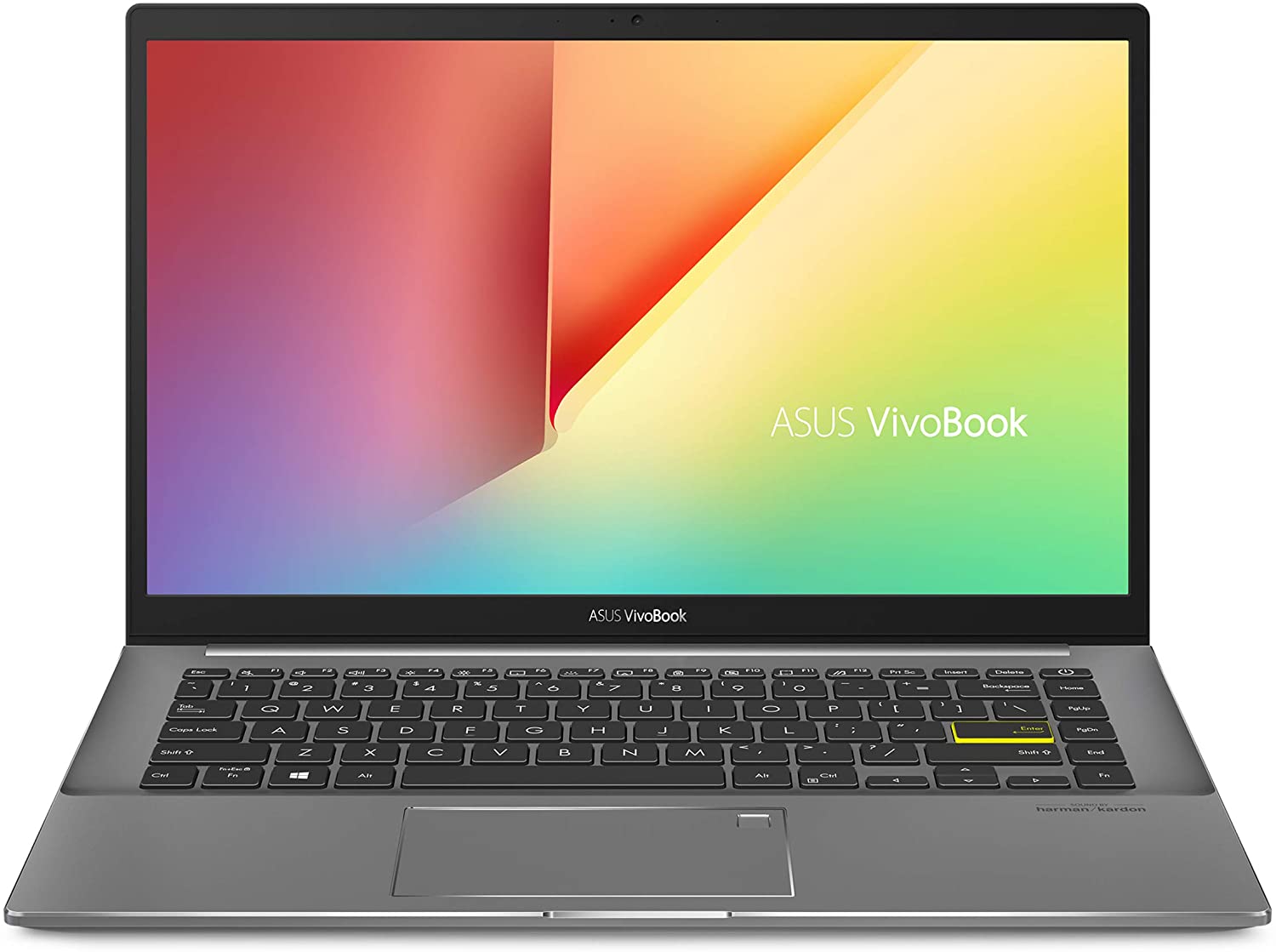
- Date Published: 08 Sep 2021
- Intel Core i5-1135G7
- Intel Iris Xe Graphics G7 (80EU)
- 14.0”, Full HD (1920 x 1080), IPS
- 512GB SSD
- 8GB DDR4
- 1.40 kg (3.1 lbs)
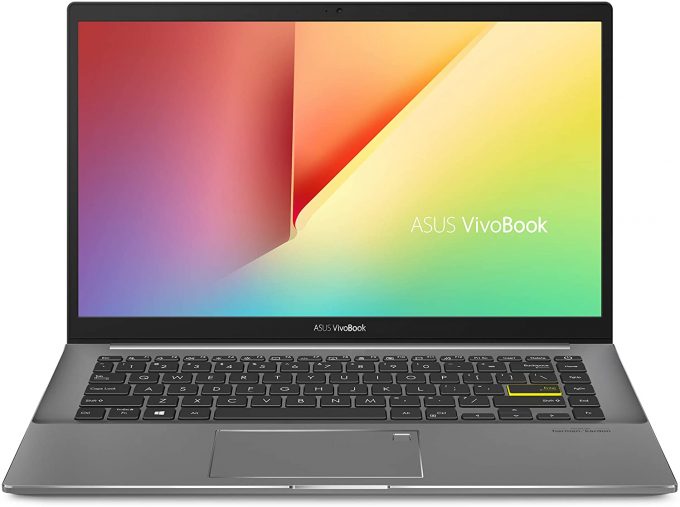
Specs

- HDD/SSD
- 512GB SSD
- M.2 Slot
- 2x 2280 PCIe NVMe 3.0 x2 See photo
- RAM
- 8GB DDR4
- OS
- Windows 10 Home
- Body Material
- Plastic / Polycarbonate, Aluminum
- Dimensions
- 324 x 213 x 15.9 mm (12.76" x 8.39" x 0.63")
- Weight
- 1.40 kg (3.1 lbs)
- Ports and connectivity
- 2x USB Type-A
- 2.0
- 1x USB Type-A
- 3.2 Gen 1 (5 Gbps)
- 1x USB Type-C
- 3.2 Gen 1 (5 Gbps)
- HDMI
- 1.4
- Card Reader
- MicroSD
- Ethernet LAN
- Wi-Fi
- 802.11ax
- Bluetooth
- 5.0
- Audio jack
- 3.5 mm combo
- Features
- Fingerprint reader
- Web camera
- HD
- Backlit keyboard
- Microphone
- Array Microphone
- Speakers
- Speakers by Harman Kardon
- Optical drive
- Security Lock slot
Portability
Review
ASUS VivoBook S14 S433 in-depth review
Well, well, well. What do we have here? A 14-inch VivoBook. It looks like the successor of the S14 S432 but interestingly - it lacks the ScreenPad 2.0 support. Have ASUS made it exclusive to the ZenBook series? Are they trying to keep the price down? We don't know. What we know, however, is that the new notebook comes with a new look, new processors, and a 1080p IPS display.While the processors of choice here are mere refreshes of the Whiskey Lake family, we found out that in some laptops, they offer better optimization, thus improving the battery life of the device. You will see shortly, whether this is true for this unit as well. First, let's take a look at the beautiful new look, coming in four different lid colors, aimed to suit (almost) every taste.You can check the prices an[...]
Read the full review
Pros
- Stylish customizable design
- Nice performance/efficiency ratio
- Good battery life
- Good contrast ratio and comfortable viewing angles (BOE NV140FHM-N49)
- Doesn't use PWM to adjust its brightness (BOE NV140FHM-N49)
- MicroSD card reader on board
Cons
- Poor upgradability
- Lacks Thunderbolt connection
- Covers only 52% of sRGB (BOE NV140FHM-N49)
- Seems like a downgrade from last year
- Modest I/O
Disassembly, maintenance and upgrade options
ASUS has tried its best to improve the design of this notebook. However, they have ditched some neat features like the ErgoLift hinge, and especially the ScreenPad 2.0, probably in order to keep the price down.Check out all ASUS VivoBook S14 S433 prices and configurations in our Specs System or read more in our In-Depth review.1. Remove the bottom plate This device's bottom plate is fixed in place by 9 Torx-head screws. Remove them and you would be able to pop the panel with a plastic pry tool.2. Battery Here, the battery is decent for a device with this size - a 50Wh uni[...]
Read more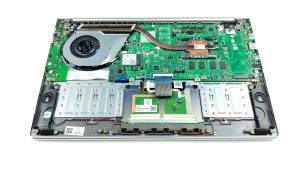


![[June 2026] Best-Selling Laptop Brands on Amazon Global – Apple’s Unrivaled Dominance in Units and Revenue](https://laptopmedia.com/wp-content/uploads/2026/07/GLOBAL-Best-Brands-400x225.jpg)
![[June 2026] Amazon Global: Top 10 Best-Selling Laptops – Apple’s New MacBook Neo Storms to #1, Reshaping the Market with Affordability](https://laptopmedia.com/wp-content/uploads/2026/07/Best-Selling-Laptops-GLOBAL-Top-10-400x225.jpg)
![[June 2026] Amazon Global: Top 10 Best-Selling Gaming Laptops – Acer’s Nitro V 16S AI Dominates Sales, While ASUS Leads Overall Revenue](https://laptopmedia.com/wp-content/uploads/2026/07/Best-Selling-Gaming-Laptops-GLOBAL-Top-10-400x225.jpg)
![[June 2026] Global Ranking of Best-Selling Laptop GPUs on Amazon – NVIDIA RTX 5060 is the Top-Selling Dedicated GPU](https://laptopmedia.com/wp-content/uploads/2026/07/Best-Selling-GPUs-GLOBAL-Top-10-400x225.jpg)
![[June 2026] Global Ranking of Best-Selling Laptop CPUs on Amazon – Apple M5 Dominates, AMD Ryzen 7 260 Gets Solid Premium Share](https://laptopmedia.com/wp-content/uploads/2026/07/Best-Selling-CPUs-GLOBAL-Top-10-400x225.jpg)

