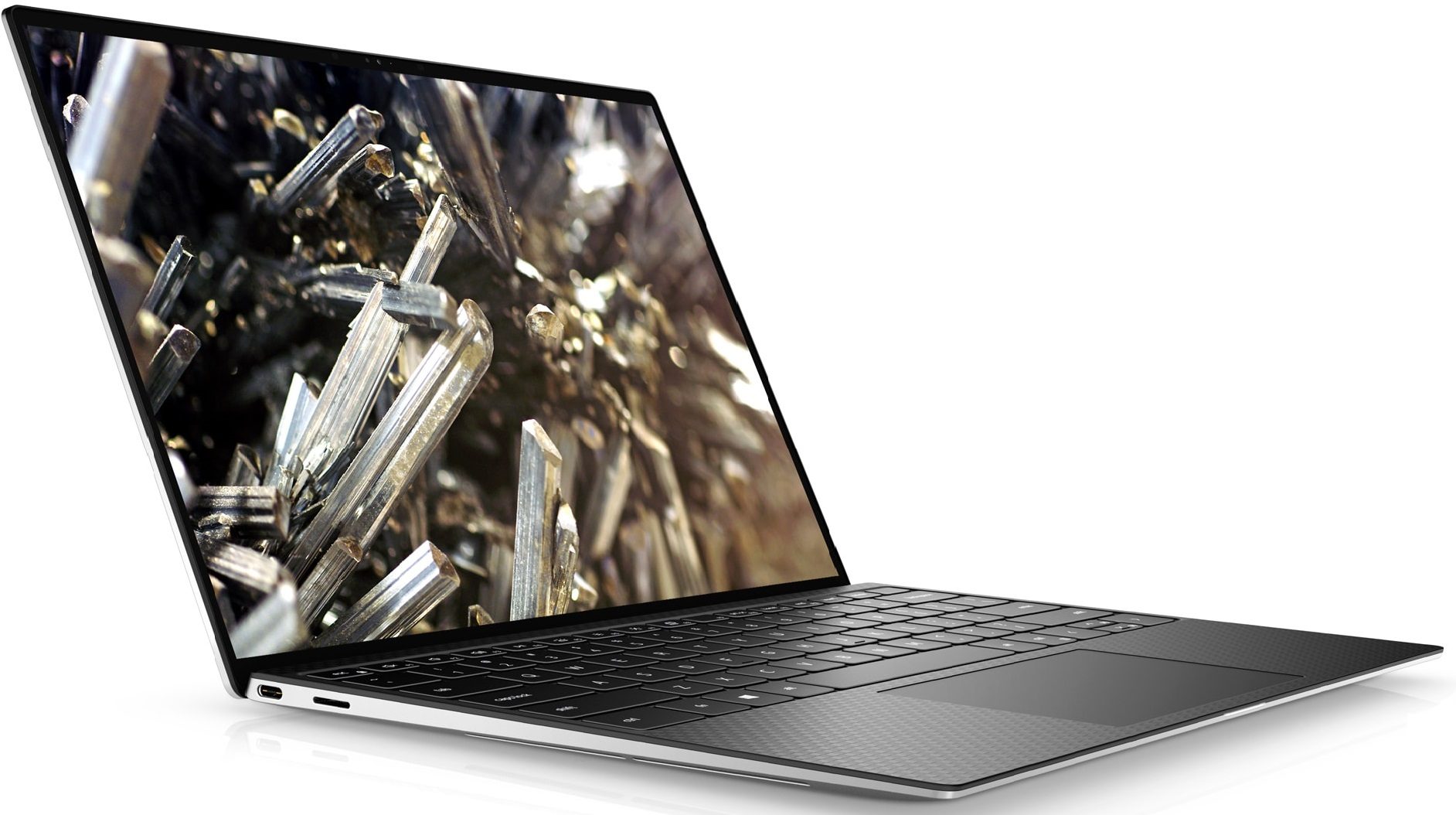
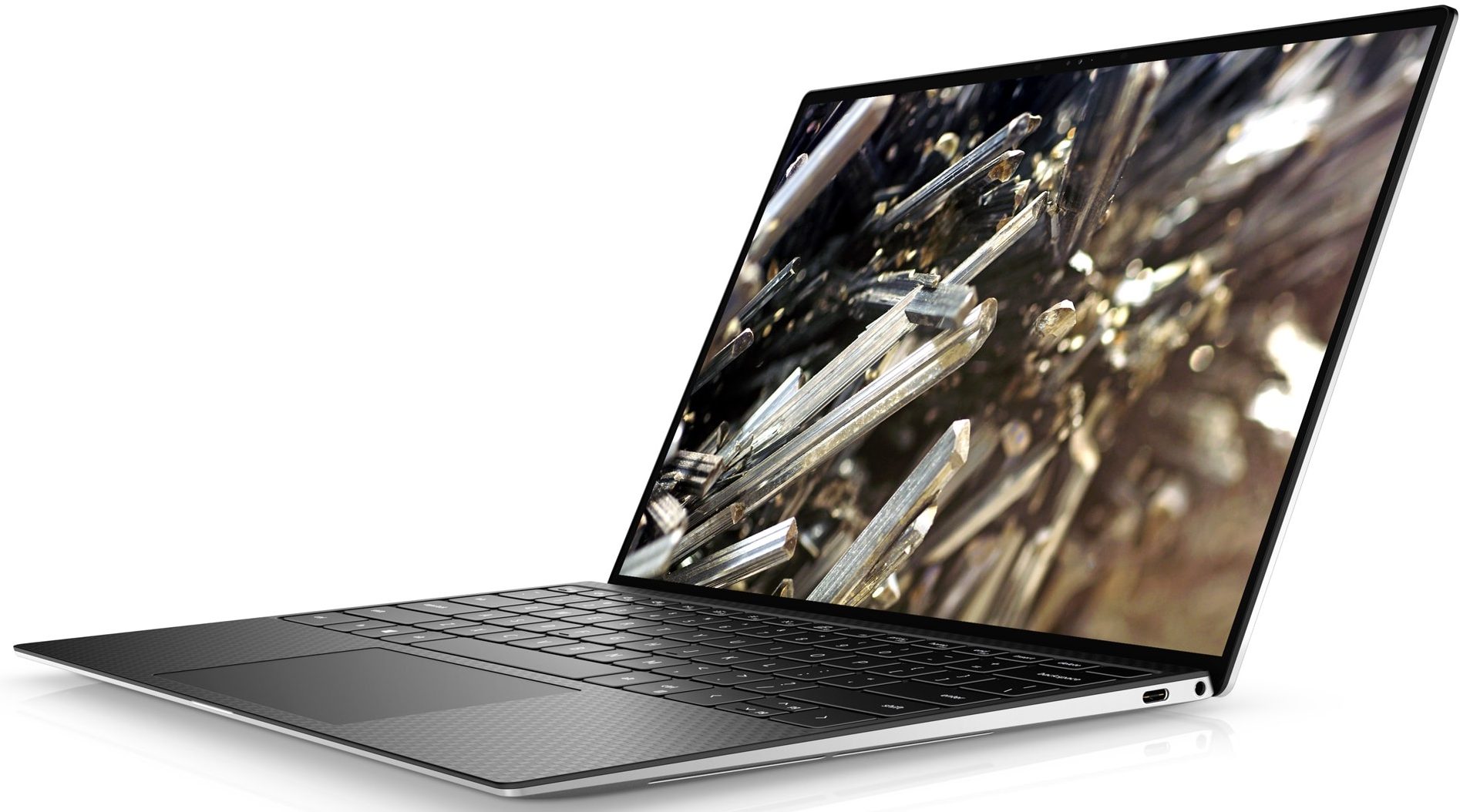
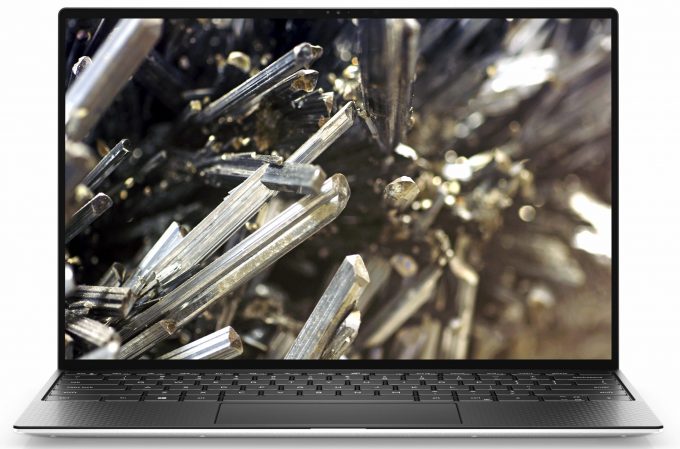
Dell XPS 13 9300
- Date Published: 04 Oct 2025
- Intel Core i7-1065G7
- Intel Iris Plus Graphics G7
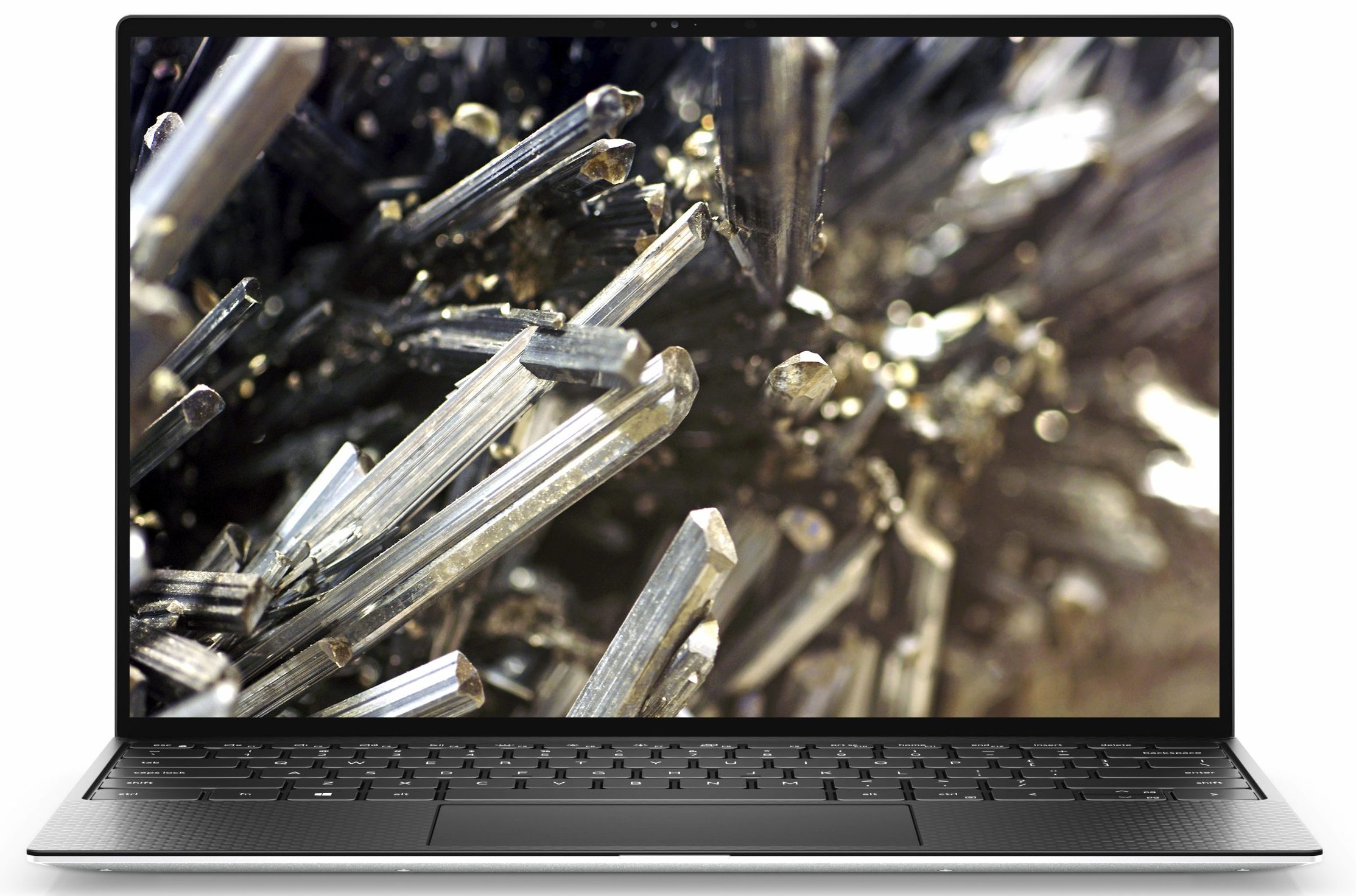
- 13.4”, FHD+ (1920 x 1200), IPS
- 256GB SSD
- 8GB RAM
- 1.20 kg (2.6 lbs)
Specs
- Display

- HDD/SSD
- 256GB SSD
- M.2 Slot
- 1x 2280 PCIe NVMe 3.0 x4 See photo
- RAM
- 8GB RAM
- OS
- Windows 10 Home
- Body Material
- Aluminum, Carbon
- Dimensions
- 296 x 199 x 14.8 mm (11.65" x 7.83" x 0.58")
- Weight
- 1.20 kg (2.6 lbs)
- Ports and connectivity
- 2x USB Type-C
- Thunderbolt 3, Power Delivery (PD), DisplayPort
- Card Reader
- Micro SD 4.0
- Wi-Fi
- 802.11ax
- Bluetooth
- 5.0
- Audio jack
- 3.5 mm combo
- Features
- Fingerprint reader
- Web camera
- HD
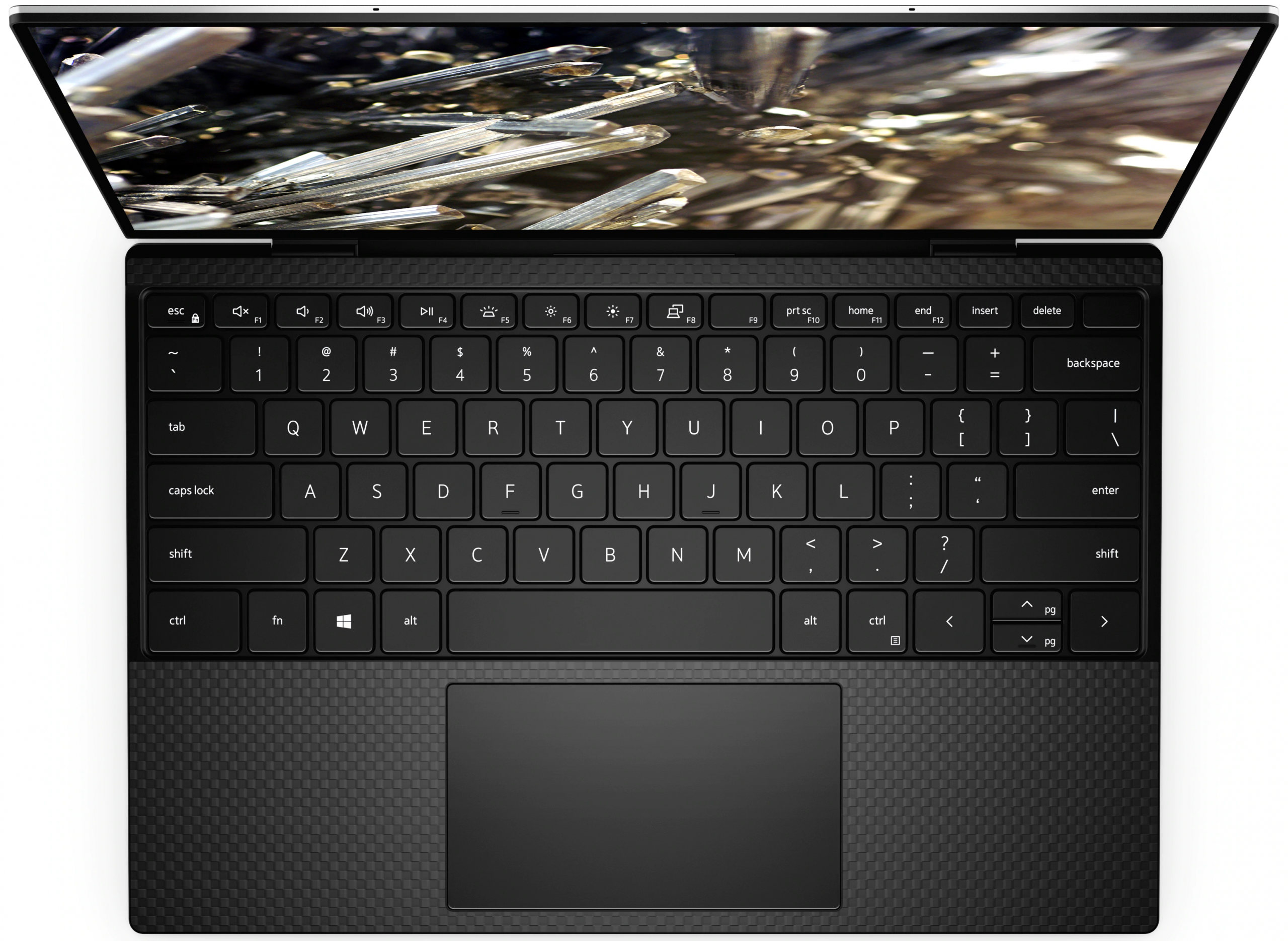
- Backlit keyboard
- Microphone
- 2 Digitar-Array Microphones
- Speakers
- 2x 2.5W, Waves MaxxAudio Pro
- Security Lock slot
Portability
Review
Dell XPS 13 9300 in-depth review
Here, we have one of the smallest 13-inch notebooks in terms of footprint. In fact, it's screen diagonal is a hair larger than most 13-inchers, but let's not get ahead of ourselves. Obviously, we are talking about the XPS 13 9300.Now, this is not your ordinary Inspiron or Vostro we are taking a look at. Instead, it is a full-blown premium ultrabook. One of the biggest improvements over last year, is in the absurdly tiny bezels all around the display, instead only to the sides and the top. In order to do this, Dell has gone for a 16:10 display, which by the way comes in a Full HD+ and in a 4K+, with the "plus" sign denoting the taller display.Ultimately, the XPS series is used for creative work, so you not only need a punchy and color-accurate display, but you also need a somewhat [...]
Read the full review
Pros
- Premium aluminum/carbon fiber build
- Covers 95% of sRGB colors (Sharp XGFJ0-LQ134N1)
- Very high color accuracy when Gaming and Web design profile is installed (Sharp XGFJ0-LQ134N1)
- 12 hours of battery
- Comfortable keyboard
- Fingerprint reader and optional IR face recognition systems
- A pretty powerful little machine
- Great speakers
Cons
- Very limited on ports (despite having two Thunderbolt 3 connectors)
- Uses PWM below 140 nits (our Health-Guard profile fixes the issue)
- Memory is soldered to the motherboard
- The cooling can't cope up with the demand
Disassembly, maintenance and upgrade options
As usual, the XPS 13 9300 doesn't excel with its upgradability. However, this doesn't prevent us from taking a peek inside!Check out all Dell XPS 13 9300 prices and configurations in our Specs System or read more in our In-Depth review.1. Remove the bottom plate To get inside, you need to unscrew 8 Torx-head screws. After that, pry your way around the bottom panel, with the help of a sharp plastic tool. We found it to be easier to start from the front, just below the battery LED.2. Battery Battery-wise, the laptop features a 4-cell 52Wh unit.3. Cooling, memory, and [...]
Read more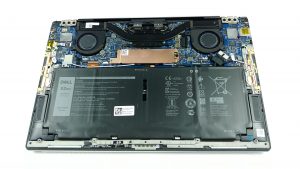


![[June 2026] Best-Selling Laptop Brands on Amazon Global – Apple’s Unrivaled Dominance in Units and Revenue](https://laptopmedia.com/wp-content/uploads/2026/07/GLOBAL-Best-Brands-400x225.jpg)
![[June 2026] Amazon Global: Top 10 Best-Selling Laptops – Apple’s New MacBook Neo Storms to #1, Reshaping the Market with Affordability](https://laptopmedia.com/wp-content/uploads/2026/07/Best-Selling-Laptops-GLOBAL-Top-10-400x225.jpg)
![[June 2026] Amazon Global: Top 10 Best-Selling Gaming Laptops – Acer’s Nitro V 16S AI Dominates Sales, While ASUS Leads Overall Revenue](https://laptopmedia.com/wp-content/uploads/2026/07/Best-Selling-Gaming-Laptops-GLOBAL-Top-10-400x225.jpg)
![[June 2026] Global Ranking of Best-Selling Laptop GPUs on Amazon – NVIDIA RTX 5060 is the Top-Selling Dedicated GPU](https://laptopmedia.com/wp-content/uploads/2026/07/Best-Selling-GPUs-GLOBAL-Top-10-400x225.jpg)
![[June 2026] Global Ranking of Best-Selling Laptop CPUs on Amazon – Apple M5 Dominates, AMD Ryzen 7 260 Gets Solid Premium Share](https://laptopmedia.com/wp-content/uploads/2026/07/Best-Selling-CPUs-GLOBAL-Top-10-400x225.jpg)

