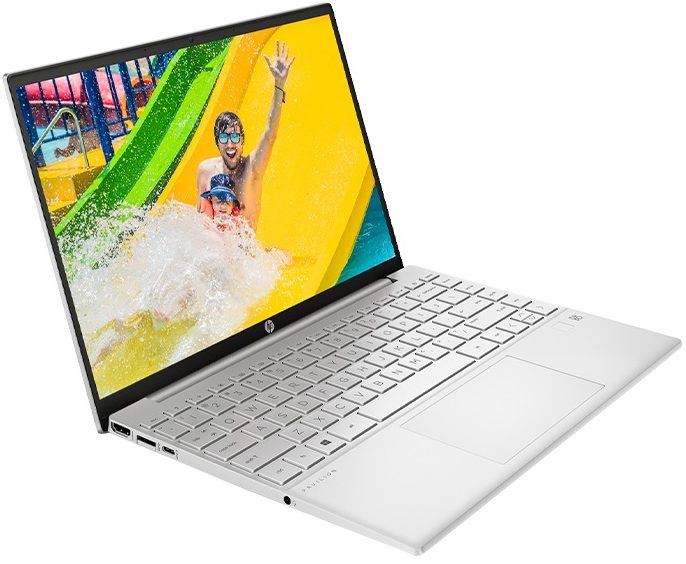
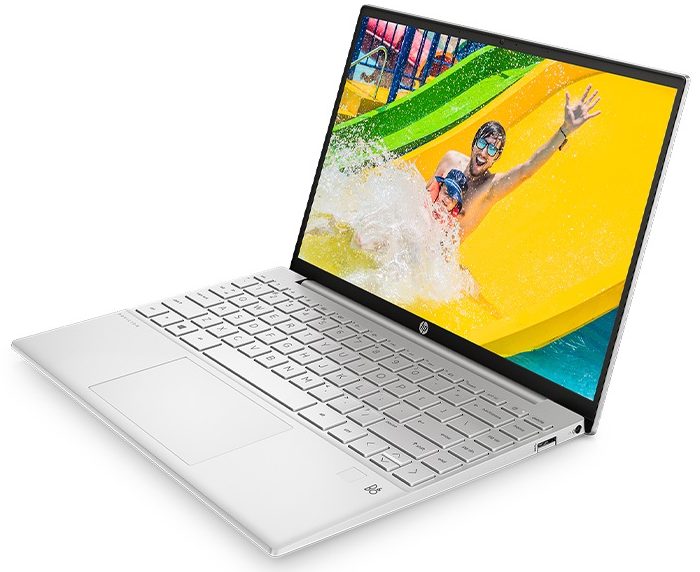
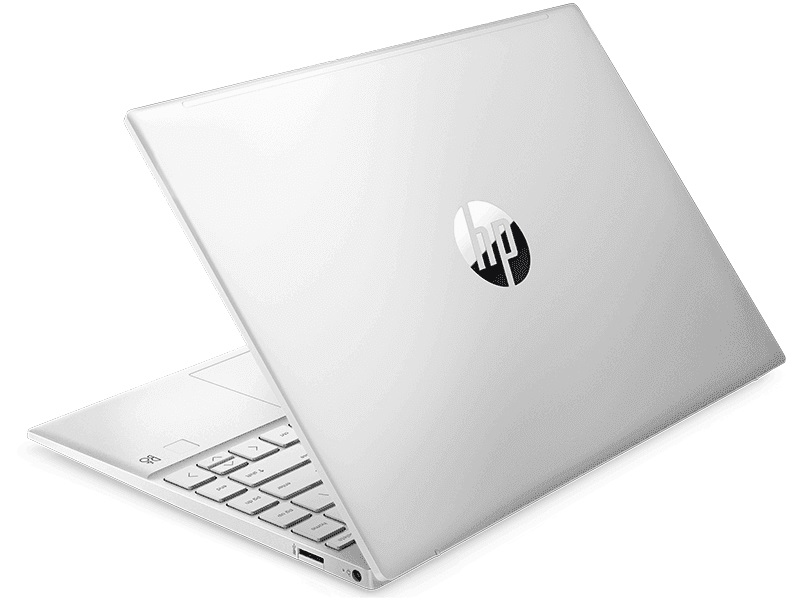
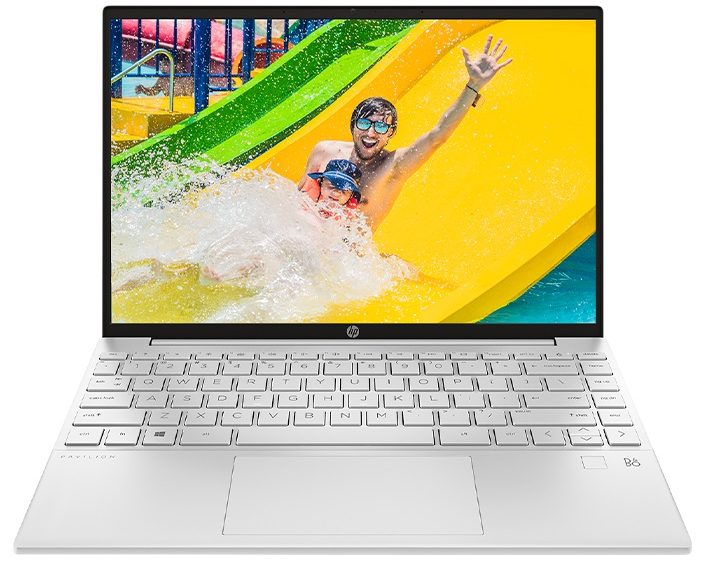
HP Pavilion Aero 13
 48.jpg)



- Date Published: 21 Jul 2025
- AMD Ryzen 5 7535U
- AMD Radeon 660M
- 13.3”, WUXGA (1920 x 1200), IPS
- 1000GB SSD
- 16GB RAM
- 0.99 kg (2.2 lbs)
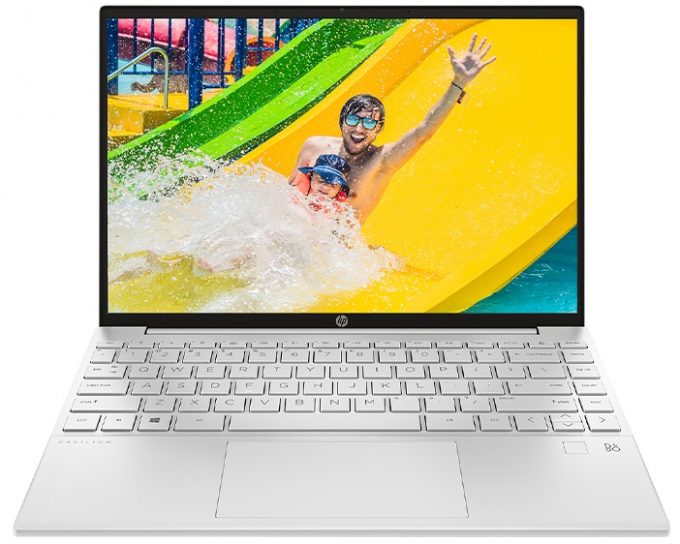
Specs
- Display

- HDD/SSD
- 1000GB SSD
- M.2 Slot
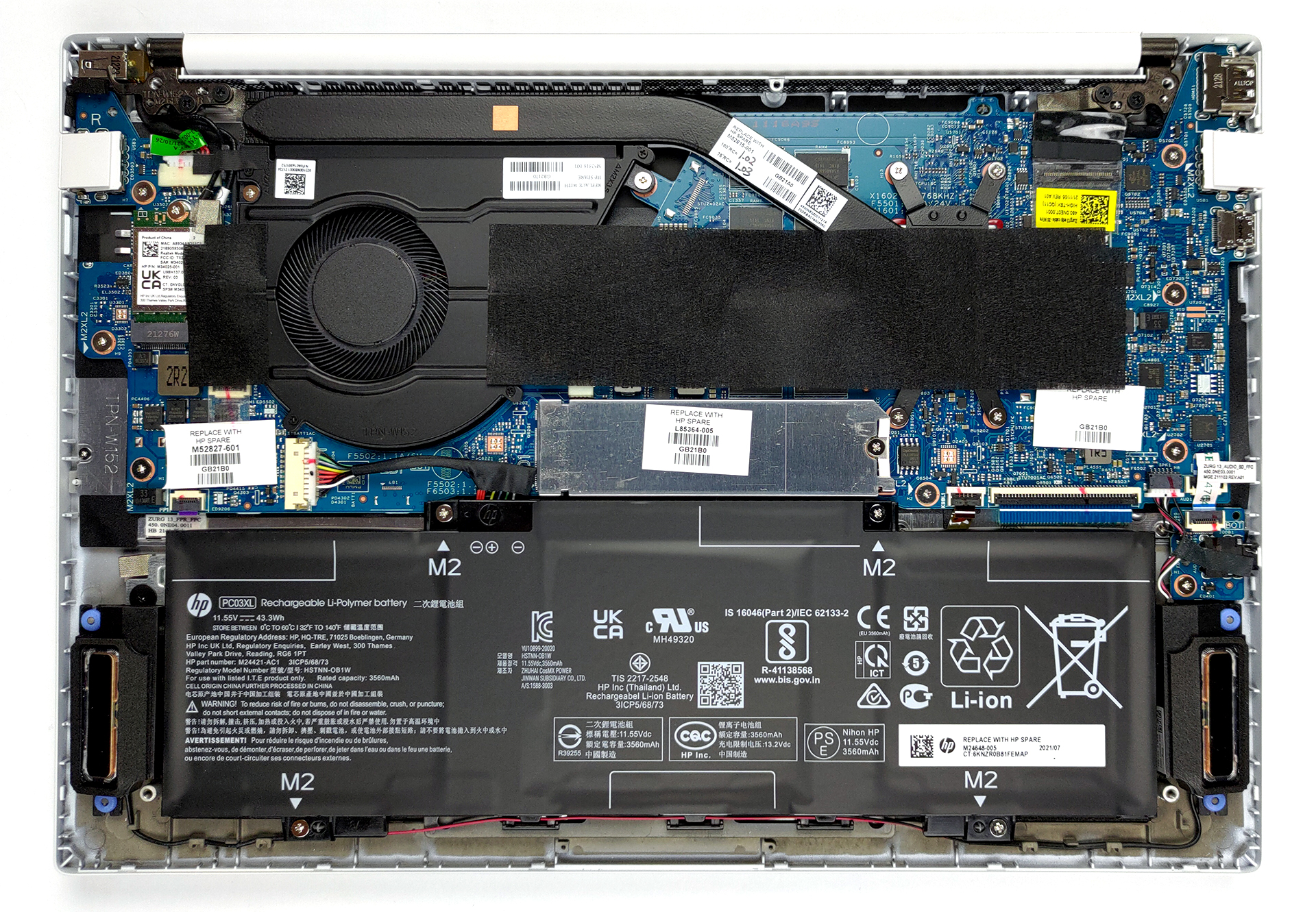
- 1x 2280 M.2 NVMe slot See photo
- RAM
- 16GB RAM
- OS
- Windows 11 Home
- Body Material
- Plastic / Polycarbonate
- Dimensions
- 297 x 209 x 16.9 mm (11.69" x 8.23" x 0.67")
- Weight
- 0.99 kg (2.2 lbs)
- Ports and connectivity
- 1x USB Type-C
- 3.2 Gen 2 (10 Gbps), Power Delivery (PD), DisplayPort, Sleep and Charge
- 2x USB Type-A
- 3.2 Gen 1 (5 Gbps)
- HDMI
- 2.0
- Wi-Fi
- 802.11ax
- Bluetooth
- 5.3
- Audio jack
- 3.5mm Combo Jack
- Features
- Fingerprint reader
- Web camera
- HD
- Backlit keyboard
- Microphone
- Digital dual-array microphones
- Speakers
- 2x 2W, Bang & Oulfsen
- Gifts
- Dockztorm Portable USB Hub
Portability
Review
HP Pavilion Aero 13 in-depth review
Do you remember the chocolate bars that have bubbles inside? Well, this is what the Pavilion Aero 13's name makes us think of. Regardless of our food fantasies, this laptop sounds truly spectacular on paper. Although it is part of the more budget-oriented Pavilion brand from HP, this device can be equipped with up to the Ryzen 7 5800U.On the other hand, the "Aero" part of the name indicates the lightness of this device. In fact, it weighs no more than a kilo. This makes the specs even more impressive.Another important feature of the machine is its display. The Pavilion Aero 13 utilizes a taller screen than usual with an aspect ratio of 16:10. You have two options - a 1920x1200p and a 2560x1600p one. Moreover, HP is bold enough to state that their device doesn't use PWM for brightn[...]
Read the full review
Pros
- Weighs less than a kilo
- Doesn't use PWM for brightness adjustment (AUO AUO6496)
- 99% sRGB coverage with accurate color representation with our Gaming and Web design profile (AUO AUO6496)
- Decent I/O
- Fingerprint reader
- Powerful and efficient hardware
- Good battery life
Cons
- Performance is limited by the cooling
- Memory is soldered to the motherboard (although it works in quad-channel mode)
Disassembly, maintenance and upgrade options
This is one of the lightest notebooks on the market. As such, it has omitted some useful features like the ability to upgrade the memory down the line.Check out all HP Pavilion Aero 13 (13-be0000) prices and configurations in our Specs System or read more in our In-Depth review.1. Remove the bottom plate To take this laptop apart, you need to remove the two rubber feet from the bottom plate. Then, undo all 5 Phillips-head screws, and pry the panel with a plastic tool.2. Battery Inside, you will find a 43Wh battery pack. Despite its small size, it lasted us for 11 hours of[...]
Read more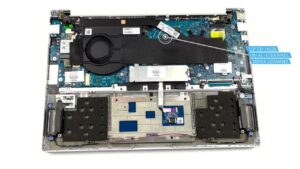


![[June 2026] Best-Selling Laptop Brands on Amazon Global – Apple’s Unrivaled Dominance in Units and Revenue](https://laptopmedia.com/wp-content/uploads/2026/07/GLOBAL-Best-Brands-400x225.jpg)
![[June 2026] Amazon Global: Top 10 Best-Selling Laptops – Apple’s New MacBook Neo Storms to #1, Reshaping the Market with Affordability](https://laptopmedia.com/wp-content/uploads/2026/07/Best-Selling-Laptops-GLOBAL-Top-10-400x225.jpg)
![[June 2026] Amazon Global: Top 10 Best-Selling Gaming Laptops – Acer’s Nitro V 16S AI Dominates Sales, While ASUS Leads Overall Revenue](https://laptopmedia.com/wp-content/uploads/2026/07/Best-Selling-Gaming-Laptops-GLOBAL-Top-10-400x225.jpg)
![[June 2026] Global Ranking of Best-Selling Laptop GPUs on Amazon – NVIDIA RTX 5060 is the Top-Selling Dedicated GPU](https://laptopmedia.com/wp-content/uploads/2026/07/Best-Selling-GPUs-GLOBAL-Top-10-400x225.jpg)
![[June 2026] Global Ranking of Best-Selling Laptop CPUs on Amazon – Apple M5 Dominates, AMD Ryzen 7 260 Gets Solid Premium Share](https://laptopmedia.com/wp-content/uploads/2026/07/Best-Selling-CPUs-GLOBAL-Top-10-400x225.jpg)