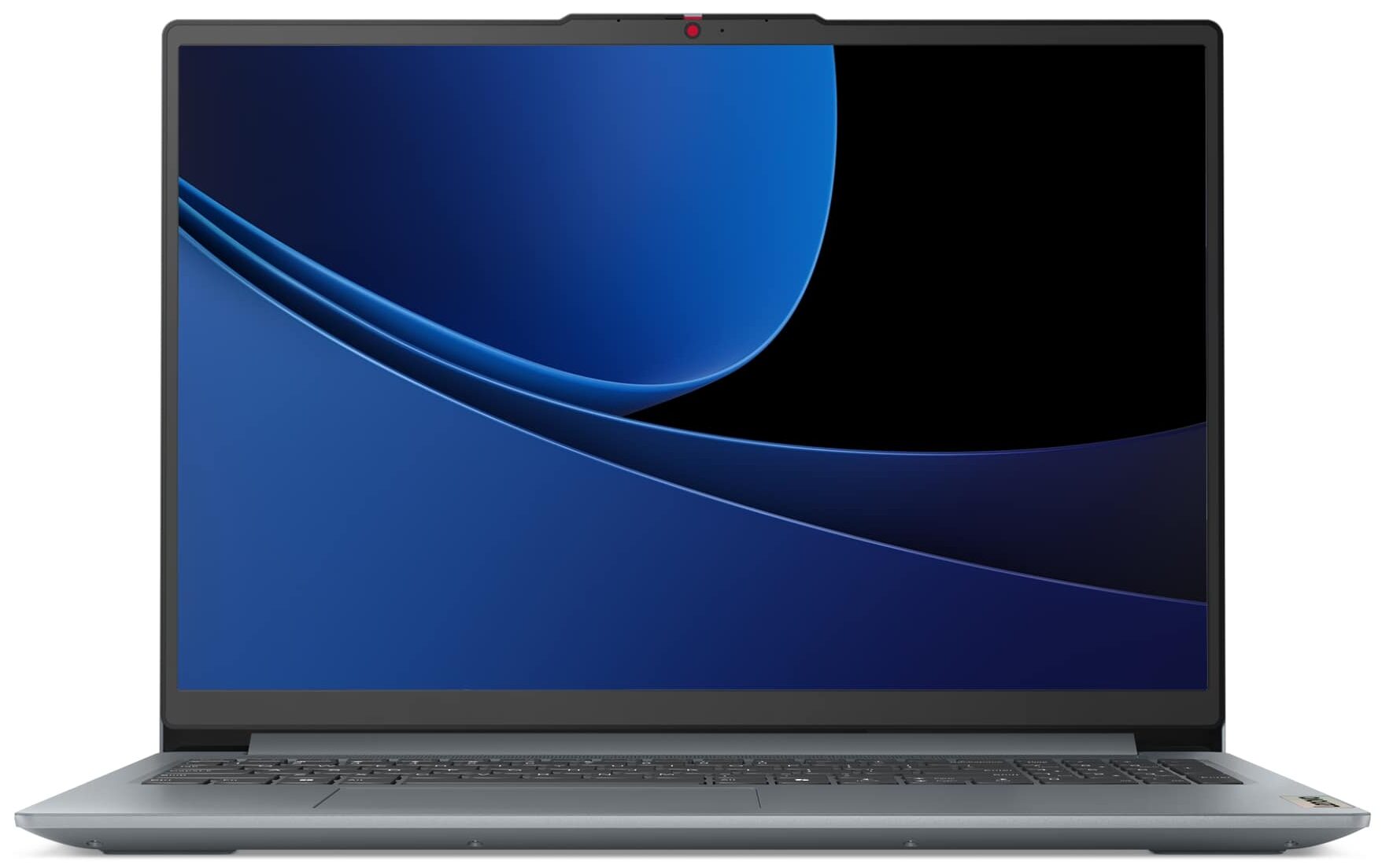
Lenovo IdeaPad Slim 3
- Date Published: 12 Jun 2025
- Intel Core 5 120U
- Intel Iris Xe Graphics G7 (80EU)
- 16.0”, WUXGA (1920 x 1200), IPS
- 512GB SSD
- 8GB RAM
- 1.74 kg (3.8 lbs)
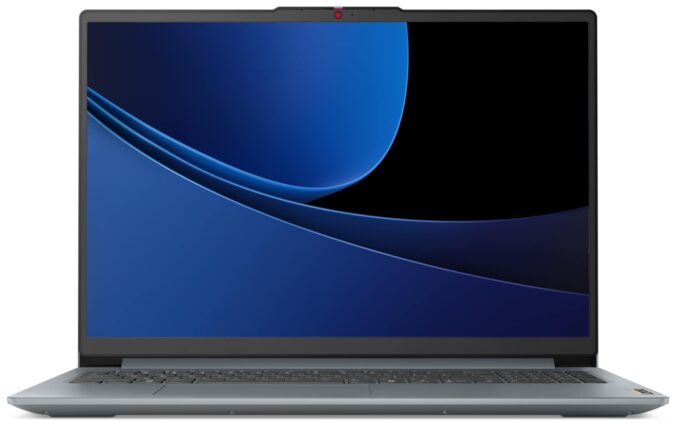
Specs
- Display

- HDD/SSD
- 512GB SSD
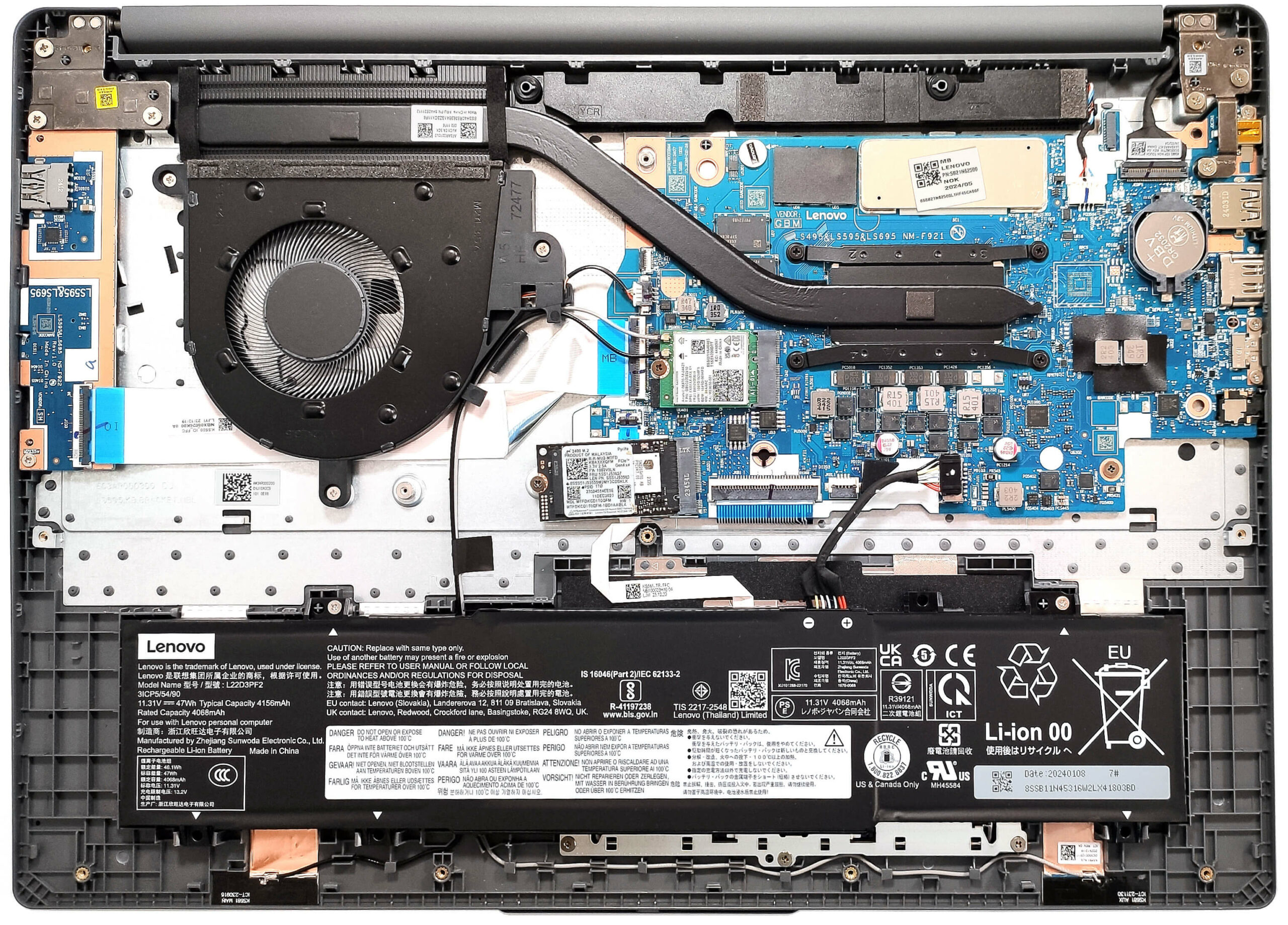
- M.2 Slot
- 1x 2242 M.2 NVMe PCIe 4.0 x4 See photo
- RAM
- 8GB RAM
- OS
- Windows 11 Home
- Body Material
- Plastic / Polycarbonate
- Dimensions
- 359.3 x 257 x 17.9 mm (14.15" x 10.12" x 0.70")
- Weight
- 1.74 kg (3.8 lbs)
- Ports and connectivity
- 2x USB Type-A
- 3.2 Gen 1 (5 Gbps)
- 1x USB Type-C
- 3.2 Gen 1 (5 Gbps), Power Delivery (PD), DisplayPort
- HDMI
- 1.4
- Card Reader
- SD (SD, SDHC, SDXC)
- Ethernet LAN
- Wi-Fi
- Wi-Fi 6
- Bluetooth
- 5.2
- Audio jack
- 3.5mm Combo Jack
- Features
- Fingerprint reader
- Web camera
- HD / FHD with Privacy Shutter, Fixed Focus
- Backlit keyboard
- Microphone
- Dual Microphone Array
- Speakers
- 2x 1.5W Stereo Speakers, Dolby Audio
- Security Lock slot
Portability
Review
Lenovo IdeaPad Slim 3 in-depth review
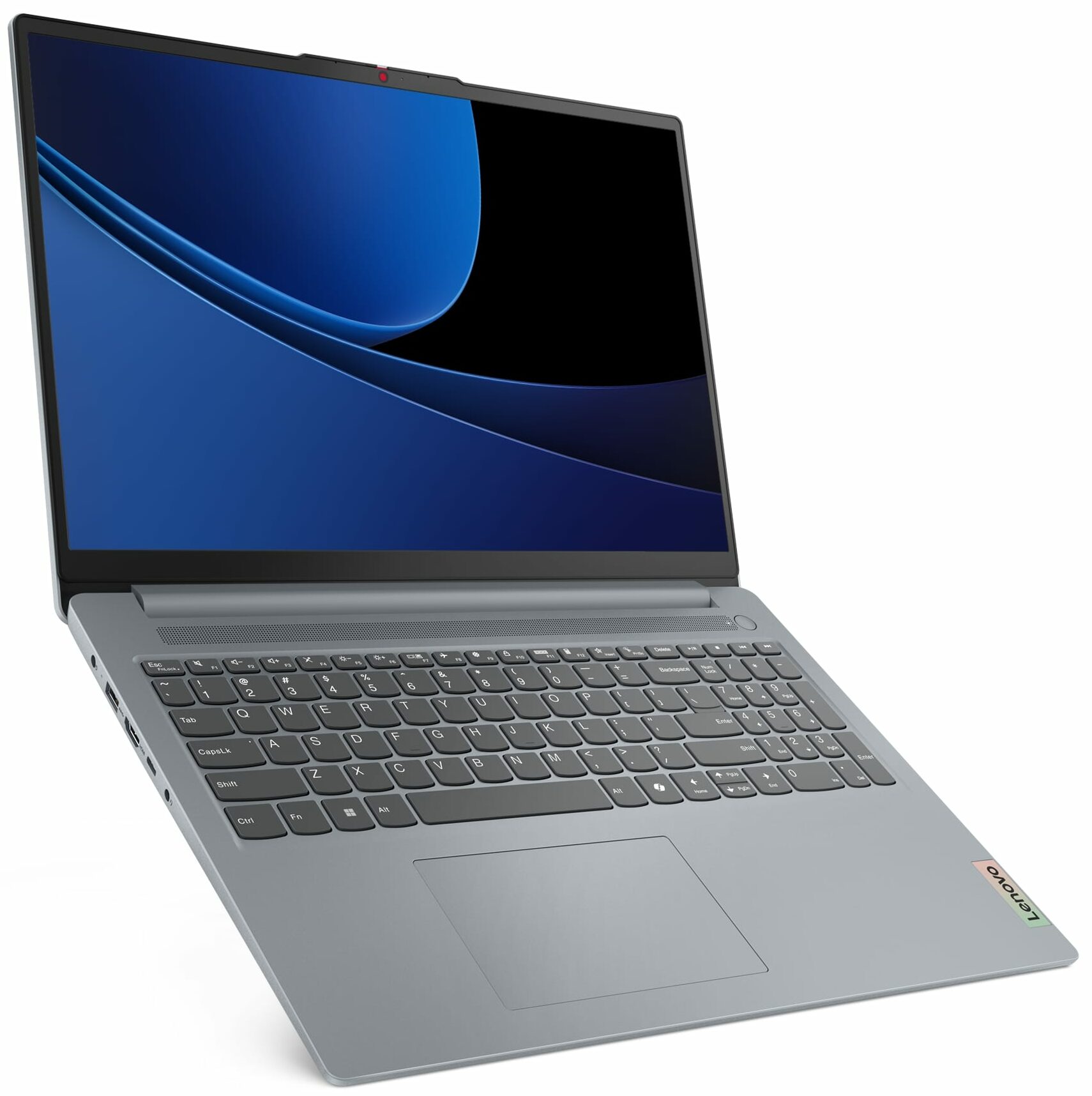
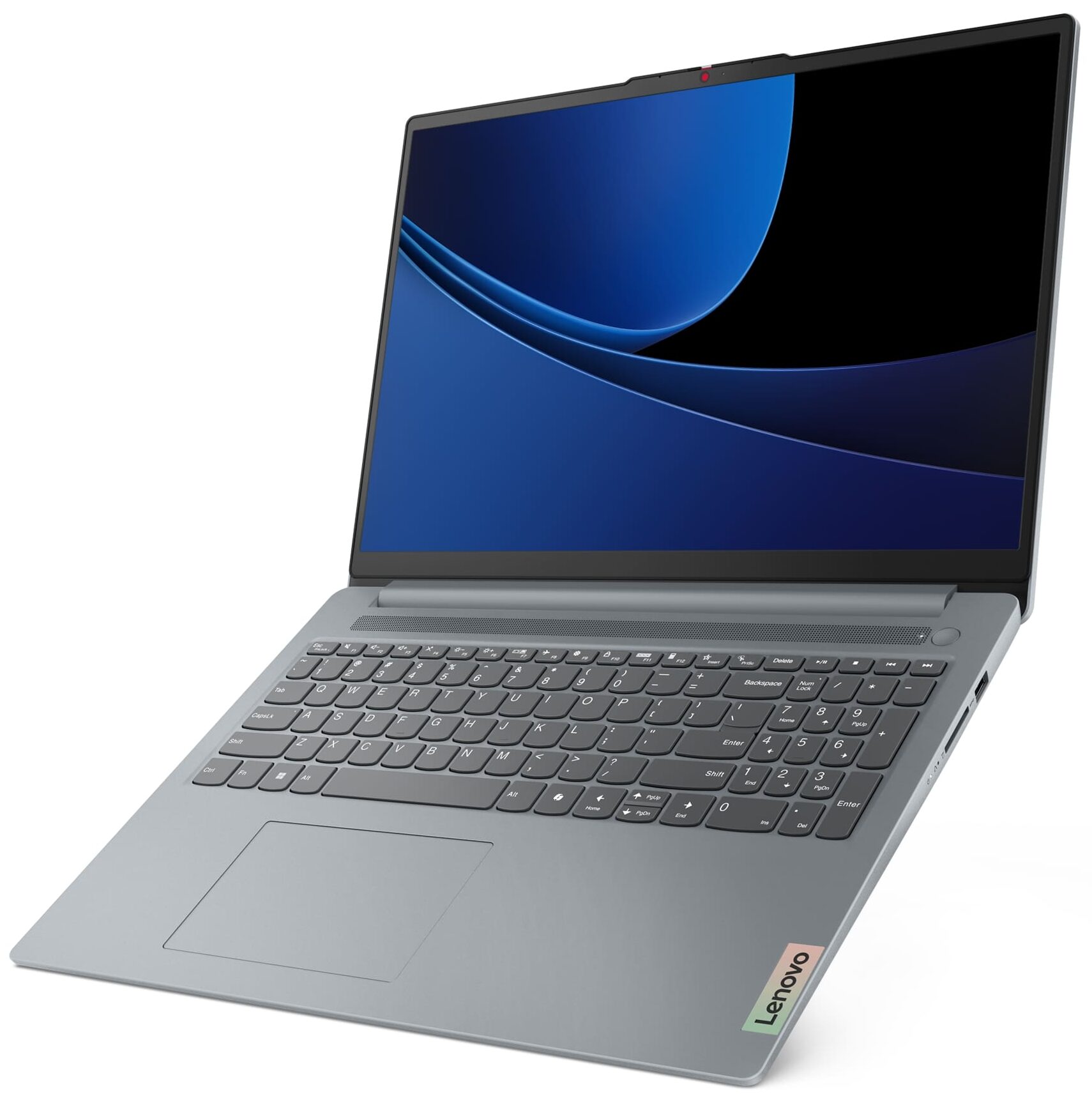
The Lenovo IdeaPad Slim 3 16" Gen 9 is a typical non-expensive device for normal home or office work. It relies on Raptor Lake-U Refresh CPUs which are almost virtually the same as their 13th gen siblings aside from the slightly bumped clocks. The port selection is acceptable while the upgradability isn't. Still, you can change the SSD or replace the WiFi 6 card. This Lenovo series is designed for general use, not gaming, so it doesn't have dedicated graphics card options. However, our laptop can show 76 FPS in CS2 on Low settings which isn't a bad result for an iGPU.There is just one display model but if you ask us, that's fine since we are talking about a 1200p IPS display with comfortable viewing angles. That's enough for this price class. The main body is big and that's why it hous[...]
Read the full review
Pros
- The keyboard doesn't get hot during heavy CPU stress
- Compact for a 16-incher (1.74 kg / 17.9 mm)
- Adequate performance for daily or office tasks
- PWM-free display (LEN9156)
- 16:10 aspect ratio and wide viewing angles (LEN9156)
- 300 nits of max brightness (LEN9156)
- Optional 1080p Web camera + fingerprint reader
- Privacy shutter
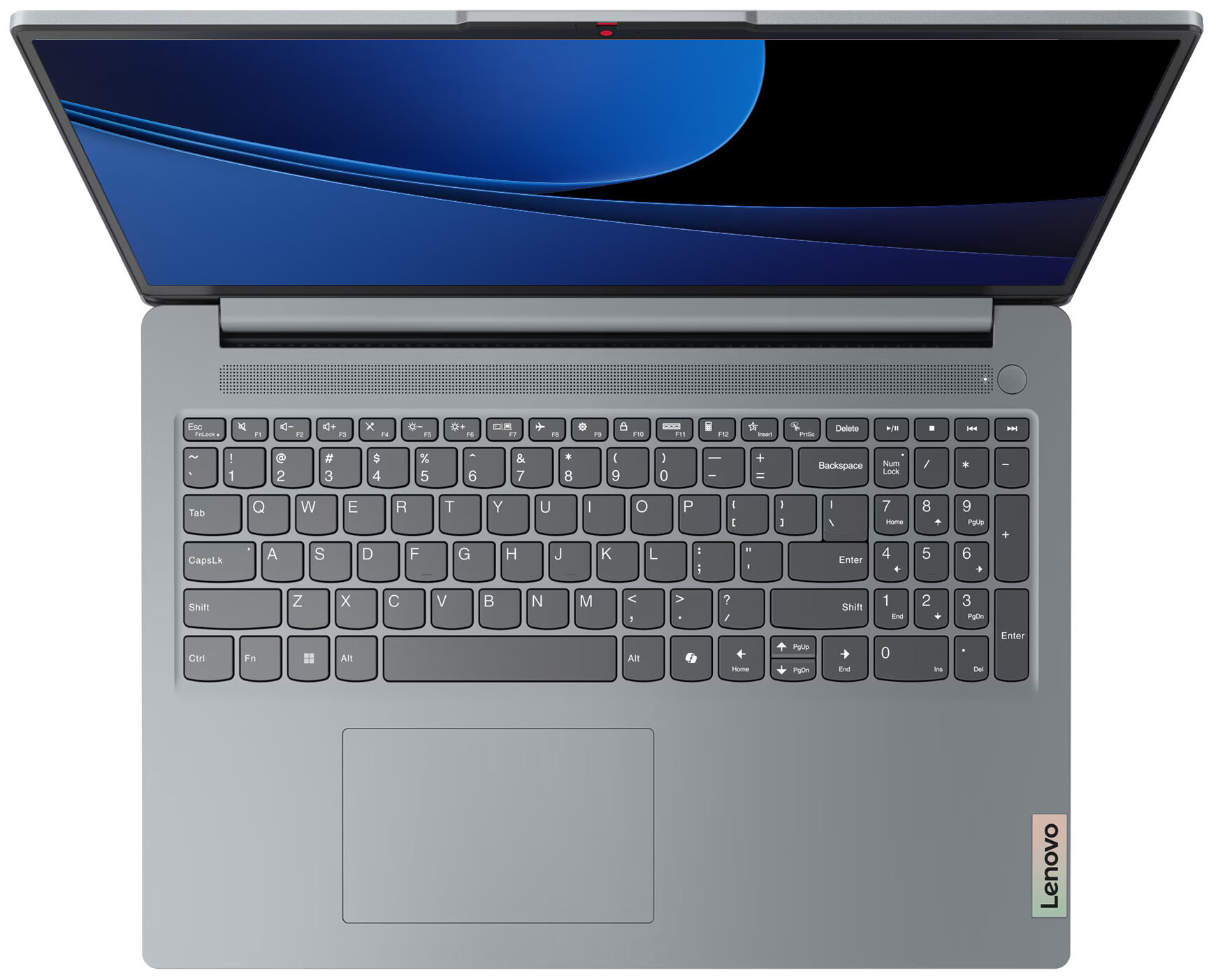
- Decent keyboard with optional backlight
- Acceptable port selection with 3x USBs and an SD card reader
- The Core 7 150U can maintain a 3.43 GHz / 2.58 GHz P and E-core clock in long loads
- Good battery life considering the 47Wh capacity (~ 8 hours of videos)
- Fair price
Cons
- Plastic chassis
- The keyboard deck flexes a bit during harsh typing
- 49% sRGB coverage (LEN9156)
- Noisy fan in long CPU loads
- Just 1x M.2 slot and soldered RAM
Disassembly, maintenance and upgrade options
Opening the Lenovo IdeaPad Slim 3 16" (Gen 9, 16IRU9)Undo the 10 Phillips-head screws on the bottom panel. Insert a thin plastic tool in the top two corners and begin popping the sides and front. Once done, pry the back to fully detach the panel.More info: Here's how the internal components of the laptop look once exposed.Battery RemovalThe 47Wh battery is secured with two Phillips-head screws. Undo them to detach the unit. Pull out the connector from the motherboard to fully remove the battery.Note: This battery offers around 8 hours of video play[...]
Read more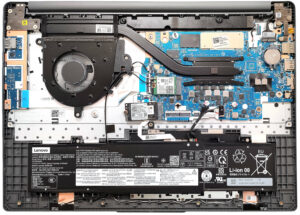


![[June 2026] Best-Selling Laptop Brands on Amazon Global – Apple’s Unrivaled Dominance in Units and Revenue](https://laptopmedia.com/wp-content/uploads/2026/07/GLOBAL-Best-Brands-400x225.jpg)
![[June 2026] Amazon Global: Top 10 Best-Selling Laptops – Apple’s New MacBook Neo Storms to #1, Reshaping the Market with Affordability](https://laptopmedia.com/wp-content/uploads/2026/07/Best-Selling-Laptops-GLOBAL-Top-10-400x225.jpg)
![[June 2026] Amazon Global: Top 10 Best-Selling Gaming Laptops – Acer’s Nitro V 16S AI Dominates Sales, While ASUS Leads Overall Revenue](https://laptopmedia.com/wp-content/uploads/2026/07/Best-Selling-Gaming-Laptops-GLOBAL-Top-10-400x225.jpg)
![[June 2026] Global Ranking of Best-Selling Laptop GPUs on Amazon – NVIDIA RTX 5060 is the Top-Selling Dedicated GPU](https://laptopmedia.com/wp-content/uploads/2026/07/Best-Selling-GPUs-GLOBAL-Top-10-400x225.jpg)
![[June 2026] Global Ranking of Best-Selling Laptop CPUs on Amazon – Apple M5 Dominates, AMD Ryzen 7 260 Gets Solid Premium Share](https://laptopmedia.com/wp-content/uploads/2026/07/Best-Selling-CPUs-GLOBAL-Top-10-400x225.jpg)