Acer Aspire 5 (A517-58M) review – Budget Beast with Record-Breaking Performance for the Core i7-1355U
Disassembly, Upgrade options, and Maintenance
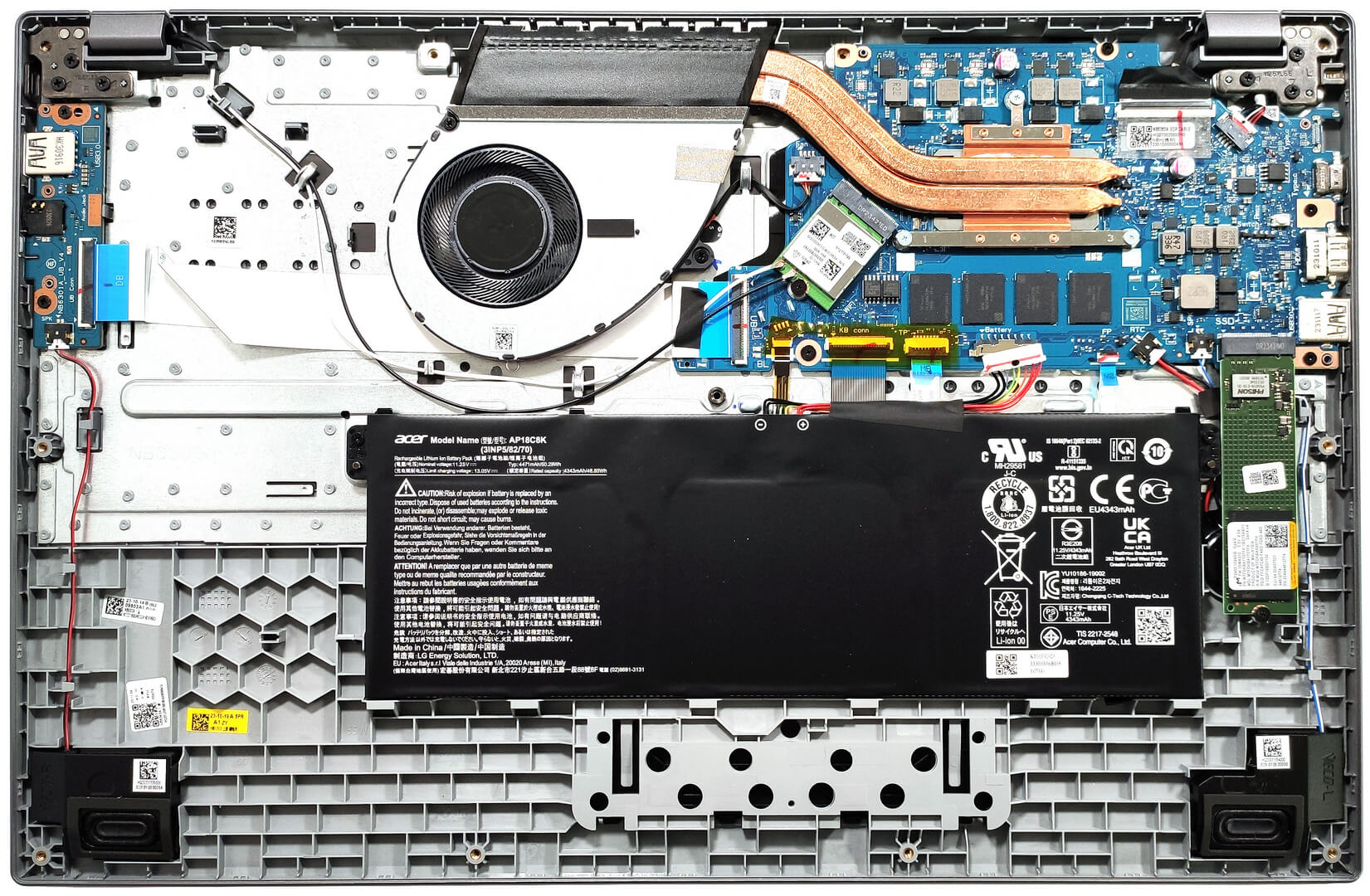
To open this laptop, you have to undo 11 Philips head screws. After that, lift the bottom plate with a lever tool in the areas behind the hinges. Then, fully pry the back with a thin plastic tool and work your way around the sides and the front. Wow, there is so much unused space around the super tiny motherboard!
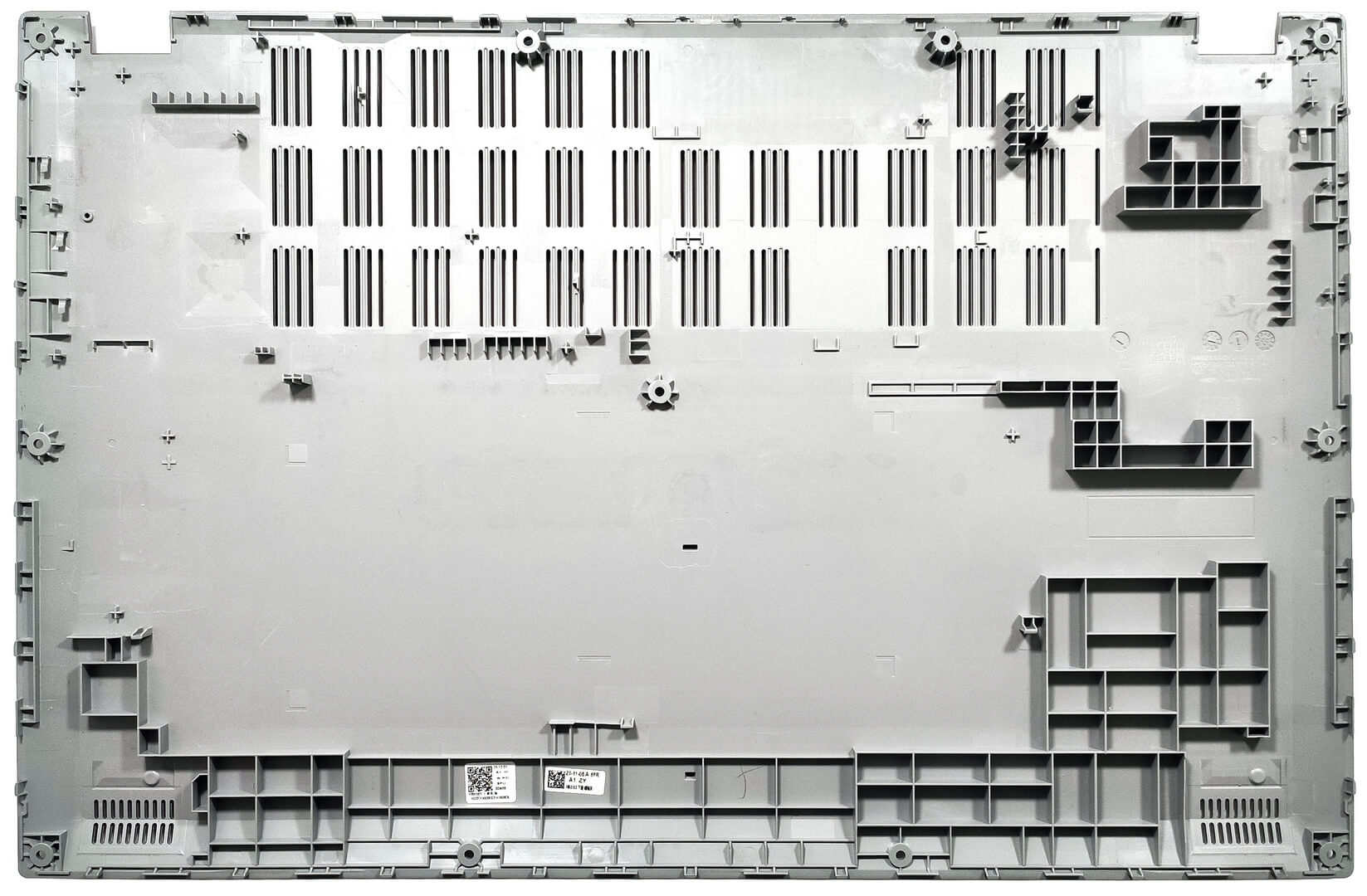
Here’s how the bottom panel looks on the inside.
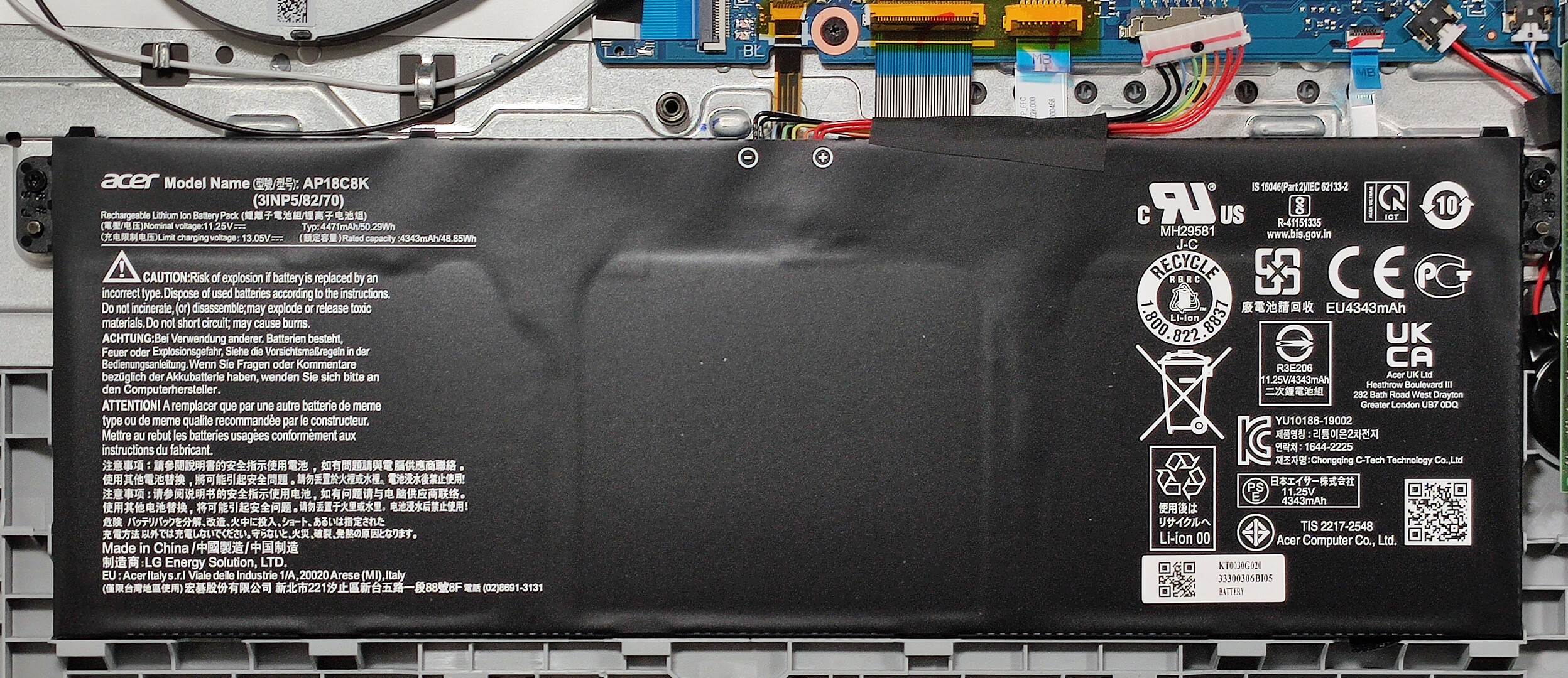
Our notebook has the default 50Wh battery. There is also an optional 65Wh model. To take it out, unplug the connector from the motherboard and undo the two Philips head screws that fix the unit to the base. The capacity is enough for around 9 hours of Web browsing or 11 hours of video playback.
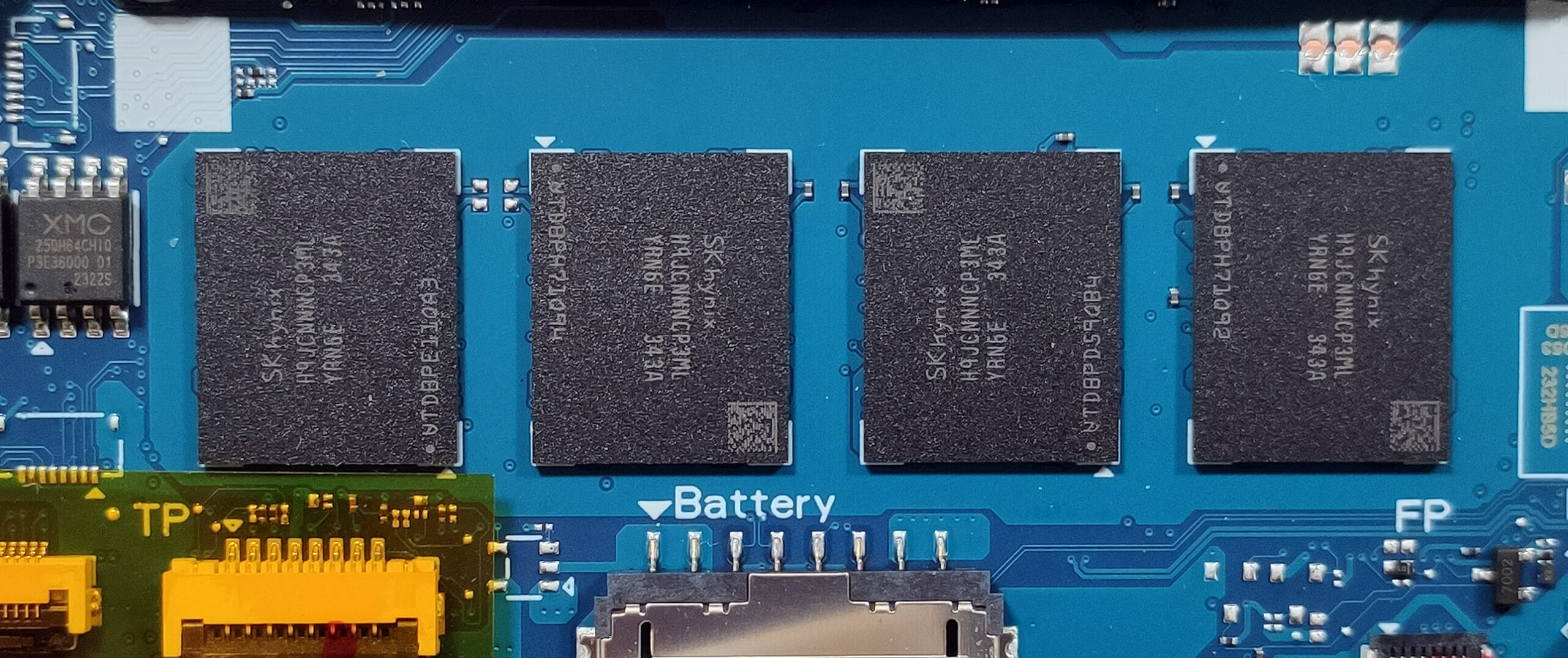
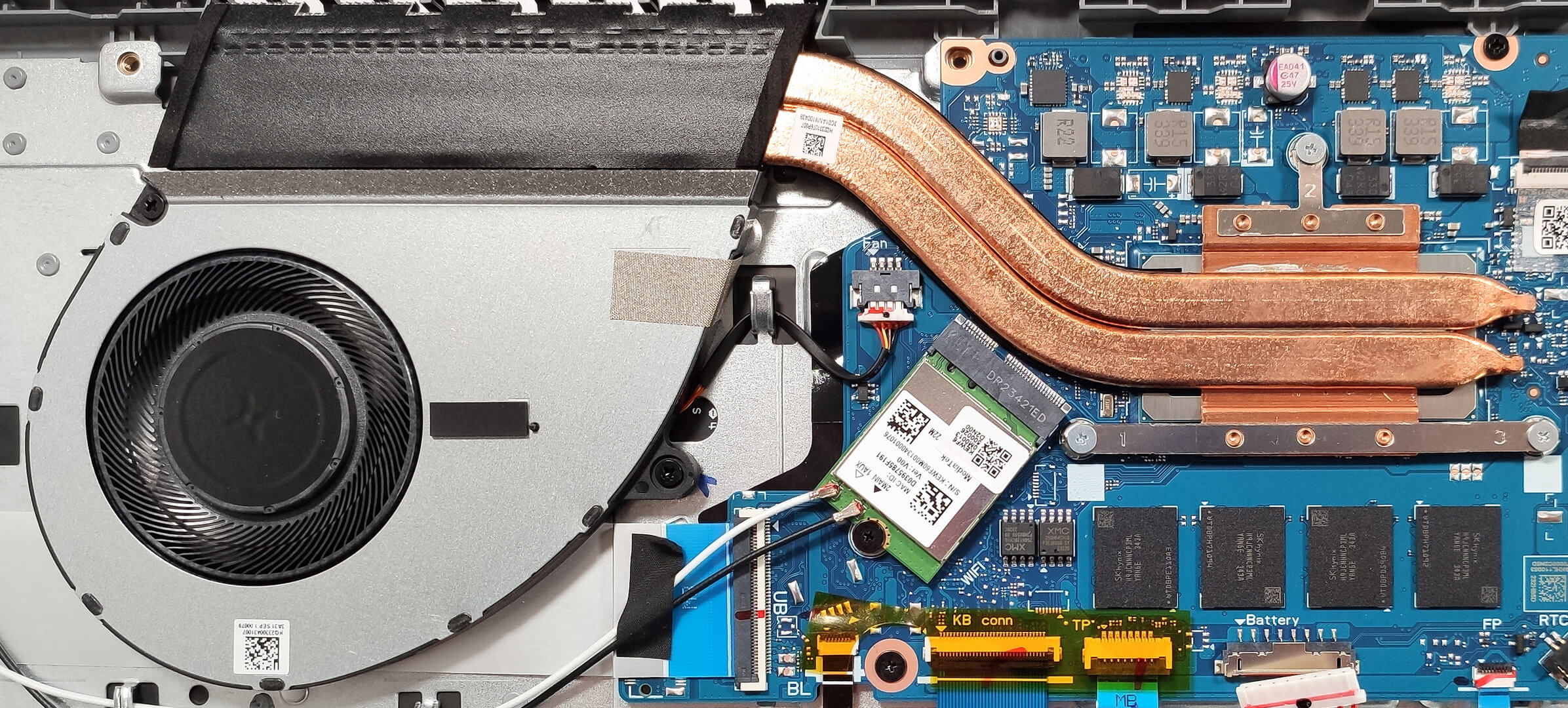
As you can see, the memory is soldered. Still, you get up to 32GB of LPDDR5-4800MHz RAM in dual-channel mode.
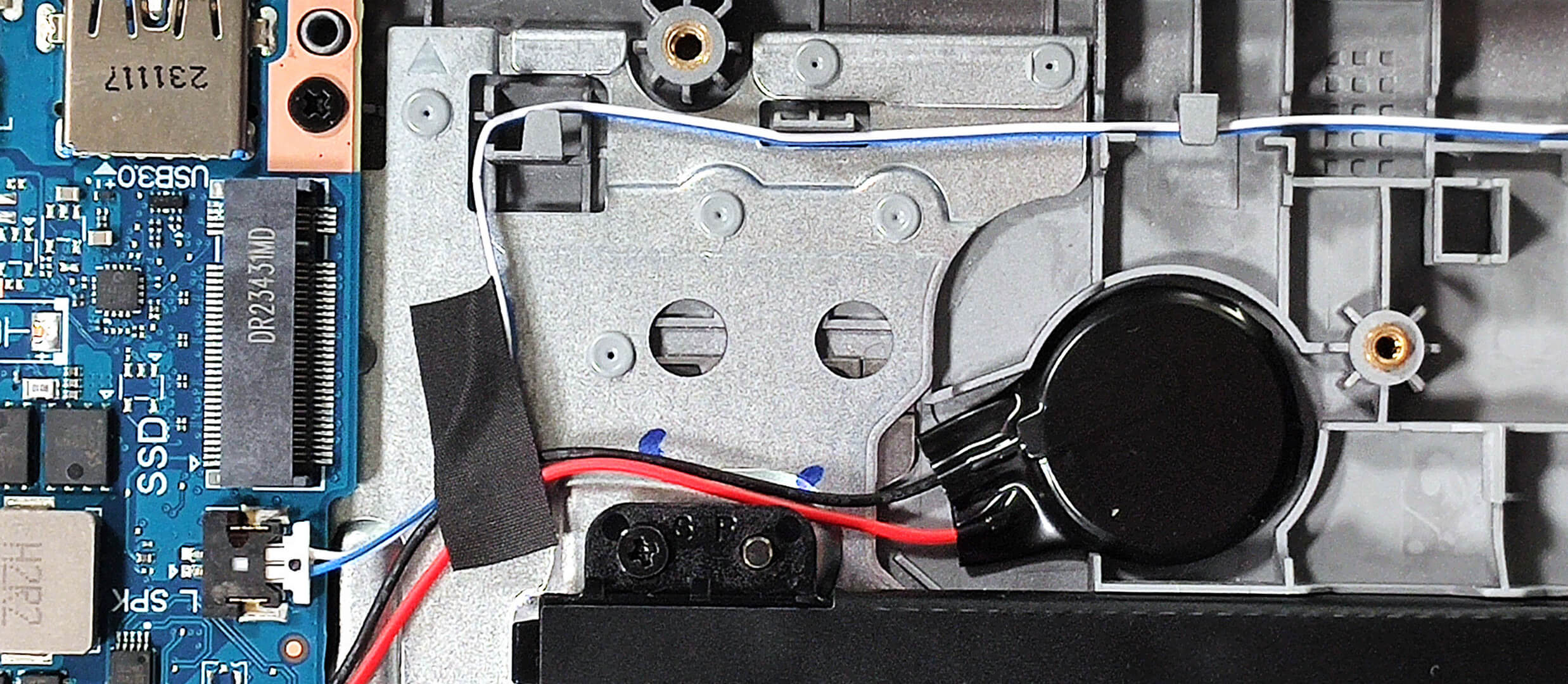
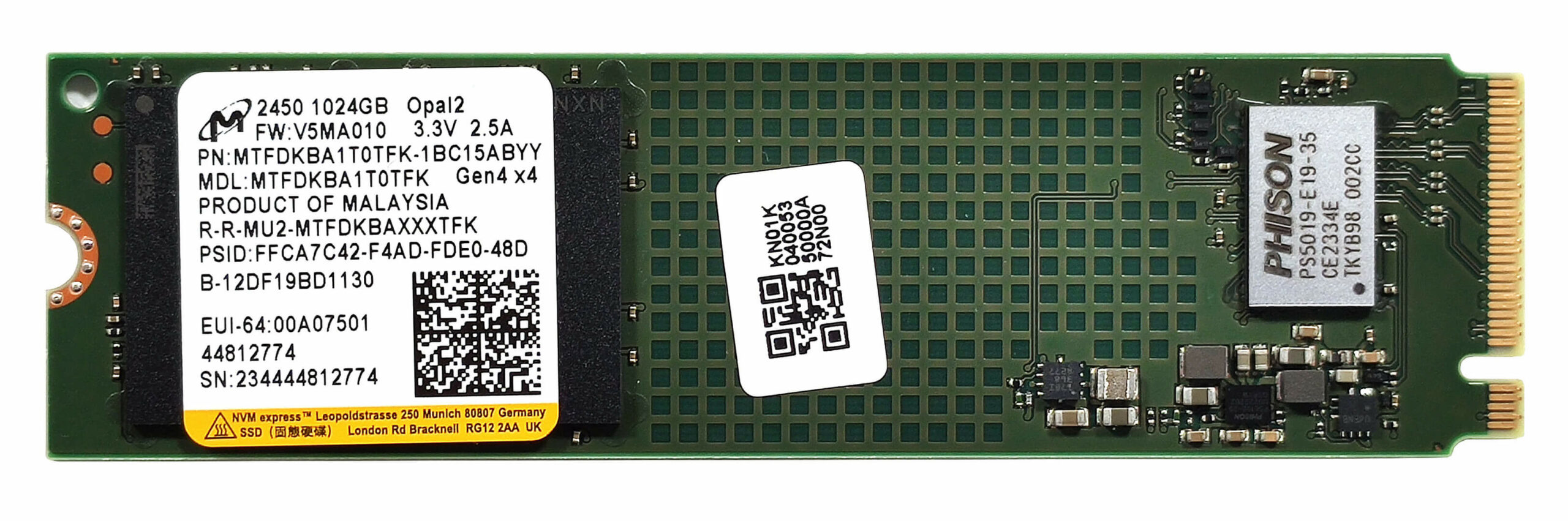
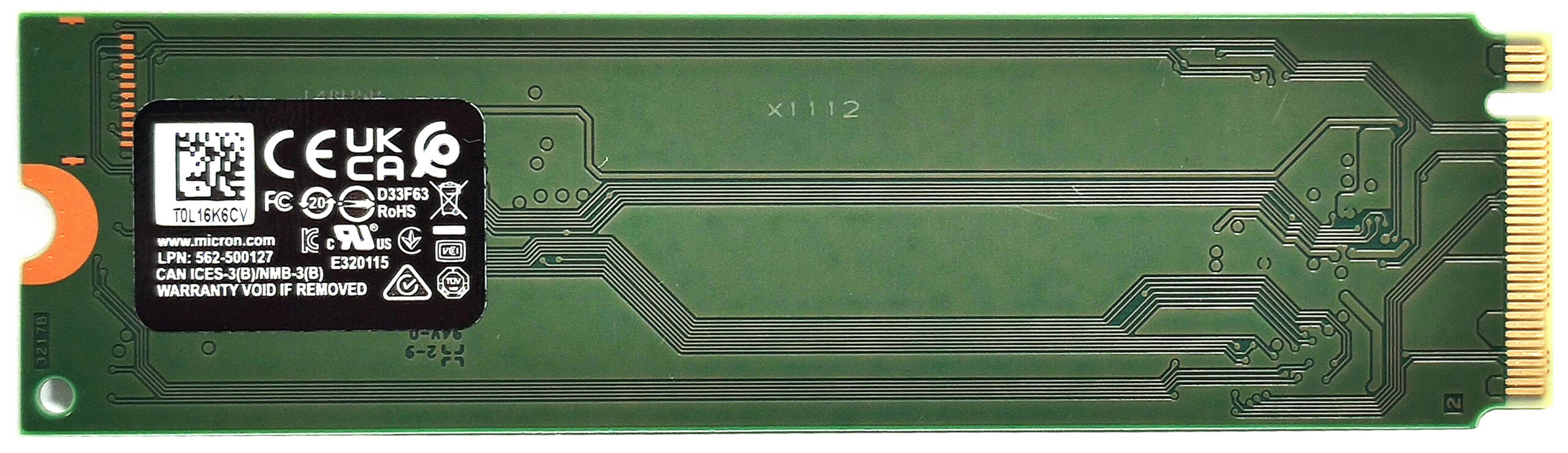
In terms of storage, there is just one M.2 slot compatible with 2280 Gen 4 NVMe drives.
The cooling is simple but it seems okay for an iGPU-only notebook. It comprises one fan, two heat pipes, a heat sink, and a heat spreader.
 Author: Nikolay Palaozov
 Author: eng. Kroum NikolovHead of Engineering at LaptopMedia.com, inventor and innovator with 40+ years of experience in electronics and high technology.

![[June 2026] Best-Selling Laptop Brands on Amazon Global – Apple’s Unrivaled Dominance in Units and Revenue](https://laptopmedia.com/wp-content/uploads/2026/07/GLOBAL-Best-Brands-400x225.jpg)
![[June 2026] Amazon Global: Top 10 Best-Selling Laptops – Apple’s New MacBook Neo Storms to #1, Reshaping the Market with Affordability](https://laptopmedia.com/wp-content/uploads/2026/07/Best-Selling-Laptops-GLOBAL-Top-10-400x225.jpg)
![[June 2026] Amazon Global: Top 10 Best-Selling Gaming Laptops – Acer’s Nitro V 16S AI Dominates Sales, While ASUS Leads Overall Revenue](https://laptopmedia.com/wp-content/uploads/2026/07/Best-Selling-Gaming-Laptops-GLOBAL-Top-10-400x225.jpg)
![[June 2026] Global Ranking of Best-Selling Laptop GPUs on Amazon – NVIDIA RTX 5060 is the Top-Selling Dedicated GPU](https://laptopmedia.com/wp-content/uploads/2026/07/Best-Selling-GPUs-GLOBAL-Top-10-400x225.jpg)
![[June 2026] Global Ranking of Best-Selling Laptop CPUs on Amazon – Apple M5 Dominates, AMD Ryzen 7 260 Gets Solid Premium Share](https://laptopmedia.com/wp-content/uploads/2026/07/Best-Selling-CPUs-GLOBAL-Top-10-400x225.jpg)

Could you clarify on the RAM front? Your specs say up to 64GB, but the dismantling shows only soldered-in RAM. Some memory websites suggest a SODIMM slot, I’ve only ever seen 16GB versions sold with some indication they could be upgraded to 32GB, which I would like to do with mine – A517-58M-71A2 NX.KHMEK.001