Acer Predator Helios Neo 18 (PHN18-71) review – This Beast is Our New Favorite Big-Screen Gaming Laptop
Disassembly, Upgrade options, and Maintenance
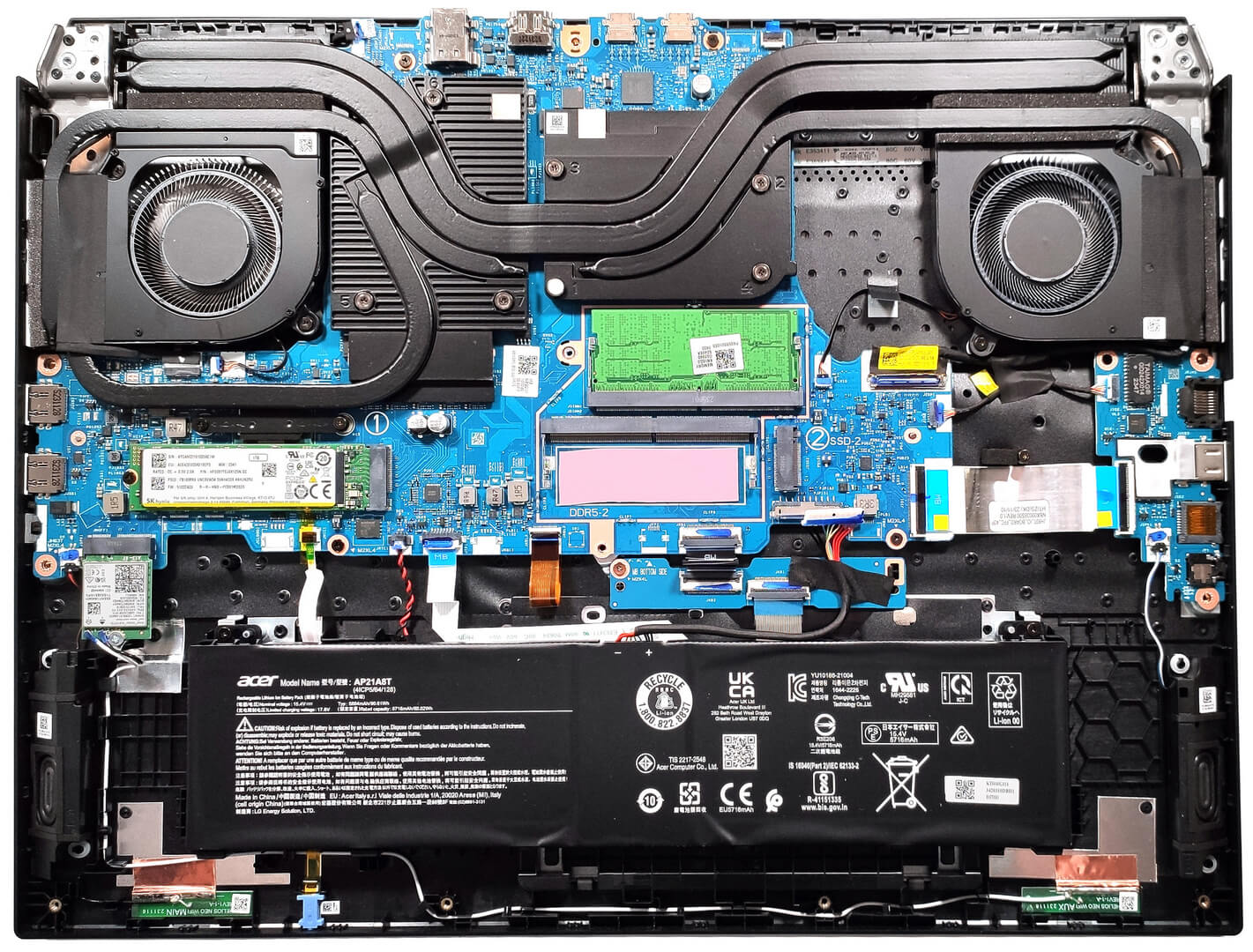
To gain access to the internals of this big machine, you have to unscrew 13 Torx-head screws. After that, raise the rear side by carefully lifting it while holding firmly the two plastic exhaust vents. Don’t push too hard. The plate should be fully popped to the level of the Ethernet connector. Then, use a thin plastic tool to pry the rest of the panel, including the front side.
There is a dedicated socket for the battery on the inside of the bottom panel that fixes the unit in place.
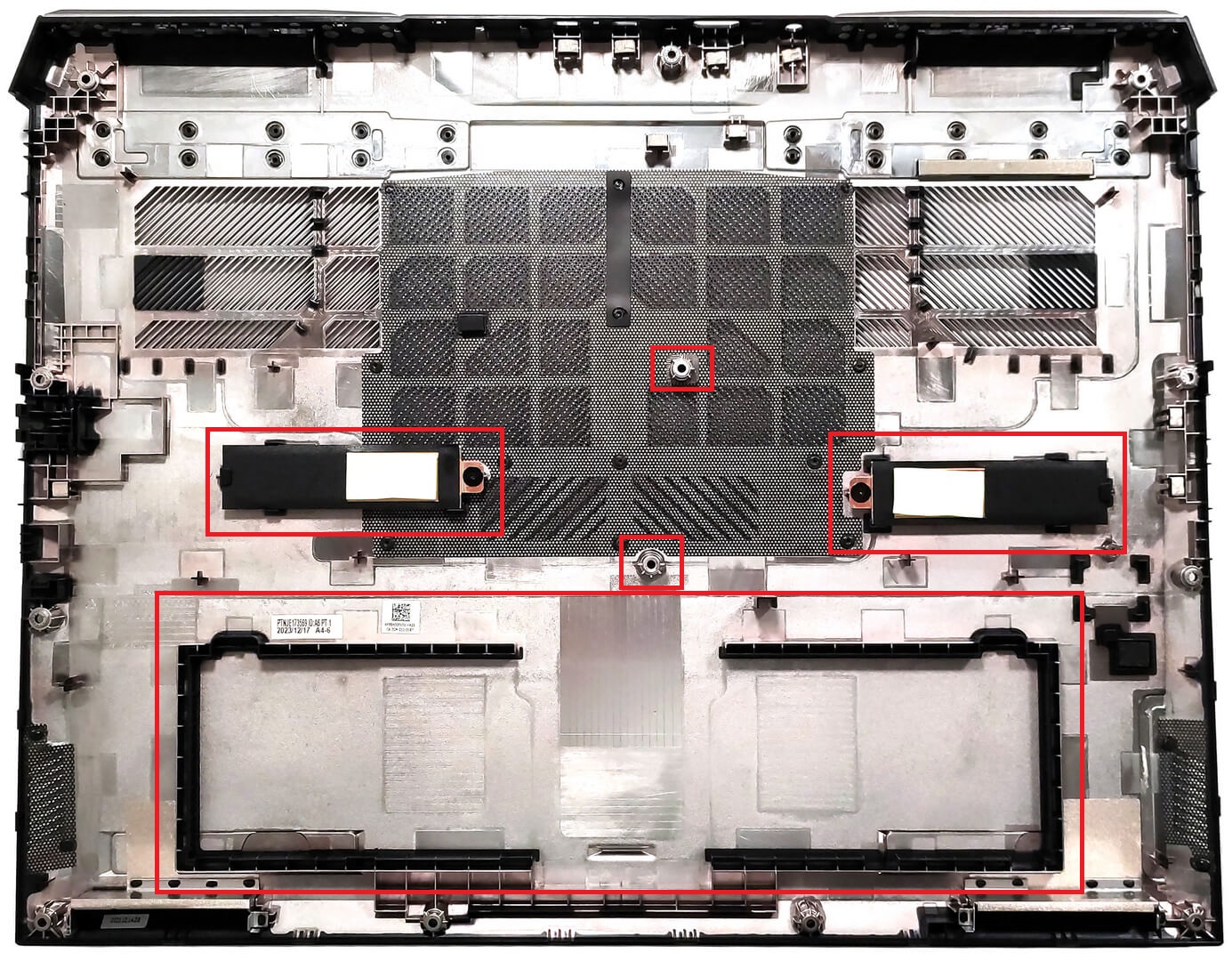
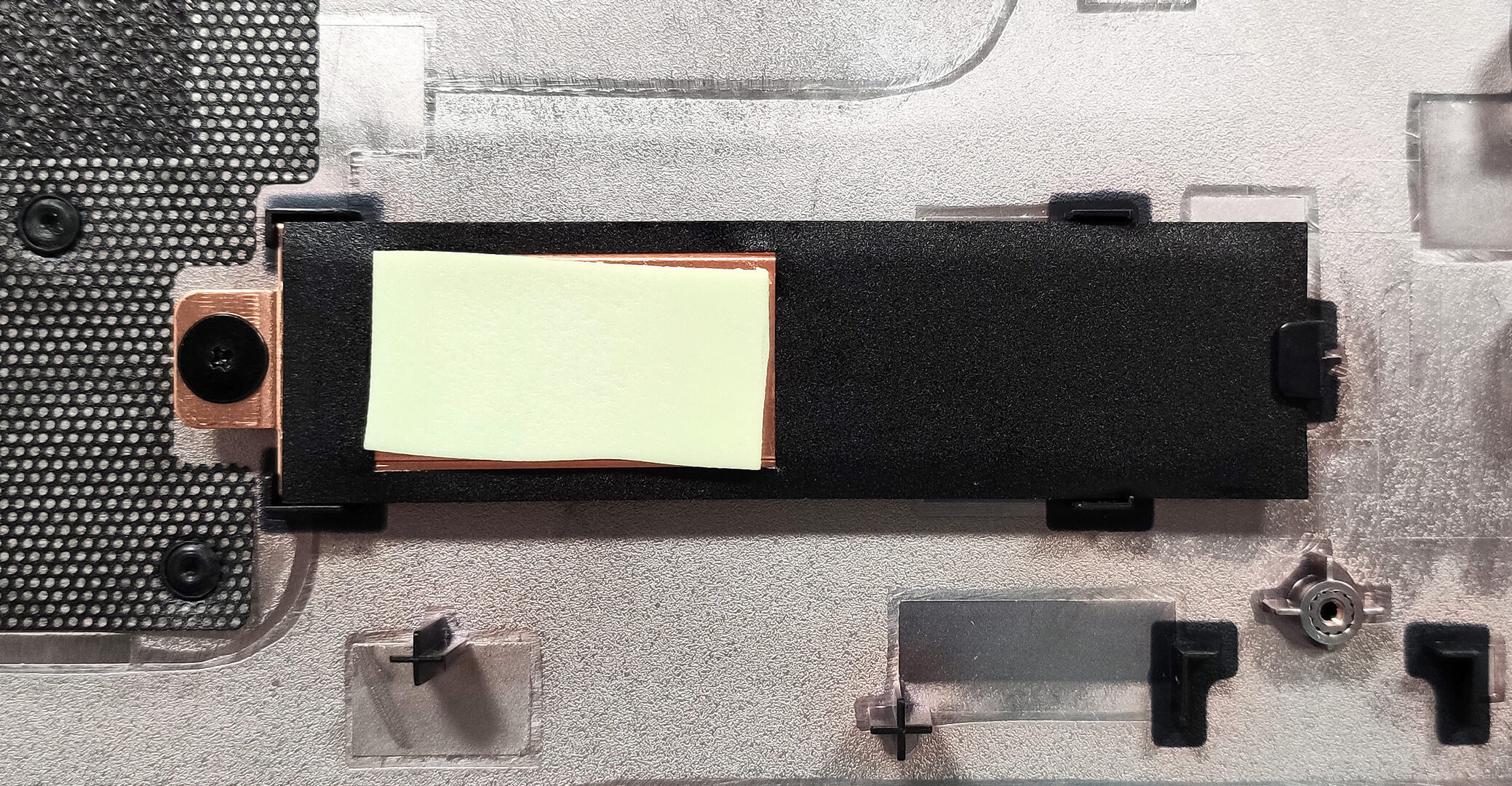
We can also spot two metal plates with thermal pads for the SSDs.
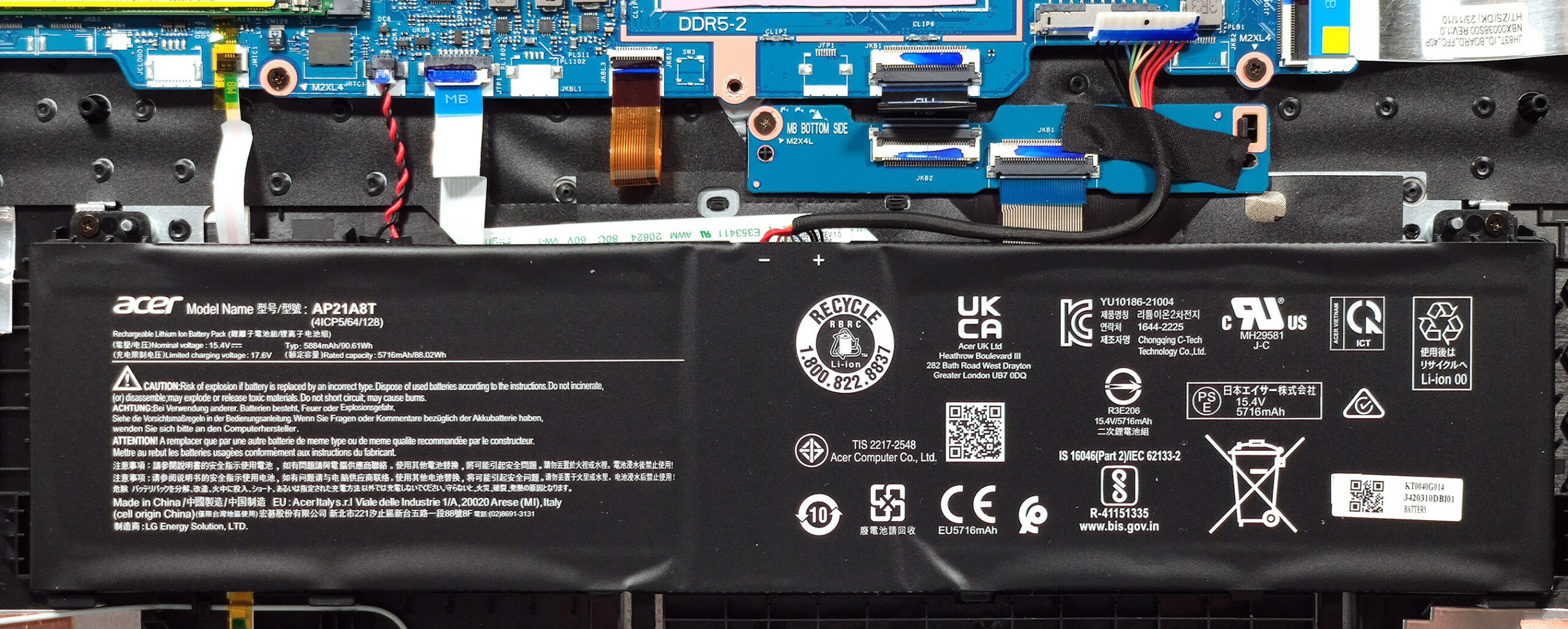
The notebook has a 90.61 Wh battery. To take it out, unplug the connector from the motherboard and undo the 2 Phillips-head screws that secure the model to the chassis. The capacity is enough for around 4 hours and 30 minutes of Web browsing or 3 hours and 30 minutes of video playback.
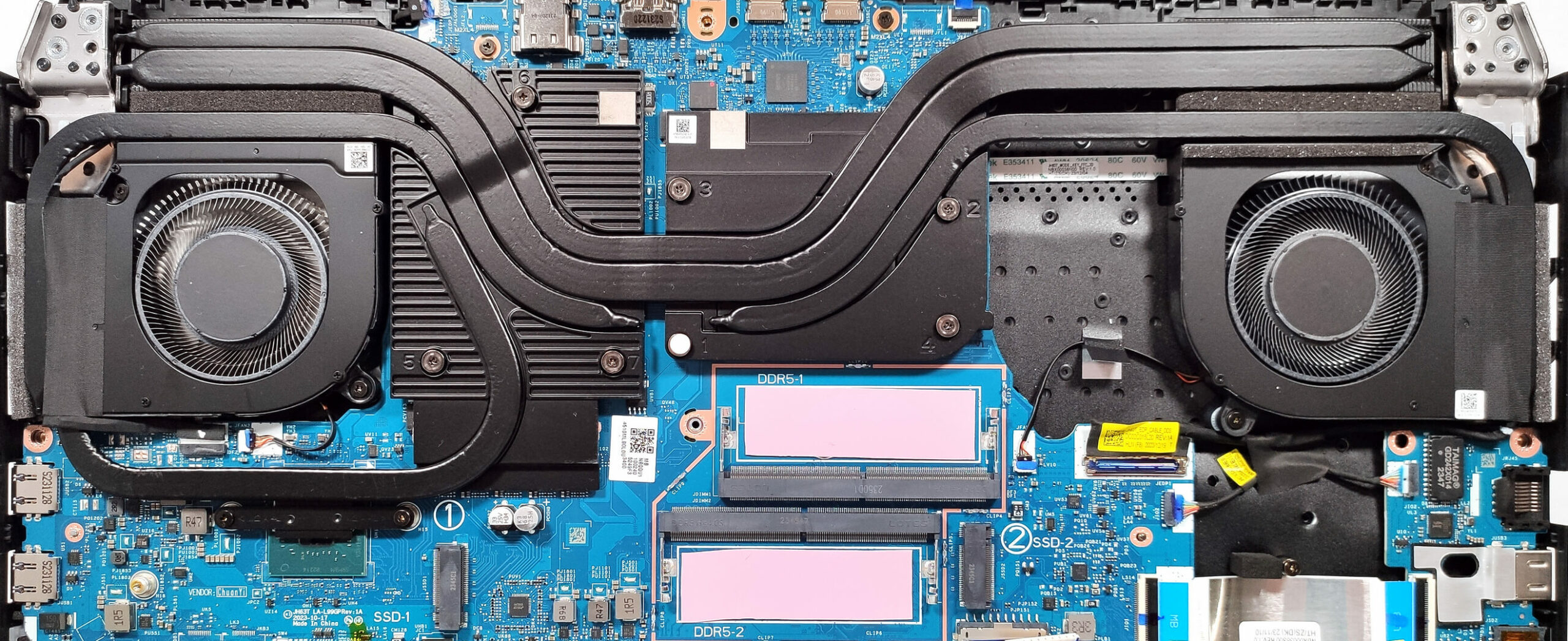
The RAM zone is covered by a metal plate and you can pop it with a lever tool. The shroud is additionally secured in place by the two central screws of the bottom plate which is a clever solution. On the inside of the metal cap, two thermal pads make contact with the memory modules as well as two additional pads below the sticks. Good job Acer!
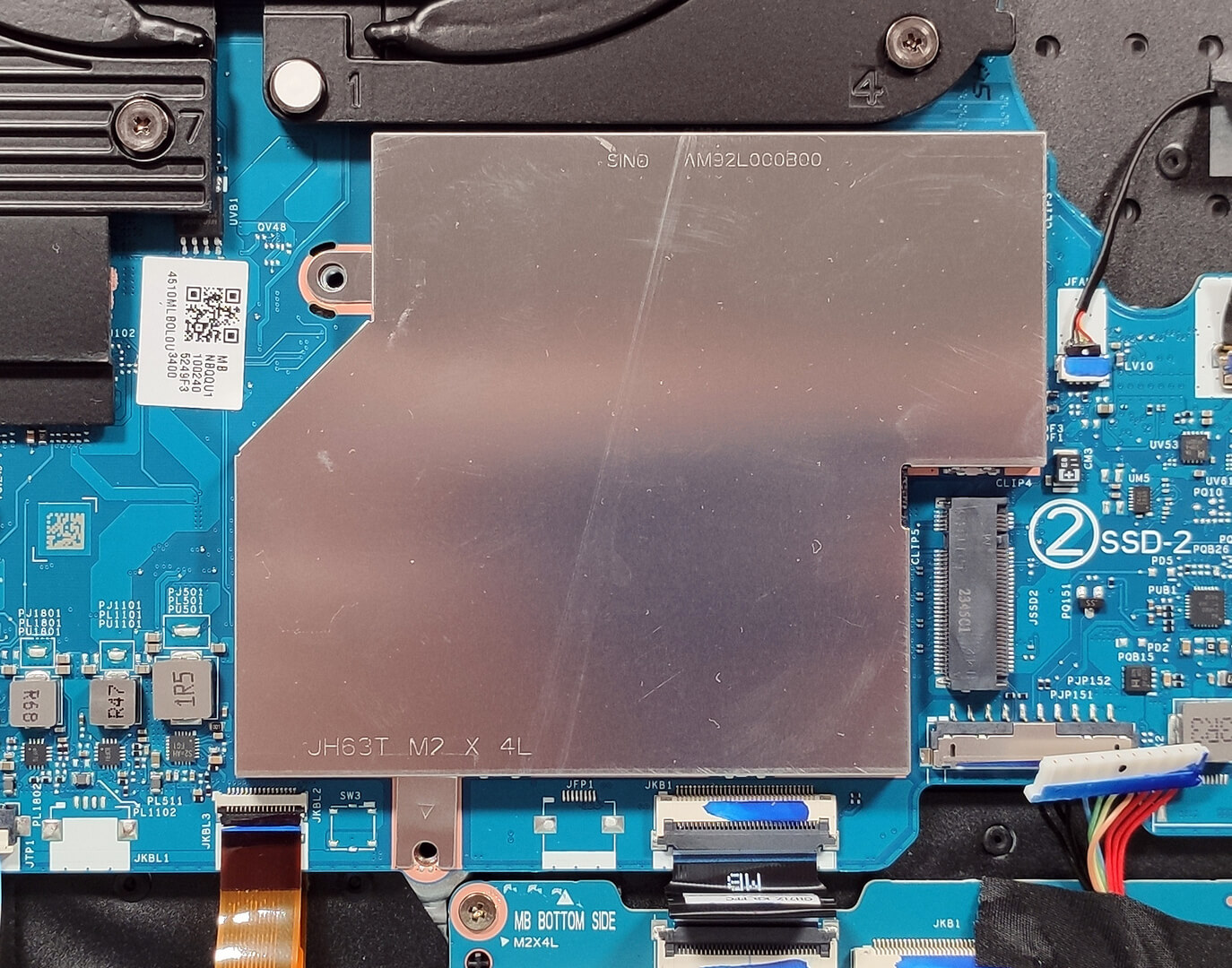

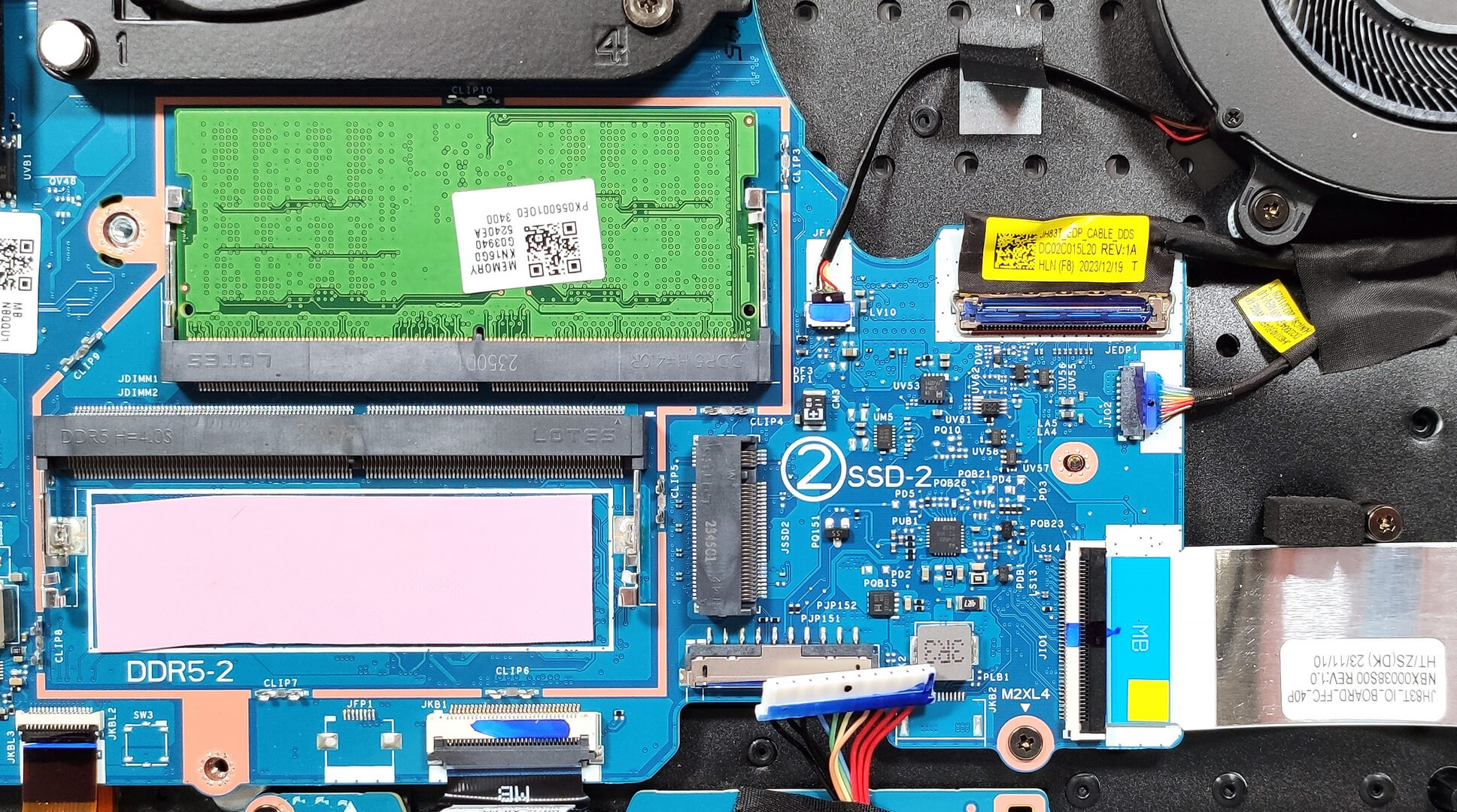
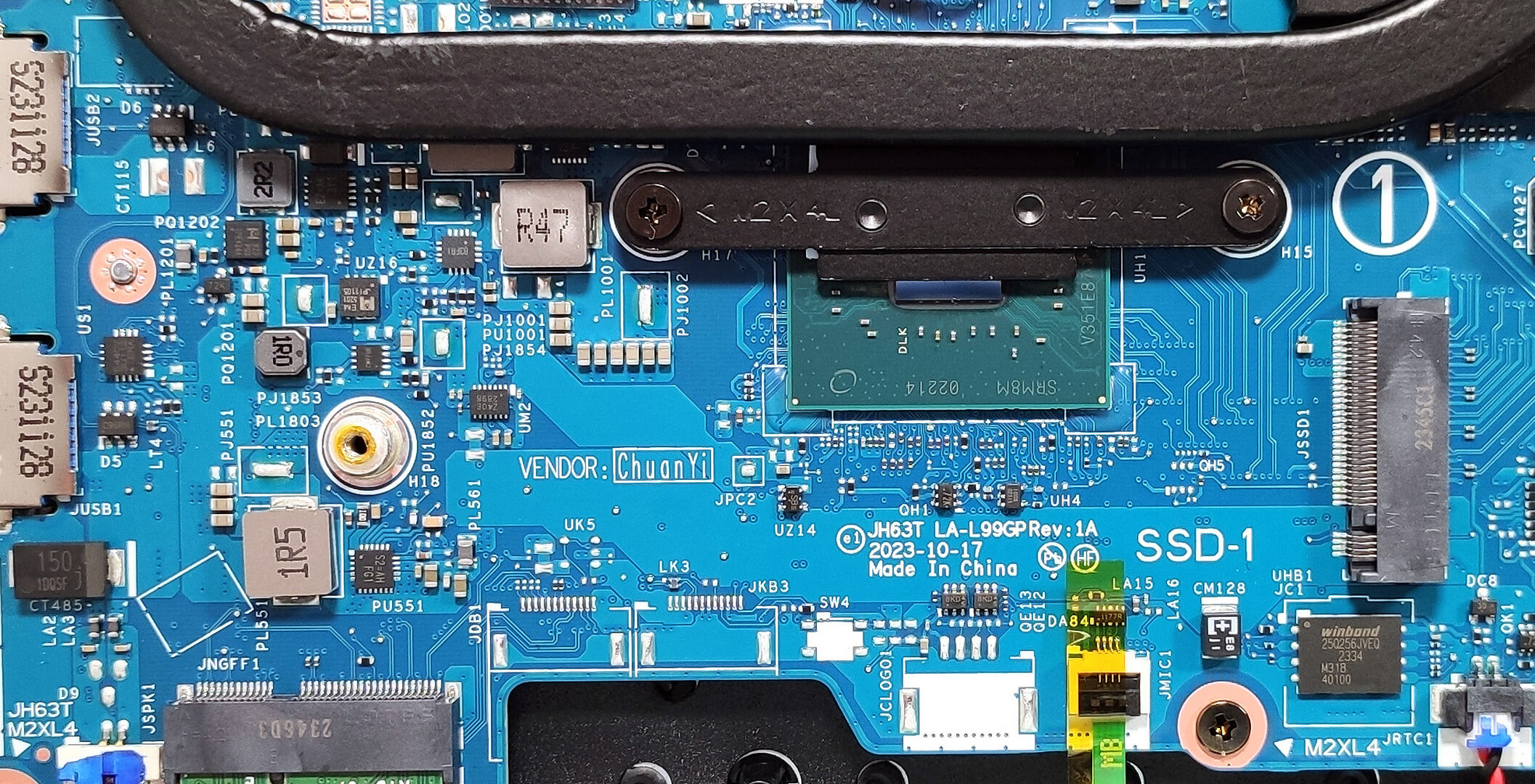
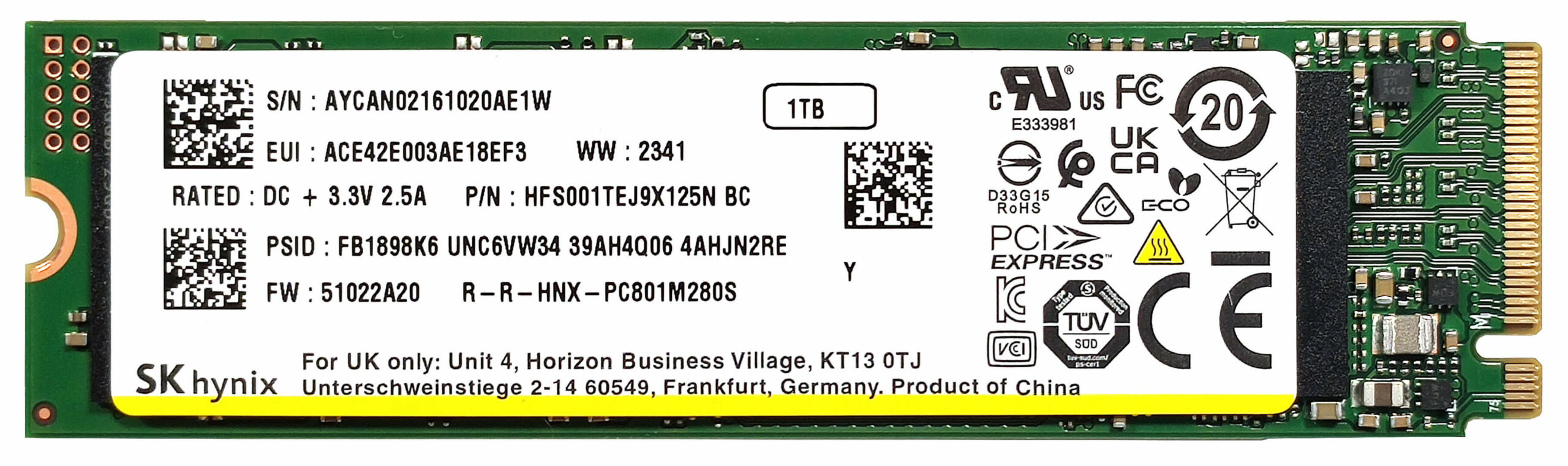
According to the manufacturer, the two SODIMMs can handle up to 32GB of DDR5-5600MHz memory in dual-channel mode. However, since the CPU can support up to 192GB, this laptop likely wouldn’t have issues running a larger amount of memory than the official manufacturer’s specified limit. For storage, you get two M.2 slots for 2280 Gen 4 SSDs. RAID 0 is also supported.

The big cooling solution has two fans. The one on the right is made of plastic and it’s dedicated to the CPU. The metal Aeroblade 3D fan on the left is on the GPU side. Here, we have a liquid metal on the CPU plus rectangular vector heat pipes that offer wider contact surfaces for better heat transfer. A pair of heat pipes is shared between the processor and the graphics card. We can spot an additional pipe for the CPU and two more for the graphics card alongside four heat sinks and two large metal plates. The lower heat pipe on the left also makes contact with the chipset.
 Author: Nikolay Palaozov
 Author: eng. Kroum NikolovHead of Engineering at LaptopMedia.com, inventor and innovator with 40+ years of experience in electronics and high technology.

![[June 2026] Best-Selling Laptop Brands on Amazon Global – Apple’s Unrivaled Dominance in Units and Revenue](https://laptopmedia.com/wp-content/uploads/2026/07/GLOBAL-Best-Brands-400x225.jpg)
![[June 2026] Amazon Global: Top 10 Best-Selling Laptops – Apple’s New MacBook Neo Storms to #1, Reshaping the Market with Affordability](https://laptopmedia.com/wp-content/uploads/2026/07/Best-Selling-Laptops-GLOBAL-Top-10-400x225.jpg)
![[June 2026] Amazon Global: Top 10 Best-Selling Gaming Laptops – Acer’s Nitro V 16S AI Dominates Sales, While ASUS Leads Overall Revenue](https://laptopmedia.com/wp-content/uploads/2026/07/Best-Selling-Gaming-Laptops-GLOBAL-Top-10-400x225.jpg)
![[June 2026] Global Ranking of Best-Selling Laptop GPUs on Amazon – NVIDIA RTX 5060 is the Top-Selling Dedicated GPU](https://laptopmedia.com/wp-content/uploads/2026/07/Best-Selling-GPUs-GLOBAL-Top-10-400x225.jpg)
![[June 2026] Global Ranking of Best-Selling Laptop CPUs on Amazon – Apple M5 Dominates, AMD Ryzen 7 260 Gets Solid Premium Share](https://laptopmedia.com/wp-content/uploads/2026/07/Best-Selling-CPUs-GLOBAL-Top-10-400x225.jpg)

Im guessing they use the same parts as the helios 18 however does it use RGB on the keyboard and logo like the helios 18?