ASUS Vivobook 15 OLED (M1505) review – great OLED display plus long battery life thanks to the efficient AMD CPU
Design and construction
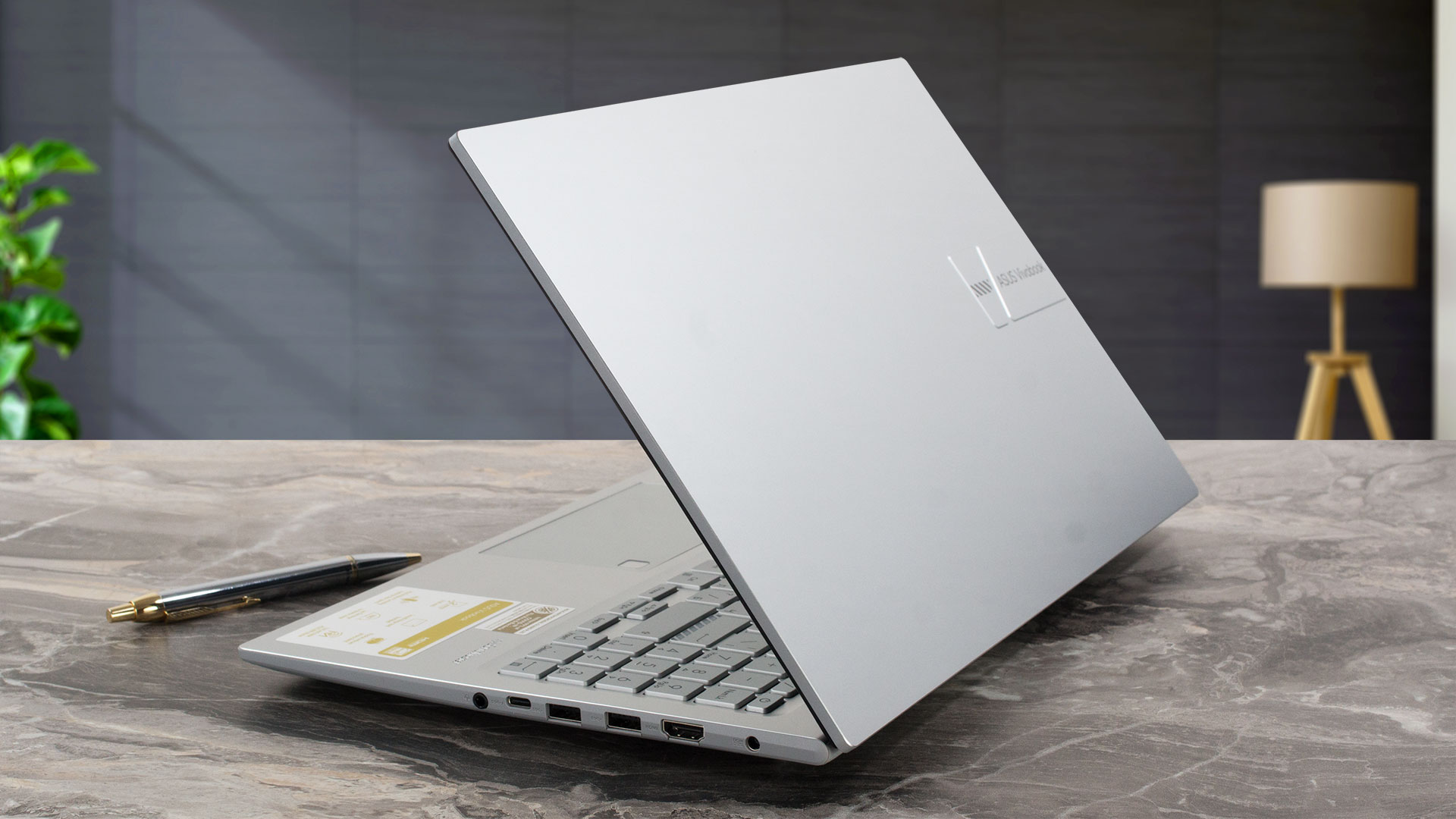
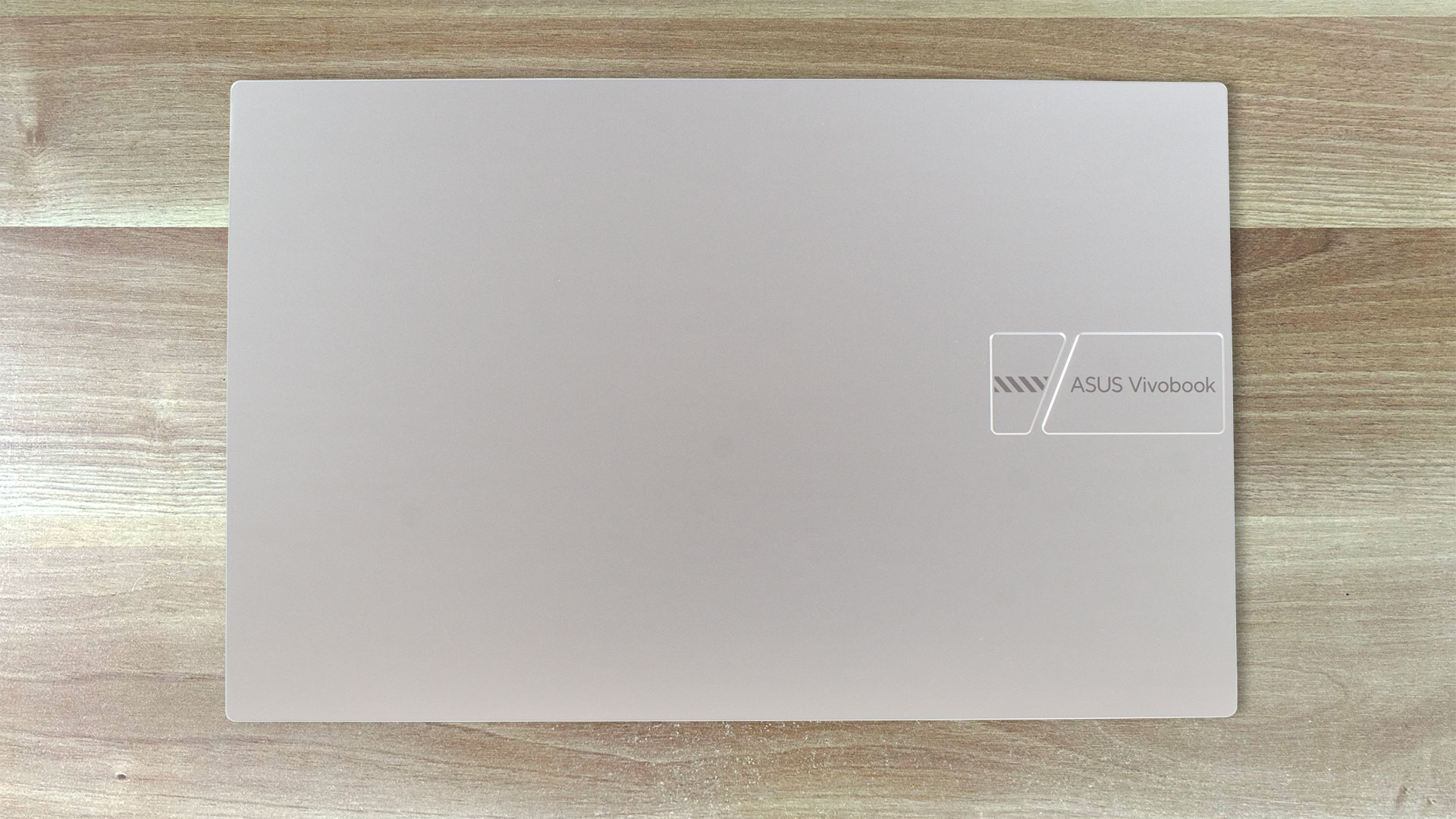
The ASUS Vivobook 15 OLED (M1505) design reminds us of the one of the Vivobook 15 F1504 (X1504). The device is made of plastic. This leads to a low weight of 1.70 kilos which is pretty good for a 15-incher. The profile thickness is 19.9 mm. The glossy coating attracts many fingerprints but they aren’t that visible thanks to the Cool Silver color option. If you choose the Indie Black variant, maybe the smudges will appear easier.
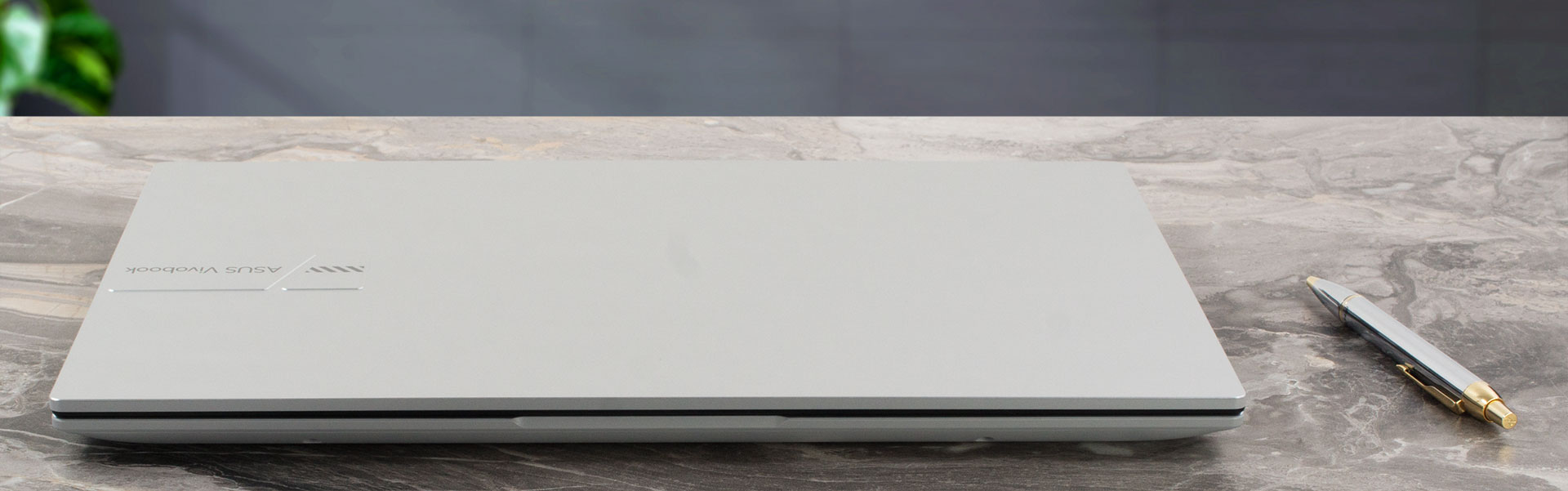
You can’t open the lid with a single hand but at least you can’t bend it too much in a closed position. When the unit is opened, it can be flexed effortlessly and it feels bouncy when changing angle. The whole zone below the keyboard can be pressed down when applying a small amount of pressure and we observed some flex during typing, especially on the right side of the board.
This ASUS machine looks modern because of the thin bezels that surround the OLED display. The lower one houses the Vivobook logo and it’s a bit thicker than the other three.
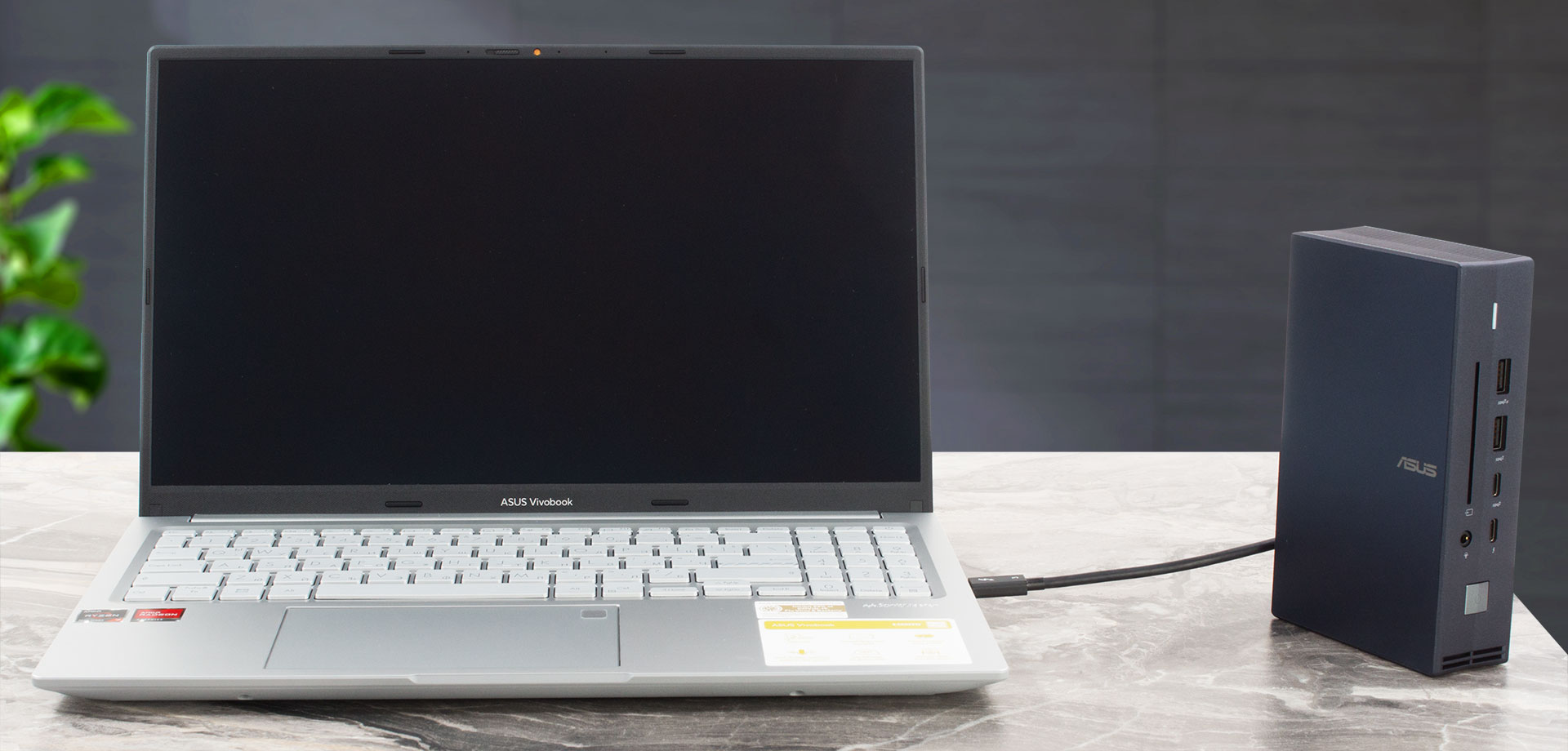
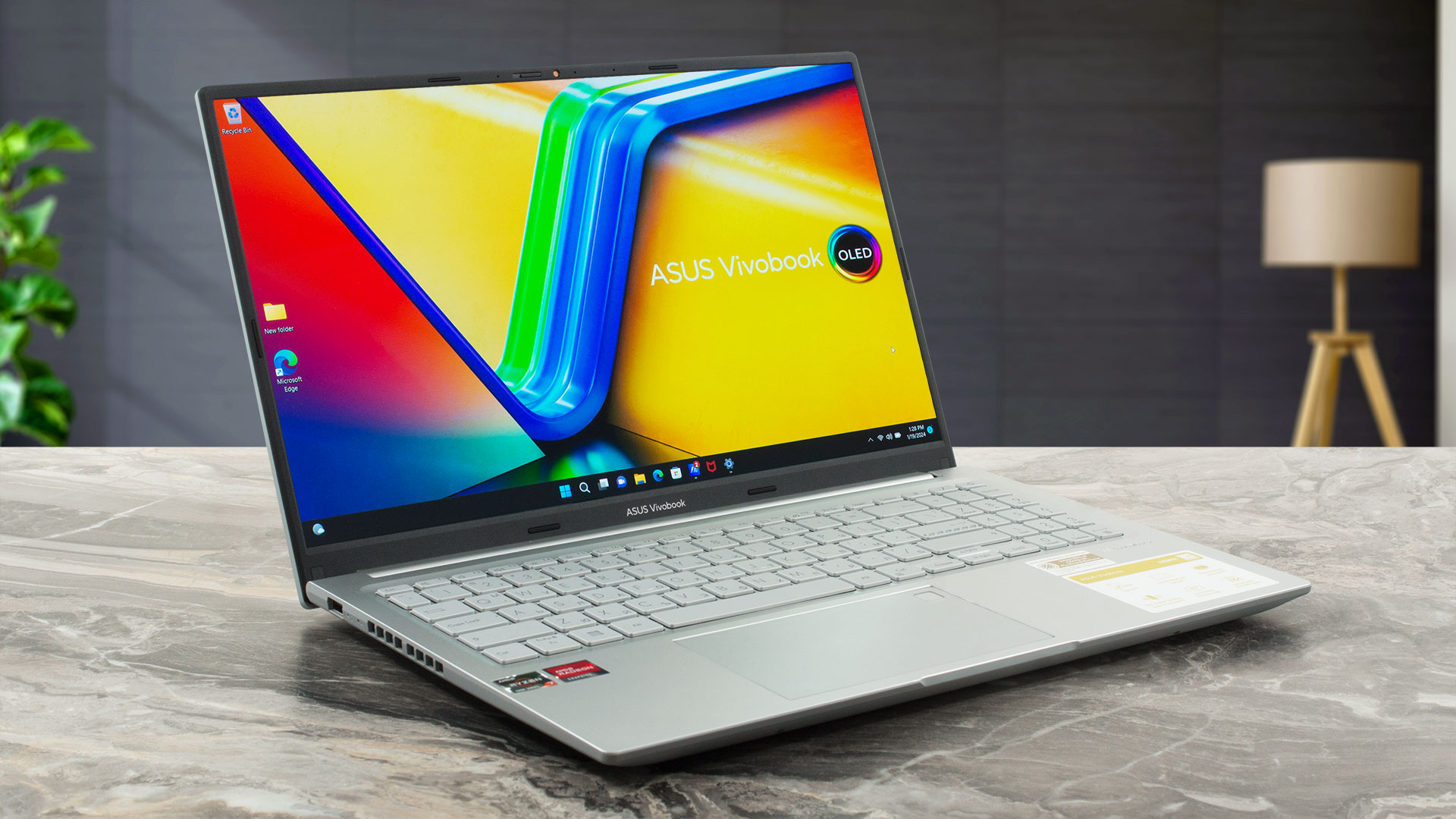
Above the panel, you can see the 720p Web camera with a privacy shutter that supports ASUS 3D Noise Reduction technology (3DNR).
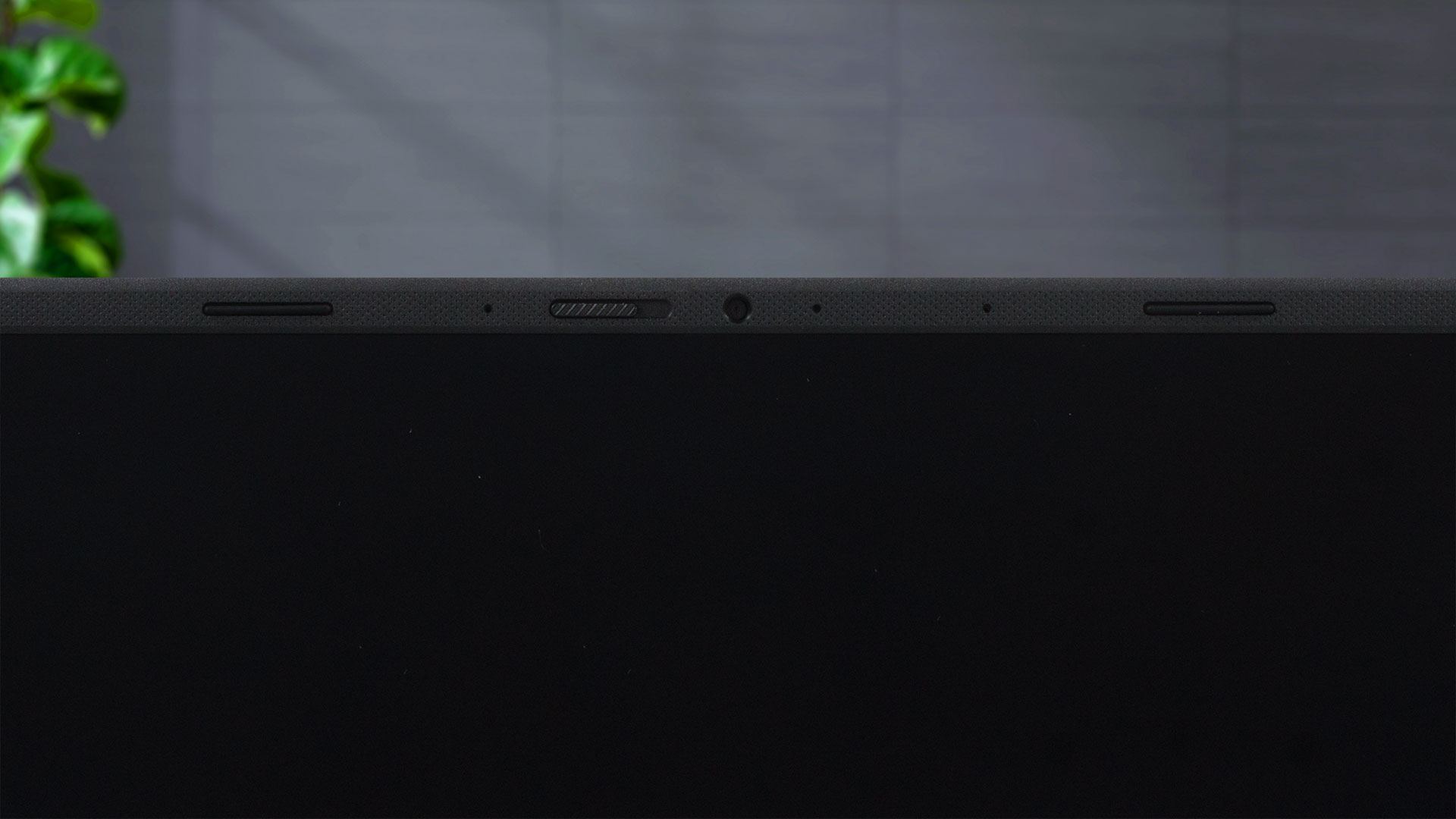
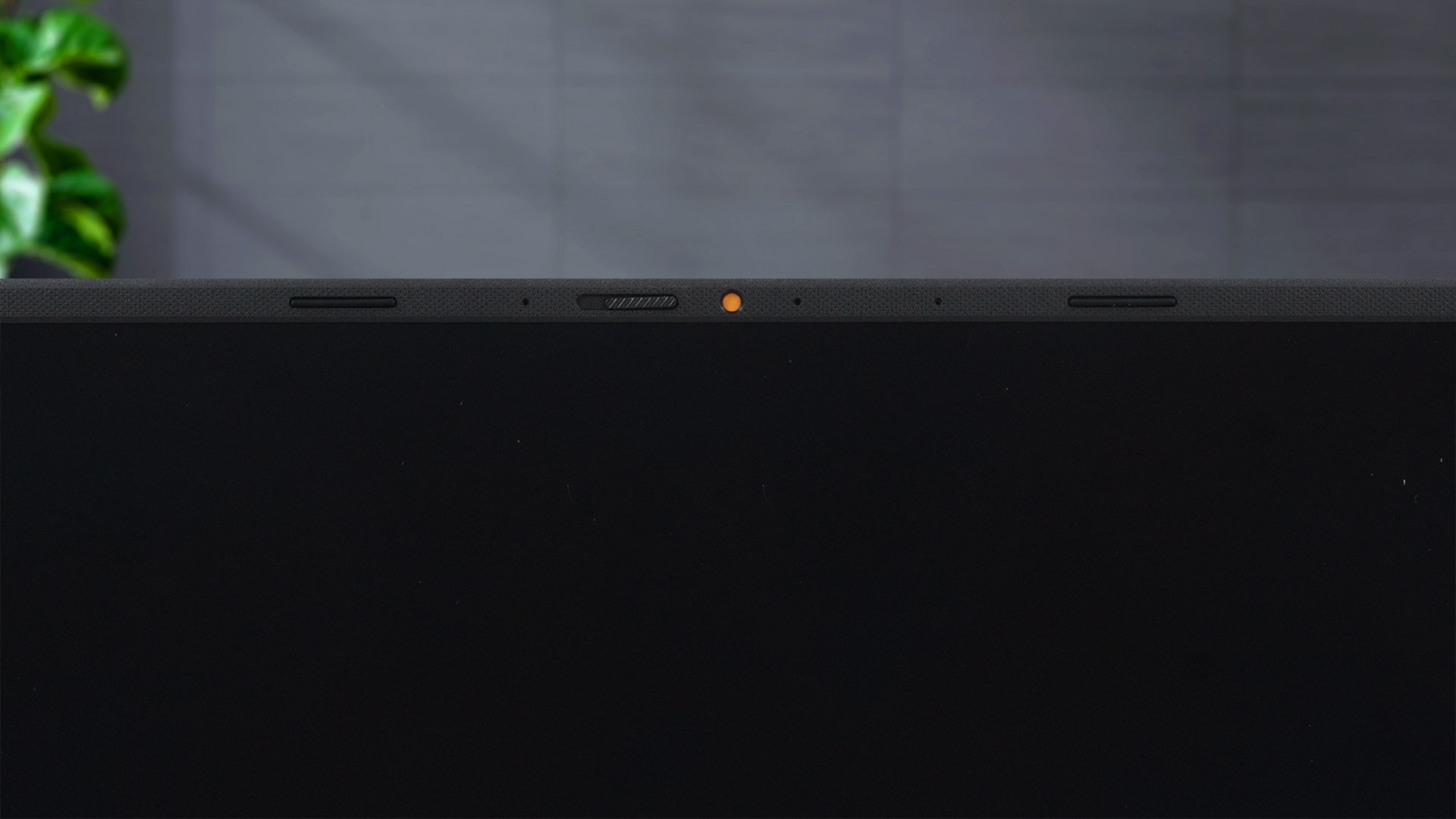
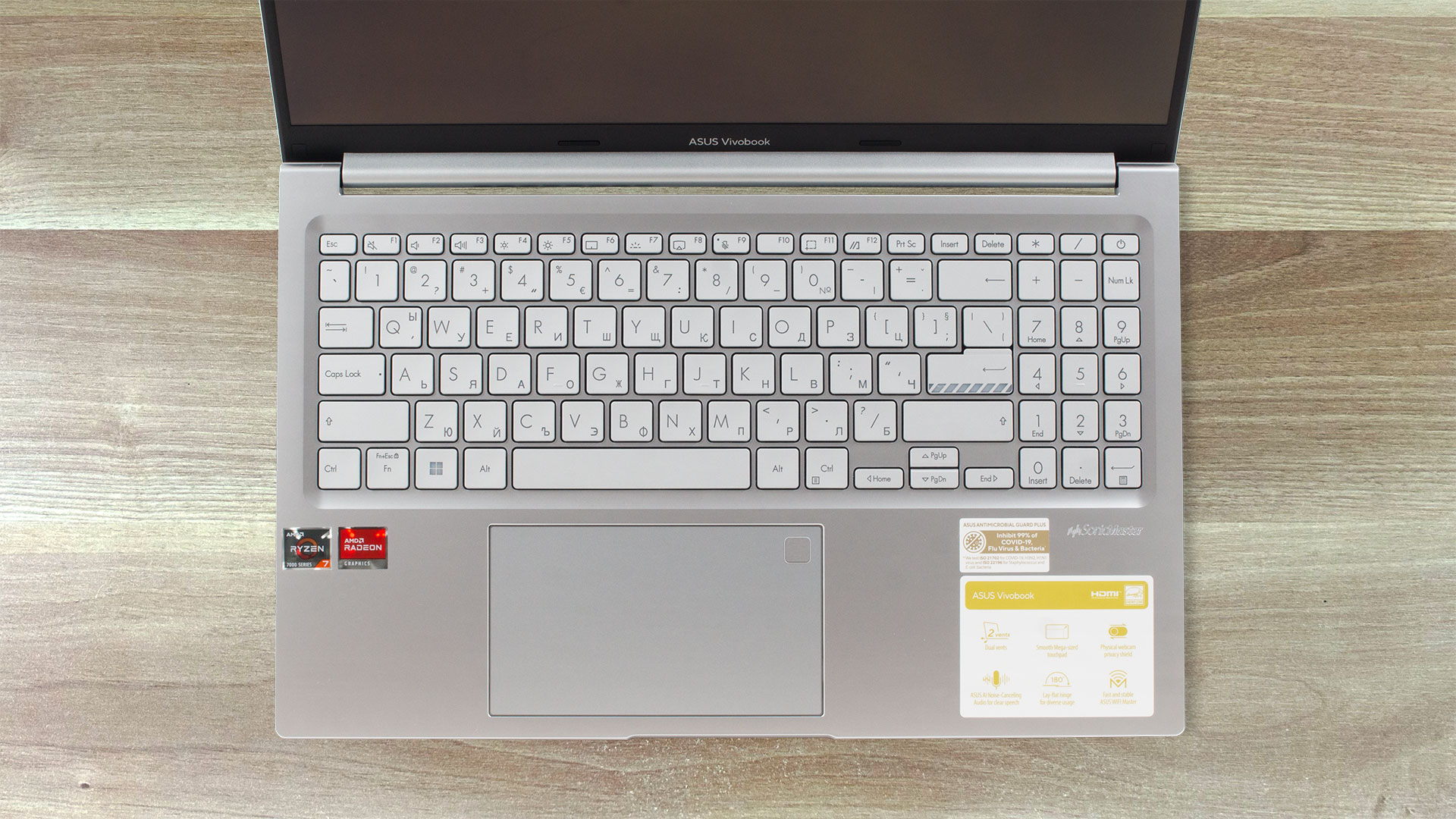
The hinge allows a 180-degree angle of opening. The lid doesn’t have a lever design that lifts the chassis but that’s not a problem since the back feet are pretty tall. The keyboard with an optional backlight has a NumPad but the Arrow keys are half-sized and this makes them uncomfortable to press. The most important thing is that the board is suitable for typing because of the long key travel and the clicky feedback.

The touchpad is pleasantly smooth and the unit works well. The fingerprint reader can be found in the top right corner of the pad.
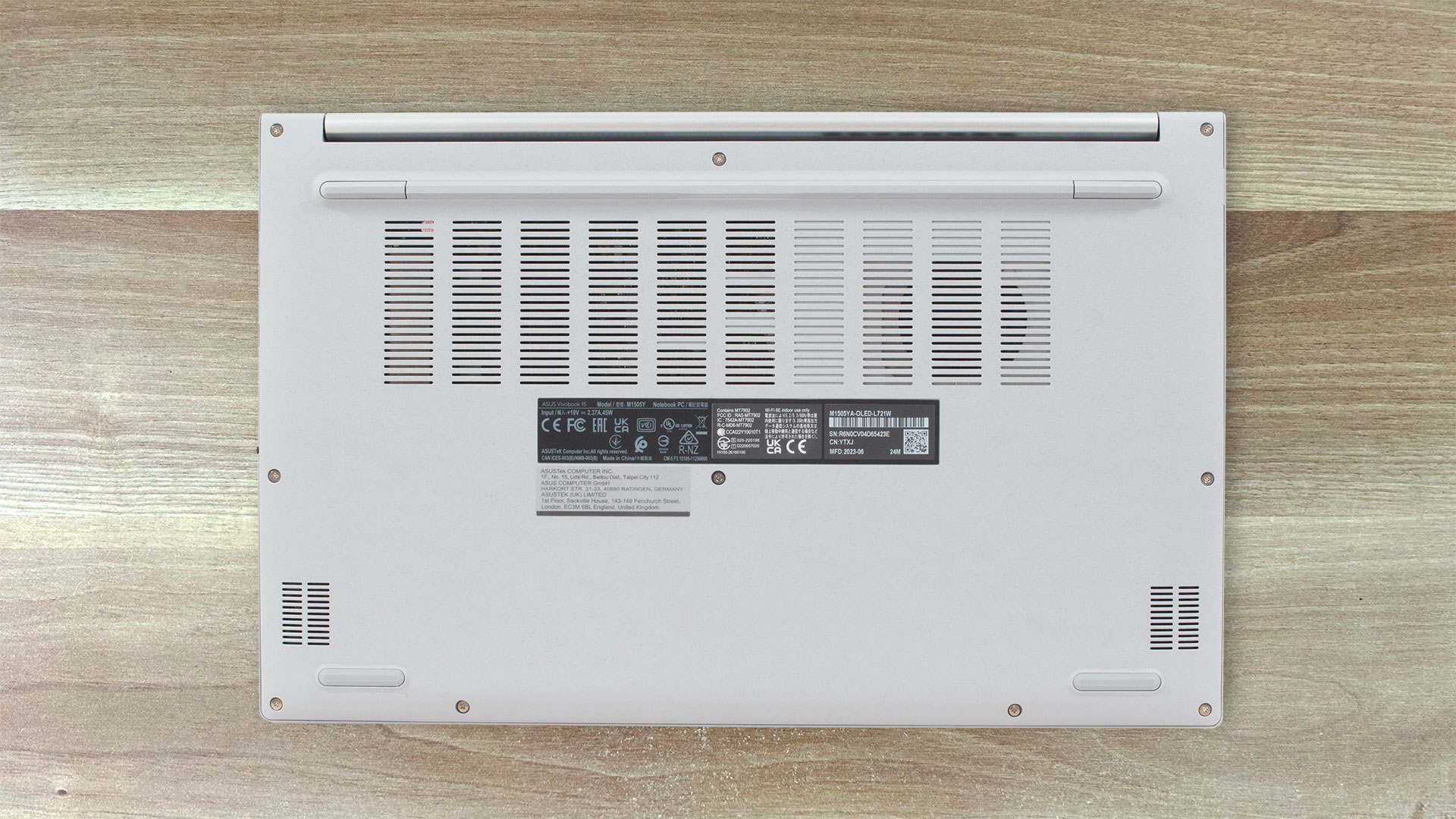
You can see part of the cooling solution through the big ventilation grill on the bottom plate. We can also spot four rubber feet and the cutouts for the speakers. The hot air is pushed through two vents – one on the left and one on the back. Part of the hot air is reaching the display during max processor loads.
Ports
On the left side, you get just one USB Type-A 2.0 port. On the right, there are many more connectors – a power plug, an HDMI 1.4, two USB Type-A 3.2 (Gen. 1) ports, a USB Type-C 3.2 (Gen. 1) port with a Power Delivery function, and an Audio combo jack.


 Author: Nikolay Palaozov
 Author: eng. Kroum NikolovHead of Engineering at LaptopMedia.com, inventor and innovator with 40+ years of experience in electronics and high technology.

![[August 2026] Amazon Italy: Top 10 Best-Selling Laptops – Apple MacBook Neo Claims the Crown as Budget and Mid-Range Windows Machines Dominate Volume](https://laptopmedia.com/wp-content/uploads/2026/09/Best-Selling-Laptops-IT-Top-10-400x225.jpg)
![[August 2026] Amazon Italy: Top 7 Best-Selling Gaming Laptops – ASUS V16 Claims the #1 Spot Amid Strong Mid-Range Demand](https://laptopmedia.com/wp-content/uploads/2026/09/Best-Selling-Gaming-Laptops-IT-Top-10-400x225.jpg)
![[August 2026] Best-Selling Laptop Brands on Amazon Italy – Lenovo Dominates Market Share and Revenue Leadership](https://laptopmedia.com/wp-content/uploads/2026/09/IT-Best-Brands-400x225.jpg)
![[August 2026] Amazon India: Top 10 Best-Selling Laptops – Apple MacBook Neo Dominates the Charts with Massive Sales Lead](https://laptopmedia.com/wp-content/uploads/2026/09/Best-Selling-Laptops-IN-Top-10-400x225.jpg)
![[August 2026] Amazon India: Top 10 Best-Selling Gaming Laptops – HP Victus 15 Dominates the Market with Massive Unit Lead](https://laptopmedia.com/wp-content/uploads/2026/09/Best-Selling-Gaming-Laptops-IN-Top-10-400x225.jpg)
