ASUS Vivobook 15 OLED (M1505) review – great OLED display plus long battery life thanks to the efficient AMD CPU
Temperatures and comfort, Battery Life
Max CPU load
In this test we use 100% on the CPU cores, monitoring their frequencies and chip temperature. The first column shows a computer’s reaction to a short load (2-10 seconds), the second column simulates a serious task (between 15 and 30 seconds), and the third column is a good indicator of how good the laptop is for long loads such as video rendering.
Average core frequency (base frequency + X); CPU temp.
| AMD Ryzen 7 7730U (15W TDP) | 0:02 – 0:10 sec | 0:15 – 0:30 sec | 10:00 – 15:00 min |
|---|---|---|---|
| ASUS Vivobook 15 OLED (M1505) | 2.80 GHz @ 60°C @ 33W | 2.73 GHz @ 71°C @ 30W | 2.66 GHz @ 67°C @ 28W |
| Lenovo IdeaPad Slim 3 (15″, Gen 8) | 2.86 GHz @ 64°C @ 30W | 2.68 GHz @ 69°C @ 25W | 2.41 GHz @ 92°C @ 20W |
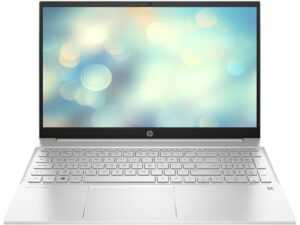
| HP Pavilion 15 (15-eh3000) | 2.78 GHz @ 55°C @ 30W | 2.60 GHz @ 60°C @ 25W | 2.33 GHz @ 70°C @ 20W |
| Lenovo ThinkBook 14 Gen 6 (AMD) | 3.13 GHz @ 79°C @ 45W | 3.03 GHz @ 96°C @ 43W | 2.89 GHz @ 91°C @ 38W |
| Lenovo ThinkPad E16 Gen 1 (AMD) | 2.71 GHz @ 47°C @ 30W | 2.71 GHz @ 58°C @ 30W | 2.75 GHz @ 78°C @ 30W |
| Dell Vostro 15 3535 | 2.70 GHz @ 71°C @ 29W | 2.47 GHz @ 75°C @ 25W | 2.39 GHz @ 84°C @ 23W |
| Lenovo IdeaPad Slim 3 (14″ AMD, Gen 8) | 2.75 GHz @ 80°C @ 29W | 2.56 GHz @ 87°C @ 25W | 2.37 GHz @ 85°C @ 20W |
| Lenovo IdeaPad Slim 5 (14″ AMD, Gen 8) | 2.56 GHz @ 56°C @ 28W | 2.55 GHz @ 63°C @ 27W | 2.49 GHz @ 67°C @ 24W |
| Acer Aspire 5 (A515-48M) | 3.17 GHz @ 63°C @ 44W | 2.97 GHz @ 71°C @ 37W | 3.02 GHz @ 82°C @ 37W |
The Ryzen 7 7730U inside this ASUS laptop can maintain high clocks and good temperatures no matter the load.
Comfort during full load
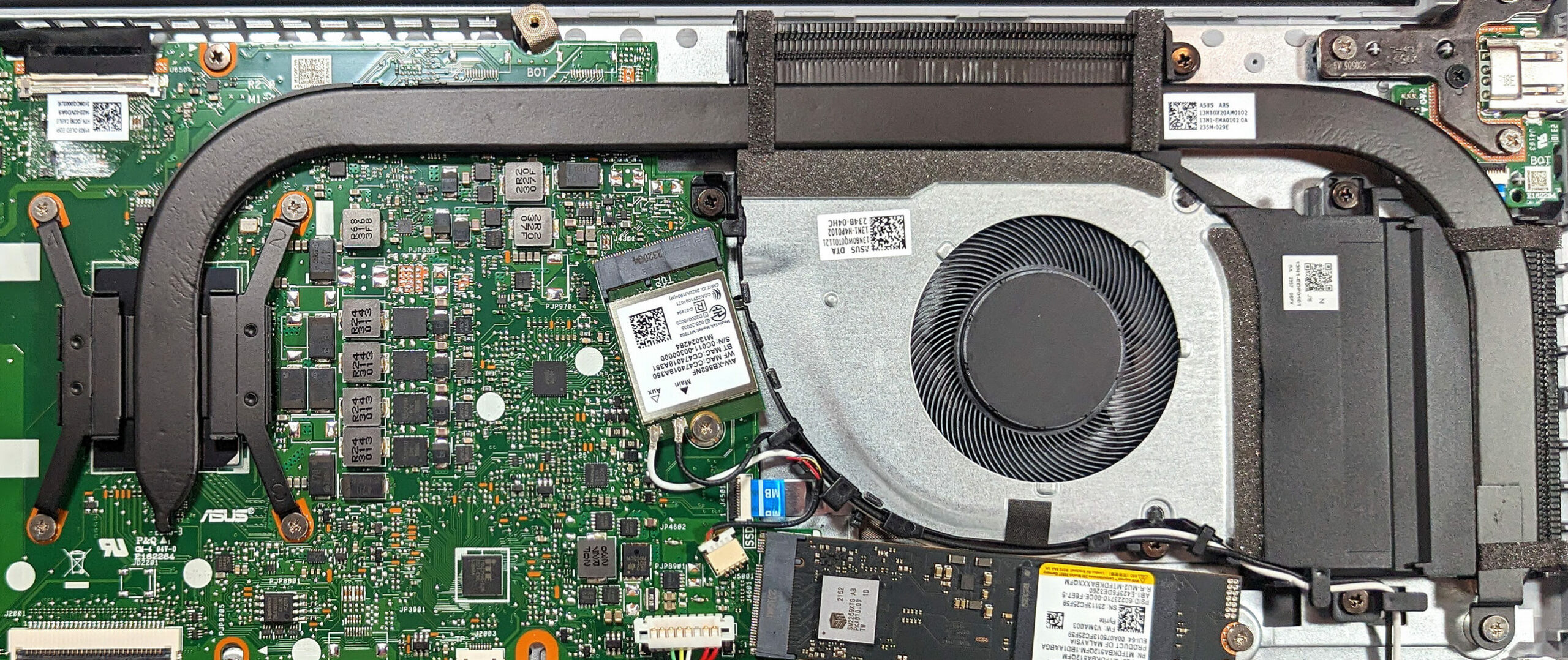
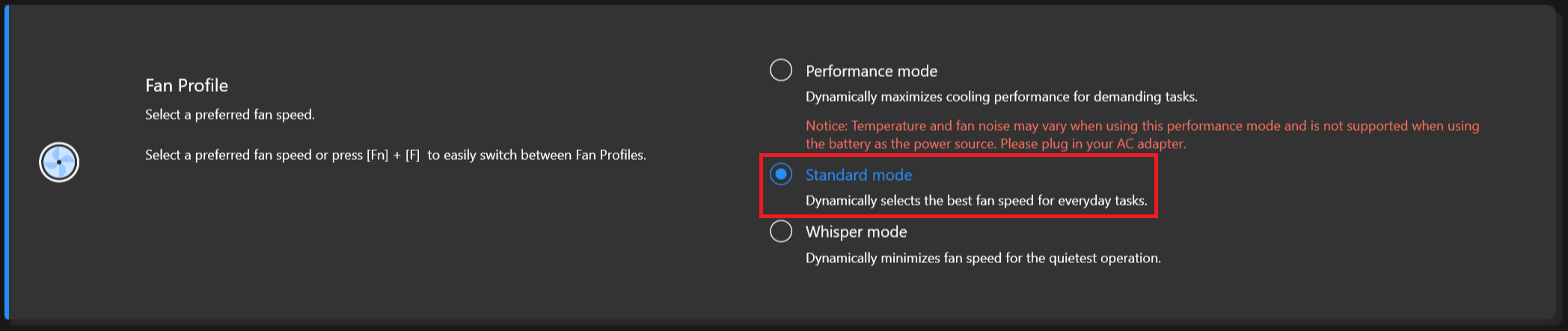
The single fan is audible during 100% CPU load. It’s not noisy but you can definitely hear it. In short tasks or in idle, the fan is quiet. When the processor is doing the heavy lifting, the central and the right side of the keyboard feel warm but not too hot for normal work. Still, for usual daily tasks, the “Standard” or “Whisper” fan modes are the right choice since they lead to lower noise levels.

Battery
Now, we conduct the battery tests with the Windows Better performance setting turned on, screen brightness adjusted to 120 nits and all other programs turned off except for the one we are testing the notebook with. The 50Wh battery pack lasts for 12 hours and 30 minutes of either Web browsing or video playback. To achieve that, you have to apply the “Balanced” preset in the Windows “Power & Battery” menu and select the “Standard” fan mode in the MyASUS app. You also have to turn off the “AI Noise Canceling for the speaker and microphone.



Brightness: 180 nits; Display Mode: SDR
Time to Full Discharge: Higher is Better

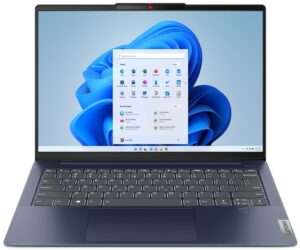

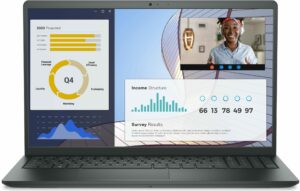
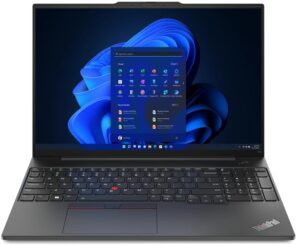
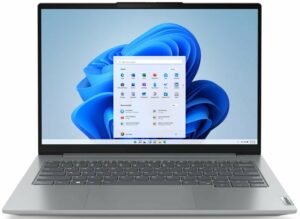
In order to simulate real-life conditions, we used our own script for automatic web browsing through over 70 websites.
 Author: Nikolay Palaozov
 Author: eng. Kroum NikolovHead of Engineering at LaptopMedia.com, inventor and innovator with 40+ years of experience in electronics and high technology.

![[August 2026] Best-Selling Laptop Brands on Amazon Japan – Apple Dominates Market Share and Revenue Led by Strong Unit Sales](https://laptopmedia.com/wp-content/uploads/2026/09/CO.JP-Best-Brands-1-400x225.jpg)
![[August 2026] Best-Selling Laptop Brands on Amazon USA – Apple Dominates Market Revenue and Volume Despite Lower Model Diversity](https://laptopmedia.com/wp-content/uploads/2026/09/COM-Best-Brands-1-400x225.jpg)
![[August 2026] Amazon Germany: Top 8 Best-Selling Gaming Laptops – Acer Dominates the Market as the Premium Nitro V 17 AI Takes the #1 Spot](https://laptopmedia.com/wp-content/uploads/2026/09/Best-Selling-Gaming-Laptops-DE-Top-10-1-400x225.jpg)
![[August 2026] Best-Selling Laptop Brands on Amazon France – Apple Dominates Revenue Despite Lenovo and HP Leading in Catalog Breadth and Volume](https://laptopmedia.com/wp-content/uploads/2026/09/FR-Best-Brands-1-400x225.jpg)
![[August 2026] Amazon Italy: Top 10 Best-Selling Laptops – Apple MacBook Neo Claims the Crown as Budget and Mid-Range Windows Machines Dominate Volume](https://laptopmedia.com/wp-content/uploads/2026/09/Best-Selling-Laptops-IT-Top-10-400x225.jpg)
