ASUS Zenbook 15 OLED (UM3504) review – has a stunning display and light chassis
Disassembly, Upgrade options, and Maintenance
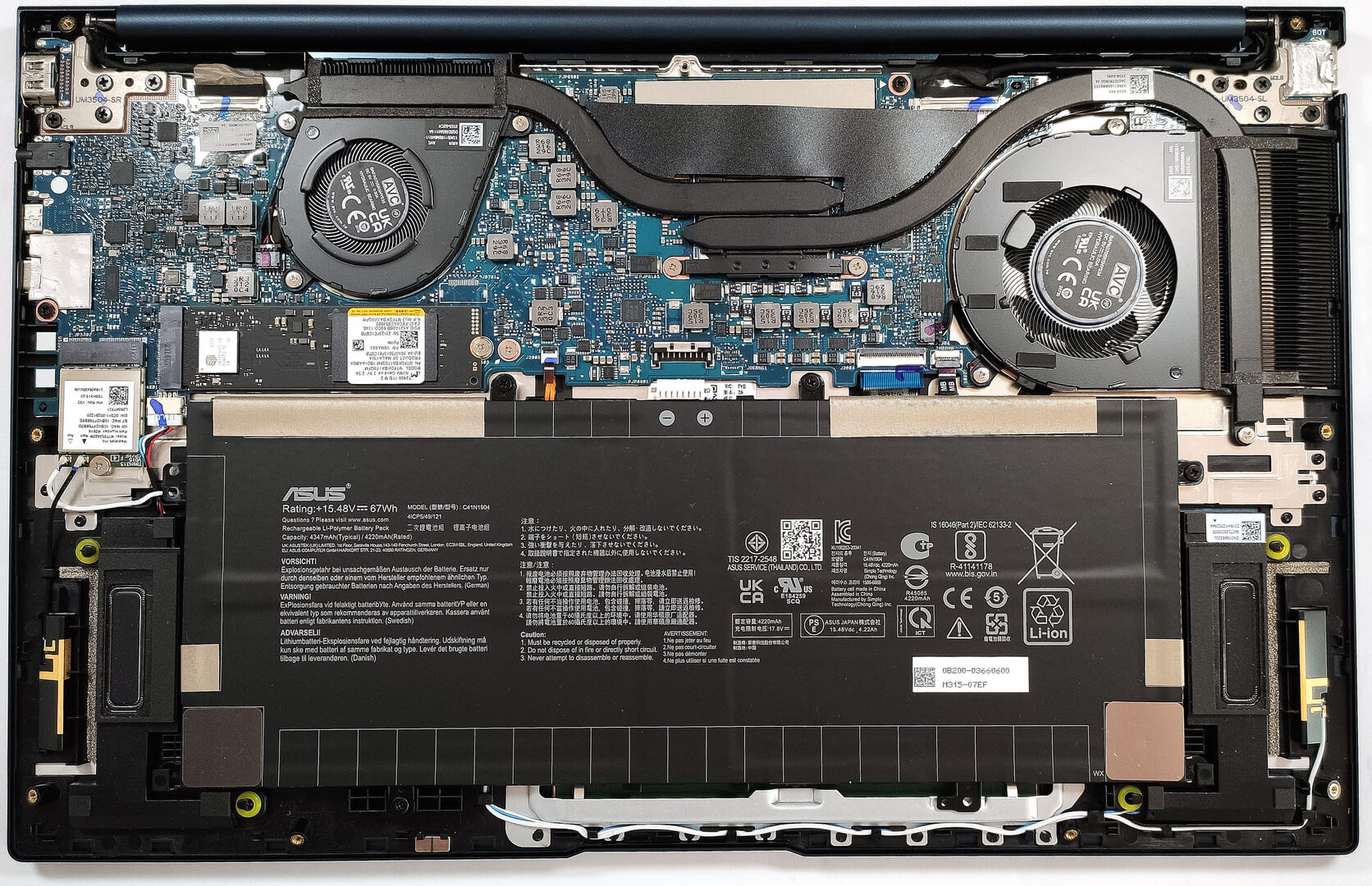
If you want to have a sneak peek at the internals, you need to undo 7 Torx-head screws starting from the top corners. Then, use a pry tool to pop the plate and lift it away from the chassis.
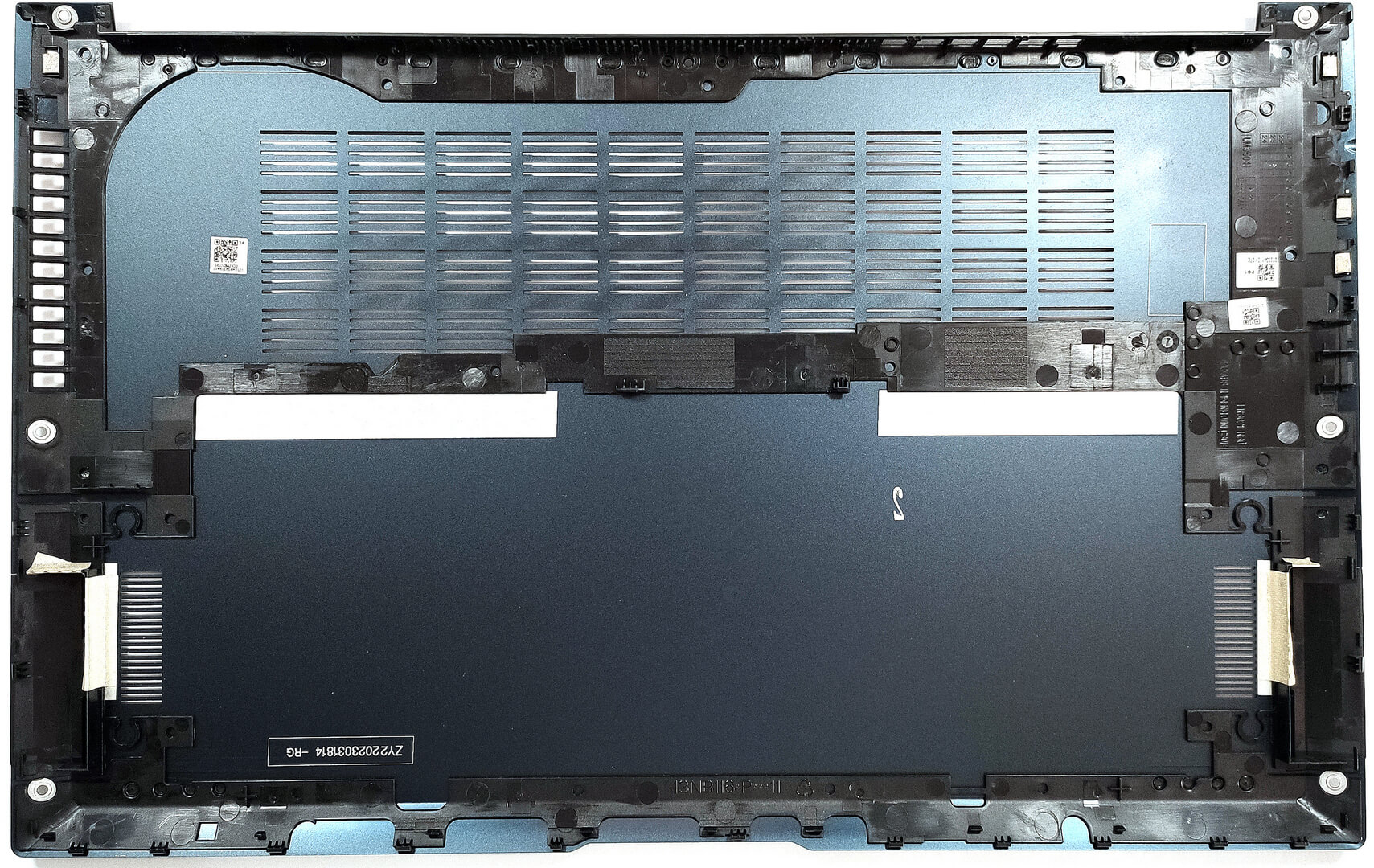
Here’s how the bottom panel looks on the inside.
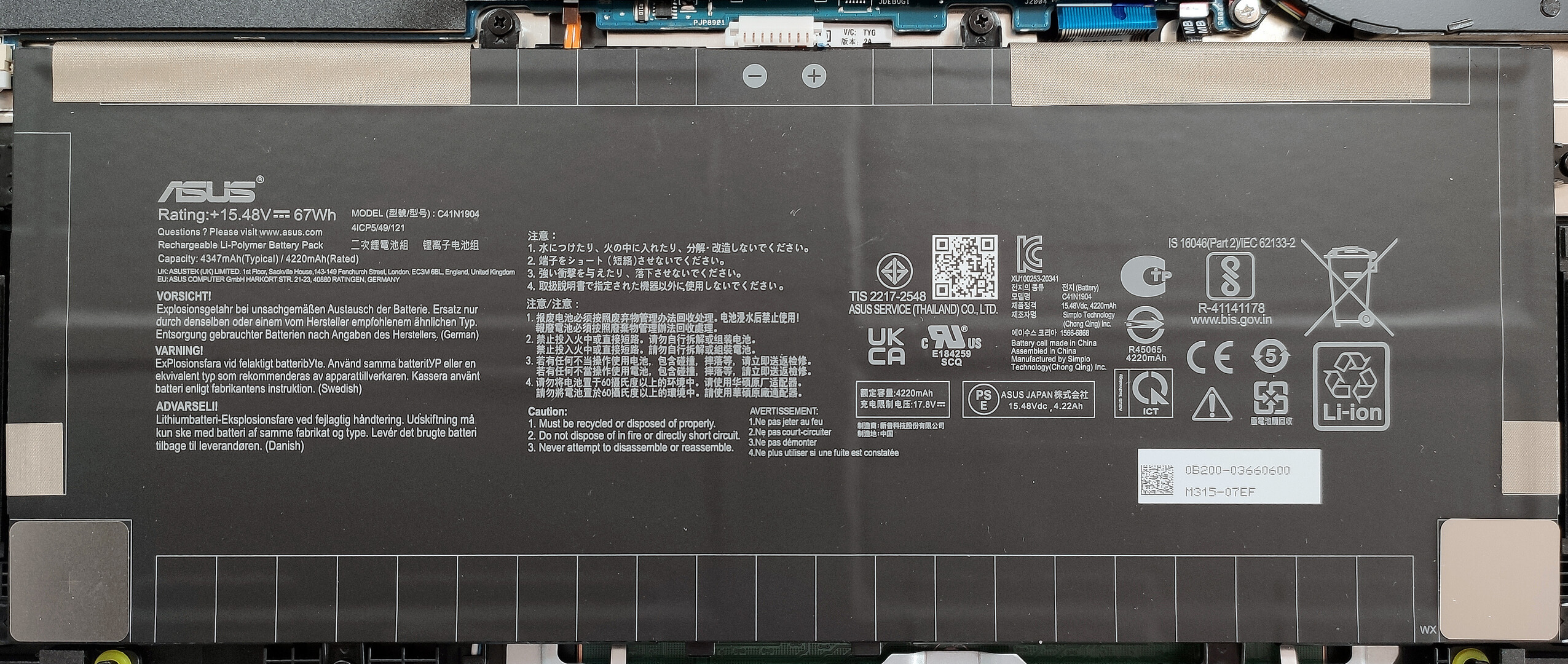
The battery is a 67Wh model. To take it out, detach the connector from the motherboard and undo the four Phillips-head screws that are fixing the unit in place. The capacity is enough for 9 hours and 5 minutes of Web browsing or 12 hours and 30 minutes of video playback.
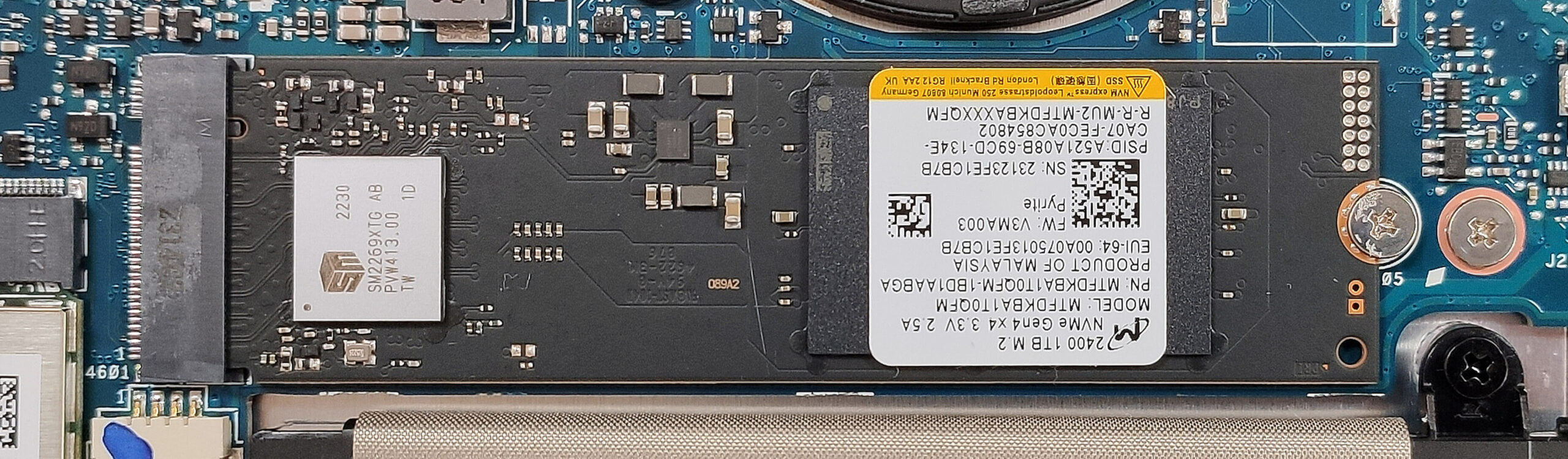
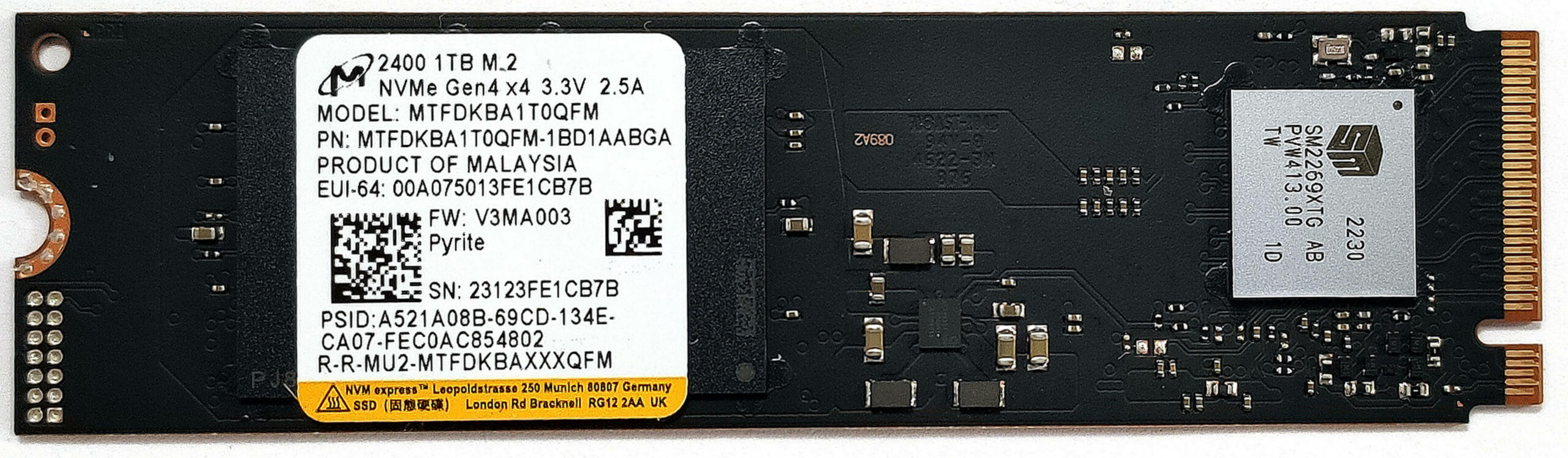
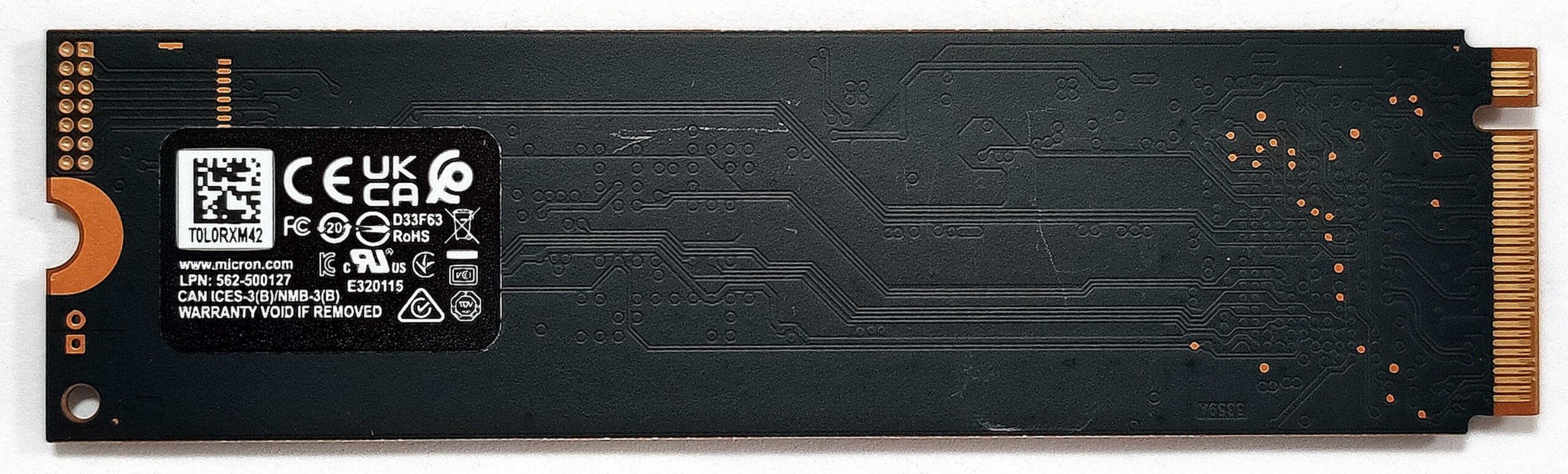
The memory is soldered but at least you get up to 32GB of LPDDR5-6400MHz RAM which should be more than enough for most people. Storage-wise, there is a single M.2 slot compatible with Gen 4 SSDs.
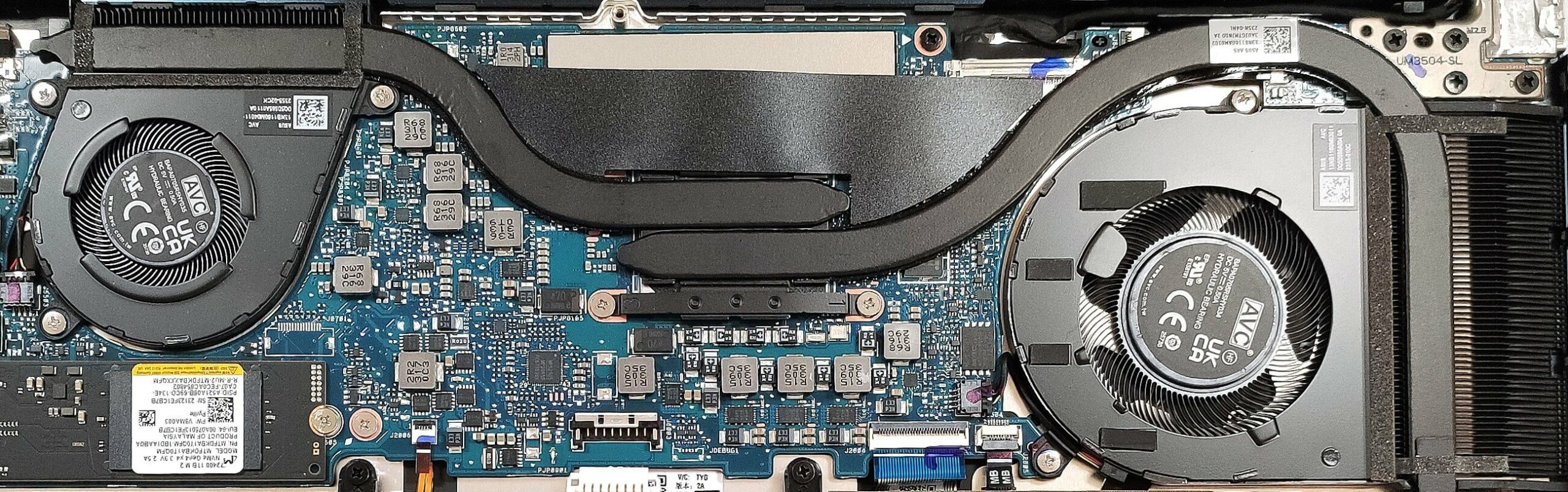
The cooling seems potent. It has two fans, two heat pipes, one smaller top-mounted heatsink, a bigger one on the right, and a single heat spreader.
 Author: Nikolay Palaozov
 Author: eng. Kroum NikolovHead of Engineering at LaptopMedia.com, inventor and innovator with 40+ years of experience in electronics and high technology.

![[August 2026] Amazon Italy: Top 10 Best-Selling Laptops – Apple MacBook Neo Claims the Crown as Budget and Mid-Range Windows Machines Dominate Volume](https://laptopmedia.com/wp-content/uploads/2026/09/Best-Selling-Laptops-IT-Top-10-400x225.jpg)
![[August 2026] Amazon Italy: Top 7 Best-Selling Gaming Laptops – ASUS V16 Claims the #1 Spot Amid Strong Mid-Range Demand](https://laptopmedia.com/wp-content/uploads/2026/09/Best-Selling-Gaming-Laptops-IT-Top-10-400x225.jpg)
![[August 2026] Best-Selling Laptop Brands on Amazon Italy – Lenovo Dominates Market Share and Revenue Leadership](https://laptopmedia.com/wp-content/uploads/2026/09/IT-Best-Brands-400x225.jpg)
![[August 2026] Amazon India: Top 10 Best-Selling Laptops – Apple MacBook Neo Dominates the Charts with Massive Sales Lead](https://laptopmedia.com/wp-content/uploads/2026/09/Best-Selling-Laptops-IN-Top-10-400x225.jpg)
![[August 2026] Amazon India: Top 10 Best-Selling Gaming Laptops – HP Victus 15 Dominates the Market with Massive Unit Lead](https://laptopmedia.com/wp-content/uploads/2026/09/Best-Selling-Gaming-Laptops-IN-Top-10-400x225.jpg)

Hello, I would like to ask you a question about the thermal interface. What’s smeared there? And the second question is, what number of screwdriver did you use?