Dell Latitude 15 3540 Review – Not for Designers but Here’s How to Make It an Office MVP
Design and construction
The design of the Dell Latitude 15 3540 is stealthy and there is a rounded Dell logo on the lid. The latter can be pressed down in the middle and it’s averagely flexible in an opened position. The base is more stable – we saw slight bends in the zone between the Space key and the touchpad and below the Arrow keys but nothing too serious.
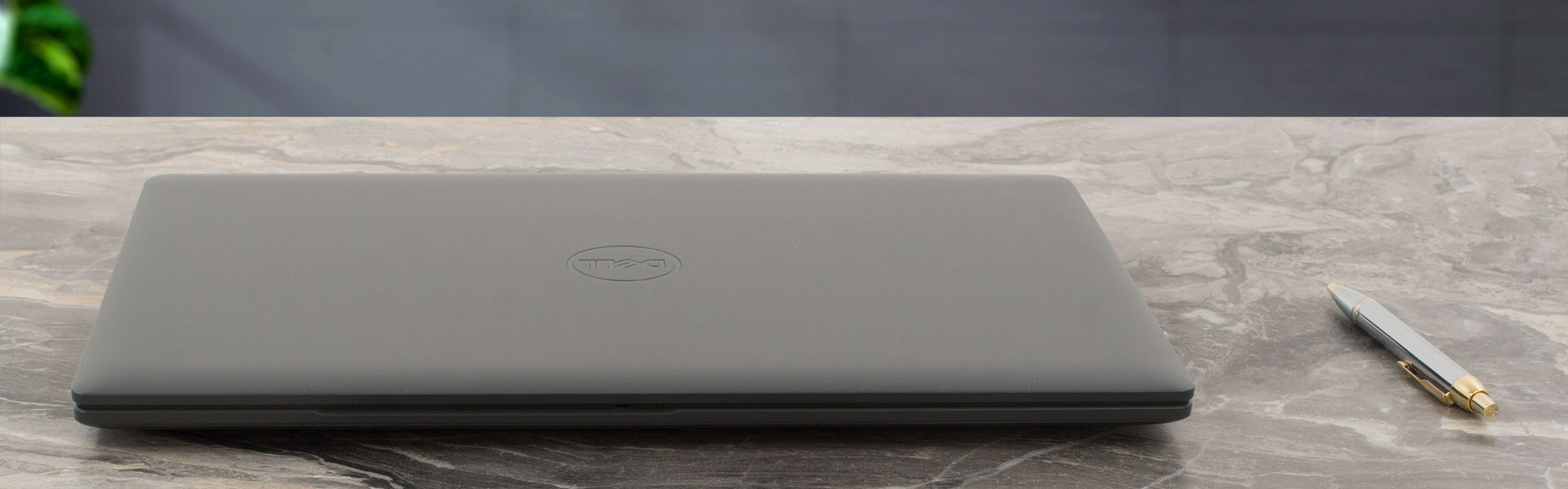
Now, you can open the lid with a single hand but the front of the base always jumps up at the beginning of the process. The machine is made of plastic which results in decent dimensions (for a 15-incher) of 1.81 kg / 18.13 mm – 20.40 mm profile thickness for the iGPU-only iterations and 1.86 kg / 18.13 mm – 21.41 mm for the notebooks with a dGPU.
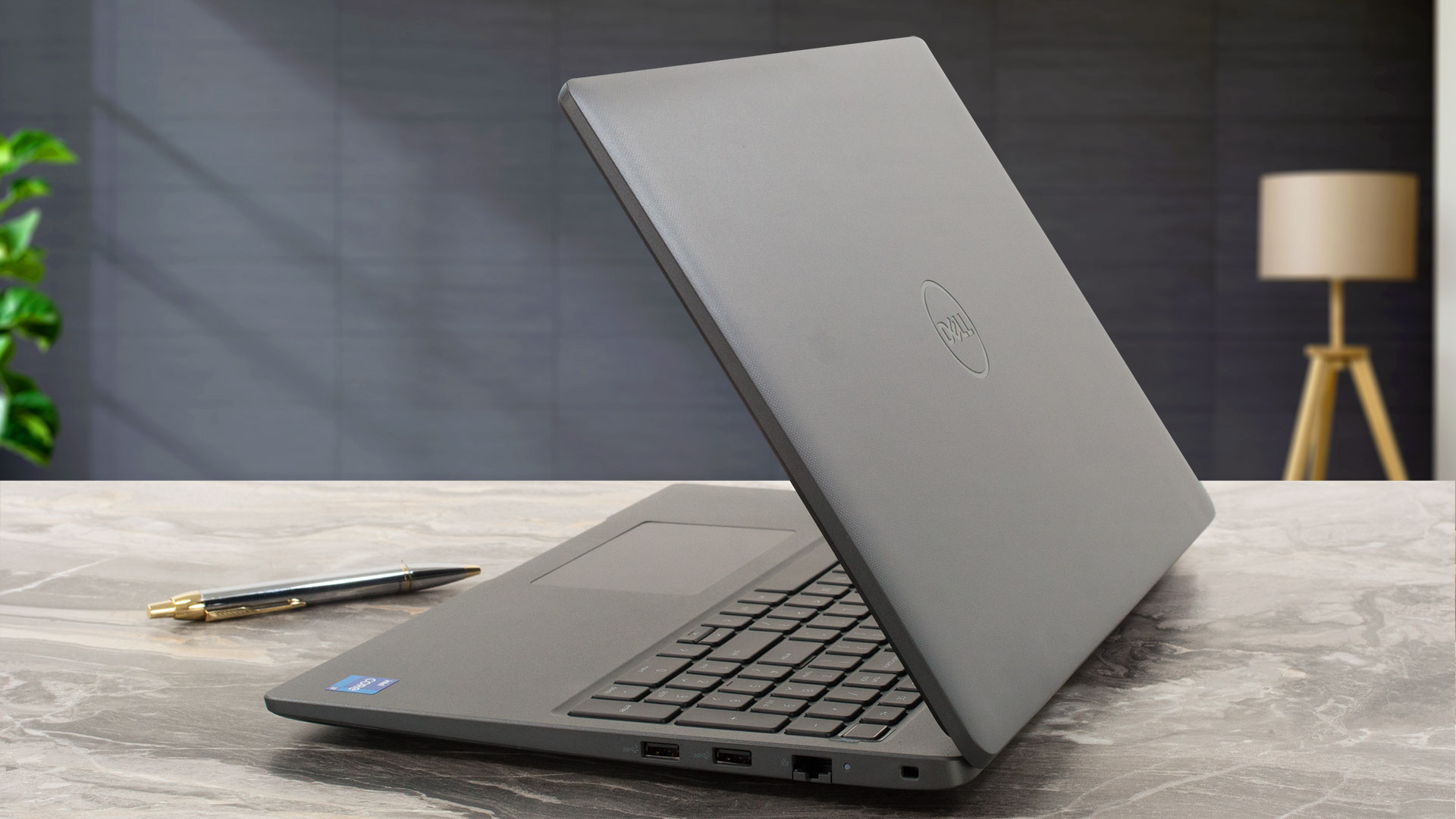
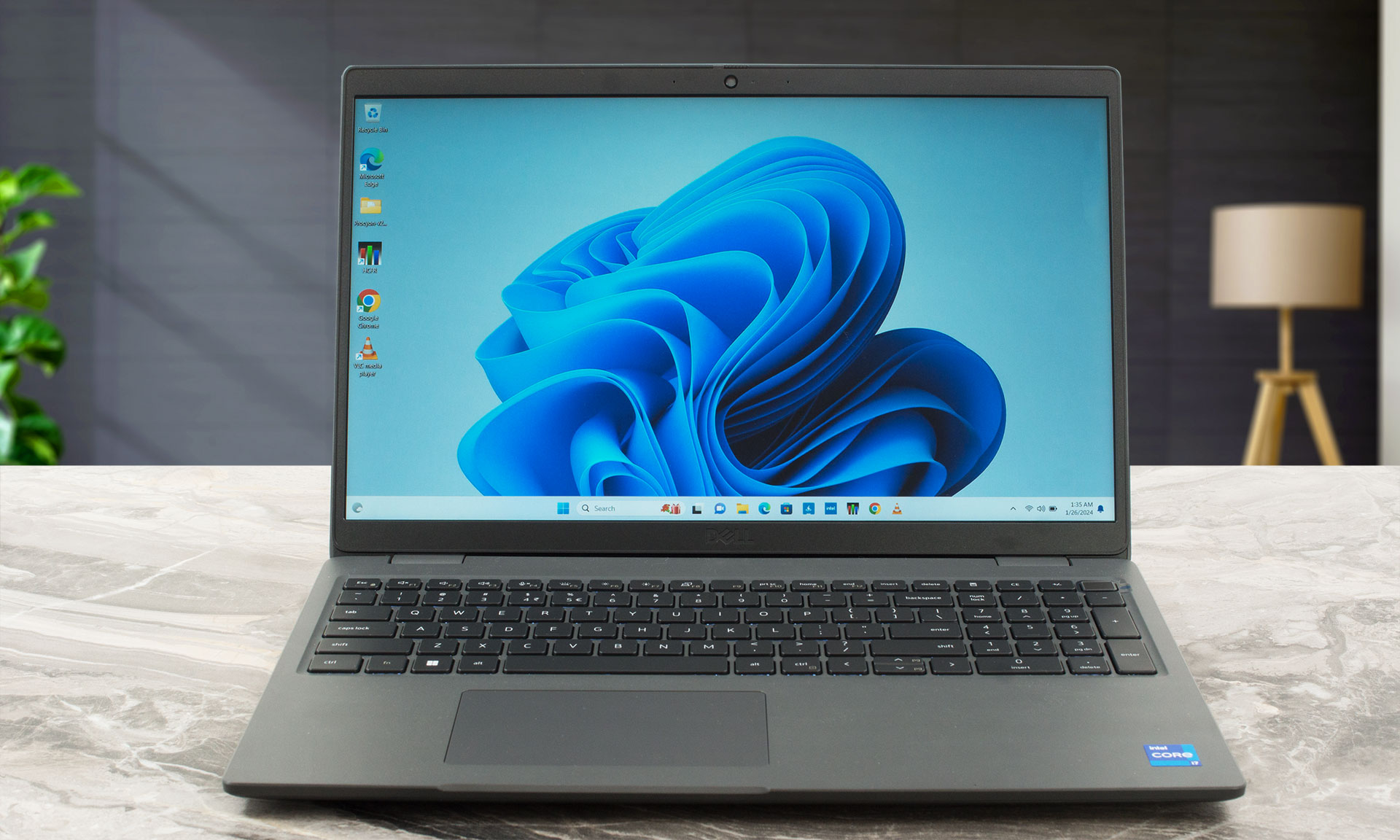
The top and lower bezels are a bit thicker but at least the ones on the sides are thin.
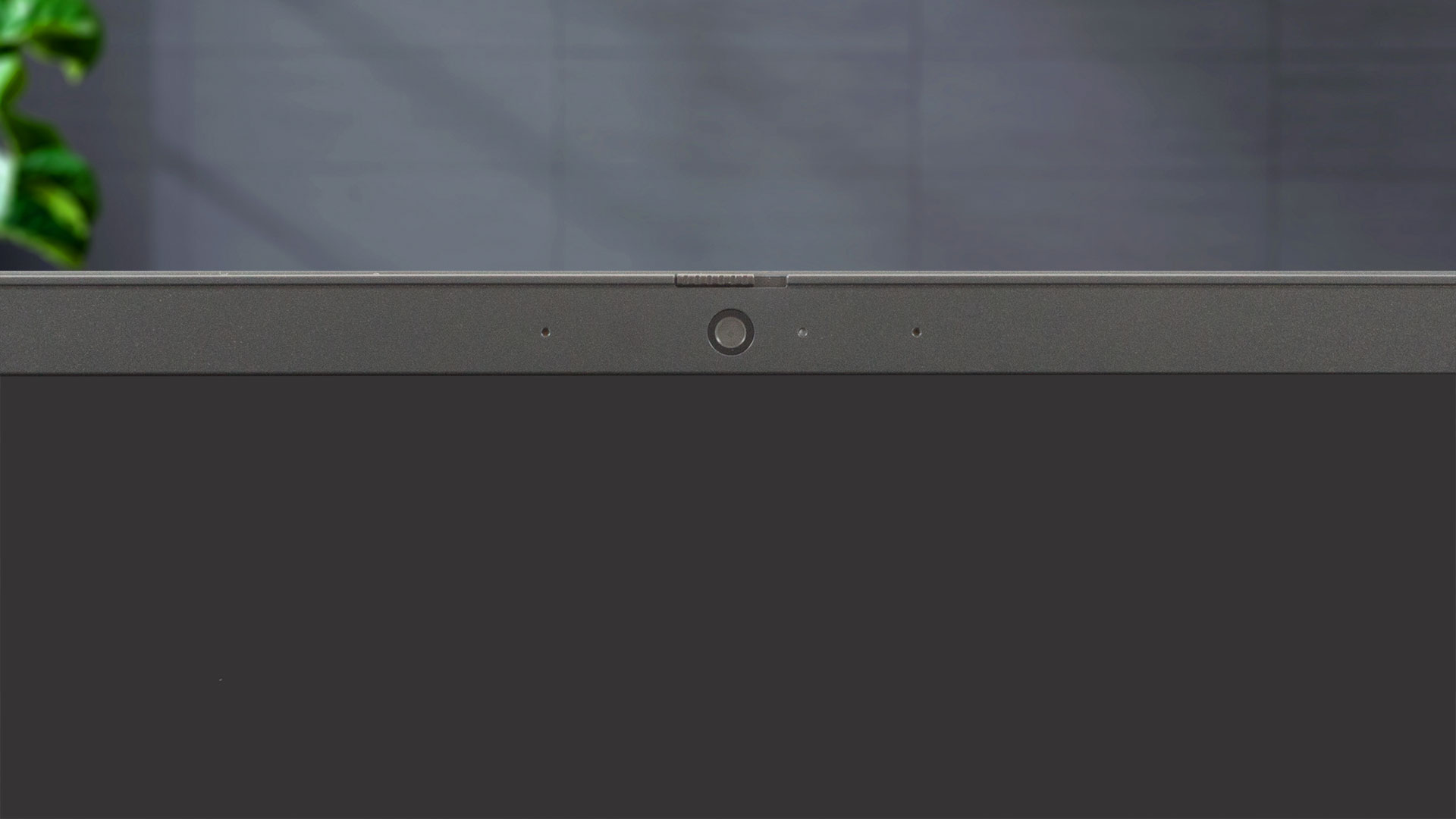
The Web camera can be found in the middle of the upper bezel. You can choose between three versions with a privacy shutter. The base one has a 720p resolution while the other two are 1080p units. The most expensive variant supports the IR function.

The max angle of opening is big but the laptop can’t lay fully flat. The lid doesn’t have a lever design.
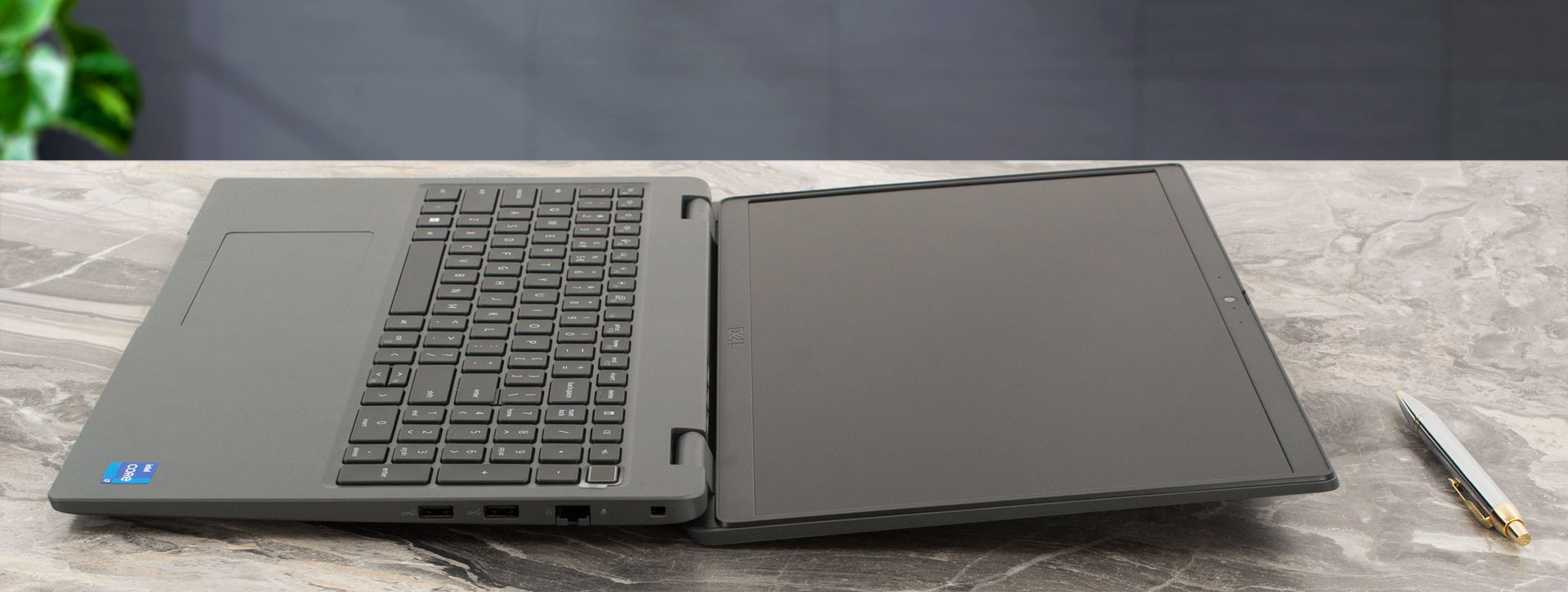
The keyboard with an optional backlight is comfortable. It has long key travel and clicky feedback. There is a NumPad for the accountants out there but the half-sized “Up” and “Down” Arrow keys aren’t comfortable to press. The power button doubles as an optional fingerprint reader. The touchpad is small (115 mm x 67 mm), it feels smooth but the accuracy is average at best. Still, the pad is fine for regular usage.

Three rubber feet, two speaker cutouts, and a ventilation grill can be seen on the bottom plate. The hot air is being exhausted through a vent on the back of the laptop.


Ports
On the left, you get a power plug, an HDMI 1.4, a USB Type-A 3.2 (Gen. 1) port with PowerShare function, a USB Type-C 3.2 (Gen. 2) port with Power Delivery and DisplayPort capabilities, and an Audio combo jack. On the right side, we can spot a lock slot, LAN, and two USB Type-A 3.2 (Gen. 1) ports.


 Author: Nikolay Palaozov
 Author: eng. Kroum NikolovHead of Engineering at LaptopMedia.com, inventor and innovator with 40+ years of experience in electronics and high technology.

![[August 2026] Amazon Italy: Top 10 Best-Selling Laptops – Apple MacBook Neo Claims the Crown as Budget and Mid-Range Windows Machines Dominate Volume](https://laptopmedia.com/wp-content/uploads/2026/09/Best-Selling-Laptops-IT-Top-10-400x225.jpg)
![[August 2026] Amazon Italy: Top 7 Best-Selling Gaming Laptops – ASUS V16 Claims the #1 Spot Amid Strong Mid-Range Demand](https://laptopmedia.com/wp-content/uploads/2026/09/Best-Selling-Gaming-Laptops-IT-Top-10-400x225.jpg)
![[August 2026] Best-Selling Laptop Brands on Amazon Italy – Lenovo Dominates Market Share and Revenue Leadership](https://laptopmedia.com/wp-content/uploads/2026/09/IT-Best-Brands-400x225.jpg)
![[August 2026] Amazon India: Top 10 Best-Selling Laptops – Apple MacBook Neo Dominates the Charts with Massive Sales Lead](https://laptopmedia.com/wp-content/uploads/2026/09/Best-Selling-Laptops-IN-Top-10-400x225.jpg)
![[August 2026] Amazon India: Top 10 Best-Selling Gaming Laptops – HP Victus 15 Dominates the Market with Massive Unit Lead](https://laptopmedia.com/wp-content/uploads/2026/09/Best-Selling-Gaming-Laptops-IN-Top-10-400x225.jpg)

I have used a 3540 with a Intel 1335u and 16Gb RAM for about a year now. Its not disappointing in any way, but it does not excel at anything either. Its a basic business laptop that has the basic down pretty good. It looks bland and cheap like a Inspiron does at the base models. Decent selection of ports, battery life good but not great, could have used a bigger capacity battery. Performance is good but it produces more heat then I would expect for a low powered CPU. Fan ramps up pretty good with multiple apps running. With… Read more »