HP EliteBook 860 G10 review – snappy and light office device with all-metal build
Design and construction
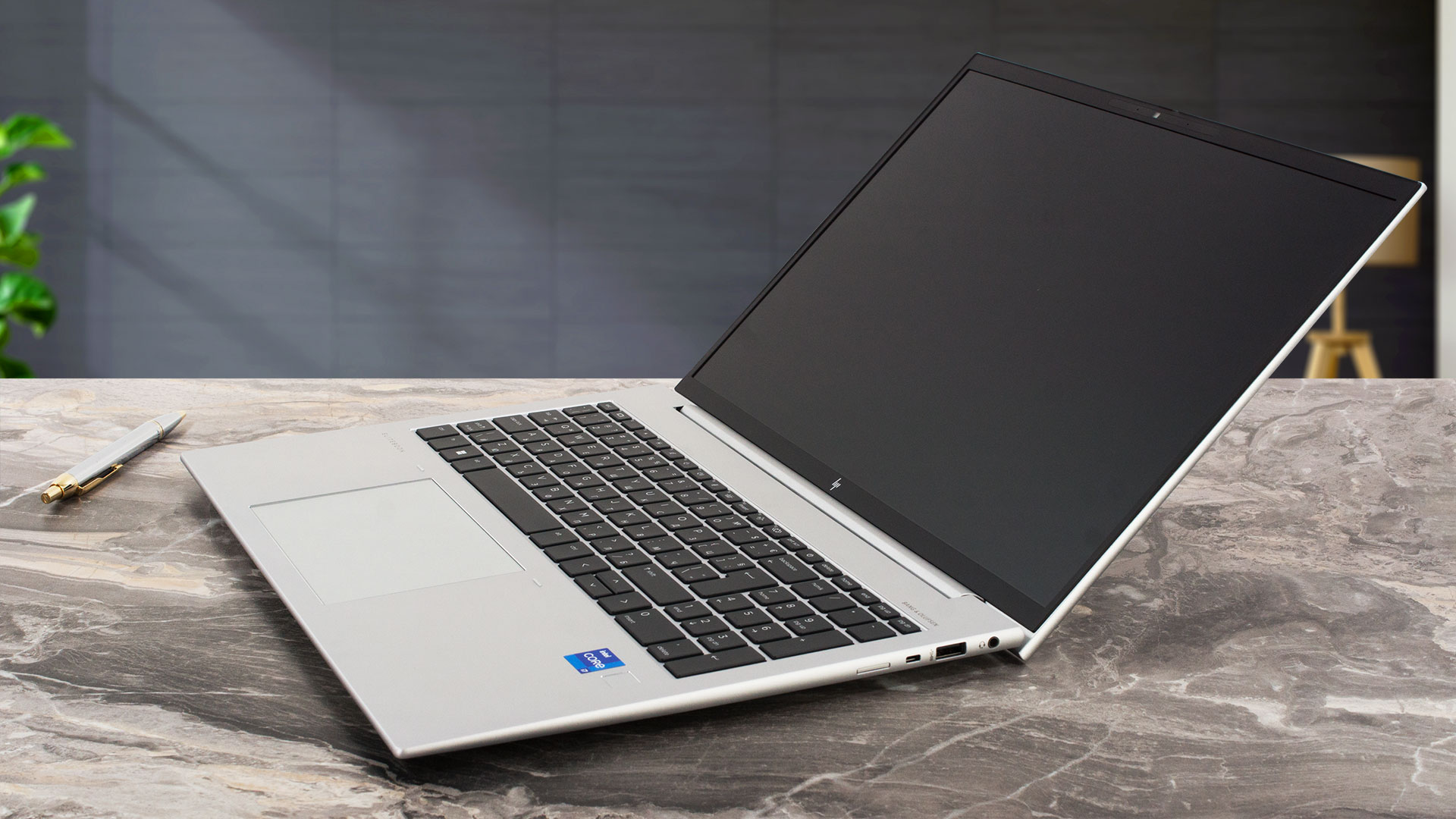
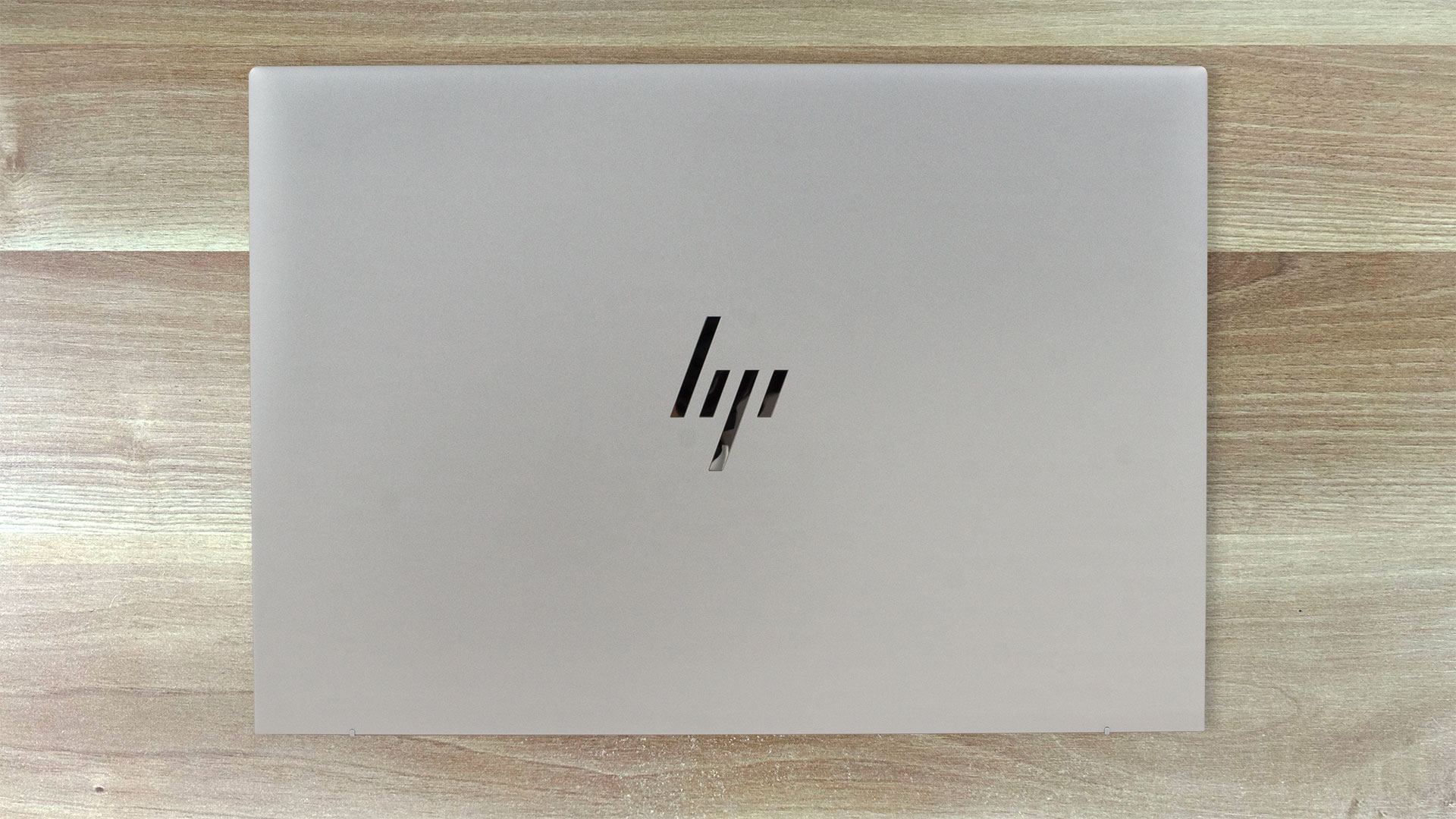
This device isn’t that different compared to its predecessor. The profile thickness remains the same – 19.2mm which is very good for a 16-incher. The laptop looks clean with its minimal branding on the lid and rounded corners.
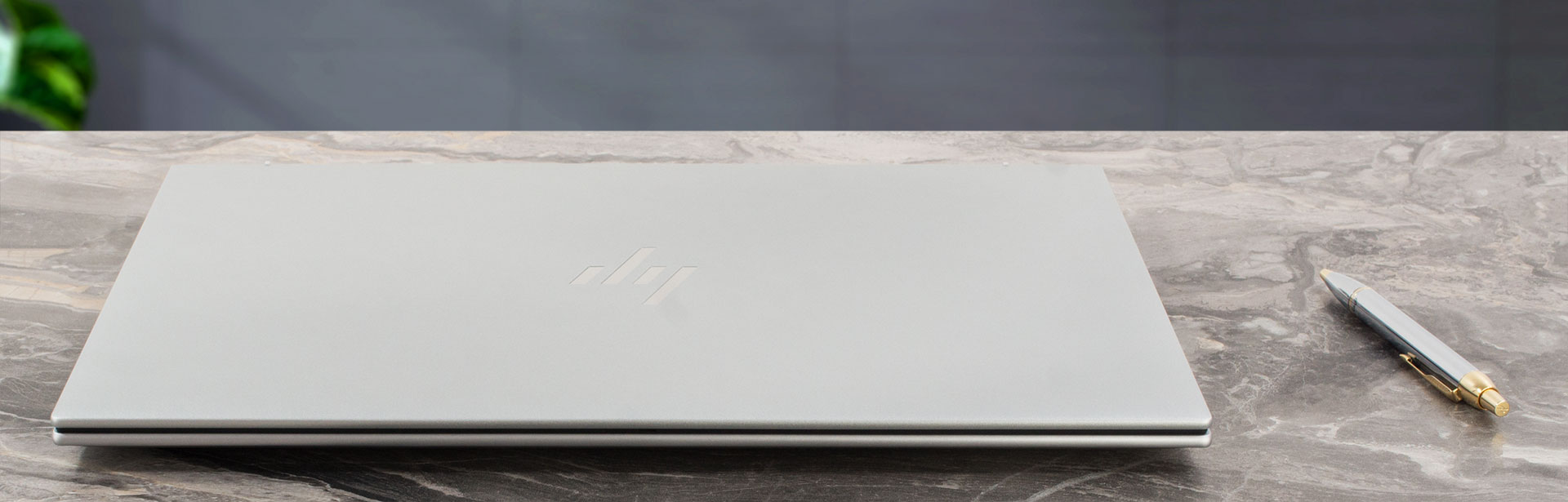
The starting weight is 1.73 kg, so, the new machine is slightly lighter than the Gen 9 sibling (1.76 kg). Again, you get an all-metal build with a smooth finish that isn’t a fingerprint magnet.
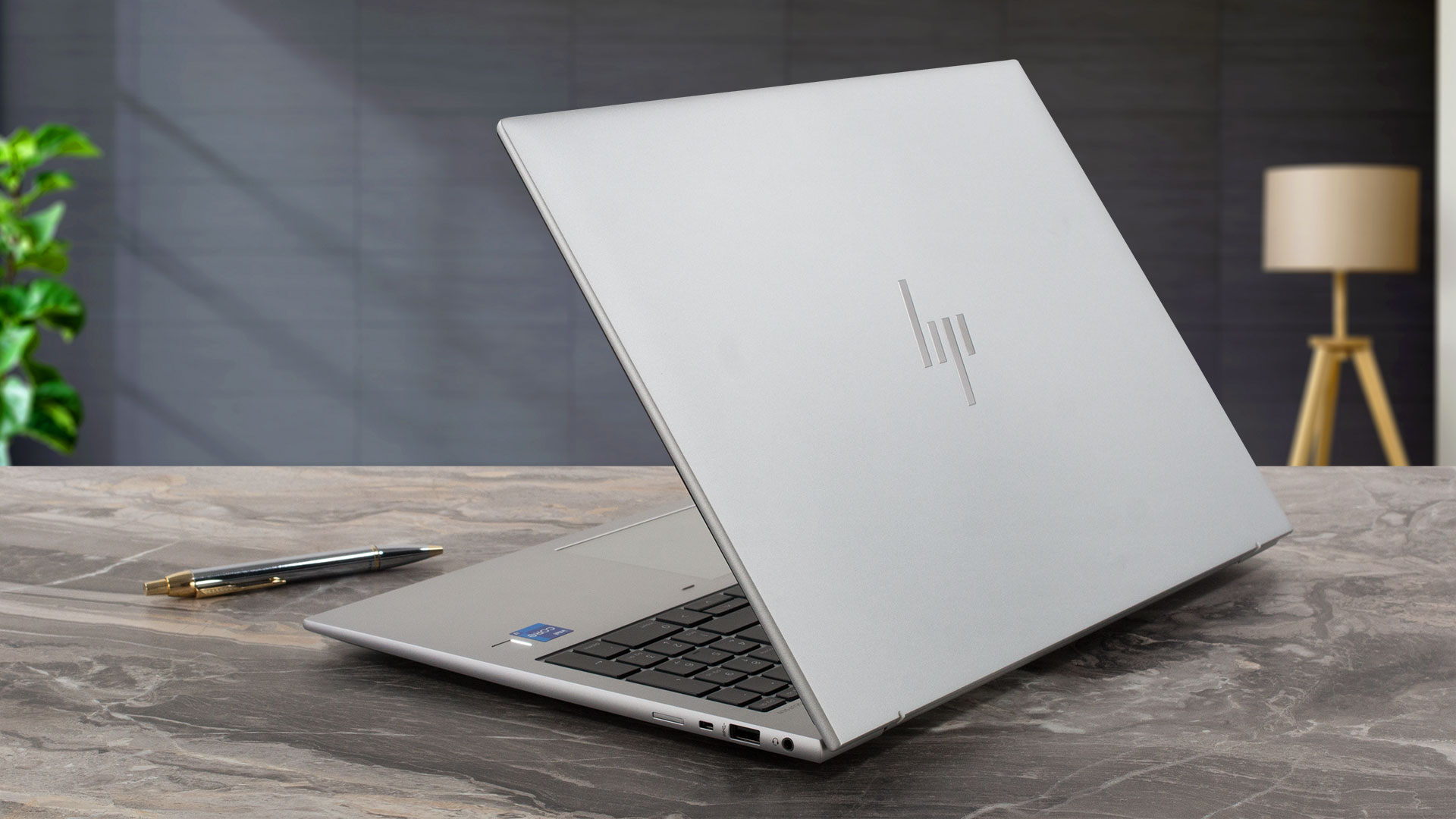
If you want to open the lid with a single hand, you have to do that a bit slower than usual because otherwise, the base will jump up. It looks like the hinge mechanism isn’t perfectly tuned. In addition to that, the lid is averagely flexible. The bezels around the display are thin.
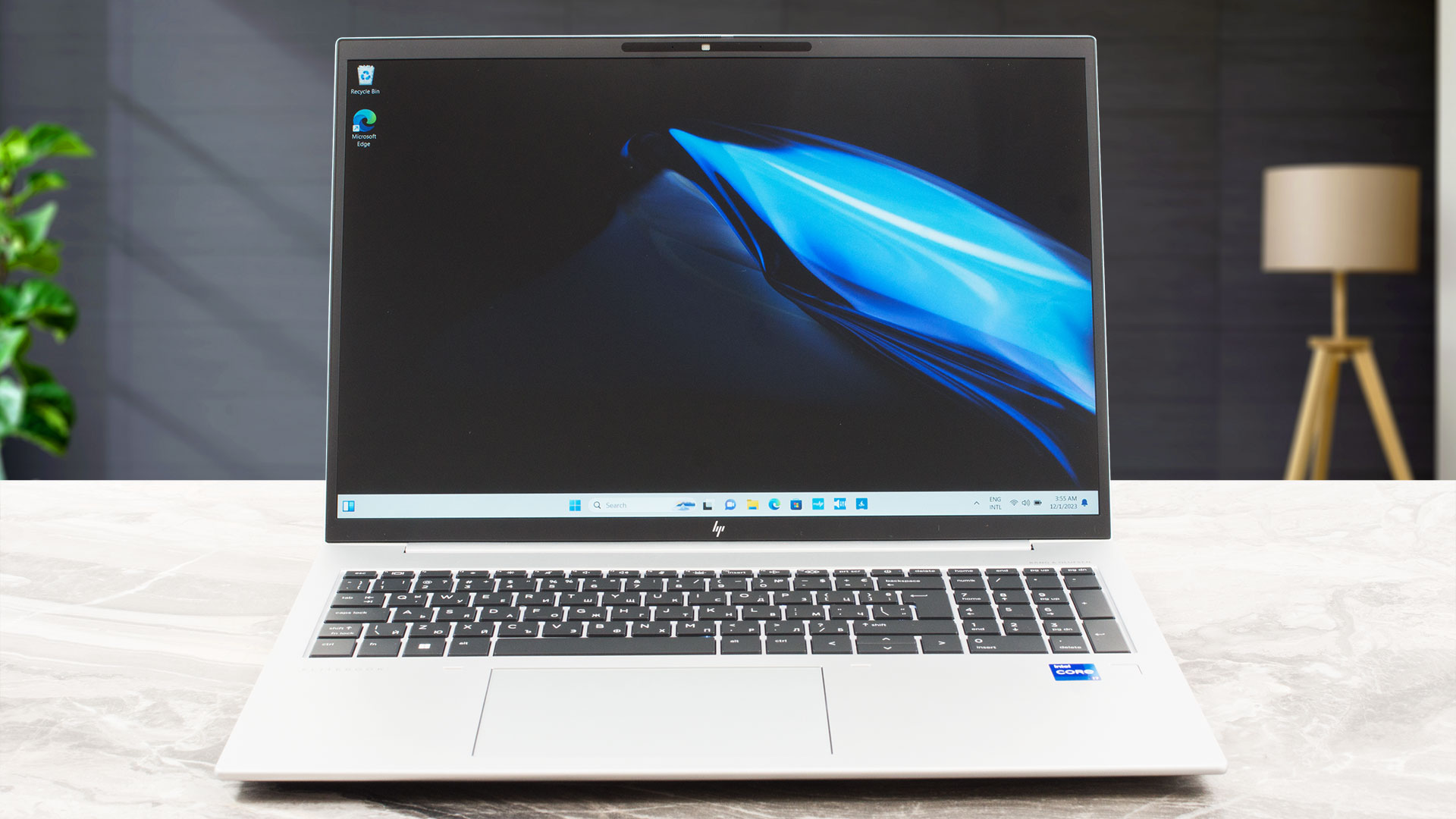
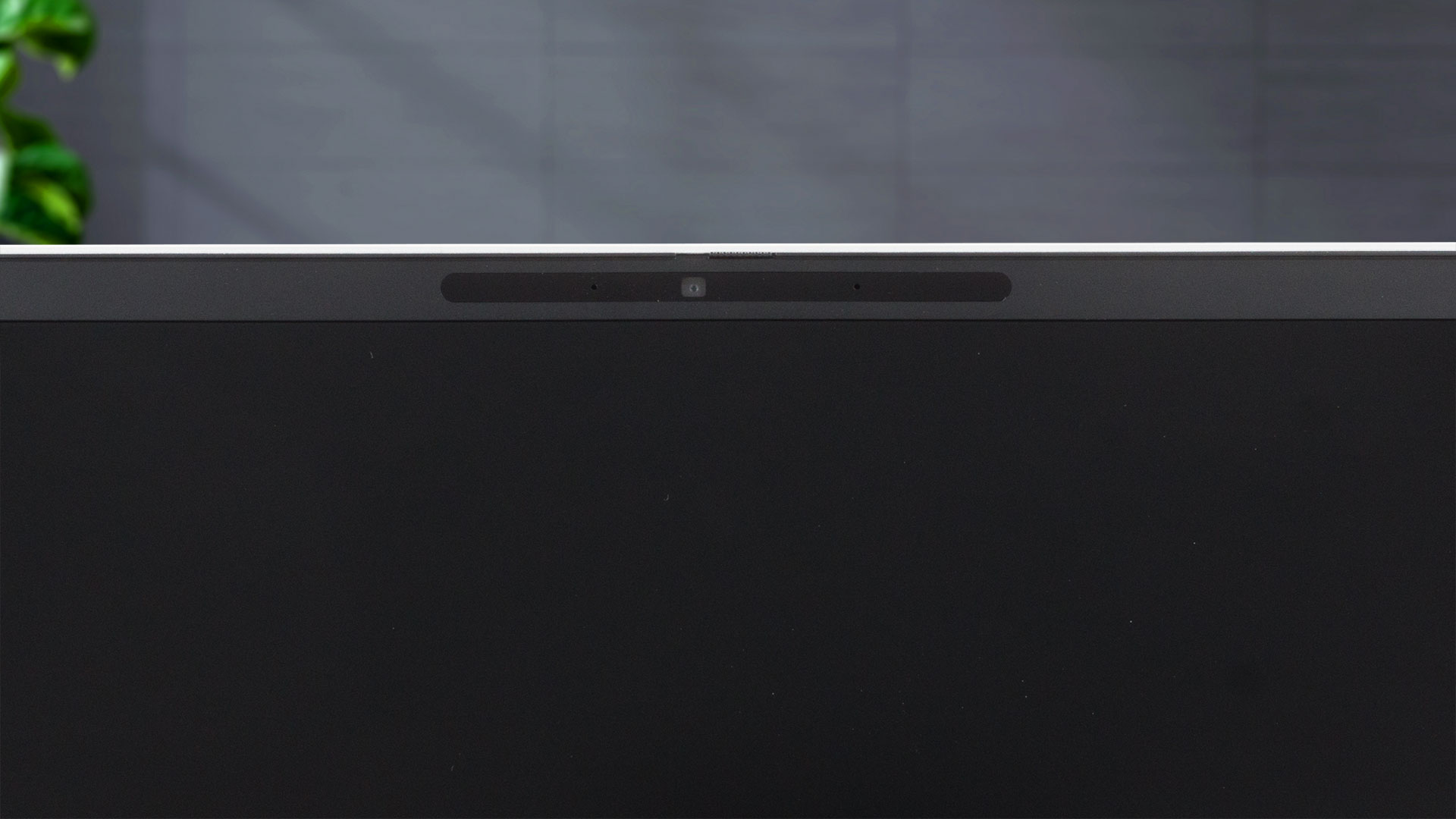
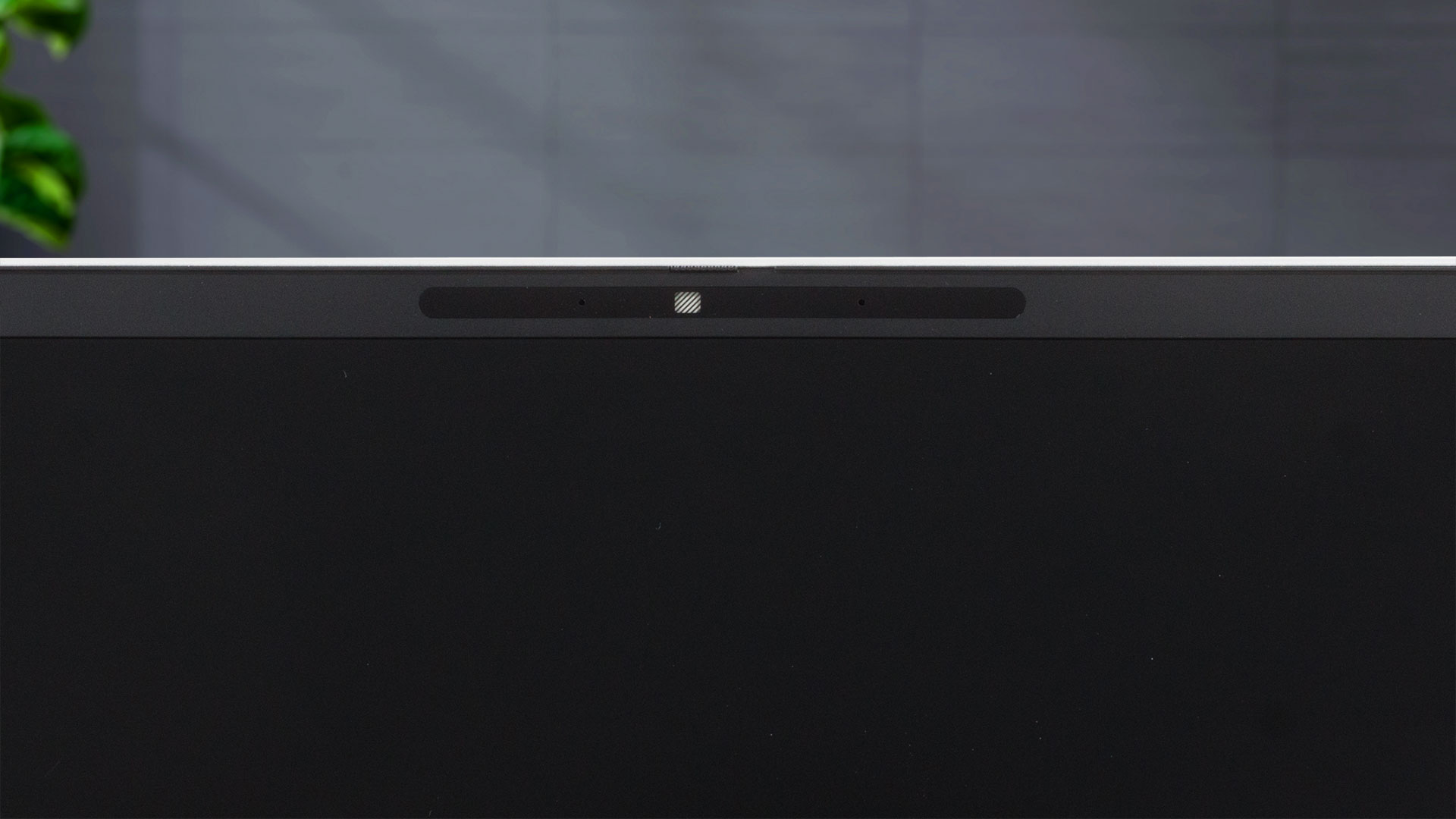
The top one houses a 5MP Web camera with a privacy shutter. You can also get the optional IR unit for Windows Hello.
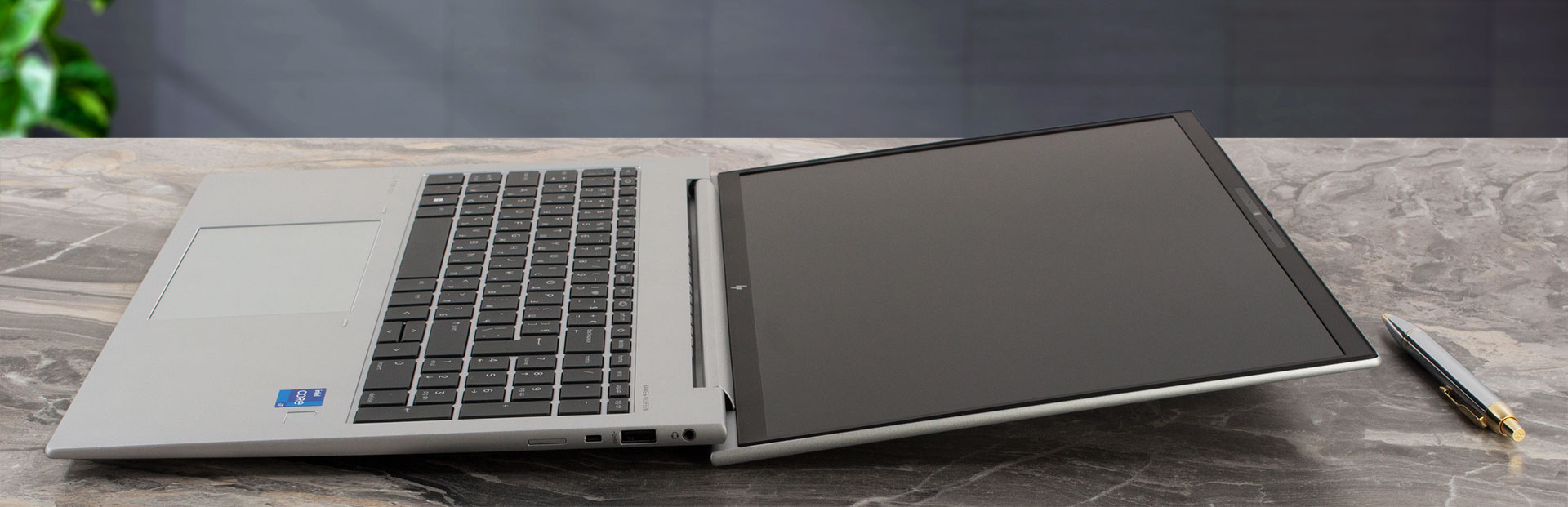
The laptop can lay almost fully flat on your desk. The lid acts as a lever and it lifts the back of the base but that happens at a very large angle of opening. Still, this time around the lid has two small rubber feet on its bottom side and this prevents scratches when the chassis is raised off the ground (the predecessor lacks the rubber feet on the lid).
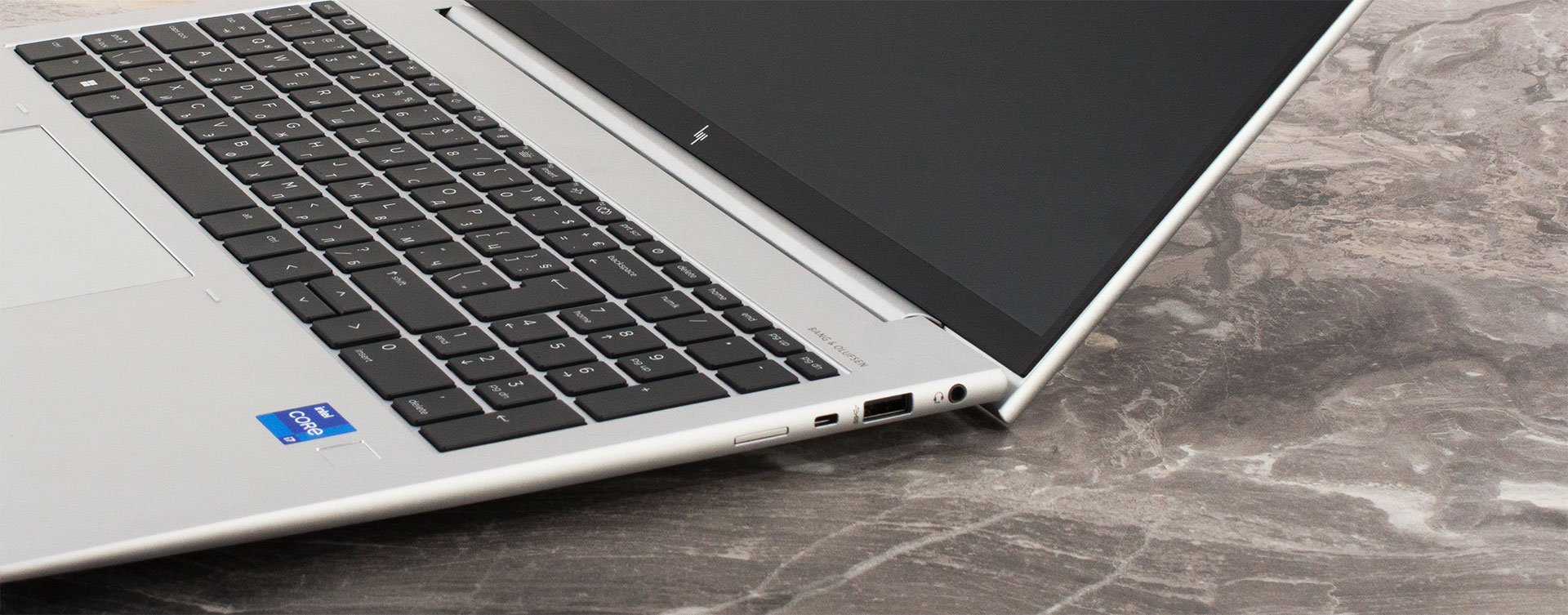
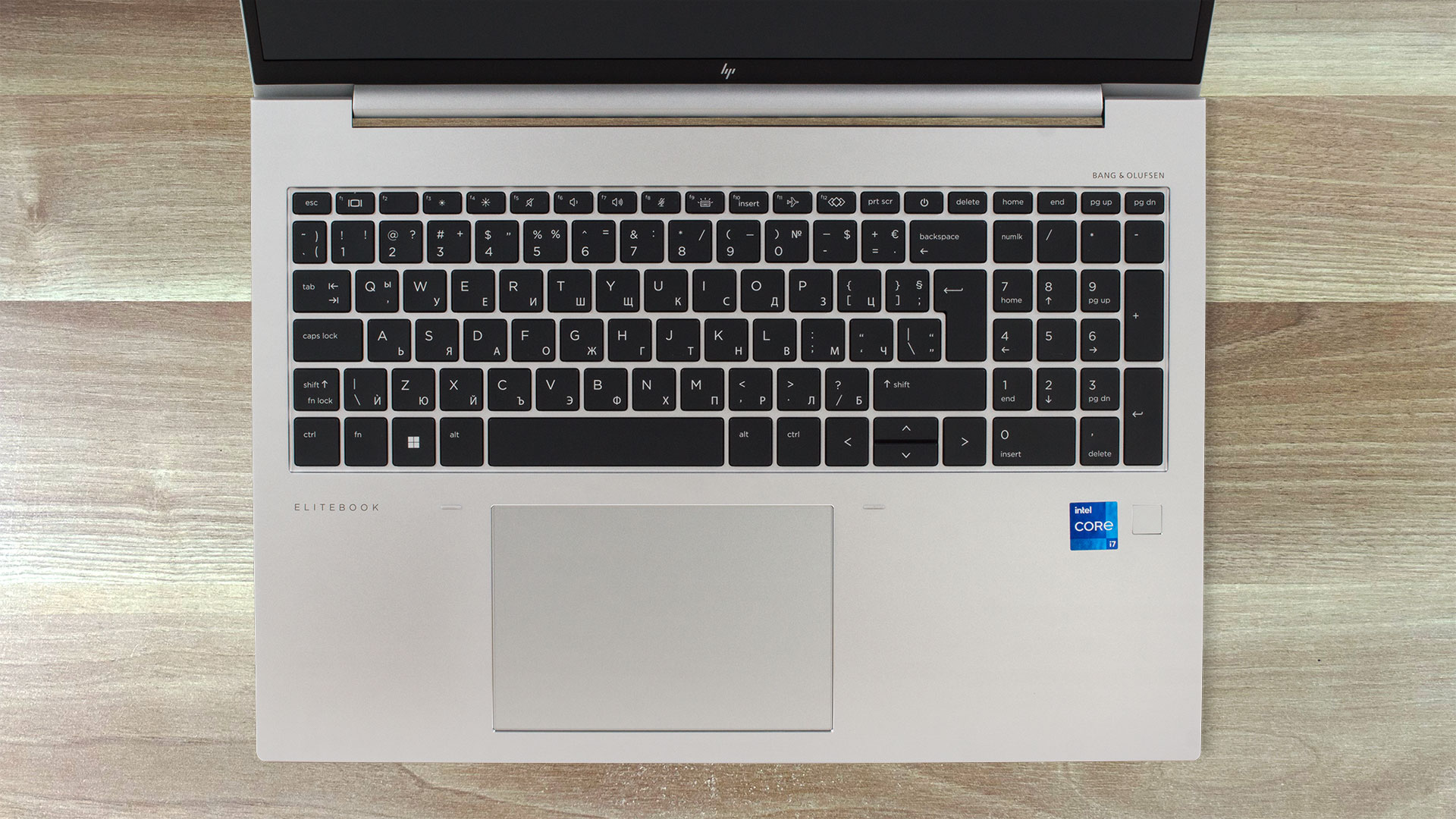
The full-sized keyboard is spill-resistant but unfortunately, the backlight is optional. Aside from that, the board is a great unit for long typing sessions. The large keycaps have long travel and clicky feedback. The only downside is the half-sized “Up” and “Down” Arrow keys. The NumberPad is here which should be a mandatory feature for most big office laptops. The optional fingerprint reader is placed on the right palm rest zone. We spot a few bends there and between the Space key and the touchpad.
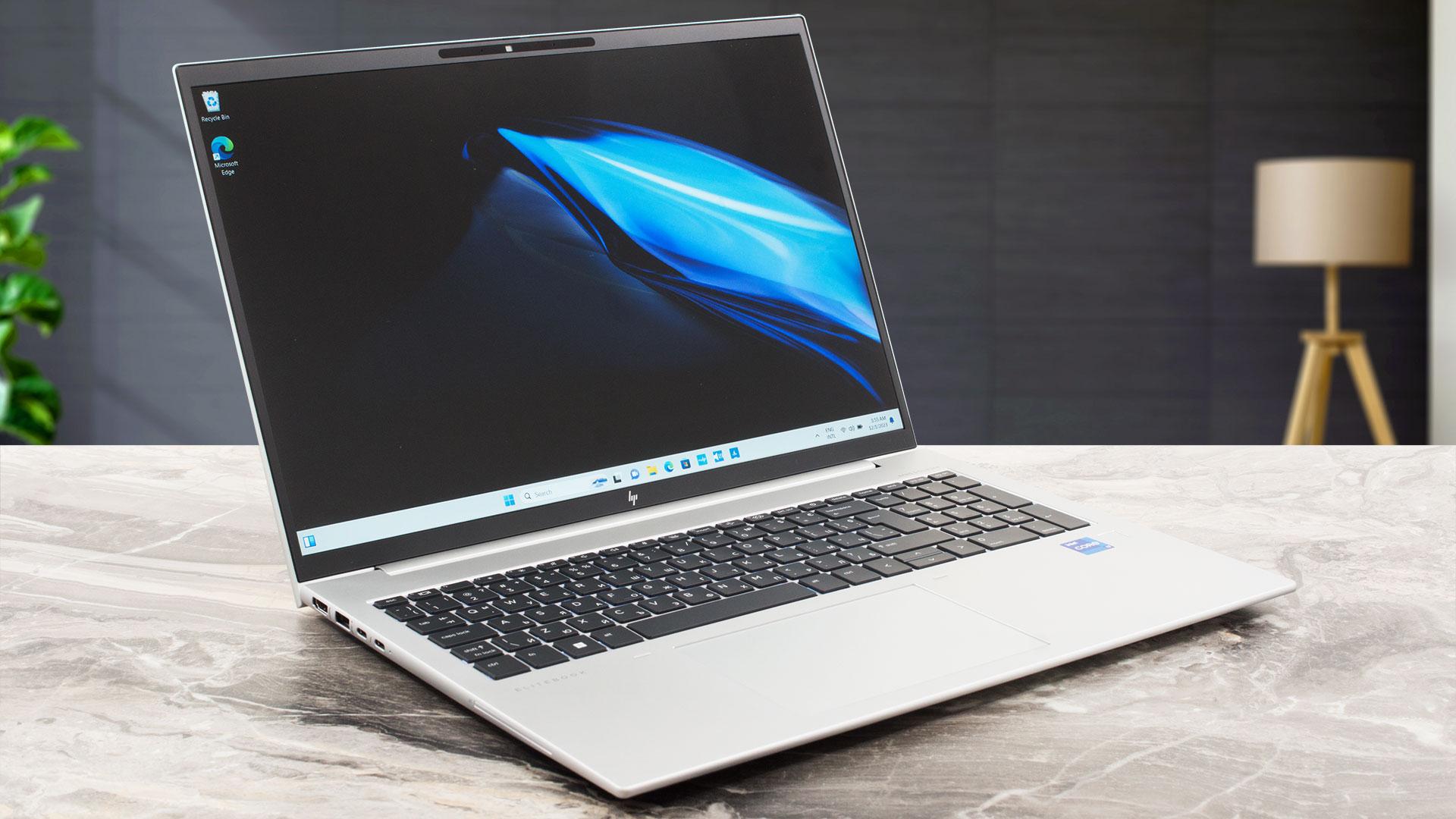
The big pad is great. It has a smooth glass surface and the unit is very accurate. No complaints here.
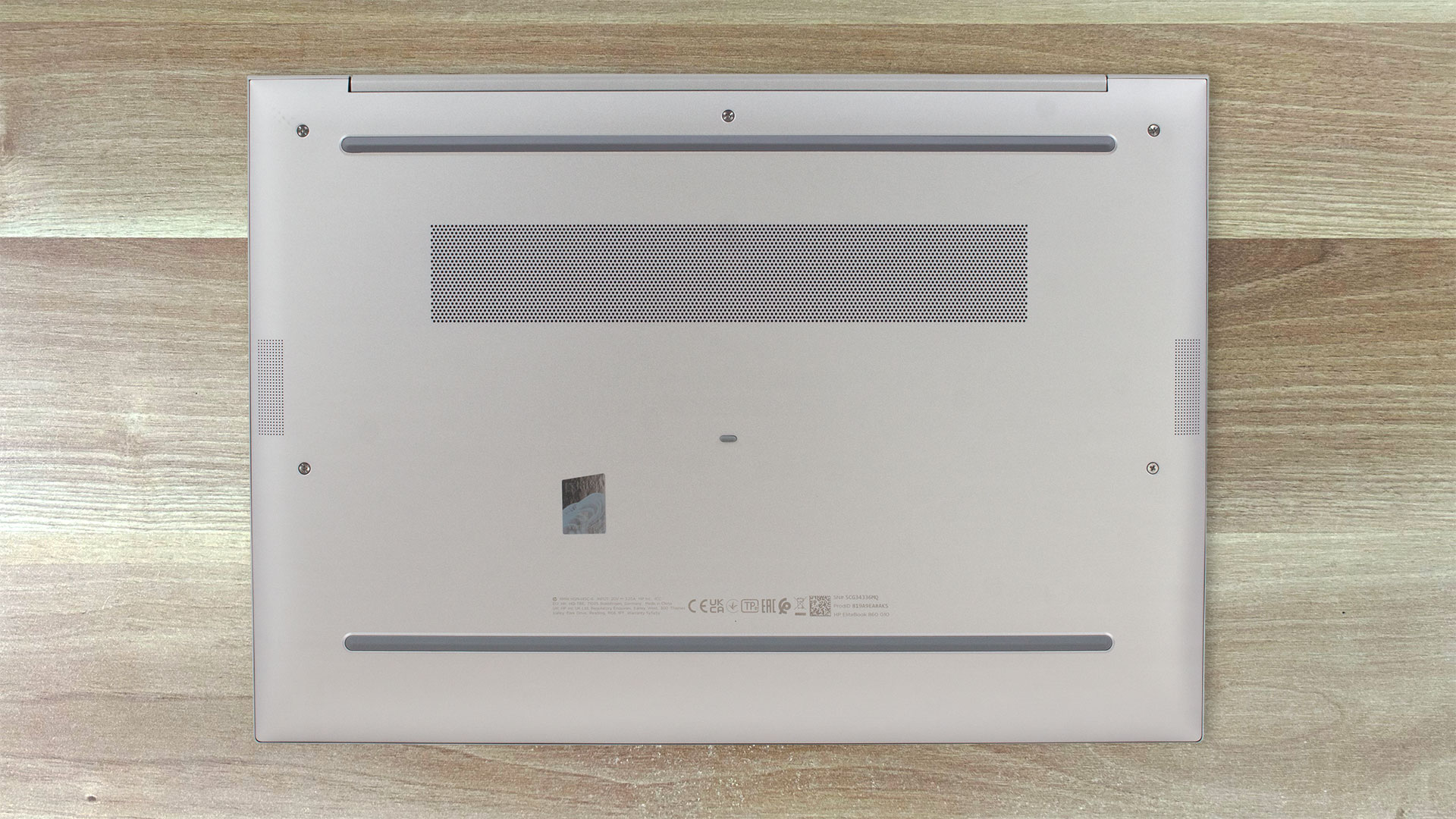
On the bottom plate, we can see two speaker cutouts, two long rubber feet, and a ventilation grill. The hot air is pushed through a vent on the back of the laptop. It is positioned close to the hinge cover and that’s why some amount of heat reaches the display when the CPU is stressed at 100%.

Ports
On the left side, there is an HDMI 2.1 for up to 4K 60Hz external displays, a USB Type-A 3.2 (Gen. 1) port, two Thunderbolt 4 connectors with USB Power Delivery and DisplayPort 1.4 support, and an optional Smart Card reader. On the other side, we can see the Audio combo jack, a USB Type-A 3.2 (Gen. 1) port with charging capabilities, a Nano security lock slot, and an optional SIM card tray for the devices with a WWAN slot.


 Author: Nikolay Palaozov
 Author: eng. Kroum NikolovHead of Engineering at LaptopMedia.com, inventor and innovator with 40+ years of experience in electronics and high technology.

![[August 2026] Amazon Italy: Top 10 Best-Selling Laptops – Apple MacBook Neo Claims the Crown as Budget and Mid-Range Windows Machines Dominate Volume](https://laptopmedia.com/wp-content/uploads/2026/09/Best-Selling-Laptops-IT-Top-10-400x225.jpg)
![[August 2026] Amazon Italy: Top 7 Best-Selling Gaming Laptops – ASUS V16 Claims the #1 Spot Amid Strong Mid-Range Demand](https://laptopmedia.com/wp-content/uploads/2026/09/Best-Selling-Gaming-Laptops-IT-Top-10-400x225.jpg)
![[August 2026] Best-Selling Laptop Brands on Amazon Italy – Lenovo Dominates Market Share and Revenue Leadership](https://laptopmedia.com/wp-content/uploads/2026/09/IT-Best-Brands-400x225.jpg)
![[August 2026] Amazon India: Top 10 Best-Selling Laptops – Apple MacBook Neo Dominates the Charts with Massive Sales Lead](https://laptopmedia.com/wp-content/uploads/2026/09/Best-Selling-Laptops-IN-Top-10-400x225.jpg)
![[August 2026] Amazon India: Top 10 Best-Selling Gaming Laptops – HP Victus 15 Dominates the Market with Massive Unit Lead](https://laptopmedia.com/wp-content/uploads/2026/09/Best-Selling-Gaming-Laptops-IN-Top-10-400x225.jpg)
