HP EliteBook 865 G10 review – All-Metal Business Powerhouse with Quiet Performance
Design and construction
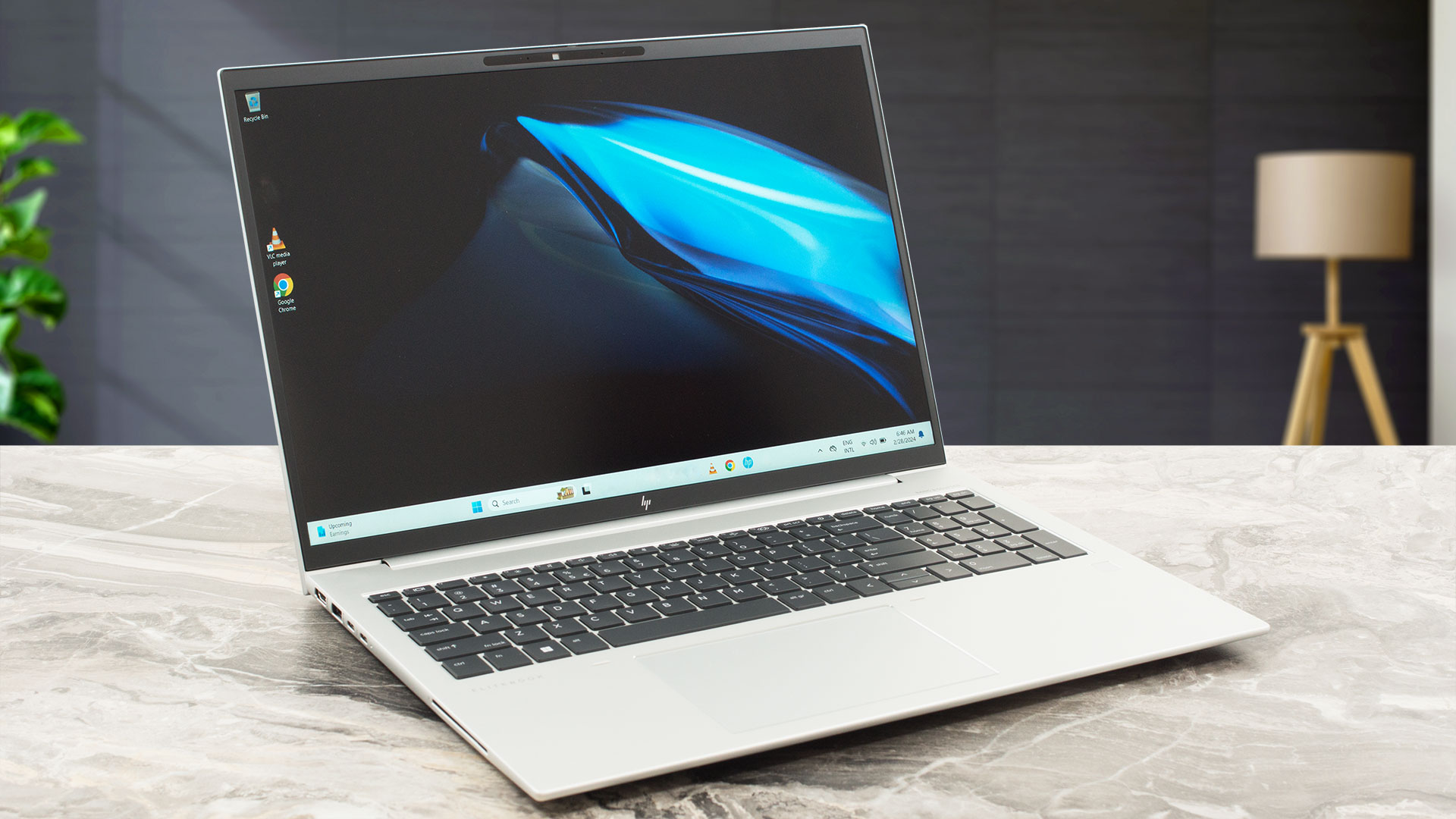
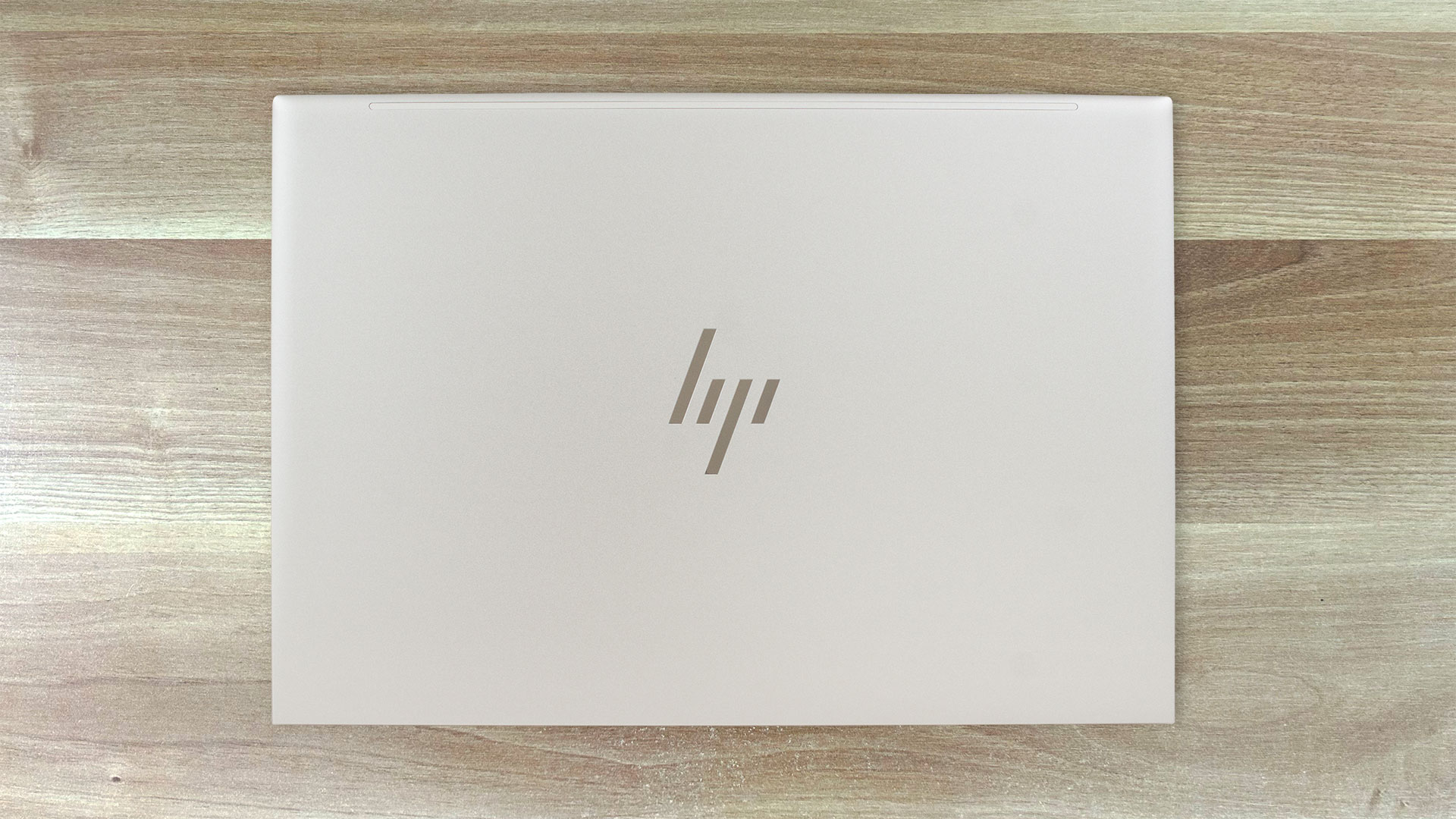
The HP EliteBook 865 G10 looks almost identical to its predecessor and to the Intel-based EliteBook 860 G10. The design is simplistic and clean, with a glossy HP logo on the center of the lid. The latter can be opened with a single hand but the main body always jumps up at the beginning of the process and when you reach the 90-degree angle of opening.
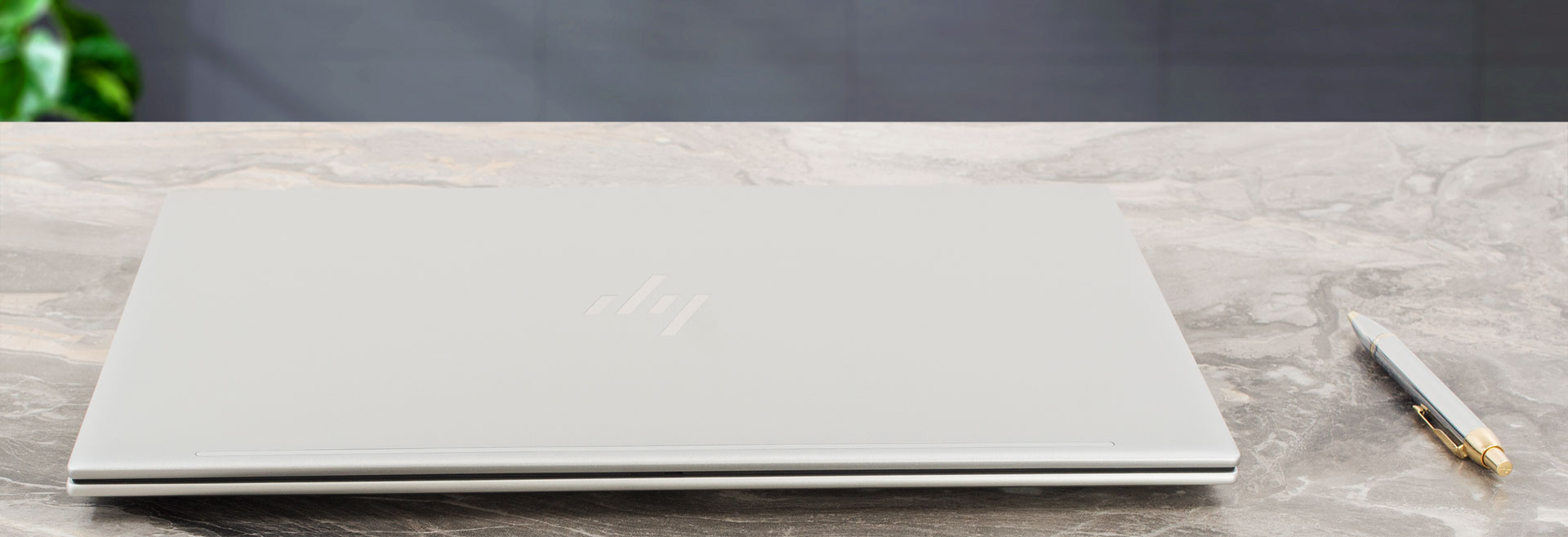
The device is made of metal. This results in a 1.74 kg weight and a 19.22 mm profile thickness. That’s fine for a 16-inch form factor. The rigidity seems (almost) good. The lid can be flexed a bit if you twist it and the chassis can be bent slightly in the zones above the touchpad and below the Arrow keys. The keyboard deck remains stable during harsh typing so we can call it a day.
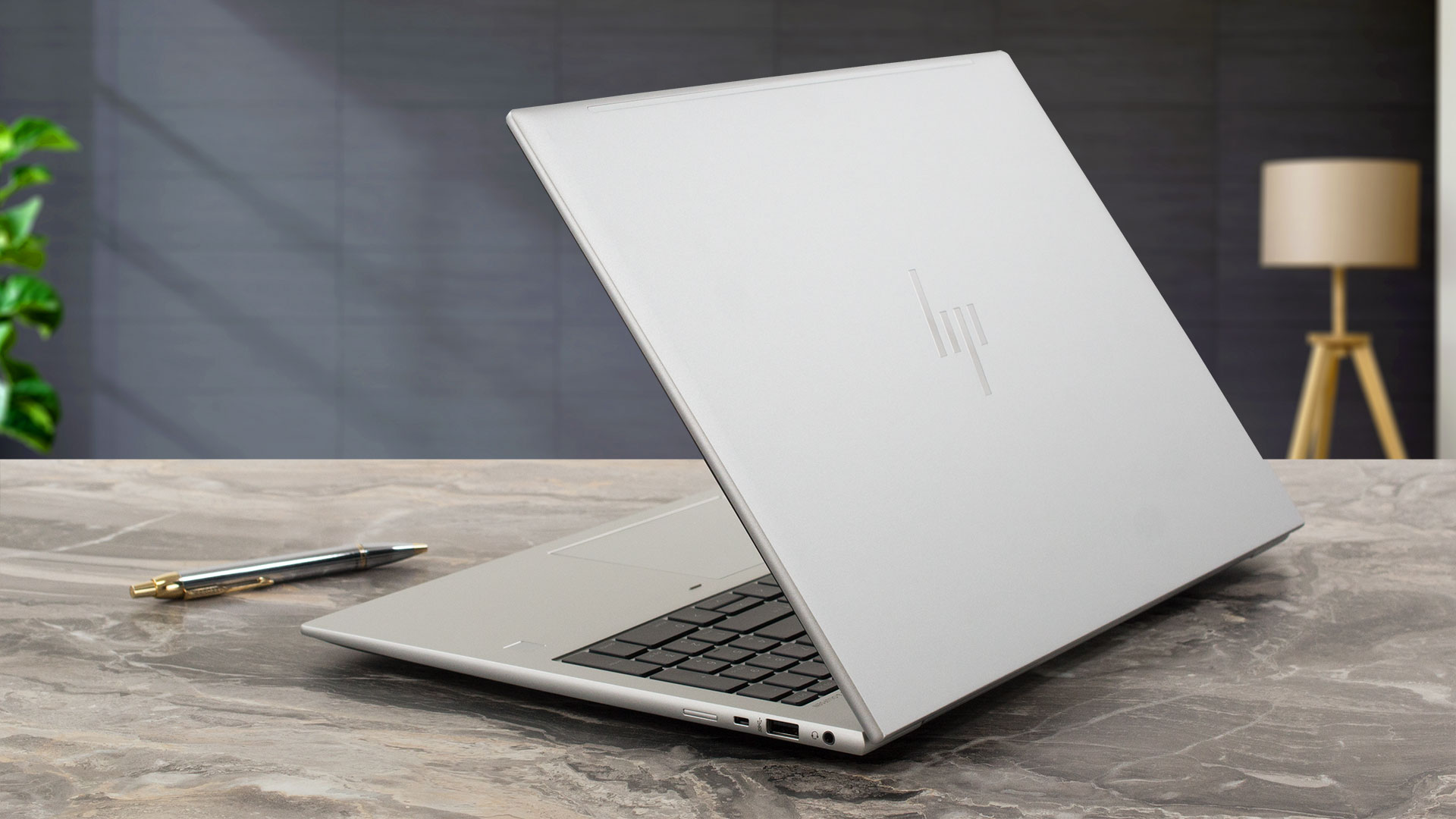
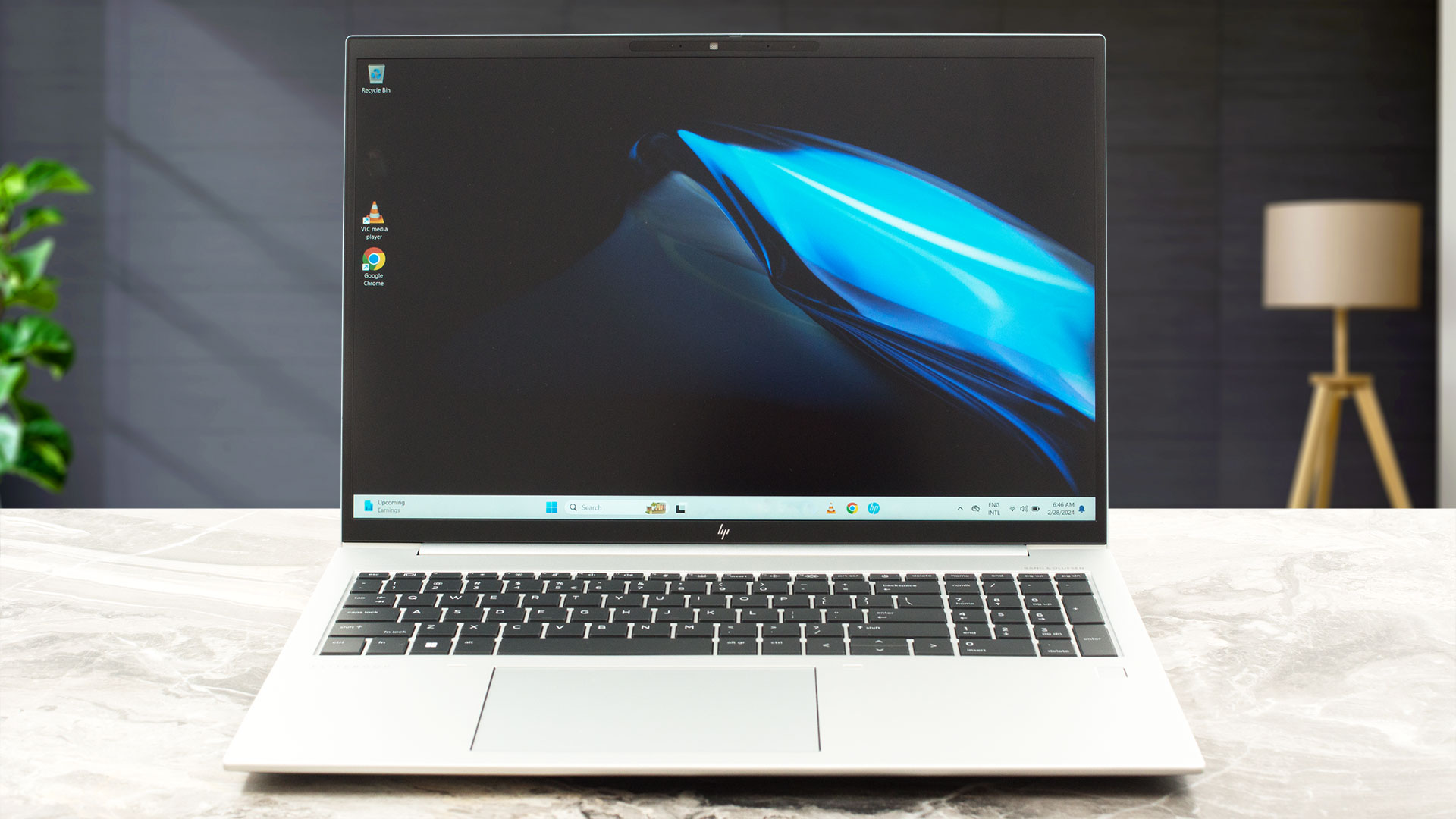
The silver matte finish doesn’t attract a lot of smudges and the surface color contrasts well with the dark-themed display bezels (which are also thin).
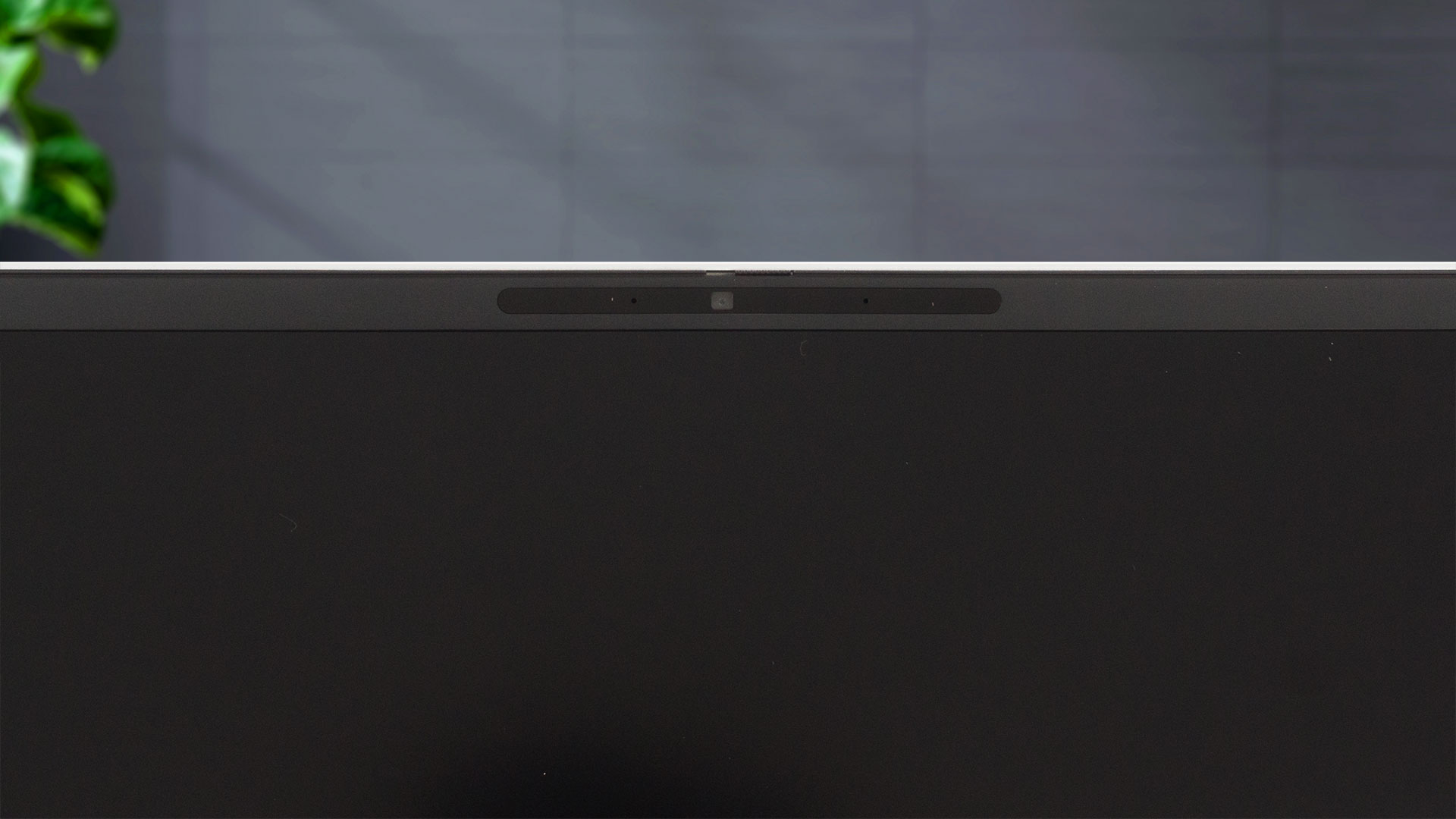
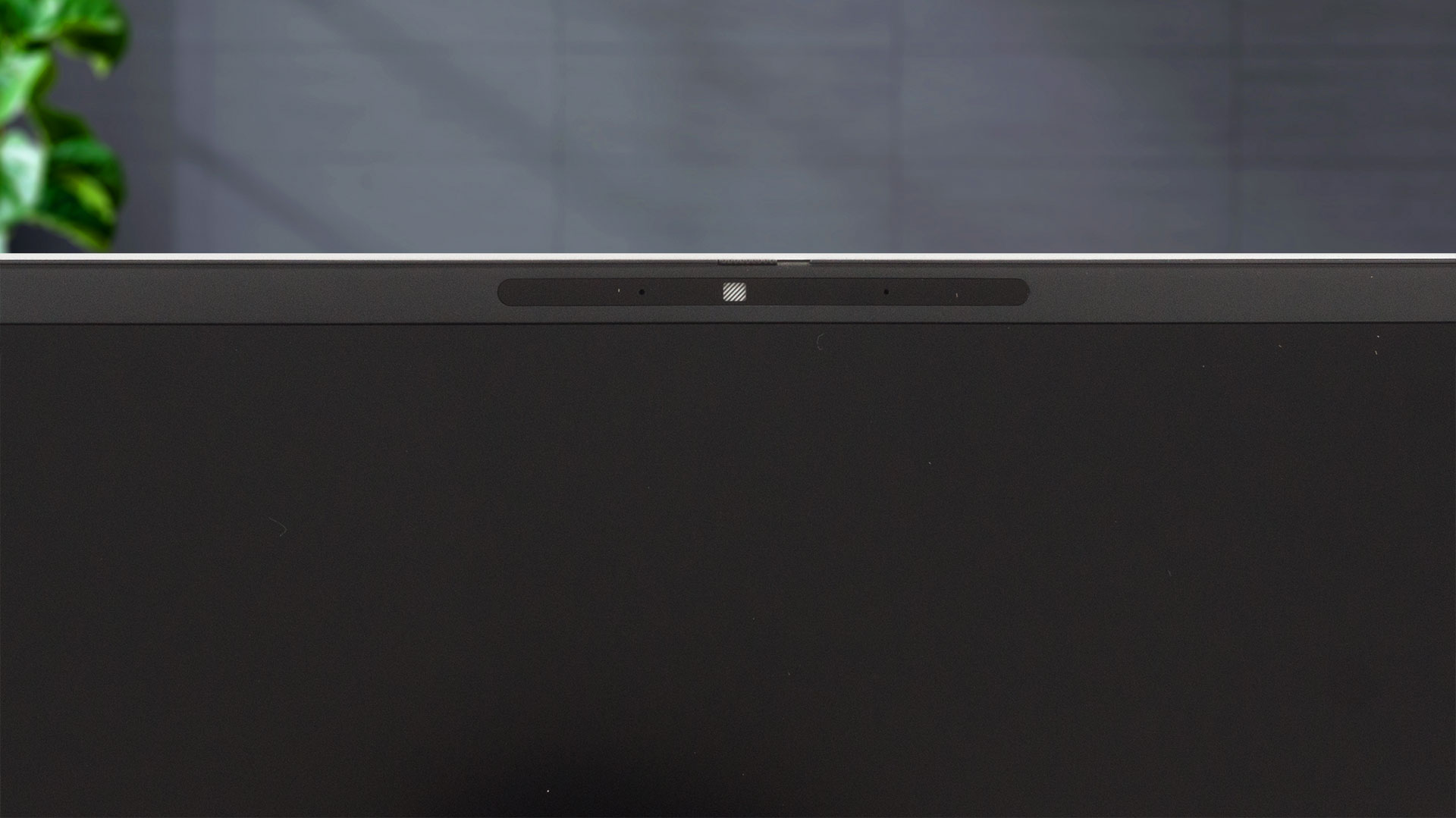
The top bezel is home to a 5MP Web camera with a privacy shutter. There is an optional IR unit with the same resolution for Windows Hello.
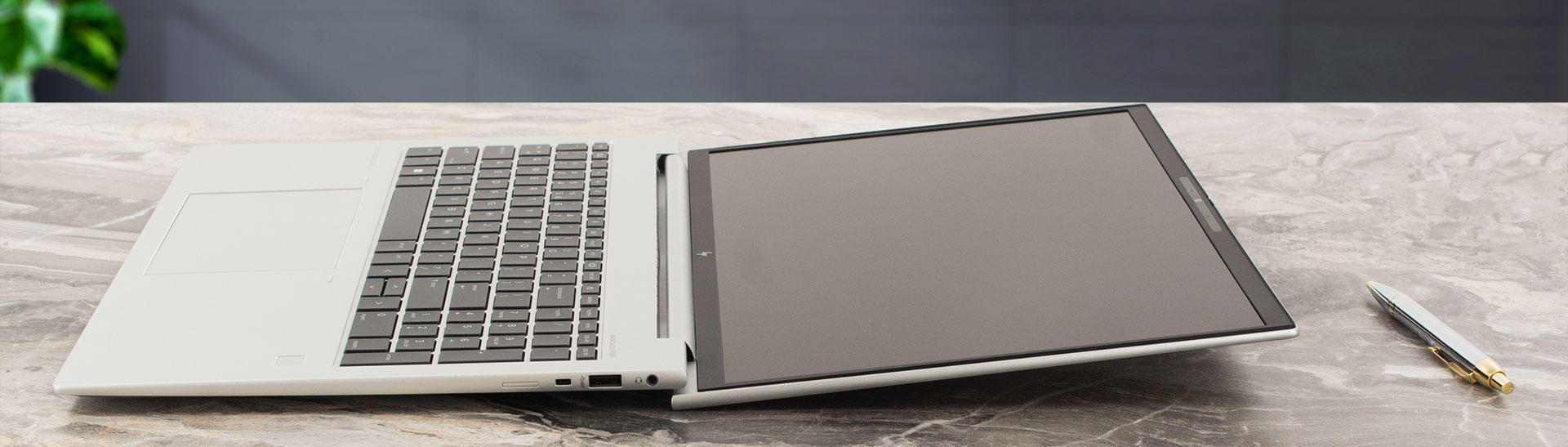
The notebook can lay almost fully flat on an even surface. The lid can slightly lift the back of the base but this happens only when the angle of opening is very wide which isn’t optimal for normal work (or at least that’s our opinion). In addition, the contact area of the lid doesn’t have any rubber feet so sooner or later, scratches can appear in this section.
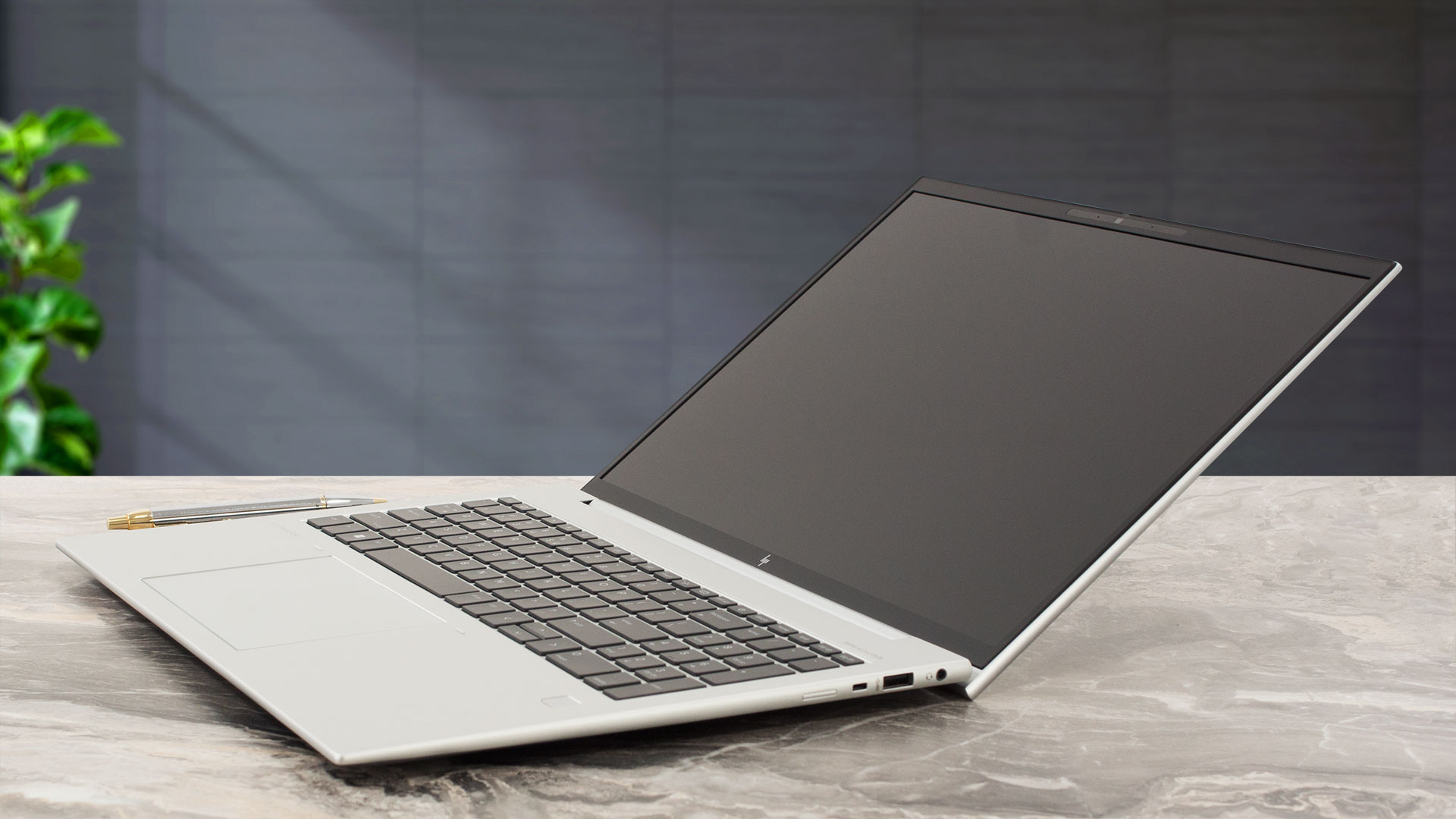
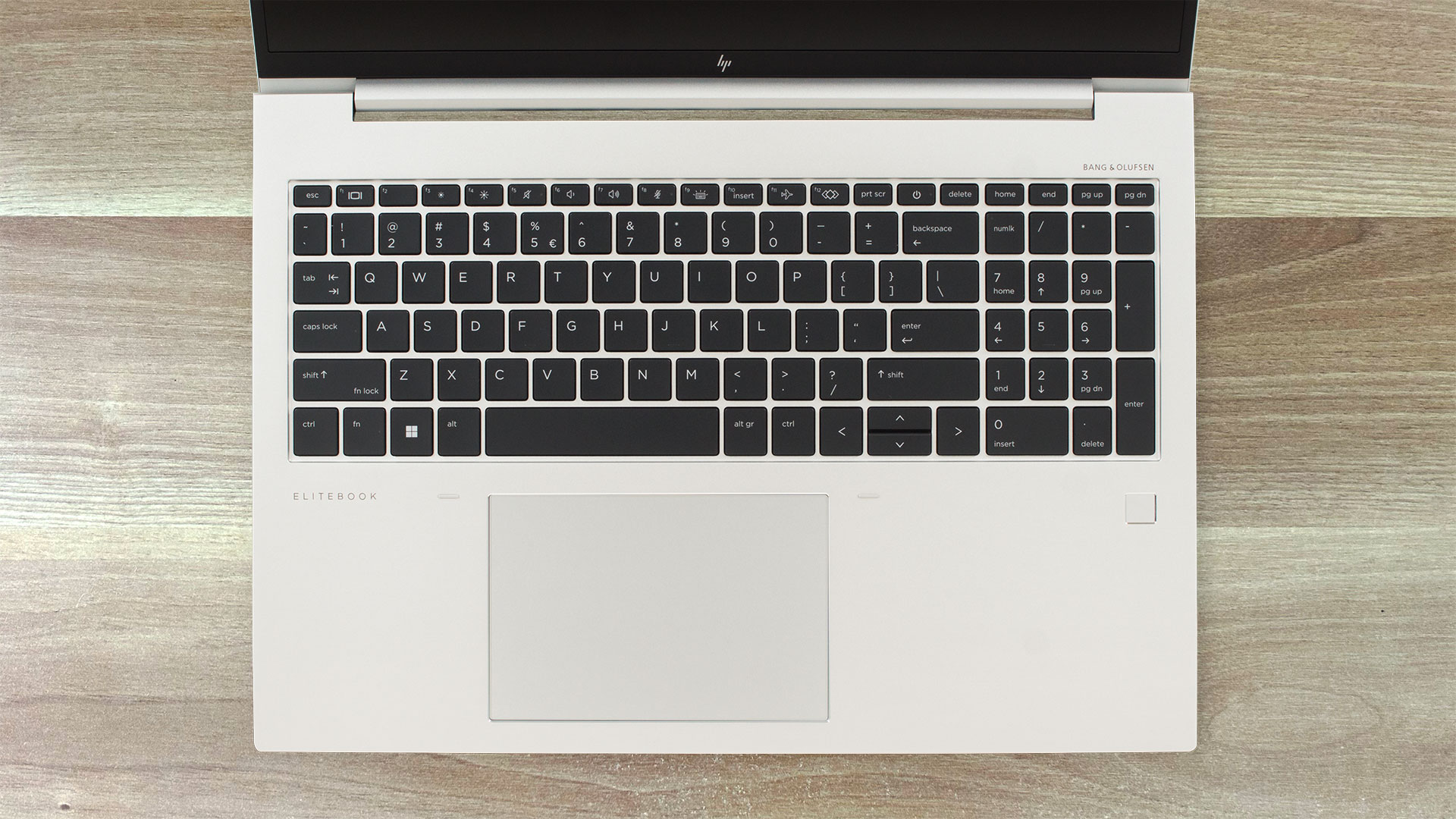
The thing that we didn’t like about the full-sized keyboard with a NumPad is the not-so-big Up” and “Down” Arrow keys and the fact that the backlight is optional. The rest is very good – the keycaps are big, with long travel and clicky feedback. The optional fingerprint reader is placed on the right palm rest area.
The glass touchpad is smooth and accurate. Gliding and tracking feel great. The left clicks can be a bit more noisy-ish for some of you.
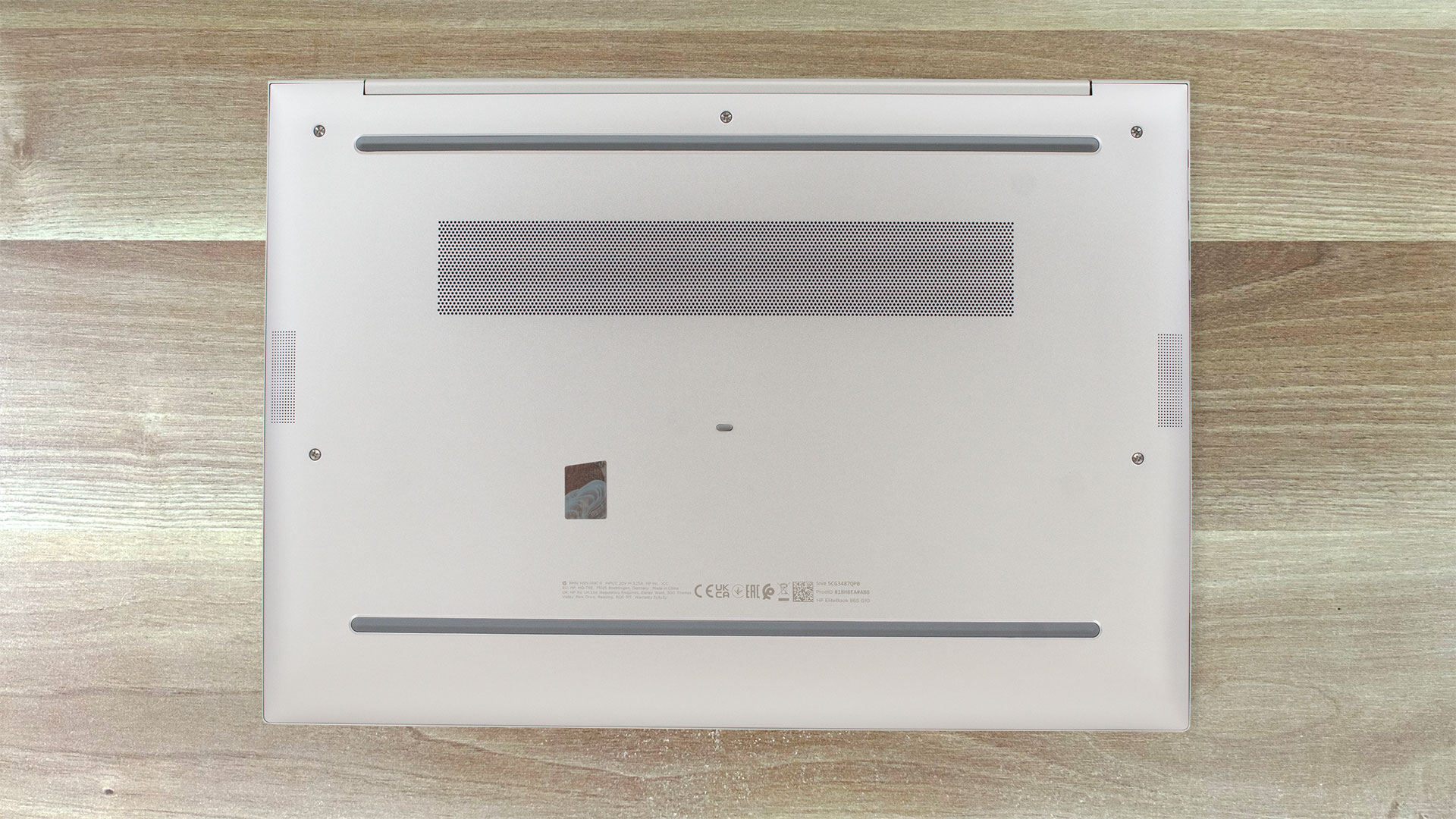
The bottom plate looks standard – two speaker cutouts, two long rubber feet, and a ventilation grill. The heat is being exhausted via a pair of vents on the back of the laptop. The hinge cover stands in front of the exhausts and just a small amount of heat can reach the display during max CPU loads.

Ports
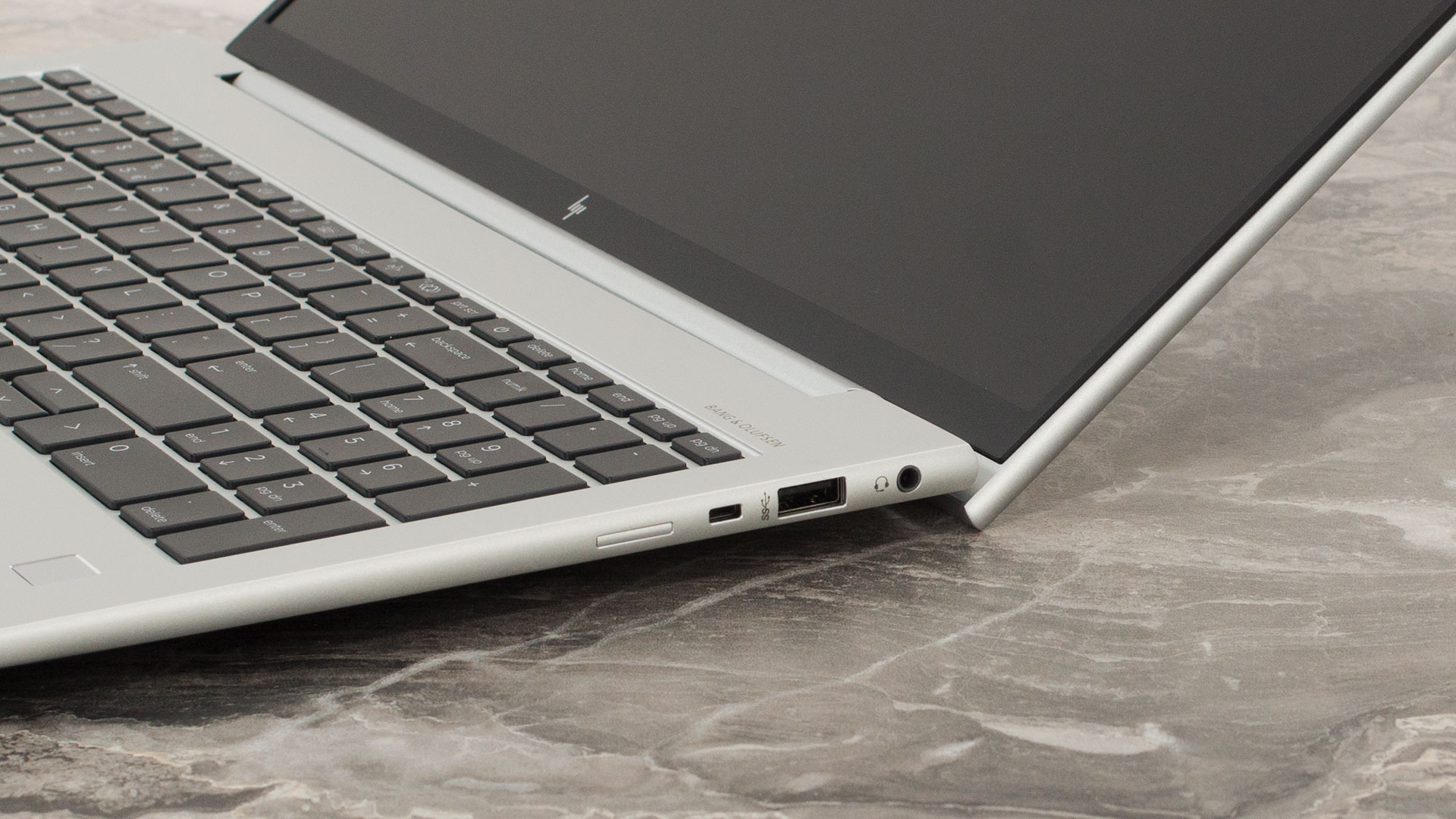
On the left, you get an HDMI 2.1 for up to 4K 60Hz external displays, a USB Type-A 3.2 (Gen. 1) port, two Thunderbolt 4 / USB4 connectors with USB Power Delivery and DisplayPort 1.4 support, and an optional Smart Card reader. On the right side, we can spot the Audio combo jack, a USB Type-A 3.2 (Gen. 1) port with charging capabilities, a Nano security lock slot, and a SIM card tray for optional LTE or 5G connectivity.


 Author: Nikolay Palaozov
 Author: eng. Kroum NikolovHead of Engineering at LaptopMedia.com, inventor and innovator with 40+ years of experience in electronics and high technology.

![[June 2026] Best-Selling Laptop Brands on Amazon Global – Apple’s Unrivaled Dominance in Units and Revenue](https://laptopmedia.com/wp-content/uploads/2026/07/GLOBAL-Best-Brands-400x225.jpg)
![[June 2026] Amazon Global: Top 10 Best-Selling Laptops – Apple’s New MacBook Neo Storms to #1, Reshaping the Market with Affordability](https://laptopmedia.com/wp-content/uploads/2026/07/Best-Selling-Laptops-GLOBAL-Top-10-400x225.jpg)
![[June 2026] Amazon Global: Top 10 Best-Selling Gaming Laptops – Acer’s Nitro V 16S AI Dominates Sales, While ASUS Leads Overall Revenue](https://laptopmedia.com/wp-content/uploads/2026/07/Best-Selling-Gaming-Laptops-GLOBAL-Top-10-400x225.jpg)
![[June 2026] Global Ranking of Best-Selling Laptop GPUs on Amazon – NVIDIA RTX 5060 is the Top-Selling Dedicated GPU](https://laptopmedia.com/wp-content/uploads/2026/07/Best-Selling-GPUs-GLOBAL-Top-10-400x225.jpg)
![[June 2026] Global Ranking of Best-Selling Laptop CPUs on Amazon – Apple M5 Dominates, AMD Ryzen 7 260 Gets Solid Premium Share](https://laptopmedia.com/wp-content/uploads/2026/07/Best-Selling-CPUs-GLOBAL-Top-10-400x225.jpg)
