HP Victus 16 (16-s0000, 2023) review – efficient and powerful thanks to the Zen 4 CPU
Temperatures and comfort, Battery Life
Max CPU load
In this test we use 100% on the CPU cores, monitoring their frequencies and chip temperature. The first column shows a computer’s reaction to a short load (2-10 seconds), the second column simulates a serious task (between 15 and 30 seconds), and the third column is a good indicator of how good the laptop is for long loads such as video rendering.
Average core frequency (base frequency + X); CPU temp.
| AMD Ryzen 5 7640HS (35W TDP) | 0:02 – 0:10 sec | 0:15 – 0:30 sec | 10:00 – 15:00 min |
|---|---|---|---|
| HP Victus 16 (16-s0000) | 4.33 GHz @ 64°C @ 65W | 4.24 GHz @ 68°C @ 60W | 4.26 GHz @ 70°C @ 60W |
The official base clock of the Ryzen 5 7640HS is 4.30 GHz. As you can see, the cooling of this laptop can maintain a stable clock that is very close to this value no matter the load so we can call it a day. Most importantly, the power limit is 60 – 65W and the CPU temperature is always pleasant.
Real-life gaming
| NVIDIA GeForce RTX 4050 | GPU frequency/ Core temp (after 2 min) | GPU frequency/ Core temp (after 30 min) |
|---|---|---|
| HP Victus 16 (16-s0000) | 2565 MHz @ 68°C @ 92W | 2550 MHz @ 69°C @ 92W |
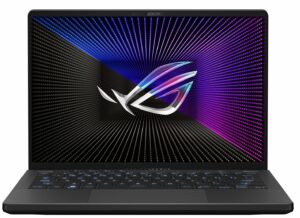
| ASUS ROG Zephyrus G14 GA402 (2023) Turbo mode | 2565 MHz @ 77°C @ 101W | 2565 MHz @ 82°C @ 104W |
| ASUS ROG Zephyrus G14 GA402 (2023) Performance mode | 2364 MHz @ 78°C @ 86W | 2325 MHz @ 83°C @ 86W |
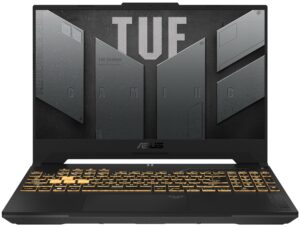
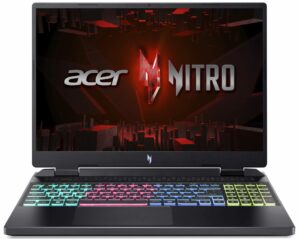
| Acer Nitro 16 (AN16-51) | 2520 MHz @ 67°C @ 92W | 2520 MHz @ 67°C @ 91W |
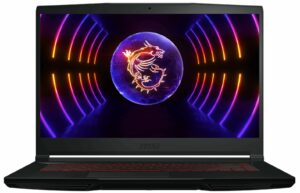
| MSI Thin GF63 (12V) | 1735 MHz @ 69°C @ 45W | 1729 MHz @ 70°C @ 45W |
The mobile GeForce RTX 4050 can maintain 2550 MHz and 92W TGP after half an hour of gaming which is a respectable result.
Gaming comfort
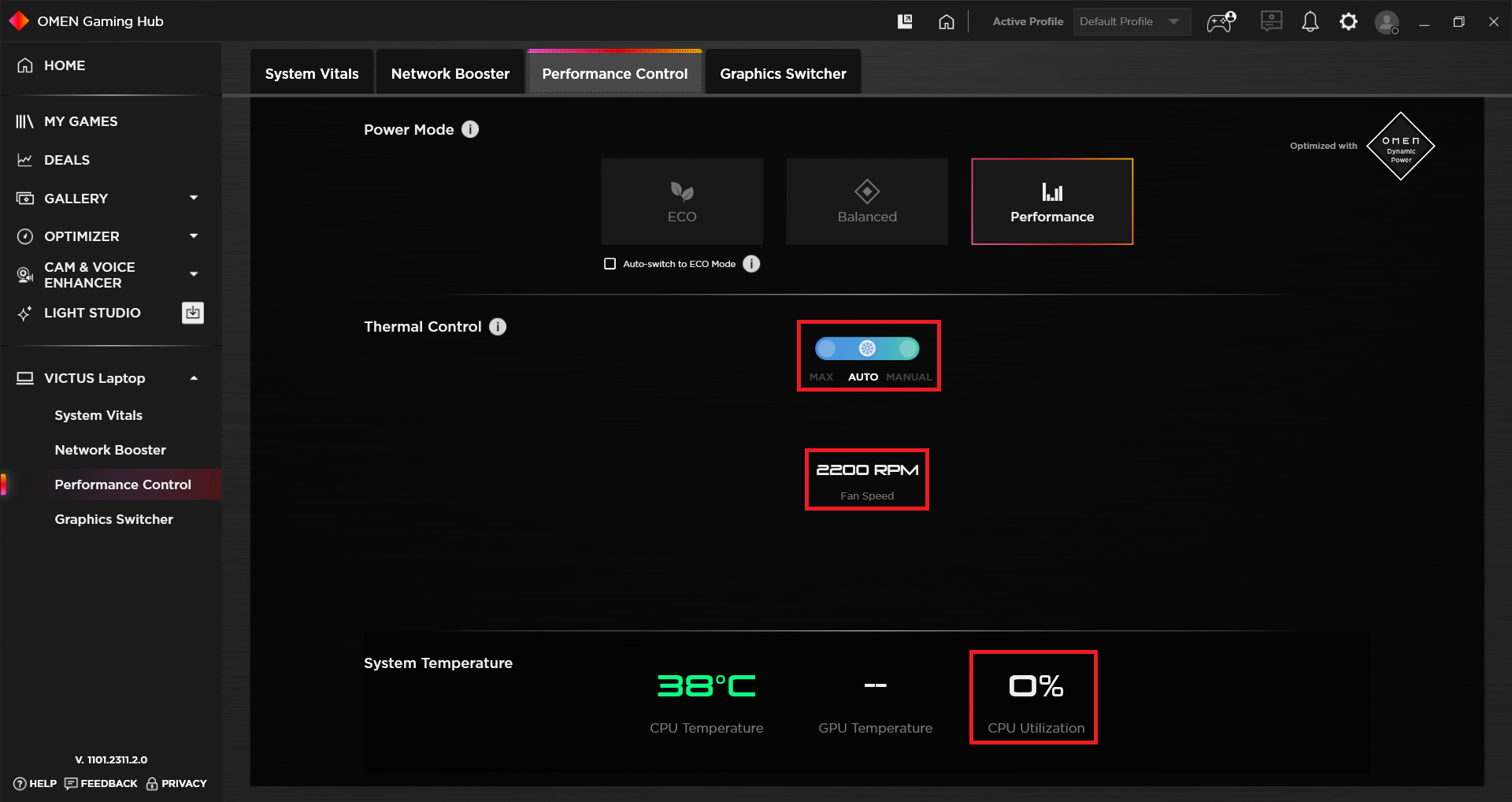
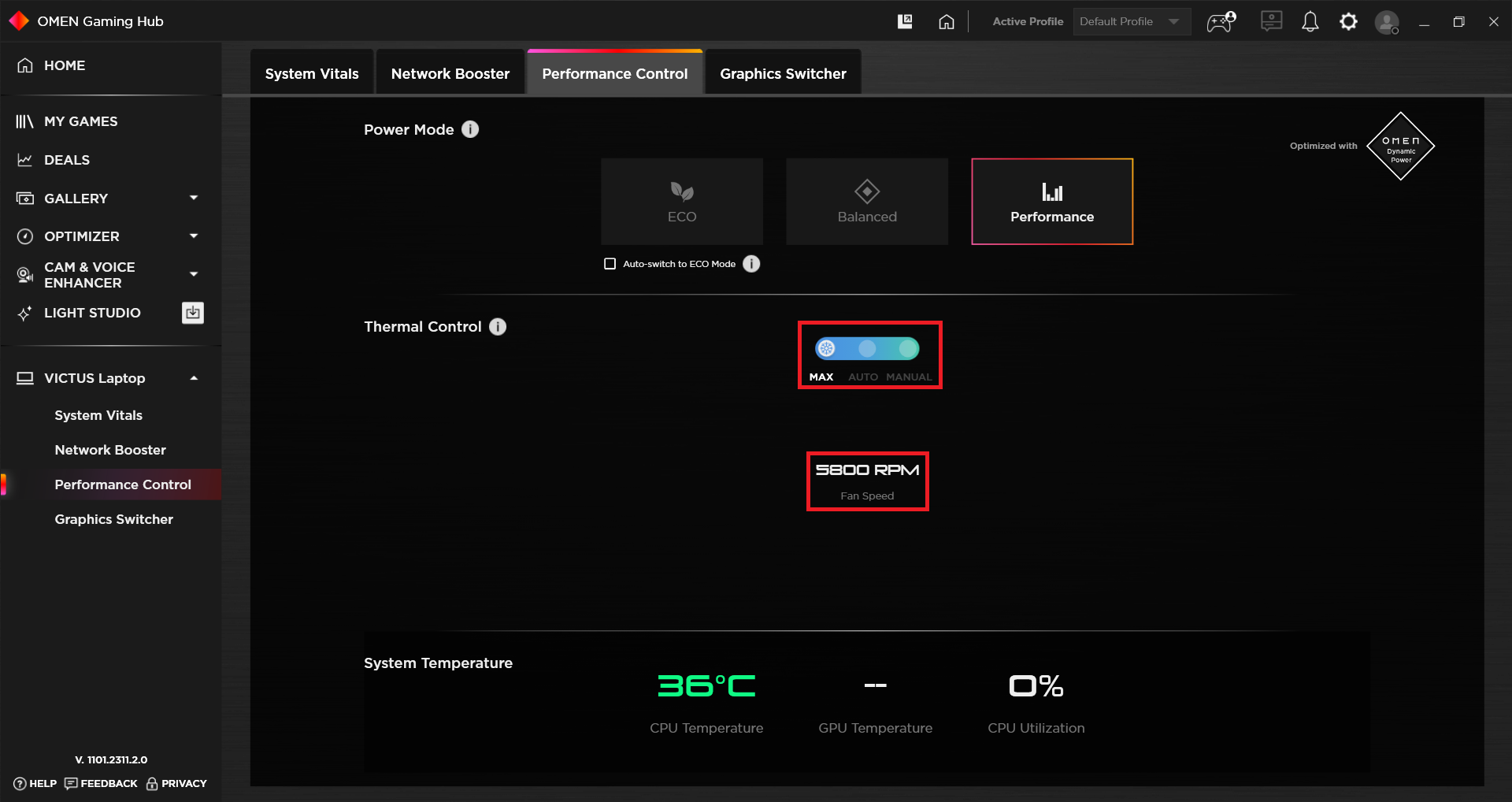
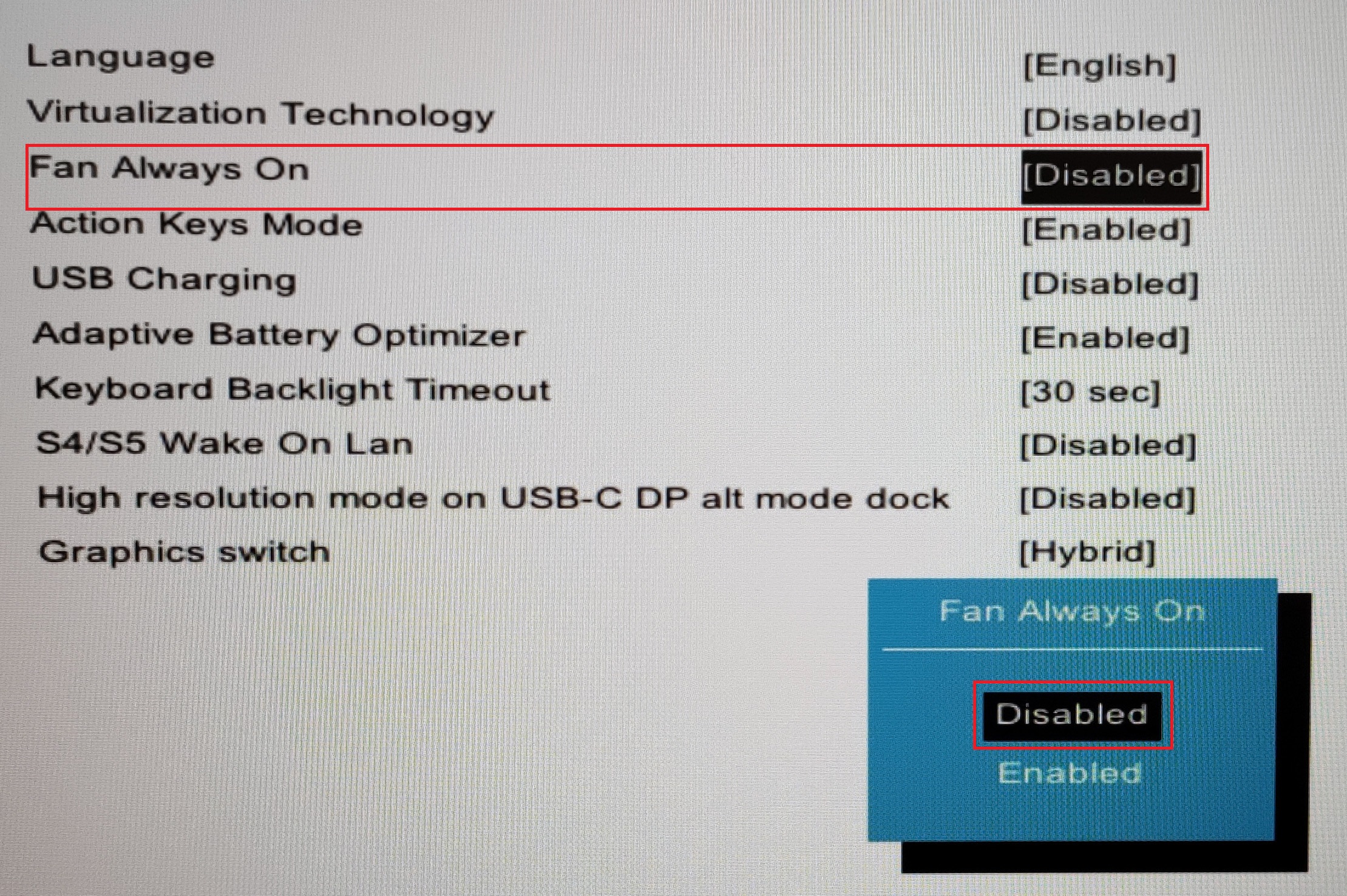
If you are using the device in “Performance” mode (like us), you can experience decent noise levels in idle because the fans are spinning at around 2200 RPM. If you disable the “Fan Always On” option in the BIOS, the laptop will be silent in idle. Under 100% CPU usage, the rotation speed is ~4600 RPM which isn’t too loud but fans aren’t quiet either. The max fan speed is 5800 RPM and you can set them manually to this mode. Overall, the noise under heavy stress feels lower compared to the HP Victus 16 (16-r0000).
If the CPU is stressed at 100%, the middle of the keyboard feels warm but it’s still comfortable enough for work.
 Idle
Idle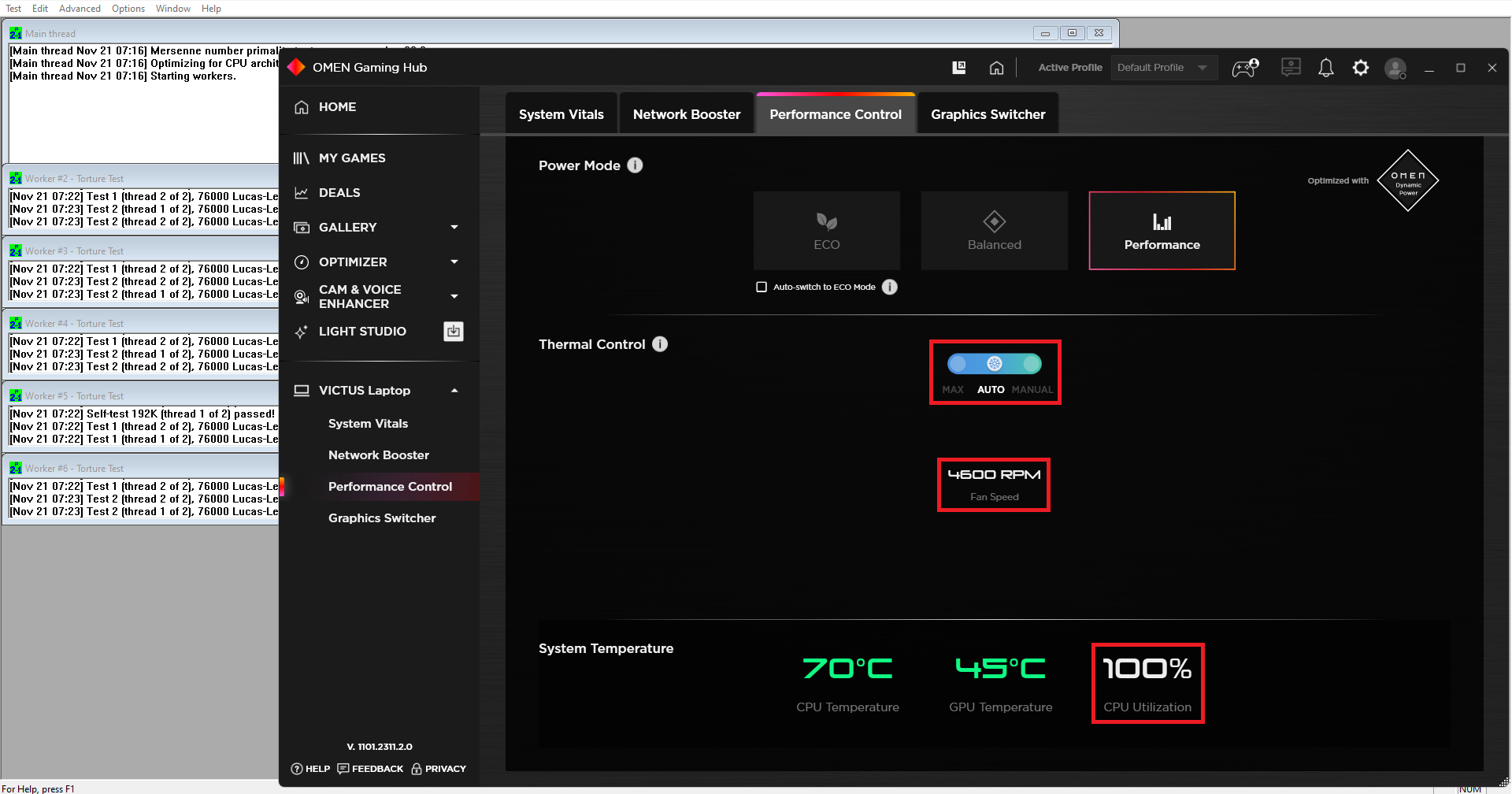 Max CPU load
 Max fan speed
Battery
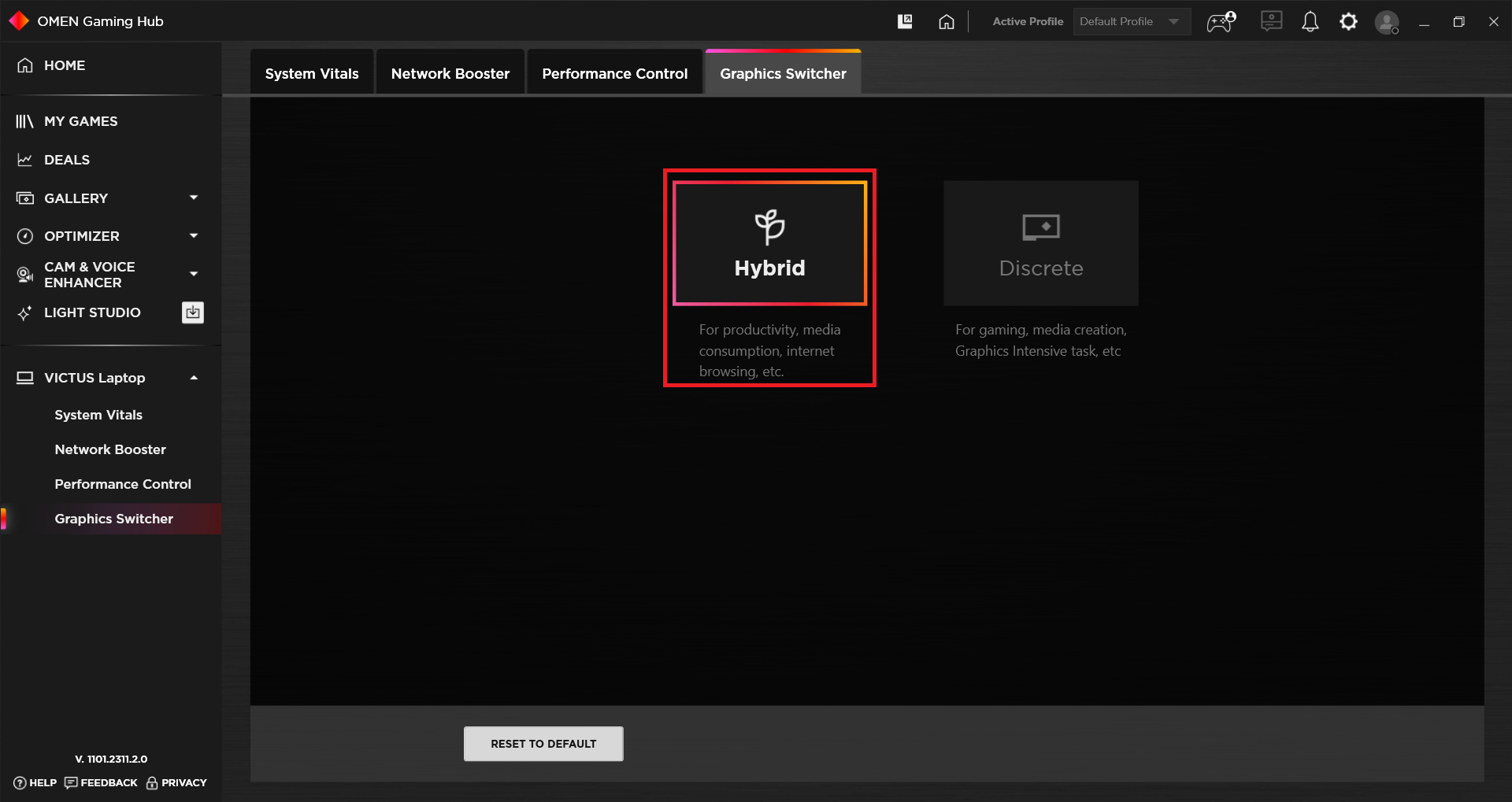
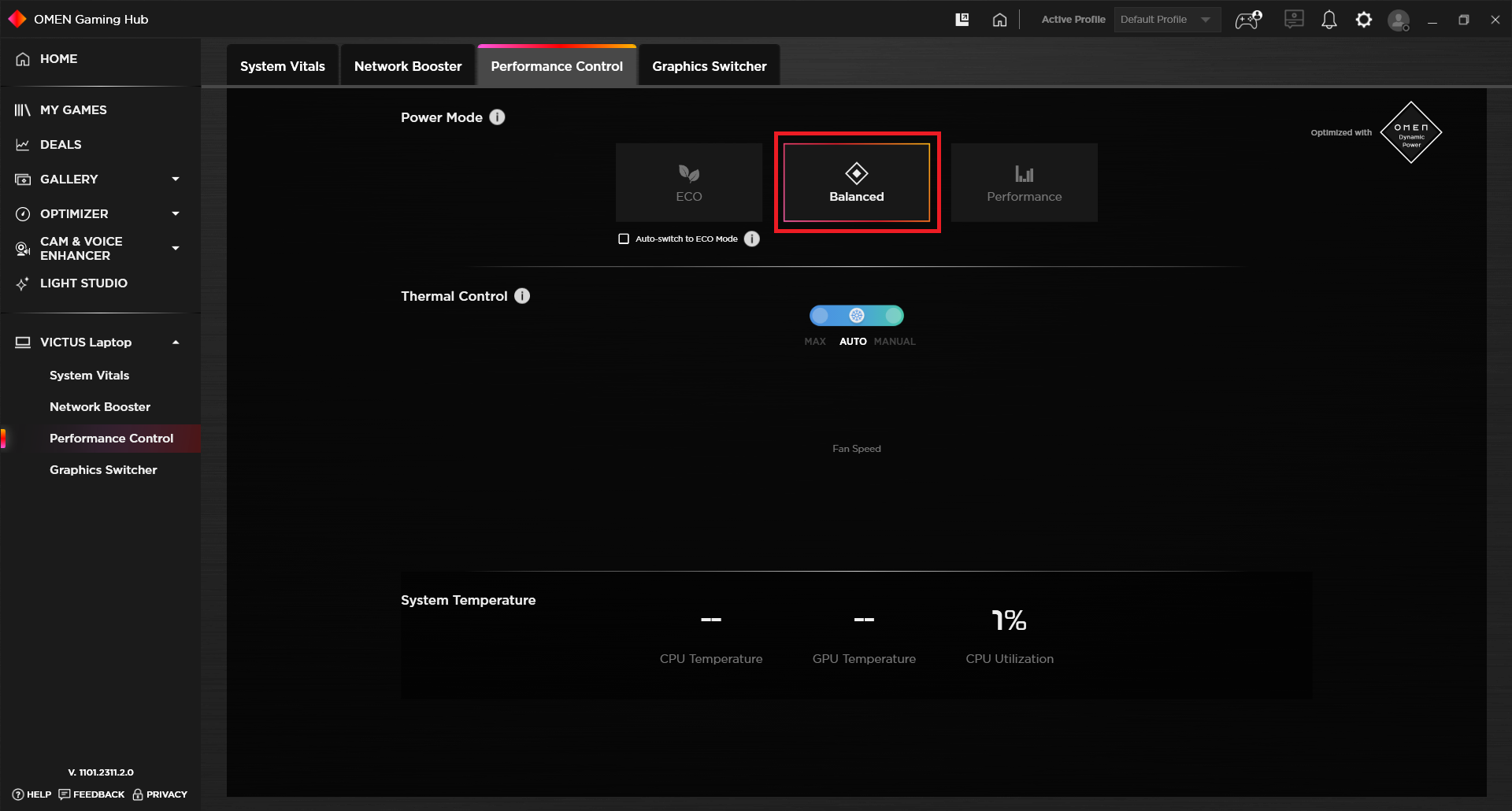
Now, we conduct the battery tests with the Windows Better performance setting turned on, screen brightness adjusted to 120 nits and all other programs turned off except for the one we are testing the notebook with. The 70Wh battery pack lasts for 10 hours of either Web browsing or video playback. The result is good for a gaming laptop. To achieve this, you have to disable the “Fan Always On” function in the BIOS, select the “Hybrid” GPU mode in order to use the iGPU when the power adapter isn’t plugged in, and use the “Balanced” performance preset.
Brightness: 180 nits; Display Mode: SDR
Time to Full Discharge: Higher is Better
In order to simulate real-life conditions, we used our own script for automatic web browsing through over 70 websites.
 Author: Nikolay Palaozov
 Author: eng. Kroum NikolovHead of Engineering at LaptopMedia.com, inventor and innovator with 40+ years of experience in electronics and high technology.

![[August 2026] Amazon Global: Top 10 Best-Selling Laptops – Apple MacBook Neo Dominates the Charts as Budget and Mid-Range Windows Portables Fight for Volume](https://laptopmedia.com/wp-content/uploads/2026/09/Best-Selling-Laptops-GLOBAL-Top-10-400x225.jpg)
![[August 2026] Best-Selling Laptop Brands on Amazon Global – Apple Dominates Revenue While HP Leads in Model Variety](https://laptopmedia.com/wp-content/uploads/2026/09/GLOBAL-Best-Brands-400x225.jpg)
![[August 2026] Amazon Global: Top 10 Best-Selling Gaming Laptops – HP Victus 15 Captures the Crown as Budget-Friendly Models Dominate the Charts](https://laptopmedia.com/wp-content/uploads/2026/09/Best-Selling-Gaming-Laptops-GLOBAL-Top-10-400x225.jpg)
![[August 2026] Best-Selling Laptop Brands on Amazon USA – Apple Dominates Market Revenue and Volume Despite Lower Model Diversity](https://laptopmedia.com/wp-content/uploads/2026/09/COM-Best-Brands-1-400x225.jpg)
![[August 2026] Amazon USA: Top 10 Best-Selling Laptops – Apple MacBook Neo Dominates the Market with Massive Unit Sales!](https://laptopmedia.com/wp-content/uploads/2026/09/Best-Selling-Laptops-COM-Top-10-400x225.jpg)
