HP Victus 16 (16-s0000, 2023) review – efficient and powerful thanks to the Zen 4 CPU
Disassembly, Upgrade options, and Maintenance
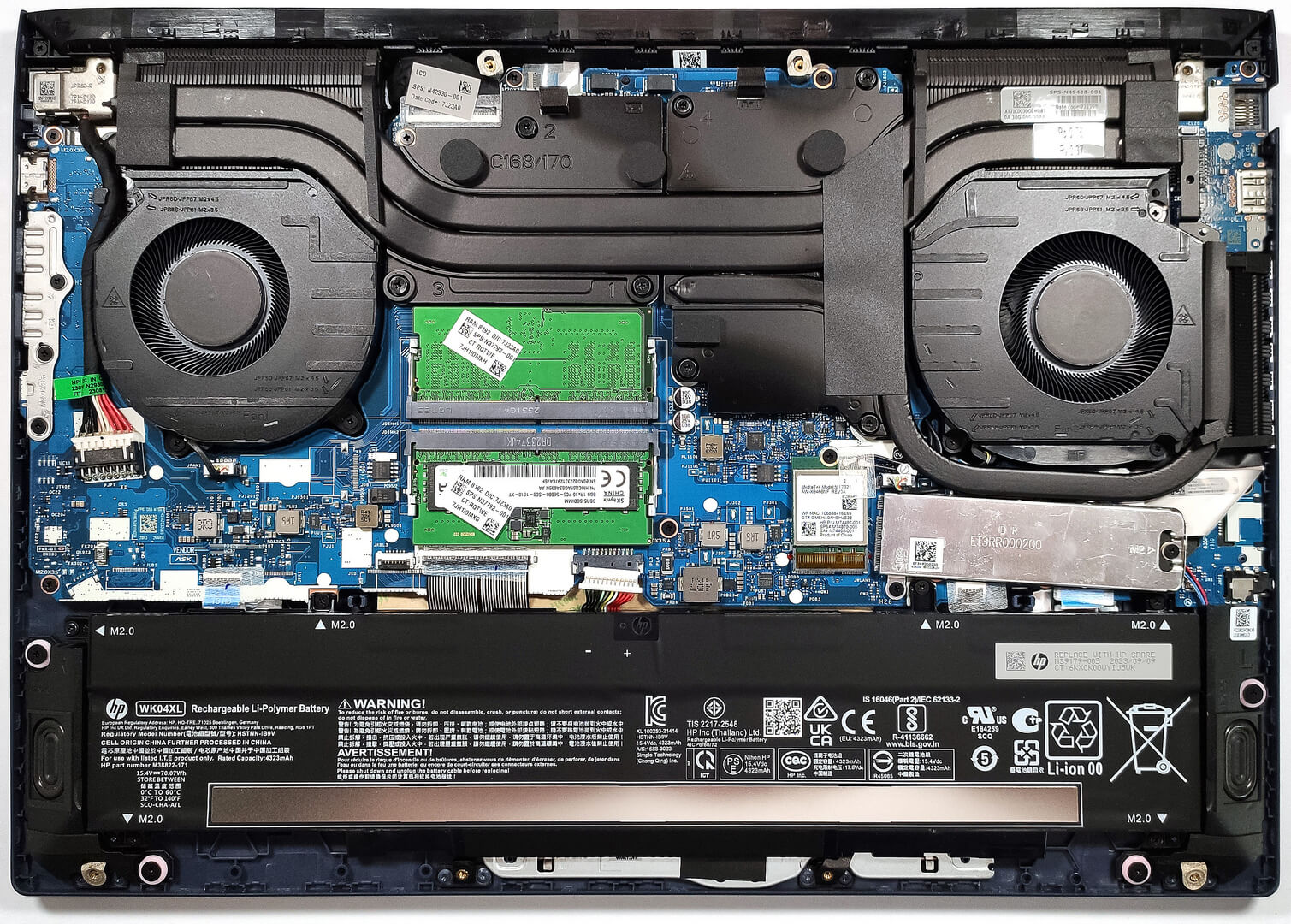
To gain access to the internals, you have to undo 8 Phillips-head screws. After that, you can begin popping the plate with a thin prying tool starting from the back of the device.
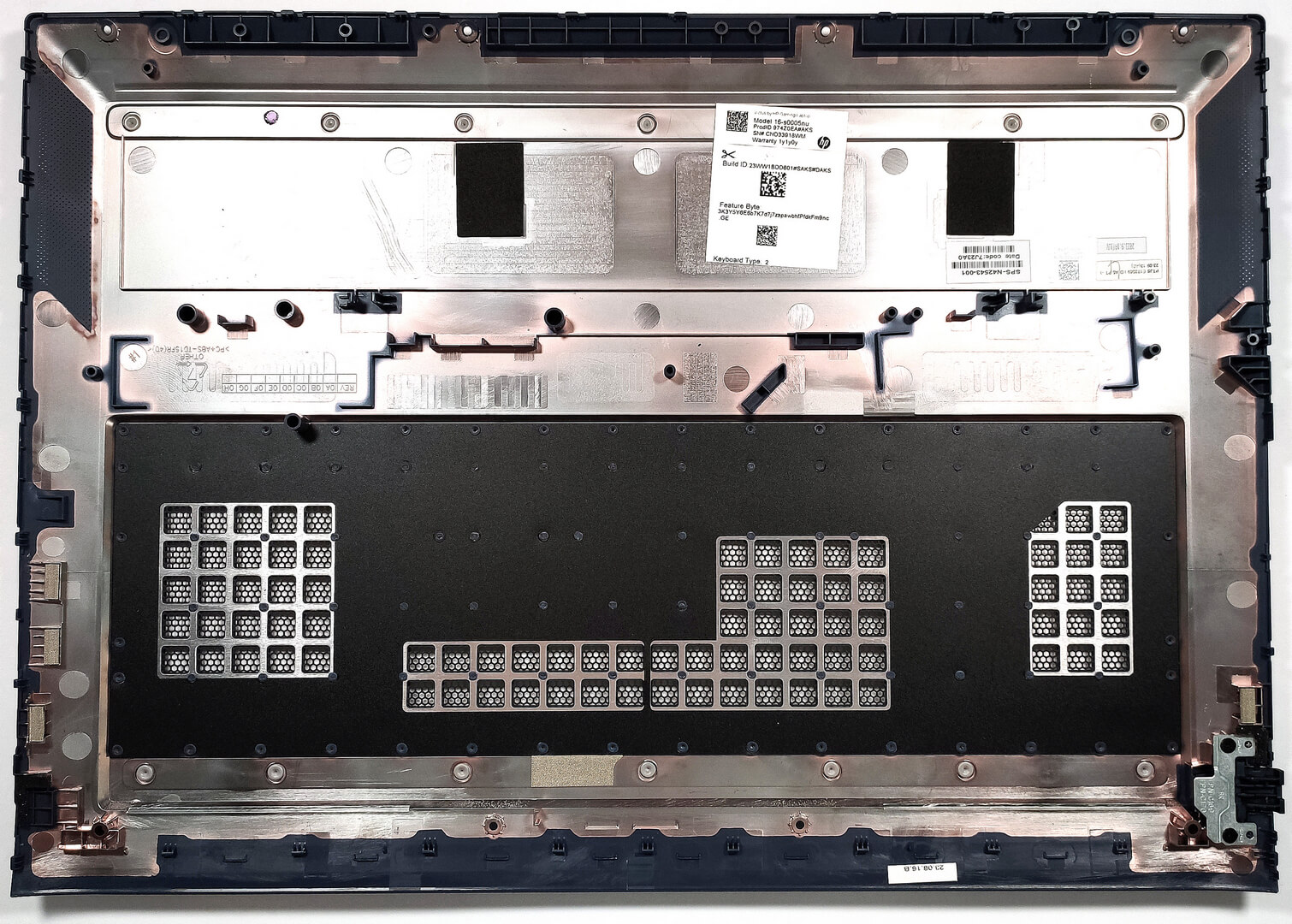
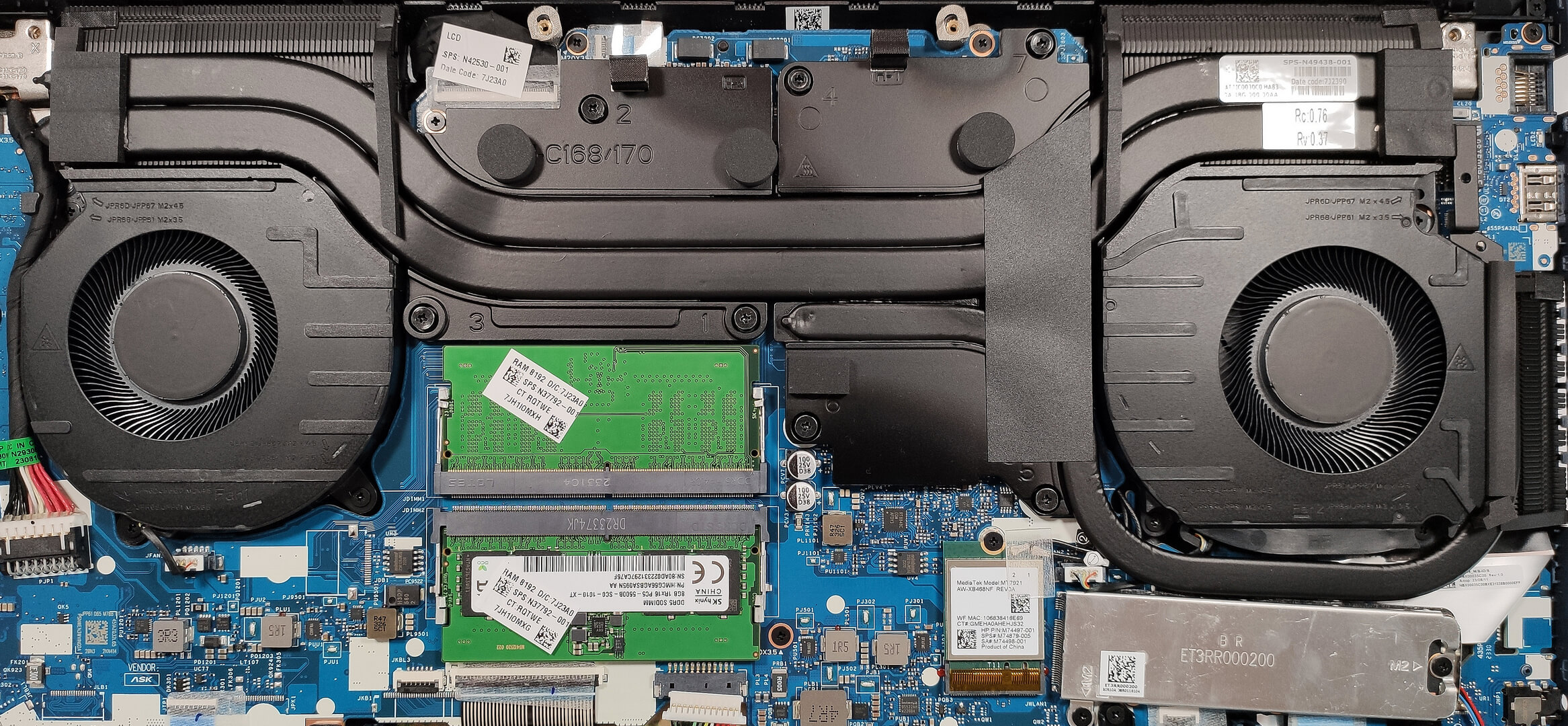
Here’s how the bottom panel looks on the inside.
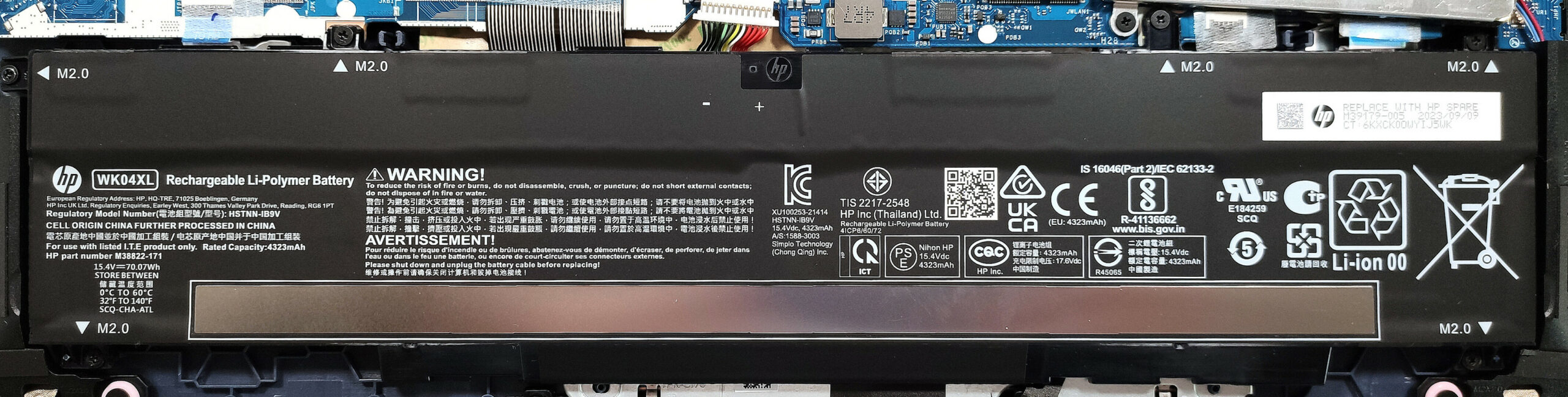
The battery in this device is the default 70Wh model and you can also get the optional 83Wh variant. To remove the battery, detach the connector from the motherboard and undo 6 Phillips-head screws that are keeping the unit in place. The base capacity is enough for 10 hours of either Web browsing or video playback. That’s a good result for a gaming laptop.
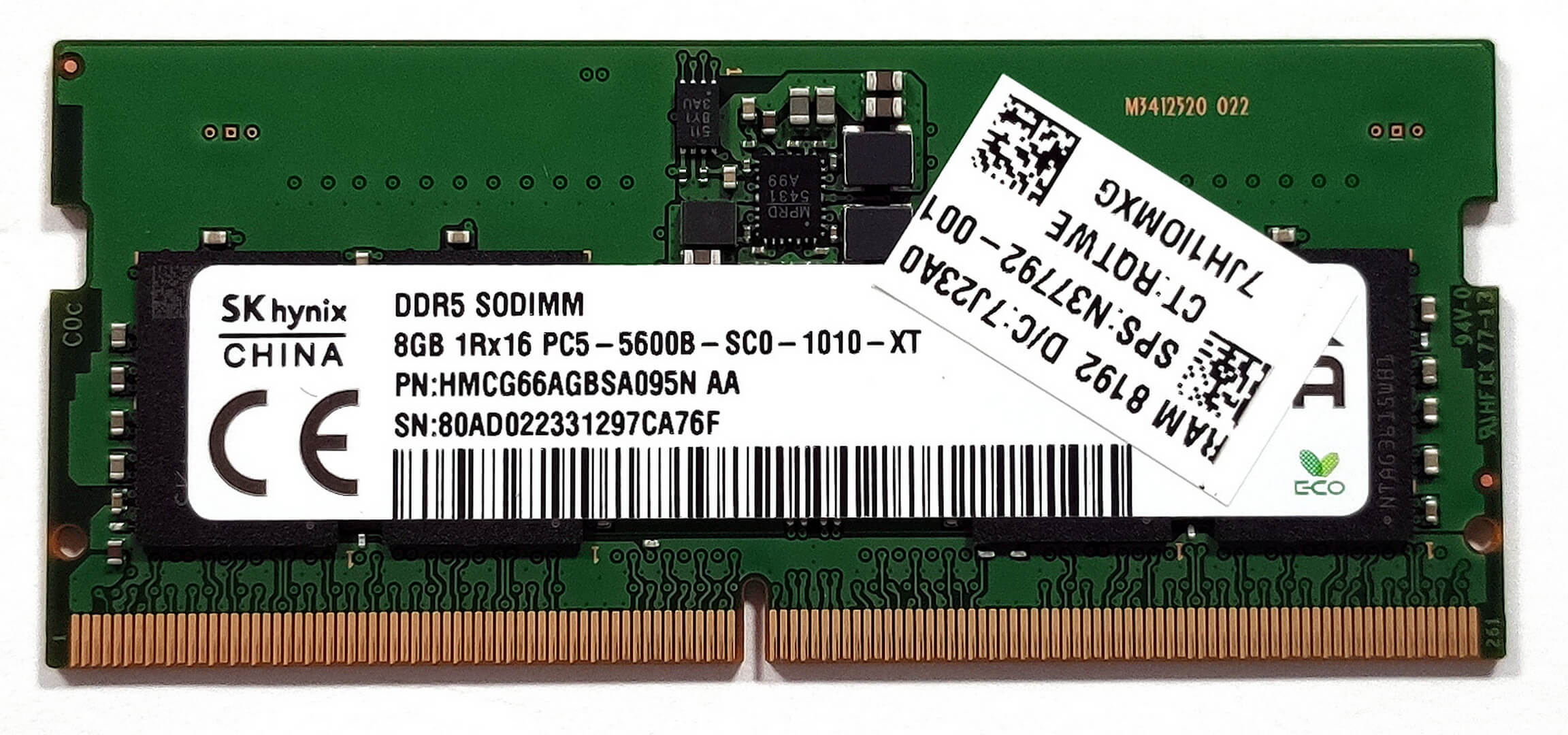
The two SODIMMs can handle up to 32GB of DDR5-5600MHz RAM in dual-channel mode.
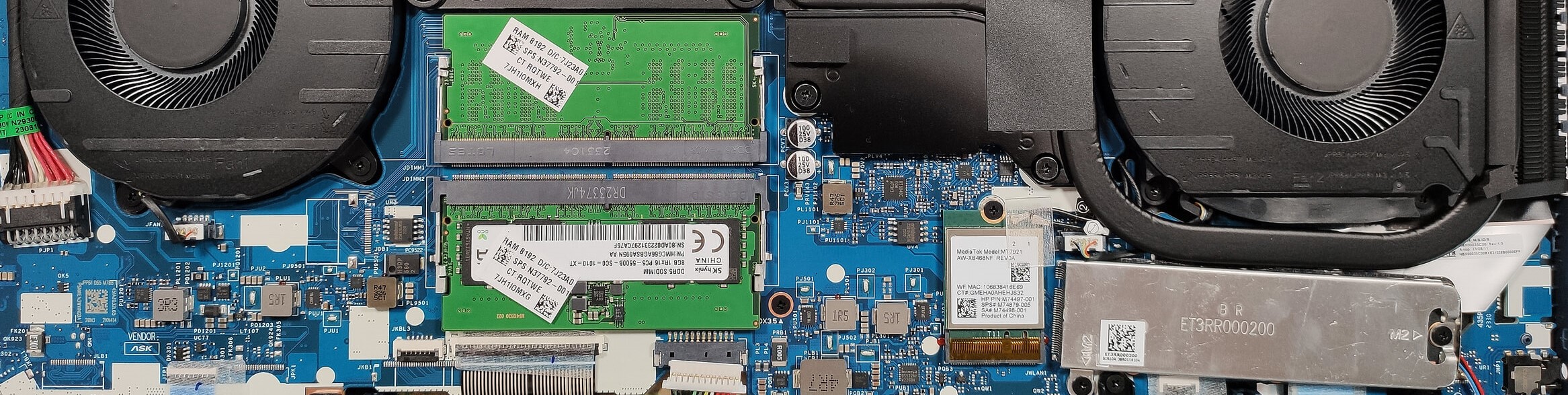
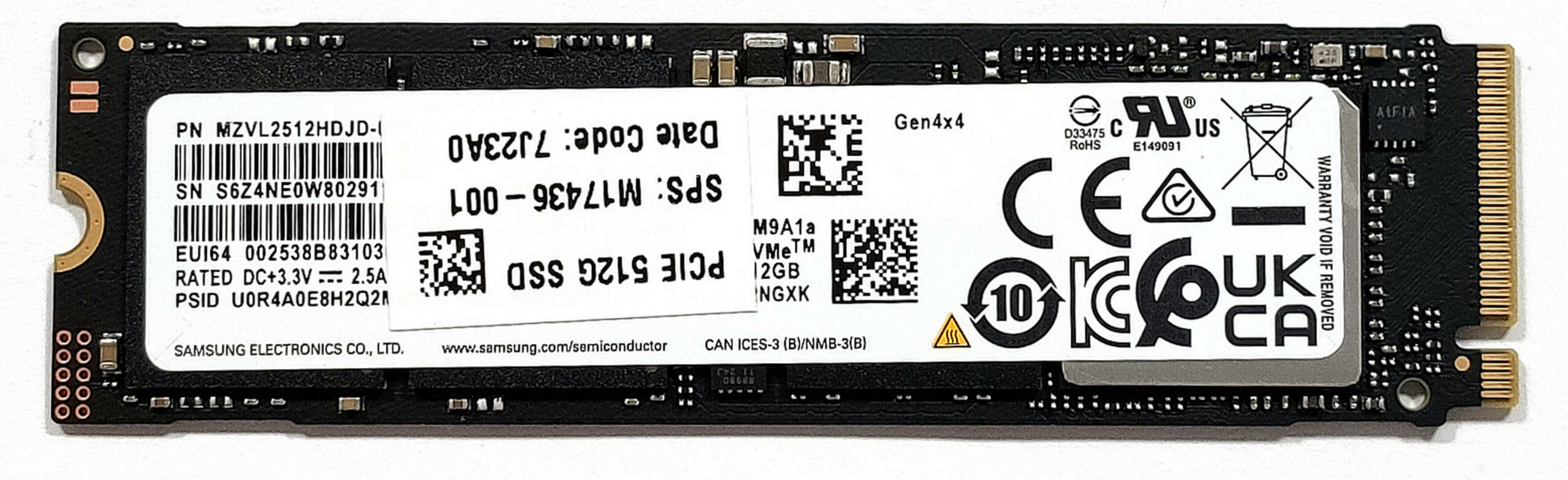
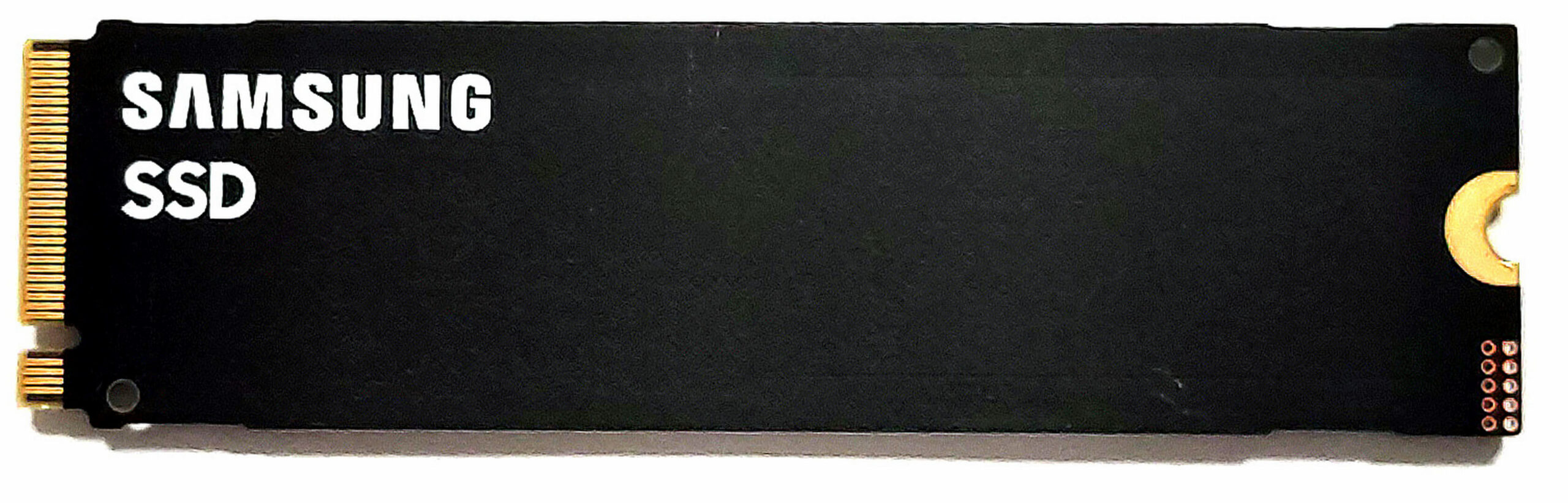
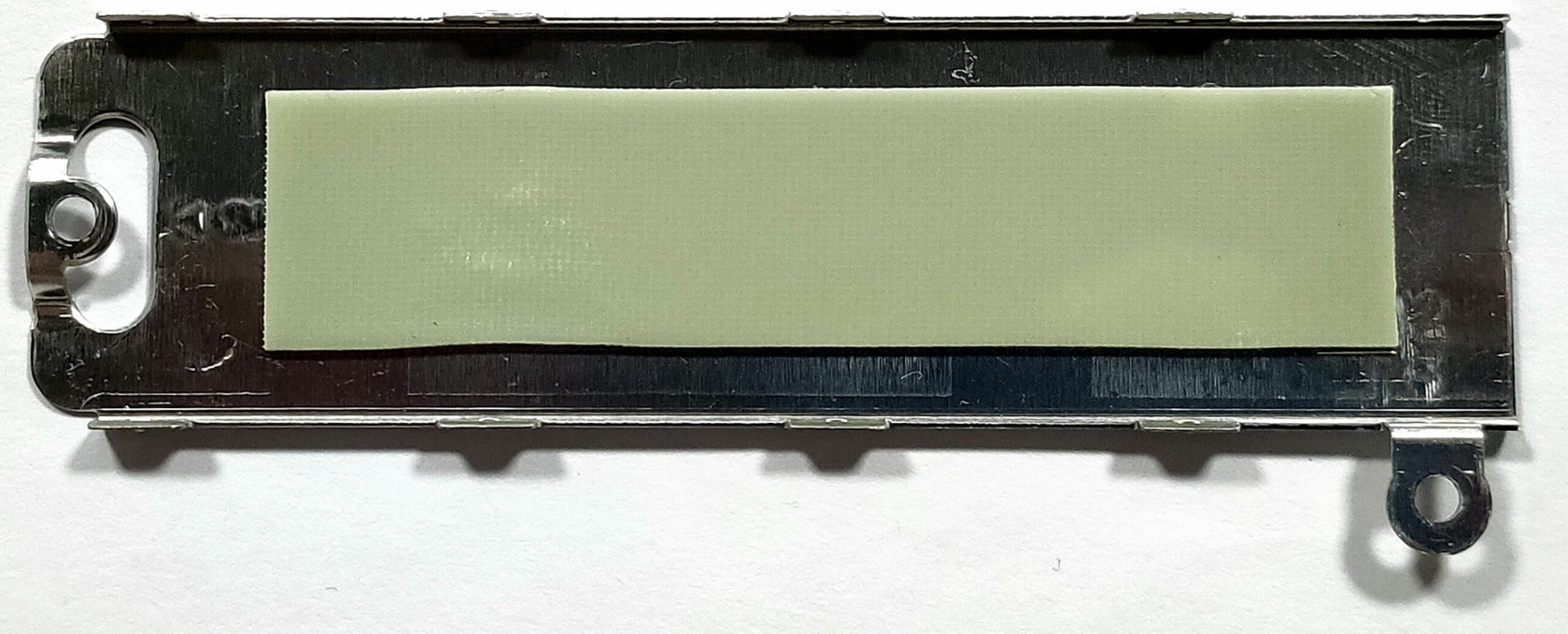
For storage, there is just one M.2 slot compatible with Gen 4 SSDs. The preinstalled NVMe is protected by a metal shroud that has a thin thermal pad on the inside.
The cooling system looks good. It comprises two fans and two thick heat pipes shared between the processor and the video card. The third pipe is for cooling the GPU. We can spot three heat sinks and three heat spreaders.
 Author: Nikolay Palaozov
 Author: eng. Kroum NikolovHead of Engineering at LaptopMedia.com, inventor and innovator with 40+ years of experience in electronics and high technology.

![[June 2026] Best-Selling Laptop Brands on Amazon Global – Apple’s Unrivaled Dominance in Units and Revenue](https://laptopmedia.com/wp-content/uploads/2026/07/GLOBAL-Best-Brands-400x225.jpg)
![[June 2026] Amazon Global: Top 10 Best-Selling Laptops – Apple’s New MacBook Neo Storms to #1, Reshaping the Market with Affordability](https://laptopmedia.com/wp-content/uploads/2026/07/Best-Selling-Laptops-GLOBAL-Top-10-400x225.jpg)
![[June 2026] Amazon Global: Top 10 Best-Selling Gaming Laptops – Acer’s Nitro V 16S AI Dominates Sales, While ASUS Leads Overall Revenue](https://laptopmedia.com/wp-content/uploads/2026/07/Best-Selling-Gaming-Laptops-GLOBAL-Top-10-400x225.jpg)
![[June 2026] Global Ranking of Best-Selling Laptop GPUs on Amazon – NVIDIA RTX 5060 is the Top-Selling Dedicated GPU](https://laptopmedia.com/wp-content/uploads/2026/07/Best-Selling-GPUs-GLOBAL-Top-10-400x225.jpg)
![[June 2026] Global Ranking of Best-Selling Laptop CPUs on Amazon – Apple M5 Dominates, AMD Ryzen 7 260 Gets Solid Premium Share](https://laptopmedia.com/wp-content/uploads/2026/07/Best-Selling-CPUs-GLOBAL-Top-10-400x225.jpg)
