Lenovo ThinkPad E16 Gen 1 (AMD) review – snappy business device with long battery life
Disassembly, Upgrade options, and Maintenance
If you want to open the laptop, you have to undo 7 captive Phillips-head screws. Then, you can pry the bottom panel with a plastic tool starting from the zone behind the hinge area.
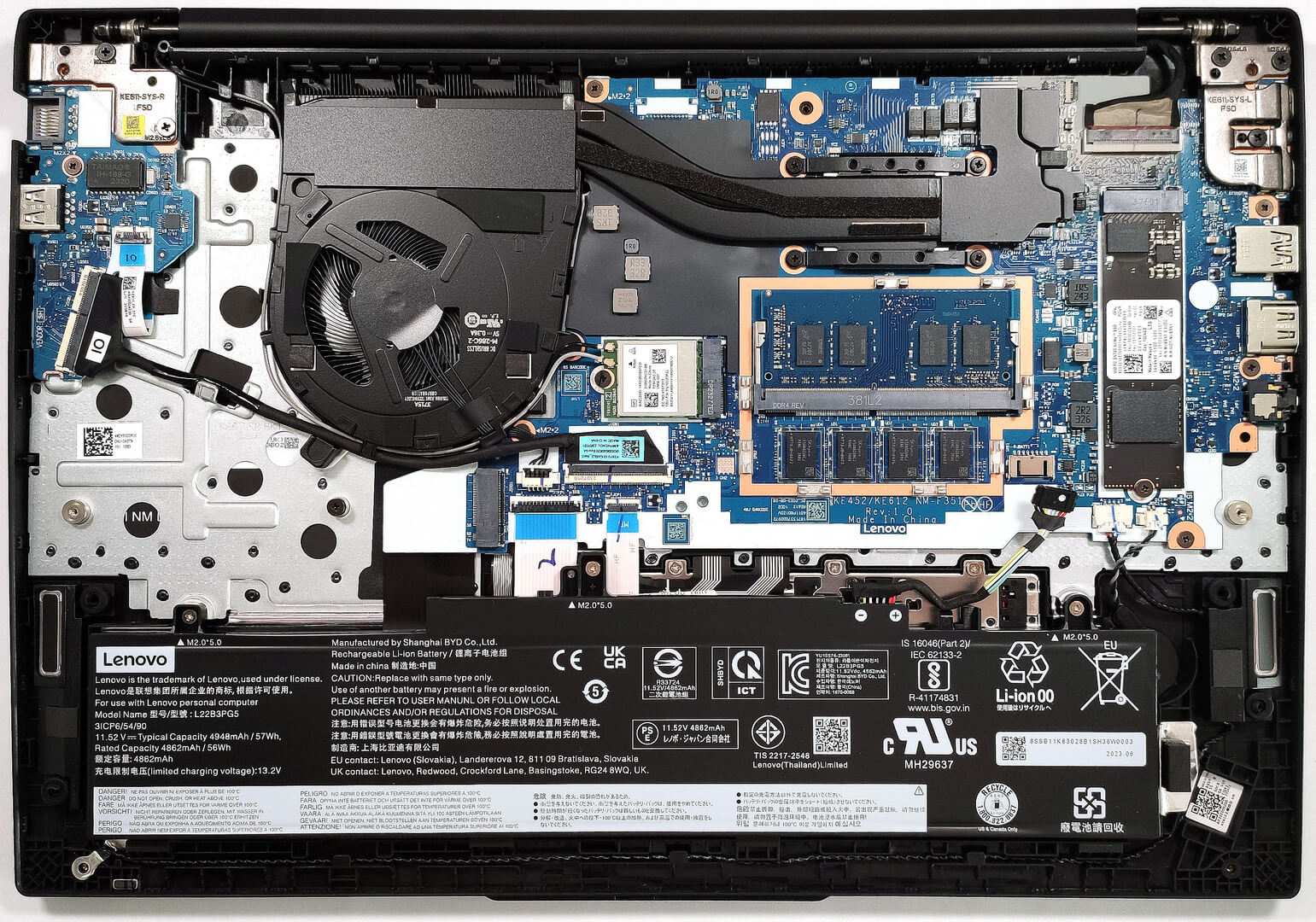
There is a dedicated cooling pad on the inside of the metal bottom plate that makes contact with the preinstalled SSD.
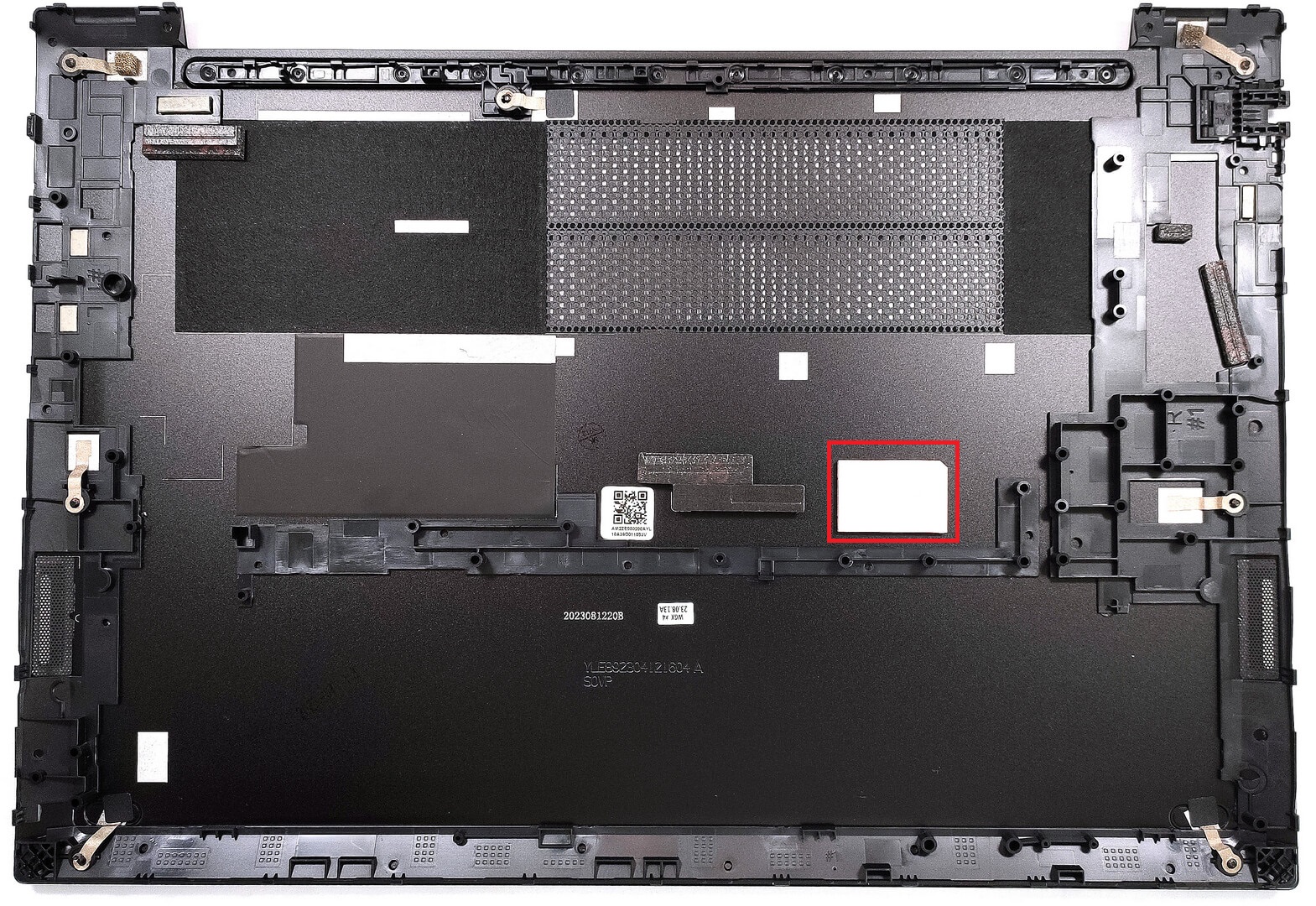
The battery is the optional 57Wh variant. The default version is a 47Wh unit. To remove the battery, detach the connector from the motherboard and undo the three Phillips-head screws, that are fixing the unit in place. The optional capacity is enough for 14 hours and 17 minutes of Web browsing, or 10 hours of video playback. That’s a good result!
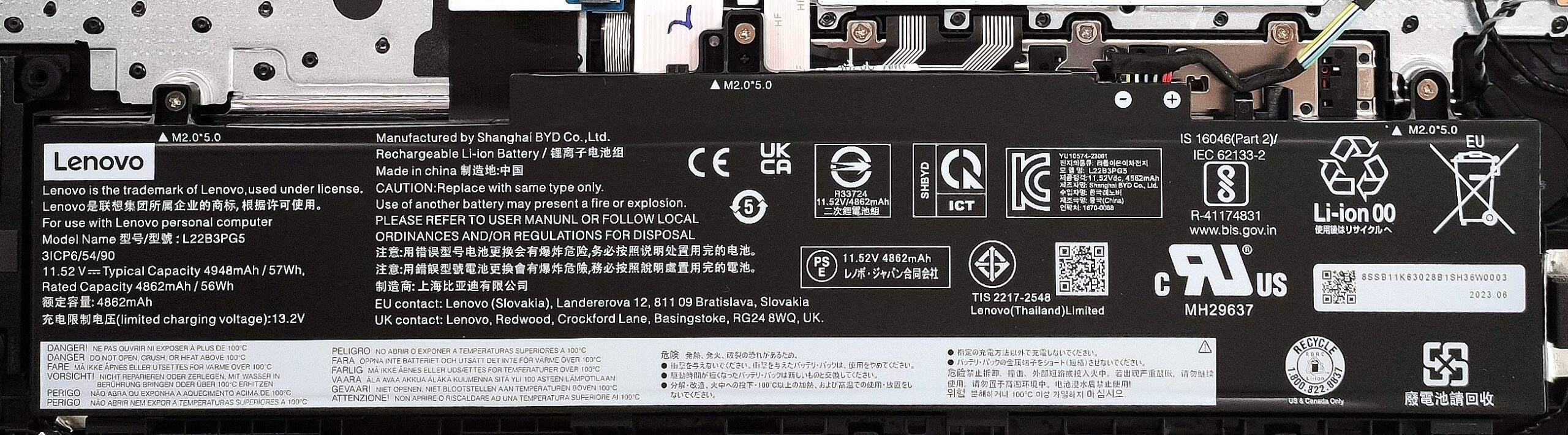
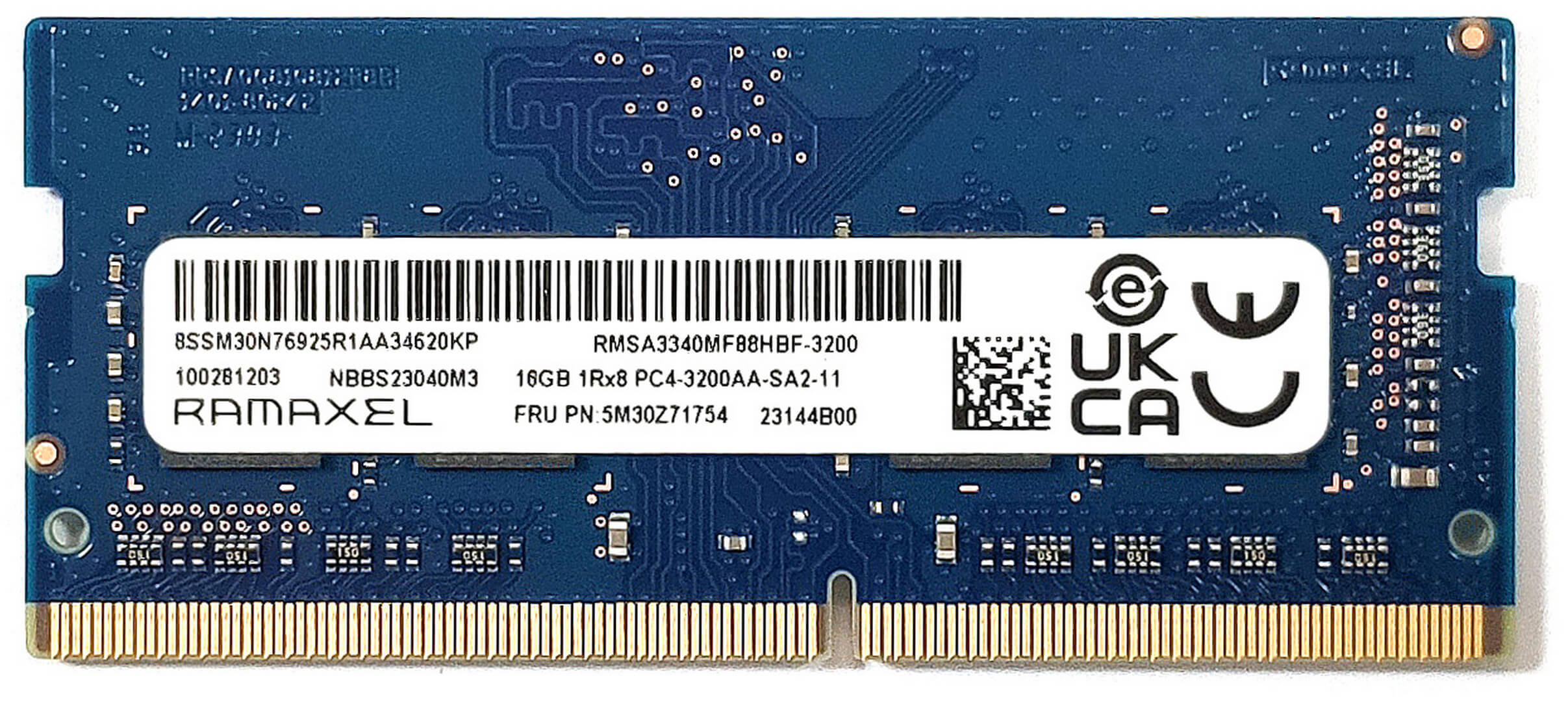
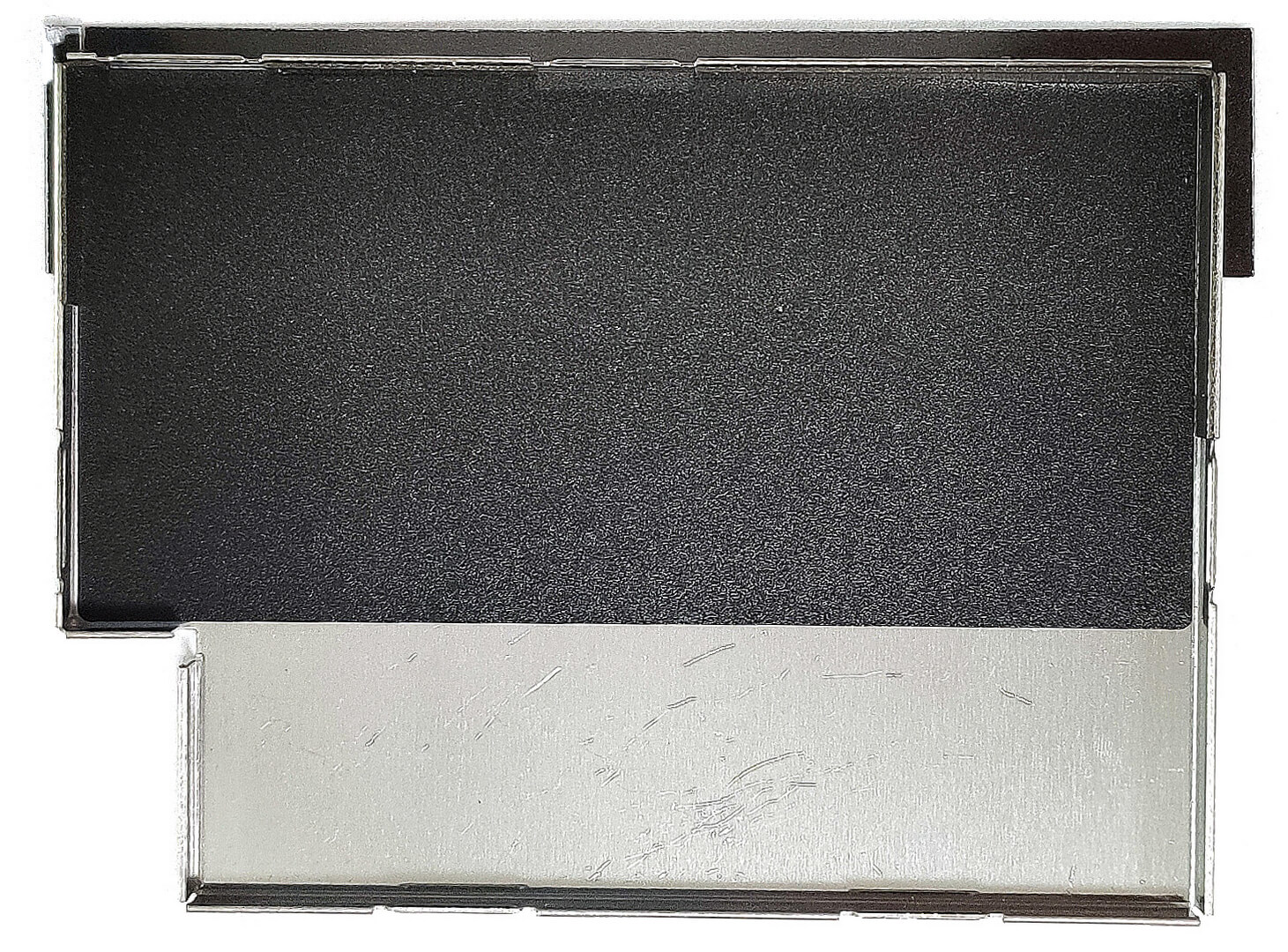
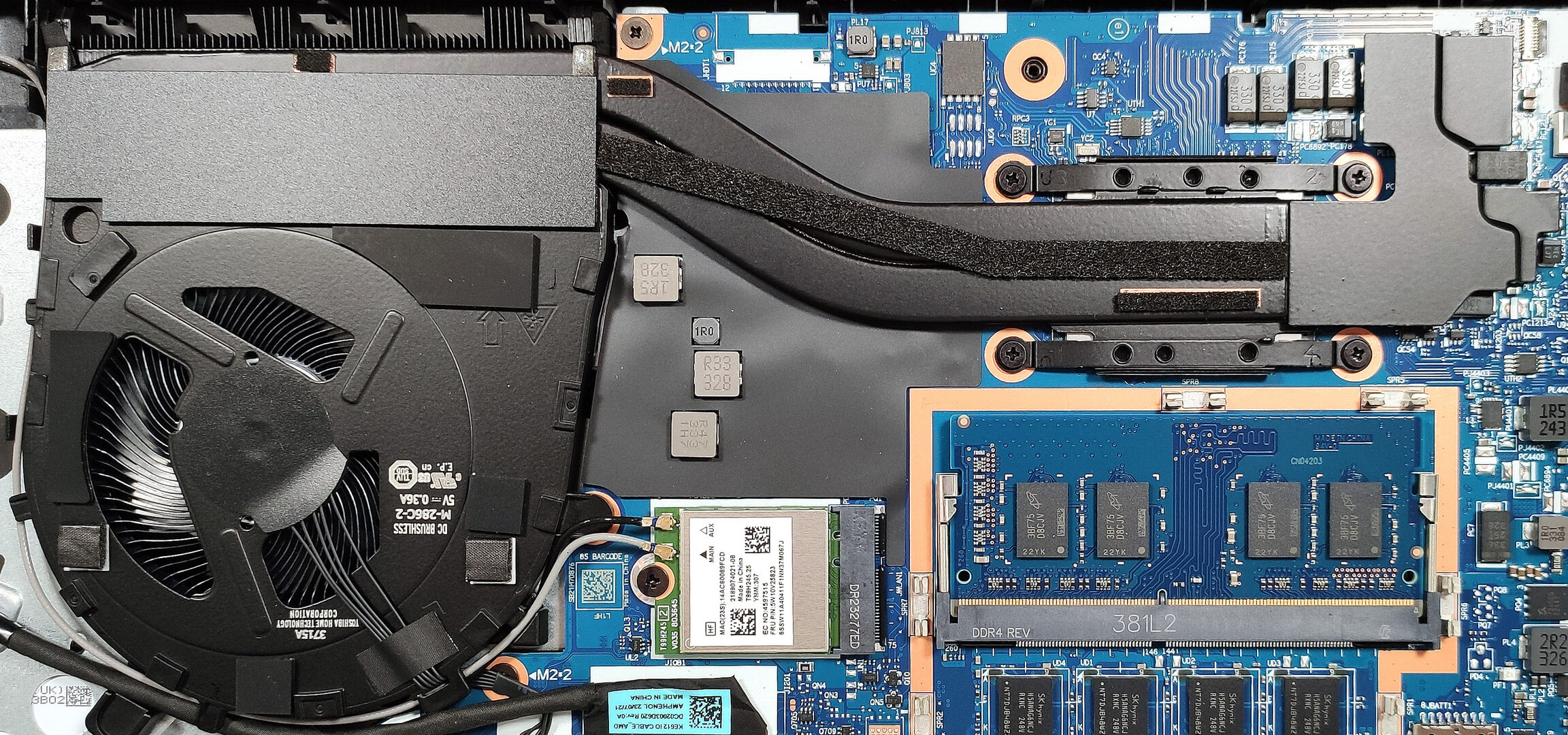
The memory section is covered by a metal plate. All devices come with 8GB of soldered RAM but there is a SODIMM for future upgrades. You get up to 40GB of DDR4-3200 MHz memory in dual-channel mode.
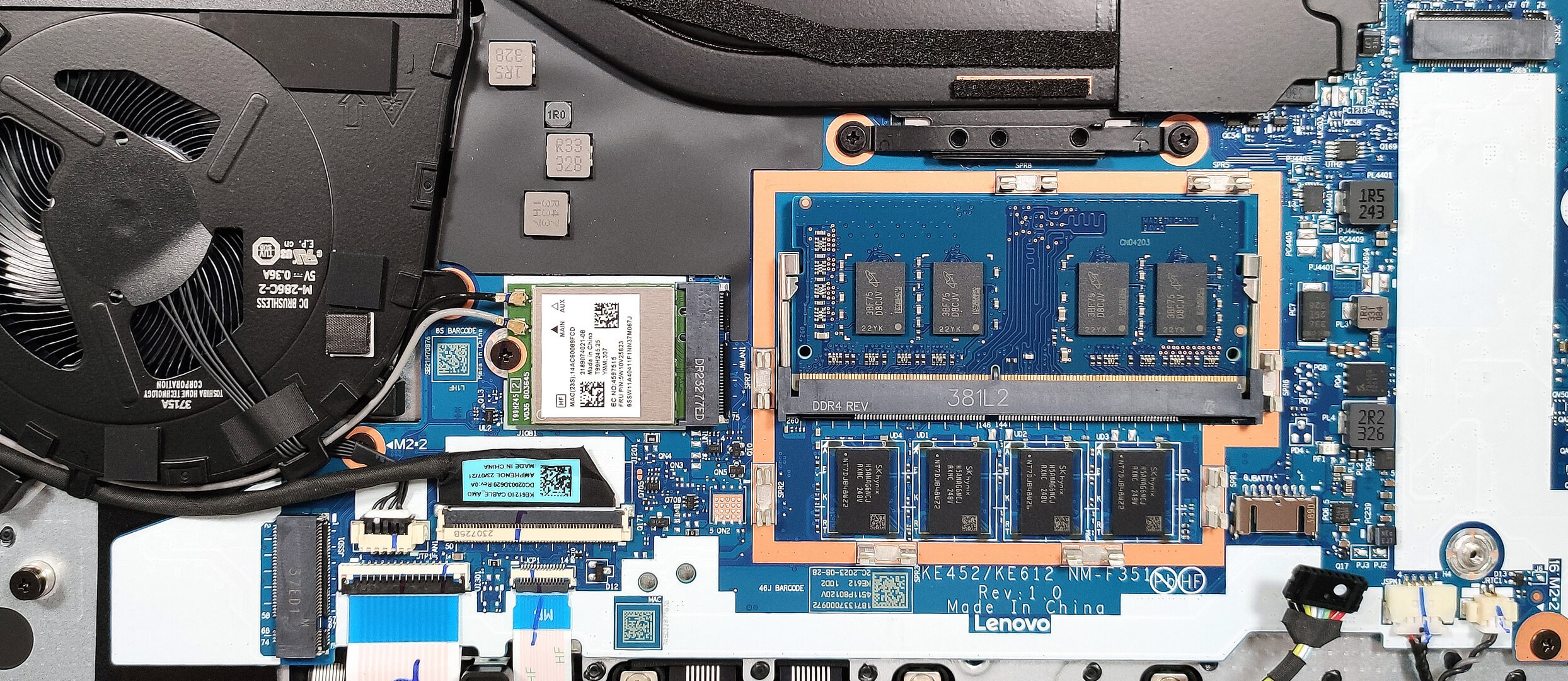
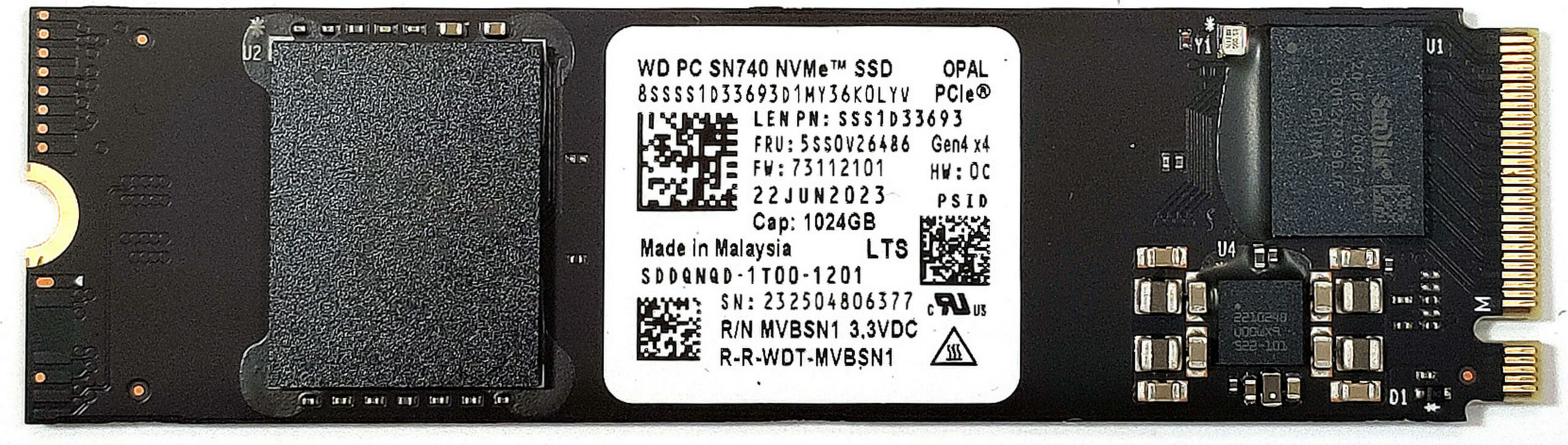
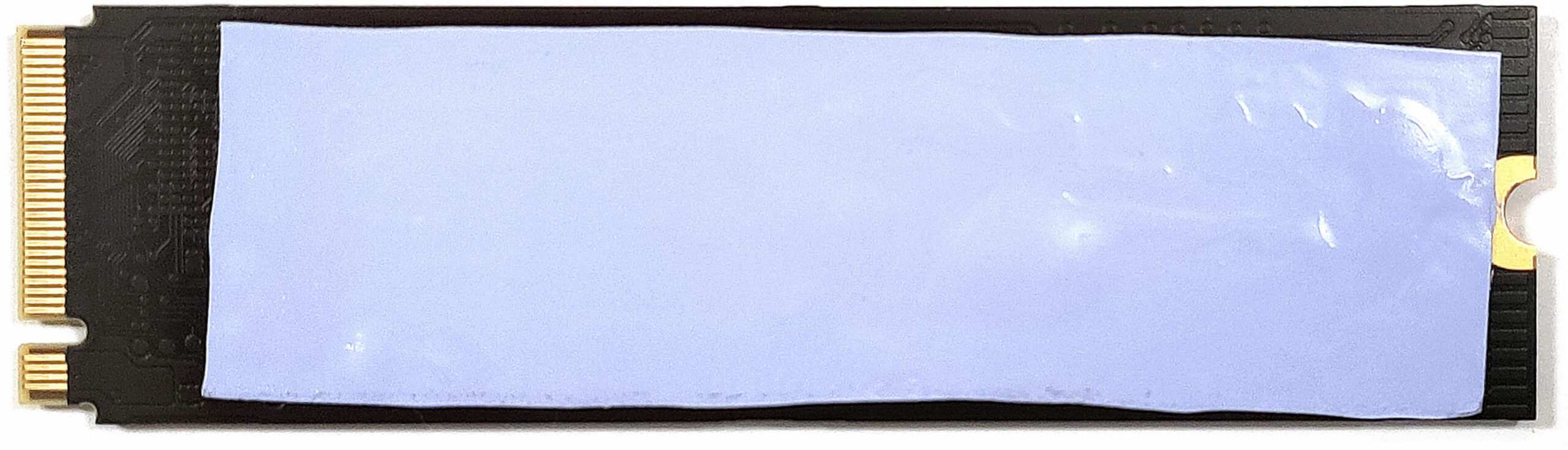
For storage, there are two M.2 slots – one for 2280 NVMes and one for the shorter 2242 units. The slots are compatible with Gen 4 SSDs but their speed will be limited to the Gen 3 standard due to platform limitations. There is a thin thermal pad below the NVMe.
The cooling looks sufficient for a laptop with an iGPU. It comprises a single fan, two heat pipes, one heat sink, and a heat spreader.
 Author: Nikolay Palaozov
 Author: eng. Kroum NikolovHead of Engineering at LaptopMedia.com, inventor and innovator with 40+ years of experience in electronics and high technology.

![[August 2026] Best-Selling Laptop Brands on Amazon Japan – Apple Dominates Market Share and Revenue Led by Strong Unit Sales](https://laptopmedia.com/wp-content/uploads/2026/09/CO.JP-Best-Brands-1-400x225.jpg)
![[August 2026] Best-Selling Laptop Brands on Amazon USA – Apple Dominates Market Revenue and Volume Despite Lower Model Diversity](https://laptopmedia.com/wp-content/uploads/2026/09/COM-Best-Brands-1-400x225.jpg)
![[August 2026] Amazon Germany: Top 8 Best-Selling Gaming Laptops – Acer Dominates the Market as the Premium Nitro V 17 AI Takes the #1 Spot](https://laptopmedia.com/wp-content/uploads/2026/09/Best-Selling-Gaming-Laptops-DE-Top-10-1-400x225.jpg)
![[August 2026] Best-Selling Laptop Brands on Amazon France – Apple Dominates Revenue Despite Lenovo and HP Leading in Catalog Breadth and Volume](https://laptopmedia.com/wp-content/uploads/2026/09/FR-Best-Brands-1-400x225.jpg)
![[August 2026] Amazon Italy: Top 10 Best-Selling Laptops – Apple MacBook Neo Claims the Crown as Budget and Mid-Range Windows Machines Dominate Volume](https://laptopmedia.com/wp-content/uploads/2026/09/Best-Selling-Laptops-IT-Top-10-400x225.jpg)

Bardzo mnie ciekawi, czy po zainstalowaniu w komputerze dwóch fizycznych dysków istnieje opcja wyłączenia jednego z nich w bios? Bardzo mi zależy na uruchomieniu trybu praca – dom na służbowym sprzęcie:)