Lenovo V15 Gen 3 review – third generation of plastic efficiency
Disassembly, Upgrade options, and Maintenance
To access this notebook’s internals, you need to undo a total of 11 Phillips-head screws. Then, pry the bottom panel with a plastic tool, and lift it from the chassis.
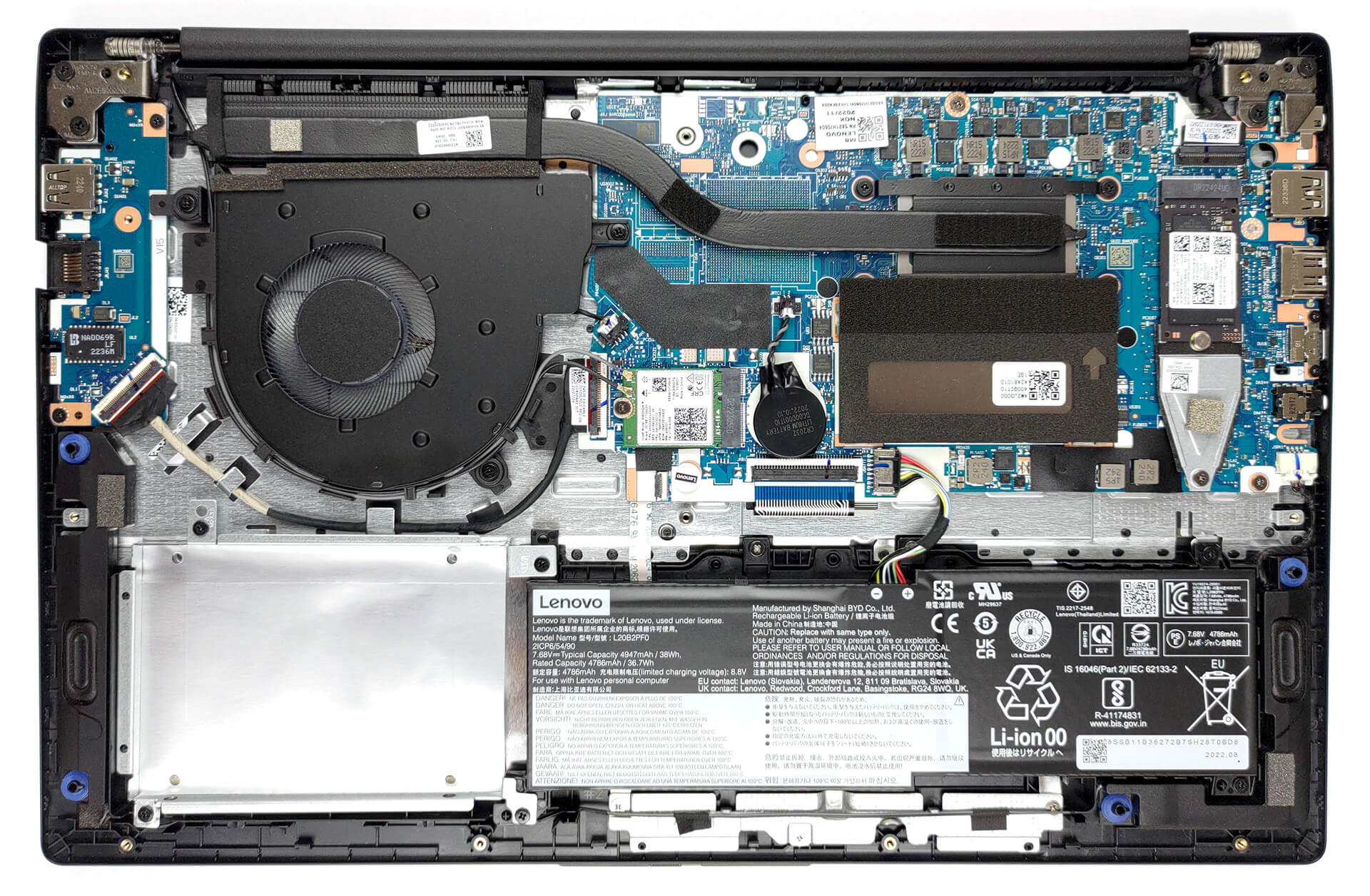
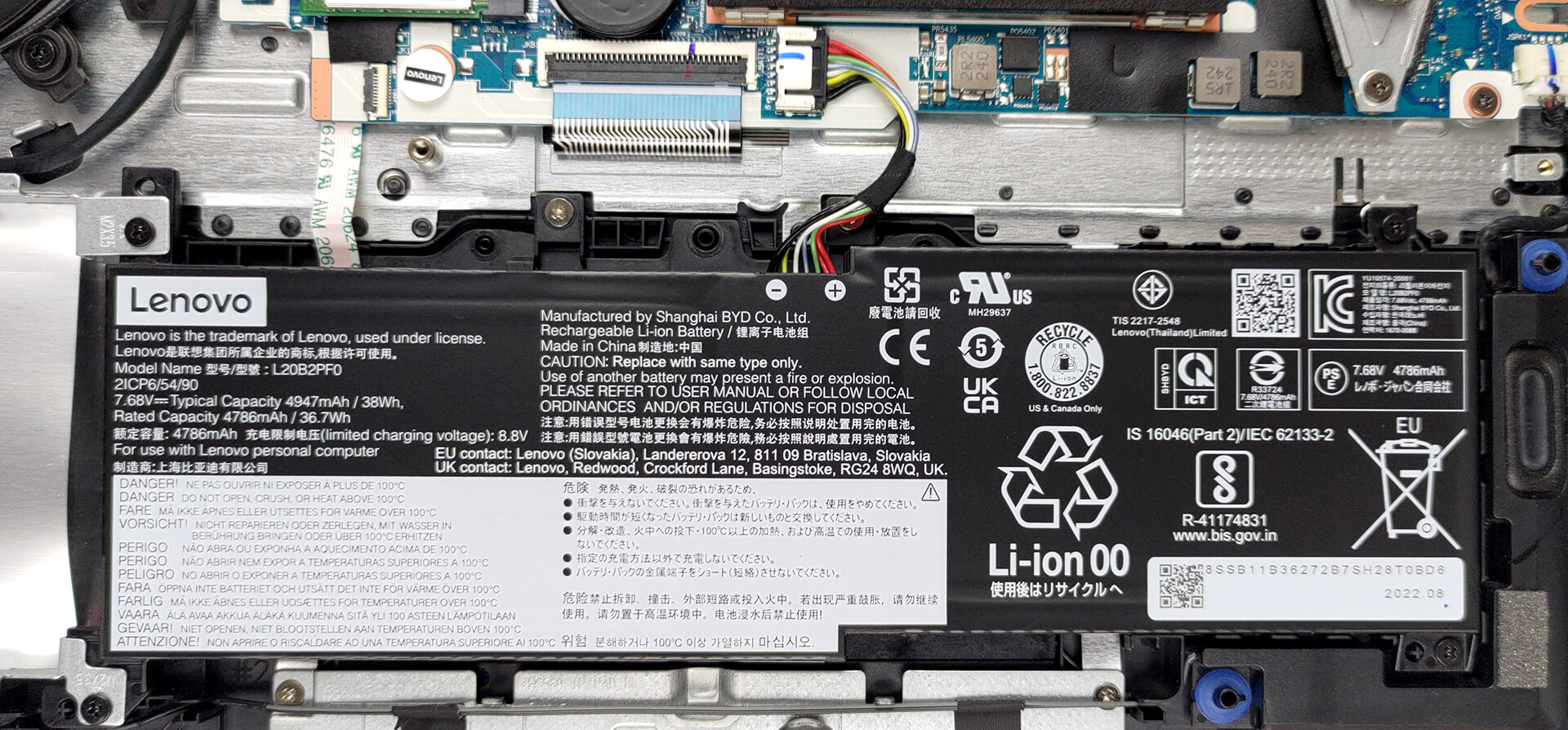
Inside, we find a 38Wh battery pack. To take it out, unplug the battery connector, and undo the 4 Phillips-head screws securing the battery to the chassis.
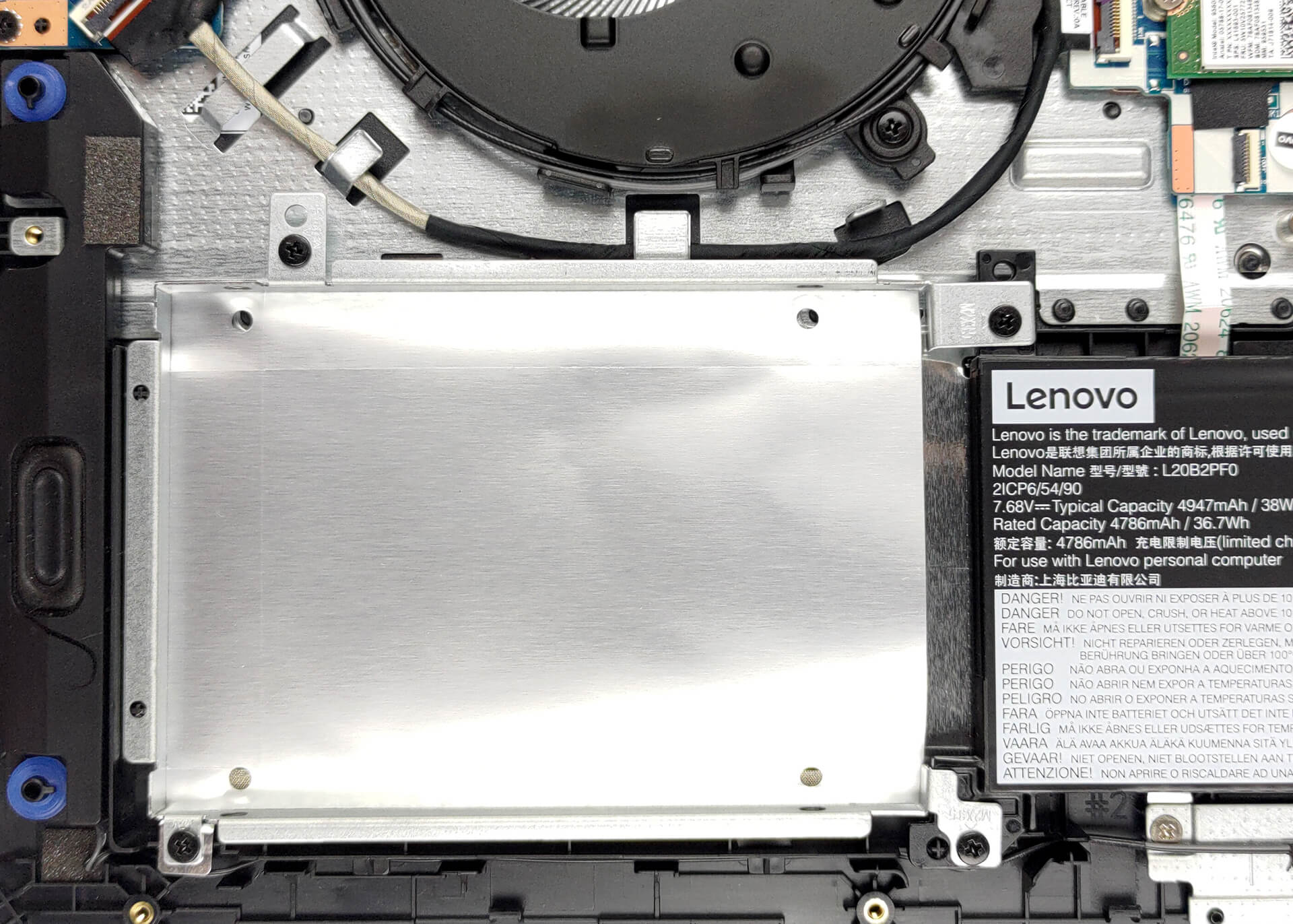
Here, you get either 4 or 8GB of DDR4 RAM soldered to the motherboard. It can be expanded via a single SODIMM slot. As for storage, you get one M.2 PCIe x4 slot, which works with Gen 4 SSDs. In addition, the models that come with the smaller battery pack also have a 2.5-inch SATA drive bay.
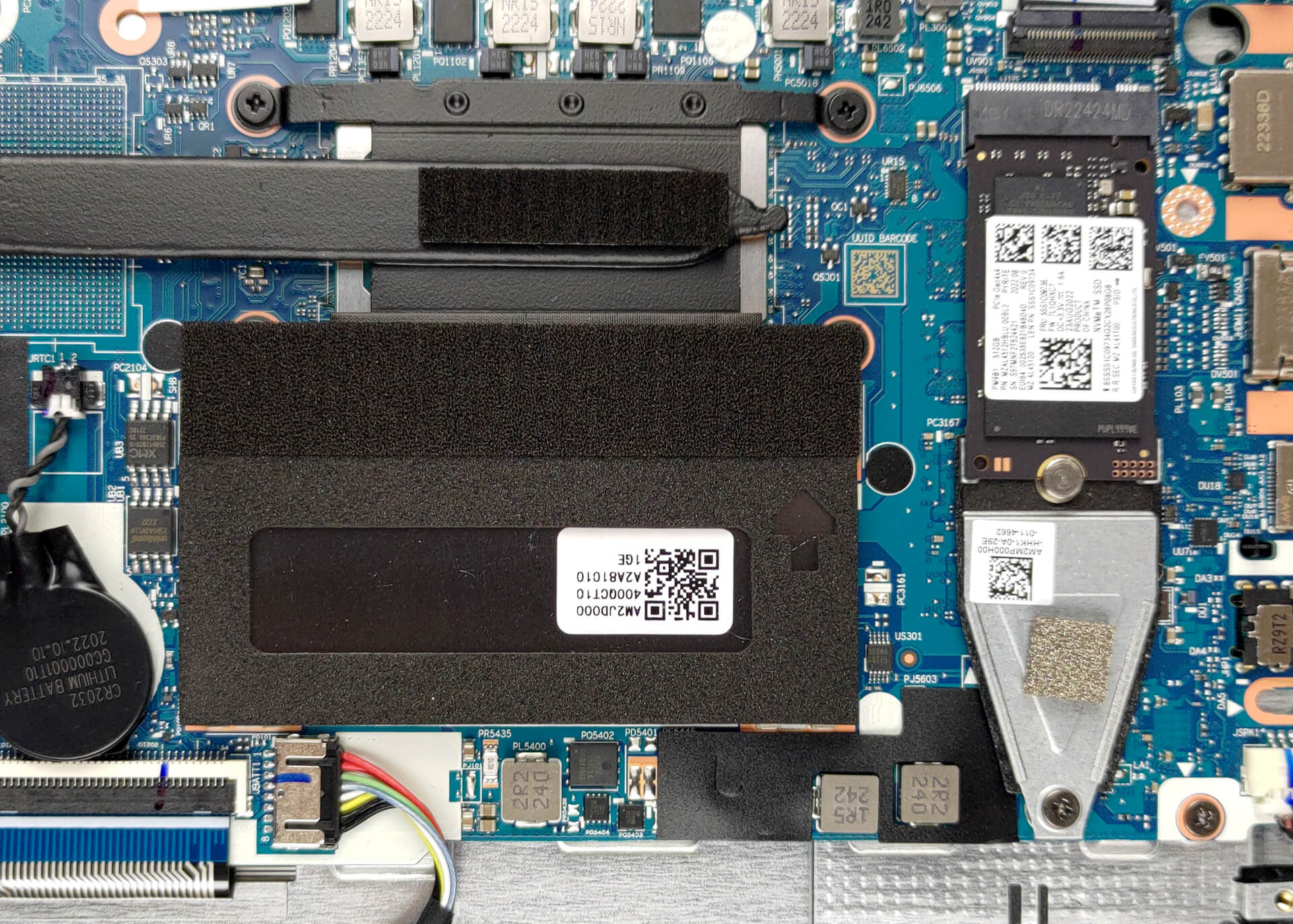
Naturally, the cooling comprises a single heat pipe, a heat sink, and a fan.

 Author: Alex Iliev
 Author: eng. Kroum NikolovHead of Engineering at LaptopMedia.com, inventor and innovator with 40+ years of experience in electronics and high technology.

![[June 2026] Best-Selling Laptop Brands on Amazon Global – Apple’s Unrivaled Dominance in Units and Revenue](https://laptopmedia.com/wp-content/uploads/2026/07/GLOBAL-Best-Brands-400x225.jpg)
![[June 2026] Amazon Global: Top 10 Best-Selling Laptops – Apple’s New MacBook Neo Storms to #1, Reshaping the Market with Affordability](https://laptopmedia.com/wp-content/uploads/2026/07/Best-Selling-Laptops-GLOBAL-Top-10-400x225.jpg)
![[June 2026] Amazon Global: Top 10 Best-Selling Gaming Laptops – Acer’s Nitro V 16S AI Dominates Sales, While ASUS Leads Overall Revenue](https://laptopmedia.com/wp-content/uploads/2026/07/Best-Selling-Gaming-Laptops-GLOBAL-Top-10-400x225.jpg)
![[June 2026] Global Ranking of Best-Selling Laptop GPUs on Amazon – NVIDIA RTX 5060 is the Top-Selling Dedicated GPU](https://laptopmedia.com/wp-content/uploads/2026/07/Best-Selling-GPUs-GLOBAL-Top-10-400x225.jpg)
![[June 2026] Global Ranking of Best-Selling Laptop CPUs on Amazon – Apple M5 Dominates, AMD Ryzen 7 260 Gets Solid Premium Share](https://laptopmedia.com/wp-content/uploads/2026/07/Best-Selling-CPUs-GLOBAL-Top-10-400x225.jpg)

As an IT, i prefer to buy these to newcomers to company. Low quality material but nice performance for intense excel jobs; as long as the hinge brings no problem; i think the buys are good choice for me.
impossible a connecter sur un taurus ucx 40DB en port USB-C.