MSI Katana 17 (B12V) review – affordable notebook with a MUX switch
Design and construction
While its body panels are made out of plastic, the internals are supported by some metal components. This makes the base pretty rigid, although we found some flex in the chassis.
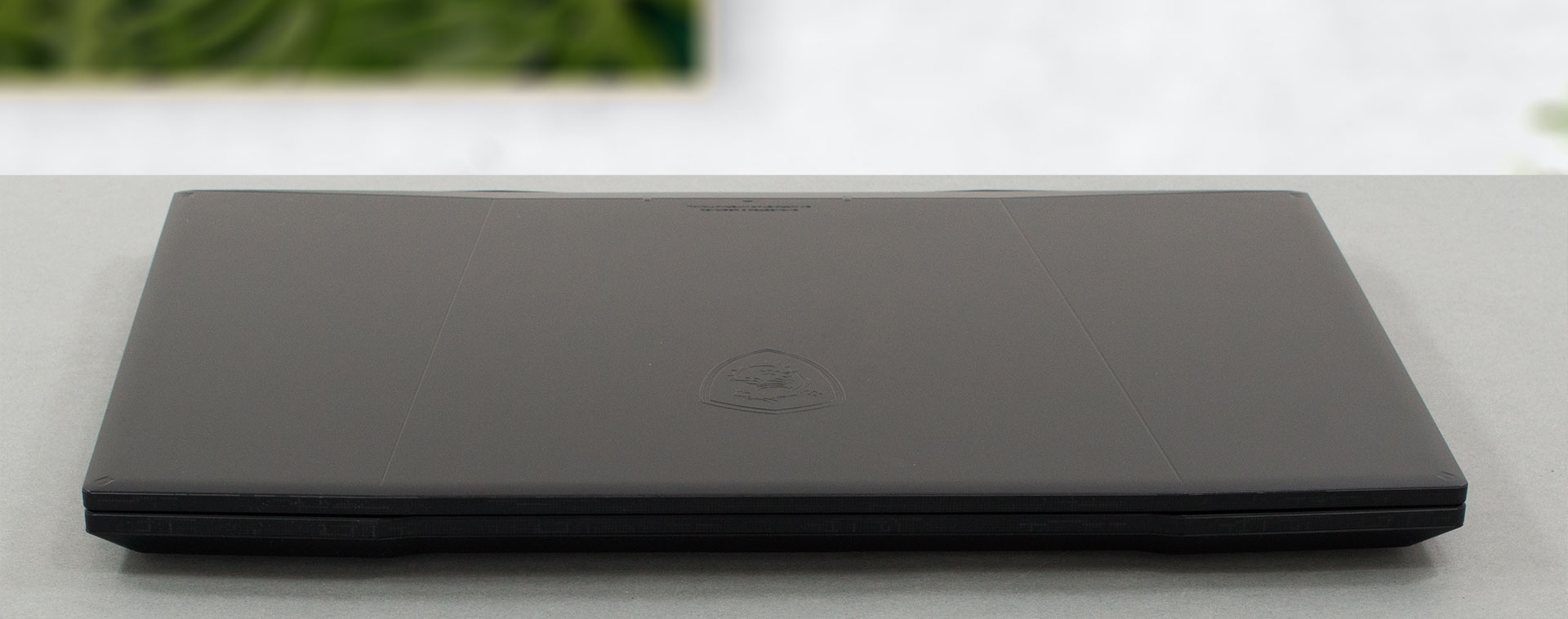
In terms of weight, the device stops the scales at 2.60 kg. This is more than reasonable, considering the 17-inch display. On the other hand, it might feel a bit thick, with its 25.2mm profile.

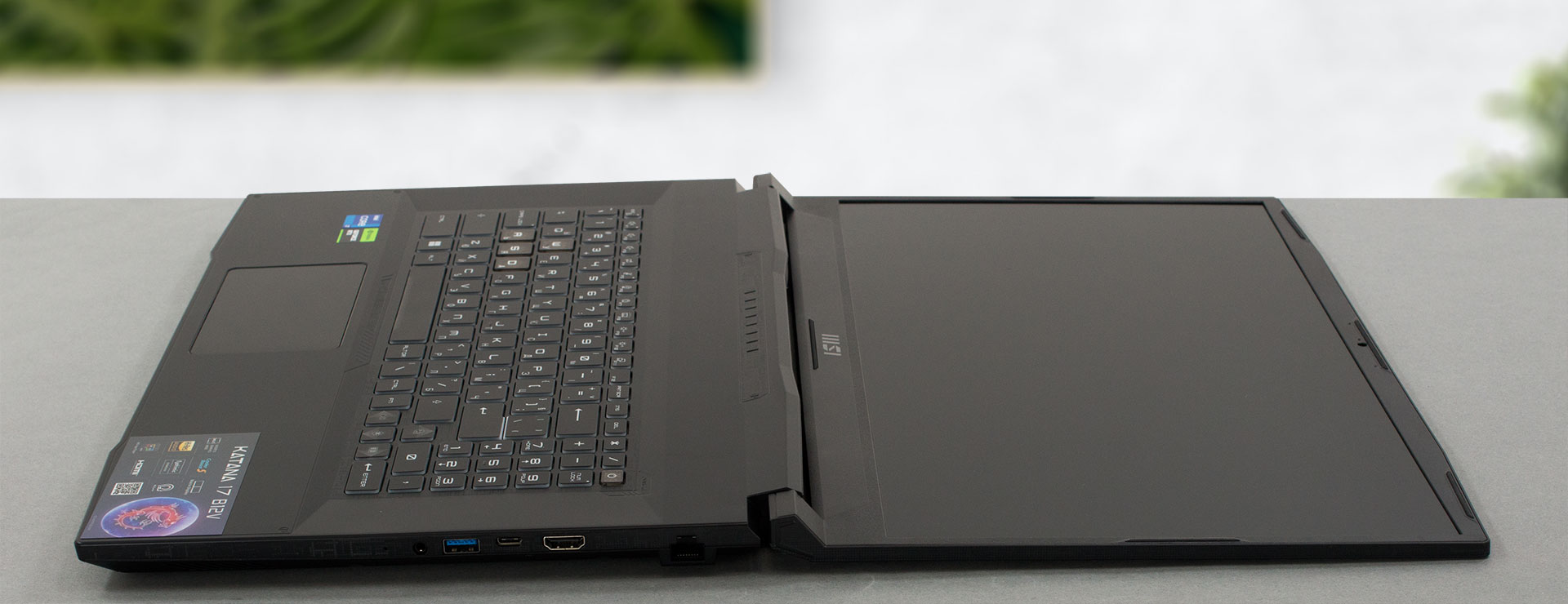
Opening the lid is possible with one hand. The hinges allow a 180° motion but are not very stable in an open position. As usual, the side bezels are thin, while the top and bottom ones are a bit thicker. On the bright side, the former houses an HD Web camera.

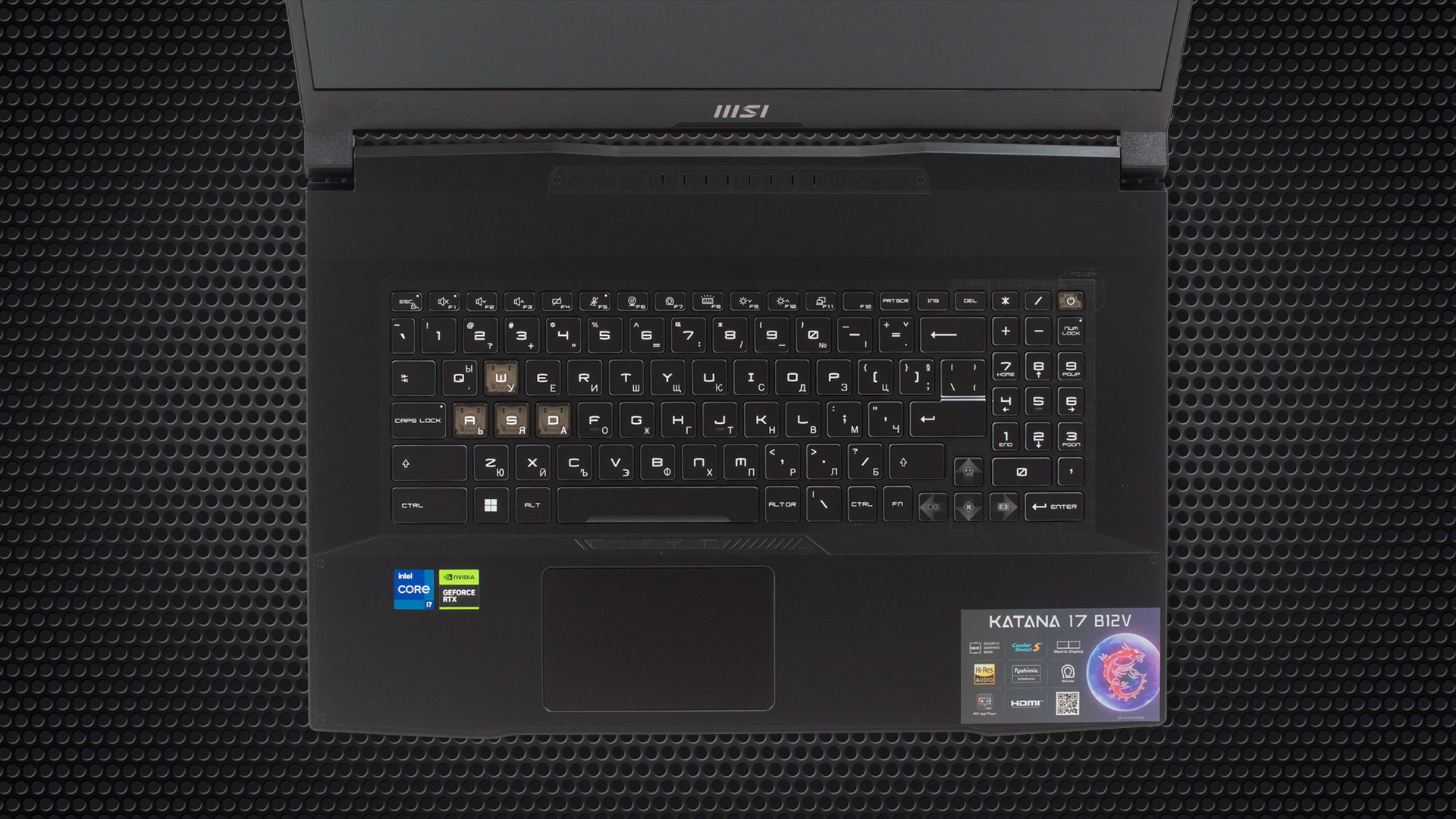
Moving to the base, we see a large surface area. Most of it is taken by the keyboard. It comes with a NumberPad and a 4-zone RGB backlight. The key travel is long, while the feedback is clicky. This makes it one of the good gaming keyboards on the market.
Although it looks small, the touchpad is really good. And its size is above average! Thanks to its fast response it can satisfy your needs at all times.
A look at the bottom panel reveals the two speaker cutouts, as well as the huge ventilation grill. Hot air, in the meantime, escapes the device through two vents on the back, and one on the left side.

Ports
On the left side, you get the power plug, a USB Type-A 3.2 (Gen. 1) port and a USB Type-A 2.0 port. Then, on the right, you get a LAN port, an HDMI 2.1 connector, a USB Type-C 3.2 (Gen. 1) port with DisplayPort capability, a USB Type-A 3.2 (Gen. 1) port, and an Audio jack.


 Author: Alex Iliev
 Author: eng. Kroum NikolovHead of Engineering at LaptopMedia.com, inventor and innovator with 40+ years of experience in electronics and high technology.

![[June 2026] Best-Selling Laptop Brands on Amazon Global – Apple’s Unrivaled Dominance in Units and Revenue](https://laptopmedia.com/wp-content/uploads/2026/07/GLOBAL-Best-Brands-400x225.jpg)
![[June 2026] Amazon Global: Top 10 Best-Selling Laptops – Apple’s New MacBook Neo Storms to #1, Reshaping the Market with Affordability](https://laptopmedia.com/wp-content/uploads/2026/07/Best-Selling-Laptops-GLOBAL-Top-10-400x225.jpg)
![[June 2026] Amazon Global: Top 10 Best-Selling Gaming Laptops – Acer’s Nitro V 16S AI Dominates Sales, While ASUS Leads Overall Revenue](https://laptopmedia.com/wp-content/uploads/2026/07/Best-Selling-Gaming-Laptops-GLOBAL-Top-10-400x225.jpg)
![[June 2026] Global Ranking of Best-Selling Laptop GPUs on Amazon – NVIDIA RTX 5060 is the Top-Selling Dedicated GPU](https://laptopmedia.com/wp-content/uploads/2026/07/Best-Selling-GPUs-GLOBAL-Top-10-400x225.jpg)
![[June 2026] Global Ranking of Best-Selling Laptop CPUs on Amazon – Apple M5 Dominates, AMD Ryzen 7 260 Gets Solid Premium Share](https://laptopmedia.com/wp-content/uploads/2026/07/Best-Selling-CPUs-GLOBAL-Top-10-400x225.jpg)

Où se procurer le support de fixation pour un second SSD ? Merci
Il faut en faire la demande auprès du support MSI ils appellent ça un kit upgrade for SSD
Je l’ai créé moi-même avec une plaque d’alu 1mm coupée à la bonne taille, percée et SSD vissé dessus. Car la fixation du SSD arrive entre 2 trous vides et le support MSI ne répond pas par rapport à ce 2ème port SSD inutilisable en l’état.