[Comparison] Lenovo ThinkPad X1 Carbon 8th Gen (2020) vs X1 Carbon 7th Gen (2019) – what’s new?
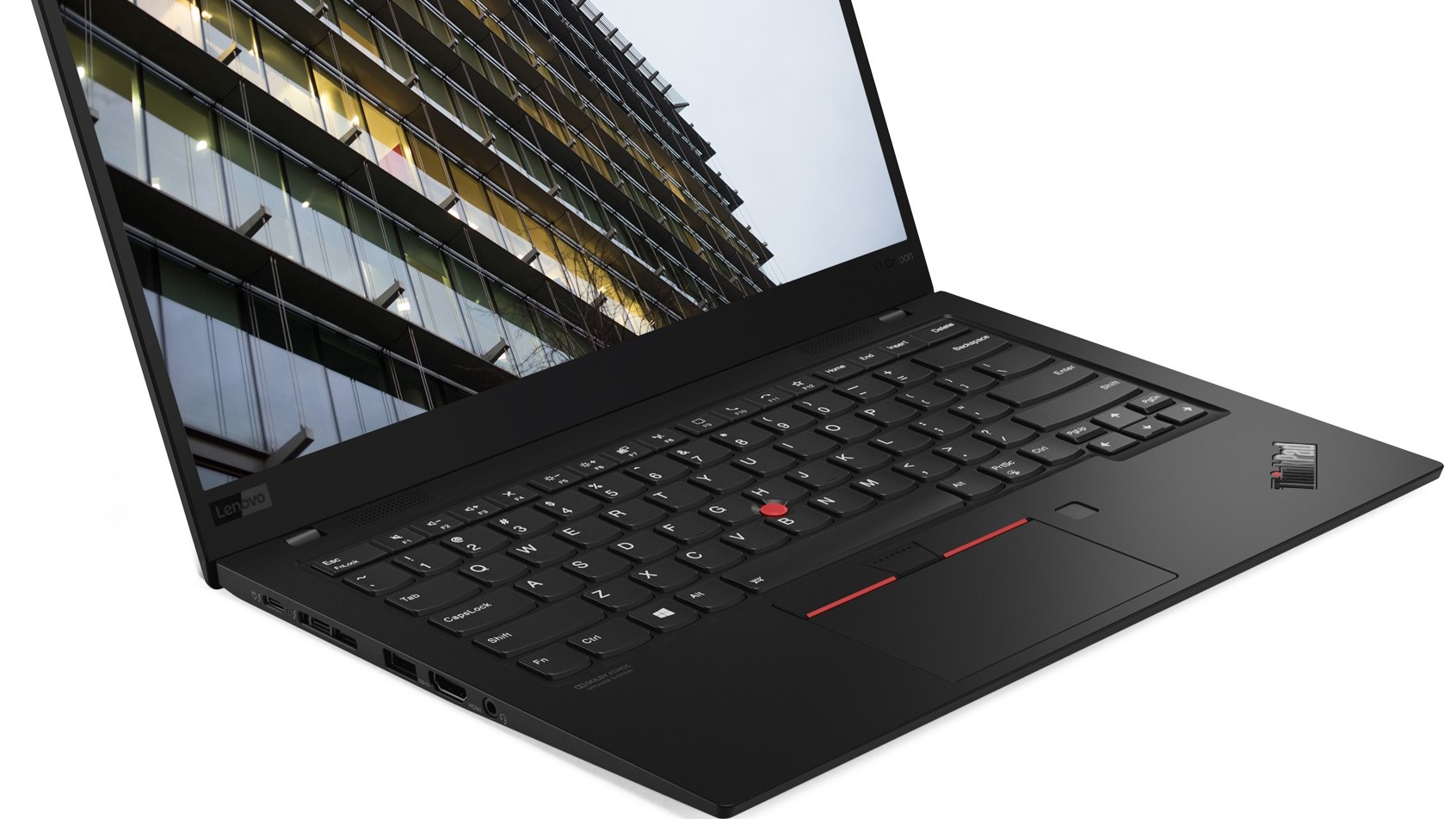 Lenovo has already announced the all-new Lenovo ThinkPad X1 Carbon 8th Gen. The X1 Carbon devices are business ultrabooks that feature an industrial design, low weight, compact dimensions, a lot of security features, and strong hardware. So, while the current one (7th Gen) is still a decent machine (you can check our in-depth review) the new one is almost here.
But what’s the difference between the 7th Gen and 8th Gen? We will explain to you in the next sentences.
You can check the prices and configurations of the 8th Gen devices in our Specs System: https://laptopmedia.com/series/lenovo-thinkpad-x1-carbon-8th-gen-2020/
You can check the prices and configurations of the 7th Gen devices in our Specs System: https://laptopmedia.com/series/lenovo-thinkpad-x1-carbon-7th-gen-2019/
Contents
Display: rich on colors 4K optional panel
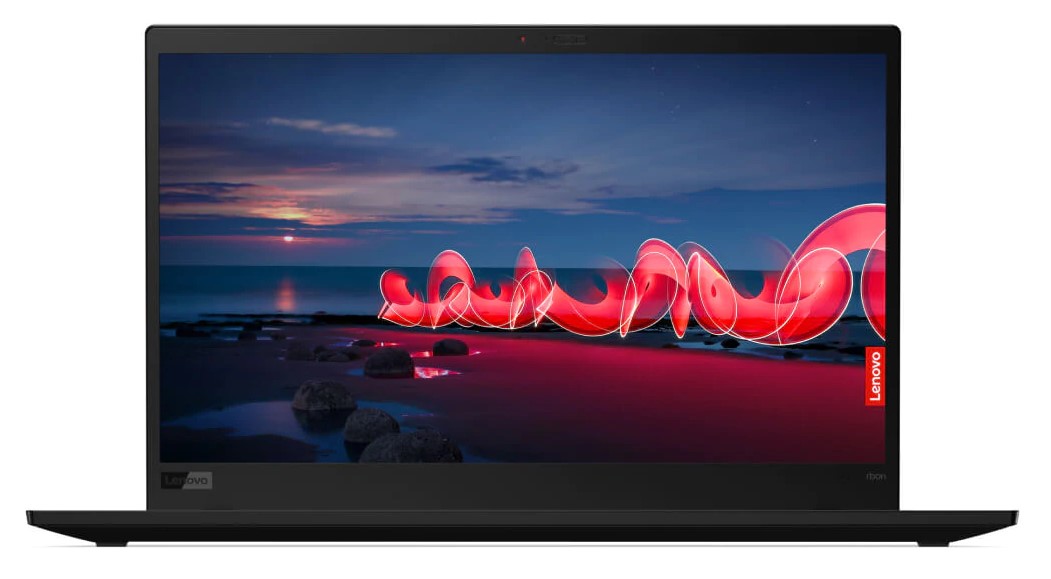
The ThinkPad X1 Carbon 8th Gen features a brand new display option – a 500-nit 1080p panel with PrivacyGuard AG. The other display options look almost the same as the 7th Gen ones – 14″ panels with IPS tech (from 1080p to 4K). The superb 14” 4K option with HDR400 support (500-nit) and 10-bit color will be available too.
Hardware: Comet Lake and UHD 620
This time around, the new X1 Carbon comes with Intel 10th gen processors, more specifically Comet Lake-U – the 6-core Core i7-10710U is available too for the ones who always seek more CPU power. That means the only iGPU option will be the Intel UHD 620.
The 7th Gen X1 Carbon ultrabooks can be configured with 8th Gen Intel CPUs (Whiskey Lake) with UHD 620 too. In some regions, you can find devices with 10th Gen ULV processors.
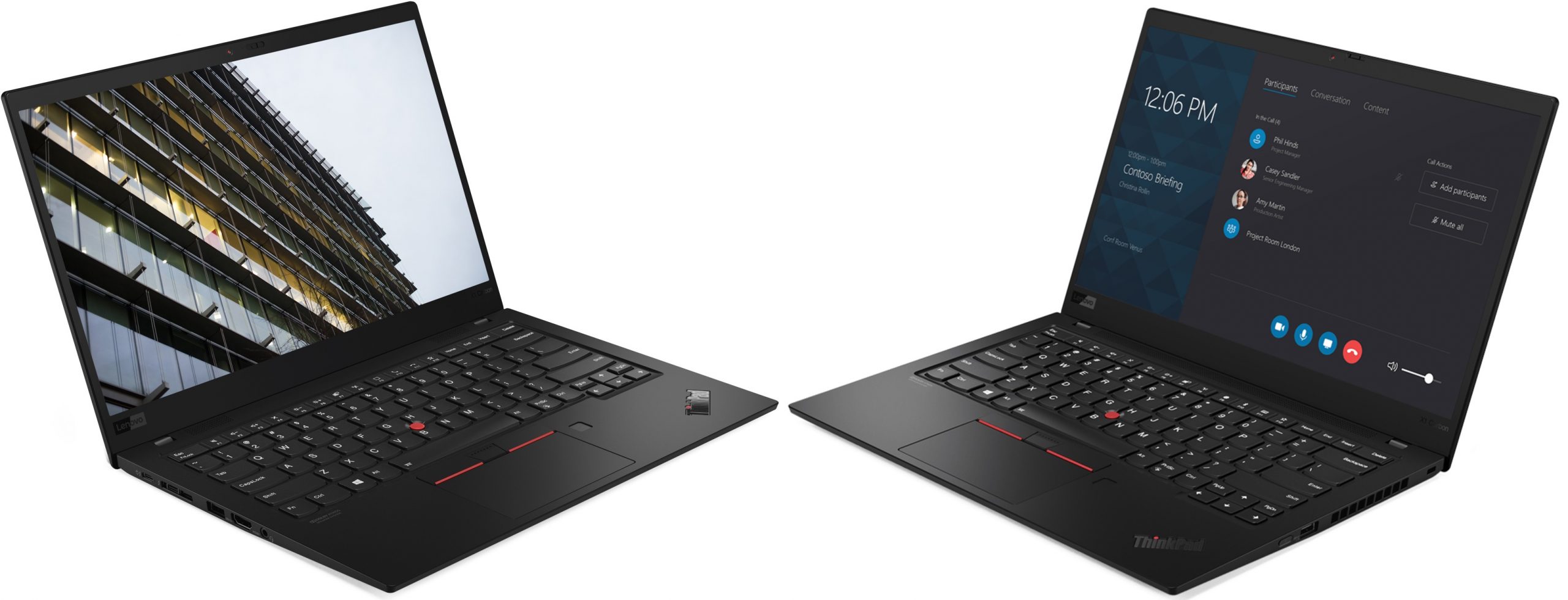
Lenovo ThinkPad X1 Carbon 8th Gen | Lenovo ThinkPad X1 Carbon 7th Gen
Security
The new one will have the following security options: Match on Chip, Touch Fingerprint Reader, dTPM 2.0 chip, ThinkShutter camera cover, ThinkPad PrivacyGuard, ThinkPad PrivacyAlert, Kensington lock slot.
As always, the security options are top-notch.
Other specifications: Intel Athena Certification, Dolby Atmos, and Wi-Fi 6
The 8th gen devices are the first Intel Athena Certified laptops by Lenovo. The Dolby Atmos Speaker System is something new and you can expect great sound from it. The backlit keyboard is updated too – you can make direct calls from your laptop thanks to the UC function (on the F9 through F11 keys). The 802.11ax (Wi-Fi 6) is on board and it will help you with its faster transfer speeds if you need to download or upload big amounts of data daily.
Port-wise the new one looks identical to the 7th Gen – two Thunderbolt 3 ports, two USB 3.1 Type A, an HDMI 1.4, and a headphone jack.
Specs Comparison
| Lenovo ThinkPad X1 Carbon 8th Gen | Lenovo ThinkPad X1 Carbon 7th Gen | |
|---|---|---|
| Display | 14.0″ 4K IPS, 14.0″ Full HD IPS | 14.0″ 4K IPS, 14.0″ Full HD IPS |
| GPU | UHD Graphics | UHD 620 |
| CPU | i7-10710U, i7-10510U, i5-10210U | i7-8665U, i7-8565U, i5-8265U |
| Memory | 16GB LPDDR3 | 16GB LPDDR3 |
| Storage | M.2 SSD | M.2 SSD |
| Gigabit WiFi | 802.11ax | 802.11ac |
| Battery | 51Wh | 51Wh |
| Thickness | 14.9mm | 23.85mm |
| Weight | 1.09kg | 1.1kg |
| Review | In-depth Review | In-depth Review |
Prices and Configurations
Lenovo ThinkPad X1 Carbon 8th Gen (2020) configurations:

Lenovo ThinkPad X1 Carbon 7th Gen (2019) configurations:
 Author: Nikolay Palaozov

![[August 2026] Amazon Italy: Top 10 Best-Selling Laptops – Apple MacBook Neo Claims the Crown as Budget and Mid-Range Windows Machines Dominate Volume](https://laptopmedia.com/wp-content/uploads/2026/09/Best-Selling-Laptops-IT-Top-10-400x225.jpg)
![[August 2026] Amazon Italy: Top 7 Best-Selling Gaming Laptops – ASUS V16 Claims the #1 Spot Amid Strong Mid-Range Demand](https://laptopmedia.com/wp-content/uploads/2026/09/Best-Selling-Gaming-Laptops-IT-Top-10-400x225.jpg)
![[August 2026] Best-Selling Laptop Brands on Amazon Italy – Lenovo Dominates Market Share and Revenue Leadership](https://laptopmedia.com/wp-content/uploads/2026/09/IT-Best-Brands-400x225.jpg)
![[August 2026] Amazon India: Top 10 Best-Selling Laptops – Apple MacBook Neo Dominates the Charts with Massive Sales Lead](https://laptopmedia.com/wp-content/uploads/2026/09/Best-Selling-Laptops-IN-Top-10-400x225.jpg)
![[August 2026] Amazon India: Top 10 Best-Selling Gaming Laptops – HP Victus 15 Dominates the Market with Massive Unit Lead](https://laptopmedia.com/wp-content/uploads/2026/09/Best-Selling-Gaming-Laptops-IN-Top-10-400x225.jpg)
