Acer Nitro 17 (AN17-51) review – has a capable cooling and great display
Disassembly, Upgrade options, and Maintenance
If you want to see the internals of this device, you have to undo 11 Phillips-head screws. Then, you can pry the bottom panel with a plastic tool or you can pop up the plate by carefully raising it while holding firmly the two plastic exhaust vents on the back.
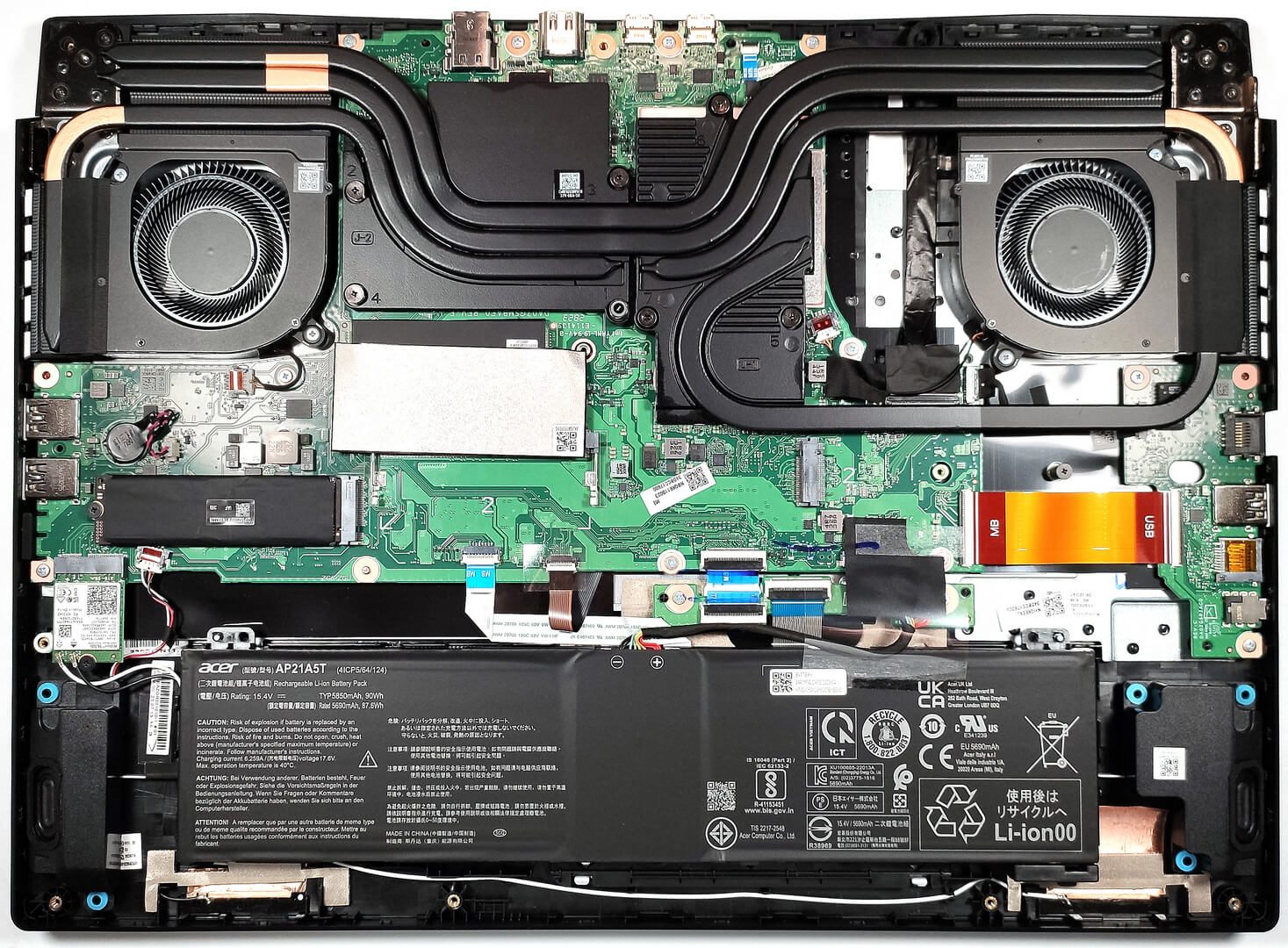
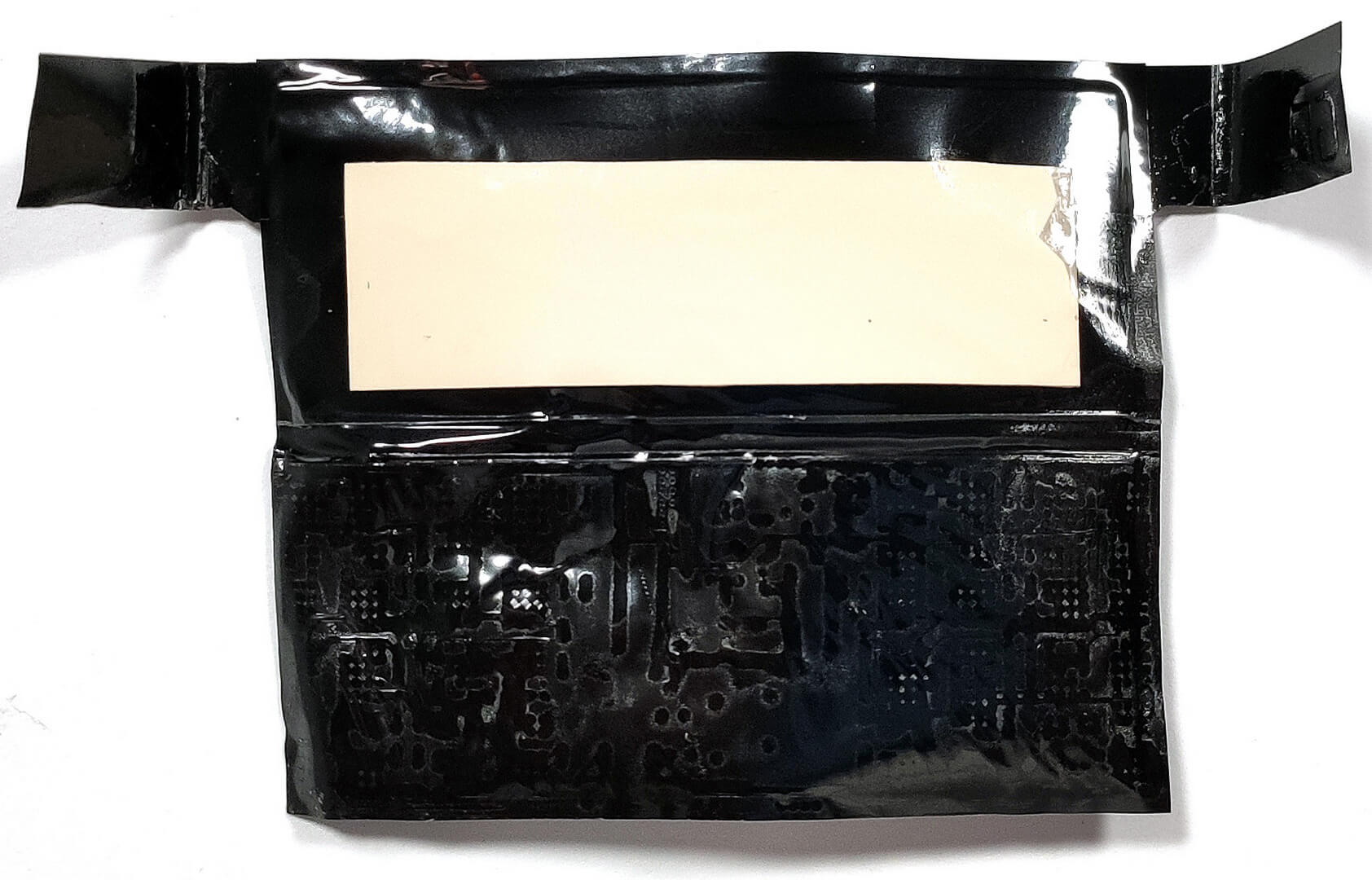
The battery isn’t fixed to the base with screws because there is a dedicated socket for it on the inside of the bottom plate that is keeping the unit in place.
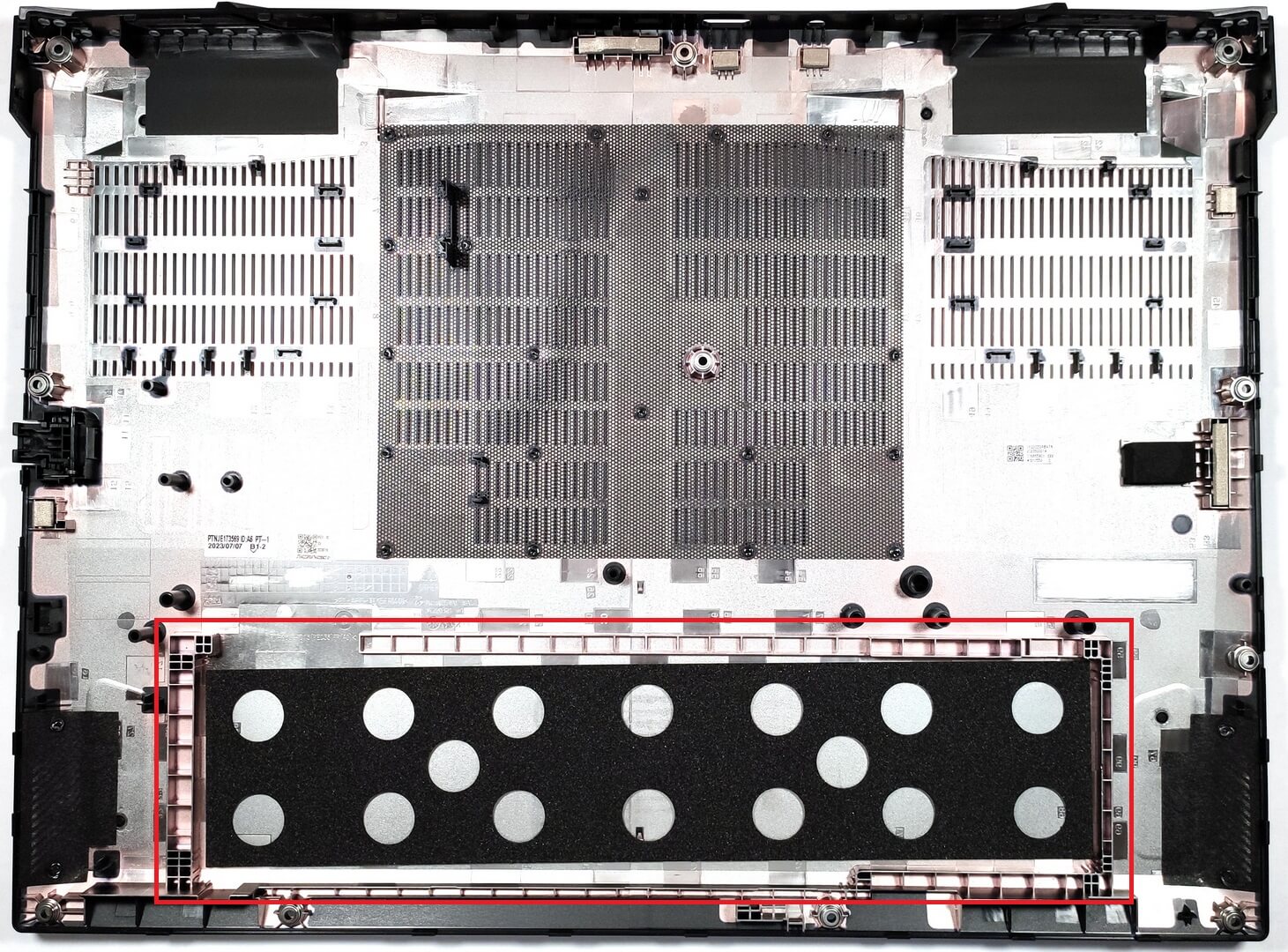
The battery is a 90Wh model. If you want to take it out, just unplug the connector from the mainboard, and you can pull out the unit safely. The capacity is enough for 9 hours and 5 minutes of Web browsing, or 8 hours and 20 minutes of video playback. Actually, this is a very good result for a gaming laptop with a 1440p screen and a thirsty Raptor Lake H CPU. Just don’t forget to select the Optimus mode in the BIOS.
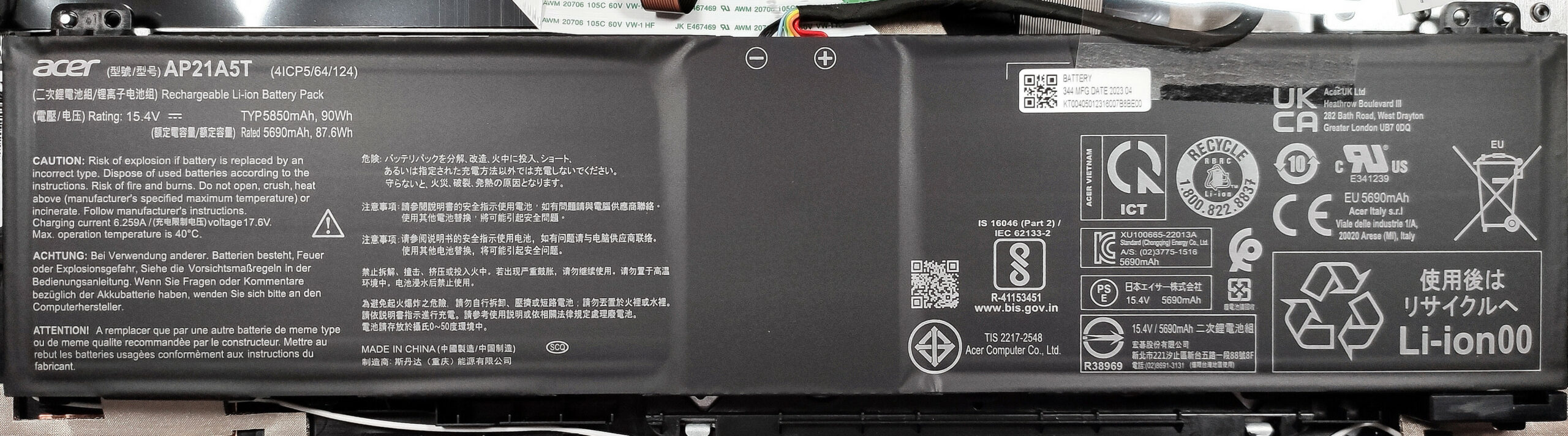
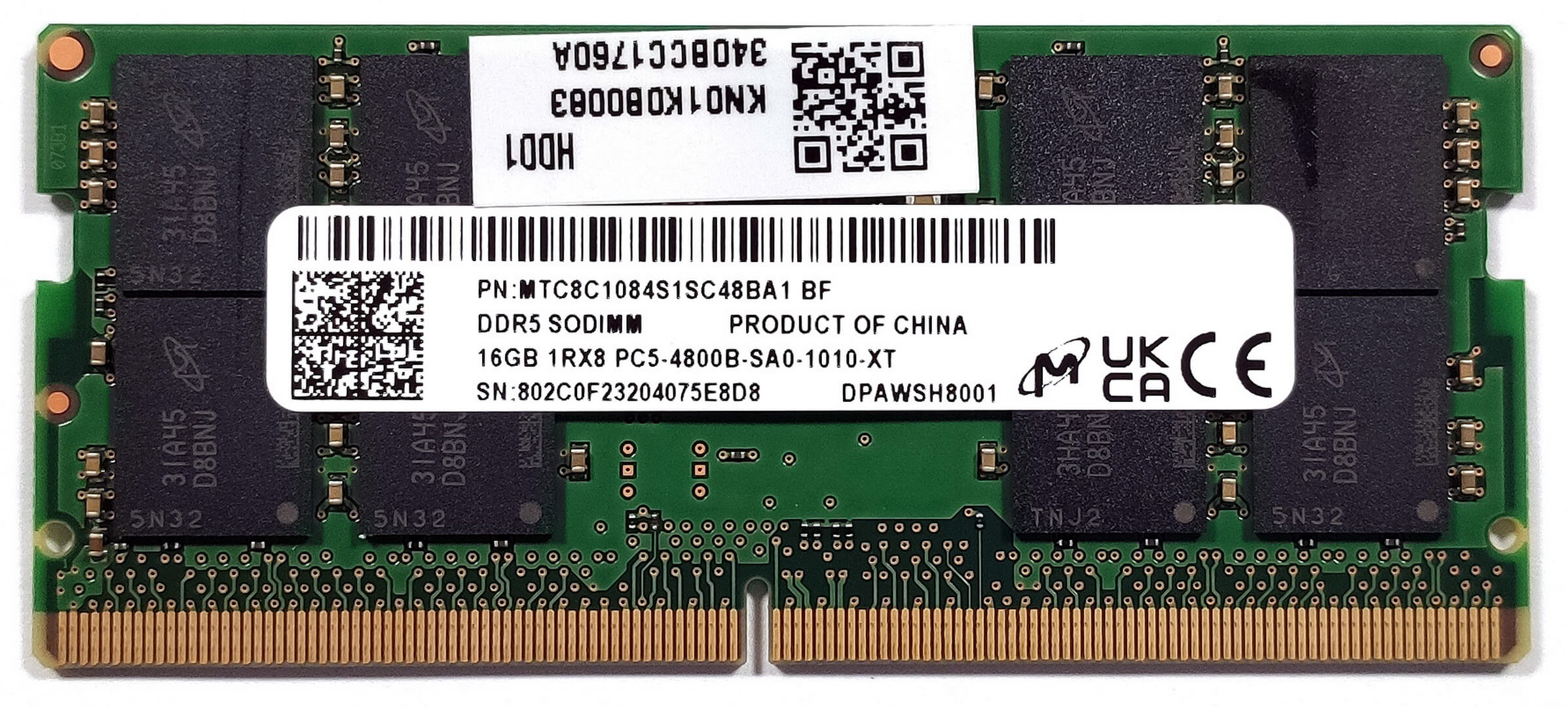
Memory-wise, there are two SODIMMs for up to 32GB of DDR5-4800MHz RAM in dual-channel mode.

For storage, you get two M.2 slots compatible with Gen 4 SSDs. The NVMe is additionally cooled by a thermal pad.
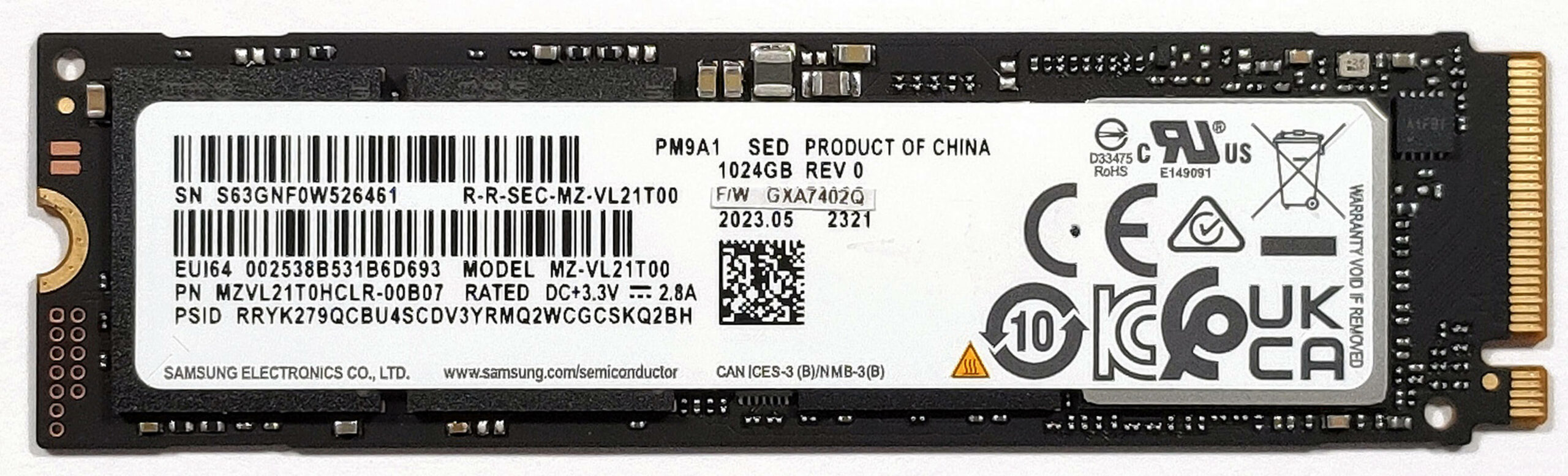
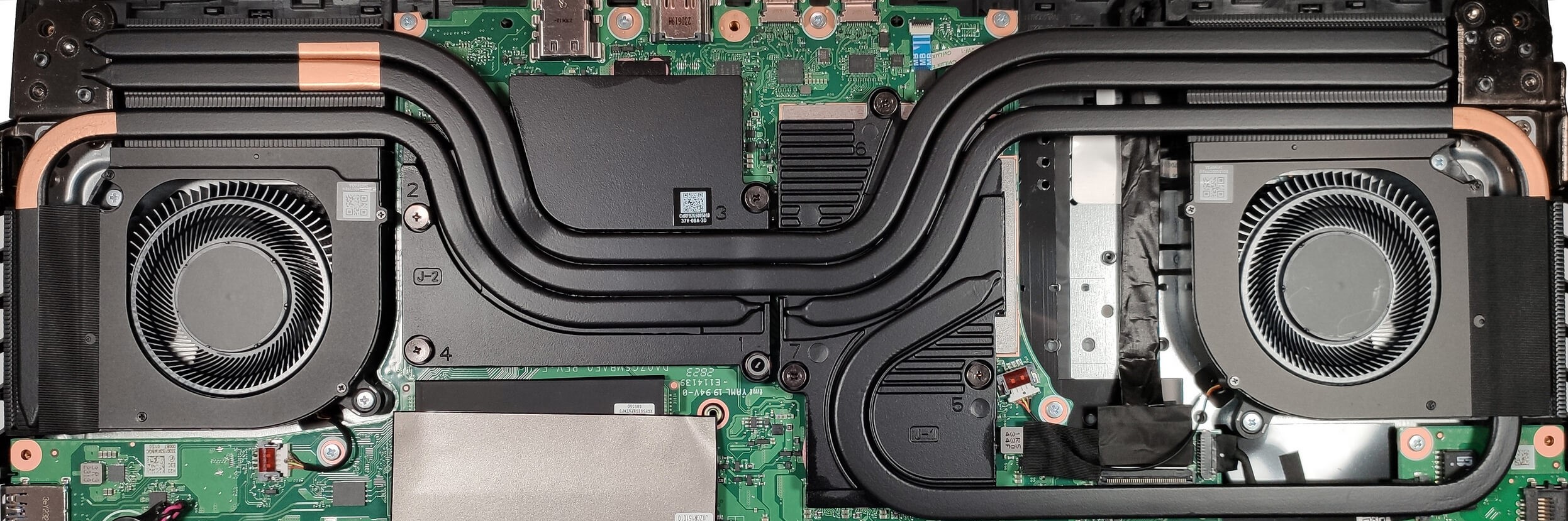
The cooling is massive. It comprises two fans, two heat pipes shared between the CPU and the GPU, one additional pipe for the processor, and two more for the video card. We can also see two big cooling plates and four heat sinks.
 Author: Nikolay Palaozov
 Author: eng. Kroum NikolovHead of Engineering at LaptopMedia.com, inventor and innovator with 40+ years of experience in electronics and high technology.

![[June 2026] Best-Selling Laptop Brands on Amazon Global – Apple’s Unrivaled Dominance in Units and Revenue](https://laptopmedia.com/wp-content/uploads/2026/07/GLOBAL-Best-Brands-400x225.jpg)
![[June 2026] Amazon Global: Top 10 Best-Selling Laptops – Apple’s New MacBook Neo Storms to #1, Reshaping the Market with Affordability](https://laptopmedia.com/wp-content/uploads/2026/07/Best-Selling-Laptops-GLOBAL-Top-10-400x225.jpg)
![[June 2026] Amazon Global: Top 10 Best-Selling Gaming Laptops – Acer’s Nitro V 16S AI Dominates Sales, While ASUS Leads Overall Revenue](https://laptopmedia.com/wp-content/uploads/2026/07/Best-Selling-Gaming-Laptops-GLOBAL-Top-10-400x225.jpg)
![[June 2026] Global Ranking of Best-Selling Laptop GPUs on Amazon – NVIDIA RTX 5060 is the Top-Selling Dedicated GPU](https://laptopmedia.com/wp-content/uploads/2026/07/Best-Selling-GPUs-GLOBAL-Top-10-400x225.jpg)
![[June 2026] Global Ranking of Best-Selling Laptop CPUs on Amazon – Apple M5 Dominates, AMD Ryzen 7 260 Gets Solid Premium Share](https://laptopmedia.com/wp-content/uploads/2026/07/Best-Selling-CPUs-GLOBAL-Top-10-400x225.jpg)

I have this laptop, but with Micron 3400 512Gb Ssd and 2×8 GB Ram
I undervolted Rtx 4060 via Msi afterburner (2250 Mhz at 0.825 V) max TGP is 68W with minimal loose of fps and GPU memory is set +1000 (18 Gbps)
I disabled E cores in Bios and set CPU PL1/PL2 manually to 65/85W this will assure max turbo 5 GHz and in stress mode all core turbo ~4.1 GHz all time (4.5 Ghz for 30 sec)
With this settings I have solid performance in games, much lower temps and power draw overall
how did you adjust pl1/pl2 manually? I have this same laptop and the cpu runs way too hot, i also cant adjust the fan curv e and auto mode does not keep it cool enough.