Acer Nitro 17 (AN17-51) review – has a capable cooling and great display
Design and construction
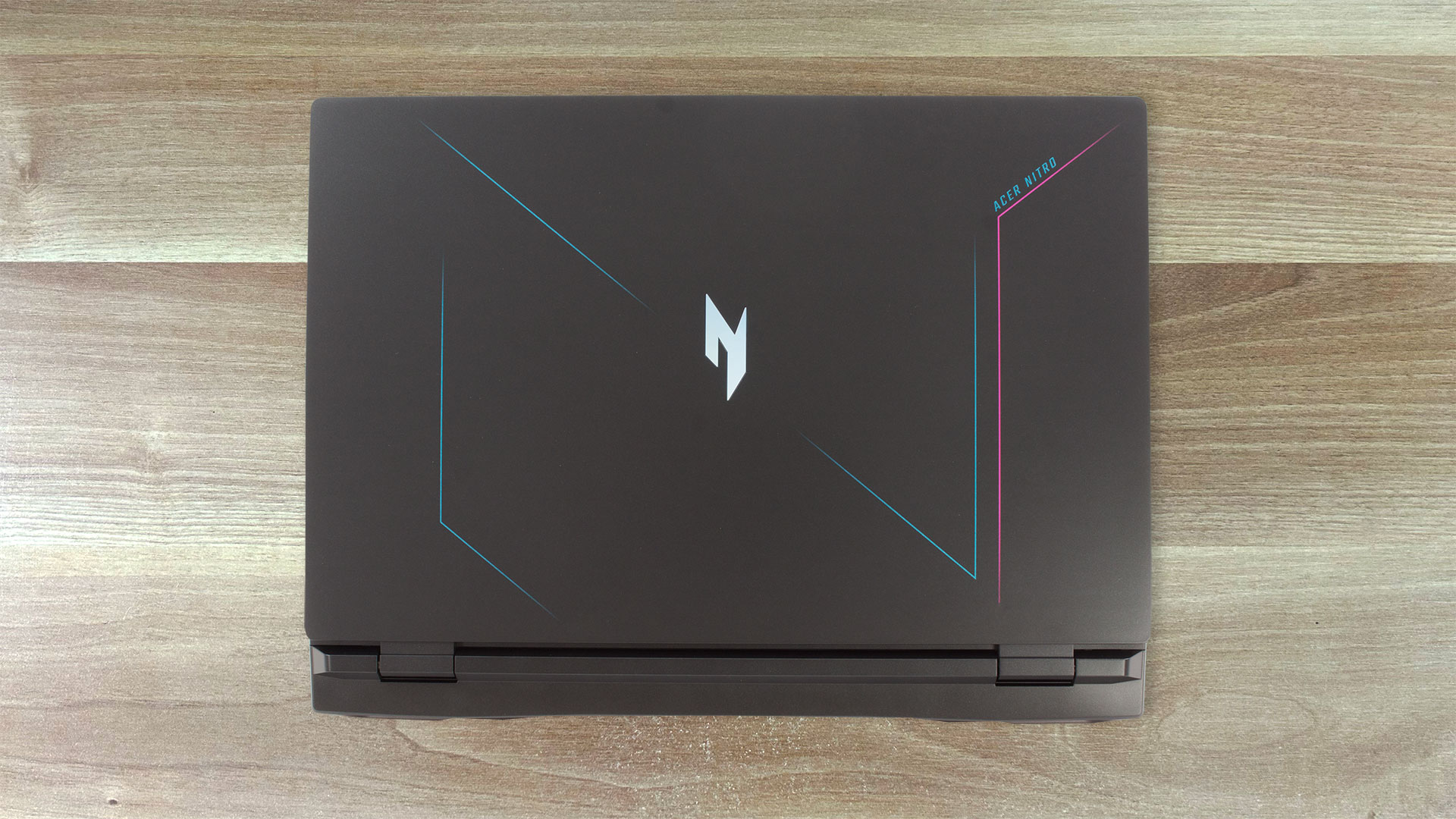
The laptop looks almost exactly the same as the Acer Nitro 17 (AN17-71). So, we got an all-plastic build but its rigidity is above average. The lid can be bent in the middle and you can flex it moderately. However, the base is solid and we saw just a small amount of flex between the touchpad and the Space key.
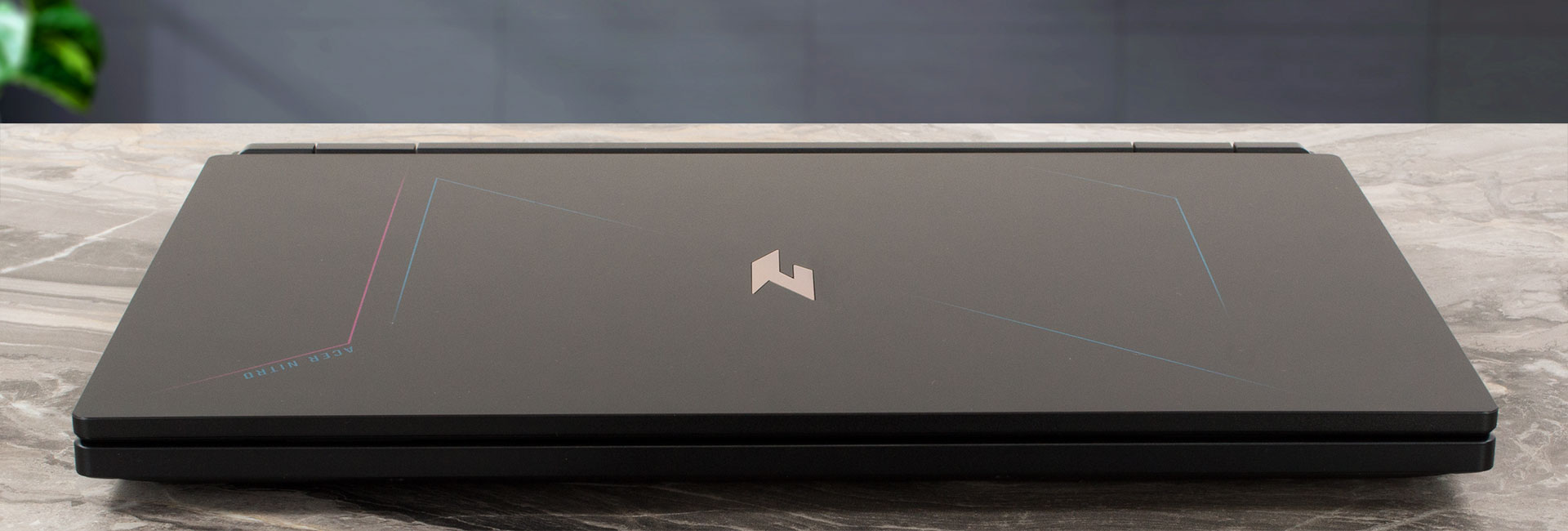
The lid can be opened with a single hand and it’s bouncy while changing the angle. The dimensions are normal for a big 17.3-incher – 27.9 – 28.9 profile thickness and the starting weight is 3 kg. By the way, the glossy surfaces on the lid and the base, and the matte one on the bottom plate are quite grippy which is useful in terms of safety while carrying such a big laptop.

The bottom bezel is thicker than the others which are thin. The top one houses a 720p Web camera with Temporal Noise Reduction.
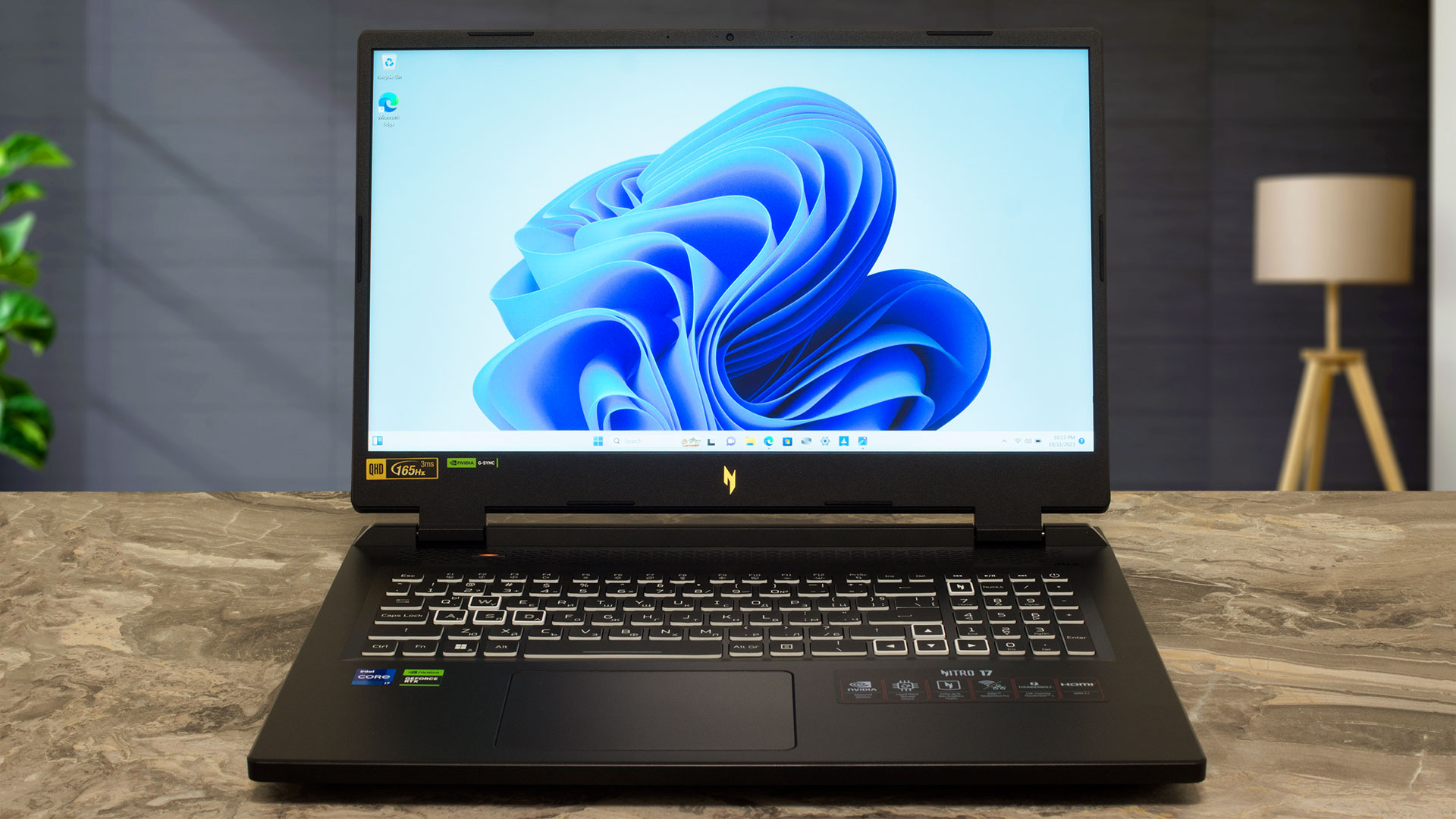
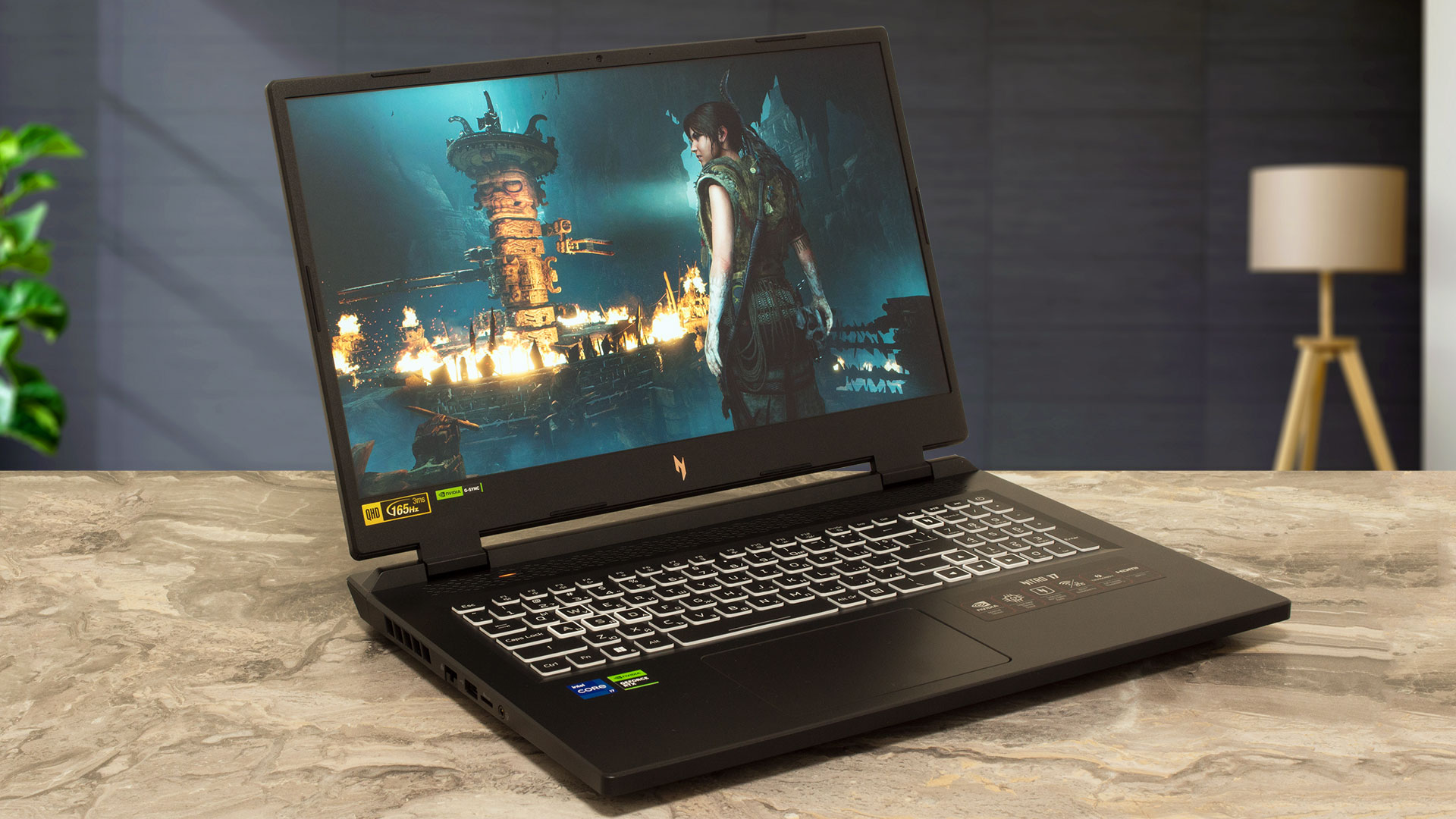
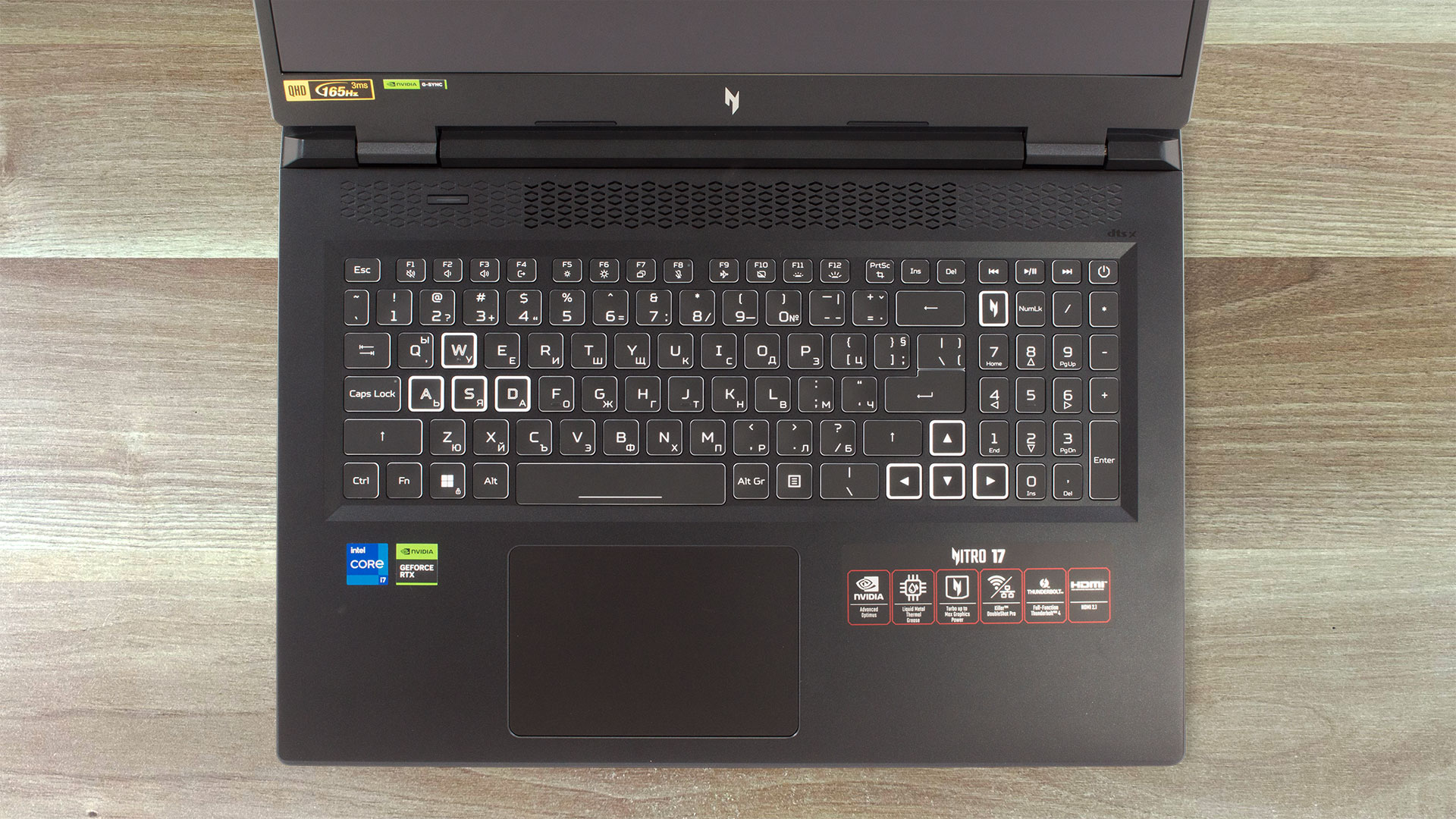
On the base, we can see a big ventilation grill and a dedicated “Nitro sense” button (that can be used for switching between the power presets or for ramping the fans at max RPM) placed above the keyboard. The latter features a full-sized NumPad section and big Arrow keys. The board is comfortable for typing or gaming because the large keycaps have long key travel and clicky feedback.
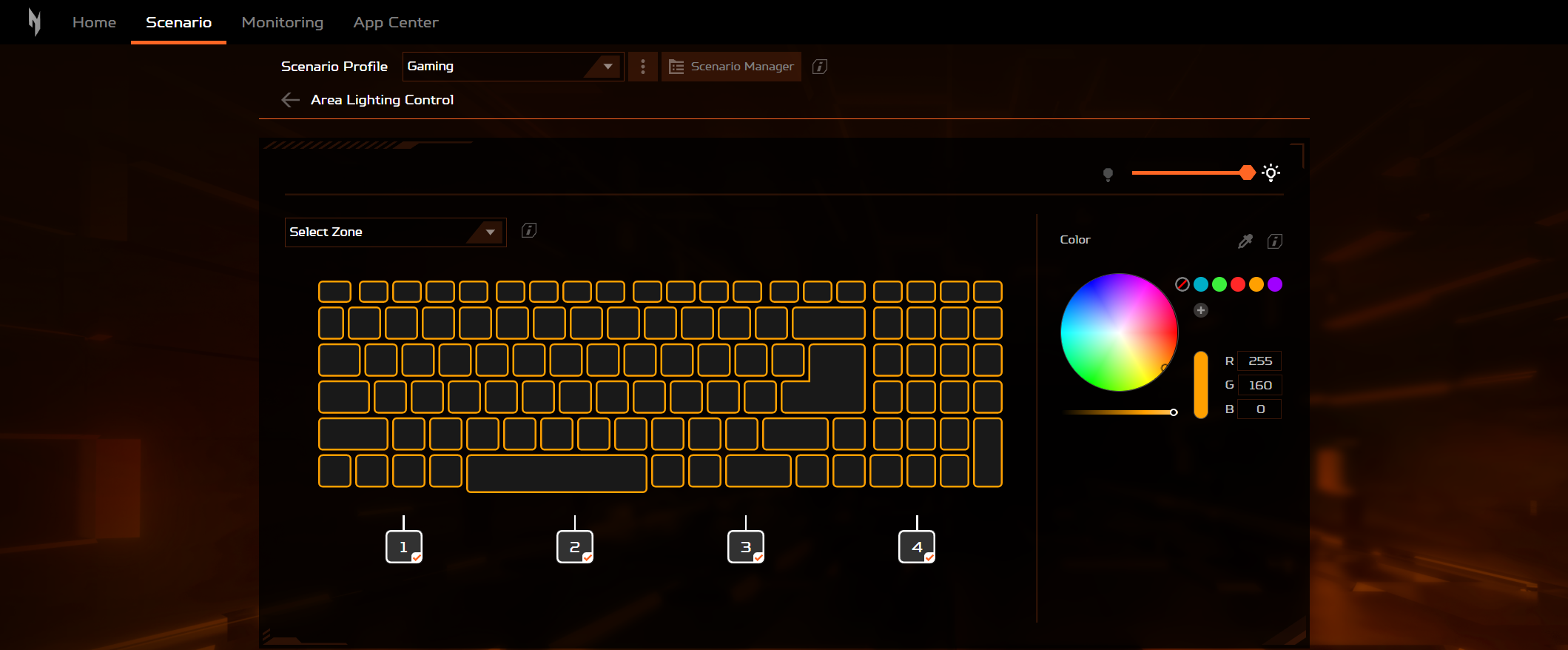
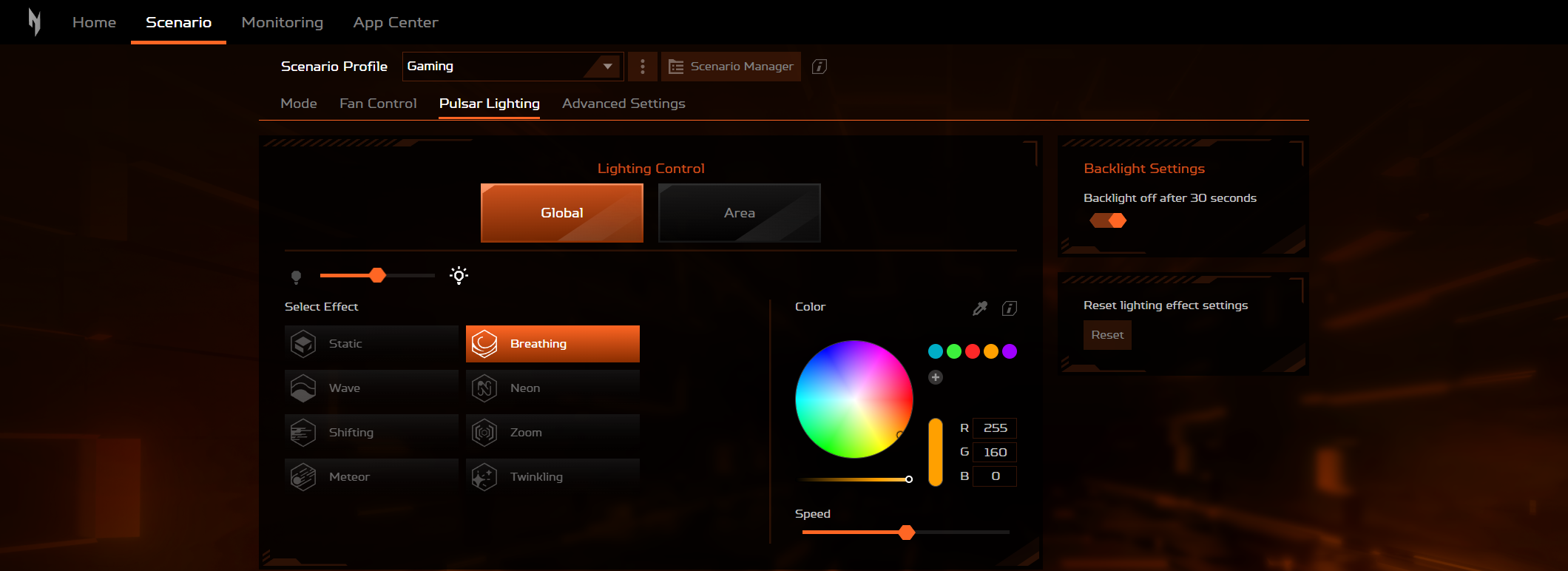
The 4-zone RGB backlight can be controlled with the Acer app.
The touchpad is big enough for normal usage. On the flip side, its smoothness and accuracy are average.
On the bottom plate, we can see four rubber feet, two cutouts for the DTS X: Ultra speakers, and a huge ventilation grill. The hot air is pushed through four vents – two on the sides and two on the back.

Ports
On the left, you can see a LAN port, a USB Type-A 3.2 (Gen. 1) port, a MicroSD card slot, and an Audio jack. The power plug, an HDMI 2.1 connector, one Thunderbolt 4 port, and a USB Type-C 3.2 (Gen. 2) port are placed on the back (both Type-C ports have DisplayPort and charging capabilities). The right side houses a Kensington lock slot, followed by two USB Type-A 3.2 (Gen. 2) ports (the former has a power-off charging function).



 Author: Nikolay Palaozov
 Author: eng. Kroum NikolovHead of Engineering at LaptopMedia.com, inventor and innovator with 40+ years of experience in electronics and high technology.

![[June 2026] Best-Selling Laptop Brands on Amazon Global – Apple’s Unrivaled Dominance in Units and Revenue](https://laptopmedia.com/wp-content/uploads/2026/07/GLOBAL-Best-Brands-400x225.jpg)
![[June 2026] Amazon Global: Top 10 Best-Selling Laptops – Apple’s New MacBook Neo Storms to #1, Reshaping the Market with Affordability](https://laptopmedia.com/wp-content/uploads/2026/07/Best-Selling-Laptops-GLOBAL-Top-10-400x225.jpg)
![[June 2026] Amazon Global: Top 10 Best-Selling Gaming Laptops – Acer’s Nitro V 16S AI Dominates Sales, While ASUS Leads Overall Revenue](https://laptopmedia.com/wp-content/uploads/2026/07/Best-Selling-Gaming-Laptops-GLOBAL-Top-10-400x225.jpg)
![[June 2026] Global Ranking of Best-Selling Laptop GPUs on Amazon – NVIDIA RTX 5060 is the Top-Selling Dedicated GPU](https://laptopmedia.com/wp-content/uploads/2026/07/Best-Selling-GPUs-GLOBAL-Top-10-400x225.jpg)
![[June 2026] Global Ranking of Best-Selling Laptop CPUs on Amazon – Apple M5 Dominates, AMD Ryzen 7 260 Gets Solid Premium Share](https://laptopmedia.com/wp-content/uploads/2026/07/Best-Selling-CPUs-GLOBAL-Top-10-400x225.jpg)

I have this laptop, but with Micron 3400 512Gb Ssd and 2×8 GB Ram
I undervolted Rtx 4060 via Msi afterburner (2250 Mhz at 0.825 V) max TGP is 68W with minimal loose of fps and GPU memory is set +1000 (18 Gbps)
I disabled E cores in Bios and set CPU PL1/PL2 manually to 65/85W this will assure max turbo 5 GHz and in stress mode all core turbo ~4.1 GHz all time (4.5 Ghz for 30 sec)
With this settings I have solid performance in games, much lower temps and power draw overall
how did you adjust pl1/pl2 manually? I have this same laptop and the cpu runs way too hot, i also cant adjust the fan curv e and auto mode does not keep it cool enough.