Acer Predator Helios 18 (PH18-72) review – Desktop Performance in a Mini LED Laptop
Disassembly, Upgrade options, and Maintenance
If you want to open this huge powerful device, you have to unscrew 14 Torx-head screws. Then, lift the backside by carefully raising it while holding tightly the two plastic exhausts. Don’t apply too much force because you can break the plate close to the Ethernet connector. Just use a thin plastic tool to pop the left, the bottom, and the areas around the LAN port.
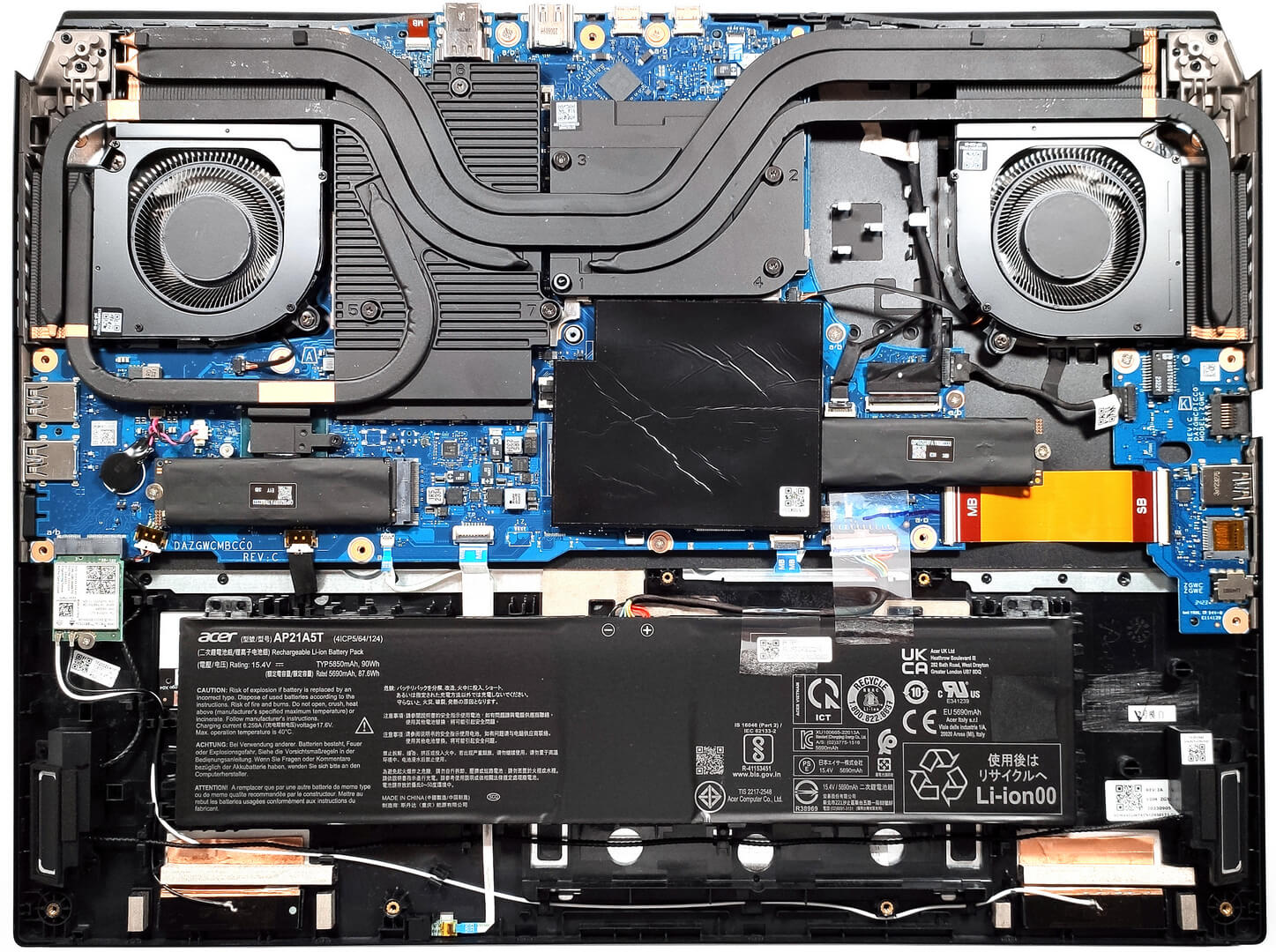
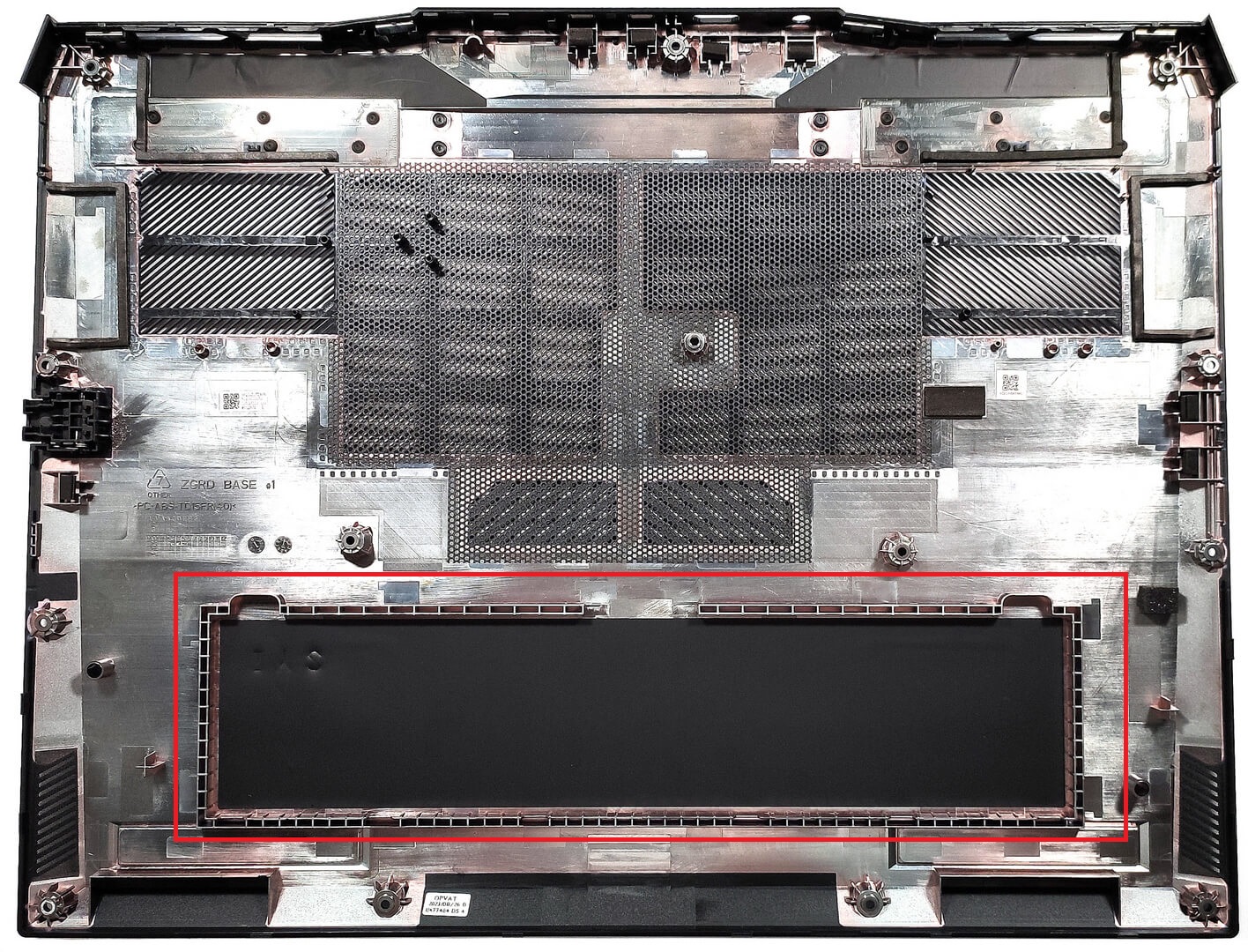
The battery isn’t secured to the chassis with screws because there is a dedicated socket for it on the inside of the bottom panel that keeps the unit in place.
The battery is a 90Wh model. To remove it, unplug the connector from the motherboard and lift it away from the base. The capacity is enough for 4 hours and 46 minutes of Web browsing or 4 hours and 33 minutes of video playback.

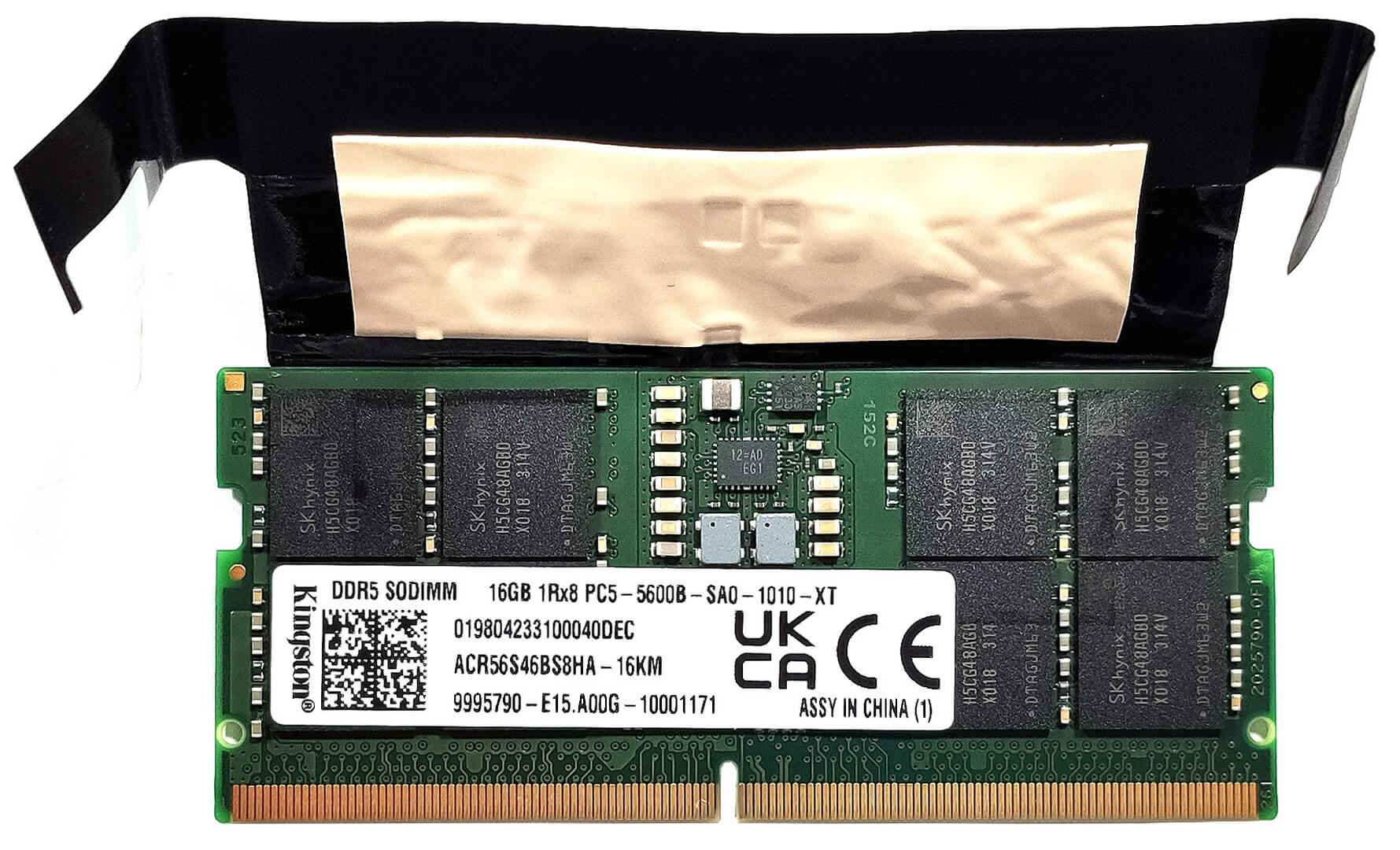
You get two SODIMMs that fit up to 32GB of DDR5-5600MHz memory in dual-channel mode. There is a dedicated thermal pad for each RAM module.

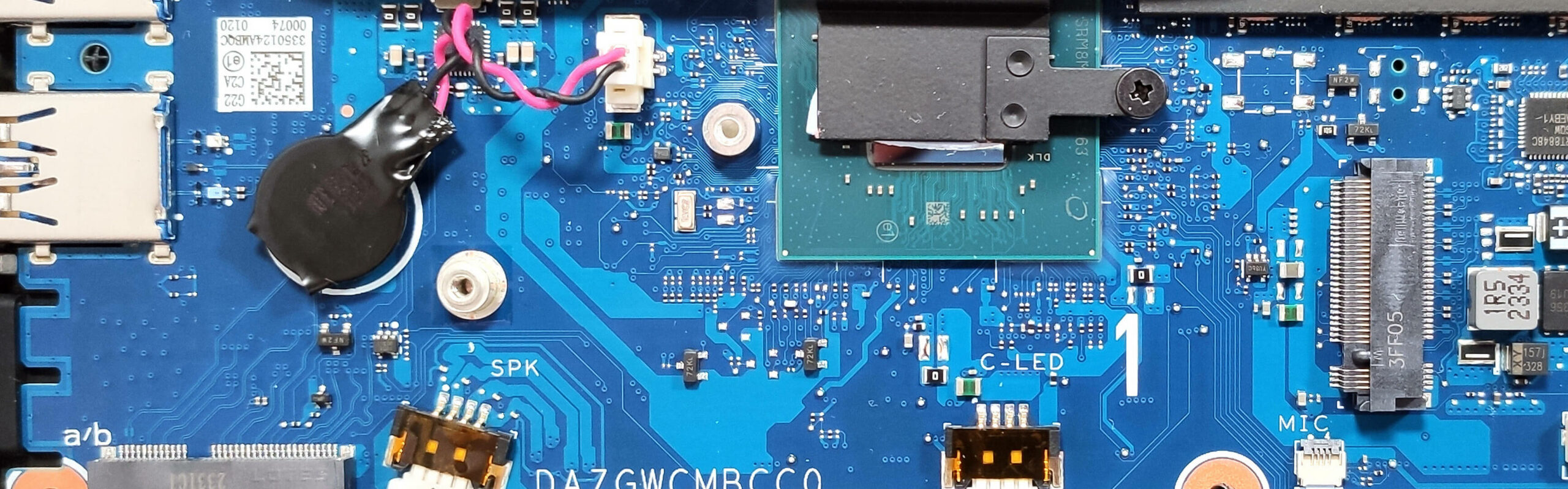
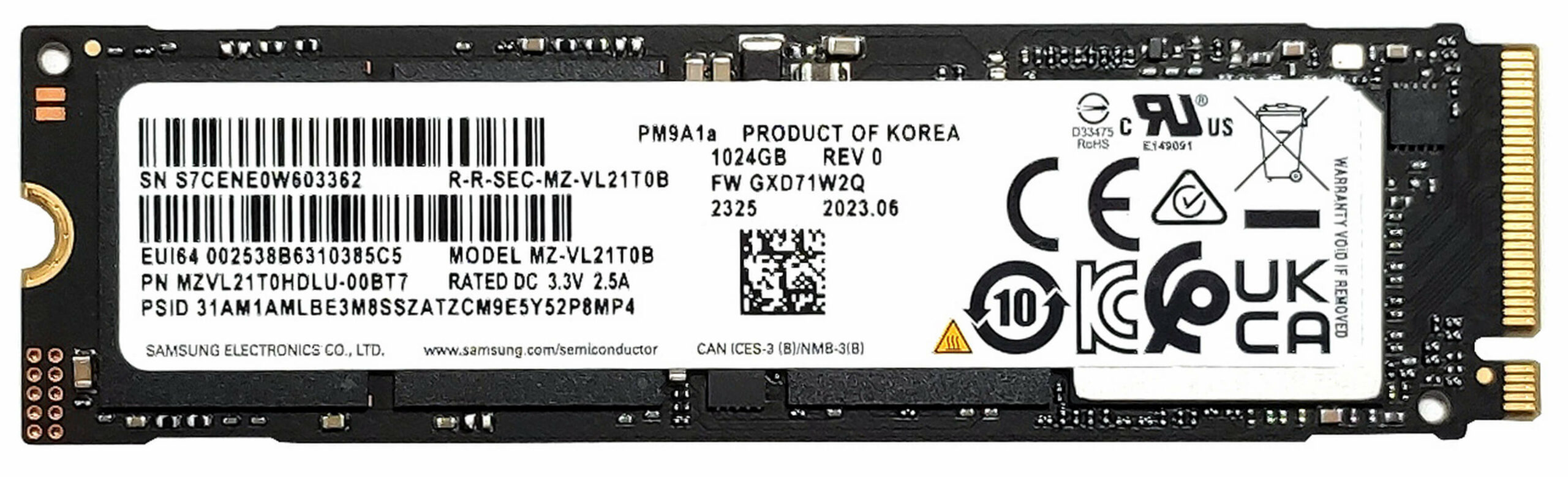
In terms of storage, you can rely on two M.2 slots for 2280 Gen 4 SSDs. Our machine has a duo of 1TB NVMe drives that operate in RAID 0. The benchmark results are very good! In addition, the preinstalled RAM and SSD modules are wrapped in copper foil.
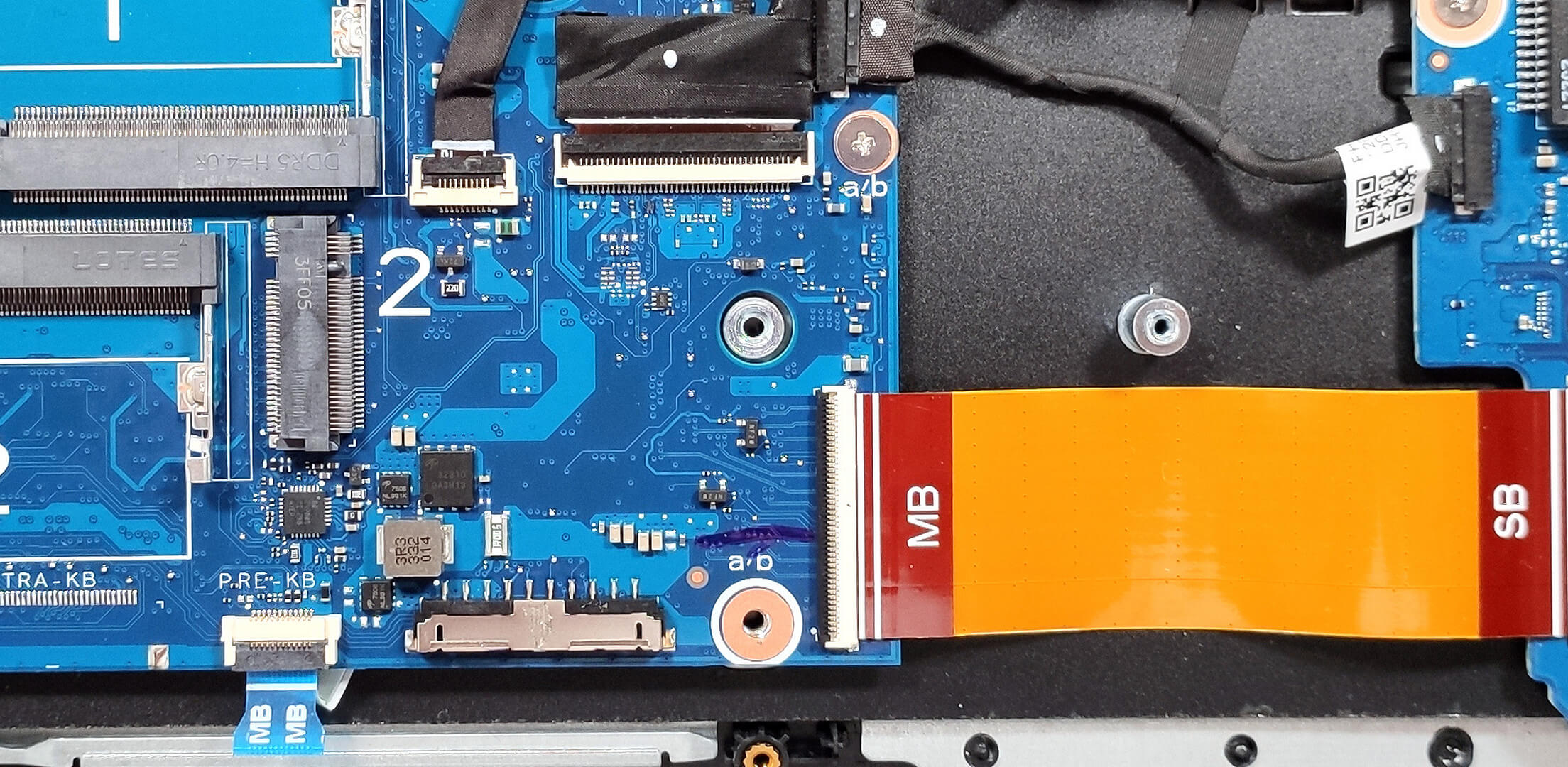
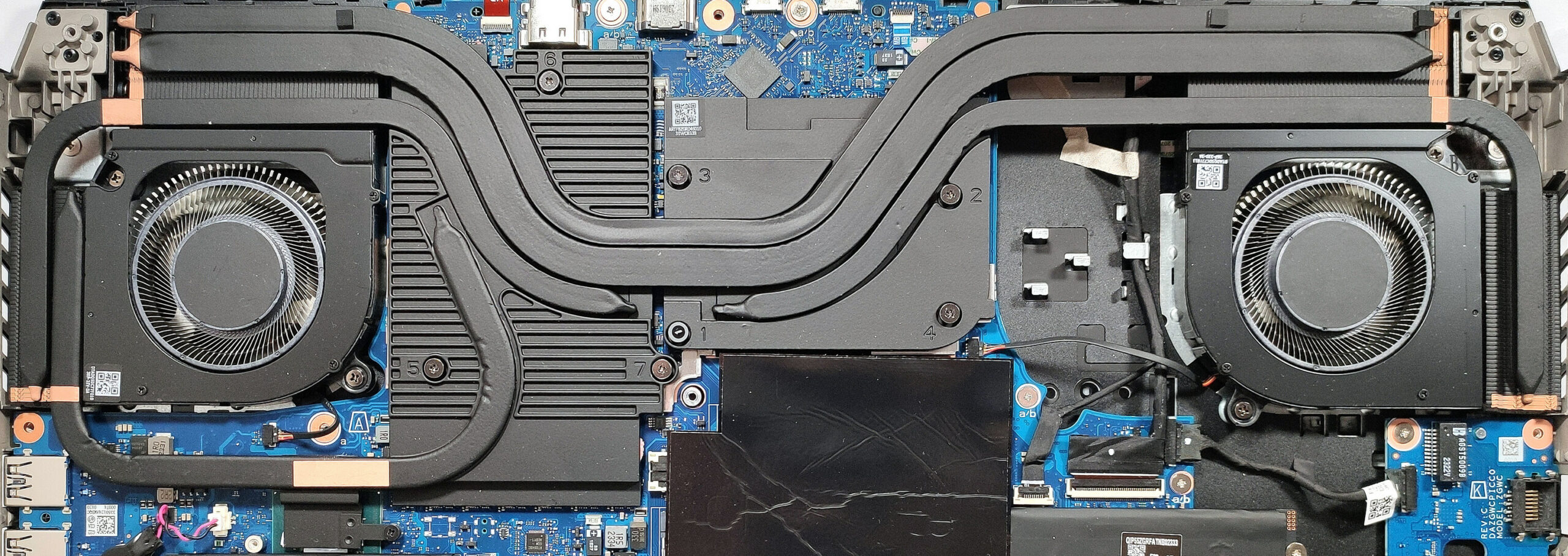
The sizable cooling has two Aeroblade 3D fans. It also sports a pair of heat pipes shared between the CPU and the GPU. We can see an additional pipe for the processor and two more solely dedicated to the graphics card. The system is also complemented by four heat sinks and two huge metal plates. Acer has preapplied liquid metal on the CPU chip. The cooling system here boasts rectangular vector heat pipes with wider contact surfaces for improved heat transfer.
 Author: Nikolay Palaozov
 Author: eng. Kroum NikolovHead of Engineering at LaptopMedia.com, inventor and innovator with 40+ years of experience in electronics and high technology.

![[June 2026] Best-Selling Laptop Brands on Amazon Global – Apple’s Unrivaled Dominance in Units and Revenue](https://laptopmedia.com/wp-content/uploads/2026/07/GLOBAL-Best-Brands-400x225.jpg)
![[June 2026] Amazon Global: Top 10 Best-Selling Laptops – Apple’s New MacBook Neo Storms to #1, Reshaping the Market with Affordability](https://laptopmedia.com/wp-content/uploads/2026/07/Best-Selling-Laptops-GLOBAL-Top-10-400x225.jpg)
![[June 2026] Amazon Global: Top 10 Best-Selling Gaming Laptops – Acer’s Nitro V 16S AI Dominates Sales, While ASUS Leads Overall Revenue](https://laptopmedia.com/wp-content/uploads/2026/07/Best-Selling-Gaming-Laptops-GLOBAL-Top-10-400x225.jpg)
![[June 2026] Global Ranking of Best-Selling Laptop GPUs on Amazon – NVIDIA RTX 5060 is the Top-Selling Dedicated GPU](https://laptopmedia.com/wp-content/uploads/2026/07/Best-Selling-GPUs-GLOBAL-Top-10-400x225.jpg)
![[June 2026] Global Ranking of Best-Selling Laptop CPUs on Amazon – Apple M5 Dominates, AMD Ryzen 7 260 Gets Solid Premium Share](https://laptopmedia.com/wp-content/uploads/2026/07/Best-Selling-CPUs-GLOBAL-Top-10-400x225.jpg)

Is this any better than the 4080 i13? Is the cooling system better? Can you undervolt this version?
Could you tell more about RAM thermal pad?
Can thermal pads be reinstalled after being removed from RAM? Or can they not be glued back on effectively?
I would like to buy such thermal pads, but they are hard to come by
What if the lid was left closed, but the laptop didn’t go into sleep mode and got very hot while lying on the bed for 30 minutes? Could this have caused any mechanical damage to the hardware? If so, how can I check this and how can I understand whether there was any damage to the laptop?