ASUS ROG Strix G17 G713P (2023) review – everything could be perfect if it isn’t for one thing
Temperatures and comfort, Battery Life
Max CPU load
In this test we use 100% on the CPU cores, monitoring their frequencies and chip temperature. The first column shows a computer’s reaction to a short load (2-10 seconds), the second column simulates a serious task (between 15 and 30 seconds), and the third column is a good indicator of how good the laptop is for long loads such as video rendering.
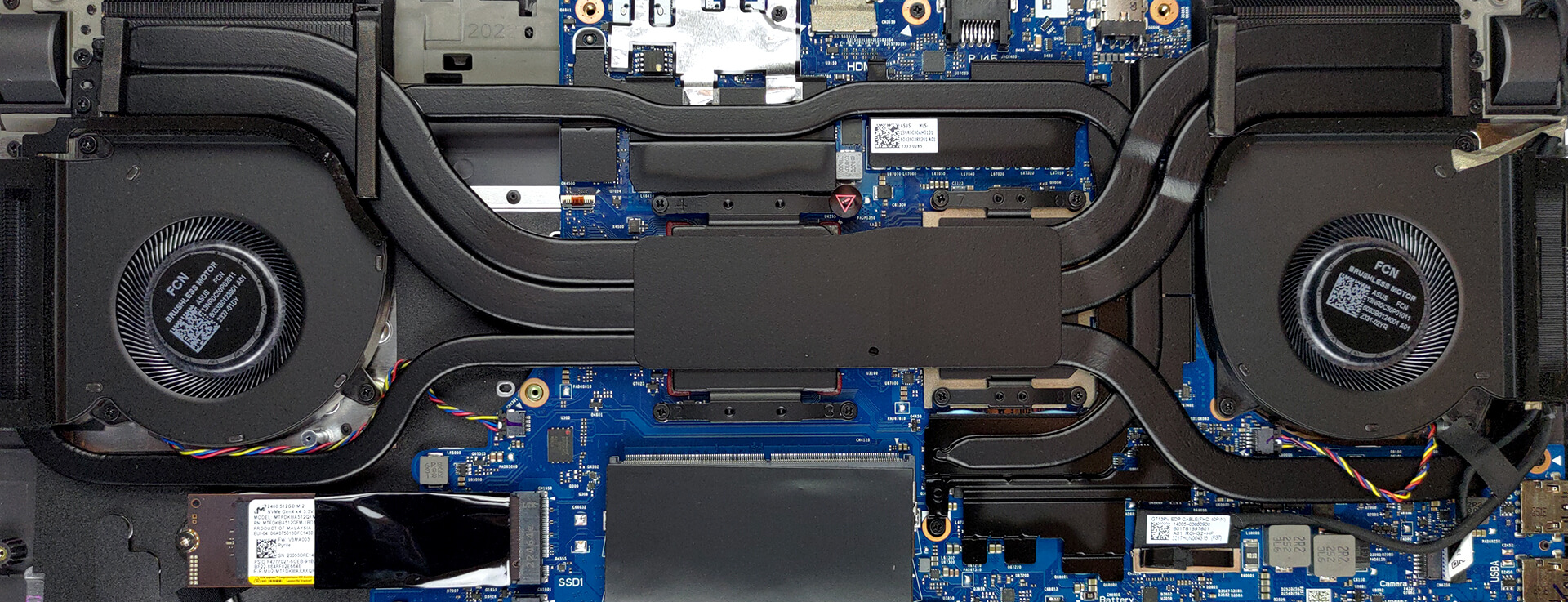
Average core frequency (base frequency + X); CPU temp.
| AMD Ryzen 9 7845HX (55W TDP) | 0:02 – 0:10 sec | 0:15 – 0:30 sec | 10:00 – 15:00 min |
|---|---|---|---|
| ASUS ROG Strix G17 G713P (2023) | 4.57 GHz @ 80°C @ 128W | 4.52 GHz @ 90°C @ 128W | 4.37 GHz @ 93°C @ 117W |
These clock speeds are really impressive, considering the fact that the CPU has 12 cores (24 threads), and it boosts all of them. Also, we see very little difference between the scores in the first checkpoint, and in the last one.
Real-life gaming
| NVIDIA GeForce RTX 4060 | GPU frequency/ Core temp (after 2 min) | GPU frequency/ Core temp (after 30 min) |
|---|---|---|
| ASUS ROG Strix G17 G713P (2023) | 2565 MHz @ 69°C @ 102W | 2565 MHz @ 67°C @ 102W |
| Acer Predator Helios Neo 16 (PHN16-71) | 2475 MHz @ 76°C @ 96W | 2475 MHz @ 75°C @ 95W |
| Dell G16 7630 | 2520 MHz @ 71°C @ 107W | 2520 MHz @ 73°C @ 107W |
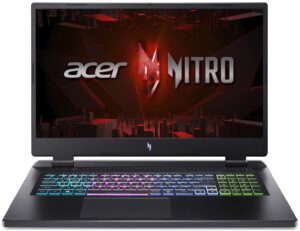
| Acer Nitro 17 (AN17-71) | 2610 MHz @ 68°C @ 100W | 2610 MHz @ 69°C @ 101W |
| ASUS Zenbook Pro 14 OLED (UX6404) | 2337 MHz @ 80°C @ 90W | 2327 MHz @ 82°C @ 90W |
| MSI Katana 17 (B12V) | 2246 MHz @ 74°C @ 83W | 2273 MHz @ 73°C @ 84W |
| ASUS ROG Strix G16 (G614, 2023) | 2490 MHz @ 68°C @ 99W | 2490 MHz @ 69°C @ 99W |
| Acer Predator Helios 16 (PH16-71) | 2550 MHz @ 68°C @ 98W | 2550 MHz @ 68°C @ 98W |
| Lenovo Legion Pro 5 (16″, 2023) | 2625 MHz @ 70°C @ 100W | 2625 MHz @ 74°C @ 99W |
Thankfully, this laptop is up there amongst the top dogs tested with this GPU. On top of that, the temperature is really low.
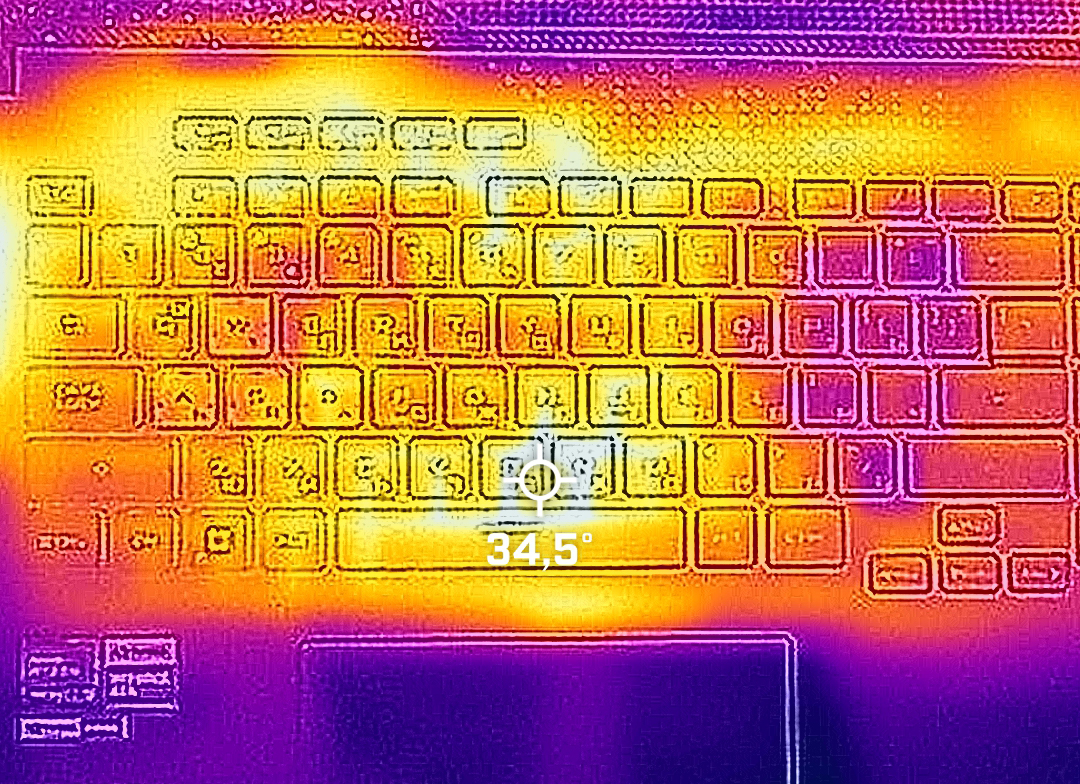
Gaming comfort
This translates to moderate noise during gaming, as well as quite low external temperatures – not bad.
Battery
Now, we conduct the battery tests with Windows Better performance setting turned on, screen brightness adjusted to 120 nits and all other programs turned off except for the one we are testing the notebook with. Interestingly, the 90Wh battery pack lasts for only 4 hours and 38 minutes of Web browsing, or 3 hours and 16 minutes of video playback.
Brightness: 180 nits; Display Mode: SDR
Time to Full Discharge: Higher is Better
In order to simulate real-life conditions, we used our own script for automatic web browsing through over 70 websites.
 Author: Alex Iliev
 Author: eng. Kroum NikolovHead of Engineering at LaptopMedia.com, inventor and innovator with 40+ years of experience in electronics and high technology.

![[August 2026] Best-Selling Laptop Brands on Amazon Japan – Apple Dominates Market Share and Revenue Led by Strong Unit Sales](https://laptopmedia.com/wp-content/uploads/2026/09/CO.JP-Best-Brands-1-400x225.jpg)
![[August 2026] Best-Selling Laptop Brands on Amazon USA – Apple Dominates Market Revenue and Volume Despite Lower Model Diversity](https://laptopmedia.com/wp-content/uploads/2026/09/COM-Best-Brands-1-400x225.jpg)
![[August 2026] Amazon Germany: Top 8 Best-Selling Gaming Laptops – Acer Dominates the Market as the Premium Nitro V 17 AI Takes the #1 Spot](https://laptopmedia.com/wp-content/uploads/2026/09/Best-Selling-Gaming-Laptops-DE-Top-10-1-400x225.jpg)
![[August 2026] Best-Selling Laptop Brands on Amazon France – Apple Dominates Revenue Despite Lenovo and HP Leading in Catalog Breadth and Volume](https://laptopmedia.com/wp-content/uploads/2026/09/FR-Best-Brands-1-400x225.jpg)
![[August 2026] Amazon Italy: Top 10 Best-Selling Laptops – Apple MacBook Neo Claims the Crown as Budget and Mid-Range Windows Machines Dominate Volume](https://laptopmedia.com/wp-content/uploads/2026/09/Best-Selling-Laptops-IT-Top-10-400x225.jpg)

I would say that the biggest “Con” is that it doesn’t come with USB4 or even Thunderbolt-4. These cannot be easily installed as an upgrade. But also there is the fact that they’re trying to pass this off as a Mid Tier gaming rig but it’s actually only a little better than the RTX4060 which has the same amount of VRAM for less money (8gb). You should NOT buy a gaming computer with less than 12GB of VRAM today. Honestly if you can’t afford the 4080 then you’d do fine with a 4060.