ASUS TUF Gaming A15 (FA507, 2023) review – superb battery life and display color accuracy
Temperatures and comfort, Battery Life
Max CPU load
In this test we use 100% on the CPU cores, monitoring their frequencies and chip temperature. The first column shows a computer’s reaction to a short load (2-10 seconds), the second column simulates a serious task (between 15 and 30 seconds), and the third column is a good indicator of how good the laptop is for long loads such as video rendering.
Average core frequency (base frequency + X); CPU temp.
| AMD Ryzen 7 7735HS (35W TDP) | 0:02 – 0:10 sec | 0:15 – 0:30 sec | 10:00 – 15:00 min |
|---|---|---|---|
| ASUS TUF Gaming A15 (FA507, 2023) | 3.91 GHz @ 73°C @ 76W | 3.89 GHz @ 81°C @ 76W | 3.90 GHz @ 93°C @ 77W |
| MSI Bravo 15 C7U | 3.64 GHz @ 72°C @ 65W | 3.74 GHz @ 78°C @ 65W | 3.75 GHz @ 87°C @ 65W |
| MSI Bravo 15 C7U Max Fans | 3.77 GHz @ 65°C @ 65W | 3.76 GHz @ 71°C @ 65W | 3.77 GHz @ 84°C @ 65W |
| MSI Bravo 15 C7V | 3.75 GHz @ 81°C @ 65W | 3.74 GHz @ 84°C @ 65W | 3.75 GHz @ 84°C @ 65W |
| Acer Nitro 5 (AN515-47) | 3.94 GHz @ 73°C @ 75W | 3.86 GHz @ 77°C @ 70W | 3.87 GHz @ 85°C @ 70W |
The ASUS TUF Gaming A15 (FA507, 2023) has the upper hand in terms of CPU clocks and power limits compared to the other laptops with the Ryzen 7 7735HS that we have reviewed up to date. The frequencies are rock solid under any kind of load but this results in 93°C CPU temperature in longer periods of maximum processor stress.
Real-life gaming
| NVIDIA GeForce RTX 4060 | GPU frequency/ Core temp (after 2 min) | GPU frequency/ Core temp (after 30 min) |
|---|---|---|
| ASUS TUF Gaming A15 (FA507, 2023) | 2520 MHz @ 78°C @ 112W | 2520 MHz @ 81°C @ 111W |
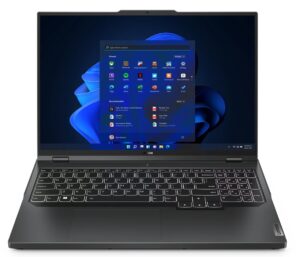
| Lenovo ThinkBook 16p Gen 4 | 2475 MHz @ 76°C @ 107W | 2475 MHz @ 77°C @ 108W |
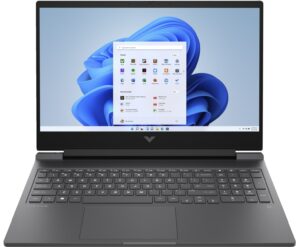
| HP Victus 16 (16-r0000) | 2520 MHz @ 77°C @ 107W | 2520 MHz @ 76°C @ 107W |
The mobile GeForce RTX 4060 can maintain 2520 MHz and 111W TGP after 30 minutes of gaming which is a very good achievement. Still, the core temperatures are a bit higher.
Comfort during full load
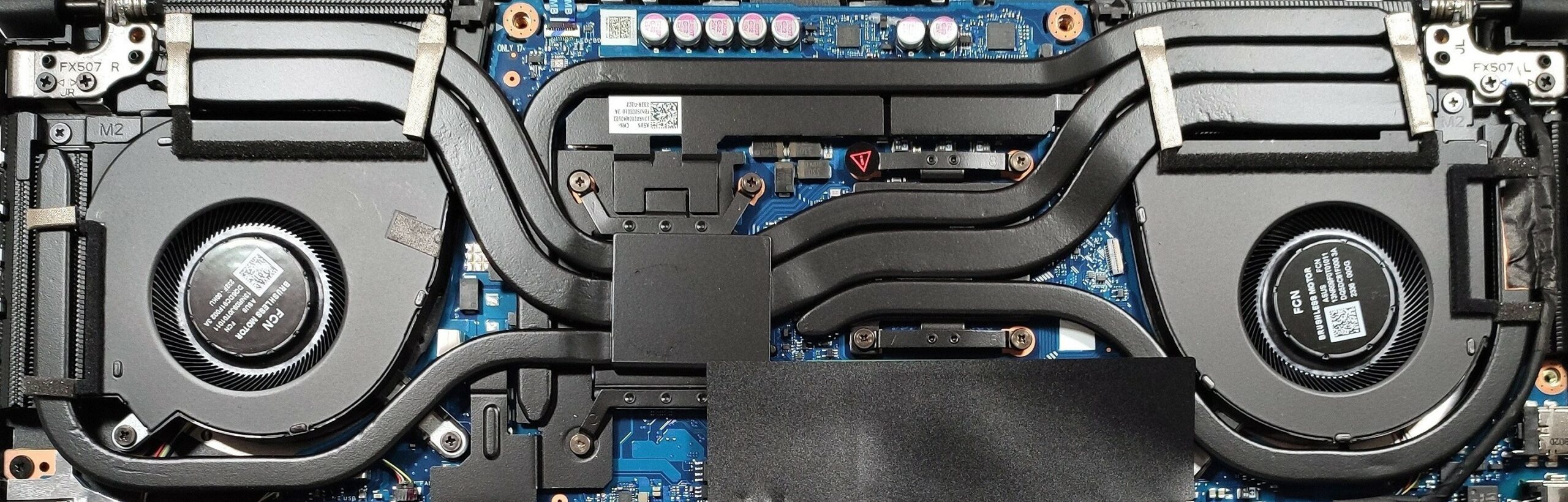
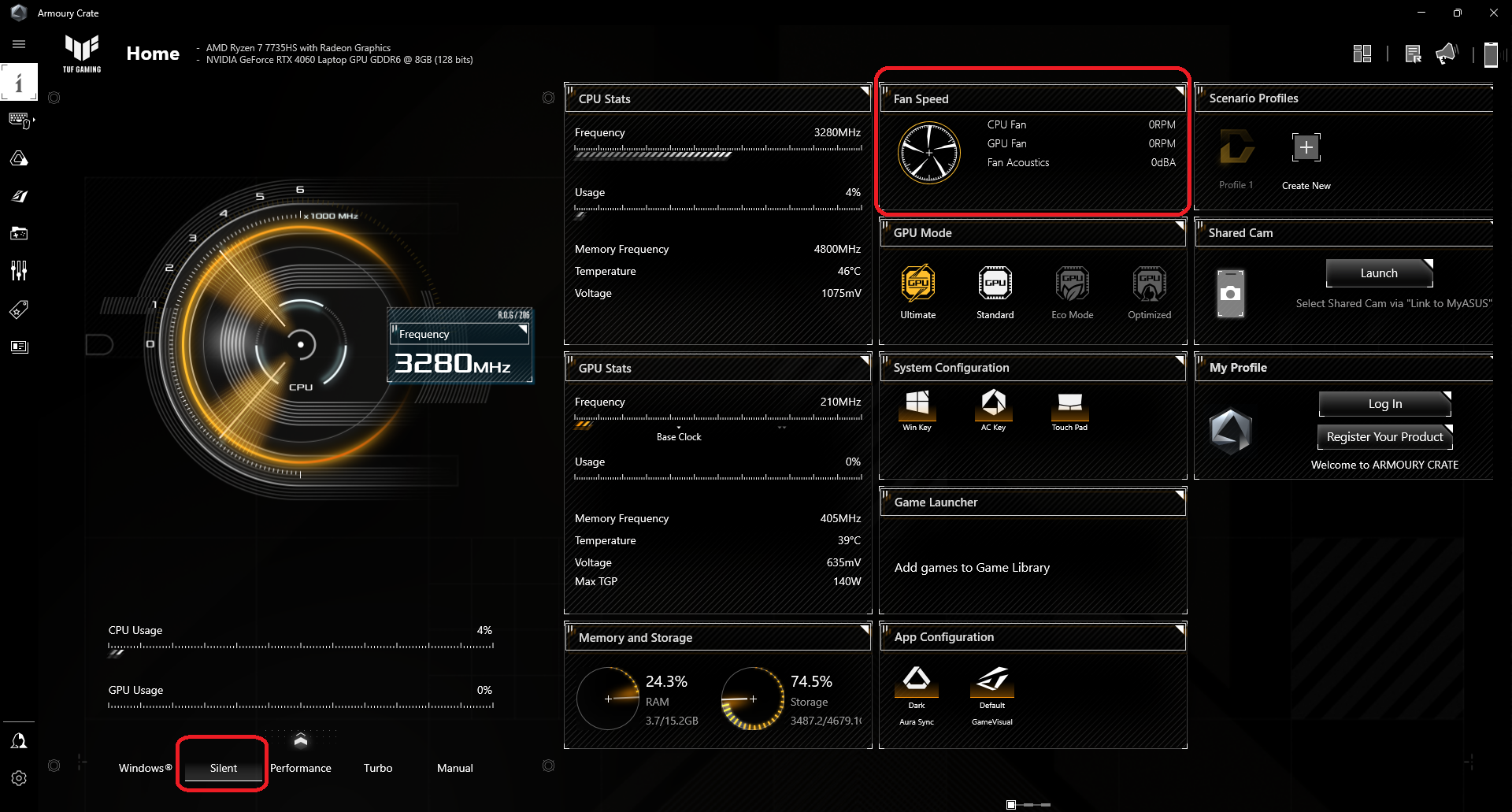
In “Turbo” mode, the fans aren’t loud but they aren’t quiet either. The WASD area is cool under heavy load because the cooling solution draws fresh air through the keyboard. The other part of the board isn’t too hot to the touch. You can choose between a bunch of performance presets in the ASUS Armoury Crate app.
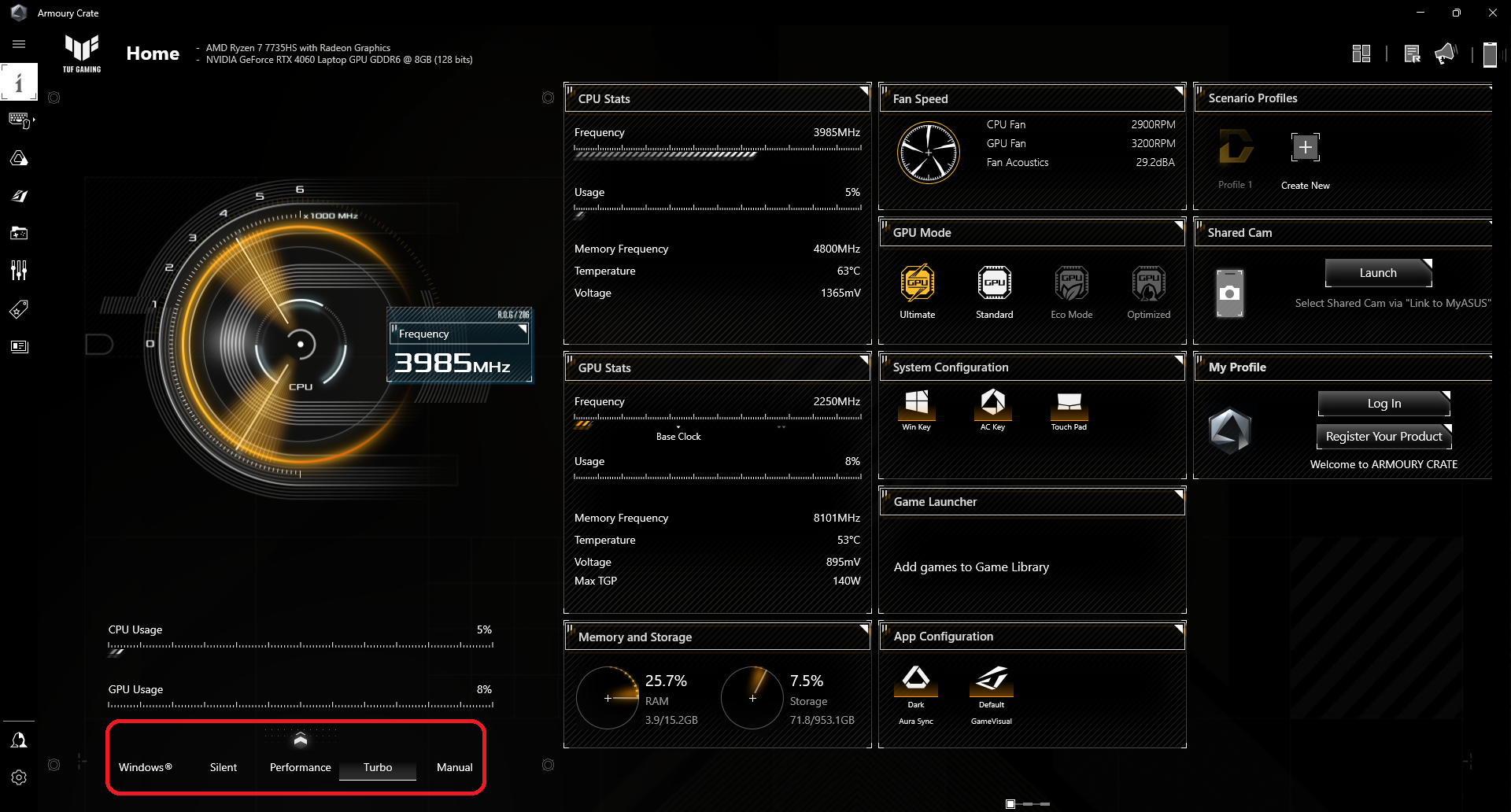
You can have a look at the fans’ speed of the three presets in idle mode. In “Turbo”, the rotation speed is ~2900RPM while in “Performance” the result is ~2300-2400RPM. The laptop can produce zero noise in “Silent” mode because the fans are completely turned off in light loads.
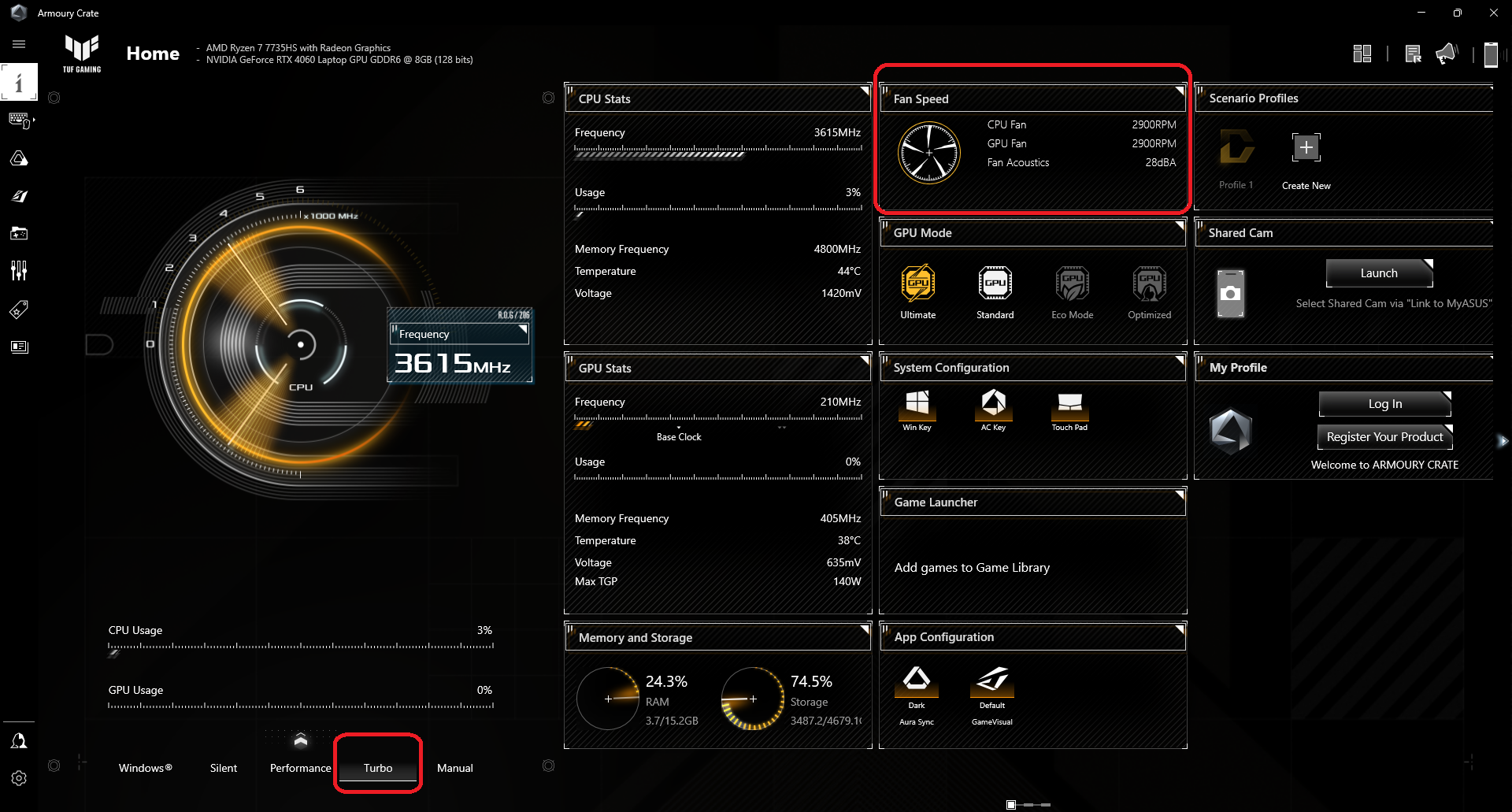 Turbo
Turbo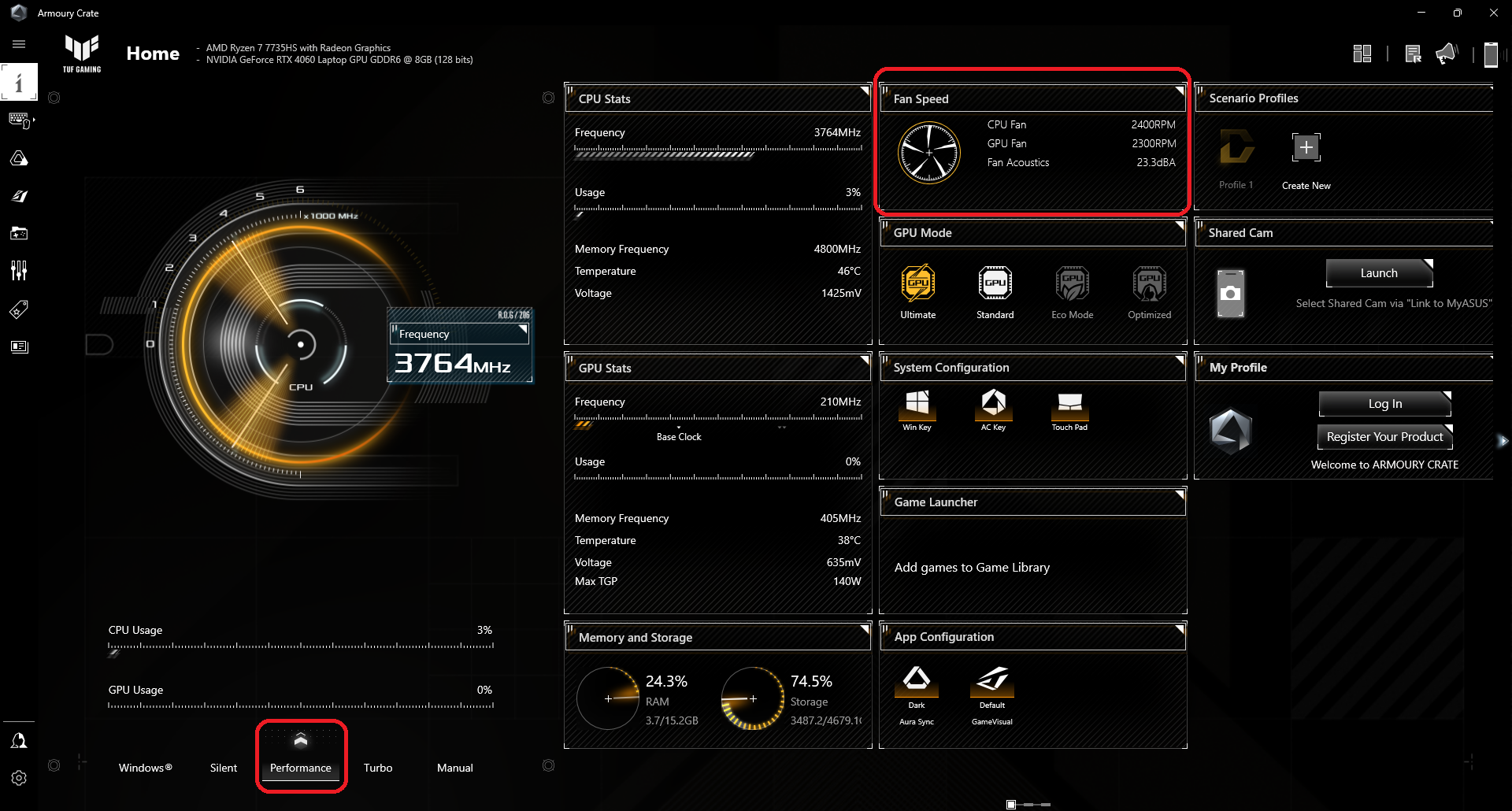 Performnce
 Silent
Battery
Now, we conduct the battery tests with Windows Better performance setting turned on, screen brightness adjusted to 120 nits and all other programs turned off except for the one we are testing the notebook with. This laptop has a 90Wh battery pack. It lasts for 25 hours of Web browsing or 10 hours of video playback. This is a superb result!
Brightness: 180 nits; Display Mode: SDR
Time to Full Discharge: Higher is Better

In order to simulate real-life conditions, we used our own script for automatic web browsing through over 70 websites.
 Author: Nikolay Palaozov
 Author: eng. Kroum NikolovHead of Engineering at LaptopMedia.com, inventor and innovator with 40+ years of experience in electronics and high technology.

![[August 2026] Amazon Italy: Top 10 Best-Selling Laptops – Apple MacBook Neo Claims the Crown as Budget and Mid-Range Windows Machines Dominate Volume](https://laptopmedia.com/wp-content/uploads/2026/09/Best-Selling-Laptops-IT-Top-10-400x225.jpg)
![[August 2026] Amazon Italy: Top 7 Best-Selling Gaming Laptops – ASUS V16 Claims the #1 Spot Amid Strong Mid-Range Demand](https://laptopmedia.com/wp-content/uploads/2026/09/Best-Selling-Gaming-Laptops-IT-Top-10-400x225.jpg)
![[August 2026] Best-Selling Laptop Brands on Amazon Italy – Lenovo Dominates Market Share and Revenue Leadership](https://laptopmedia.com/wp-content/uploads/2026/09/IT-Best-Brands-400x225.jpg)
![[August 2026] Amazon India: Top 10 Best-Selling Laptops – Apple MacBook Neo Dominates the Charts with Massive Sales Lead](https://laptopmedia.com/wp-content/uploads/2026/09/Best-Selling-Laptops-IN-Top-10-400x225.jpg)
![[August 2026] Amazon India: Top 10 Best-Selling Gaming Laptops – HP Victus 15 Dominates the Market with Massive Unit Lead](https://laptopmedia.com/wp-content/uploads/2026/09/Best-Selling-Gaming-Laptops-IN-Top-10-400x225.jpg)

Perfect laptop for students with its out of world battery.
Would love more such laptops especially in smaller chassis and non-gaming vibes.
Bottlenecking by the Ryzen 7 7735HS sounds strange for me. Intel Core i7-13620H is better in this case?