ASUS TUF Gaming A15 (FA507, 2023) review – superb battery life and display color accuracy
Disassembly, Upgrade options, and Maintenance
For gaining access to the internals, you have to unscrew 12 Phillips-head screws. One of them is captive so it slightly lifts the bottom panel from the chassis. This makes the prying of the plate much easier. You can also lift the panel up from the zone around the LAN connector.
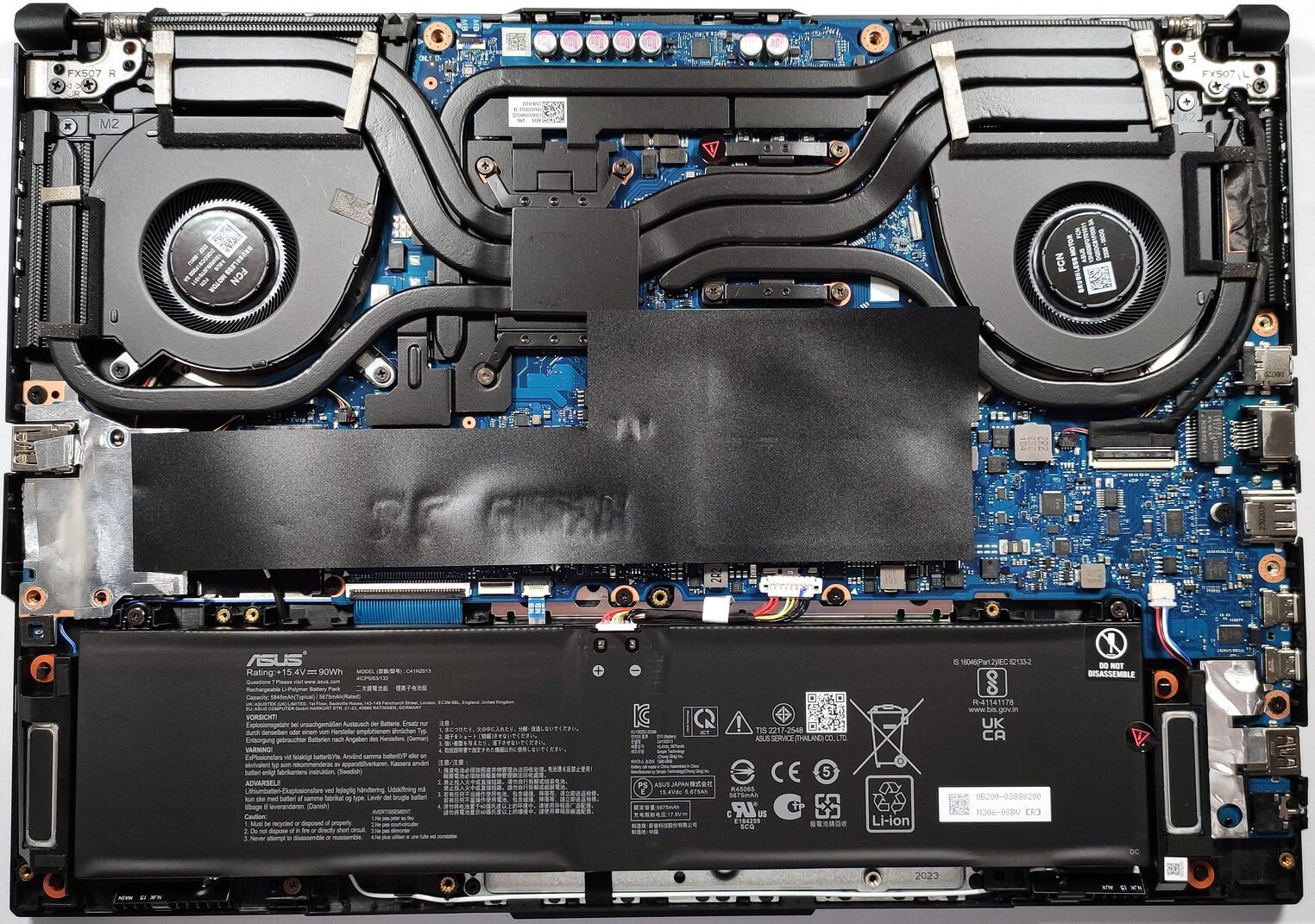
On the inside of the bottom panel, we can see many elements for better structural support of the chassis.
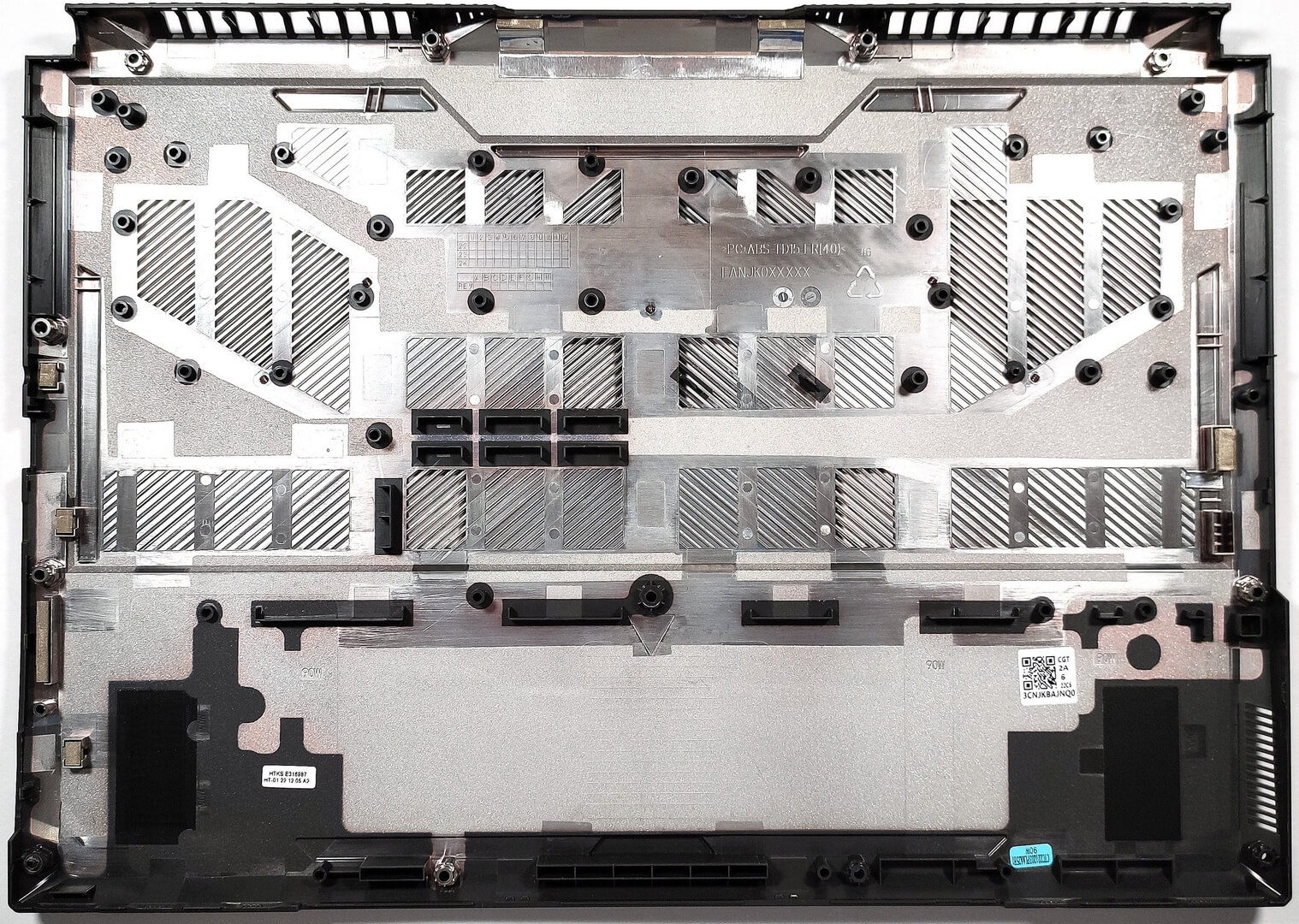
The battery is a 90Wh model. If you want to take it out, you need to pull out the battery connector from the mainboard. Then, undo the three Phillips-head screws that are fixing the unit to the base. One of them has an ASUS sticker on it so pull it gently. The capacity is enough for 25 hours of Web browsing or 10 hours of video playback. This is a staggering result, especially for a gaming laptop!

For memory upgrades, there are two SODIMM slots. They can handle up to 32GB of DDR5-4800MHz RAM in dual-channel mode.

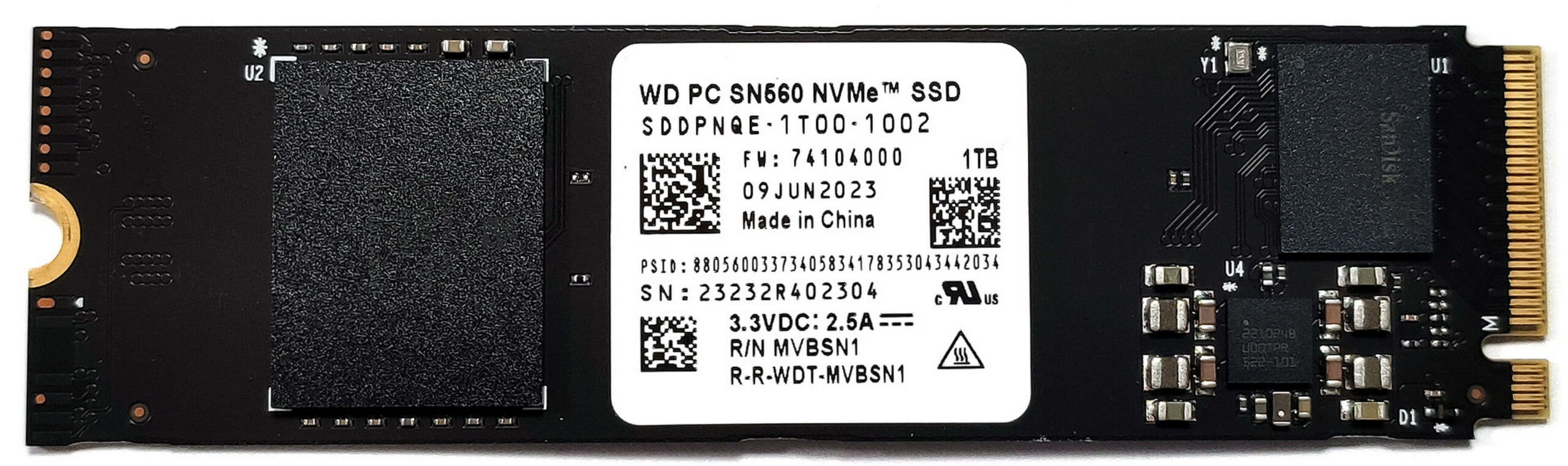
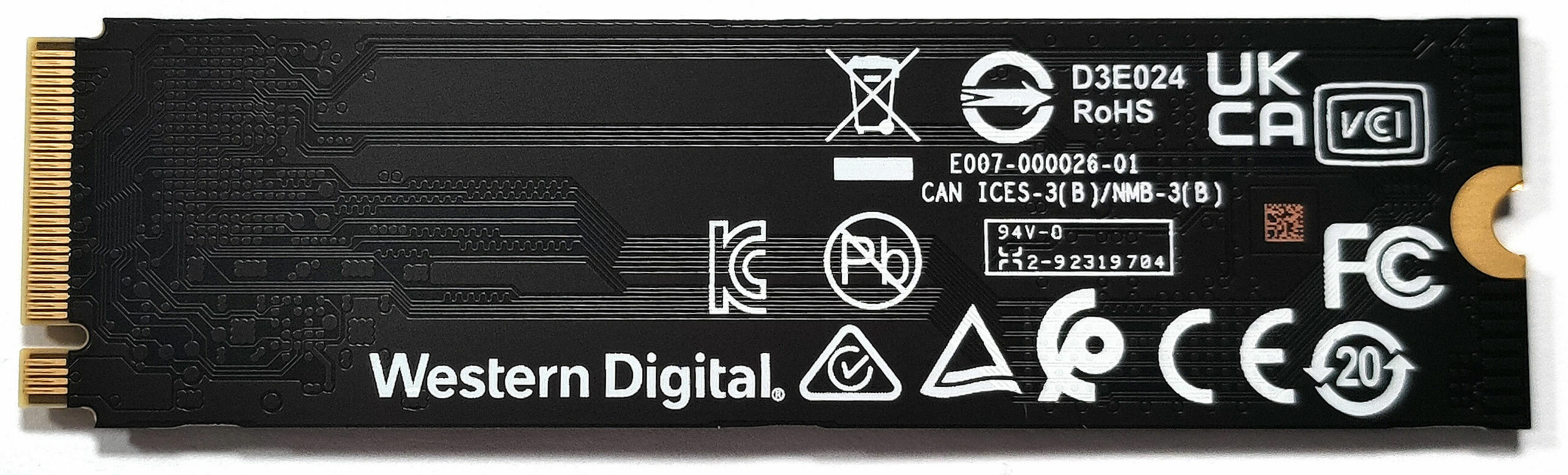
For storage, there are two M.2 slots for Gen 4 SSDs.
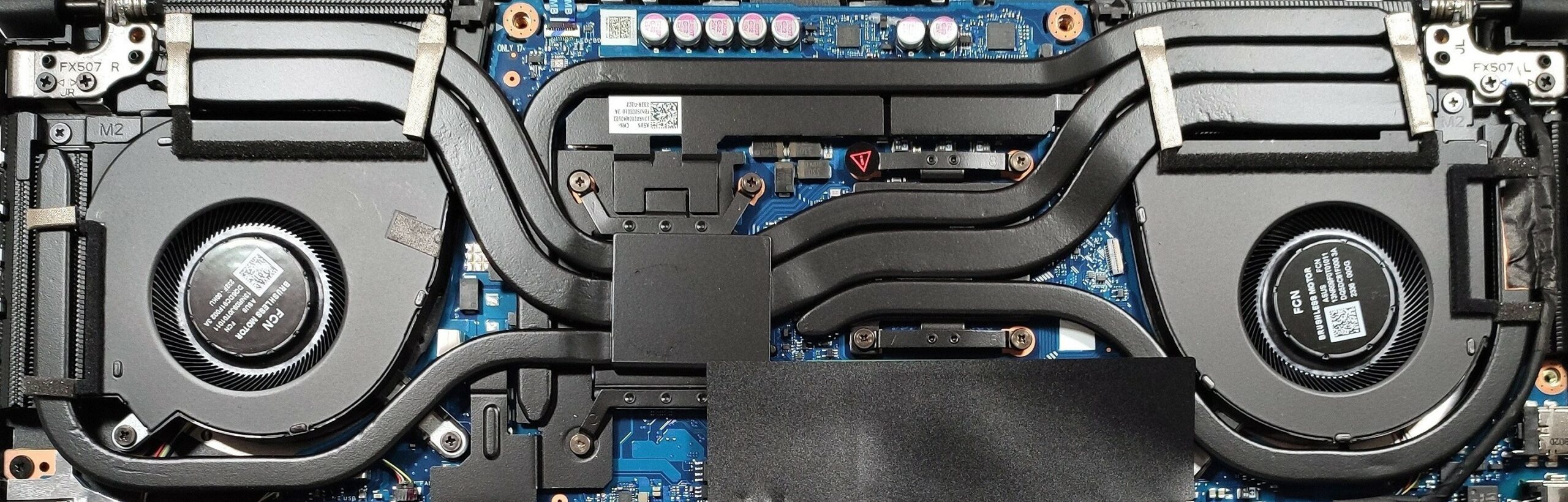
The cooling system comprises two fans, and two heat pipes, shared between the video card and the processor. There is one more heat pipe dedicated to each chip and a fifth one meant for cooling the GPU memory and the VRMs. We can also see four heat sinks and some heat spreaders.
 Author: Nikolay Palaozov
 Author: eng. Kroum NikolovHead of Engineering at LaptopMedia.com, inventor and innovator with 40+ years of experience in electronics and high technology.

![[August 2026] Amazon Global: Top 10 Best-Selling Laptops – Apple MacBook Neo Dominates the Charts as Budget and Mid-Range Windows Portables Fight for Volume](https://laptopmedia.com/wp-content/uploads/2026/09/Best-Selling-Laptops-GLOBAL-Top-10-400x225.jpg)
![[August 2026] Best-Selling Laptop Brands on Amazon Global – Apple Dominates Revenue While HP Leads in Model Variety](https://laptopmedia.com/wp-content/uploads/2026/09/GLOBAL-Best-Brands-400x225.jpg)
![[August 2026] Amazon Global: Top 10 Best-Selling Gaming Laptops – HP Victus 15 Captures the Crown as Budget-Friendly Models Dominate the Charts](https://laptopmedia.com/wp-content/uploads/2026/09/Best-Selling-Gaming-Laptops-GLOBAL-Top-10-400x225.jpg)
![[August 2026] Best-Selling Laptop Brands on Amazon Japan – Apple Dominates Market Share and Revenue Led by Strong Unit Sales](https://laptopmedia.com/wp-content/uploads/2026/09/CO.JP-Best-Brands-1-400x225.jpg)
![[August 2026] Best-Selling Laptop Brands on Amazon USA – Apple Dominates Market Revenue and Volume Despite Lower Model Diversity](https://laptopmedia.com/wp-content/uploads/2026/09/COM-Best-Brands-1-400x225.jpg)

Perfect laptop for students with its out of world battery.
Would love more such laptops especially in smaller chassis and non-gaming vibes.
Bottlenecking by the Ryzen 7 7735HS sounds strange for me. Intel Core i7-13620H is better in this case?