HP OMEN Transcend 16 (u1000) review – RTX 4070 Power, 240Hz Display in a Thin Chassis
Disassembly, Upgrade options, and Maintenance
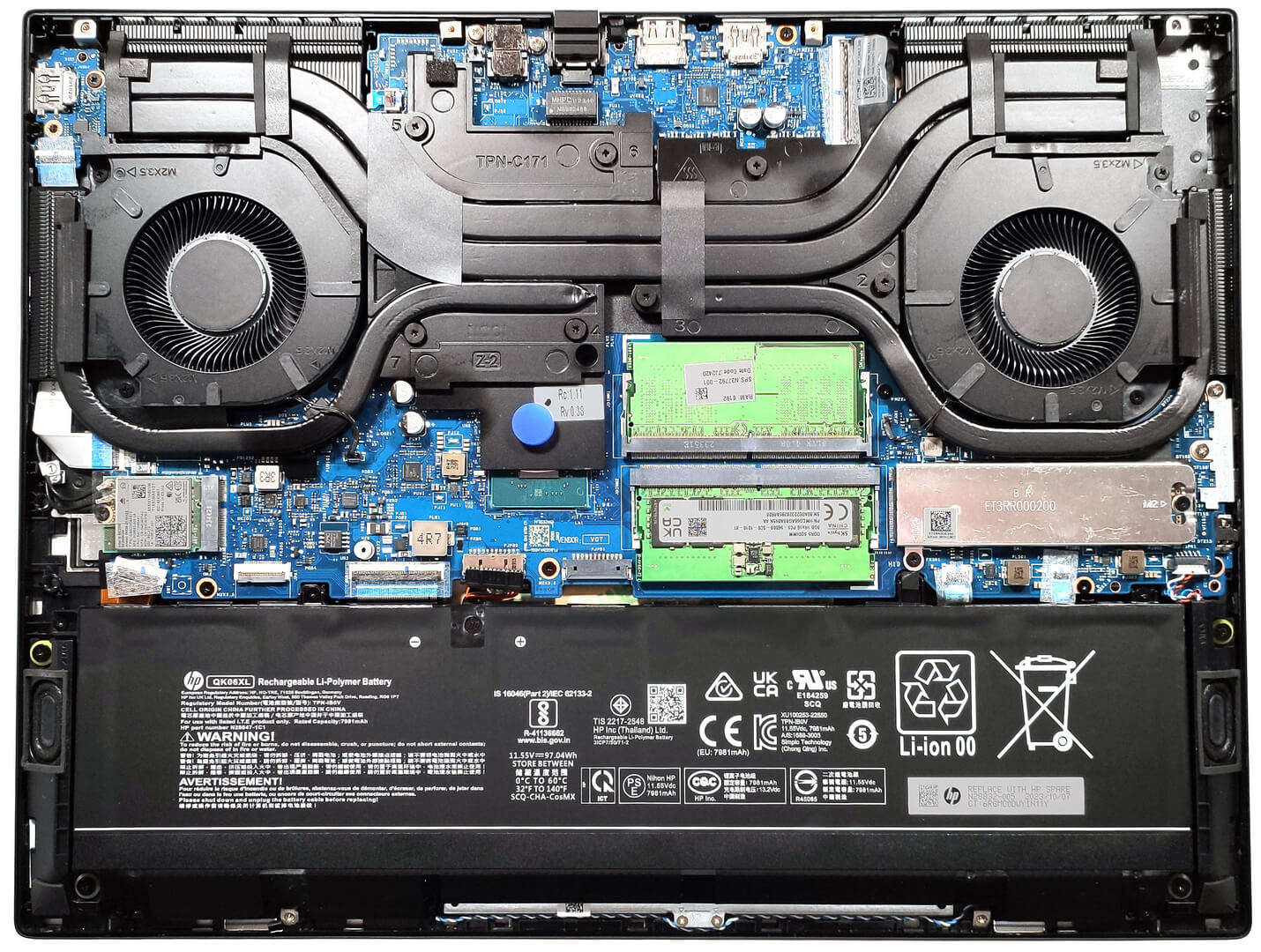
To open this notebook, you have to undo just 6 Phillips-head screws. After that, slightly raise the panel with a thin pry tool, don’t push with the tool in a vertical position. Place it horizontally in between the base and the plate, and fully pop the panel until all internal clips are entirely released. You can start from the back or the front.
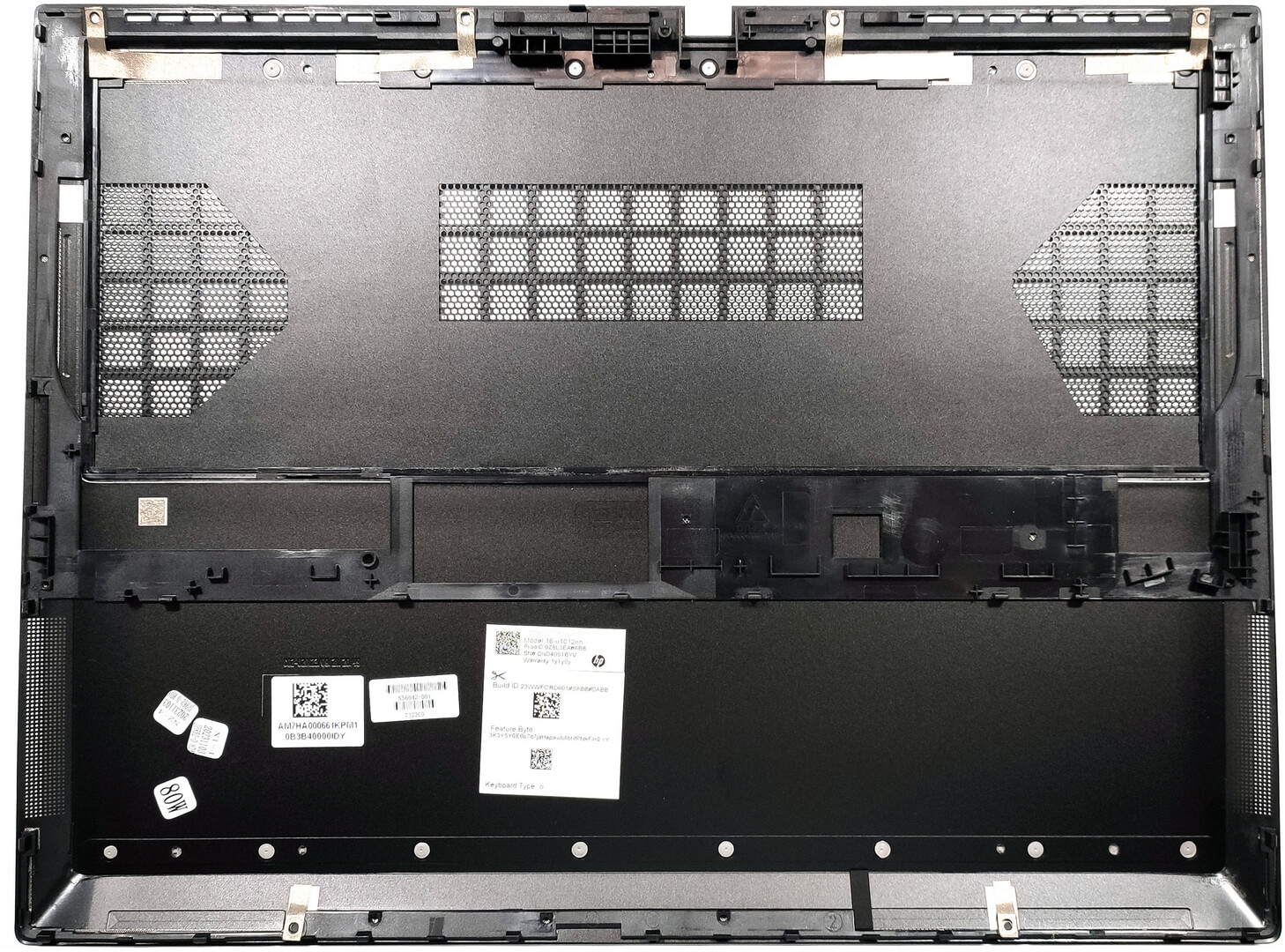
Here’s how the bottom plate looks on the inside.
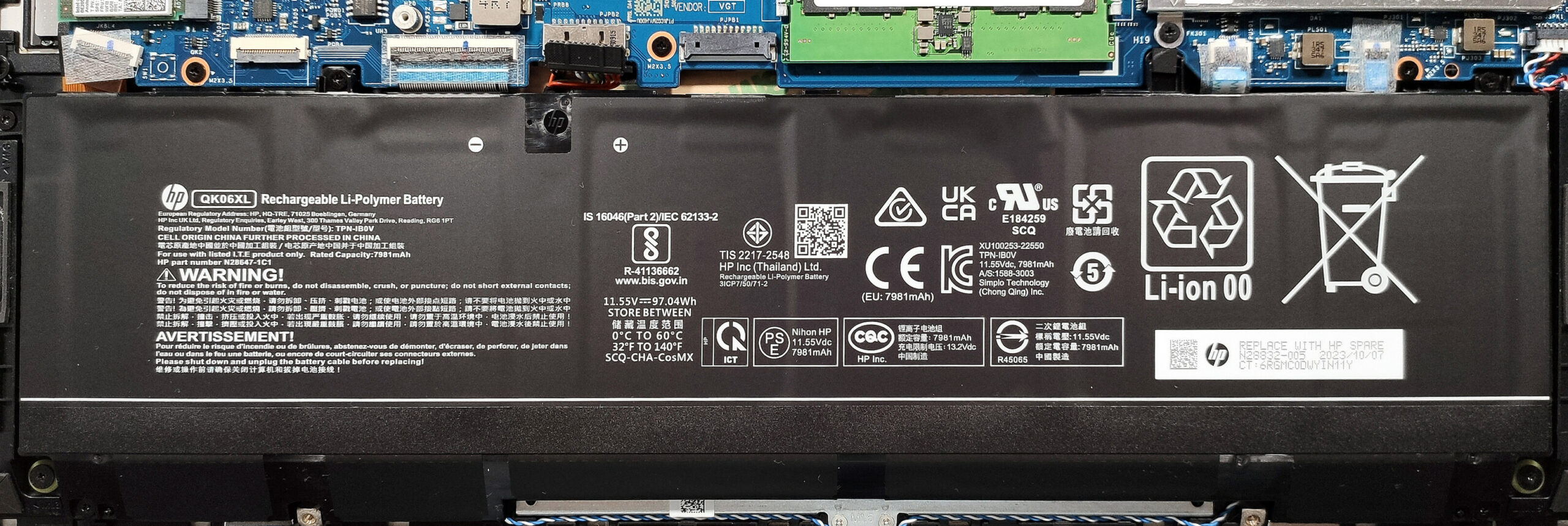
Our laptop has the optional 97Wh battery. The base model is a 70Wh variant. To take it out, pull out the connector, and undo the 6 Phillips-head screws that keep the unit in place. One of the screws has a rubber cap on top and you have to remove it. The capacity is enough for around 8 hours of either Web browsing or video playback.
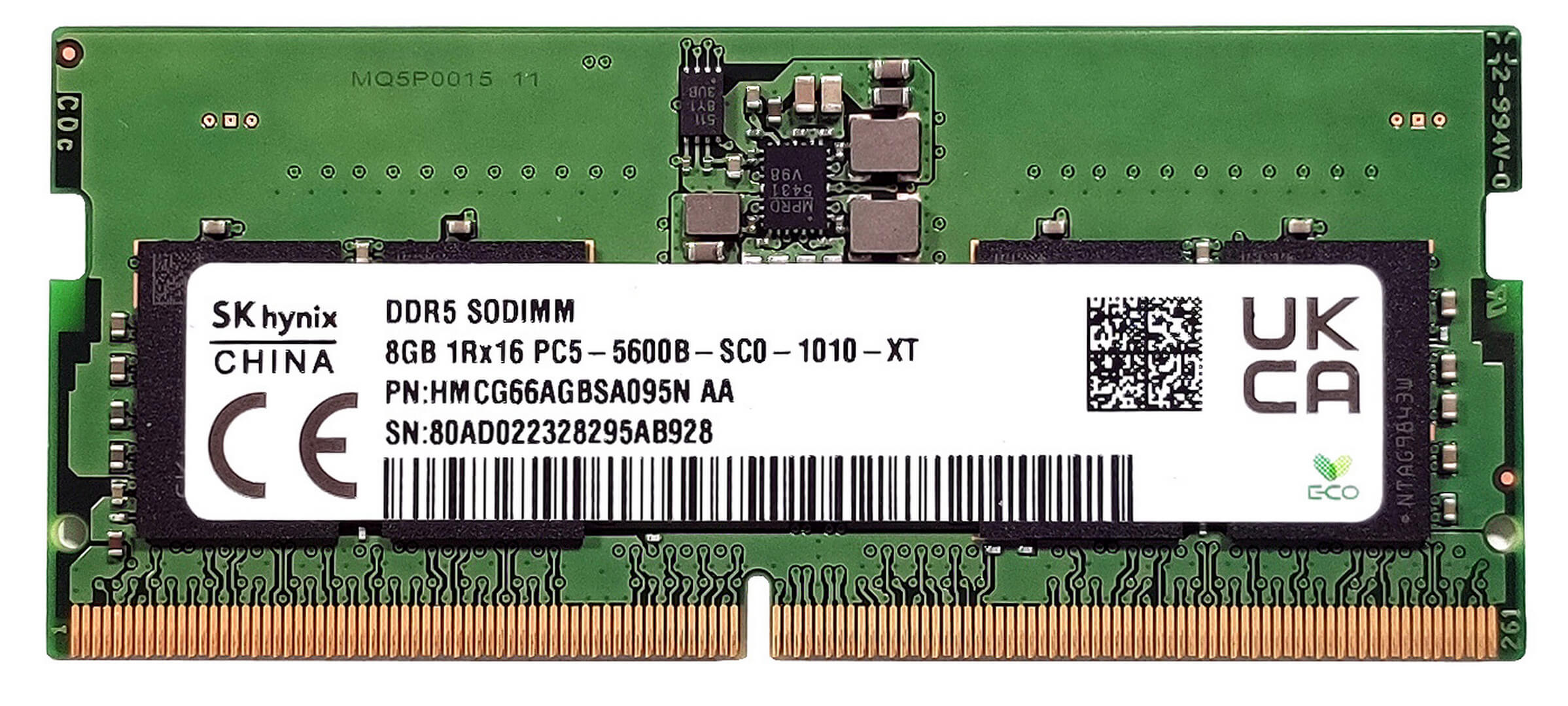
According to HP, the two SODIMMs fit up to 32GB of DDR5-5600 MHz RAM in dual-channel mode. However, since the CPU can support up to 192GB, this laptop likely wouldn’t have issues running a larger amount of memory than the official manufacturer’s specified limit.
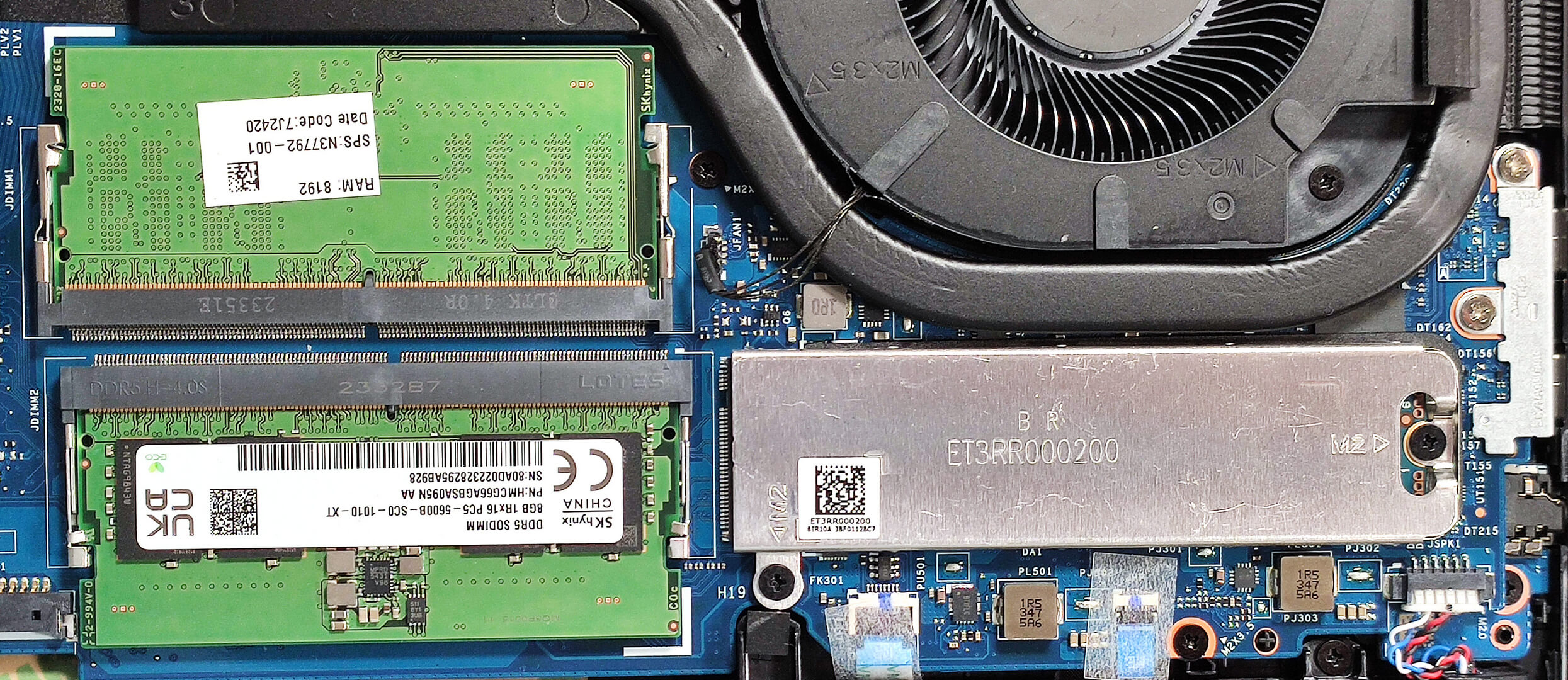
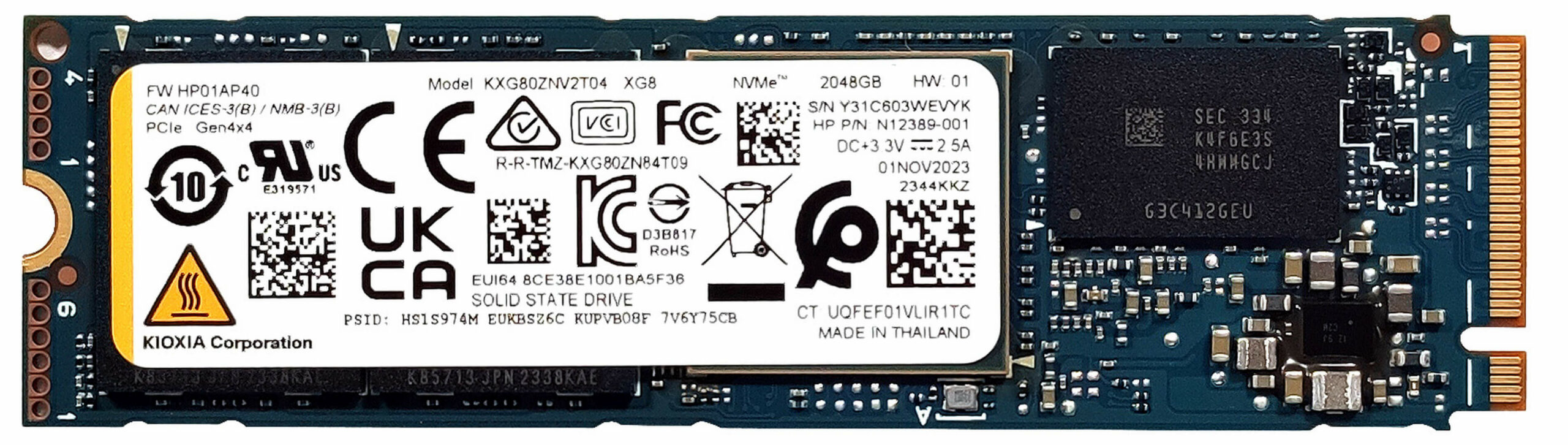
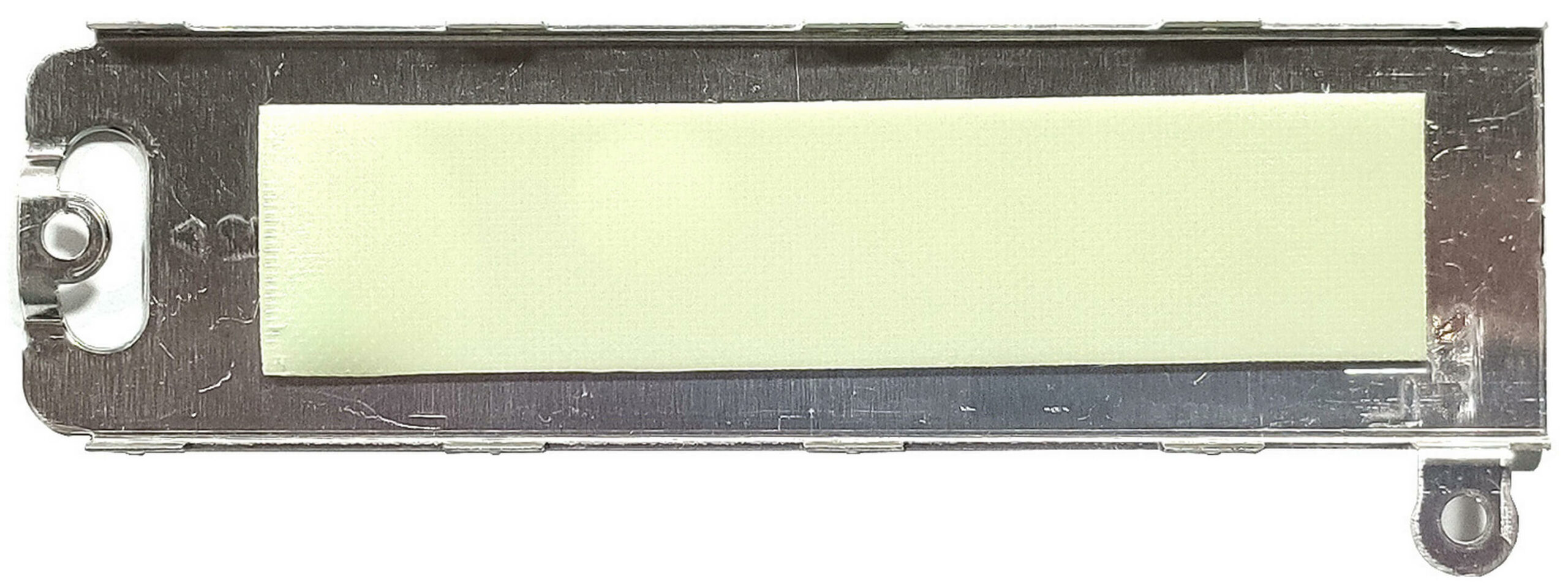
For storage, there is just one M.2 slot compatible with 2280 Gen 4 SSDs. The NVMe here is protected by a metal shroud that is fixed to the motherboard with two screws and you have to undo them as well. The plate has a thermal pad on the inside.
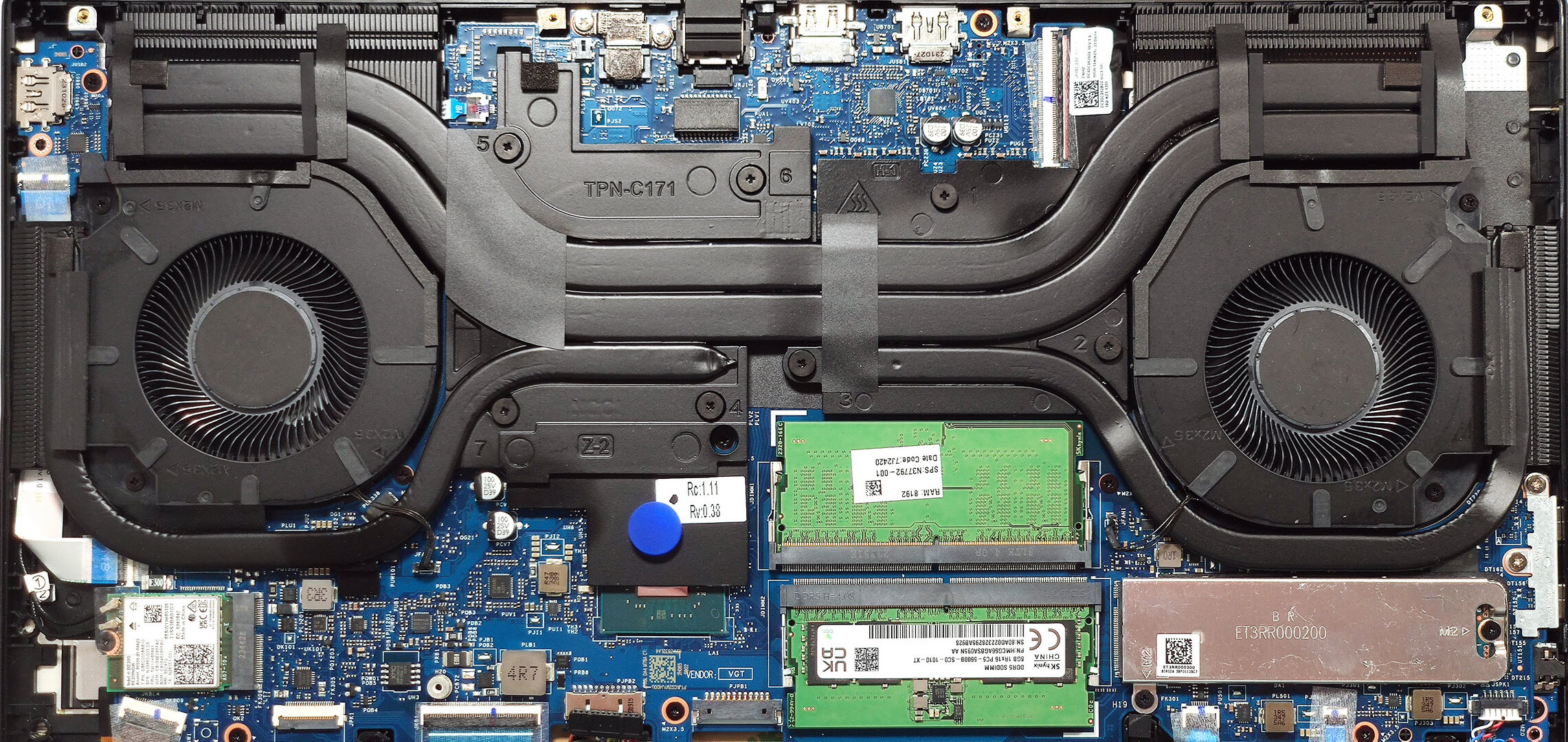
This cooling system seems promising. It has two sizable fans as well as two long thick heat pipes shared between the CPU and the GPU, and one more for each chip. We can also spot two large top-mounted heat sinks and two smaller ones on the sides plus two decently-sized cooling plates. The one on the left also makes contact with the chipset which is nice to see.
 Author: Nikolay Palaozov
 Author: eng. Kroum NikolovHead of Engineering at LaptopMedia.com, inventor and innovator with 40+ years of experience in electronics and high technology.

![[June 2026] Best-Selling Laptop Brands on Amazon Global – Apple’s Unrivaled Dominance in Units and Revenue](https://laptopmedia.com/wp-content/uploads/2026/07/GLOBAL-Best-Brands-400x225.jpg)
![[June 2026] Amazon Global: Top 10 Best-Selling Laptops – Apple’s New MacBook Neo Storms to #1, Reshaping the Market with Affordability](https://laptopmedia.com/wp-content/uploads/2026/07/Best-Selling-Laptops-GLOBAL-Top-10-400x225.jpg)
![[June 2026] Amazon Global: Top 10 Best-Selling Gaming Laptops – Acer’s Nitro V 16S AI Dominates Sales, While ASUS Leads Overall Revenue](https://laptopmedia.com/wp-content/uploads/2026/07/Best-Selling-Gaming-Laptops-GLOBAL-Top-10-400x225.jpg)
![[June 2026] Global Ranking of Best-Selling Laptop GPUs on Amazon – NVIDIA RTX 5060 is the Top-Selling Dedicated GPU](https://laptopmedia.com/wp-content/uploads/2026/07/Best-Selling-GPUs-GLOBAL-Top-10-400x225.jpg)
![[June 2026] Global Ranking of Best-Selling Laptop CPUs on Amazon – Apple M5 Dominates, AMD Ryzen 7 260 Gets Solid Premium Share](https://laptopmedia.com/wp-content/uploads/2026/07/Best-Selling-CPUs-GLOBAL-Top-10-400x225.jpg)
