HP ZBook Fury 16 G10 review – near-silent powerful workstation that is built like a tank
Disassembly, Upgrade options, and Maintenance
The opening process of this workstation is super easy. You just have to slide to the right the service door latch that is placed in the middle. Then, gently pull upwards the bottom panel and lift it away from the chassis.
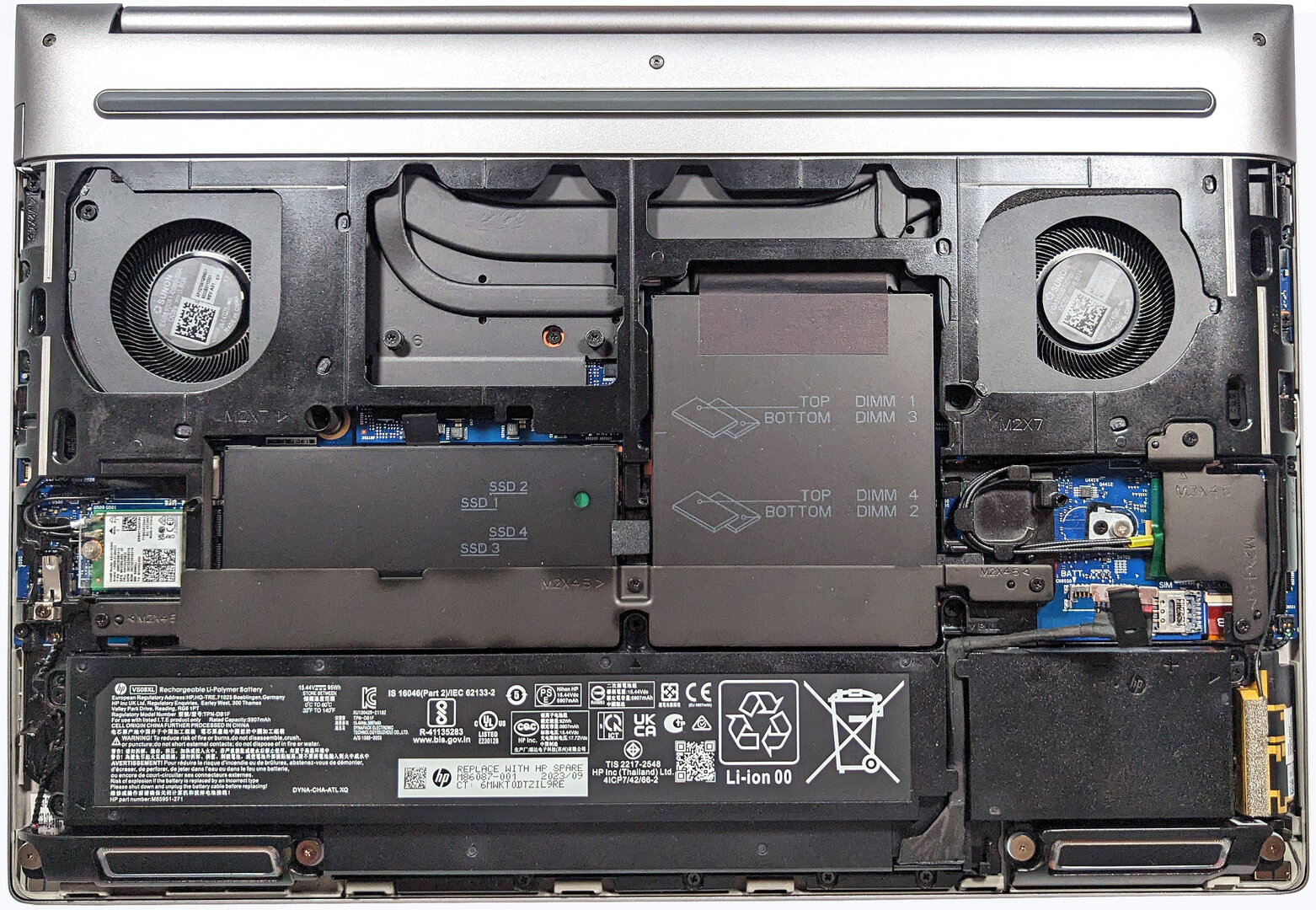
This is how the bottom plate looks on the inside.

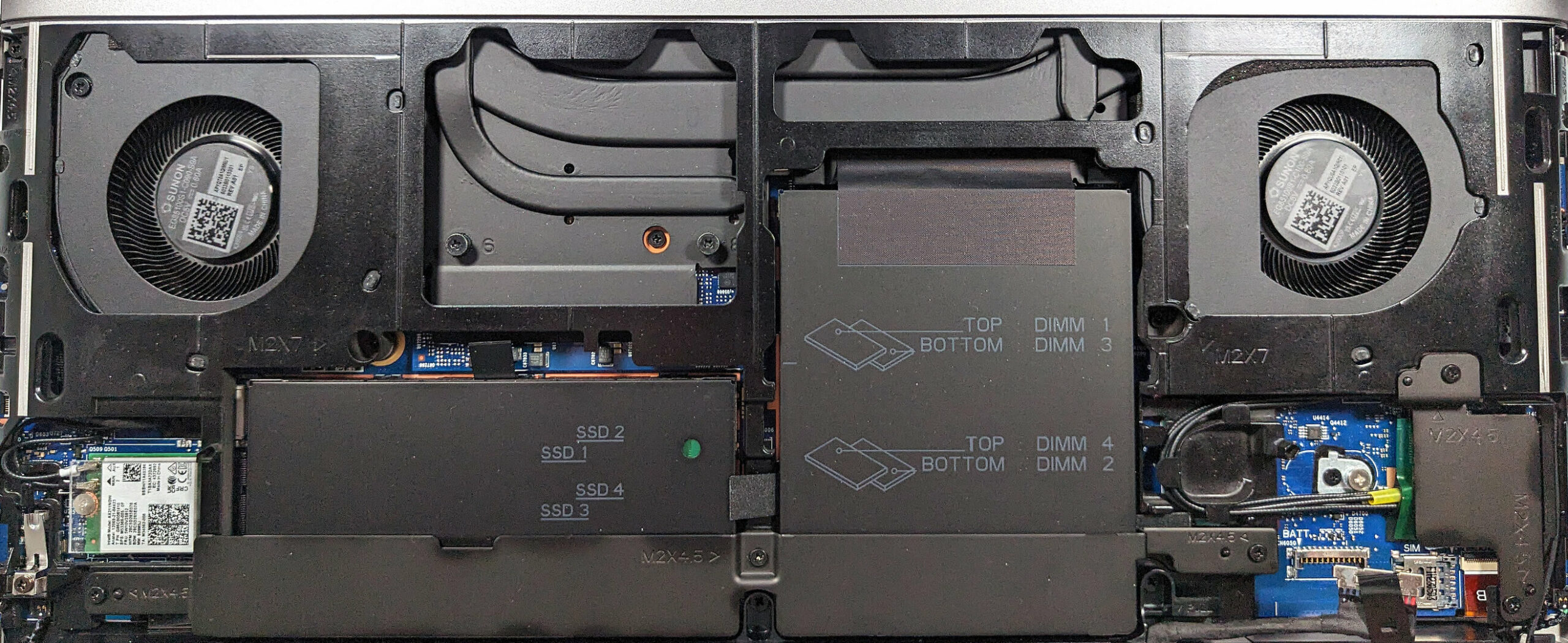
That’s the view when you open / remove all service covers.
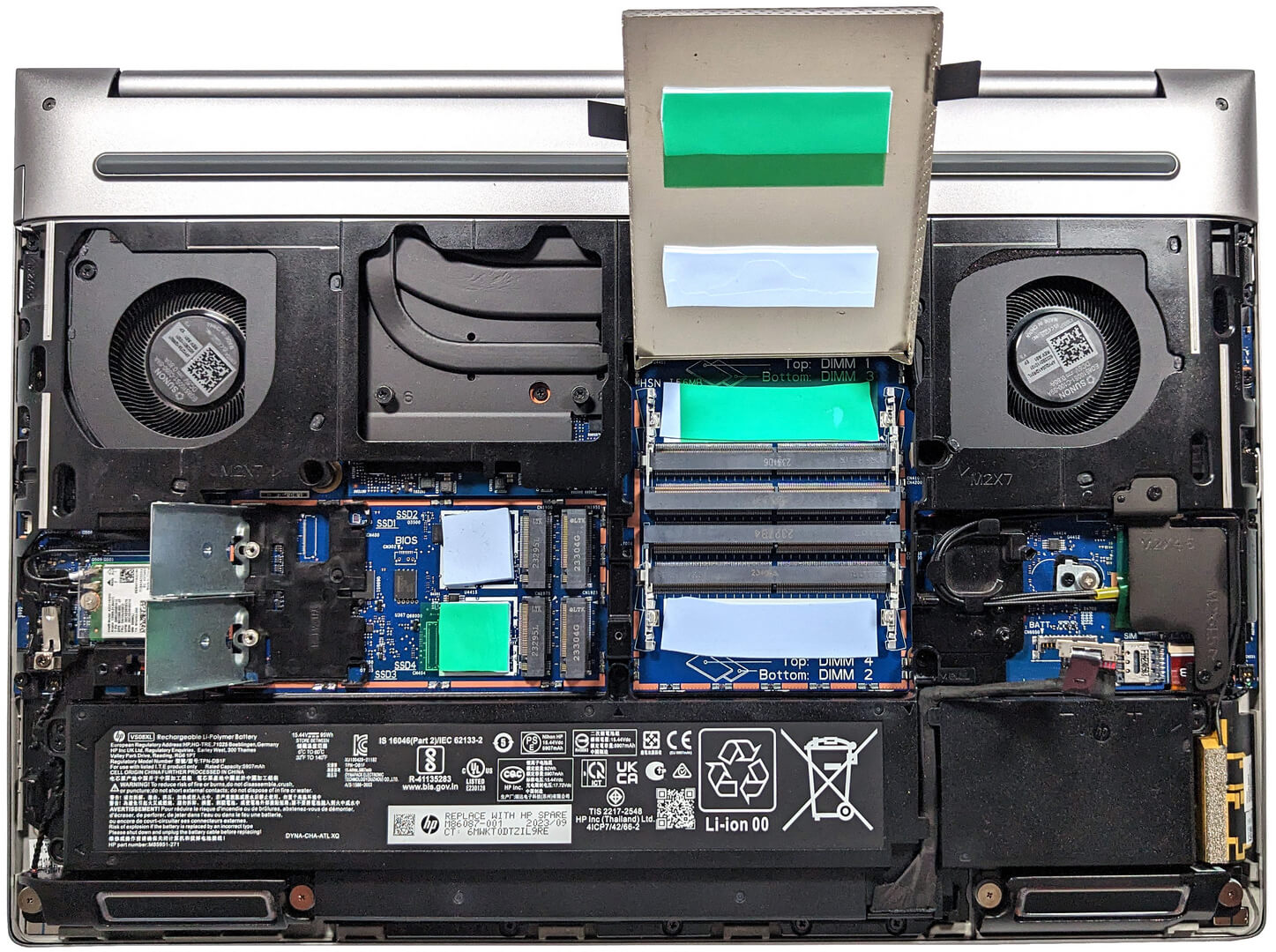
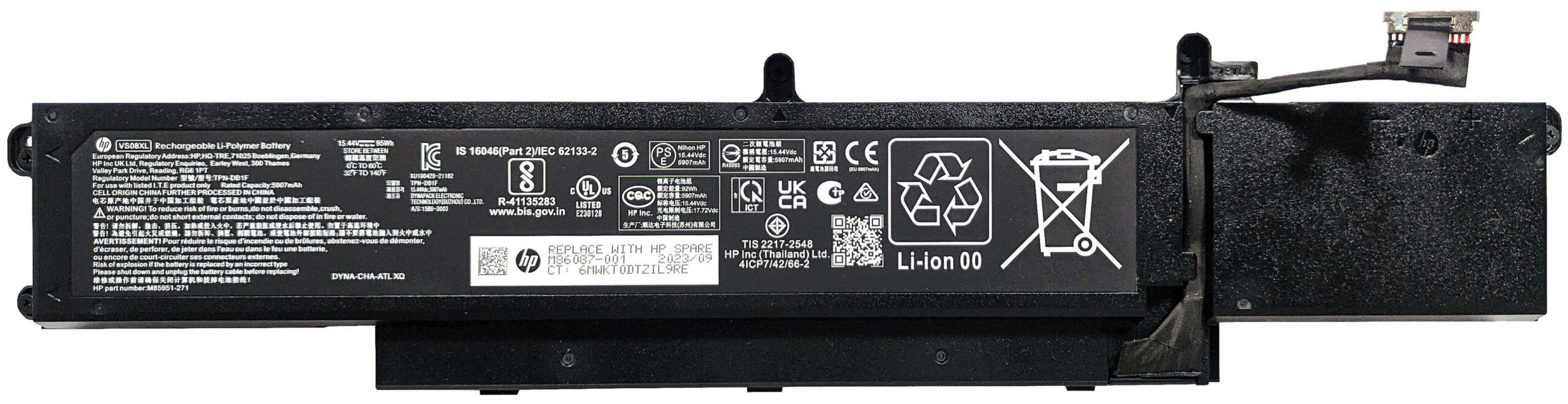
The battery is a 95Wh variant. If you want to take it out, detach the connector from the motherboard and undo the five Phillips-head screws that keep the unit in place. The capacity is enough for 16 hours and 40 minutes of Web browsing or about 12 hours and 30 minutes of video playback.
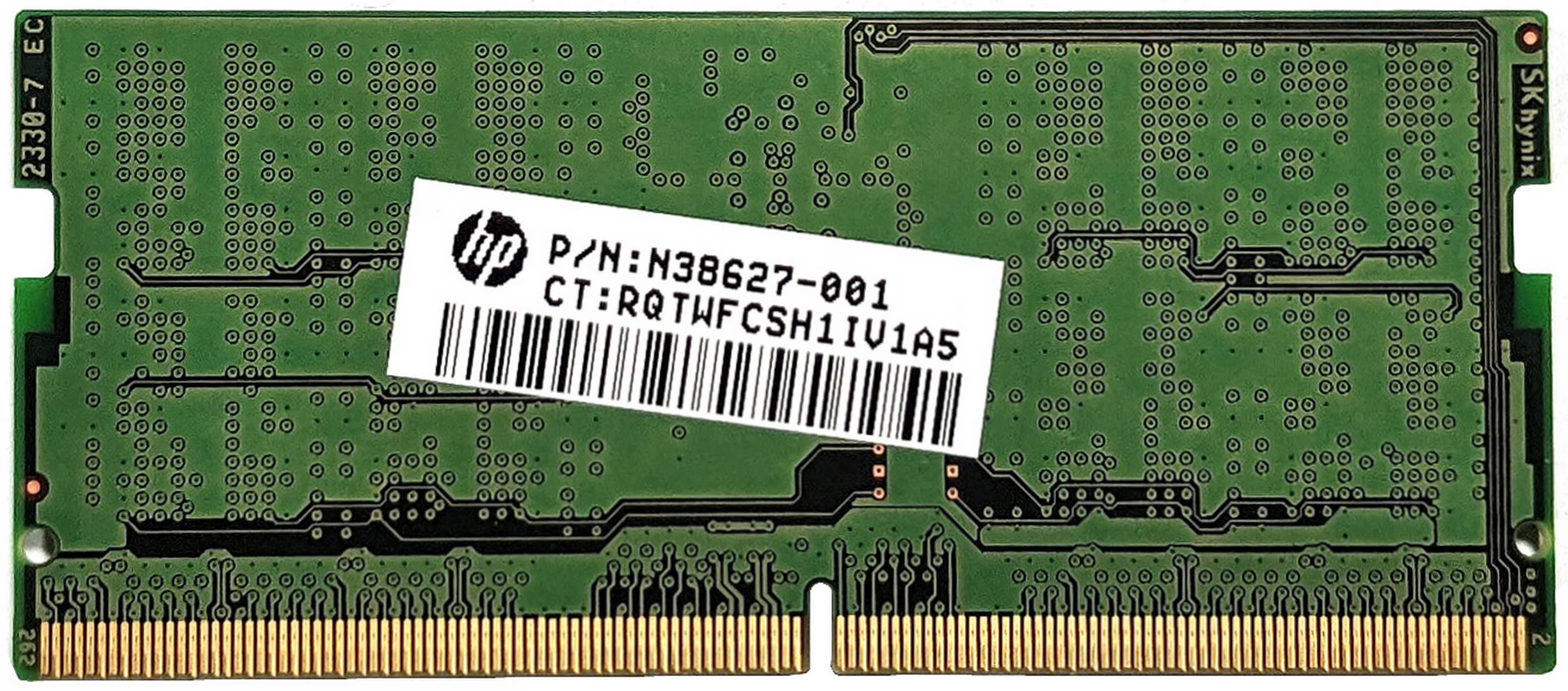
The memory and the storage zones are covered by metal plates that are additionally secured with a metal retention bracket. Before removing it, you have to undo three Phillips-head screws. The long metal piece has a thermal pad for additional cooling of the SSD area. The four SODIMMs are hidden beneath a metal service cover that has a pair of thermal pads on the inside for the top-mounted RAM modules. The slots fit up to 128GB (4x32GB) of DDR5-4800MHz ECC RAM or 128GB (4x32GB) of DDR5-5600MHz non-ECC memory in dual-channel mode. We can spot another duo of pads on the motherboard for the bottom-positioned RAM sticks. Keep in mind that the memory operates at 4000 MT/s when single-rank modules are installed. With dual-rank RAM sticks, you get 3600 MT/s speed.



Below the second metal shroud that also has two pads for cooling the top-positioned NVMes, you’ll find the four M.2 slots compatible with 2280 Gen 4 SSDs or Self-Encrypted (SED) OPAL2 units. They are additionally secured by retention covers. You have to undo two Phillips-head screws before swinging up each cover. Again, there is a duo of pads on the mainboard for the bottom-placed SSDs. RAID 0, RAID 1, RAID 5, and RAID 10 modes are supported on standard SSD models. RAID 5 and RAID 10 are not compatible with Opal units.


The cooling system here is called “HP Vaporforce Thermals”. This is a big vapor chamber solution. Part of it is visible like the large metal fans and some of the thick metal heat pipes.
 Author: Nikolay Palaozov
 Author: eng. Kroum NikolovHead of Engineering at LaptopMedia.com, inventor and innovator with 40+ years of experience in electronics and high technology.

![[August 2026] Amazon USA: Top 10 Best-Selling Laptops – Apple MacBook Neo Dominates the Market with Massive Unit Sales!](https://laptopmedia.com/wp-content/uploads/2026/09/Best-Selling-Laptops-COM-Top-10-400x225.jpg)
![[August 2026] Amazon USA: Top 10 Best-Selling Gaming Laptops – ASUS ROG Strix G16 Dominates the Market with Massive Unit Sales](https://laptopmedia.com/wp-content/uploads/2026/09/Best-Selling-Gaming-Laptops-COM-Top-10-400x225.jpg)
![[July 2026] Amazon Global: Top 10 Best-Selling Laptops – Apple MacBook Neo Dominates the Charts as Budget and Premium Notebooks Split the Market](https://laptopmedia.com/wp-content/uploads/2026/08/Best-Selling-Laptops-GLOBAL-Top-10-400x225.jpg)
![[July 2026] Amazon Global: Top 10 Best-Selling Gaming Laptops – ASUS ROG Strix G16 Dominates the Global Market with Record-Breaking Unit Sales](https://laptopmedia.com/wp-content/uploads/2026/08/Best-Selling-Gaming-Laptops-GLOBAL-Top-10-400x225.jpg)
![[July 2026] Global Ranking of Best-Selling Laptop GPUs on Amazon – RTX 5060 Dominate Premium, Intel Still Rules Budget](https://laptopmedia.com/wp-content/uploads/2026/08/Best-Selling-GPUs-GLOBAL-Top-10-400x225.jpg)

Thanks for the comprehensive review, it’s one of the few quality reviews out there. I’m glad HP kept the physical touchpad buttons. I suppose the laptop designers have no idea how IMPORTANT these physical buttons can be to the design & engineering industries (e.g. architectural and urban design, and perhaps the entire creative industry). We need the middle button to quickly pan/rotate views in 3D modelling / simulation software, and the physical left/right keys for fast, precise clicking without any sluggishness / accidental clicking and dragging. Not everyone wants to carry around a mouse and separate keyboard. After all, this is… Read more »
I don´t think people are doing 3d modeling at a café or in a plane, and need full control of the camera all the time. They have a standard usb mouse or a 3d connexion if they need that feature. I get it, I’use middle mouse drag and even more complex gestures in SideFX Houdini, but when you’re on your laptop on the go, you do with what you have.